

Expense Tracker Spreadsheet for Excel, Monthly Spending Tracker by Category, Yearly Expense Log with Dashboard and Limits
Price:$8.99
Here's what's eligible:
- Your order doesn't match the item description or photos
- Your item arrived damaged
- Your item arrived after the estimated arrival window
- Your item didn't arrive or was lost in the mail
You can only make an offer when buying a single item
Highlights
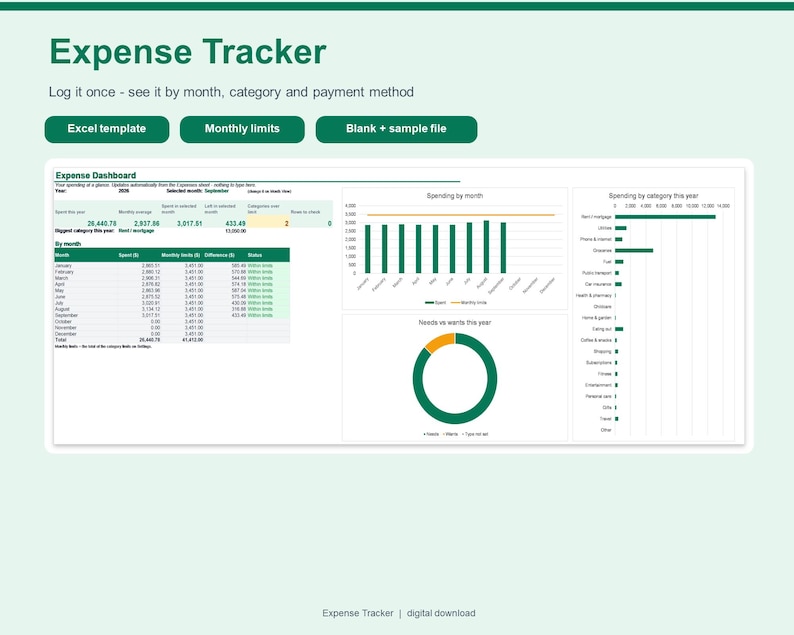
Log each expense once - date, description, category and amount - and this expense tracker shows where your money goes by month, by category and by payment method, with optional monthly limits that warn you before you overspend.
WHY YOU WILL LIKE IT
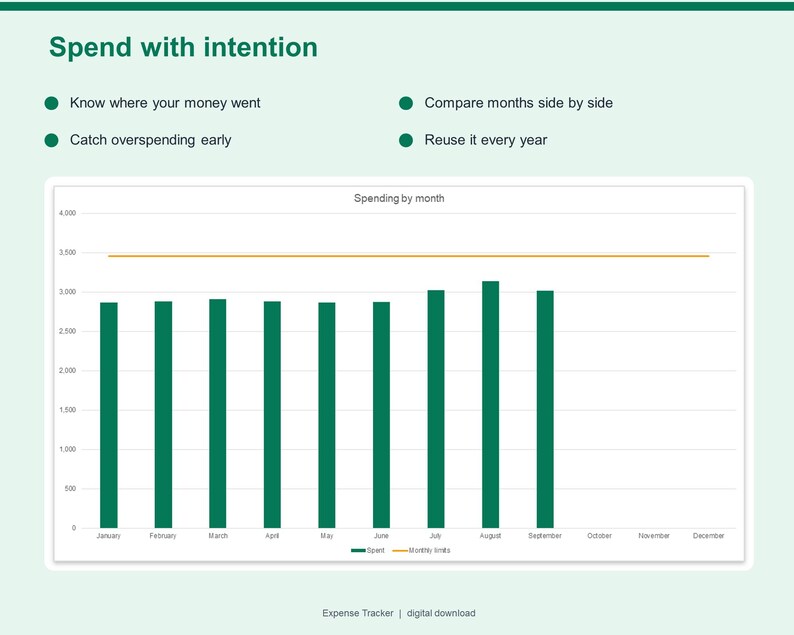
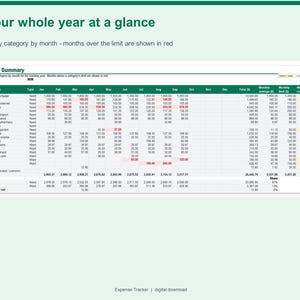
- See every month of the year side by side, by category.
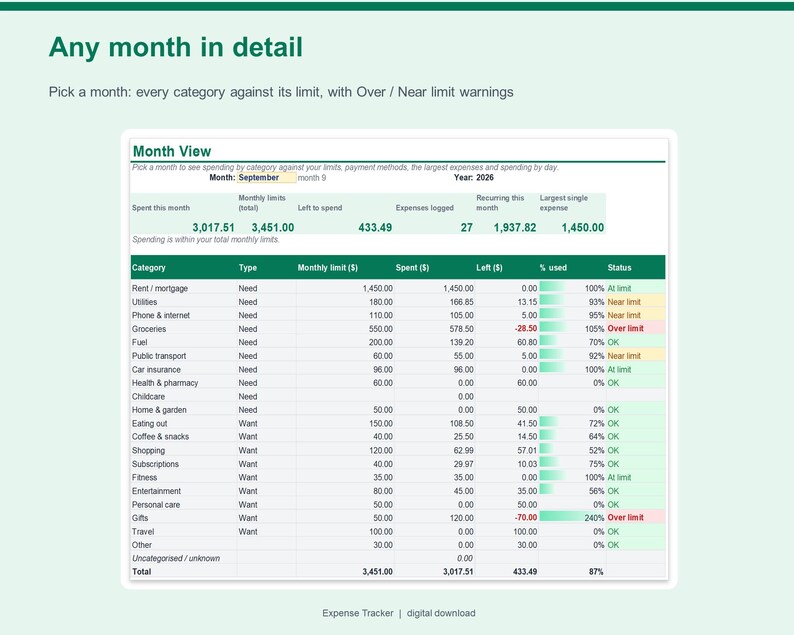
- Set a monthly limit per category and see Over limit / Near limit warnings.
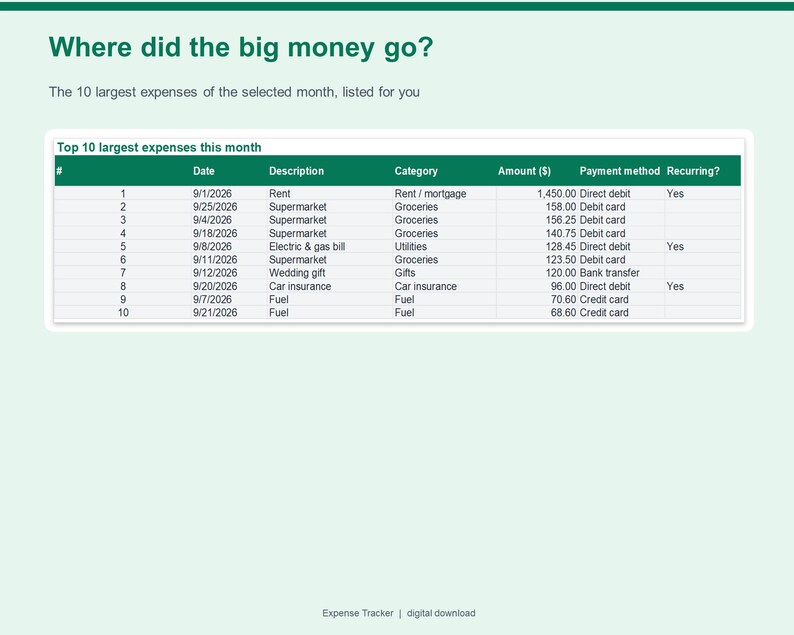
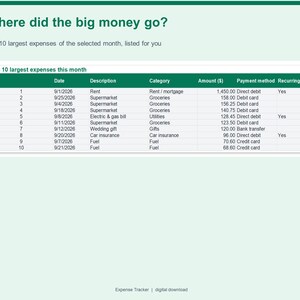
- Pick any month to see its top 10 largest expenses and spending by day.
- Catch typos: wrong dates, missing categories and possible duplicates are flagged.
- Beginner-friendly: yellow cells are for typing, everything else calculates for you.
FEATURES
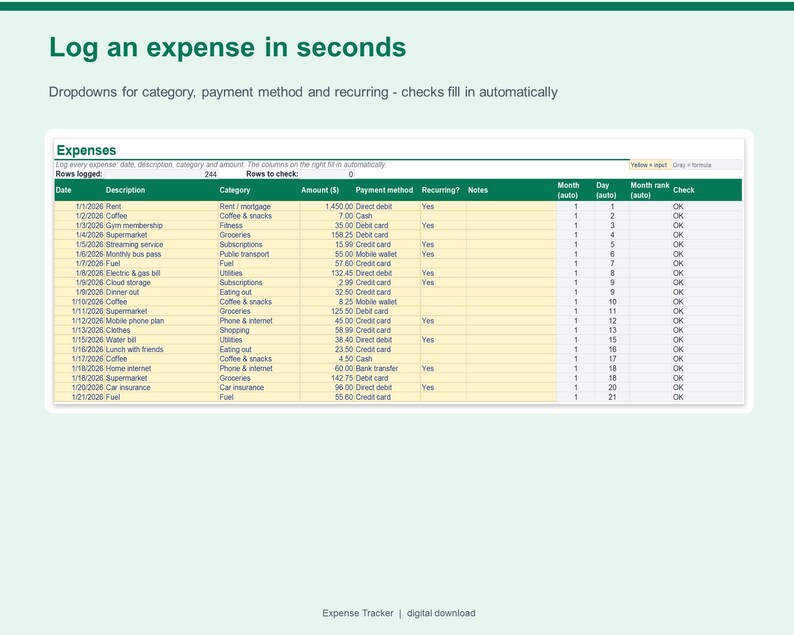
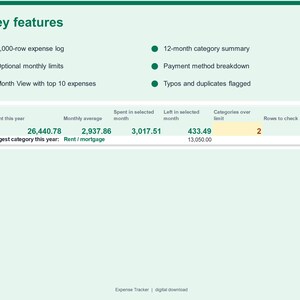
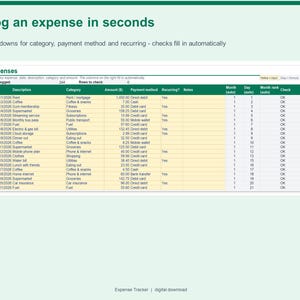
- Expense log for up to 1,000 expenses with dropdowns for category, payment method and recurring
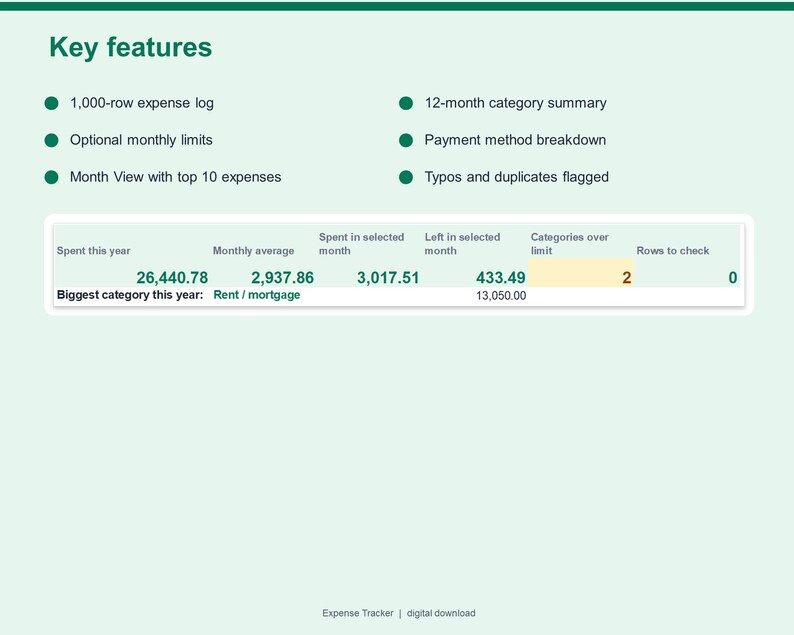
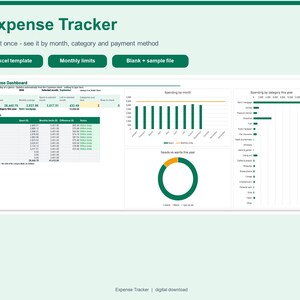
- Dashboard with 6 key numbers: spent this year, average per month, spent and left in the selected month, categories over limit and rows to check
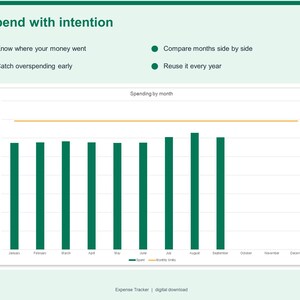
- 6 automatic charts: spending by month vs limits, by category, needs vs wants, spent vs limit, spending by day and payment methods
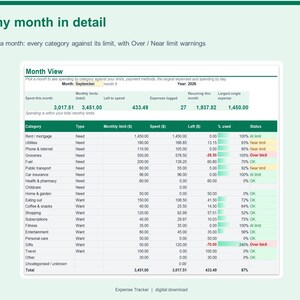
- Month View: pick any month from a dropdown to see each category against its limit
- Top 10 largest expenses of the selected month, found automatically
- Payment method breakdown (8 editable methods) and recurring-expense total
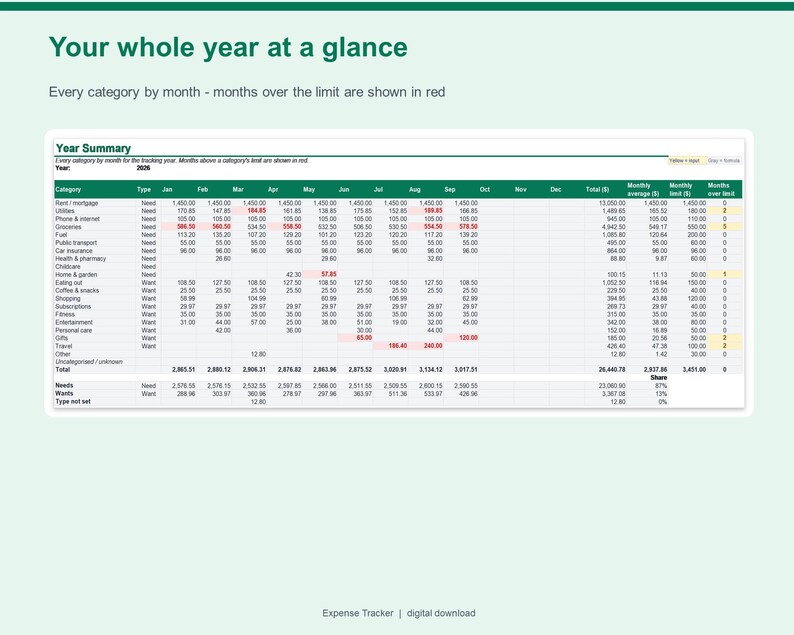
- Year Summary: 20 categories x 12 months with totals, monthly average and months over limit
- Optional monthly limit and Need / Want type for each of 20 editable categories
- Built-in checks: wrong dates, invalid amounts, missing or unknown categories, other-year rows and possible duplicates
- Any currency label, any tracking year, blank template plus a filled-in sample, printable layouts
EXAMPLE (fictional sample data)
In the sample (January to September 2026): 244 expenses add up to 26,440.78 for the year. In September, 3,017.51 was spent against 3,451.00 of monthly limits, leaving 433.49, and 2 categories went over their limit.
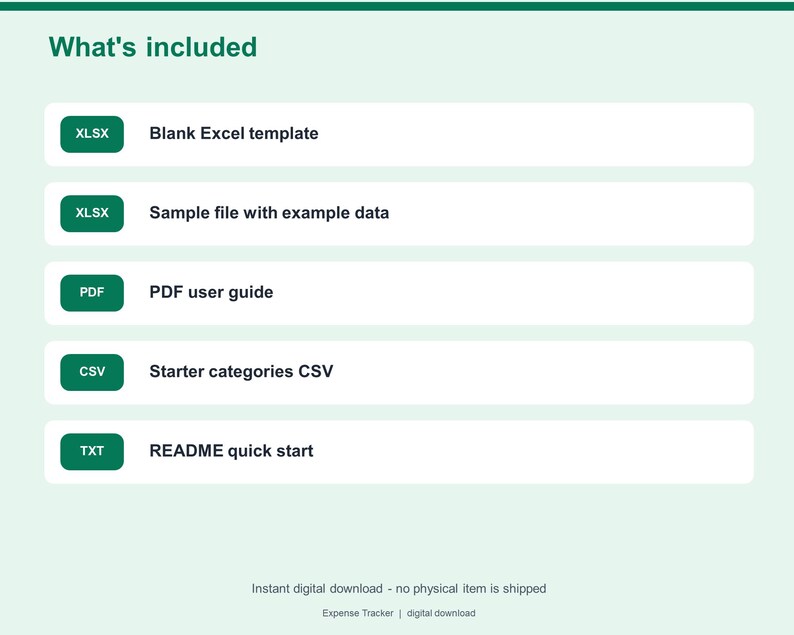
WHAT'S INCLUDED
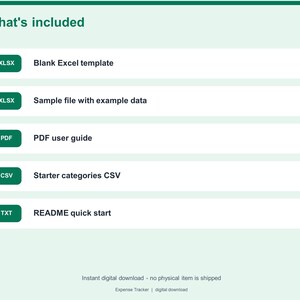
- Expense-Tracker.xlsx - blank template with 20 starter categories and 8 payment methods
- Expense-Tracker-SAMPLE.xlsx - the same workbook filled with fictional example data
- User-Guide.pdf - getting started, how the numbers work, Google Sheets steps and limitations
- Expense-Categories-Starter.csv - starter category list you can import or copy
- README.txt - quick start
HOW TO USE
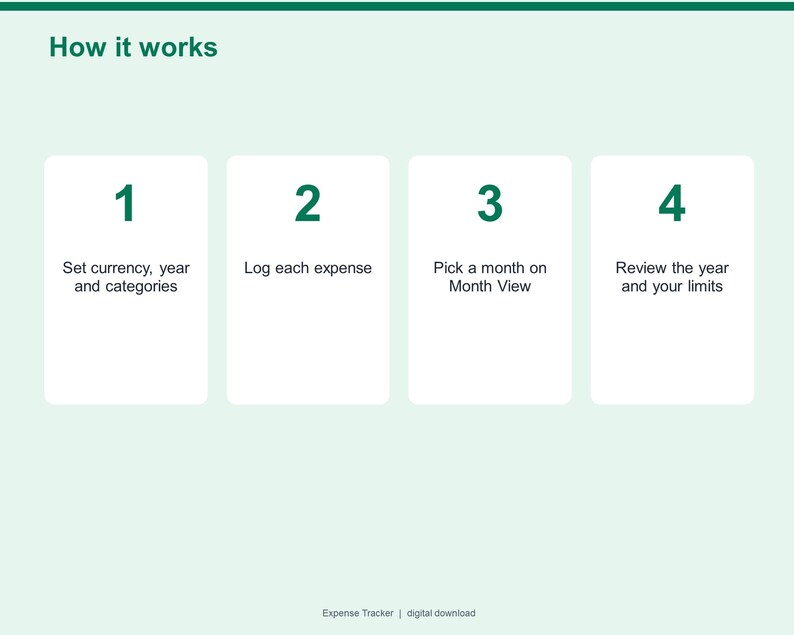
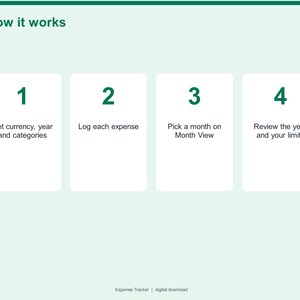
1. Download the ZIP after purchase and unzip it.
2. Open Expense-Tracker.xlsx in Excel (or upload it to Google Drive and save as Google Sheets).
3. Follow the Start Here sheet: set your currency and year, review the categories, then log your expenses.
COMPATIBILITY
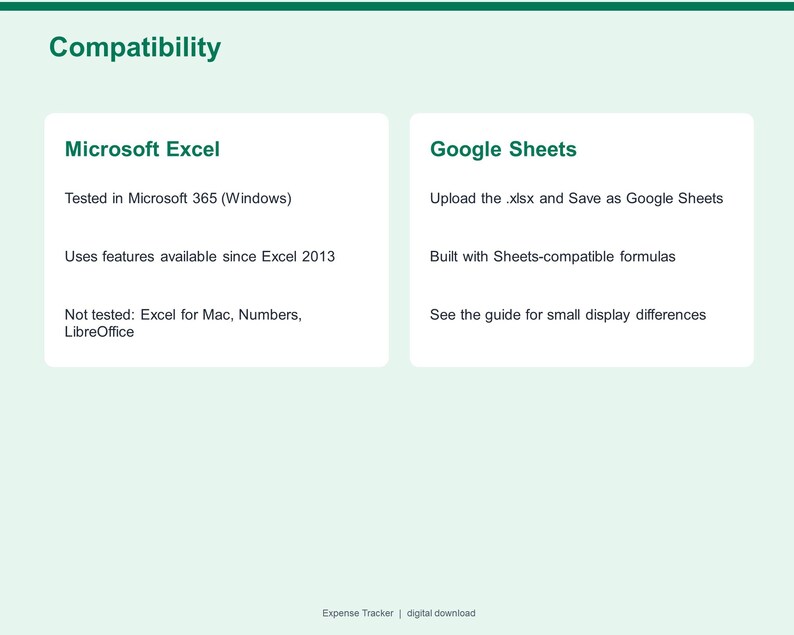
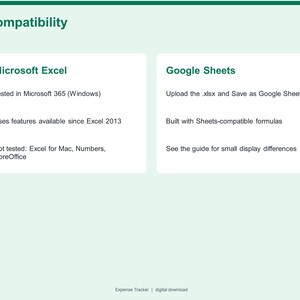
- Microsoft Excel (desktop): tested in Microsoft 365 for Windows. Uses features available since Excel 2013.
- Google Sheets: built only with formulas that Google Sheets also supports; upload the .xlsx to Google Drive and choose File > Save as Google Sheets. Live Google Sheets testing is pending - see the note in the guide.
- Not tested in Apple Numbers, LibreOffice or Excel for Mac.
PLEASE NOTE
This is a digital download - no physical product will be shipped. Please read the description and compatibility notes before purchasing. This template is for personal expense tracking and does not provide financial, tax or legal advice. Sample data is fictional.
FAQ
Do I have to set monthly limits?
No. Limits are optional. Without them you still get totals by month, category and payment method; the limit columns simply stay blank.
Can I change the categories?
Yes. Rename any of the 20 categories on Settings and choose Need or Want for each. Expenses already logged under an old name are flagged "Unknown category" so nothing is silently lost.
Does it track income too?
No. This is an expense-only tracker. Income and cash flow are a different product in this shop.
How many expenses can I log?
Up to 1,000 rows per file - about 80 a month for a full year.
Does it work with my currency?
Yes. Type your symbol or code (e.g. EUR) on Settings; amounts are plain numbers in one currency.
How do I start a new year?
Save a copy of the file, clear the expense rows and type the new year on Settings.
Will I receive a physical item?
No. This is an instant digital download.
Instant Download
Your files will be available to download once payment is confirmed. Here's how.
Instant download items don’t accept returns, exchanges or cancellations. Please contact the seller about any problems with your order.
Etsy Purchase Protection
Shop confidently on Etsy knowing if something goes wrong with an order, we've got your back for all eligible purchases —
see program terms

More from this shop
Visit shop-
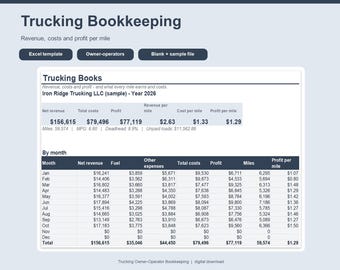
Digital download
Trucking Spreadsheet for Excel, Owner Operator Bookkeeping, Cost Per Mile Calculator, Load and Fuel Tracker, Truck Expense Log
$20.99
-
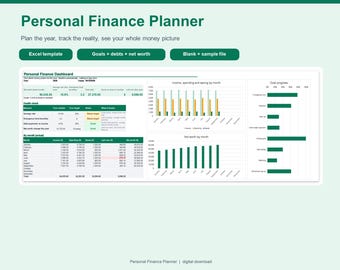
Digital download
Personal Finance Planner Spreadsheet for Excel, Yearly Budget Plan vs Actual, Savings Goals, Debt Payoff and Net Worth Tracker
$12.99
-
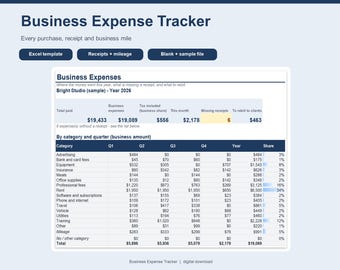
Digital download
Business Expense Tracker Spreadsheet for Excel, Receipt Tracker, Mileage Log, Quarterly Expense Report, Small Business Template
$8.99
-
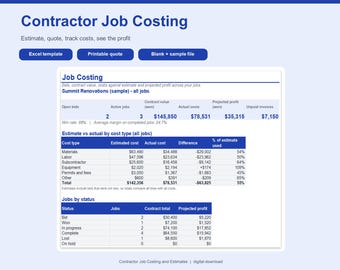
Digital download
Contractor Job Costing Spreadsheet for Excel, Construction Estimate Template, Job Profit Tracker, Budget vs Actual, Quote Template
$24.99
Be the first to leave a review
-
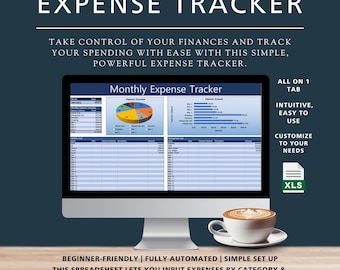
Digital download
Expense Tracker By Category, Expense Receipt Tracker, Credit Card Expenses, Monthly Expense Tracker Couples, Spending Cost Excel Spreadsheet
Sale Price $4.17
Original Price $6.95
-
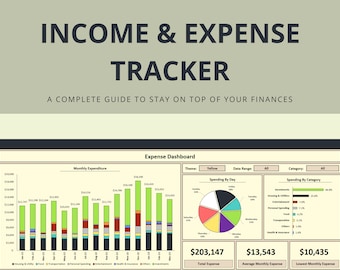
Digital download
Excel Budget Spreadsheet Template - Monthly Income and Expense Tracker for Personal Finance, Budgeting, and Expense Management
$7.95
-

Digital download
Expense Tracker Excel Spreadsheet, Income and Spending Log, Monthly Expense and Money Management Planner
$5.99
-
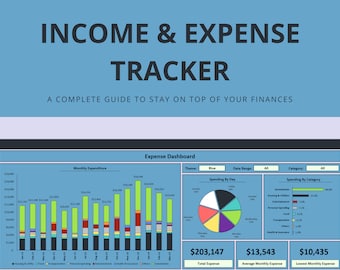
Digital download
Blue Excel Budget Spreadsheet Template - Monthly Income and Expense Tracker for Personal Finance, Budgeting, and Expense Management
$7.95
-
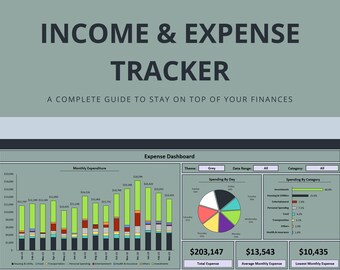
Digital download
Gray Budget Tracker and Expense Spreadsheet Template - Comprehensive Excel Budget Template for Income Tracking and Expense Management
$7.95
-
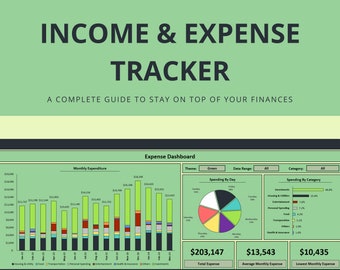
Digital download
Green Budget Tracker and Expense Spreadsheet Template - Comprehensive Excel Budget Template for Income Tracking and Expense Management
$7.95
-

Digital download
Expense Tracker Excel Template | Monthly Budget & Spending Tracker Spreadsheet
Sale Price $6.50
Original Price $10.00
-

Digital download
Google Drive Budget Spreadsheet: Automated Income & Expense Tracker Template
$5.95
-

Digital download
Expense Tracker Google Sheets, Small Business Spending Tracker, Personal Finance, Monthly Expense Planner, Budget Template
$10.26
-

Digital download
Monthly Expenses Tracker: Budget Excel Template
Sale Price $2.99
Original Price $5.46
-
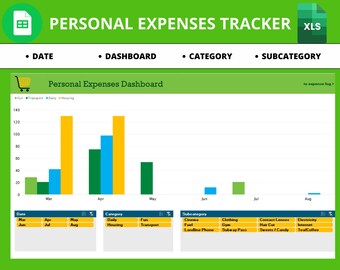
Digital download
Personal Expense Tracker: Excel & Google Sheets Budget Template (Digital Download
$9.99
-

Digital download
Monthly Budget Planner & Tracker | Income and Expense Tool For Excel
$7.95
Shoppers with similar taste loved these
-

Digital download
Ultimate Annual Budget Spreadsheet Monthly Personal Budget Paycheck Financial Planner Bill Calendar Net Worth Tracker Google Sheets Template
Sale Price $3.74
Original Price $12.48
-

Digital download
DivPlanner - Your Portfolio Dividend Planner & Tracker | Investing | Stocks | Funds | ETFS | Finance | Journal | Stock Dashboard
Sale Price $8.74
Original Price $10.93
-
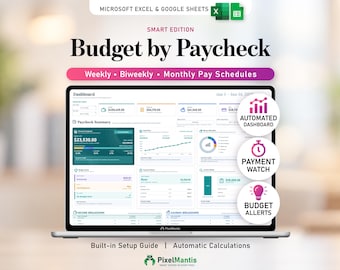
Digital download
Paycheck Budget Spreadsheet for Excel & Google Sheets - Budget by Paycheck with Weekly, Biweekly and Monthly Planner
Sale Price $4.70
Original Price $9.40
-

Digital download
Lifetime Task Calendar - Monthly Calendar - Unlimited Years - Sunday Monday Start - Excel and Google Sheets Template - Instant Download
$6.00
-

Digital download
Dividend Portfolio Tracker | Google Sheets, Investing Dashboard (Digital Download)
Sale Price $6.58
Original Price $8.22
-

Digital download
Crypto & Stocks Portfolio Tracker: Apple Numbers Trading Journal
$10.20
-
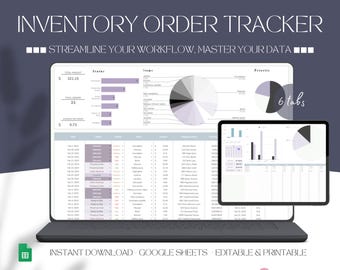
Digital download
Order Management, Order Manager Tracker Google Sheets Inventory Template Small Business Spreadsheet Digital Order Log Monthly Order Status
Sale Price $3.39
Original Price $7.21
-

Digital download
QR Code Maker Google Sheets Barcode Generator Online QR Creator Spreadsheet QRcode Generator Template Qr Maker Tool Digital Product File
$3.50
-
Digital download
Order Tracker | Small Business Bookkeeping | Sales Tracker | Revenue Tracker | Google Sheets Template | Business Spreadsheet
$2.95
-

Digital download
Client Tracker Spreadsheet for Small Business w/ Task Tracker Customer CRM Dashboard Google Sheets Excel Lead Management Invoice Tracker
Sale Price $5.46
Original Price $10.93
-

Digital download
Multi-Project Planner | Automatic Gantt Chart | Task Manager | Budget Cost Tracker | Schedule Template (Excel)
$7.28
-

Digital download
Excel To Do List Template, Daily Planner Spreadsheet (Digital Download)
Sale Price $7.02
Original Price $11.69


