

Inventory Spreadsheet with QR Code Labels, Small Business Stock Tracker, Check In Check Out Log, Reorder List, Purchase Order, Google Sheets
Item highlights
Seller's description
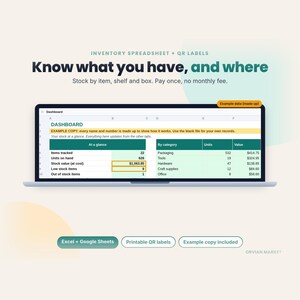
Know what you have, where it is, and what to reorder. One workbook tracks stock by item, shelf and box, prints QR labels, and builds your reorder list and purchase orders. Pay once, no monthly fee.
WHAT'S INSIDE
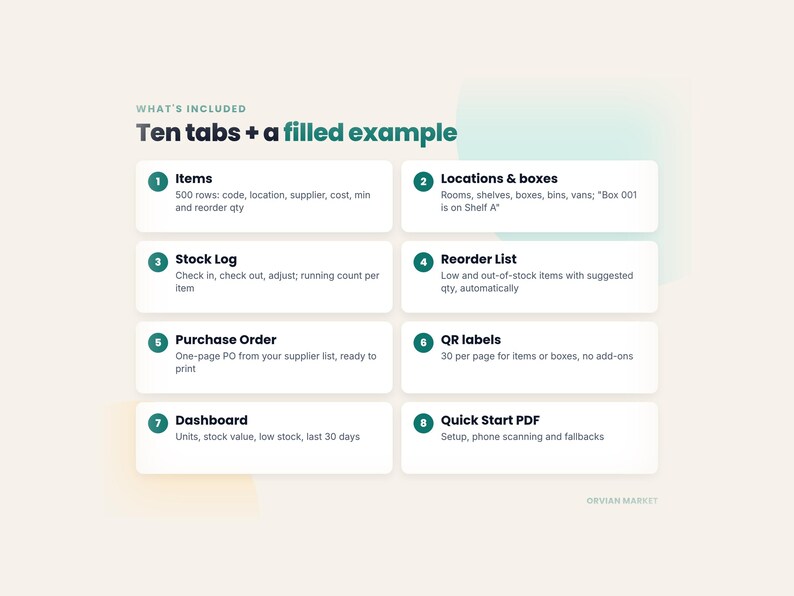
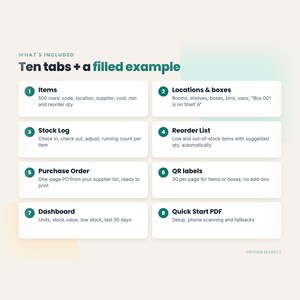
• Items (500 rows): code/SKU, name, category, unit, location, supplier, unit cost, min qty, reorder qty, starting count, photo link
• Locations & Boxes (100): rooms, shelves, boxes, bins and vehicles, with "inside" so Box 001 shows as Shelf A › Box 001, plus items, units and value in each
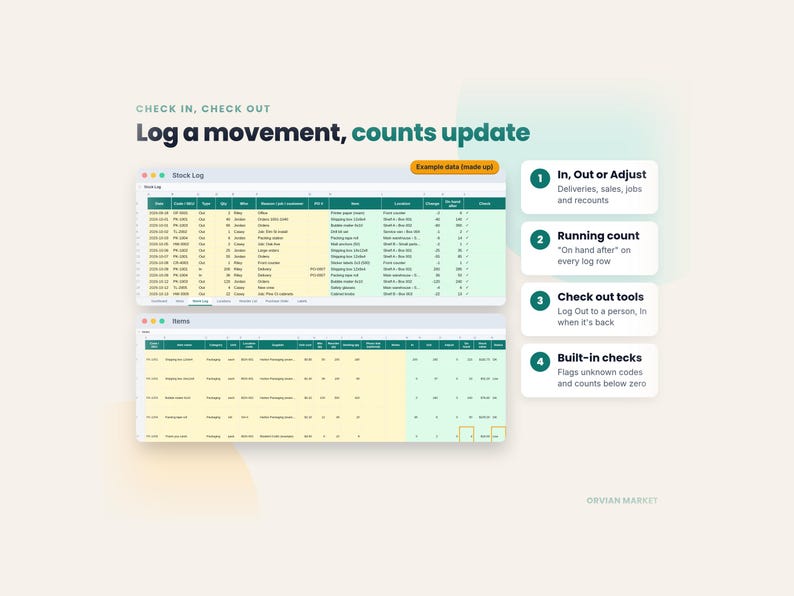
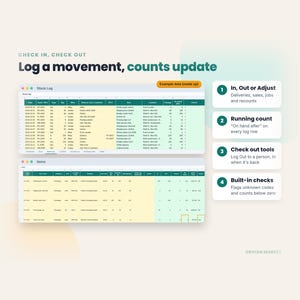
• Stock Log (2,000 rows): check in, check out or adjust, with who and why, and a running "on hand after" count
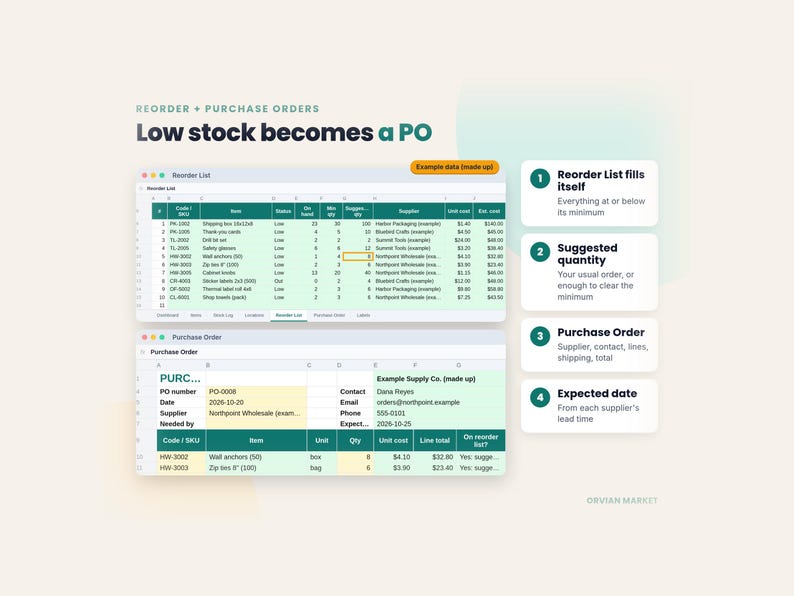
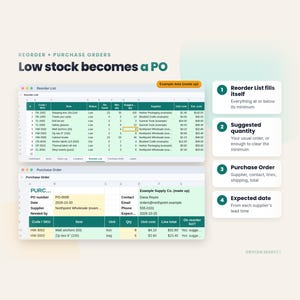
• Reorder List: every item at or below its minimum, with a suggested quantity, supplier and estimated cost, filled in automatically
• Purchase Order: pick a supplier and items; contact, costs, expected date and totals fill in. Print or save as PDF
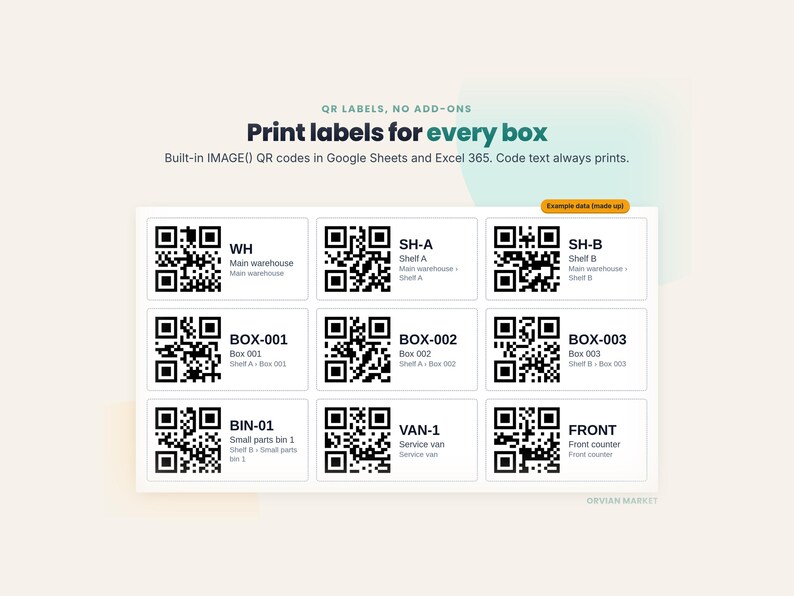
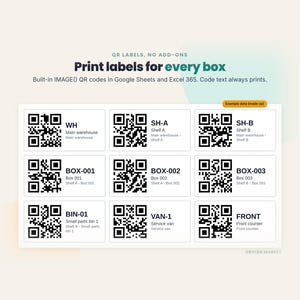
• QR Labels: 30 per page for items or boxes, each with the QR, the code in large text, the name and the location
• Dashboard: items, units on hand, stock value at cost, low and out-of-stock counts, units in and out over the last 30 days, totals by category
• Suppliers tab with lead times, and built-in checks for duplicate codes, unknown locations and counts below zero
• A filled EXAMPLE copy (a made-up business) and a 3-page Quick Start PDF
QR CODES WITHOUT ADD-ONS
In Google Sheets and Excel 365 the QR codes draw themselves with the built-in IMAGE() function. No add-ons, scripts or macros. In older Excel (2016–2021) the QR cells show a note instead; click the "QR image" link on each row to open the QR as a picture, or print the Labels tab from Google Sheets. The code text always prints, so every label stays readable. The QR pictures come from a free public QR image service that only receives the label text (the code), never your quantities, costs or suppliers.
SCAN WITH YOUR PHONE
Your phone camera reads the label code. The Quick Start also shows an optional set-up where each label opens a pre-filled Google Form, so a crew can log check-ins and check-outs from a phone.
WHO IT'S FOR
Small shops, makers, contractors and trades, studios, offices, storage rooms, nonprofits and anyone keeping supplies in boxes, bins or vans who wants something simple their whole team can use.
HOW IT COMPARES
Subscription inventory apps such as Sortly list their Advanced plan at $49 a month billed monthly ($288 for the first year on the yearly introductory offer), and purchase orders start on the $149-a-month Ultra plan (sortly.com/pricing, checked October 22, 2026). This workbook is a one-time purchase. It is a spreadsheet, not an app: there's no in-app scanner, automatic sync between devices, or email alerts. If you need those, an app may suit you better. Sortly is a trademark of its owner; Orvian Market isn't affiliated with or endorsed by Sortly.
HOW TO USE IT
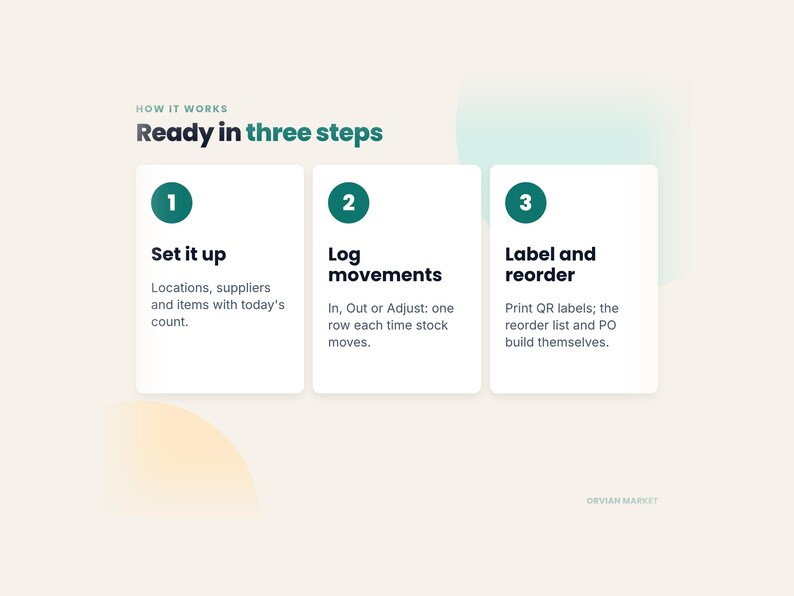
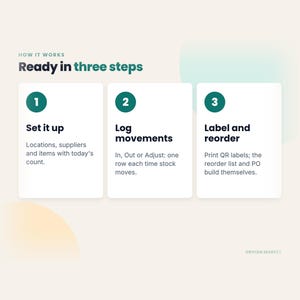
1. Add your locations, suppliers and items with today's count (about 20 minutes)
2. Log every movement on the Stock Log: In, Out or Adjust
3. Print QR labels; reorder from the Reorder List and Purchase Order
FAQ
Q: Does it work in Google Sheets?
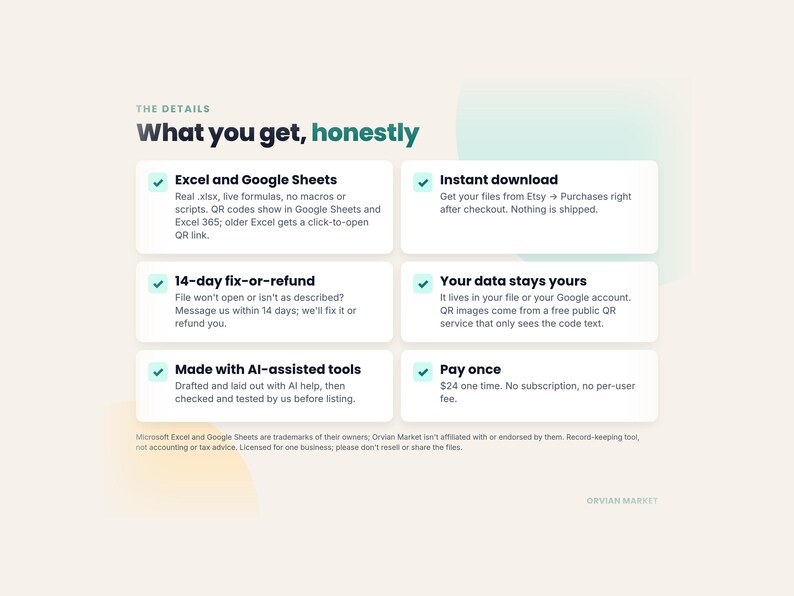
A: Yes. It's a real .xlsx file with live formulas and no macros. In Google Sheets use File → Import → Upload, then click Allow access on the yellow banner once so the QR codes can load.
Q: Do the QR codes work in Excel?
A: In Excel 365, yes. In older Excel, use the click-to-open QR link on each row or print the labels from Google Sheets.
Q: Can more than one person use it?
A: In Google Sheets, share the file with your team as you would any sheet.
Q: How many items?
A: 500 items, 100 locations and 2,000 log rows out of the box. Insert rows inside a table to grow it.
Q: How do I get the files?
A: Right after purchase, from Etsy → You → Purchases and reviews, or the download link in your Etsy confirmation email.
WHAT YOU GET
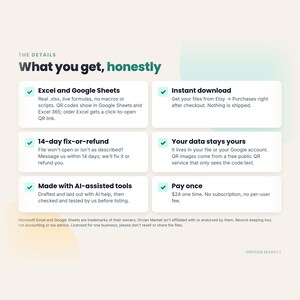
2 Excel files (blank + example) and 1 PDF. This is a digital download; nothing is shipped.
OUR PROMISE
If a file won't open, or isn't what you expected, message us within 14 days of purchase and we'll fix it or refund you.
HOW IT'S MADE
Designed by Orvian Market with the help of AI tools for drafting and layout. Every formula, page and file was checked and tested before listing.
LICENSE
For use in one business. Please don't resell, share or re-upload the files.
Record-keeping tool only, not accounting, tax or financial advice. Stock value uses the unit cost you type. Microsoft Excel and Google Sheets are trademarks of their respective owners; Orvian Market isn't affiliated with or endorsed by them.
If something goes wrong with an order, we've got your back for all eligible purchases. View program terms
NowPrice:$18.00
Original Price: $24.00
25% off
Sale ends on November 17
You can only make an offer when buying a single item
Delivery
Instant download
Your files will be available to download once payment is confirmed. Here's how.
Instant download items don't accept returns, exchanges or cancellations. Please contact the seller about any problems with your order.
Seller's description
Specifications
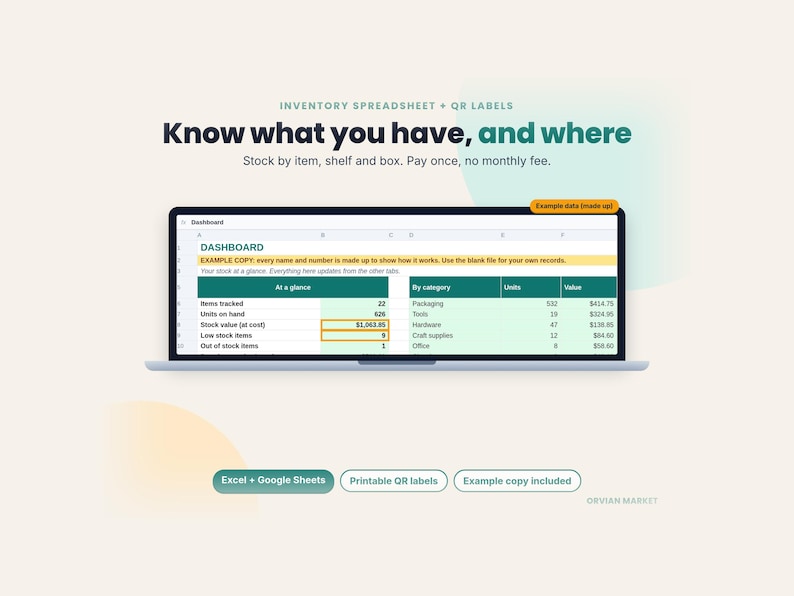
Know what you have, where it is, and what to reorder. One workbook tracks stock by item, shelf and box, prints QR labels, and builds your reorder list and purchase orders. Pay once, no monthly fee.
WHAT'S INSIDE
• Items (500 rows): code/SKU, name, category, unit, location, supplier, unit cost, min qty, reorder qty, starting count, photo link
• Locations & Boxes (100): rooms, shelves, boxes, bins and vehicles, with "inside" so Box 001 shows as Shelf A › Box 001, plus items, units and value in each
• Stock Log (2,000 rows): check in, check out or adjust, with who and why, and a running "on hand after" count
• Reorder List: every item at or below its minimum, with a suggested quantity, supplier and estimated cost, filled in automatically
• Purchase Order: pick a supplier and items; contact, costs, expected date and totals fill in. Print or save as PDF
• QR Labels: 30 per page for items or boxes, each with the QR, the code in large text, the name and the location
• Dashboard: items, units on hand, stock value at cost, low and out-of-stock counts, units in and out over the last 30 days, totals by category
• Suppliers tab with lead times, and built-in checks for duplicate codes, unknown locations and counts below zero
• A filled EXAMPLE copy (a made-up business) and a 3-page Quick Start PDF
QR CODES WITHOUT ADD-ONS
In Google Sheets and Excel 365 the QR codes draw themselves with the built-in IMAGE() function. No add-ons, scripts or macros. In older Excel (2016–2021) the QR cells show a note instead; click the "QR image" link on each row to open the QR as a picture, or print the Labels tab from Google Sheets. The code text always prints, so every label stays readable. The QR pictures come from a free public QR image service that only receives the label text (the code), never your quantities, costs or suppliers.
SCAN WITH YOUR PHONE
Your phone camera reads the label code. The Quick Start also shows an optional set-up where each label opens a pre-filled Google Form, so a crew can log check-ins and check-outs from a phone.
WHO IT'S FOR
Small shops, makers, contractors and trades, studios, offices, storage rooms, nonprofits and anyone keeping supplies in boxes, bins or vans who wants something simple their whole team can use.
HOW IT COMPARES
Subscription inventory apps such as Sortly list their Advanced plan at $49 a month billed monthly ($288 for the first year on the yearly introductory offer), and purchase orders start on the $149-a-month Ultra plan (sortly.com/pricing, checked October 22, 2026). This workbook is a one-time purchase. It is a spreadsheet, not an app: there's no in-app scanner, automatic sync between devices, or email alerts. If you need those, an app may suit you better. Sortly is a trademark of its owner; Orvian Market isn't affiliated with or endorsed by Sortly.
HOW TO USE IT
1. Add your locations, suppliers and items with today's count (about 20 minutes)
2. Log every movement on the Stock Log: In, Out or Adjust
3. Print QR labels; reorder from the Reorder List and Purchase Order
FAQ
Q: Does it work in Google Sheets?
A: Yes. It's a real .xlsx file with live formulas and no macros. In Google Sheets use File → Import → Upload, then click Allow access on the yellow banner once so the QR codes can load.
Q: Do the QR codes work in Excel?
A: In Excel 365, yes. In older Excel, use the click-to-open QR link on each row or print the labels from Google Sheets.
Q: Can more than one person use it?
A: In Google Sheets, share the file with your team as you would any sheet.
Q: How many items?
A: 500 items, 100 locations and 2,000 log rows out of the box. Insert rows inside a table to grow it.
Q: How do I get the files?
A: Right after purchase, from Etsy → You → Purchases and reviews, or the download link in your Etsy confirmation email.
WHAT YOU GET
2 Excel files (blank + example) and 1 PDF. This is a digital download; nothing is shipped.
OUR PROMISE
If a file won't open, or isn't what you expected, message us within 14 days of purchase and we'll fix it or refund you.
HOW IT'S MADE
Designed by Orvian Market with the help of AI tools for drafting and layout. Every formula, page and file was checked and tested before listing.
LICENSE
For use in one business. Please don't resell, share or re-upload the files.
Record-keeping tool only, not accounting, tax or financial advice. Stock value uses the unit cost you type. Microsoft Excel and Google Sheets are trademarks of their respective owners; Orvian Market isn't affiliated with or endorsed by them.
-
Item typeDigital download
-
Digital file type(s)1 PDF, 2 other files
If something goes wrong with an order, we've got your back on all eligible purchases. View program terms
Meet your seller

More from this shop
-
Digital download
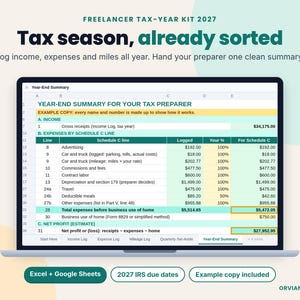
Self Employed Tax Tracker Spreadsheet 2027: Freelancer Income & Expense Log, 1099 Mileage Record, Excel Google Sheets
Sale Price $11.25
Original Price $15.00
-
Digital download
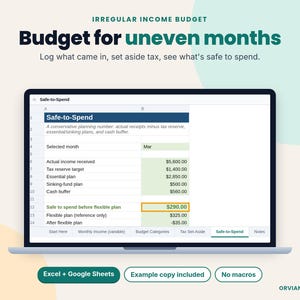
Self Employed Budget Spreadsheet for Irregular Income, Freelancer Tax Set Aside & Safe to Spend Tracker, Excel Google Sheets
Sale Price $9.00
Original Price $12.00
-
Digital download
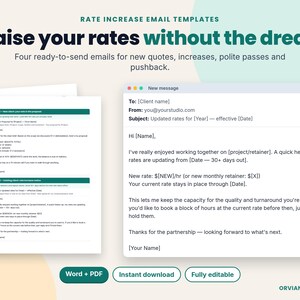
Rate Increase Email Templates for Freelancers: Raise Your Prices with Client Letter Scripts, Editable Word & PDF
Sale Price $6.75
Original Price $9.00
-

Digital download
Client Onboarding Checklist for Freelancers, Kickoff Meeting Agenda & Welcome Email Templates, Printable PDF Editable Word
Sale Price $9.00
Original Price $12.00
-
Digital download
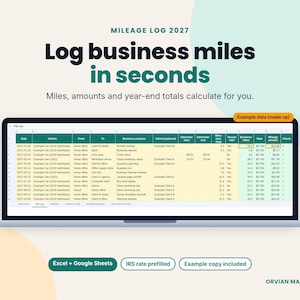
Mileage Tracker Spreadsheet, Business Mileage Log for Self Employed, Gig Driver and Delivery Mileage, Excel and Google Sheets
Sale Price $5.25
Original Price $7.00
-
Digital download
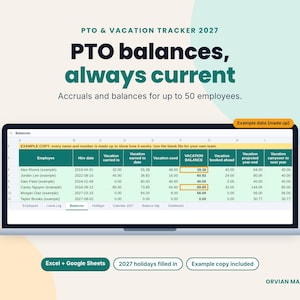
PTO Tracker Excel Spreadsheet, Employee Vacation and Time Off Tracker for Small Business, Google Sheets Leave Template
Sale Price $10.50
Original Price $14.00
-
Digital download
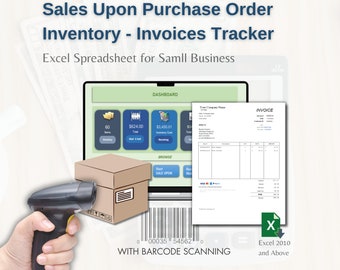
Barcode Inventory Tracker, Sales & Invoice Excel Template, Invoicing, Automated Invoice
$49.99
-

Digital download
Small Business Spreadsheet: Automated Invoice, Order, Inventory (Google Sheets & Excel)
Sale Price $8.92
Original Price $11.90
-
Digital download
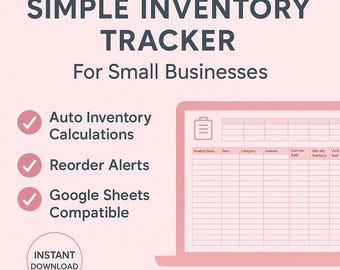
Inventory Tracker for Small Businesses | Stock Management Spreadsheet | Google Sheets
$29.00
-
Digital download
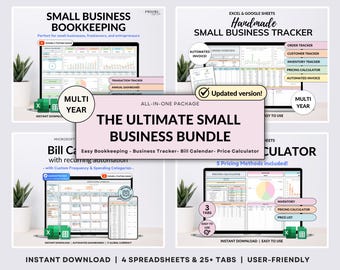
Small Business Bundle Bookkeeping Inventory Tracker Order Tracker Product Handmade Pricing Calculator Smart Bill Calendar Google Sheet Excel
Sale Price $14.98
Original Price $29.96
-
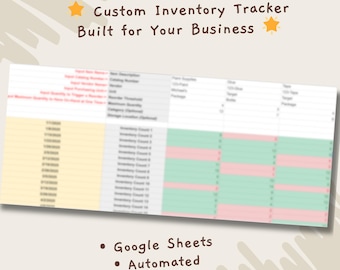
Custom Inventory Tracker | Automated Google Sheets for Etsy Sellers
$33.99
-

Digital download
Inventory Manager, Selling System with Barcode Reading: Excel Template for Small Business
$29.98
-

Digital download
Small Business Spreadsheet: Automated Invoice, Order, Inventory (Google Sheets Template) (Digital Download)
Sale Price $8.25
Original Price $11.00
-

Digital download
Inventory Tracker Inventory Management Google Sheets Small Business Inventory Spreadsheet Bookkeeping Template Sales Dashboard Order Tracker
$12.00
-
Digital download
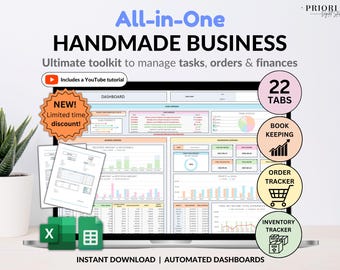
Small Business Bookkeeping Tracker Inventory Tracker Order Tracker Handmade Product Task Tracker Pricing Calculator Google Sheets Excel
Sale Price $11.24
Original Price $22.47
-
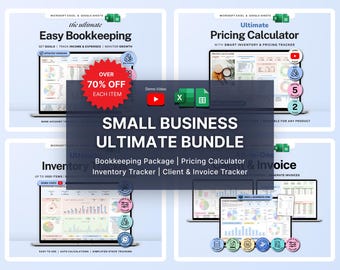
Digital download
Small Business Bundle Inventory Tracker Excel Pricing Calculator for Handmade Business Bookkeeping Spreadsheet Client Invoice Google Sheets
Sale Price $14.99
Original Price $29.98
-

Digital download
Small Business Spreadsheet for Handmade Products, Inventory Tracker, Profit & Sales Order Dashboard, Pricing Calculator, Google Sheets Excel
Sale Price $13.69
Original Price $27.39
-

Digital download
Small Business Bundle Google Sheets Excel Inventory Manager Bookkeeping Invoice Pricing Calculator Reseller Spreadsheet Order Tracker
Sale Price $21.69
Original Price $43.39
Shoppers with similar taste loved these
-

Digital download
Craft Show Forms and Craft Fair Planning Printable Bundle, Craft Business Order Forms Bundle, Planning Forms and Checklist for Crafters
$7.99
-

Digital download
Simple Sales Log, Minimal Sales Tracker, Small Business, Order Tracker, Sales Record Template, Printable Letter/A4/A5/Half Letter
$3.00
-
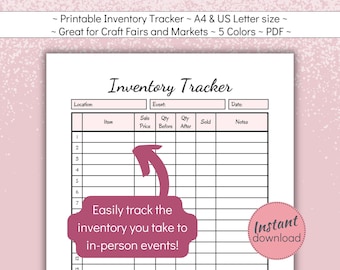
Digital download
Inventory Tracker Printable, In-Person Stock Tracking Sheet for Small Business at Craft Fairs, Festivals and Markets, A4, US Letter PDF,
$2.93
-

Digital download
Printable Stock Tracker, In-Person Inventory Tracking Sheet for Small Business at Craft Fairs, Festivals and Markets, A4, US Letter PDF,
$2.93
-

Digital download
Sales Log Printable, In-Person Sales Tracker for Small Business, Craft Fairs and Market Order Sheet, A4, US Letter PDF, Instant Download
$2.93
-
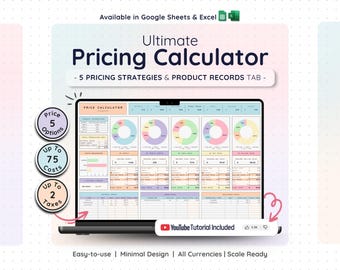
Digital download
Price & Profit Calculator for Small Businesses with 5 Pricing Strategies and up to 2 Taxes | Price Guide | Price List Spreadsheet Template
Sale Price $4.64
Original Price $9.29
-

Digital download
Craft Fair Planner: Market Stall Organizer, Sales Log (PDF)
Sale Price $2.11
Original Price $4.23
-

Digital download
Price Calculator for Artisans (Google Sheets) | Inventory + Orders + Automatic Fair Pricing | Crochet Business | Instant Download
$16.23
-

Digital download
Calculadora de Precios para Productos Personalizados en Español | Etsy, TikTok Shop y Manualidades
$9.99
-

Digital download
Price Calculator File
$9.50
-
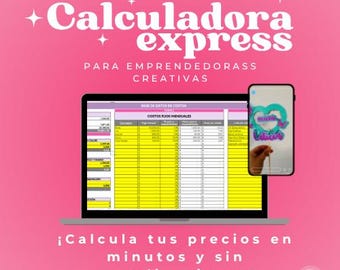
Digital download
Price Calculator for Creative Entrepreneurs | Express Quoter for Handmade Products
$19.60
-

Digital download
Spanish Pricing Calculator, Business Rate Tool, Spanish Google Spreadsheets
Sale Price $13.13
Original Price $17.52


