

Profit and Loss Spreadsheet for Excel, Monthly P&L Statement Template, Budget vs Actual, Income Statement, Small Business Margins
Price:$10.99
Here's what's eligible:
- Your order doesn't match the item description or photos
- Your item arrived damaged
- Your item arrived after the estimated arrival window
- Your item didn't arrive or was lost in the mail
You can only make an offer when buying a single item
Highlights
See whether your business is really making money, month by month. Type monthly totals for 31 accounts and a budget, and the Statement shows your P&L for any month, quarter, year to date or the full year - with the difference from budget in green or red and every line as a % of revenue. The dashboard tracks margins, trends and the costs that matter.
WHY YOU WILL LIKE IT
- A clear P&L for any month, quarter or year to date in one click.
- Spot overspending fast: every line compared with your budget.
- Know your gross, operating and net margins.
- Compare this year's budget with last year's results.
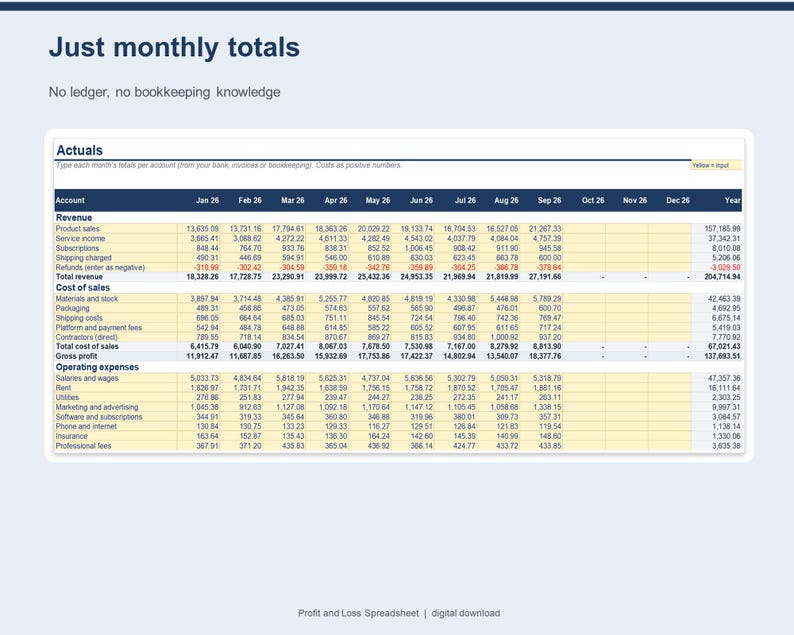
- No bookkeeping knowledge needed - just monthly totals.
FEATURES
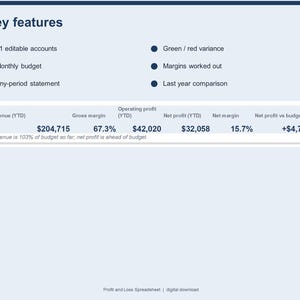
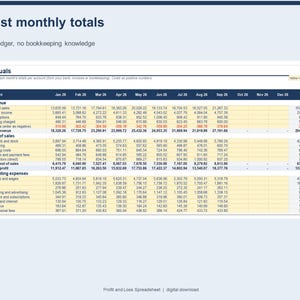
- 31 editable accounts: revenue, cost of sales, operating expenses, other income and expenses, tax
- Monthly budget grid plus last year's totals
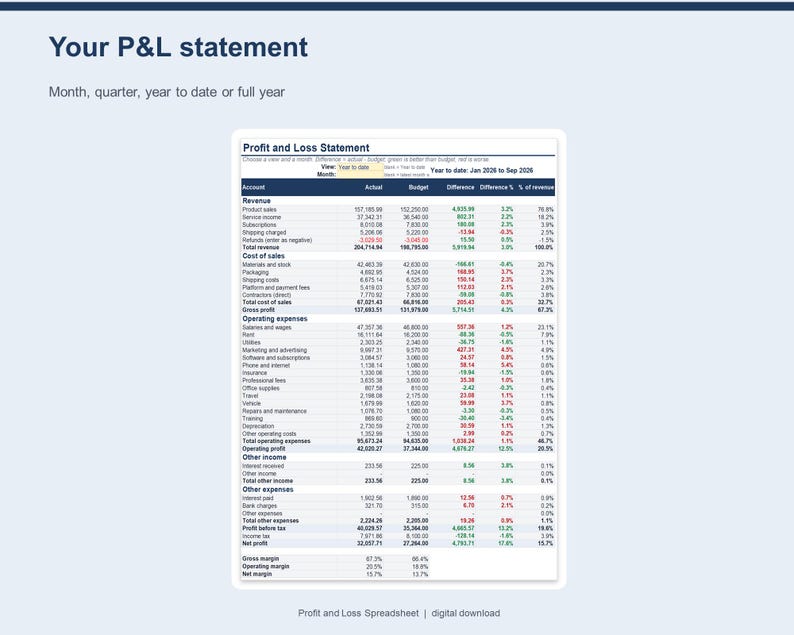
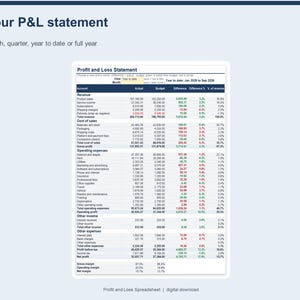
- P&L Statement for a month, quarter, year to date or full year with budget difference and % of revenue
- Gross profit, operating profit, profit before tax, net profit and margins worked out for you
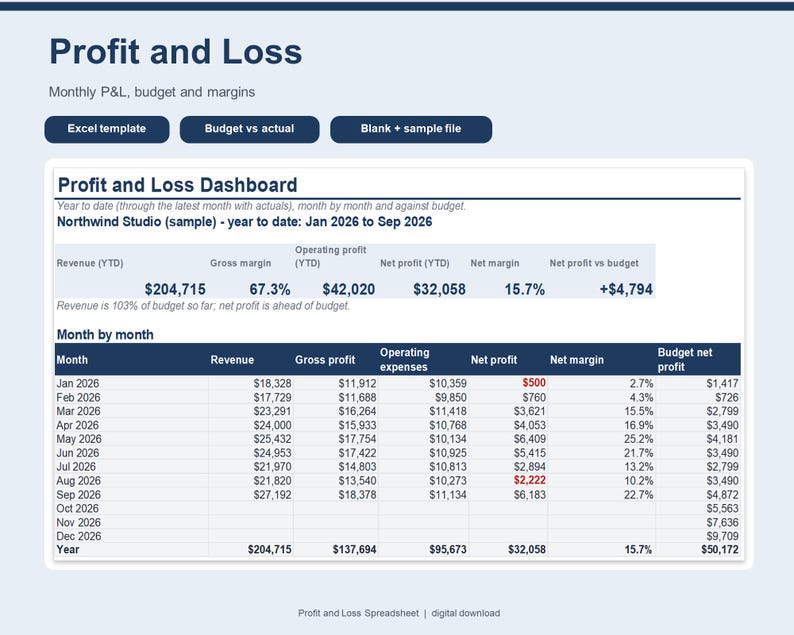
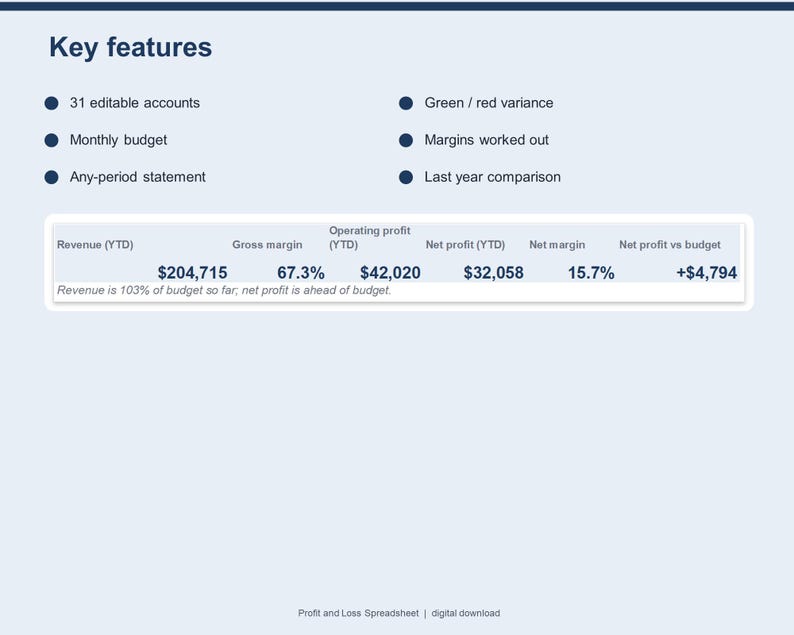
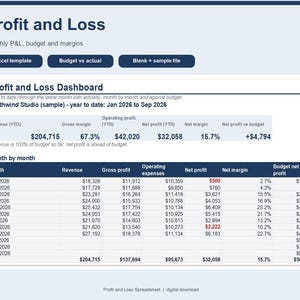
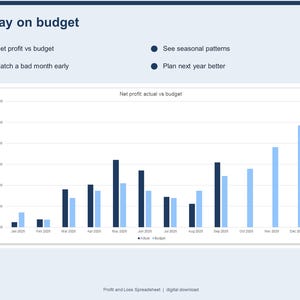
- Dashboard: revenue, margins, net profit and net profit vs budget (year to date)
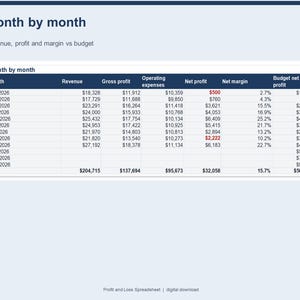
- Month-by-month table, operating expense breakdown and full year vs last year
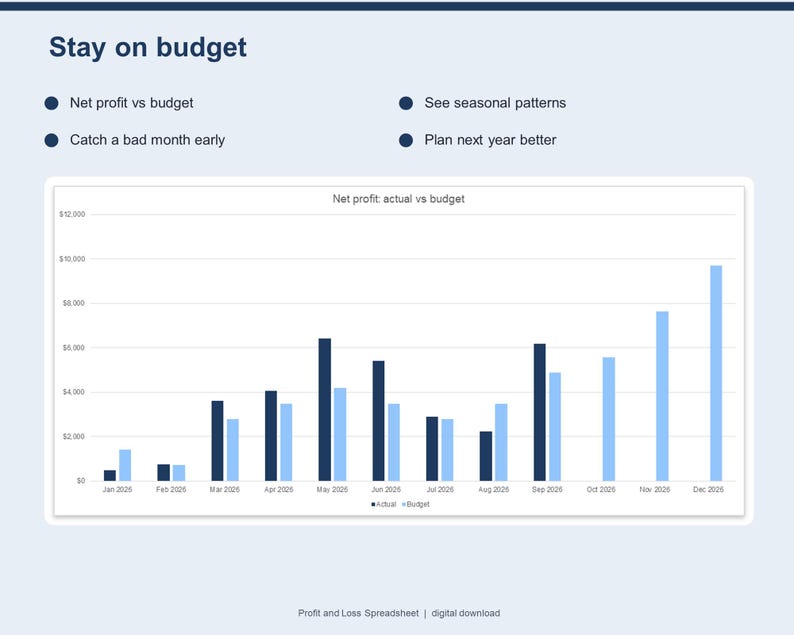
- 3 automatic charts: revenue and profit, actual vs budget, expenses
- Any financial-year start month; blank template plus a filled-in sample
EXAMPLE (fictional sample data)
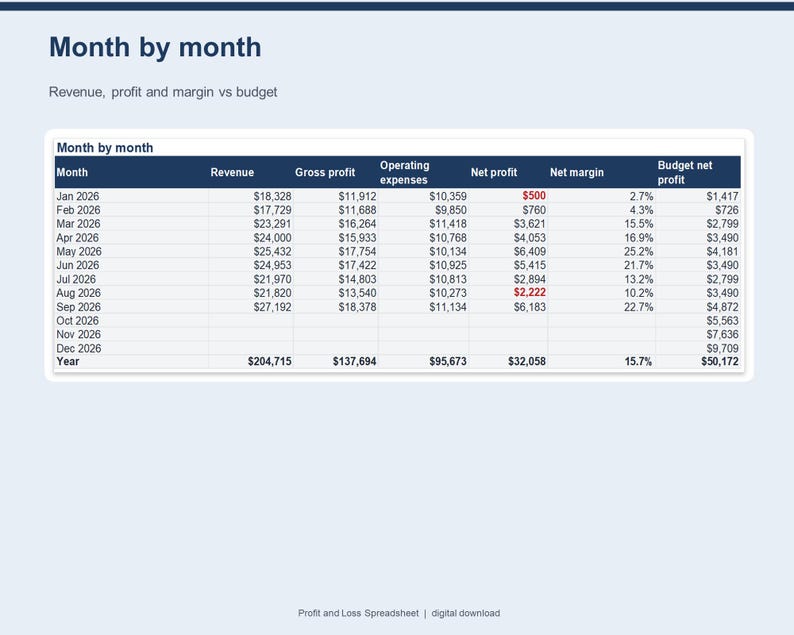
In the sample, year-to-date revenue is $204,714.94 with a 67.3% gross margin and $32,057.71 net profit (15.7% net margin), $4,793.71 ahead of budget.
WHAT'S INCLUDED
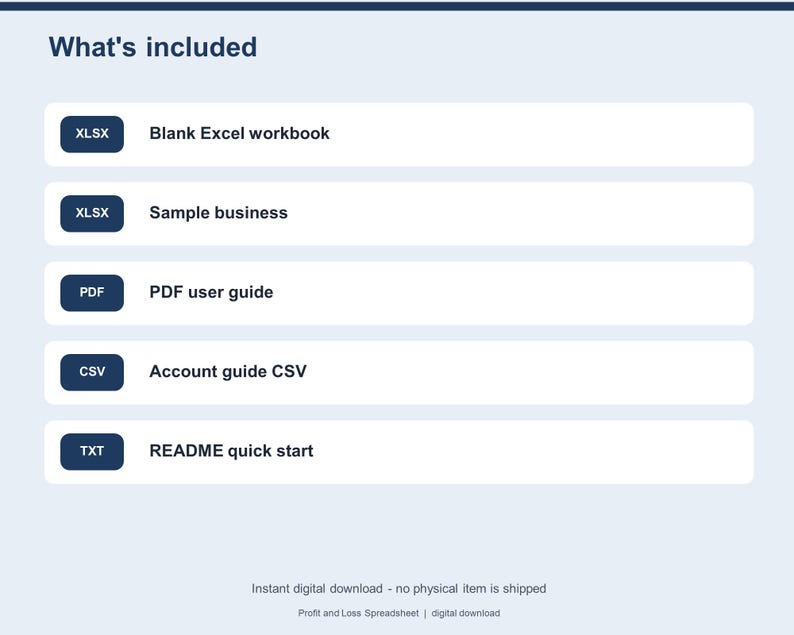
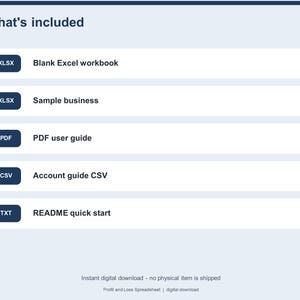
- Profit-and-Loss.xlsx - blank workbook with 31 starter accounts
- Profit-and-Loss-SAMPLE.xlsx - the same workbook with 9 months of example actuals and a full budget
- User-Guide.pdf - getting started, how the statement works, Google Sheets steps and limitations
- Account-Guide.csv - which costs usually go in which account
- README.txt - quick start
HOW TO USE
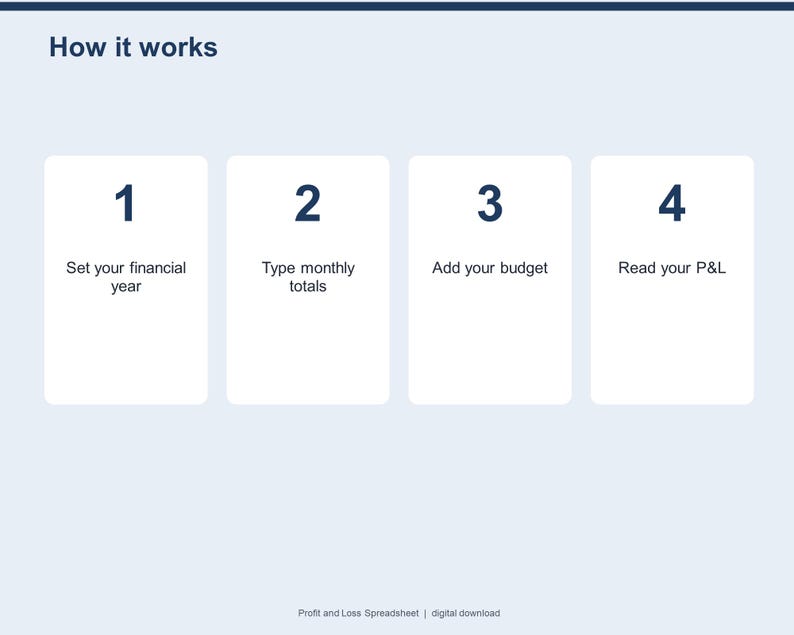
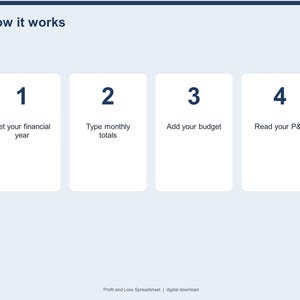
1. Download the ZIP after purchase and unzip it.
2. Open Profit-and-Loss.xlsx in Excel (or upload it to Google Drive and save as Google Sheets).
3. Set your first month on Settings, then type monthly totals on Actuals.
COMPATIBILITY
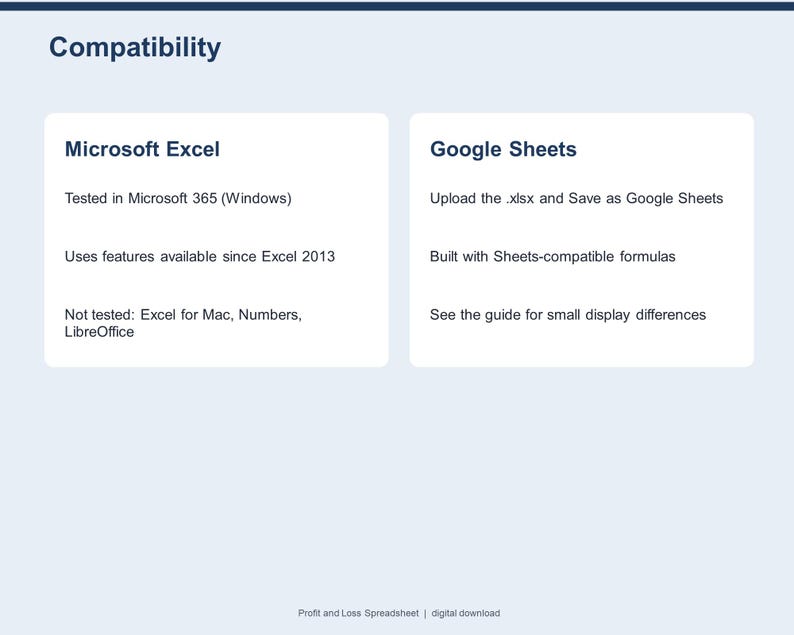
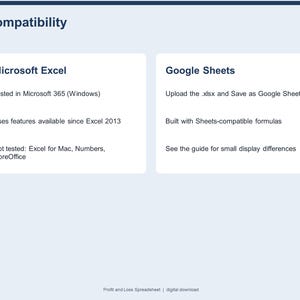
- Microsoft Excel (desktop): tested in Microsoft 365 for Windows. Uses features available since Excel 2013.
- Google Sheets: built only with formulas that Google Sheets also supports; upload the .xlsx to Google Drive and choose File > Save as Google Sheets. Live Google Sheets testing is pending - see the note in the guide.
- Not tested in Apple Numbers, LibreOffice or Excel for Mac.
PLEASE NOTE
This is a digital download - no physical product will be shipped. Please read the description and compatibility notes before purchasing. The sample business is fictional. A reporting tool - not accounting or tax advice.
FAQ
Do I enter every transaction?
No - you type monthly totals per account (from your bank, invoices or bookkeeping app). It is a reporting workbook, not a ledger.
Can my year start in April or July?
Yes - set the first month of your financial year on Settings and every sheet follows.
Can I rename the accounts?
Yes - type your own names on Actuals; Budget, Statement and Dashboard update automatically.
What does green and red mean?
Green = better than budget (more income or lower costs); red = worse.
Does it do tax returns?
No - it is a reporting tool, not accounting or tax advice.
Will I receive a physical item?
No. This is an instant digital download.
Instant Download
Your files will be available to download once payment is confirmed. Here's how.
Instant download items don’t accept returns, exchanges or cancellations. Please contact the seller about any problems with your order.
Etsy Purchase Protection
Shop confidently on Etsy knowing if something goes wrong with an order, we've got your back for all eligible purchases —
see program terms

More from this shop
Visit shop-
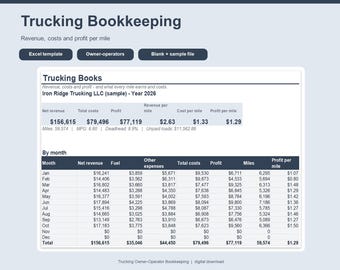
Digital download
Trucking Spreadsheet for Excel, Owner Operator Bookkeeping, Cost Per Mile Calculator, Load and Fuel Tracker, Truck Expense Log
$20.99
-
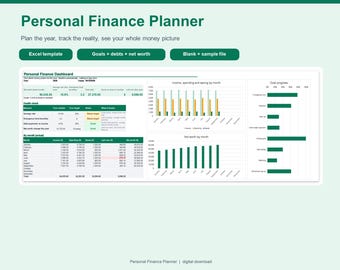
Digital download
Personal Finance Planner Spreadsheet for Excel, Yearly Budget Plan vs Actual, Savings Goals, Debt Payoff and Net Worth Tracker
$12.99
-
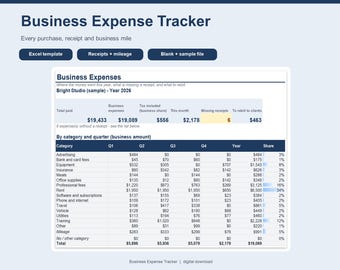
Digital download
Business Expense Tracker Spreadsheet for Excel, Receipt Tracker, Mileage Log, Quarterly Expense Report, Small Business Template
$8.99
-
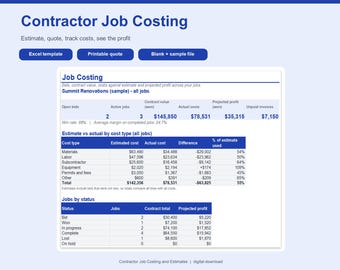
Digital download
Contractor Job Costing Spreadsheet for Excel, Construction Estimate Template, Job Profit Tracker, Budget vs Actual, Quote Template
$24.99
Be the first to leave a review
-

Digital download
Profit and Loss Statement Excel Template – P&L Spreadsheet for Small Business, Monthly Quarterly Annual Tracker
Sale Price $7.73
Original Price $11.90
-

Digital download
Profit and Loss Spreadsheet Template: Small Business P&L (Digital Download)
Sale Price $4.51
Original Price $11.28
-

Digital download
Income Statement Generator Excel Template Bookkeeping Financial Report Builder Accounting Spreadsheet Digital Download
$18.20
-

Digital download
Automated Income Statement Excel Template Profit and Loss Tracker Business Financial Report Digital Download
$18.20
-

Digital download
Profit and Loss Template Excel Monthly and Annual Dashboard Tracker Expense and Income Spreadsheet Transaction Manager revenue & expense NOI
Sale Price $9.68
Original Price $17.60
-
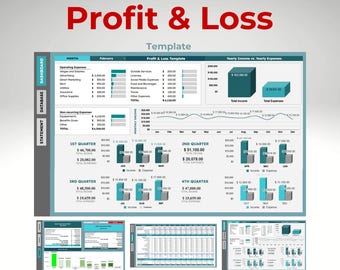
Digital download
Profit and Loss Statement Template | Google Sheets Accounting Dashboard | Income and Expense Tracker
Sale Price $10.49
Original Price $13.99
-
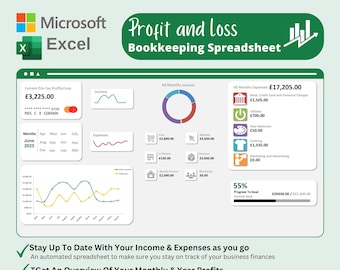
Digital download
Basic Income & Expenses Spreadsheet for small business, Monthly Bookkeeping Excel Template, monthly budget excel spreadsheet template
$15.04
-

Digital download
Profit and Loss Statement Template: Excel & Google Sheets (Digital Download)
Sale Price $8.92
Original Price $11.90
-
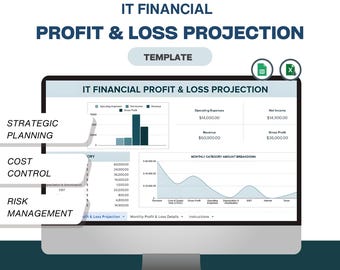
Digital download
IT Profit and Loss Excel Template: Strategic Planning (Digital Download)
Sale Price $4.51
Original Price $11.28
-

Digital download
Profit and Loss Statement Excel Template
$14.95
-

Digital download
Monthly Profit and Loss Sheet - Excel & Google Sheets | Expense Tracker | Income Statement Template | Financial Management Tool | 50% OFF
Sale Price $5.69
Original Price $11.38
-
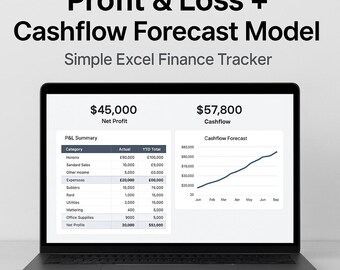
Digital download
Profit & Loss Excel Template | Cashflow Forecast Model | Small Business Finance Tracker | Excel P-L Dashboard | Budget Planner Spreadsheet
$13.61
Shoppers with similar taste loved these
-
Digital download
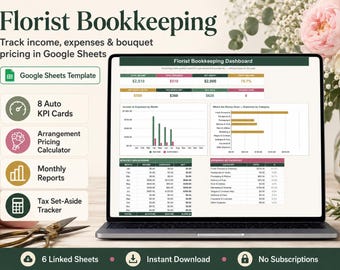
Florist Bookkeeping Spreadsheet Google Sheets, Flower Shop Income Expense Tracker, Arrangement Pricing Calculator, Small Business Template
$4.10
-
Digital download
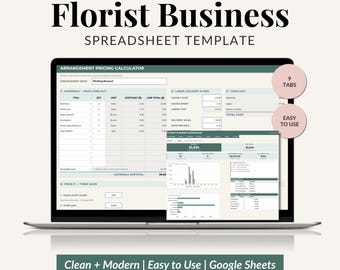
Florist Business Planner, Flower Shop Spreadsheet Template, Florist Pricing Calculator, Floral Inventory Tracker (Google Sheets)
Sale Price $9.00
Original Price $15.00
-

Digital download
Florist Business Tracker Spreadsheet | Floral Business Planner | Flower Shop Management Template | Google Sheets & Excel
$16.55
-

Digital download
Florist Pricing Calculator Spreadsheet, Wedding Flower Recipe & Stem Cost Tool, Event Floral Profit Tracker, Google Sheets + Excel
$14.99
-
Digital download
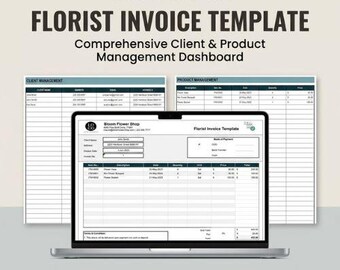
Florist Invoice Template | Client Order Tracker | Flower Shop Billing Dashboard | Product Management Log | Excel Google Sheets
Sale Price $1.33
Original Price $2.67
-
Digital download
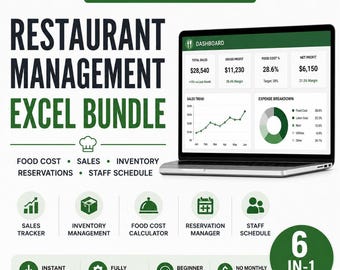
Restaurant Management Spreadsheet Bundle Excel Google Sheets Dashboard Food Cost Inventory Sales Staff Schedule Template
$5.24
-

Digital download
Inventory Management & Tracker for Materials and Products Inventory Template | Small Business Spreadsheet Template w/ Order Tracker
Sale Price $6.82
Original Price $13.65
-

Digital download
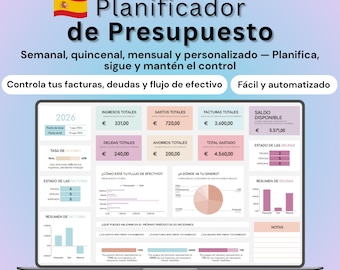
Spanish Budget Planner Planificador de Presupuesto Mensual en Google Sheets | Rastreador de Gastos | Finanzas Personales
Sale Price $3.25
Original Price $6.50
-
Digital download
Spanish Budget Planner Google Sheets, Finanzas personales, Presupuesto Personal, Control de Gastos (Clara Oscura)
$7.80
-

Digital download
Quote Template & Tracker | Excel Google Sheets Automated Quotation Tool | Professional Small Business Spreadsheet
Sale Price $6.41
Original Price $8.55
-

Digital download
Sales Dashboard Google sheets Small Business Tracker template Income expense tracking order payments report spreadsheet ecommerce
Sale Price $7.49
Original Price $14.99
-
Digital download
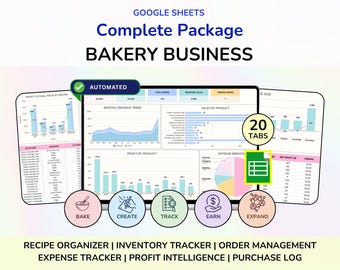
Bakery Planner Business Spreadsheet Recipe Cost Calculator Bakery Order Form Bakery Template Google Sheets, Cake Business Bundle Planner
Sale Price $8.18
Original Price $16.36


