




Bill Payment Calendar Spreadsheet, Monthly Bills Tracker, Due Date Checklist, Bill Organizer, Bill Payment Checklist, Excel Google Sheets
Item highlights
Shop review
All reviews are from verified buyers. This review is shown automatically based on factors like recency, whether it includes comments, your chosen language, and whether the rating reflects the typical experience with the shop.
“The spreadsheet was great and it helped me to keep track of my earnings and expenses. Will definitely buy some more for different purposes. Thanks for a great spreadsheet”
Ingrid
4 days ago
NowPrice:$3.49
Original Price: $6.99
50% off
Sale ends on November 22
You can only make an offer when buying a single item
Delivery
Instant download
Your files will be available to download once payment is confirmed. Here's how.
Instant download items don't accept returns, exchanges or cancellations. Please contact the seller about any problems with your order.
Seller's description
Specifications
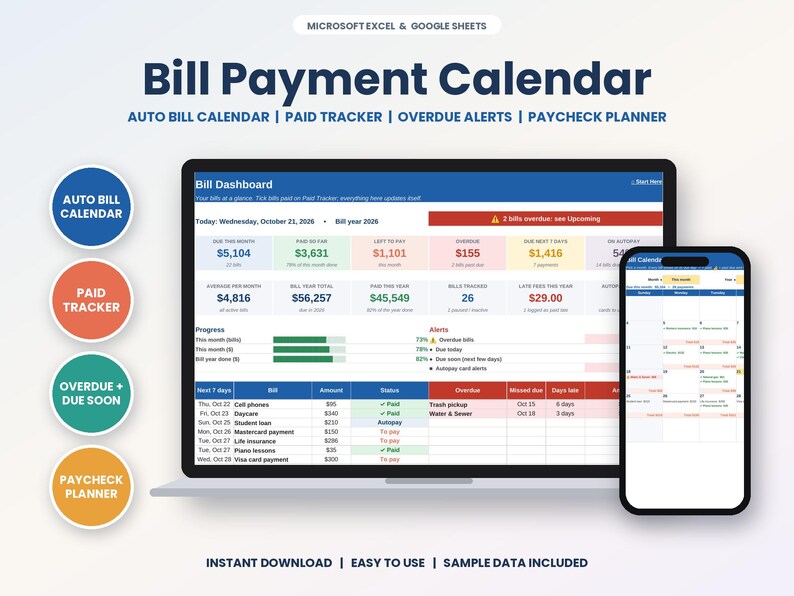
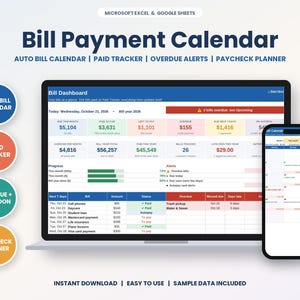
Bill Payment Calendar Spreadsheet for Microsoft Excel and Google Sheets, instant digital download. See every bill on its due date, tick it off when it's paid and never get caught by a late fee again. Perfect for anyone juggling a lot of due dates.
🎥 WATCH THE FULL WALKTHROUGH VIDEO before you buy, every tab explained: https://youtu.be/CeD9x4RHvB4
✨ NOW INCLUDES 4 FILES: a SAMPLE version (filled in so you can see exactly how it works) and a BLANK version (cleared and ready for your own info), each in an Excel edition and a Google Sheets edition.
★ WHAT'S INCLUDED ★
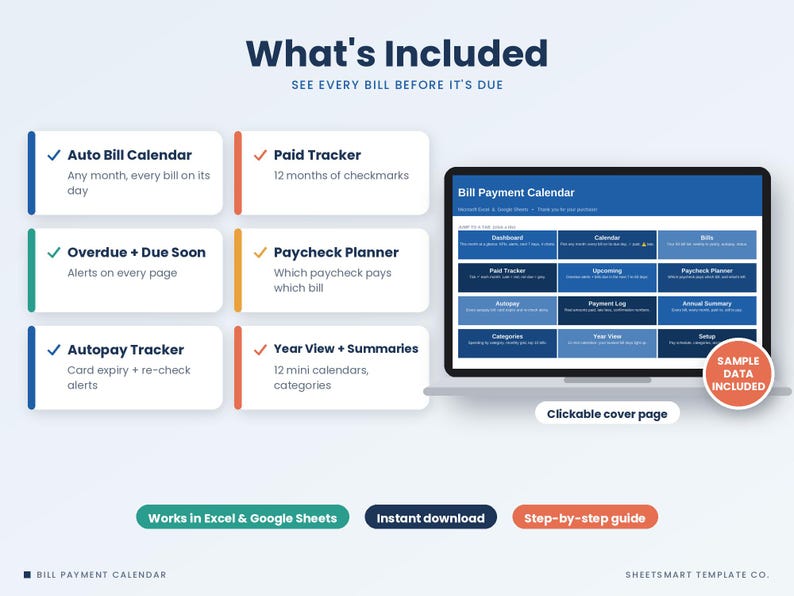
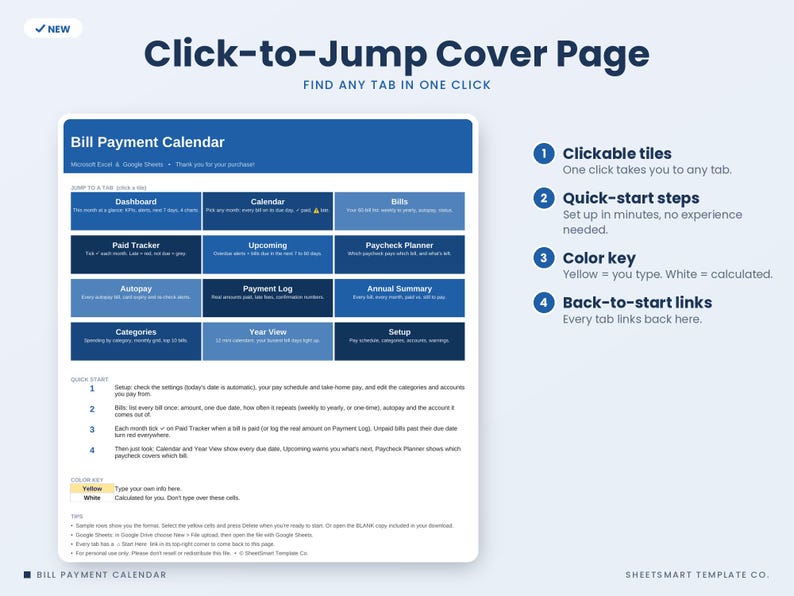
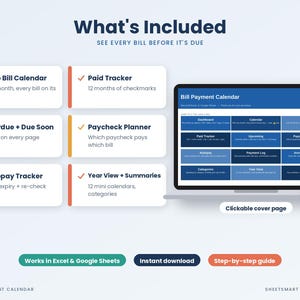
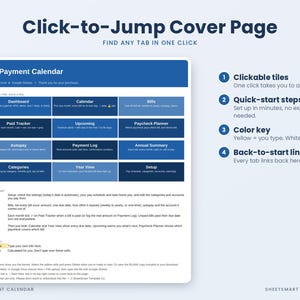
• Start Here cover page with clickable tiles to every tab, quick-start steps and a color key (yellow = you type)
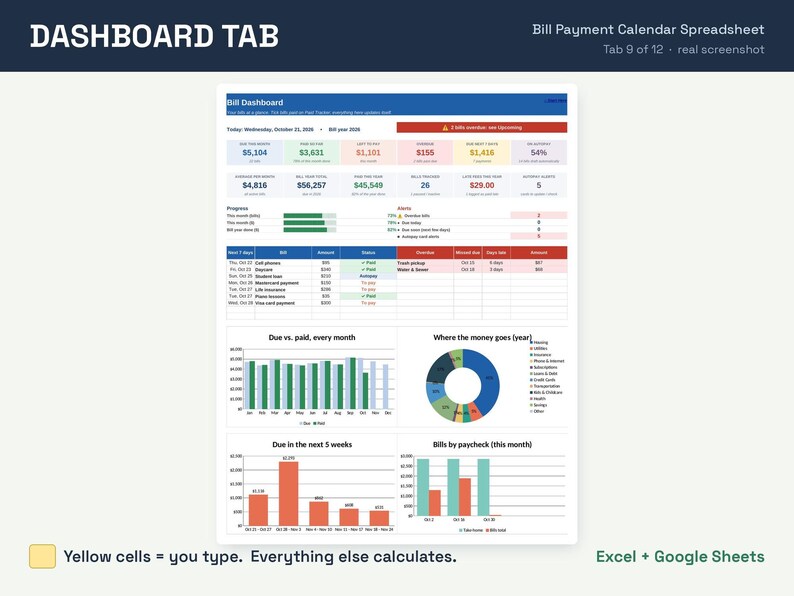
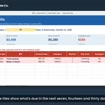
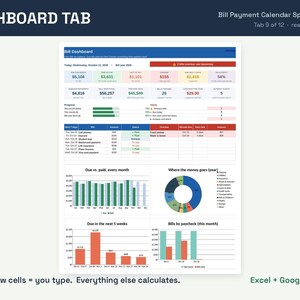
• Dashboard: 12 KPI tiles (due this month, paid, left to pay, overdue, next 7 days, autopay share, yearly total, late fees and more), progress bars, an alerts panel, next-7-days and overdue lists, plus 4 charts
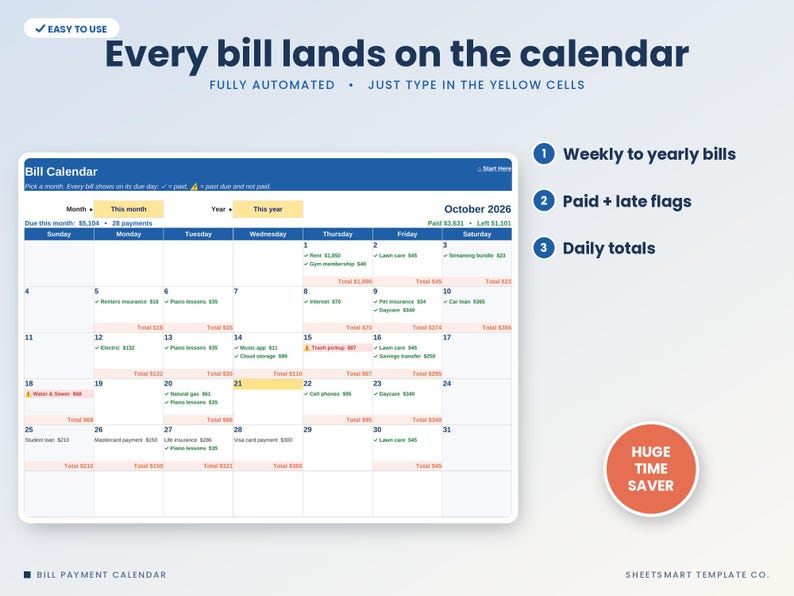
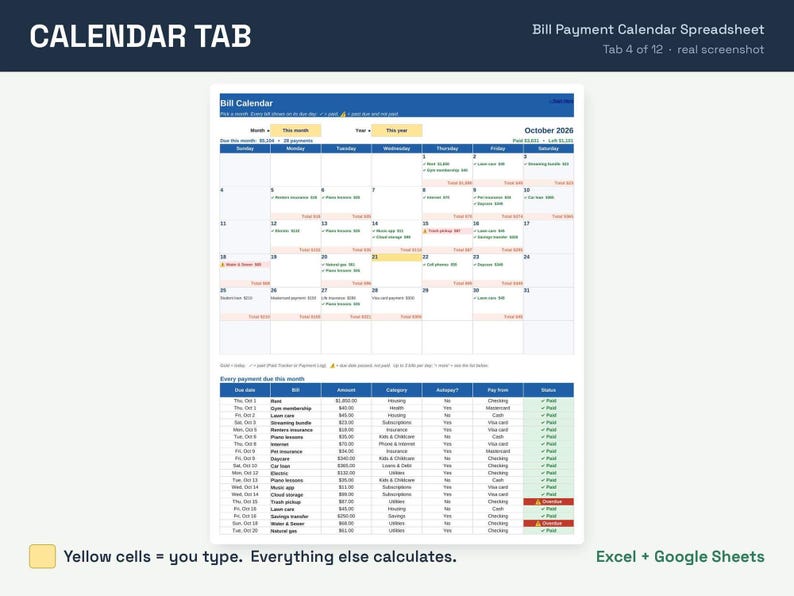
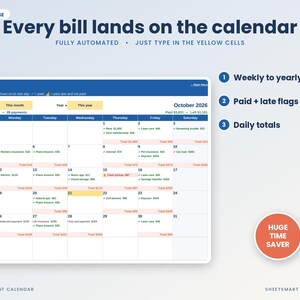
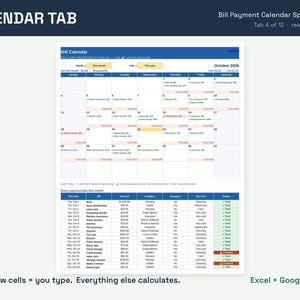
• Bill Calendar: pick any month and every bill appears on its due day with daily totals, ✓ for paid and ⚠ for past due, plus a full list of every payment that month
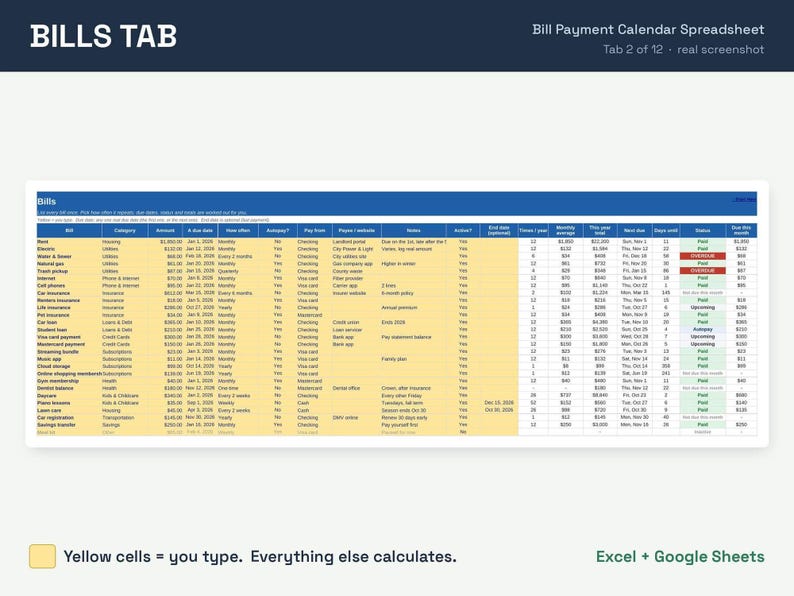
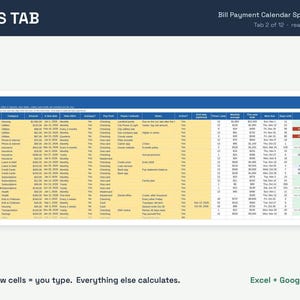
• Bills list for up to 60 bills: weekly, every 2 weeks, monthly, every 2/4/6 months, quarterly, yearly or one-time, with optional end dates, autopay, pay-from account and an automatic status (Paid, Due soon, OVERDUE, Autopay)
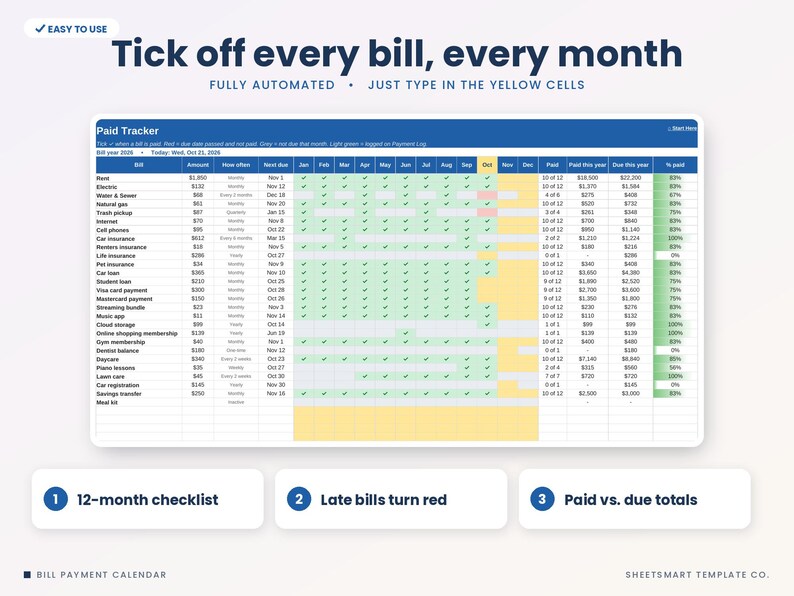
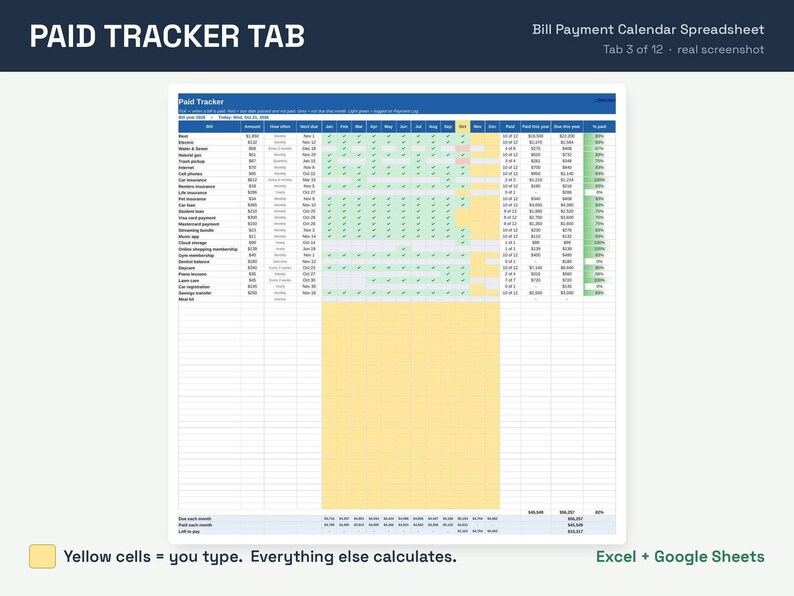
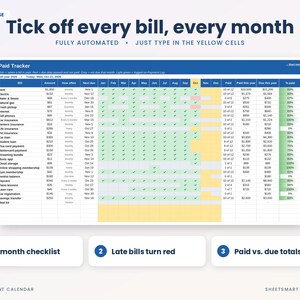
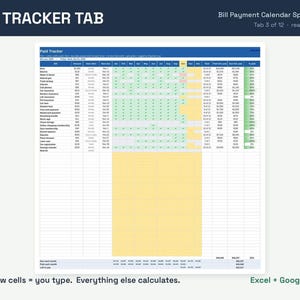
• Paid Tracker: 12-month checklist, late bills turn red, months a bill isn't due turn grey, paid vs. due totals and % paid bars
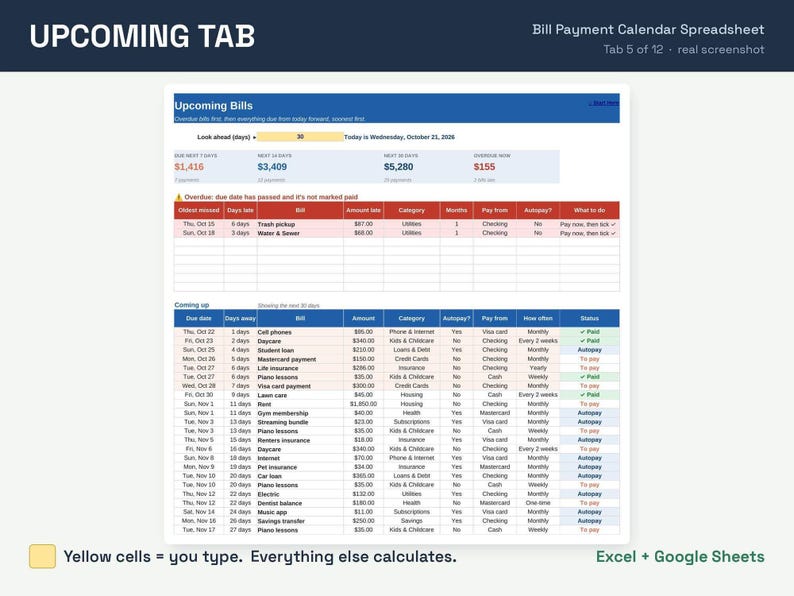
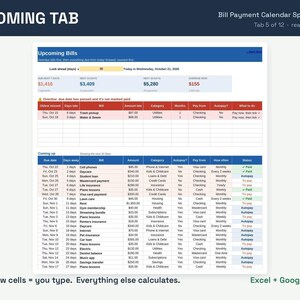
• Upcoming Bills: overdue alerts (days late, amount) plus everything due in the next 7, 14, 30, 45 or 60 days
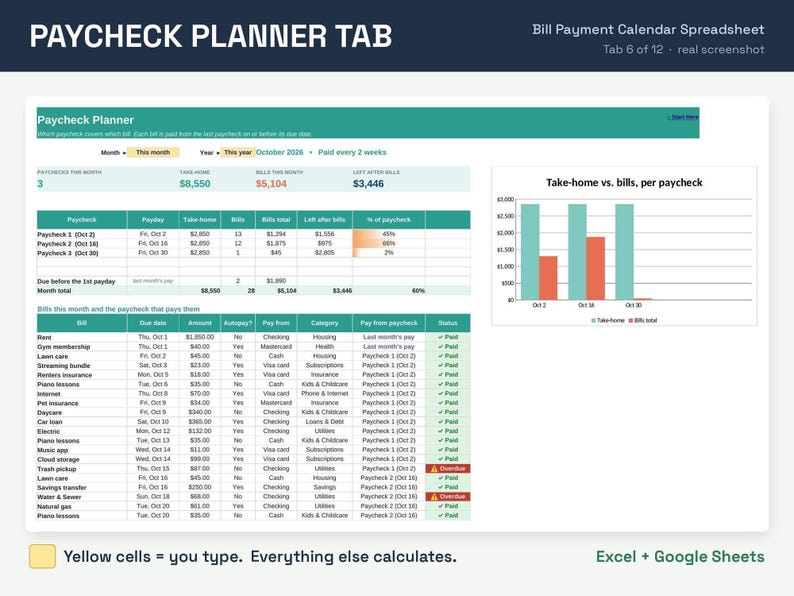
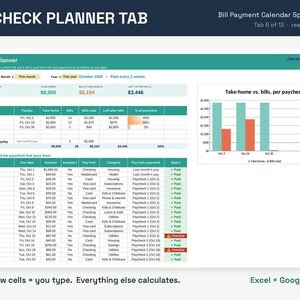
• Paycheck Planner: works out your paydays (weekly, every 2 weeks, twice a month or monthly), shows which paycheck pays which bill and what's left from each one, with a chart
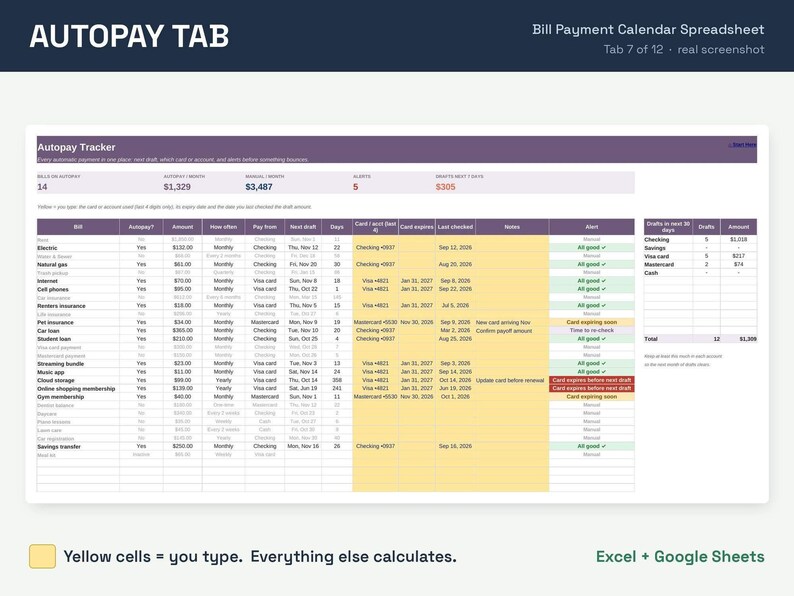
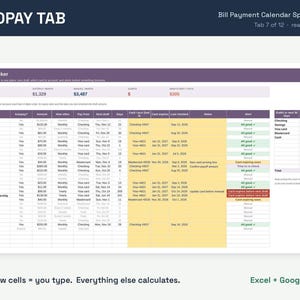
• Autopay Tracker: next draft date, card or account used, card expiry and re-check alerts, and how much each account needs for the next 30 days of drafts
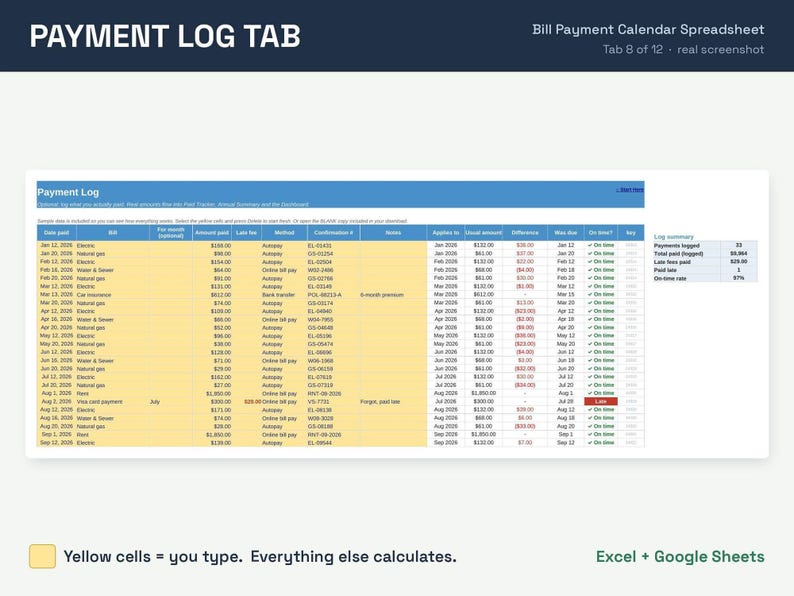
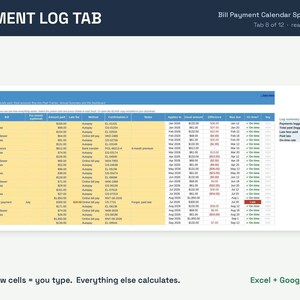
• Payment Log (500 rows): real amounts paid, late fees, method and confirmation numbers, with an on-time check. Logged amounts flow into every total
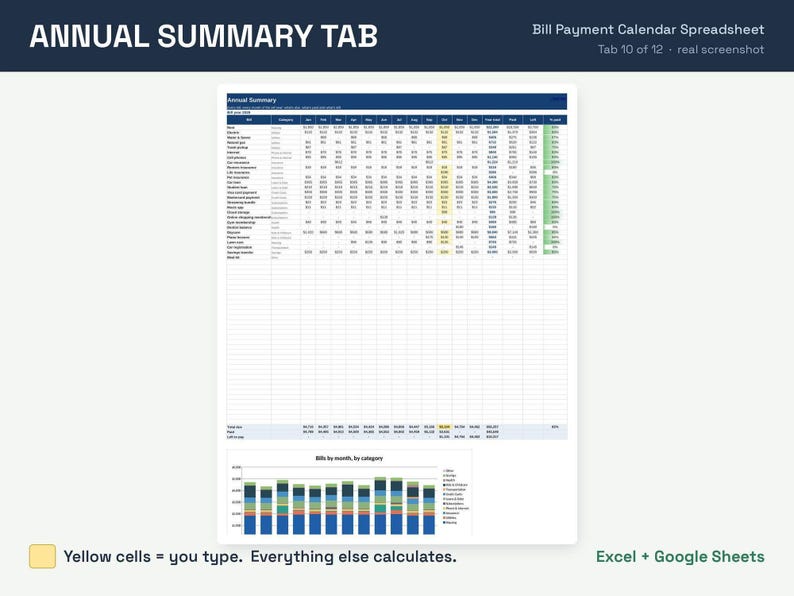
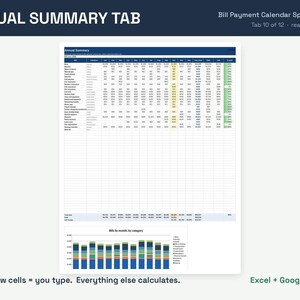
• Annual Summary: every bill by month for the year, paid vs. left, with a stacked chart by category
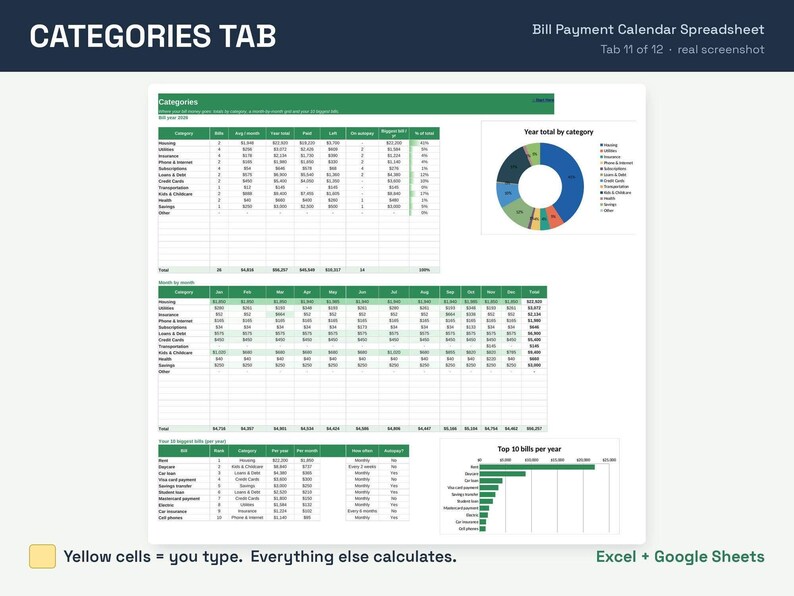
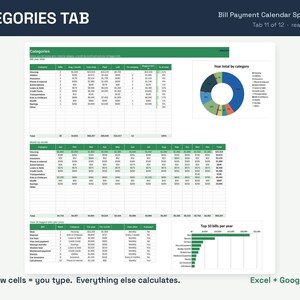
• Categories: totals and % by category, a month-by-month grid, your 10 biggest bills, with 2 charts
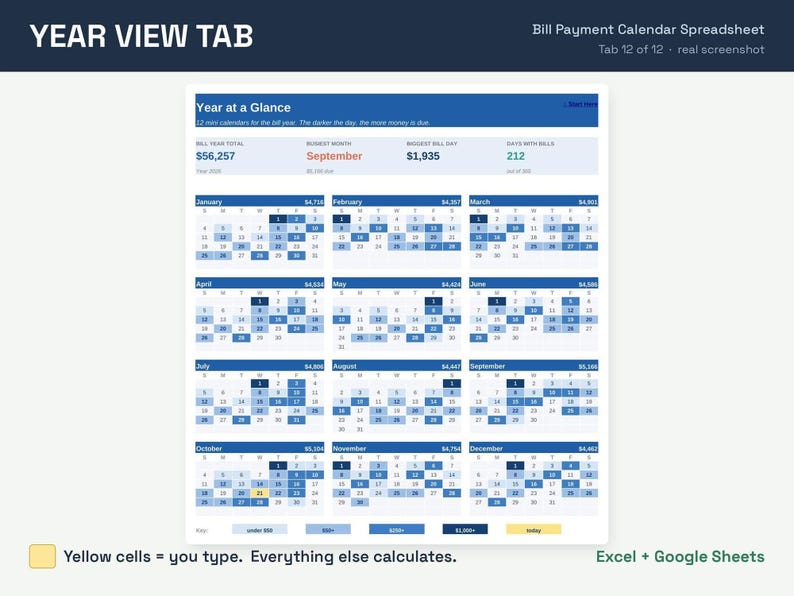
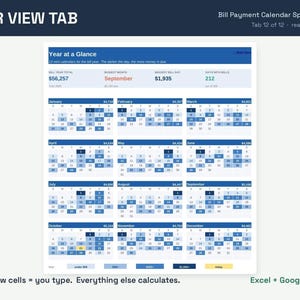
• Year View: 12 mini calendars where your busiest bill days light up darker
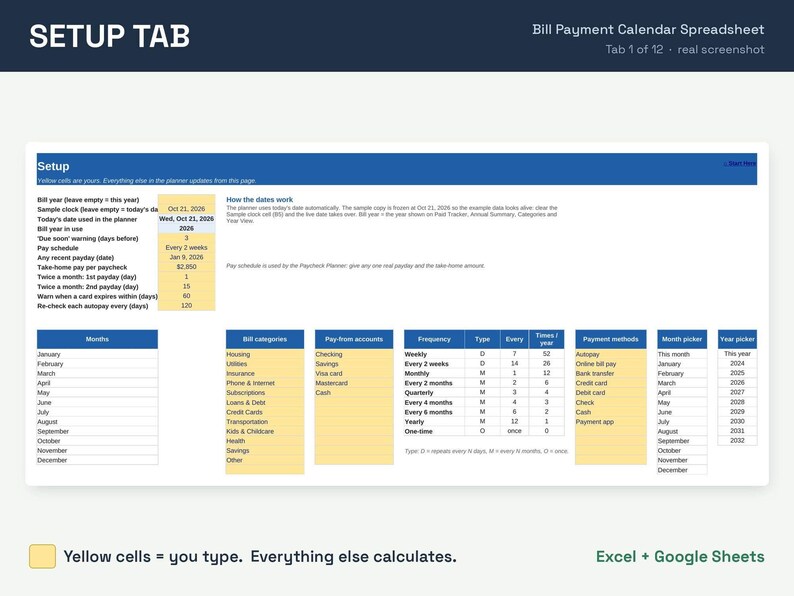
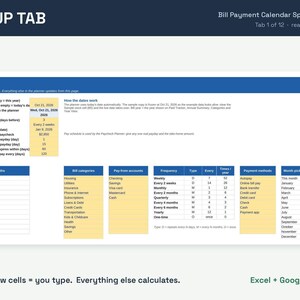
• Setup: pay schedule, take-home pay, warning days, editable categories, accounts and payment methods
• 2 versions of each file: one with sample data so you can see how it works, and a blank one ready to use
★ PERFECT FOR ★
✓ Anyone juggling a lot of due dates
✓ Households with yearly or quarterly bills that sneak up
✓ Getting organized for a new year
★ COMPATIBILITY ★
• Microsoft Excel (desktop, Mac, web)
• Google Sheets (upload to Google Drive and open with Google Sheets)
• 2 files included: an Excel version + a Google Sheets edition
• Not designed for Apple Numbers
★ HOW IT WORKS ★
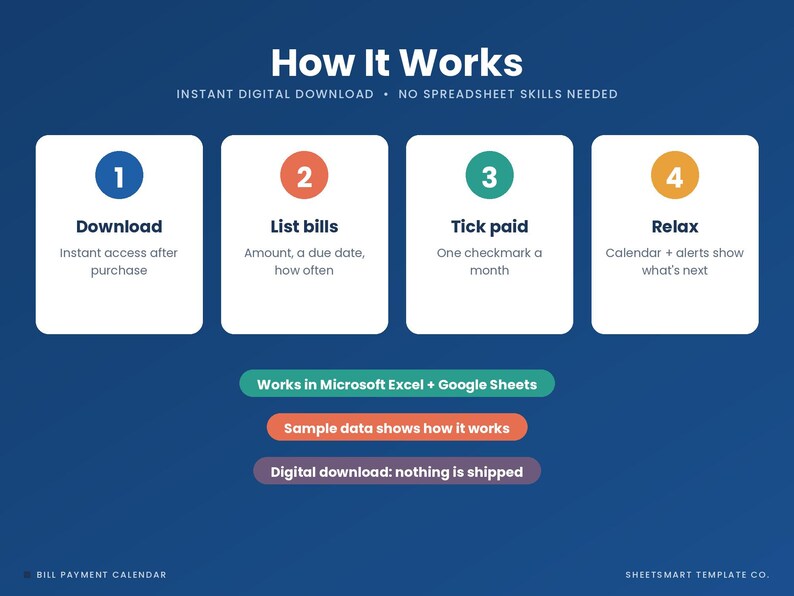
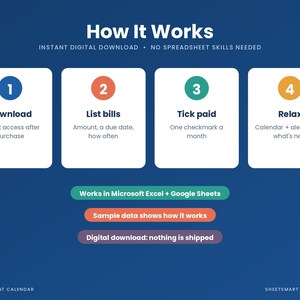
1. Download and open the file in Excel, or upload it to Google Drive and open with Google Sheets.
2. List your bills on Bills: amount, due day and how often.
3. Each month, pick ✓ on Paid Tracker as you pay.
4. Use Calendar, Upcoming and Dashboard to see what's next.
Works in any currency ($, £, €, C$, A$ and more): just change the currency symbol.
★ PLEASE NOTE ★
• This is a digital download. Nothing will be shipped.
• This is an organizing tool, not financial advice.
• Because it's a digital file, returns aren't accepted, but if you have any trouble with the file, message me and I'll fix it or help you right away.
-
Designed by
-
Item typeDigital download
-
Digital file type(s)4 Files
If something goes wrong with an order, we've got your back on all eligible purchases. View program terms
Meet your seller


More from this shop
-
Digital download
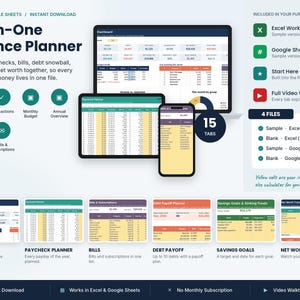
All in One Finance Planner Spreadsheet, Budget, Bills, Debt Snowball, Excel Google Sheets
Sale Price $7.49
Original Price $14.99
-
Digital download
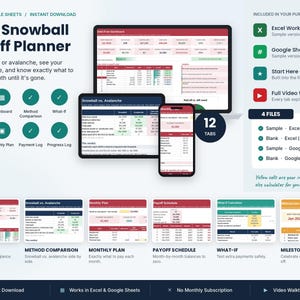
Debt Snowball Spreadsheet, Payoff Planner, Avalanche Method, Free Date Calculator, Debt Payoff Tracker, Excel Google Sheets
Sale Price $2.99
Original Price $5.99
-
Digital download
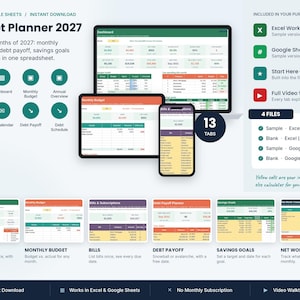
2027 Budget Planner Spreadsheet, Monthly and Annual Template, Debt Payoff, Savings, 2027 Budget, Excel Google Sheets
Sale Price $3.49
Original Price $6.99
-
Digital download
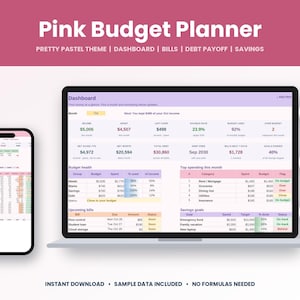
Pink Budget Planner Spreadsheet, Aesthetic Monthly Template, Debt Payoff, Savings, Pink Budget Template, Excel Google Sheets
Sale Price $3.49
Original Price $6.99
-
Digital download
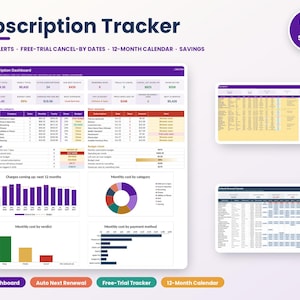
Subscription Tracker Spreadsheet, Recurring Payments, Monthly Bills, Renewal Reminders, Subscription Manager, Excel Google Sheets
Sale Price $1.99
Original Price $3.99
-
Digital download
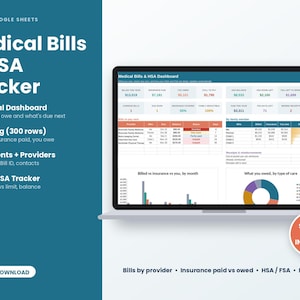
Medical Bill Tracker Spreadsheet, HSA FSA Expense Log, Excel and Google Sheets, Deductible Tracker, Medical Expense Tracker
Sale Price $4.99
Original Price $9.99
-

Digital download
Bill Tracker Google Sheets Spreadsheet Template for Tracking Monthly Bills, Due Dates, Payments and Expenses (Digital Download)
$7.99
-

Digital download
Bill Calendar Google Sheets Bill Calendar Printable Monthly Bill Tracker Bill Tracker Spreadsheet Monthly Smart Bill Planner
Sale Price $3.00
Original Price $9.99
-
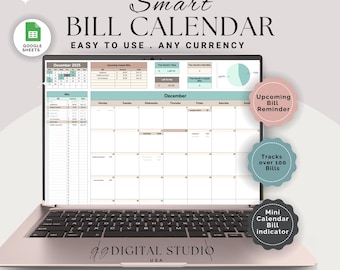
Digital download
Bill Tracker Spreadsheet Google Sheets, Bill Calendar, Monthly bill tracker, Bill payment tracker, Bill Organizer, Budget Tracker, Bills
$9.90
-
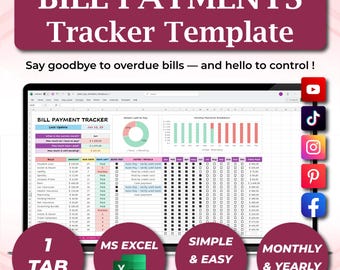
Digital download
Bill Tracker Spreadsheet, Monthly Payment, Budget Calendar | Excel & Google Sheets Template, Subscription, Household Organizer
Sale Price $7.01
Original Price $11.68
-

Digital download
Automated Bill Calendar Google Sheets Excel Smart Bill Tracker Spreadsheet Monthly Bill Planner Subscription Tracker Bill Organizer
Sale Price $2.49
Original Price $4.98
-
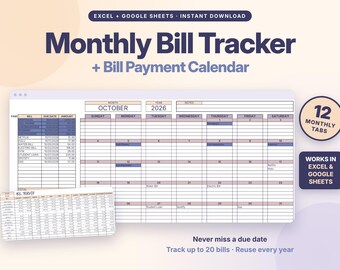
Digital download
Monthly Bill Tracker Spreadsheet, Excel & Google Sheets, Bill Organizer, Bill Payment Calendar, Budget Planner Template
$5.99
-
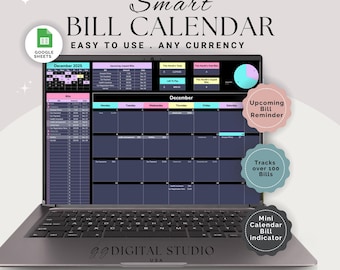
Digital download
Bill Payment Tracker, Bill Tracker, Bill Calendar, Monthly bill tracker, Bill Organizer, Budget Tracker, Bill Planner, Monthly Bill planner
$9.90
-

Digital download
Bills Tracker & Calendar | Google Sheets Template | Monthly Bills Tracker | Bills Spreadsheet | Monthly Bills Calendar | Expenses Tracker
$5.95
-

Digital download
Automated Bill Tracker Excel Spreadsheet Template, Due Dates, Payments, Amounts & Monthly Expense Organizer Template
$7.99
-

Digital download
Monthly Bill Tracker Excel Spreadsheet, Bill Spreadsheet, Bill Payment Tracker Google Sheets, Digital Bill Template, Monthly Bills Templates
Sale Price $3.29
Original Price $6.59
-
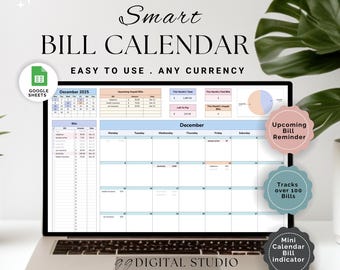
Digital download
Bill Tracker, Bill Calendar, Monthly bill tracker, Bill payment tracker, Bill Organizer, Budget Tracker, Bill Planner, Monthly Bill planner
$9.90
-
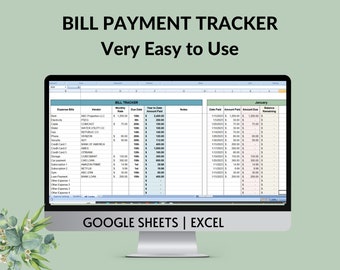
Digital download
Monthly Bill Payment Tracker: Google Sheets & Excel Template
$5.99
Shoppers with similar taste loved these
-
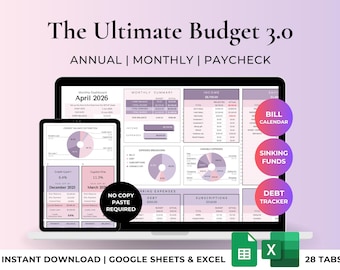
Digital download
Ultimate Annual & Monthly Budget Spreadsheet Excel Google Sheets Budget Template Budget Tracker Financial Planner Bill Tracker Debt Tracker
Sale Price $15.51
Original Price $25.85
-

Digital download
Home Renovation Planner: Renovation Task Tracker, Budget Planner, Interior Design, Home Organization, Project Planner (Excel Spreadsheet)
$12.24
-
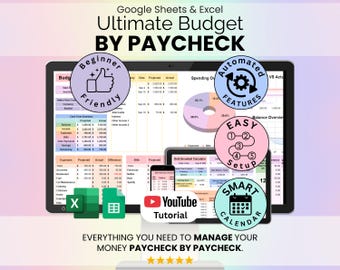
Digital download
Ultimate Budget by Paycheck Spreadsheet Google Sheets & Excel | Paycheck Budgeting Planner, Bills, Savings, Debt Tracker
Sale Price $10.63
Original Price $21.25
-
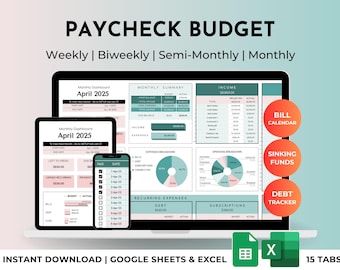
Digital download
Paycheck and Monthly Budget Spreadsheet Planner | Excel & Google Sheets Template | Finance Tracker
Sale Price $12.93
Original Price $21.55
-
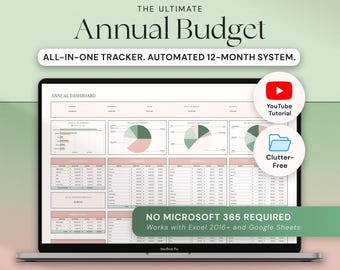
Digital download
Annual Budget Excel Spreadsheet Google Sheets Monthly Budget Template, Yearly Budget Planner Personal Finance Tracker, Annual Finances
Sale Price $9.95
Original Price $14.21
-

Digital download
Home Planner
$28.00
-
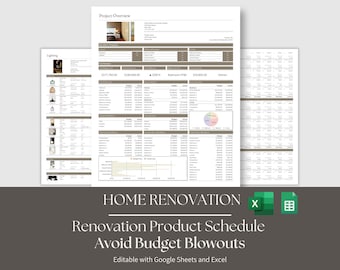
Digital download
Home Renovation Google Sheets and Excel Product Specification Template, Finishes FF&E Furniture Schedule
$37.00
-

Digital download
Home Management Planner | Vehicle Maintenance Schedule | Chore Chart and Cleaning Schedule | Google Sheets Template
$6.50
-
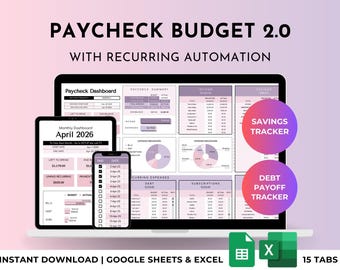
Digital download
Paycheck Budget Fortnightly, Biweekly, Weekly, Semi-Monthly, Monthly Budget Spreadsheet Planner with Debt Tracker | Excel & Google Sheets
Sale Price $12.93
Original Price $21.55
-
Digital download
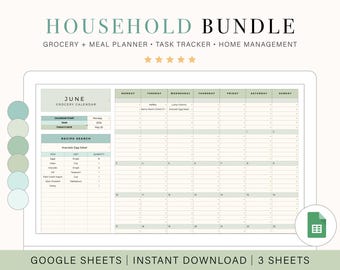
Ultimate Home Management Bundle | Task Tracker | Meal Planner | Digital Grocery List | Home Project Planner | Life Planner
$15.75
-

Digital download
Writer's Gift Set, Author Book Planner Workbook, GoodNotes Digital Novel Planner, Write a Novel in 30 Days, Book Outline and Templates, PDF
$29.64
-

Digital download
Life Binder, Home Management Binder, Emergency Binder, ADHD Planner Printable, Family Planner, Household Planner, Cleaning Schedule
Sale Price $32.94
Original Price $54.90


