



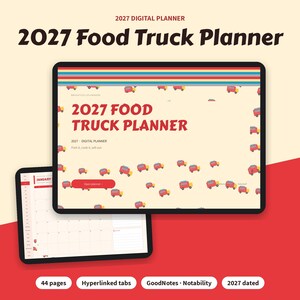
2027 Food Truck Planner Digital, Event Booking Calendar, Menu Costing, Daily Sales Log, Prep List, Permits Tracker
Item highlights
Seller's description
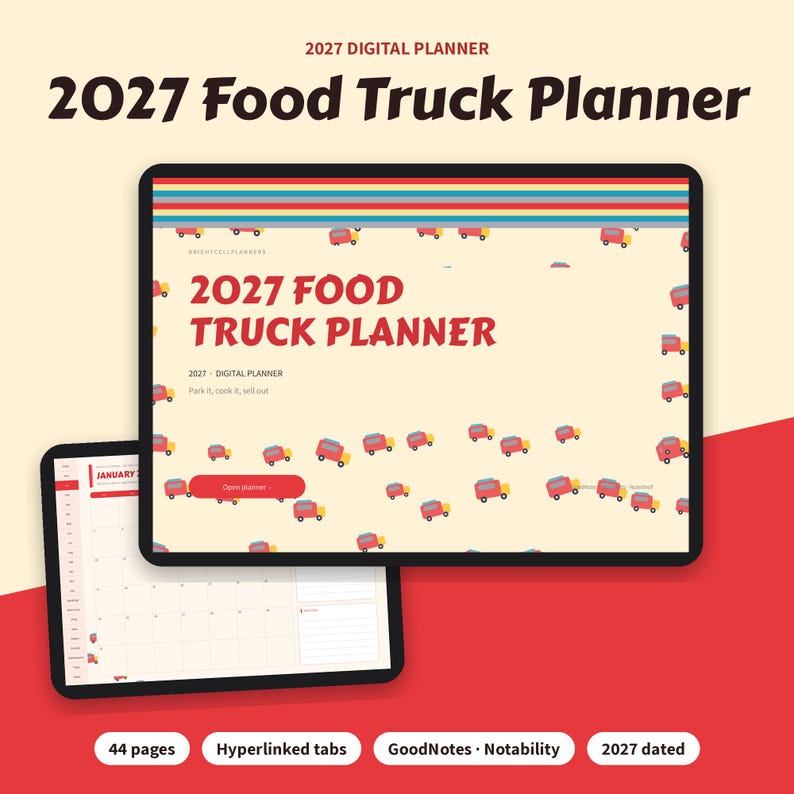
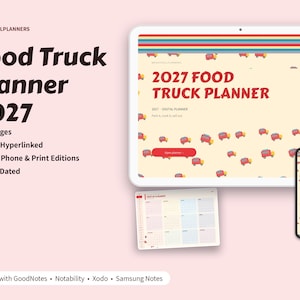
2027 Food Truck Planner from BrightCellPlanners: a hyperlinked 2027 dated digital planner for iPad and tablets. For food truck and trailer owners: a dated 2027 event and location calendar every month, event booking details, menu costing with food cost %, a daily prep list, a daily sales log, a commissary and inventory order list, permits and inspections, maintenance and quarterly tax set-aside. It also includes a phone edition with tall pages for iPhone and Android phones, for use in GoodNotes or Notability.
INCLUDES
• Also includes a typeable version: type on a PC, Mac or tablet, or handwrite.
• 44-page fully hyperlinked planner (2027 dated)
• iPad, phone and printable editions
• BONUS: Quick Start Guide (PDF): import, tabs and links, writing, duplicating pages and printing
Works with: GoodNotes • Notability • Xodo • Samsung Notes
WHAT'S INSIDE (44 pages)
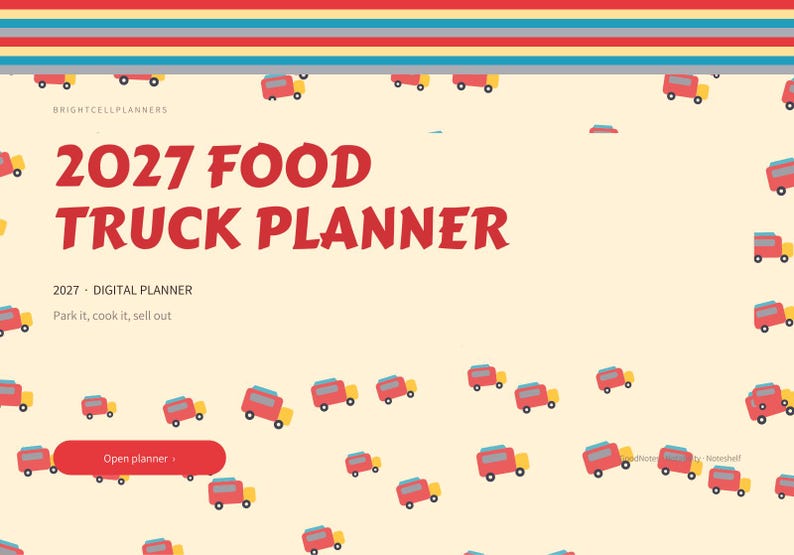
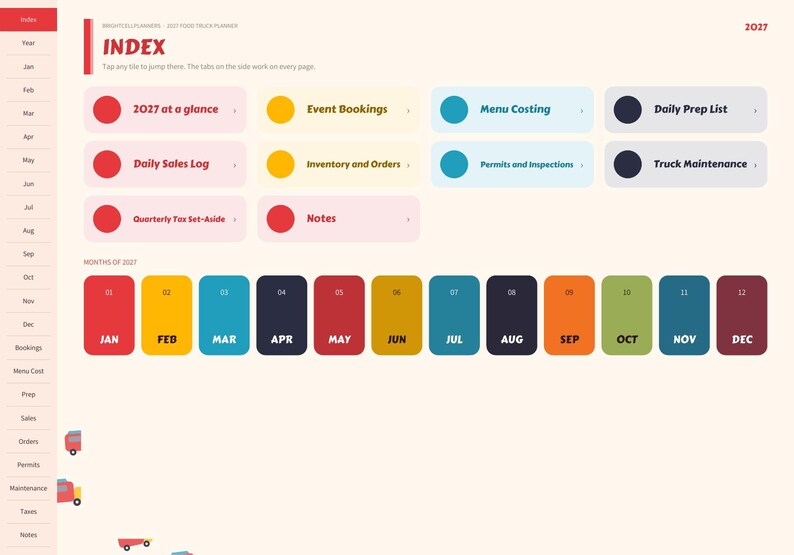
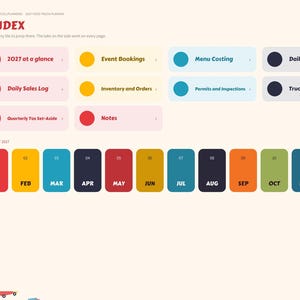
• Cover and clickable index
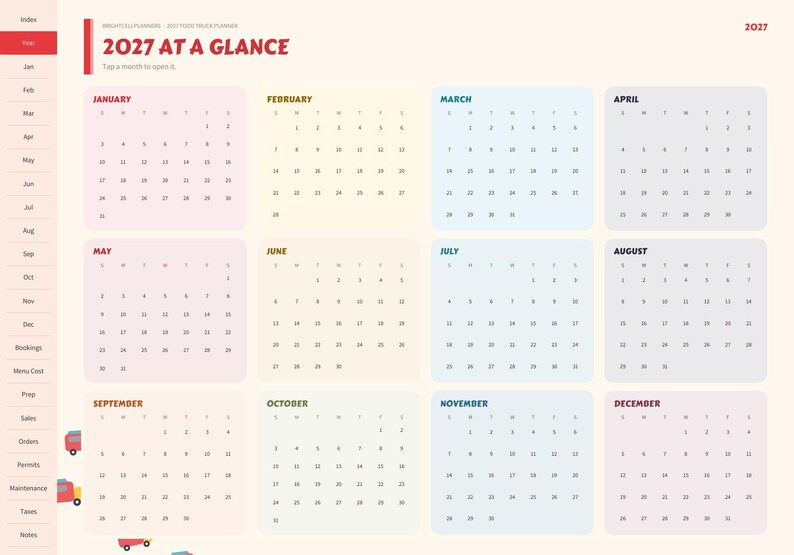
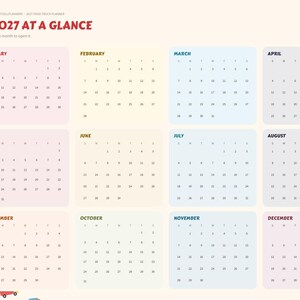
• 2027 year at a glance (tap any month)
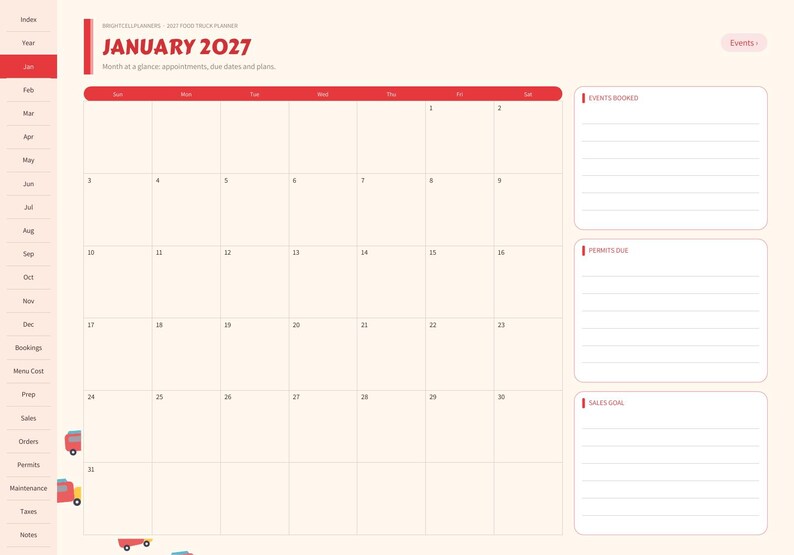
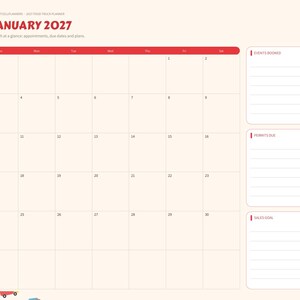
• 12 dated monthly calendars (January 2027 to December 2027), each with a event calendar page
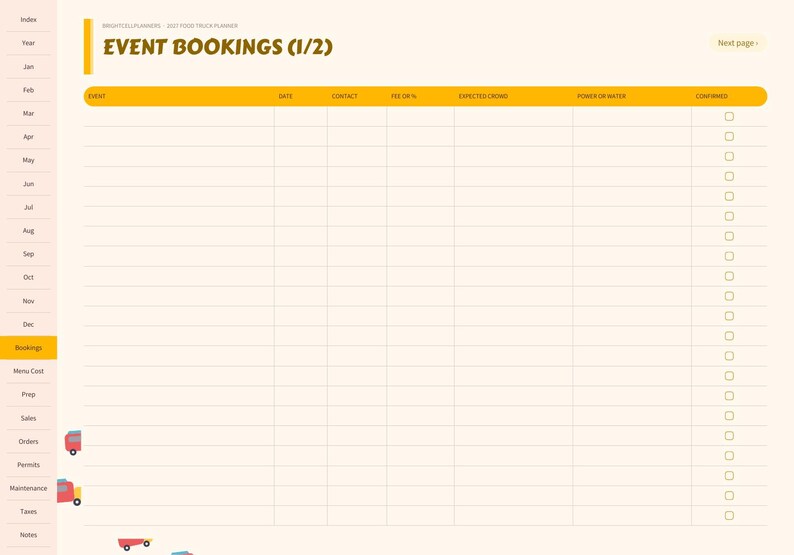
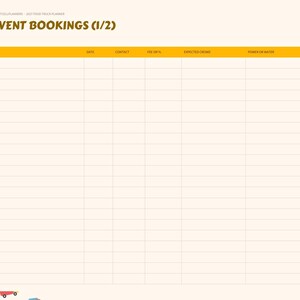
• Event Bookings (2 pages)
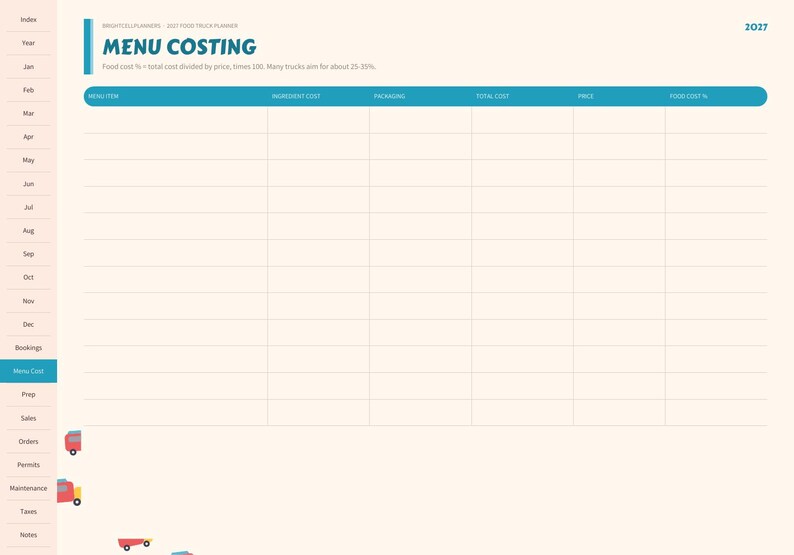
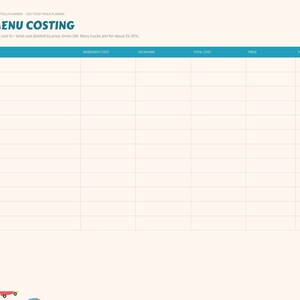
• Menu Costing
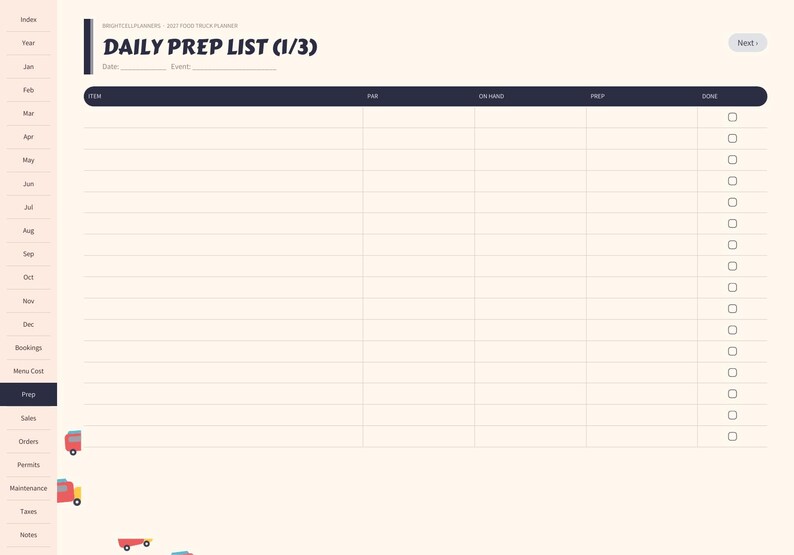
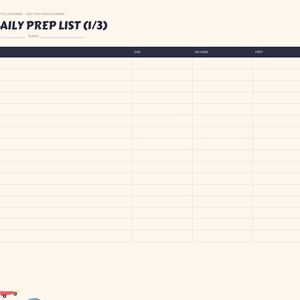
• Daily Prep List (3 pages)
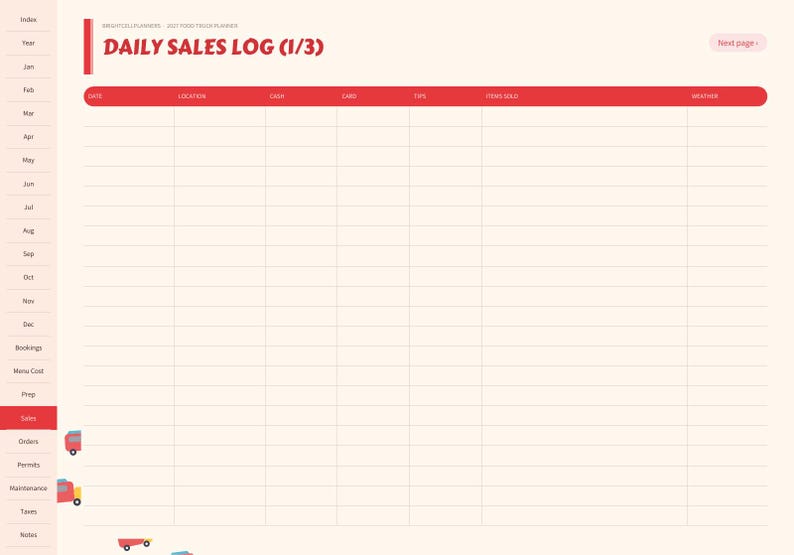
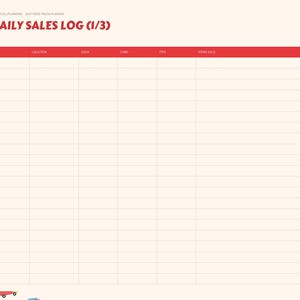
• Daily Sales Log (3 pages)
• Inventory and Orders
• Permits and Inspections
• Truck Maintenance
• Quarterly Tax Set-Aside
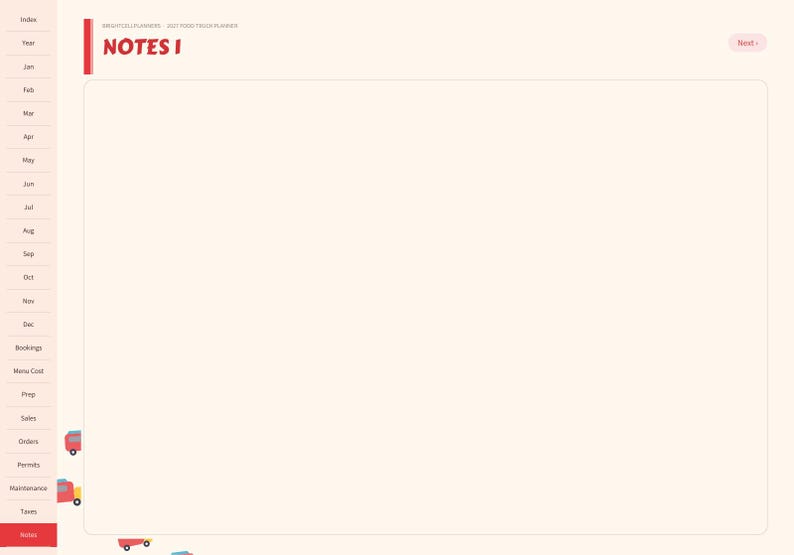
• 4 notes pages (blank, Cornell, lined, dot grid)
EDITIONS INCLUDED (every purchase)
• Standard landscape iPad edition, hyperlinked (GoodNotes, Notability, Noteshelf, Xodo)
• Dark mode edition
• Portrait iPad edition
• Android tablet edition (16:10, Samsung Galaxy Tab and similar)
• Monday start edition (the standard edition starts weeks on Sunday)
• Printable US Letter and A4 editions (white background, ink-friendly art, binding margin, no links)
• BONUS: matching sticker book for GoodNotes + precropped transparent PNG stickers
FILES YOU RECEIVE (5)
• BrightCellPlanners_Food_Truck_Planner_2027_Standard.pdf (standard landscape iPad edition, hyperlinked)
• BrightCellPlanners_Food_Truck_Planner_2027_Tablet_Editions.zip (dark mode, portrait iPad, Android tablet and Monday start editions, plus the bonus Quick Start Guide PDF)
• BrightCellPlanners_Food_Truck_Planner_2027_Phone.pdf (tall phone edition for iPhone and Android phones, larger tap targets, same hyperlinks)
• BrightCellPlanners_Food_Truck_Planner_2027_Printable.zip (printable US Letter + A4 editions)
• BrightCellPlanners_Food_Truck_Planner_2027_Stickers.zip (GoodNotes sticker book + precropped transparent PNG stickers)
FEATURES
• Side tabs on every page: jump anywhere in one tap
• The tab for the page you are on is highlighted
• PDF bookmarks (outline) for quick navigation
• Next and back buttons on multi-page sections
• Calendars start on Sunday
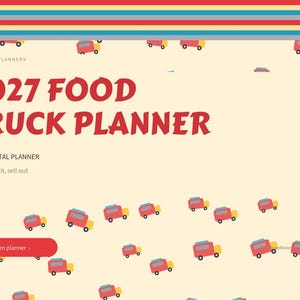
• Decorative art: retro diner food truck, kept soft behind writing areas
• Roomy writing lines, tick boxes and boxes sized for handwriting
• Landscape iPad size (2388 x 1668 px)
• Works with GoodNotes, Notability, Noteshelf, Xodo and other PDF annotation apps
WRITE ON IT ANYWHERE
• Every page is writable: open the PDF in GoodNotes, Notability, Noteshelf, Samsung Notes, Xodo or another PDF note app and write with an Apple Pencil, any stylus or your finger.
• Works on iPad, Android tablets, iPhone and Android phones. You can also type text boxes and add stickers.
• Tabs and links keep working while you write (in GoodNotes, switch to read-only mode to tap links, then back to write).
• On a phone the screen is small, so zooming in or using a stylus makes handwriting easiest.
• A note-taking app is needed to write on the pages. A basic PDF viewer will only show them.
HOW TO USE
1. Open your Etsy purchase and save the files (unzip the ZIPs).
2. Import it into your note-taking app.
3. Tap the tabs and tiles to move around. Tip: in GoodNotes, use read-only mode to tap links, then switch back to write.
4. Duplicate any page you need more of.
PLEASE NOTE
• This is a digital product (instant digital access). No physical item will be shipped.
• Personal use only. Please do not share or resell the file.
• Colors may look slightly different on different screens.
• For record keeping only. Permits and health rules vary by city and county. Not tax advice.
Designed by me with the help of AI tools.
If something goes wrong with an order, we've got your back for all eligible purchases. View program terms
Price:$11.99
You can only make an offer when buying a single item
Delivery
Instant download
Your files will be available to download once payment is confirmed. Here's how.
Instant download items don't accept returns, exchanges or cancellations. Please contact the seller about any problems with your order.
Seller's description
Specifications
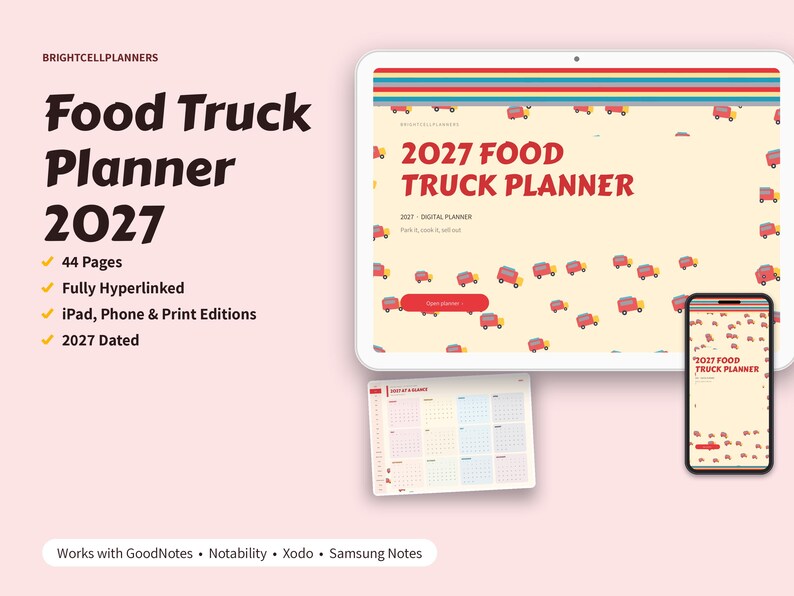
2027 Food Truck Planner from BrightCellPlanners: a hyperlinked 2027 dated digital planner for iPad and tablets. For food truck and trailer owners: a dated 2027 event and location calendar every month, event booking details, menu costing with food cost %, a daily prep list, a daily sales log, a commissary and inventory order list, permits and inspections, maintenance and quarterly tax set-aside. It also includes a phone edition with tall pages for iPhone and Android phones, for use in GoodNotes or Notability.
INCLUDES
• Also includes a typeable version: type on a PC, Mac or tablet, or handwrite.
• 44-page fully hyperlinked planner (2027 dated)
• iPad, phone and printable editions
• BONUS: Quick Start Guide (PDF): import, tabs and links, writing, duplicating pages and printing
Works with: GoodNotes • Notability • Xodo • Samsung Notes
WHAT'S INSIDE (44 pages)
• Cover and clickable index
• 2027 year at a glance (tap any month)
• 12 dated monthly calendars (January 2027 to December 2027), each with a event calendar page
• Event Bookings (2 pages)
• Menu Costing
• Daily Prep List (3 pages)
• Daily Sales Log (3 pages)
• Inventory and Orders
• Permits and Inspections
• Truck Maintenance
• Quarterly Tax Set-Aside
• 4 notes pages (blank, Cornell, lined, dot grid)
EDITIONS INCLUDED (every purchase)
• Standard landscape iPad edition, hyperlinked (GoodNotes, Notability, Noteshelf, Xodo)
• Dark mode edition
• Portrait iPad edition
• Android tablet edition (16:10, Samsung Galaxy Tab and similar)
• Monday start edition (the standard edition starts weeks on Sunday)
• Printable US Letter and A4 editions (white background, ink-friendly art, binding margin, no links)
• BONUS: matching sticker book for GoodNotes + precropped transparent PNG stickers
FILES YOU RECEIVE (5)
• BrightCellPlanners_Food_Truck_Planner_2027_Standard.pdf (standard landscape iPad edition, hyperlinked)
• BrightCellPlanners_Food_Truck_Planner_2027_Tablet_Editions.zip (dark mode, portrait iPad, Android tablet and Monday start editions, plus the bonus Quick Start Guide PDF)
• BrightCellPlanners_Food_Truck_Planner_2027_Phone.pdf (tall phone edition for iPhone and Android phones, larger tap targets, same hyperlinks)
• BrightCellPlanners_Food_Truck_Planner_2027_Printable.zip (printable US Letter + A4 editions)
• BrightCellPlanners_Food_Truck_Planner_2027_Stickers.zip (GoodNotes sticker book + precropped transparent PNG stickers)
FEATURES
• Side tabs on every page: jump anywhere in one tap
• The tab for the page you are on is highlighted
• PDF bookmarks (outline) for quick navigation
• Next and back buttons on multi-page sections
• Calendars start on Sunday
• Decorative art: retro diner food truck, kept soft behind writing areas
• Roomy writing lines, tick boxes and boxes sized for handwriting
• Landscape iPad size (2388 x 1668 px)
• Works with GoodNotes, Notability, Noteshelf, Xodo and other PDF annotation apps
WRITE ON IT ANYWHERE
• Every page is writable: open the PDF in GoodNotes, Notability, Noteshelf, Samsung Notes, Xodo or another PDF note app and write with an Apple Pencil, any stylus or your finger.
• Works on iPad, Android tablets, iPhone and Android phones. You can also type text boxes and add stickers.
• Tabs and links keep working while you write (in GoodNotes, switch to read-only mode to tap links, then back to write).
• On a phone the screen is small, so zooming in or using a stylus makes handwriting easiest.
• A note-taking app is needed to write on the pages. A basic PDF viewer will only show them.
HOW TO USE
1. Open your Etsy purchase and save the files (unzip the ZIPs).
2. Import it into your note-taking app.
3. Tap the tabs and tiles to move around. Tip: in GoodNotes, use read-only mode to tap links, then switch back to write.
4. Duplicate any page you need more of.
PLEASE NOTE
• This is a digital product (instant digital access). No physical item will be shipped.
• Personal use only. Please do not share or resell the file.
• Colors may look slightly different on different screens.
• For record keeping only. Permits and health rules vary by city and county. Not tax advice.
Designed by me with the help of AI tools.
-
Designed by
-
Item typeDigital download
-
Digital file type(s)3 ZIP, 2 PDF
If something goes wrong with an order, we've got your back on all eligible purchases. View program terms
Meet your seller
More from this shop
-
Digital download
2027 Alice in Wonderland Digital Planner, 5 Color Themes, Vintage Tenniel Art, Hyperlinked Planner, Gift for Book Lovers
$9.99
-

Digital download
Wedding Photographer Planner Digital for GoodNotes, Wedding Shot List, Family Photo List, Day-of Timeline, Client Questionnaire, Gear
$4.99
-

Digital download
2027 Peter Pan Digital Planner, 1911 Peter and Wendy F.D. Bedford Illustrations, Hyperlinked Planner, Vintage Book Lover Gift
$9.99
-

Digital download
Notary Signing Agent Log Digital, Notary Journal Template, Loan Signing Tracker, Mileage and Fee Log, Invoice Tracker
$11.99
-

Digital download
Aquarium Log Digital, Fish Tank Maintenance Tracker, Water Parameters Log, Water Change Schedule, Fish Inventory, Plants
$7.99
-

Digital download
Military PCS Planner Digital, PCS Move Checklist, Deployment Planner, Military Spouse Binder, Household Goods Inventory
$7.99