

Etsy Ads ROAS Tracker Spreadsheet, Etsy Ads Calculator, ACoS and Break-even ROAS, Ad Profit Tracker for Sellers, Google Sheets and Excel
Item highlights
Seller's description
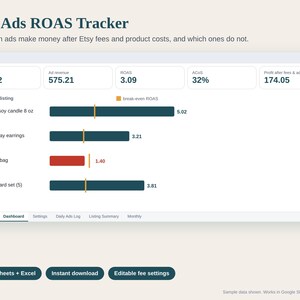
Find out which Etsy Ads make you money and which ones quietly cost you.
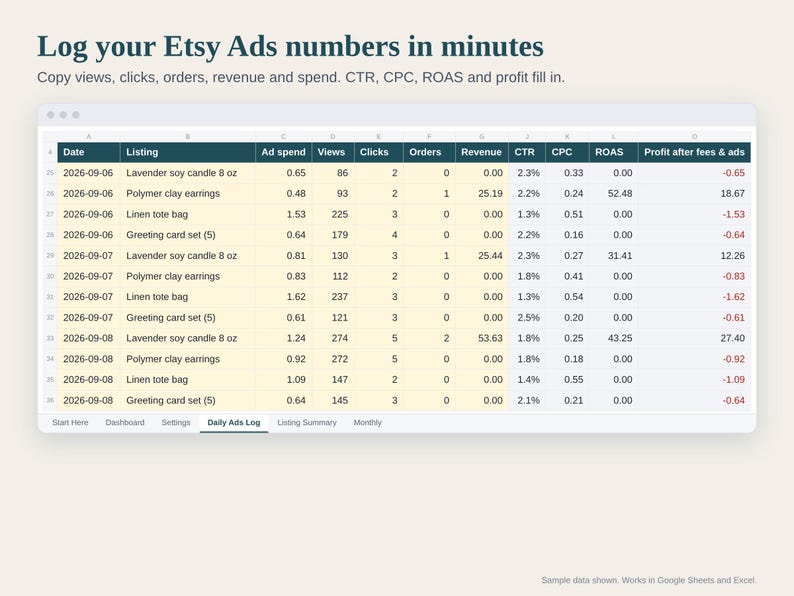
Etsy Ads shows you spend, clicks, orders and revenue. It does not show what is left after Etsy's fees and your product costs. This tracker does: copy your Etsy Ads numbers in, and it calculates ROAS, ACoS, cost per click, click-through rate, conversion and an estimated profit after fees and ad spend for every listing.
HOW IT WORKS
- Add each advertised listing once with its cost per order (materials, packaging, postage).
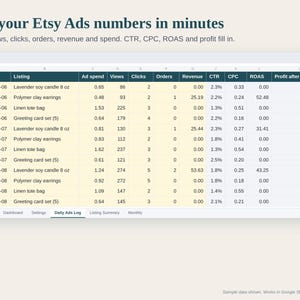
- Copy views, clicks, orders, revenue and spend from Shop Manager > Marketing > Etsy Ads into the Daily Ads Log (daily or weekly).
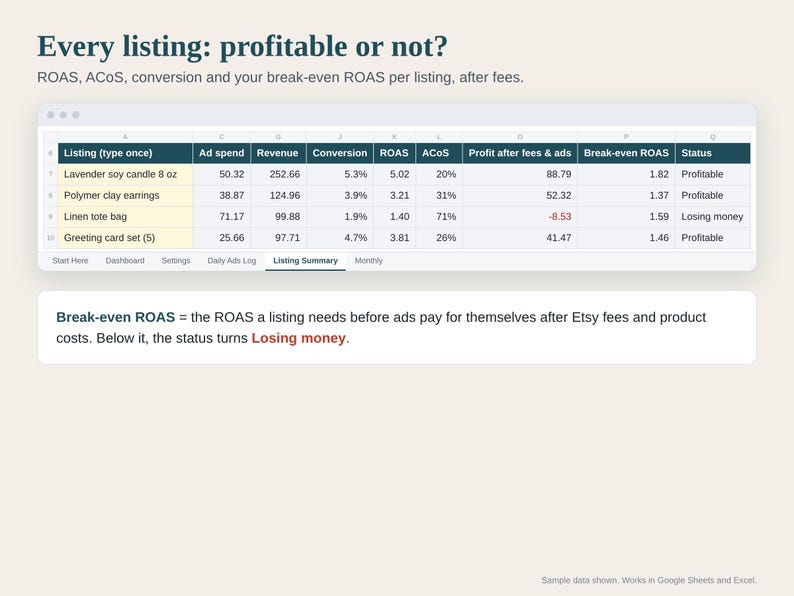
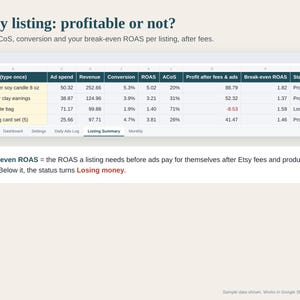
- Listing Summary shows every listing with its break-even ROAS and a status: Profitable or Losing money.
FEATURES
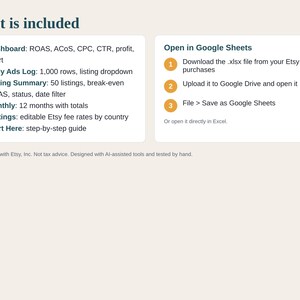
- Daily Ads Log: 1,000 rows with a listing dropdown
- Listing Summary: up to 50 listings, optional From / To date filter
- Break-even ROAS per listing: the ROAS you need before ads pay for themselves
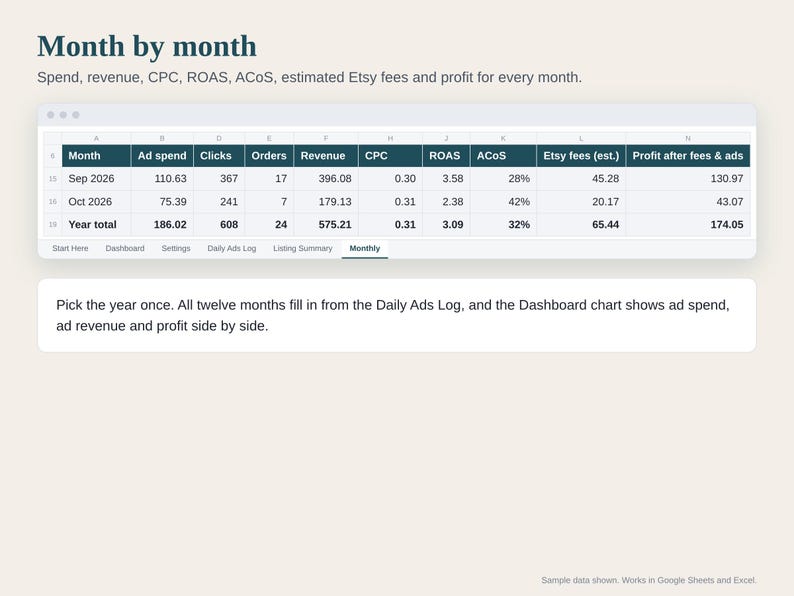
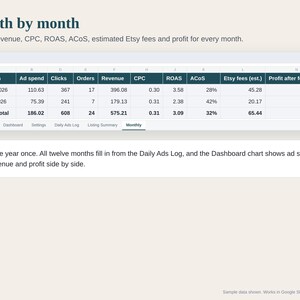
- Monthly tab: 12 months with totals
- Dashboard: ROAS, ACoS, CPC, CTR, conversion, ad cost per order, profit, chart
- Editable fee settings with a payment processing reference table for 12 bank countries
WHAT YOU GET
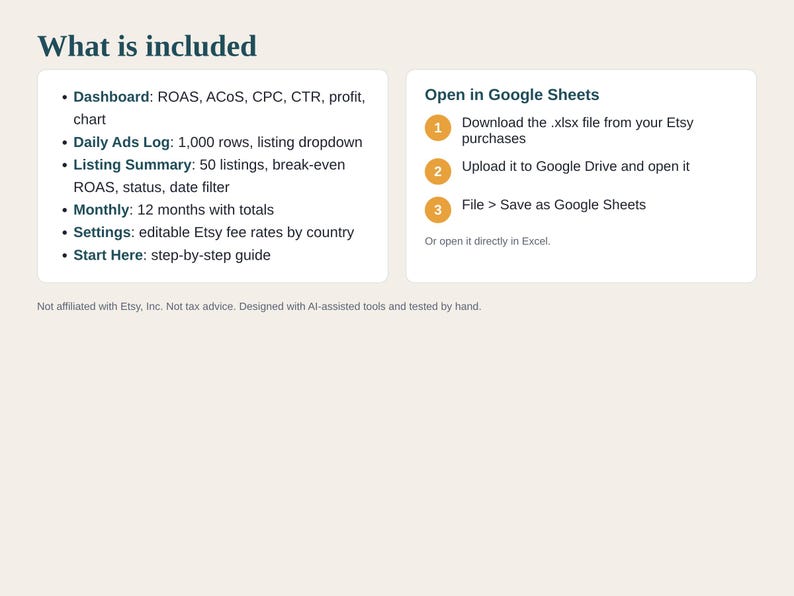
+ Etsy-Ads-ROAS-Tracker.xlsx (Dashboard, Daily Ads Log, Listing Summary, Monthly, Settings, Start Here)
+ How-to-open PDF (Google Sheets and Excel)
HOW TO OPEN IT IN GOOGLE SHEETS
1. Download the files from You > Purchases and reviews.
2. Upload the .xlsx file to Google Drive and open it.
3. Choose File > Save as Google Sheets.
It also opens directly in Excel 2016 or newer.
GOOD TO KNOW
- Digital download. Nothing will be shipped.
- Fee rates (listing $0.20, transaction 6.5%, payment processing by country, Offsite Ads 15% / 12%, regulatory fee) are editable settings, so you can update them if Etsy changes its fees.
- Comes with sample data, clearly marked SAMPLE, so you can see how it works. Sample numbers are made up and are not benchmarks.
- Not affiliated with or endorsed by Etsy, Inc.
- Organizes your own numbers. Not tax, legal or accounting advice.
Designed by seller. This spreadsheet was created with the help of AI tools, built and tested by hand (formulas recalculated and checked with sample data).
Questions or a problem with the file? Message us on Etsy and we will help.
If something goes wrong with an order, we've got your back for all eligible purchases. View program terms
Price:$7.00
You can only make an offer when buying a single item
Delivery
Instant download
Your files will be available to download once payment is confirmed. Here's how.
Instant download items don't accept returns, exchanges or cancellations. Please contact the seller about any problems with your order.
Seller's description
Specifications
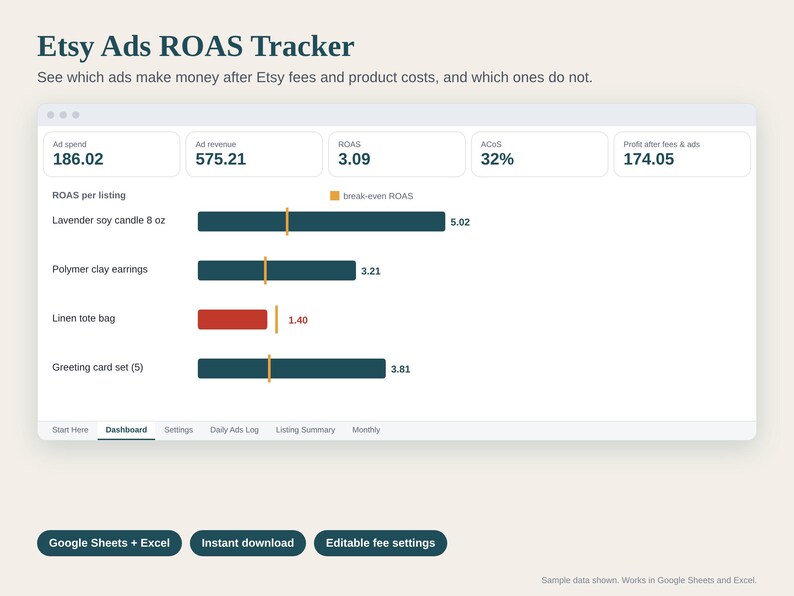
Find out which Etsy Ads make you money and which ones quietly cost you.
Etsy Ads shows you spend, clicks, orders and revenue. It does not show what is left after Etsy's fees and your product costs. This tracker does: copy your Etsy Ads numbers in, and it calculates ROAS, ACoS, cost per click, click-through rate, conversion and an estimated profit after fees and ad spend for every listing.
HOW IT WORKS
- Add each advertised listing once with its cost per order (materials, packaging, postage).
- Copy views, clicks, orders, revenue and spend from Shop Manager > Marketing > Etsy Ads into the Daily Ads Log (daily or weekly).
- Listing Summary shows every listing with its break-even ROAS and a status: Profitable or Losing money.
FEATURES
- Daily Ads Log: 1,000 rows with a listing dropdown
- Listing Summary: up to 50 listings, optional From / To date filter
- Break-even ROAS per listing: the ROAS you need before ads pay for themselves
- Monthly tab: 12 months with totals
- Dashboard: ROAS, ACoS, CPC, CTR, conversion, ad cost per order, profit, chart
- Editable fee settings with a payment processing reference table for 12 bank countries
WHAT YOU GET
+ Etsy-Ads-ROAS-Tracker.xlsx (Dashboard, Daily Ads Log, Listing Summary, Monthly, Settings, Start Here)
+ How-to-open PDF (Google Sheets and Excel)
HOW TO OPEN IT IN GOOGLE SHEETS
1. Download the files from You > Purchases and reviews.
2. Upload the .xlsx file to Google Drive and open it.
3. Choose File > Save as Google Sheets.
It also opens directly in Excel 2016 or newer.
GOOD TO KNOW
- Digital download. Nothing will be shipped.
- Fee rates (listing $0.20, transaction 6.5%, payment processing by country, Offsite Ads 15% / 12%, regulatory fee) are editable settings, so you can update them if Etsy changes its fees.
- Comes with sample data, clearly marked SAMPLE, so you can see how it works. Sample numbers are made up and are not benchmarks.
- Not affiliated with or endorsed by Etsy, Inc.
- Organizes your own numbers. Not tax, legal or accounting advice.
Designed by seller. This spreadsheet was created with the help of AI tools, built and tested by hand (formulas recalculated and checked with sample data).
Questions or a problem with the file? Message us on Etsy and we will help.
-
Item typeDigital download
-
Digital file type(s)1 PDF, 1 other file
If something goes wrong with an order, we've got your back on all eligible purchases. View program terms
Meet your seller
More from this shop
-
Digital download
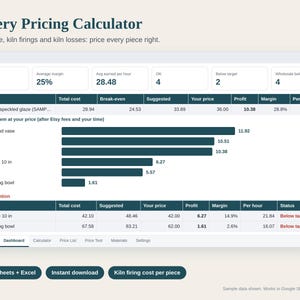
Pottery Pricing Calculator Spreadsheet, Ceramics Cost Calculator, Kiln Firing Cost per Piece, Wholesale and Retail, Google Sheets Excel
$8.00
-
Digital download
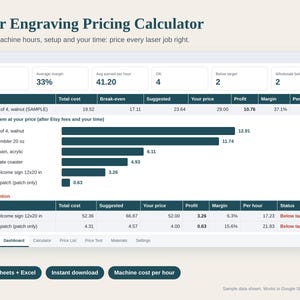
Laser Engraving Pricing Calculator Spreadsheet, Laser Cutting Cost per Piece, Machine Cost per Hour, Etsy Fees, Google Sheets Excel
$8.00
-
Digital download
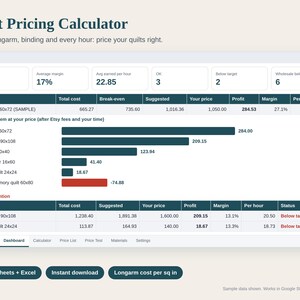
Quilt Pricing Calculator Spreadsheet, How to Price a Quilt, Longarm Cost per Square Inch, Fabric Cost and Etsy Fees, Google Sheets Excel
$8.00
-
Digital download
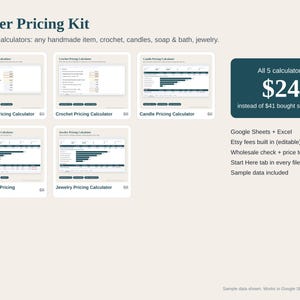
Pricing Calculator Bundle for Makers, Handmade, Crochet, Candle, Soap and Jewelry Pricing Spreadsheets, Etsy Fees, Google Sheets Excel
$24.00
-
Digital download
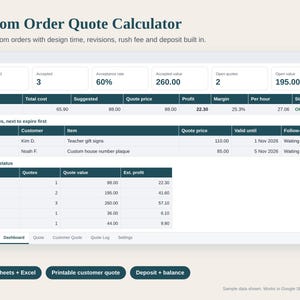
Custom Order Quote Calculator Spreadsheet, Commission Pricing, Personalized Order Quote Template, Deposit and Rush Fee, Google Sheets Excel
$7.00
-
Digital download
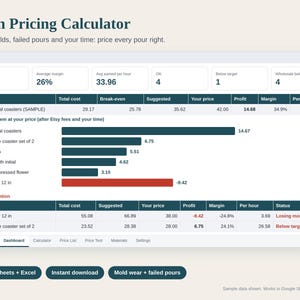
Resin Pricing Calculator Spreadsheet, Epoxy Resin Art Cost Calculator, Mold Cost per Pour, Wholesale and Retail Price, Google Sheets Excel
$8.00