


1099-K Reconciler 2026, Personal Items vs Business Sales Spreadsheet, Payment App Forms
NowPrice:$13.60
Original Price: $17.00
20% off
Sale ends in 8:04:36
Here's what's eligible:
- Your order doesn't match the item description or photos
- Your item arrived damaged
- Your item arrived after the estimated arrival window
- Your item didn't arrive or was lost in the mail
You can only make an offer when buying a single item
Highlights
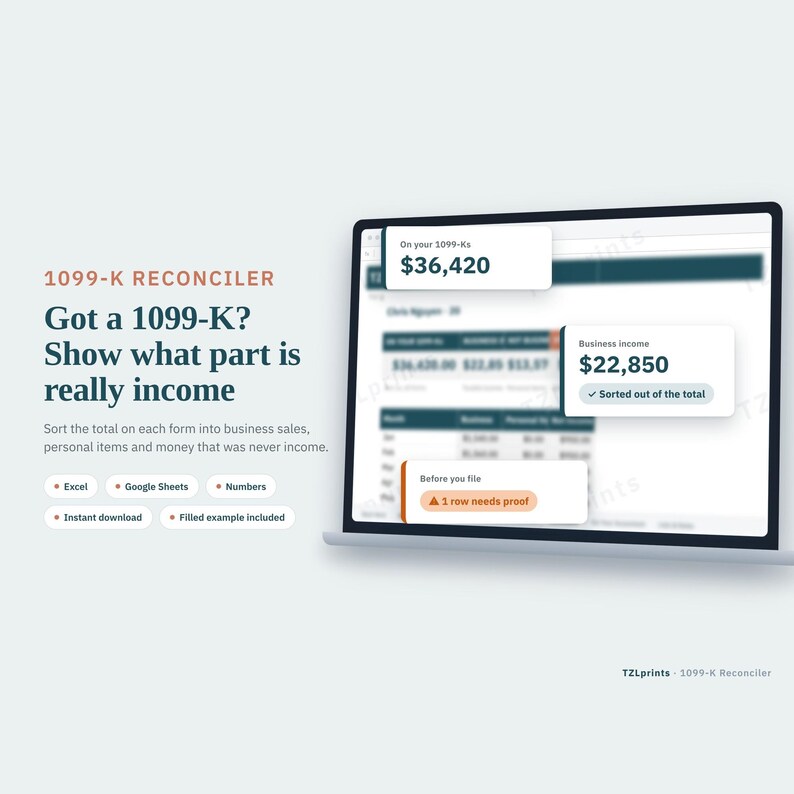
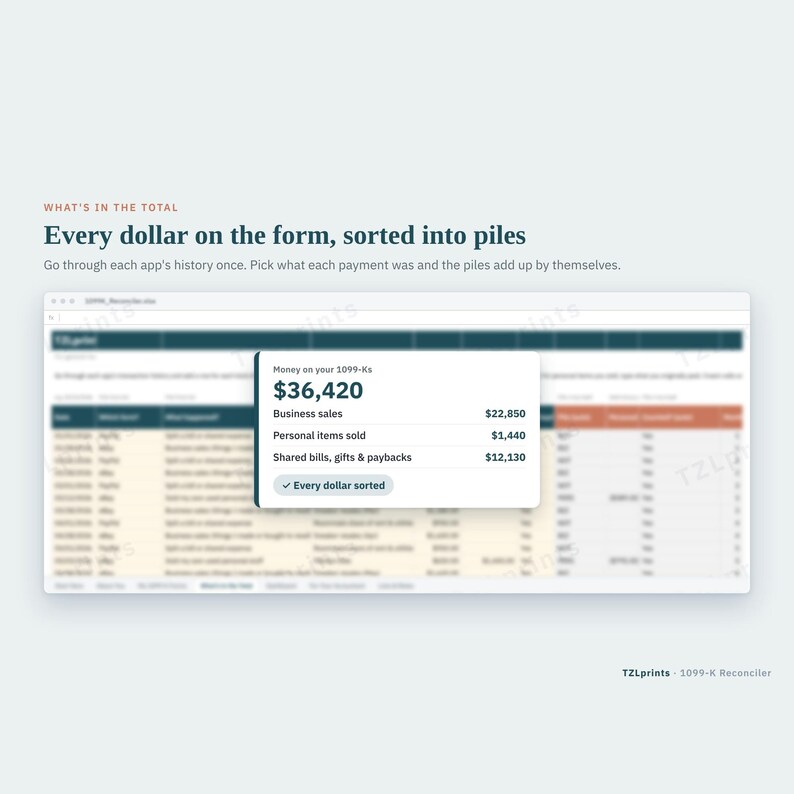
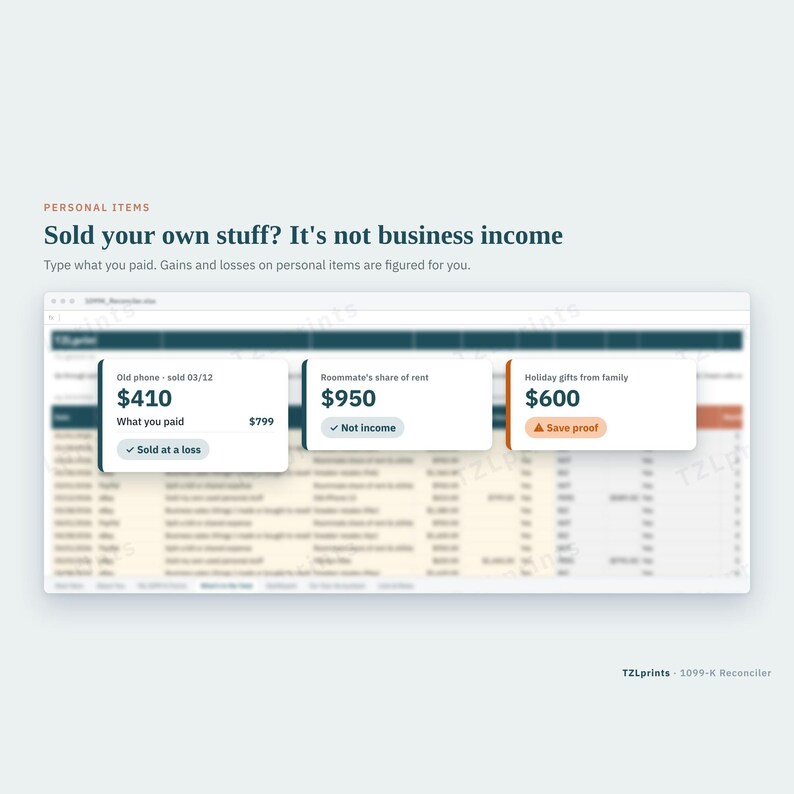
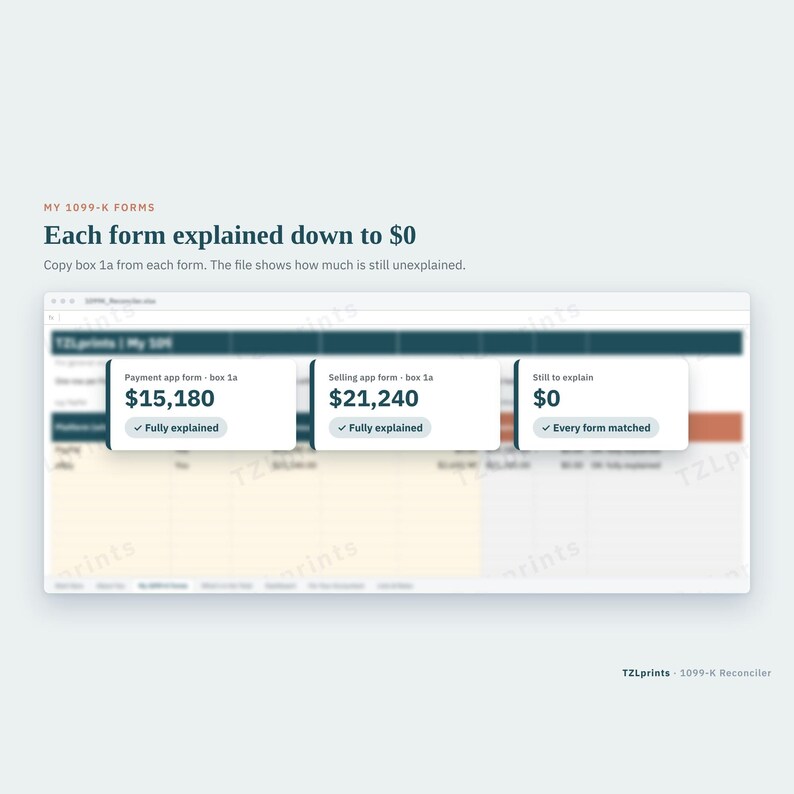
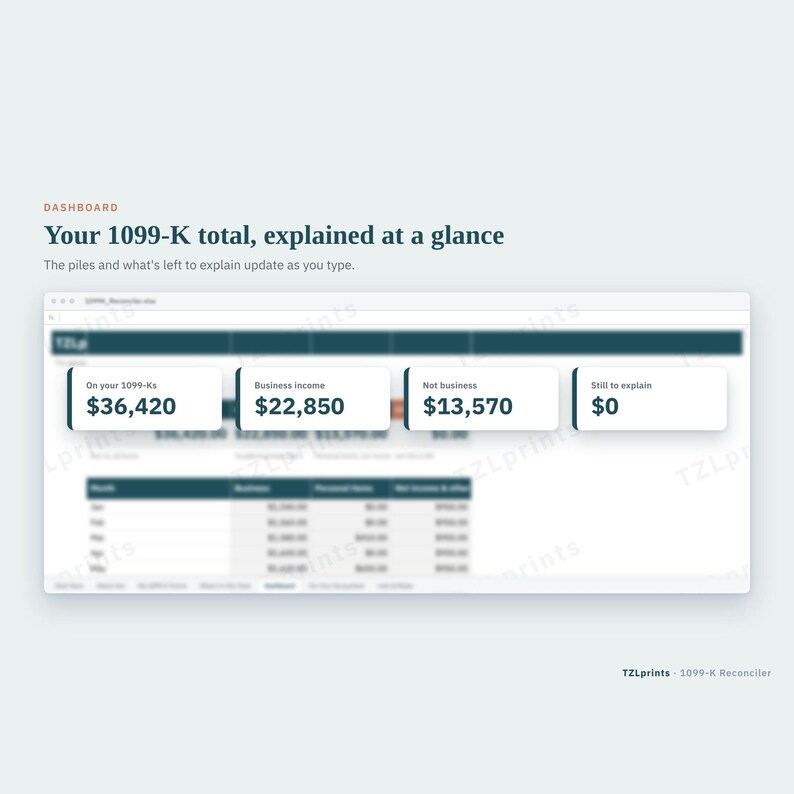
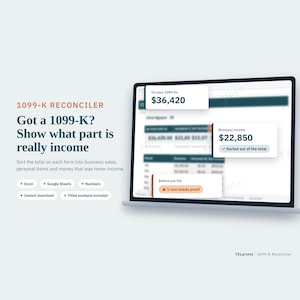
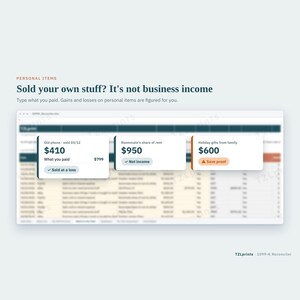
Got a Form 1099-K from PayPal, Venmo, eBay or another app, and not all of that money was income? Sort the total into simple piles: business sales, personal things you sold, and money that isn't income at all (friends paying you back, shared bills, refunds). The file does the math and shows what's left to explain, so your accountant can report it correctly.
WHAT'S INSIDE (7 tabs)
- Start Here: 5 short steps and the color key
- About You: a few yes/no questions for your accountant
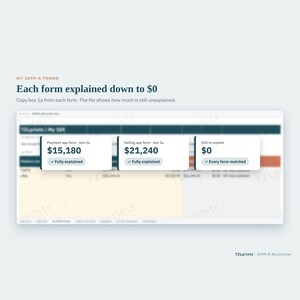
- My 1099-K Forms: one row per form (room for 20)
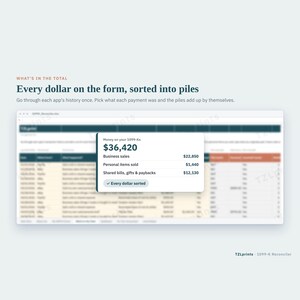
- What's in the Total: sort each app's money into rows (room for 300). For personal items, type roughly what you paid
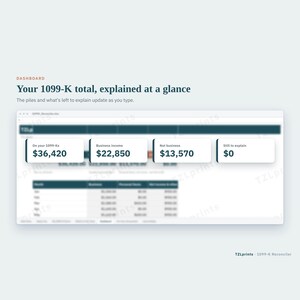
- Dashboard: how much of each form is explained, and how much is still to explain
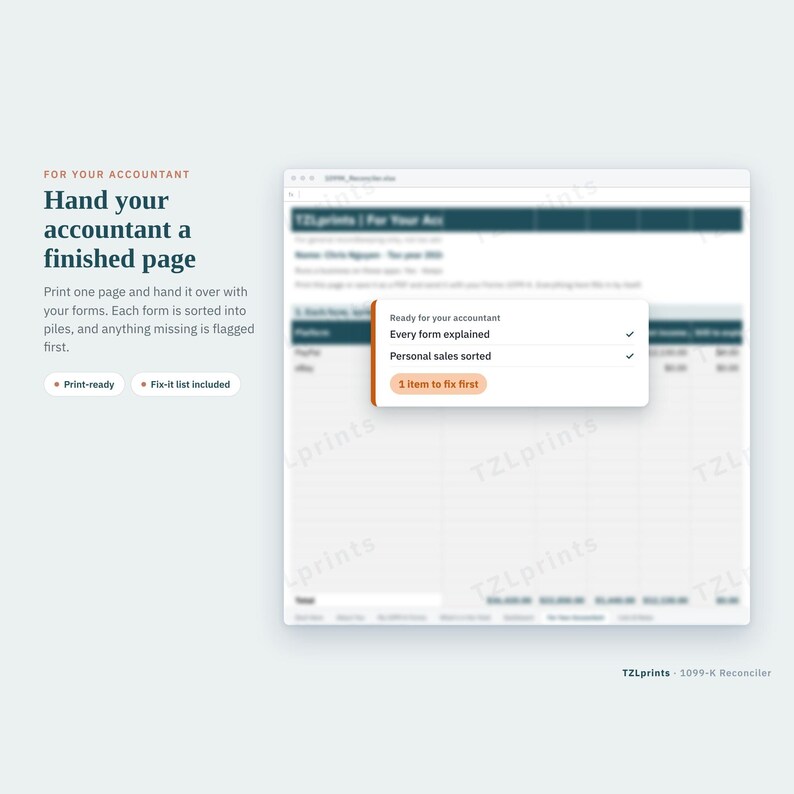
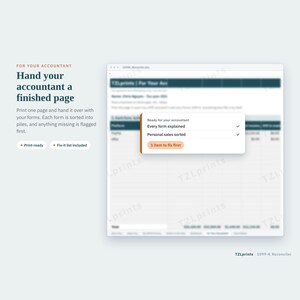
- For Your Accountant: a print-ready page with each form sorted into piles
- Lists & Rates: the kinds of money with plain-English examples and the 2026 reporting figures (nothing to type)
WHAT YOU GET
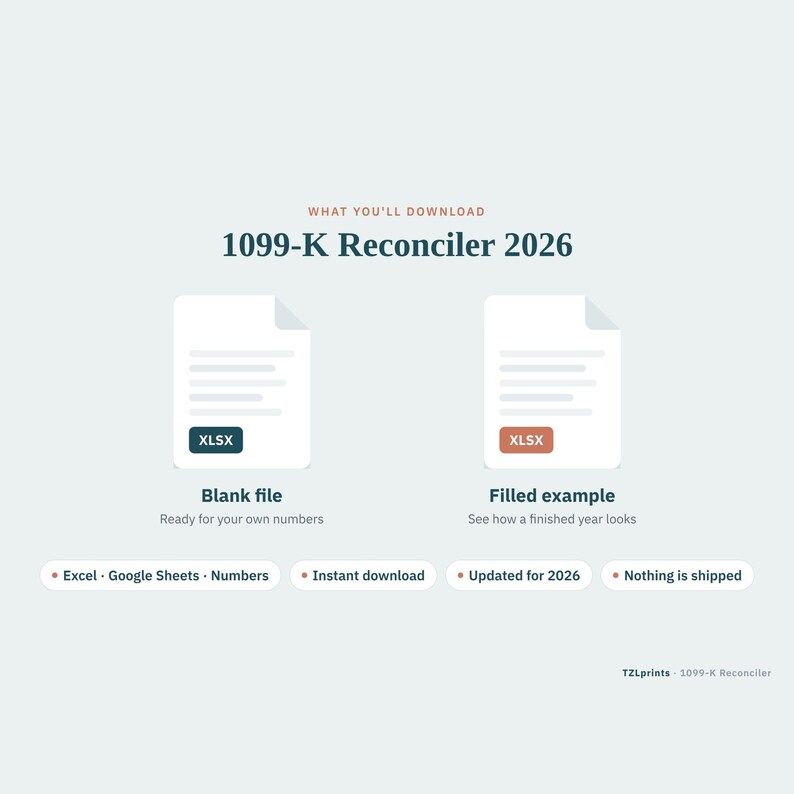
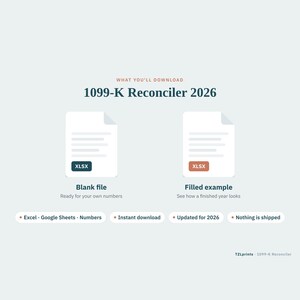
- 1 instant download (.zip) with 2 Excel files:
- BLANK file: your own copy to fill in
- EXAMPLE file: the same workbook filled with made-up numbers, so you can see how a finished year looks before you start
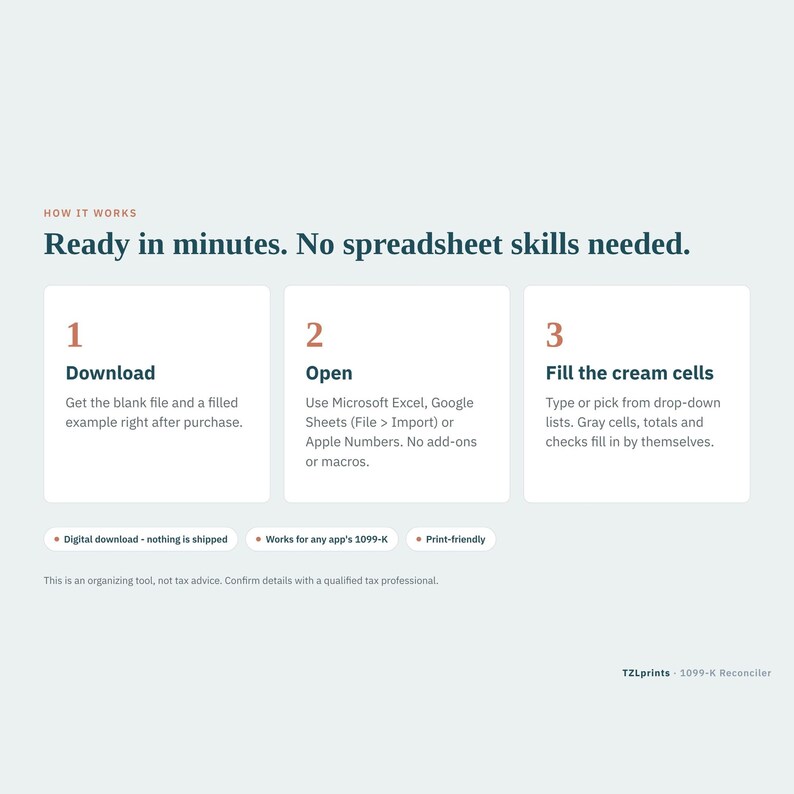
- Works in Microsoft Excel (desktop recommended) and Google Sheets (upload the .xlsx to Google Drive, then open it with Google Sheets). Some formatting may look a little different in Google Sheets.
- Simple color key: cream cells = you type here, gray cells = fill in by themselves.
WHO IT'S FOR
- Anyone who got a 1099-K and sold personal items, split bills or got paid back by friends
- Side hustlers and resellers who use PayPal, Venmo, Cash App or eBay
- Casual sellers who are not sure what part of their 1099-K is income
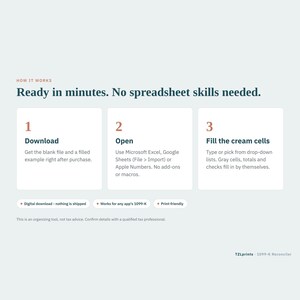
HOW IT WORKS
1. Look at the EXAMPLE file to see two 1099-K forms sorted.
2. In the BLANK file, add each form on My 1099-K Forms.
3. Open your app's history and sort the money into rows on What's in the Total. Big groups are fine.
4. Keep going until Still to Explain on the Dashboard shows $0.
5. Print For Your Accountant.
ABOUT THE MAKER
Made by a tax pro with 18 years of tax experience. Every TZLprints file is written in plain English for regular people, not accountants. The 2026 figures were checked against IRS.gov in October 2026.
PLEASE NOTE
- This is a recordkeeping and organizing tool. It is not tax, legal or accounting advice, and it does not prepare or file a tax return.
- Tax rules and figures can change. Confirm them at IRS.gov or with your tax professional before you file.
DIGITAL DOWNLOAD, ALL SALES FINAL
- Instant digital download. Nothing is shipped.
- After purchase, download the file from your Etsy Purchases page or the link in your confirmation email.
- Because this is a digital file, all sales are final once the file is delivered.
- Download not working, or a file won't open? Message me on Etsy and I'll help or re-send it. I reply as soon as I can; from January to April, replies may take a few business days.
- For personal use only. Please don't share, resell or redistribute the files.
(c) 2026 TZLprints
Instant Download
Your files will be available to download once payment is confirmed. Here's how.
Instant download items don’t accept returns, exchanges or cancellations. Please contact the seller about any problems with your order.
Etsy Purchase Protection
Shop confidently on Etsy knowing if something goes wrong with an order, we've got your back for all eligible purchases —
see program terms

More from this shop
Visit shop-
Digital download
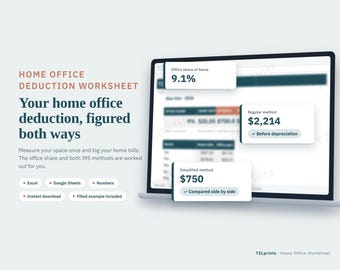
Home Office Deduction Worksheet 2026, Form 8829 Spreadsheet, Simplified vs Regular Method
Sale Price $9.60
Original Price $12.00
-
Digital download
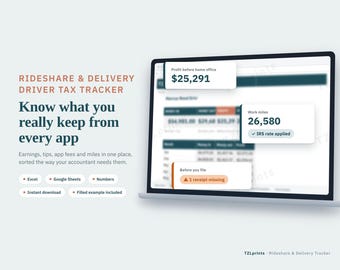
Rideshare and Delivery Driver Tax Tracker 2026, Gig Driver Mileage, Tips and Expense Log
Sale Price $12.00
Original Price $15.00
-
Digital download
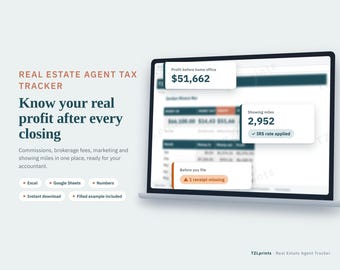
Real Estate Agent Tax Tracker 2026, Realtor Commission, Expense and Mileage Spreadsheet
Sale Price $12.00
Original Price $15.00
-

Digital download
Self Employed Profit and Loss Statement 2026, Mortgage Income Spreadsheet, YTD P&L for Lender, SBA Loan, 1099 Proof of Income, Excel Sheets
Sale Price $9.60
Original Price $12.00
Be the first to leave a review
-

Digital download
Business Transaction Tracker – Excel Spreadsheet with Automation | Profit & Loss | Commercial License Included
$11.53
-

Digital download
Revenue Tracker Excel Template Small Business Bookkeeping Financial Dashboard Accounting Spreadsheet Digital Download
$10.99
-

Digital download
Accounts Receivable Tracker Excel Template Bookkeeping Invoice Payment Log Financial Management Digital Download
$10.99
-
Digital download
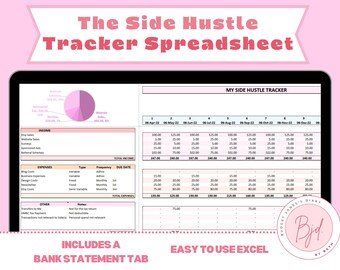
Side Hustle Tracker Spreadsheet, Side Hustle Tracker Excel, Side Hustle Profit or Loss, Profit Tracker Excel, Transactions Tab Excel
$16.06
-
Digital download
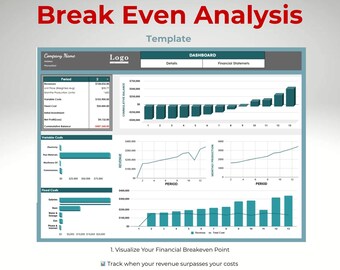
Break Even Analysis Spreadsheet | Profit Planning Dashboard | Google Sheets Financial Tracker
Sale Price $10.49
Original Price $13.99
-

Digital download
Accounts Payable Dashboard: Invoice Tracker, AP Aging Report for Small Business
$24.99
-
Digital download
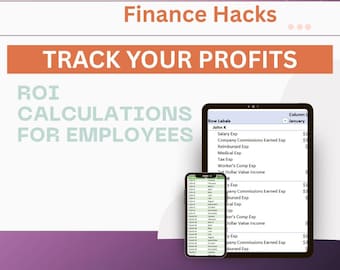
ROI Calculator Spreadsheet | Return on Investment and Profit Tracker | Business and Finance Tool | Excel Template
$5.00
-
Digital download
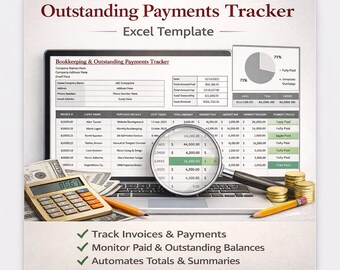
Outstanding Payments Tracker Excel | Invoice & Bookkeeping Spreadsheet for Small Business
$10.00
-

Digital download
1099 Bookkeeping Spreadsheet, Excel & Google Sheet, Finance Spreadsheet,Income Expense Tracker, Profit Loss Accounting, 1099 Tax Bookkeeping
Sale Price $8.65
Original Price $17.29
-
Digital download
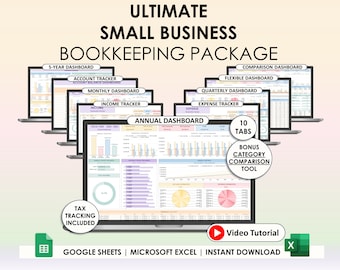
Small Business Easy Bookkeeping Spreadsheet Profit And Loss Excel Google Sheets Sales Tax Tracker Accounting Template Profit Tracker Invoice
Sale Price $10.36
Original Price $20.72
-

Digital download
Income Statement Generator Excel Template Bookkeeping Financial Report Builder Accounting Spreadsheet Digital Download
$18.33
-

Digital download
Photographer 1099 Bookkeeping | Income and Expense Tracker | Profit and Loss | Excel | Google Sheets | Accounting | Finance | Tax Tracker
$16.49
Shoppers with similar taste loved these
-
Digital download
Funny Accountant SVG: I Love Month End Design (Digital Download)
$2.15
-

GAAP Sweatshirt, GAAP Hoodie, GAAP Shirt, Accountant Shirt, Funny Accountant Gift, Unisex Sweatshirt, PCA792
Sale Price $27.75
Original Price $37.00
-

Digital download
105 Bookkeeper Posts, July Bookkeeper Marketing, Hashtags for Financial Services, Social Media Marketing, Accounting,Bookkeeper Social Media
Sale Price $13.75
Original Price $25.00
-

I'm Not Like A Regular Accountant, I'm A Cool Accountant | Bubble-Free Stickers
$4.55
-

Digital download
Cutest little tax deduction svg, Pregnancy Announcement, Tax Credit | Instant download
$3.99
-

10pcs Accountant Stickers Pack, Accounting Spreadsheet, Gift For Accountant, Funny Accountant Life Stickers For Kindle, Laptop, Tumbler
$9.99
-

Digital download
tax season svg png, tax life svg, funny tax svg, I've got 1099 problems but doing taxes ain't one svg, Taxes svg, accountant svg, cpa svg
$2.75
-
Digital download
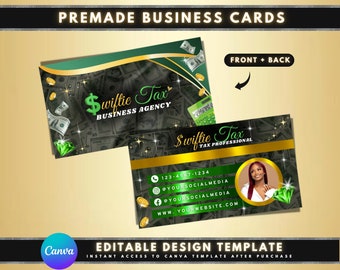
Tax Professional Business Cards, DIY Card Template Design, Tax Prep Business Cards, Accountant Business Cards, Premade Tax Consultant Card
Sale Price $1.68
Original Price $4.20
-

Digital download
Tax Email Signature Template, Editable Tax Specialist Email Signature Template, Tax Prep Services, Credit Restoration, DIY Tax Flyers
Sale Price $3.25
Original Price $5.00
-

Digital download
Tax Prep Business Card Template, Black and Gold DIY (Canva Template)
Sale Price $6.12
Original Price $8.16
-

Digital download
Tax Business Cards, DIY Tax Business Card Canva, Tax preparer business card, Tax marketing, Tax business marketing, Tax templates
$2.00
-

Digital download
Tax Business Card Template: QR Code, Black & Gold (Digital)
Sale Price $6.02
Original Price $10.03


