


Project Management Template for Excel, Automatic Gantt Chart, RAID Log, Dashboard
Item highlights
Seller's description
Plan a project in working days and let the Gantt chart draw itself.
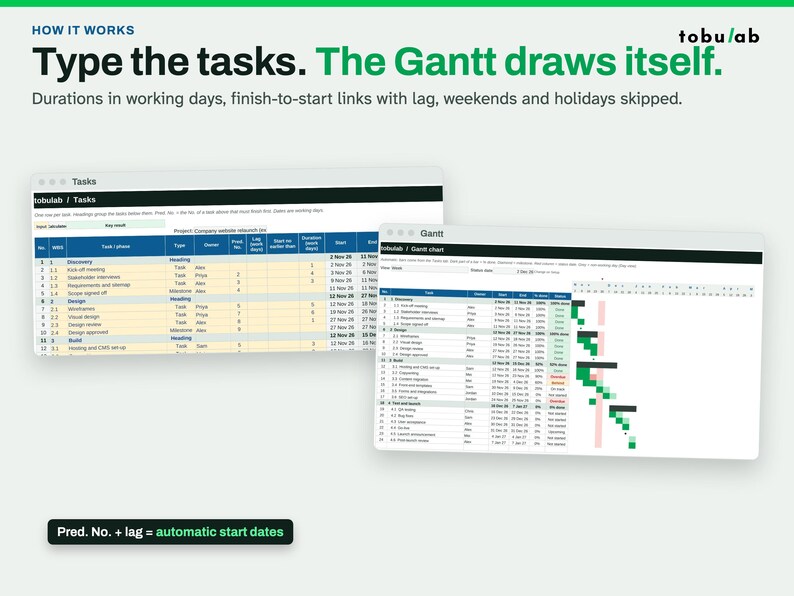
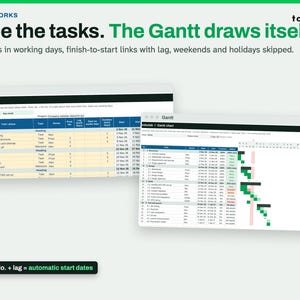
Type your tasks, link each one to the task that must finish first, and the start and end dates, Gantt bars, status, resource load and dashboard all update by themselves. Weekends and your holidays are skipped.
WHAT IT DOES
- Type tasks with a duration in working days; start and end dates are calculated
- Real dependencies: finish-to-start links to the task that must finish first, with lag or overlap
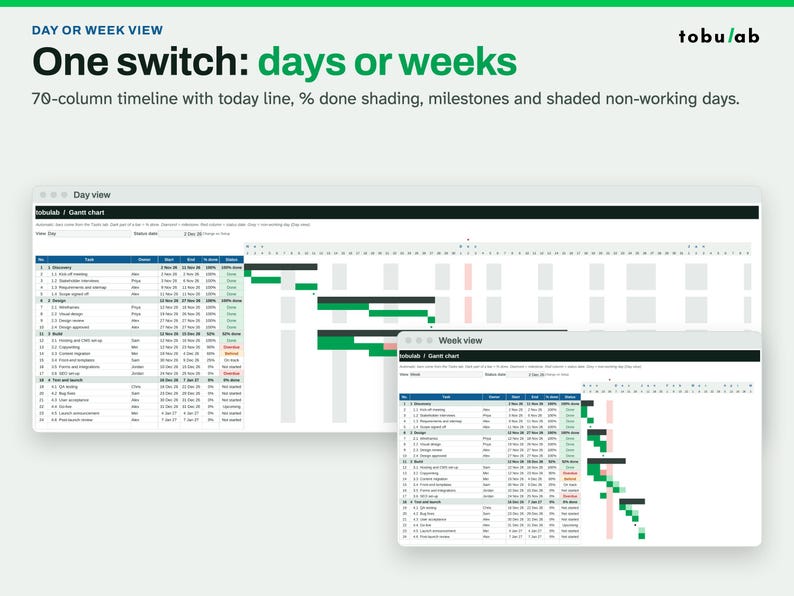
- Working week of your choice (Mon-Fri, Mon-Sat, Sun-Thu, Sat-Wed or 7 days) and your own holiday list, for any country
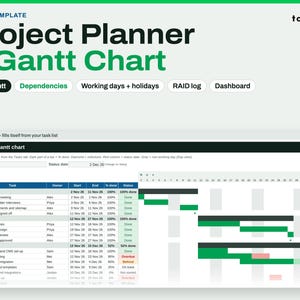
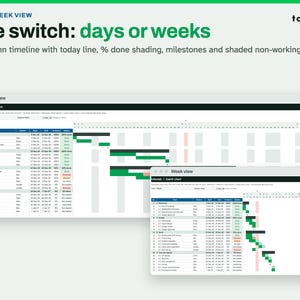
- Automatic Gantt chart: day or week view, % done shading, milestones, today line, shaded non-working days
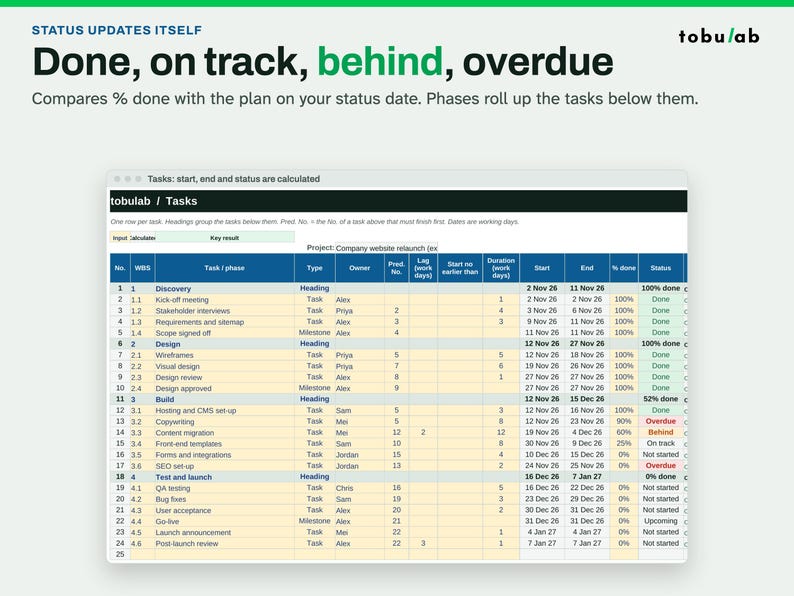
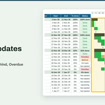
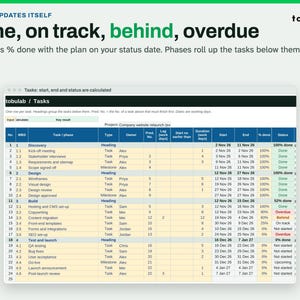
- Status updates itself: Done, On track, Behind, Overdue, Not started, compared with the plan on your status date
- Phases roll up dates and % done from their tasks
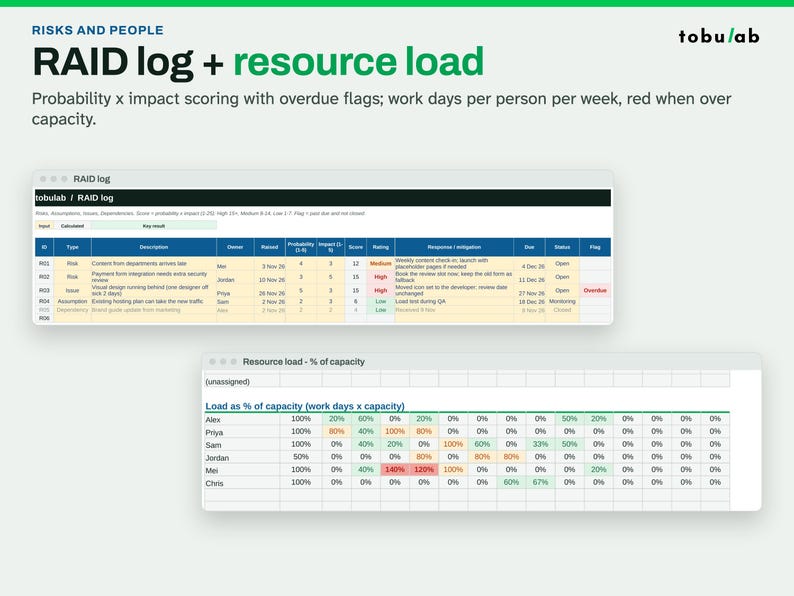
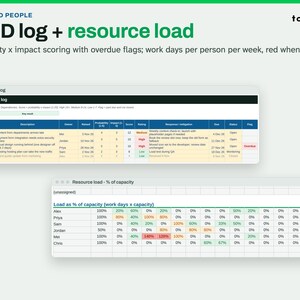
- RAID log: risks, assumptions, issues and dependencies with probability x impact scoring and overdue flags
- Resource load: work days per person per week and % of their capacity, red when overloaded
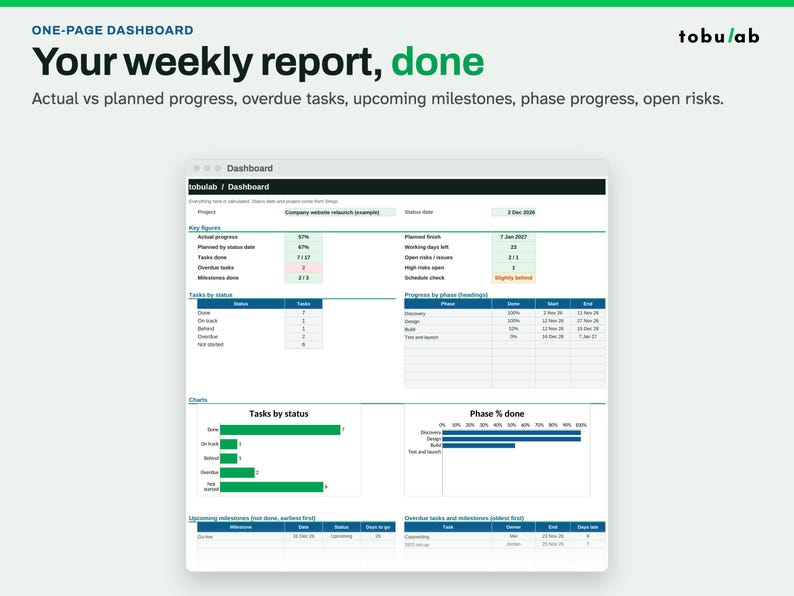
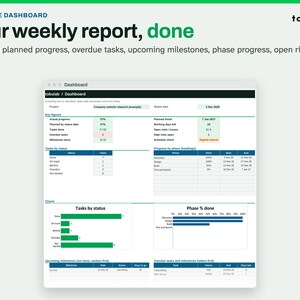
- One-page dashboard: actual vs planned progress, overdue tasks, upcoming milestones, phase progress, open risks, charts
WHAT'S INSIDE
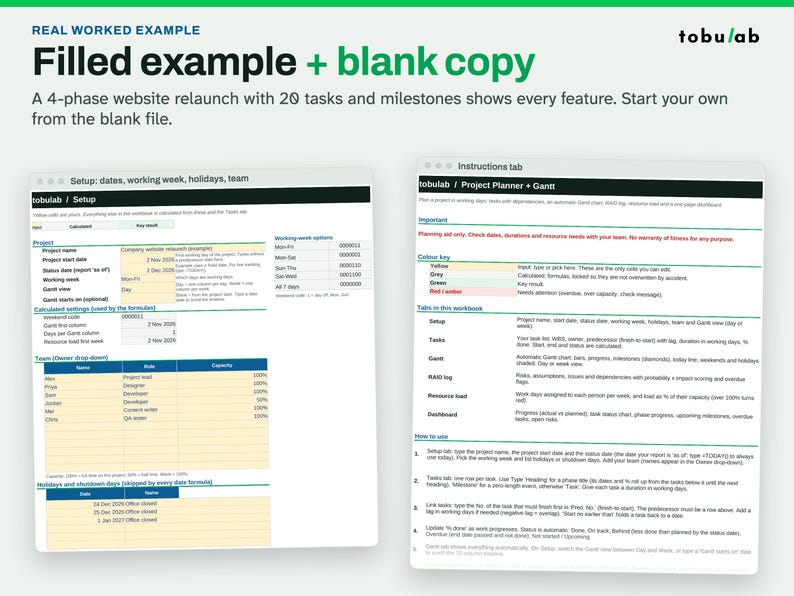
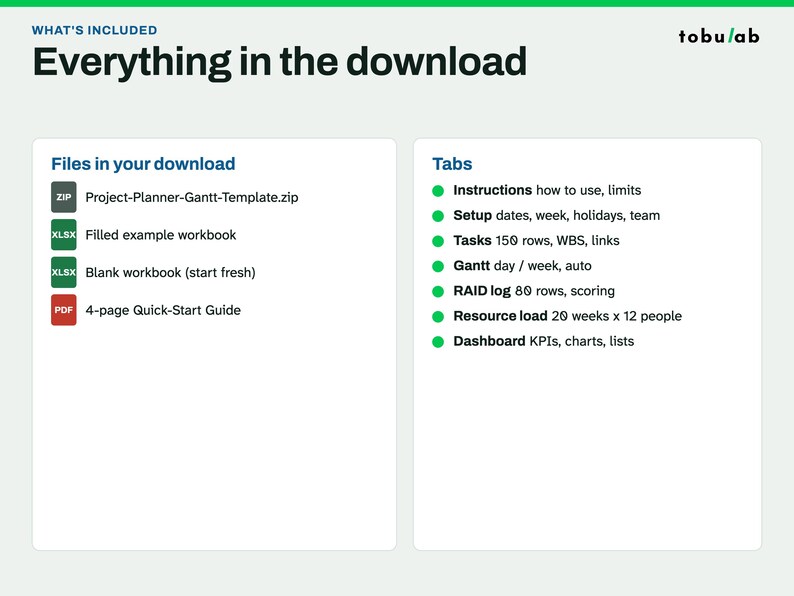
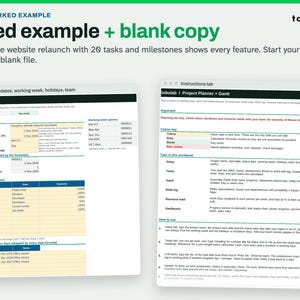
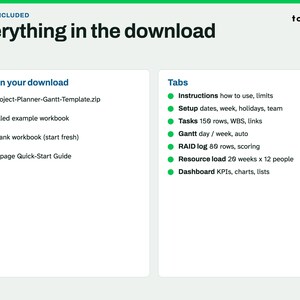
- Project-Planner-Gantt-Template.xlsx: filled example (a 4-phase website relaunch, 20 tasks and milestones, 6 people)
- Project-Planner-Gantt-Template-Blank.xlsx: the same workbook, empty, for your project
- Project-Planner-Quick-Start-Guide.pdf: 4 pages
Tabs: Instructions, Setup, Tasks (150 rows), Gantt (70 days or weeks), RAID log (80 rows), Resource load (12 people x 20 weeks), Dashboard
WORKS WITH
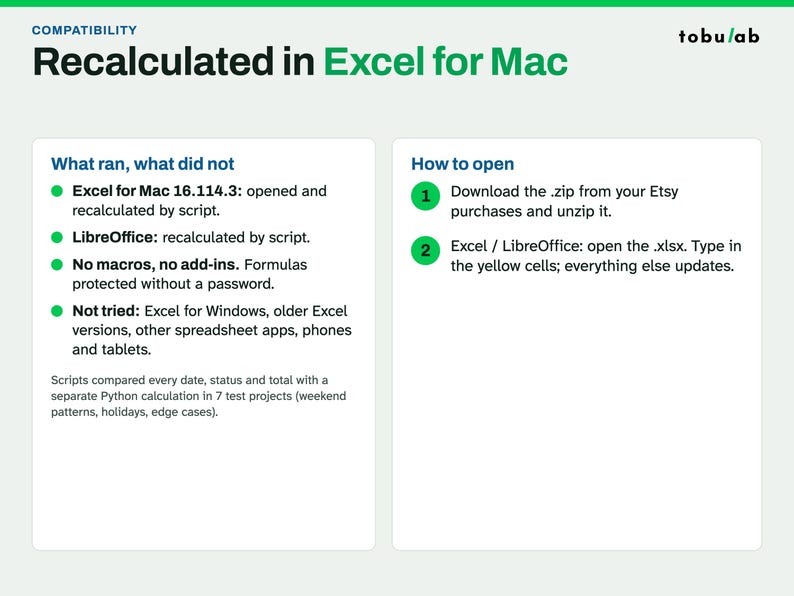
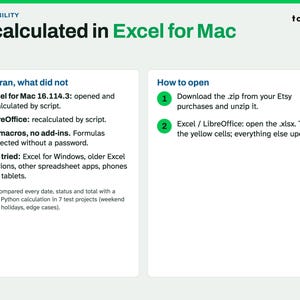
A script opened this file in Microsoft Excel for Mac 16.114.3 and ran a full recalculation. Every cell matched the values stored in the file, with no error cells. That test did not type new data. Excel for Windows, older Excel versions and Google Sheets have not been tried. The formula tests ran in LibreOffice.
No macros, no add-ins. Formula cells are protected without a password, so you can't break them by accident, and you can still unlock them. Best edited on a computer; phone apps can view.
GOOD TO KNOW
- Instant digital download: a .zip with the filled example, a blank copy and a PDF guide. Nothing is shipped.
- Licence: for your own use and use inside your own business. Please do not resell or share the files.
- A problem opening the file? Message us and we'll help.
- Planning aid only: check dates, durations and resources with your team. No warranty of fitness for any purpose.
HOW THIS WAS MADE
We designed these workbooks and wrote the formulas, guide text and the scripts that build the files with the help of AI tools. Scripts recalculated each file in LibreOffice and compared it with a separate Python calculation across 7 test cases, including edge cases. The listing photos are real screenshots of the files (no AI-generated images).
If something goes wrong with an order, we've got your back for all eligible purchases. View program terms
NowPrice:$2.84
Original Price: $3.79
25% off
Sale ends on November 16
You can only make an offer when buying a single item
Delivery
Instant download
Your files will be available to download once payment is confirmed. Here's how.
Instant download items don't accept returns, exchanges or cancellations. Please contact the seller about any problems with your order.
Seller's description
Specifications
Plan a project in working days and let the Gantt chart draw itself.
Type your tasks, link each one to the task that must finish first, and the start and end dates, Gantt bars, status, resource load and dashboard all update by themselves. Weekends and your holidays are skipped.
WHAT IT DOES
- Type tasks with a duration in working days; start and end dates are calculated
- Real dependencies: finish-to-start links to the task that must finish first, with lag or overlap
- Working week of your choice (Mon-Fri, Mon-Sat, Sun-Thu, Sat-Wed or 7 days) and your own holiday list, for any country
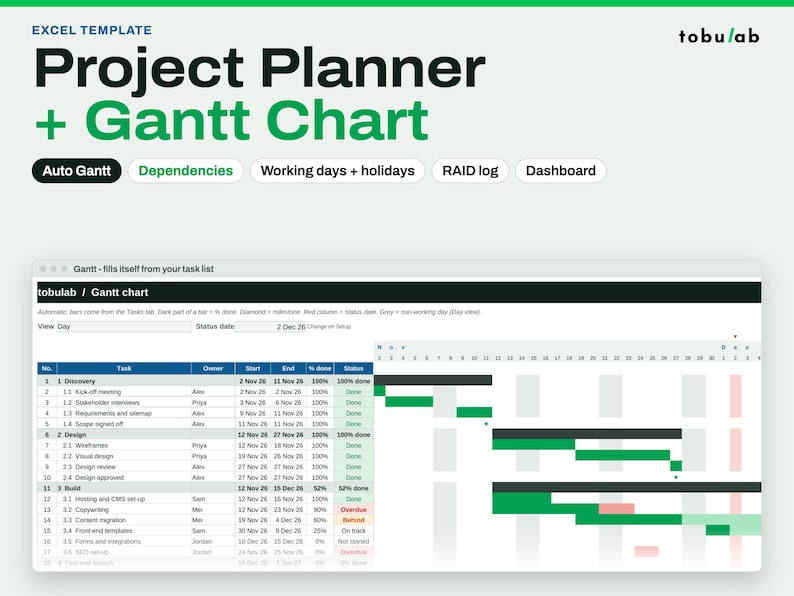
- Automatic Gantt chart: day or week view, % done shading, milestones, today line, shaded non-working days
- Status updates itself: Done, On track, Behind, Overdue, Not started, compared with the plan on your status date
- Phases roll up dates and % done from their tasks
- RAID log: risks, assumptions, issues and dependencies with probability x impact scoring and overdue flags
- Resource load: work days per person per week and % of their capacity, red when overloaded
- One-page dashboard: actual vs planned progress, overdue tasks, upcoming milestones, phase progress, open risks, charts
WHAT'S INSIDE
- Project-Planner-Gantt-Template.xlsx: filled example (a 4-phase website relaunch, 20 tasks and milestones, 6 people)
- Project-Planner-Gantt-Template-Blank.xlsx: the same workbook, empty, for your project
- Project-Planner-Quick-Start-Guide.pdf: 4 pages
Tabs: Instructions, Setup, Tasks (150 rows), Gantt (70 days or weeks), RAID log (80 rows), Resource load (12 people x 20 weeks), Dashboard
WORKS WITH
A script opened this file in Microsoft Excel for Mac 16.114.3 and ran a full recalculation. Every cell matched the values stored in the file, with no error cells. That test did not type new data. Excel for Windows, older Excel versions and Google Sheets have not been tried. The formula tests ran in LibreOffice.
No macros, no add-ins. Formula cells are protected without a password, so you can't break them by accident, and you can still unlock them. Best edited on a computer; phone apps can view.
GOOD TO KNOW
- Instant digital download: a .zip with the filled example, a blank copy and a PDF guide. Nothing is shipped.
- Licence: for your own use and use inside your own business. Please do not resell or share the files.
- A problem opening the file? Message us and we'll help.
- Planning aid only: check dates, durations and resources with your team. No warranty of fitness for any purpose.
HOW THIS WAS MADE
We designed these workbooks and wrote the formulas, guide text and the scripts that build the files with the help of AI tools. Scripts recalculated each file in LibreOffice and compared it with a separate Python calculation across 7 test cases, including edge cases. The listing photos are real screenshots of the files (no AI-generated images).
-
Designed by
-
Item typeDigital download
-
Digital file type(s)1 ZIP
If something goes wrong with an order, we've got your back on all eligible purchases. View program terms
Meet your seller
More from this shop
-
Digital download
Service Business Dashboard for Excel, Job Profit Tracker, Invoice Log for Contractors
Sale Price $2.39
Original Price $3.19
-
Digital download
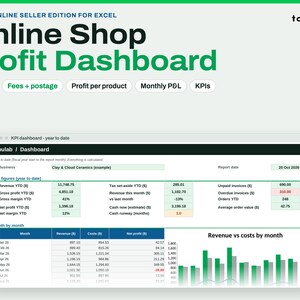
Seller Profit Tracker Spreadsheet for Excel, Fees, Shipping, Profit per Product
Sale Price $2.39
Original Price $3.19
-
Digital download
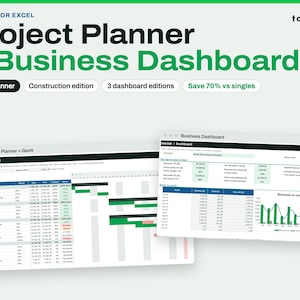
Project Management Bundle for Excel, Gantt Planner Plus Small Business Dashboard
Sale Price $3.82
Original Price $5.09
-
Digital download
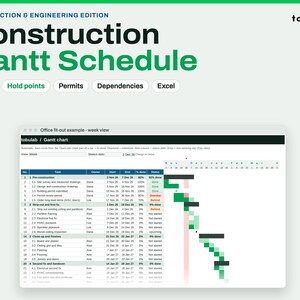
Construction Schedule Template for Excel, Gantt With Trades, Hold Points and Permits
Sale Price $2.84
Original Price $3.79
-
Digital download
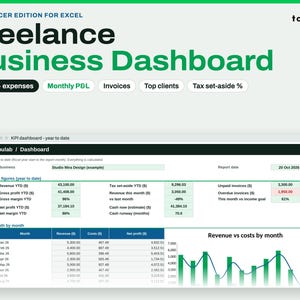
Small Business Dashboard for Excel, Income, Expense and Profit Tracker for Freelancers
Sale Price $2.39
Original Price $3.19
-
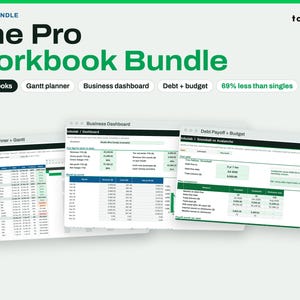
Digital download
Spreadsheet Bundle for Excel, Project Gantt, Business Dashboard, Debt Payoff and Budget
Sale Price $4.87
Original Price $6.49
-

Digital download
Automated Project Management Gantt Chart Template (Microsoft Excel)
$4.31
-

Digital download
Gantt Chart Project Tracker: Excel Project Management Tool
Sale Price $0.98
Original Price $2.80
-
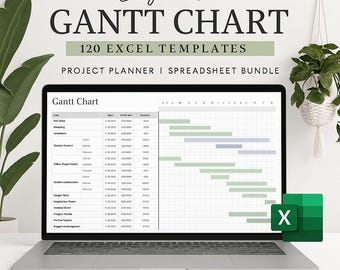
Digital download
Gantt Chart Excel Template Bundle: Project Management Task Tracker Digital Download
$3.72
-

Digital download
Multi Project Tracker Project Planner Gantt Chart Task Dashboard Management Template (Excel & Google Sheets)
$6.67
-

Digital download
Simple Project Planner Excel, Project Management Template (Gantt Chart)
$4.19
-

Digital download
Gantt Chart Excel Template | Project Planner (Digital Download)
$3.71
-

Digital download
Excel Gantt Chart Template – Editable Project Planner with Auto Progress, Status Colours & Timeline Scroll
$3.20
-
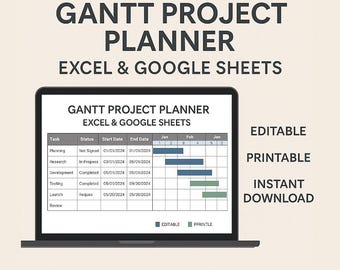
Digital download
Gantt Chart Project Planner Excel & Google Sheets | Project Timeline Tracker, Task Management, Printable | Editable Template
$3.99
-

Digital download
Project Management Google Sheets Template: Gantt Chart & To Do List
Sale Price $2.92
Original Price $4.50
-

Digital download
Premium Gantt Chart Excel Google Sheets Template, Project Timeline Planner, Task & Date Tracker, PM Tool, Business Project Management
$5.98
-
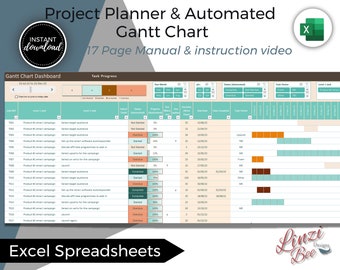
Digital download
Automated Gantt Chart: Project Planning Dashboard (Excel Template)
$9.72
-
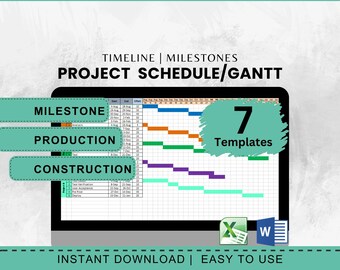
Digital download
Gantt Chart Template Project Management Activity Tracker Excel Spreadsheet Construction Schedule Planner Organizer Task Tracker Milestone
$3.70
Shoppers with similar taste loved these
-

Digital download
10,000+ n8n Automation Workflows Bundle | AI Workflow JSON Files | No-Code Business Automation Toolkit | Marketing & AI Agents
Sale Price $1.00
Original Price $3.33
-

Digital download
AI Playbook for Beginners Build Smart Agents that Work For You With n8n ChatGPT AI Automation Workflow Free Template Social Media Marketing
$1.99
-
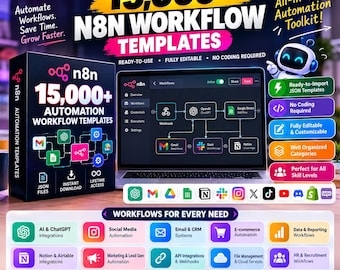
Digital download
15000+ n8n Workflow Templates, AI Automation JSON Bundle, ChatGPT Workflows, Business Automation, Instant Download
$2.78
-

Digital download
10,000+ n8n Automation Workflows Bundle | JSON Files for Businesses, Marketing, AI, E-Commerce & Productivity Tools
Sale Price $2.20
Original Price $2.45
-

Digital download
18000+ n8n Automation Templates Mega Bundle AI Social Media Content Creation, Marketing Business Automation
Sale Price $1.51
Original Price $6.06
-

Digital download
360+ AI Agents & Automation Workflows for n8n: Viral Content, Lead Gen, CRM Bots
Sale Price $12.23
Original Price $17.48
-

Digital download
455 Unique Project Proposal Presentation Templates 60 color themes 4000 unique icons
$8.15
-

Digital download
240 Unique Project Proposal Presentation Templates with unique icons from 42 business industries
$8.15
-

Digital download
Bride and Groom Story PowerPoint Slides: Multipurpose Template
$5.70
-

Digital download
Business Proposal Presentation Template: Minimalist Design (Canva, PowerPoint, GoogleSlide, Keynote)
$24.00
-
Digital download
25 decks of unique slides of different color themes multipurpose powerpoint presentation
$6.12
-
Digital download
101 unique slides of 10 different color themes multipurpose corporate education business powerpoint presentation
$7.33


