


Employee Availability Tracker for Availability Forms, Excel Shift Coverage Spreadsheet, How Many Can Work Each Shift (Digital Download)
NowPrice:$0.74
Original Price: $0.99
25% off
Sale ends in 5 days
You can only make an offer when buying a single item
Highlights
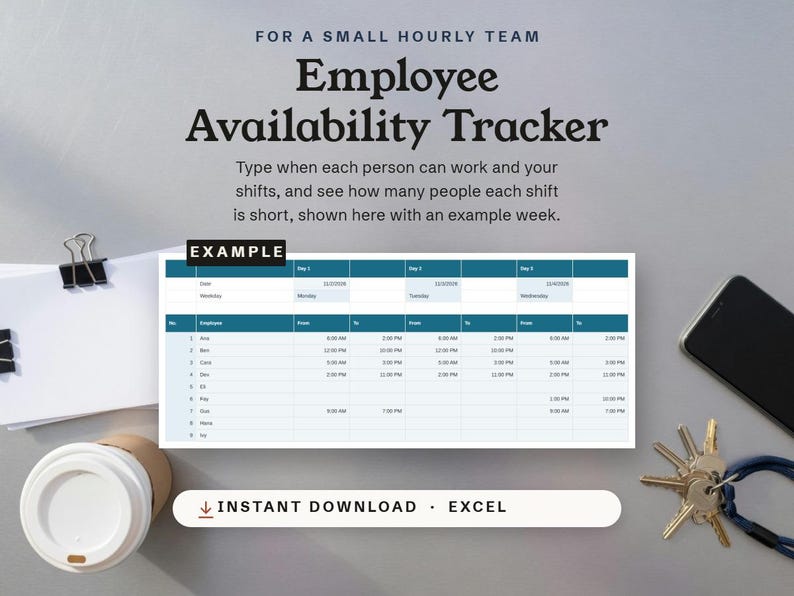
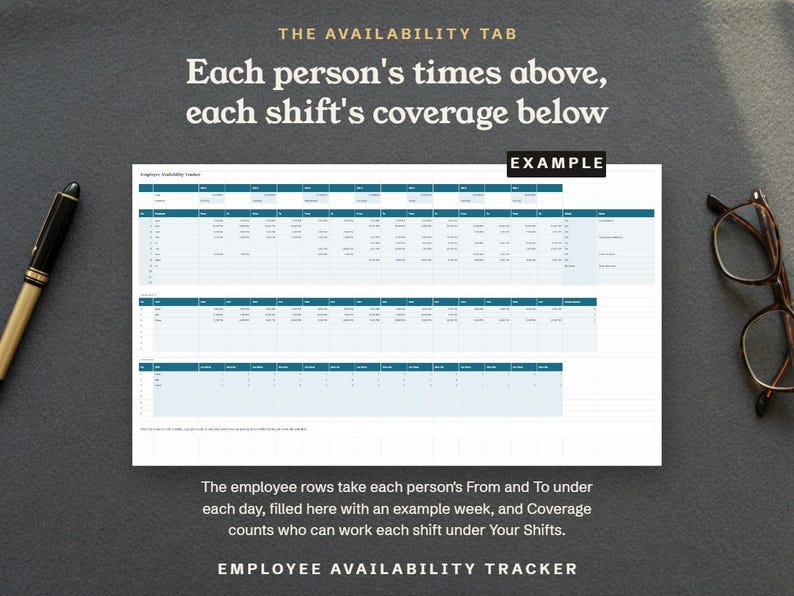
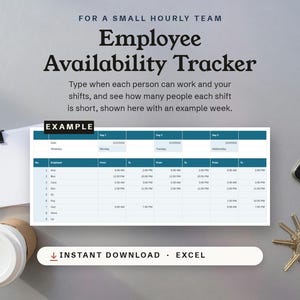
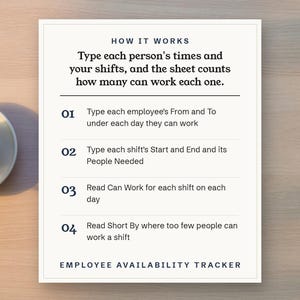
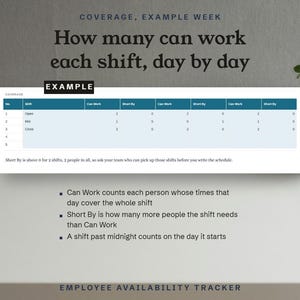
This employee availability tracker is a one tab Excel spreadsheet where you type the times each person on your team can work each day of the coming week, from their availability forms or texts, and it counts, for each shift you need filled, how many people can work it and how many it is short.
Use it before you write the week's schedule for a cafe, a bar, a shop or a small crew, to see which shifts are short of people before the schedule goes up.
How to use it:
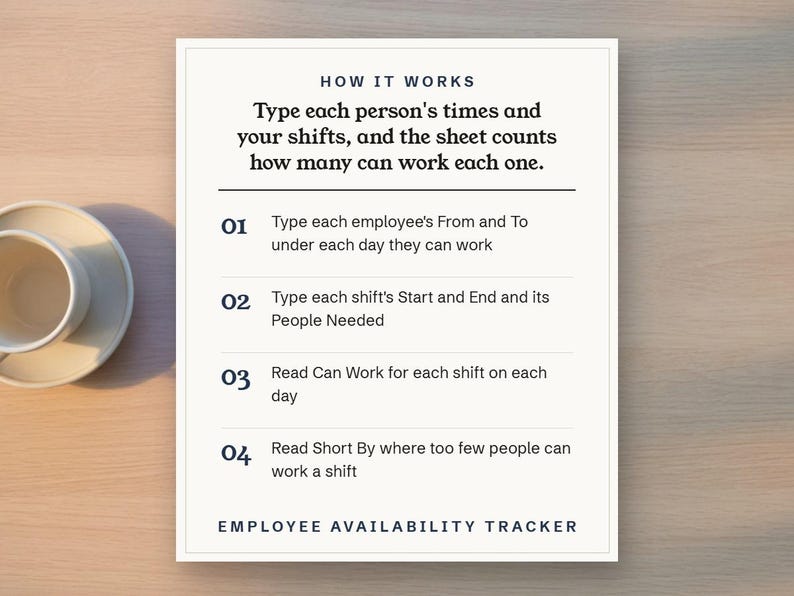
1. Ask each employee which days they can work next week, and from what time to what time on each.
2. Open Employee Availability Tracker.xlsx in Excel and type the date of Day 1, the first day of that week.
3. Type each employee's name and their From and To under each day they can work, a night past midnight under the day it starts, and both blank on a day they cannot.
4. Type each shift under Your Shifts with its Start and End under each day it runs and how many people it needs.
5. Fix each row whose Check reads No employee, Listed twice or Missing a time.
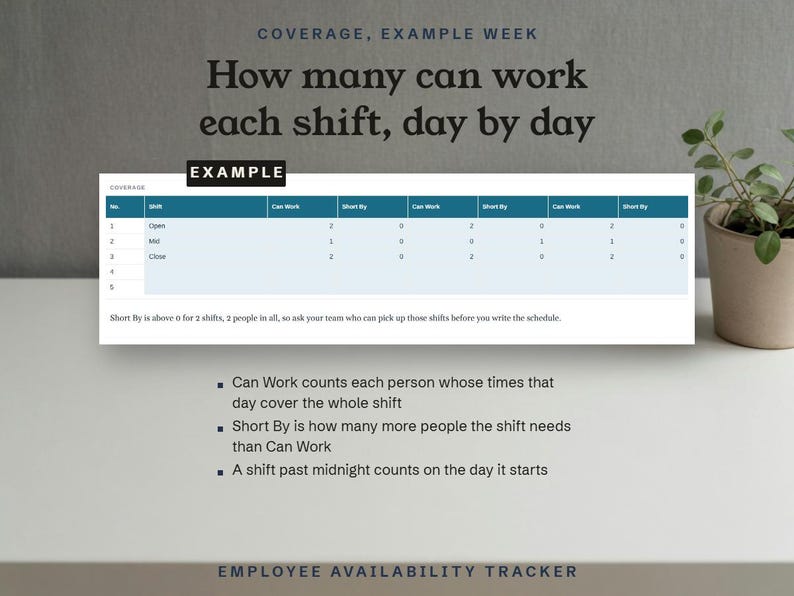
6. Read Short By under Coverage and the sentence under it, and ask your team who can pick up each short shift before you write the schedule.
What you download:
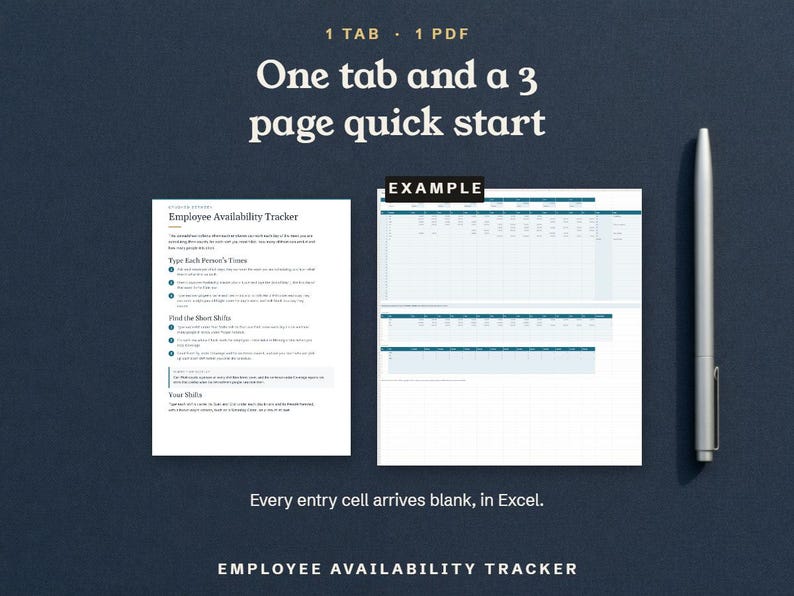
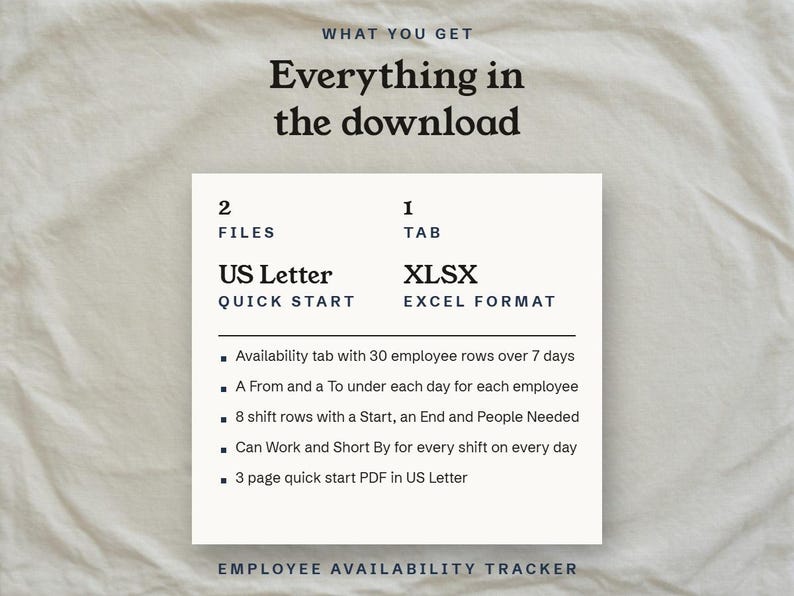
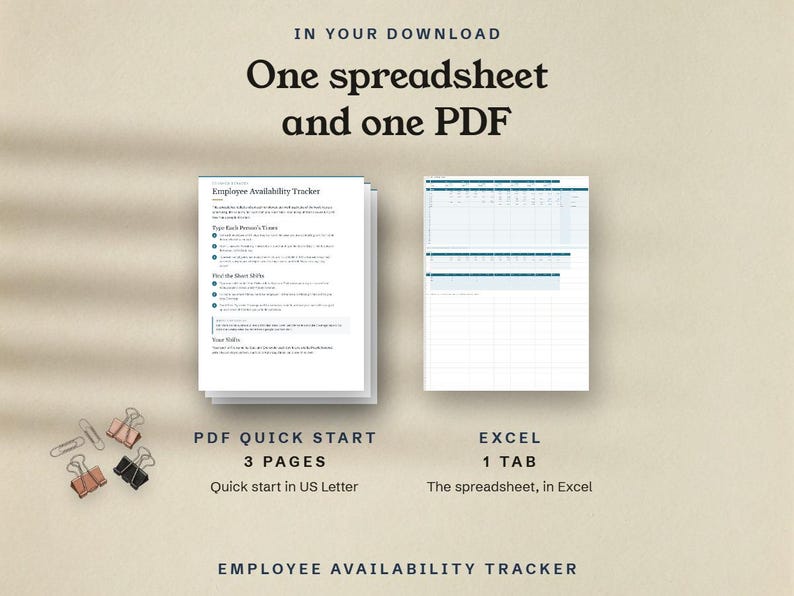
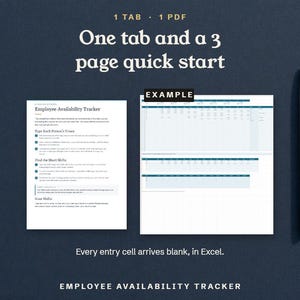
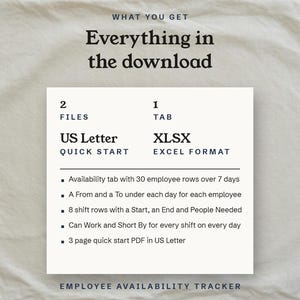
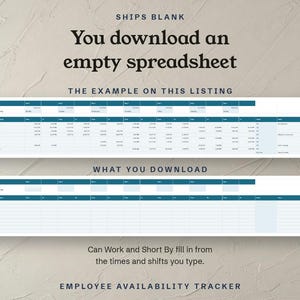
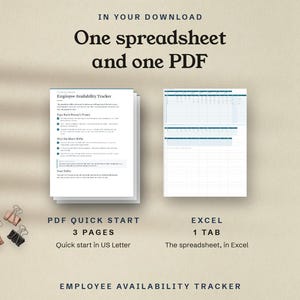
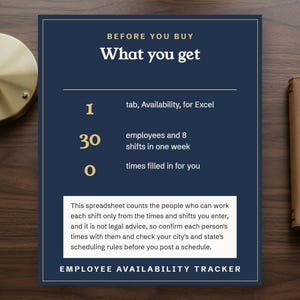
One Excel spreadsheet with one tab, Availability, and a 3 page quick start PDF in US Letter.
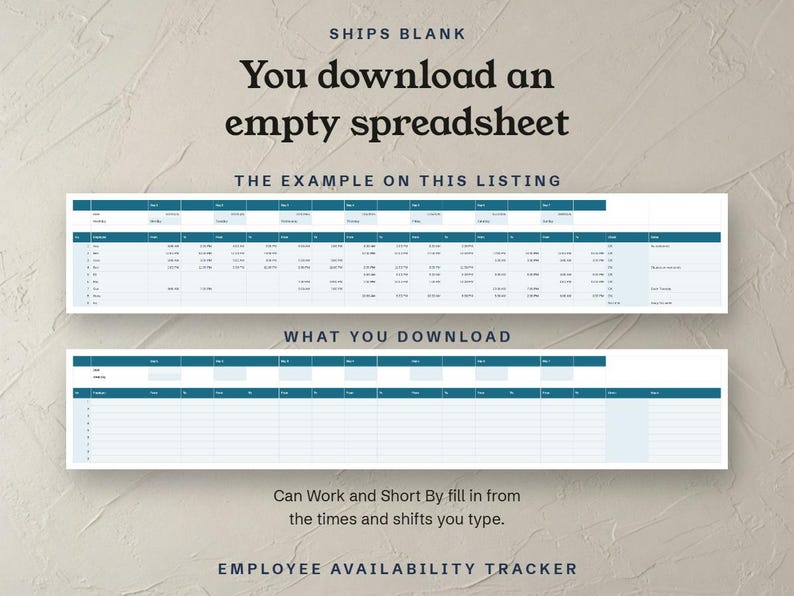
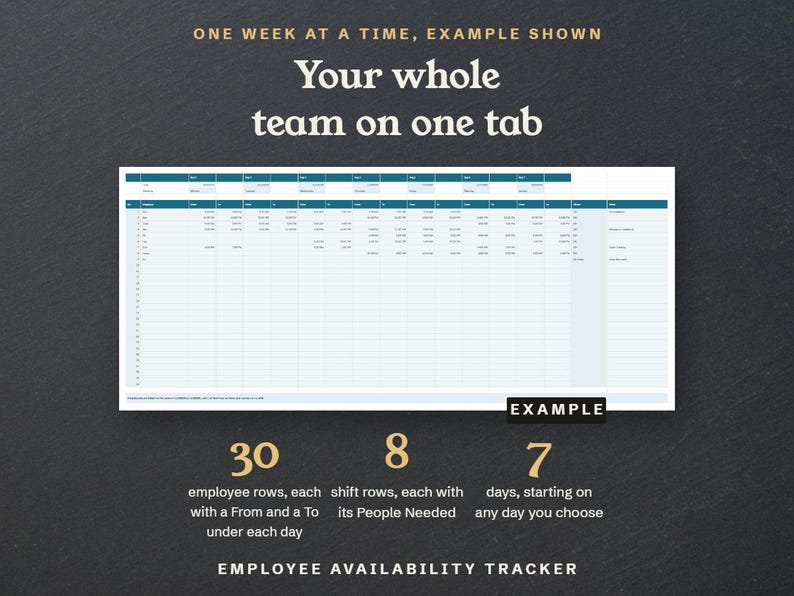
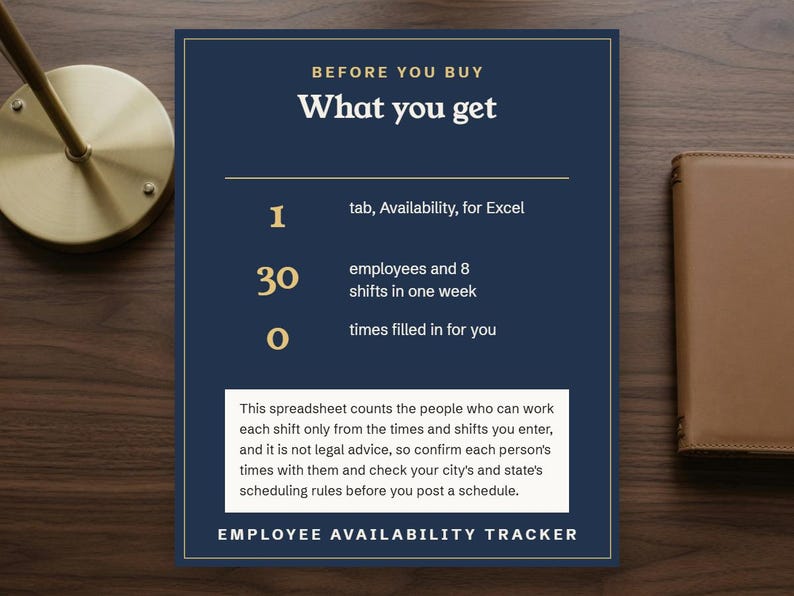
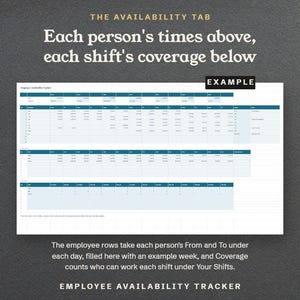
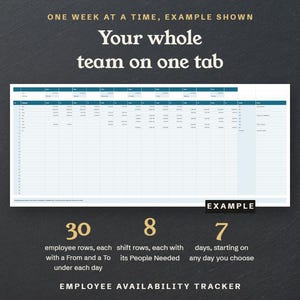
Availability holds 30 employee rows with a From and a To under each of 7 days, 8 shift rows with a Start and an End under each day and one People Needed, and Coverage, which shows Can Work and Short By for every shift on every day.
The week starts on any day you choose, and Day 2 to Day 7 follow it with their dates and weekdays.
A person counts on a shift only when their From and To that day cover the whole shift, and times past midnight count on the day they start.
The sentence under Coverage also reports two shifts that overlap when too few different people can work them, since one person counts on both.
It schedules no one and counts no hours, overtime or wages, which the Employee Schedule Template in this shop does.
Every entry cell arrives blank.
This spreadsheet counts the people who can work each shift only from the times and shifts you enter, and it is not legal advice, so confirm each person's times with them and check your city's and state's scheduling rules before you post a schedule.
This is a digital download, and no physical item ships.
All sales are final.
Instant Download
Your files will be available to download once payment is confirmed. Here's how.
Instant download items don’t accept returns, exchanges or cancellations. Please contact the seller about any problems with your order.
Etsy Purchase Protection
Shop confidently on Etsy knowing if something goes wrong with an order, we've got your back for all eligible purchases —
see program terms

Be the first to review this item


More from this shop
Visit shop-
Digital download
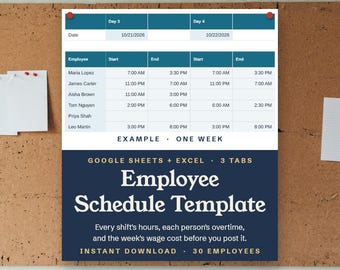
Employee Schedule Template Google Sheets and Excel, Weekly Staff Shift Planner with Overtime and Wage Cost, Work Schedule Template
Sale Price $5.24
Original Price $6.99
-
Digital download
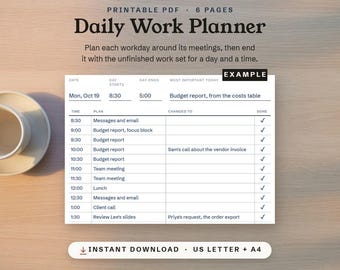
Daily Work Planner Printable, Meeting & Focus Block Organizer (PDF)
Sale Price $2.24
Original Price $2.99
-
Digital download
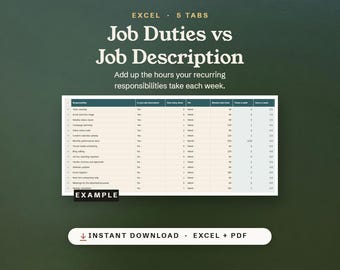
Job Duties vs Job Description Tracker, Workload Analysis (Excel + PDF)
Sale Price $5.24
Original Price $6.99
-
Digital download
Pay Stub Template Excel and Google Sheets, Payroll Log with Year to Date Totals, Editable Paystub, Check Stub for Small Business Employees
Sale Price $5.24
Original Price $6.99
-
Digital download
Work Availability Schedule Sheet, Work Availability Tracker, Shift Availability Calendar, Shift Availability Planner, Work Hours Calendar
$2.74
-
Digital download
Employee Work Availability Form | Printable PDF | Instant Digital Download
Sale Price $1.09
Original Price $1.46
-
Digital download
Work Availability Schedule Online Form, Work Availability Tracker, Shift Availability Calendar, Shift Availability Planner, MS Forms & Tally
$2.74
-
Digital download
Editable Employee Timesheet: HR Template (PDF)
$1.99
-
Digital download
Employee Availability Form: Weekly Hourly Schedule (Digital Download)
$3.00
-
Digital download
Employee Availability Schedule
Sale Price $2.80
Original Price $4.00
-
Digital download
Professional Excel Employee Leave, Holiday & Time-Off Tracker
$1.03
-
Digital download
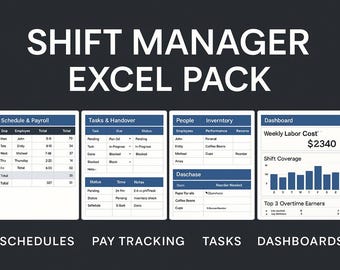
Employee Timesheet Excel Template | Auto Hours, Overtime, Payroll
$1.00
-
Digital download
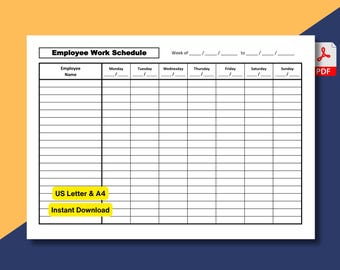
Printable Employee Shift Schedule Template: Editable Staff Planner (PDF, Excel)
Sale Price $1.05
Original Price $1.50
-
Digital download
Job Application Tracker | Interview Tracker | Career Services | Instant Download | Excel Tracker
$1.00
-
Digital download
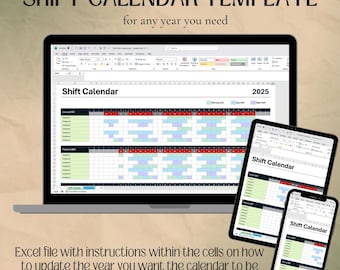
Shift Work Calendar Template – Editable Excel Scheduling (Digital Download)
$1.70
-
Digital download
Employee Time Sheet | Editable Time Sheet | Work Schedule Planner
$1.61
Shoppers with similar taste loved these
-

Open Closed sign Orange sign Business sign Storefront sign Shop open sign Wooden sign for shop Boutique sign
Sale Price $22.75
Original Price $35.00
-

Led Open Sign for Business, Super-Bright Color Combos to Match Your Brand, Open Sign For Window
Sale Price $126.00
Original Price $180.00
-

Come in We Are Open, Led Neon Sign, Custom Open Neon Light, Business Store Modern Open Sign, Shop Door Sign
Sale Price $108.27
Original Price $135.34
-

Open Come on in Neon Sign, Custom Open LED Sign For Restaurant Bar Shop Store, Open Sign For Business, Welcome Sign, Custom Storefront Sign
Sale Price $68.00
Original Price $136.00
-

Open Closed Door Sign With Chain & Suction Rigid 3mm Black Silver Gold Opening Hanging Notice
$10.89
-

We're Open Neon Light, We Are Open Neon Sign, LED Open Sign, Open Sign For Business Neon Sign, Open Lights, Open Sign, Open Sign For Window
Sale Price $29.00
Original Price $58.00
-

Open Neon Sign|Custom Neon Sign|Led Open Neon Light|Business Sign|Outdoor Open Sign|Open Neon Light For Bar Shop|Led Open Sign
Sale Price $69.30
Original Price $99.00
-

Open Neon Sign, Modern Open Sign Business Logo, Open Led Light Up Sign, Open Bar Neon Sign, Restaurant Bar Shop Store Wall Decor,USB powered
Sale Price $51.21
Original Price $73.16
-

Open Neon Sign, Welcome Sign for Shop Decor, Open Sign For Business Sign
Sale Price $44.00
Original Price $88.00
-

LED Open Neon Sign for Business Store, Remote Controller Included
Sale Price $84.00
Original Price $112.00
-

HiNeon LED Open Sign: Modern Business Store Sign with Remote
$99.90
-

Open Business Led Neon Sign| LED Open SignUltra Bright Lighted Sign Open |Decoration in restaurants offices retail stores window storefronts
Sale Price $75.00
Original Price $150.00


