




Sinking Funds Tracker, Savings Tracker Spreadsheet, Sinking Fund Calculator by Paycheck, Savings Planner, Excel (Digital Download)
NowPrice:$0.74
Original Price: $0.99
25% off
Sale ends in 5 days
5.0 out of 5
4 ratings
You can only make an offer when buying a single item
Highlights
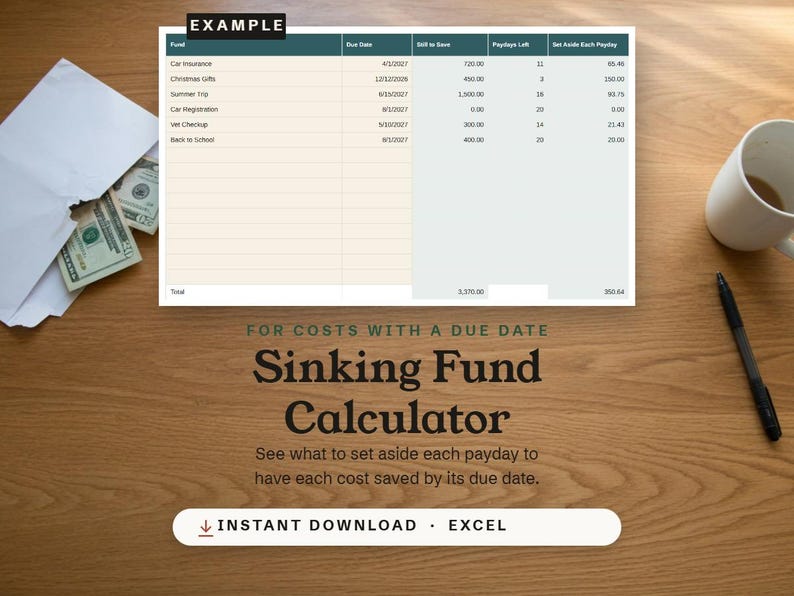
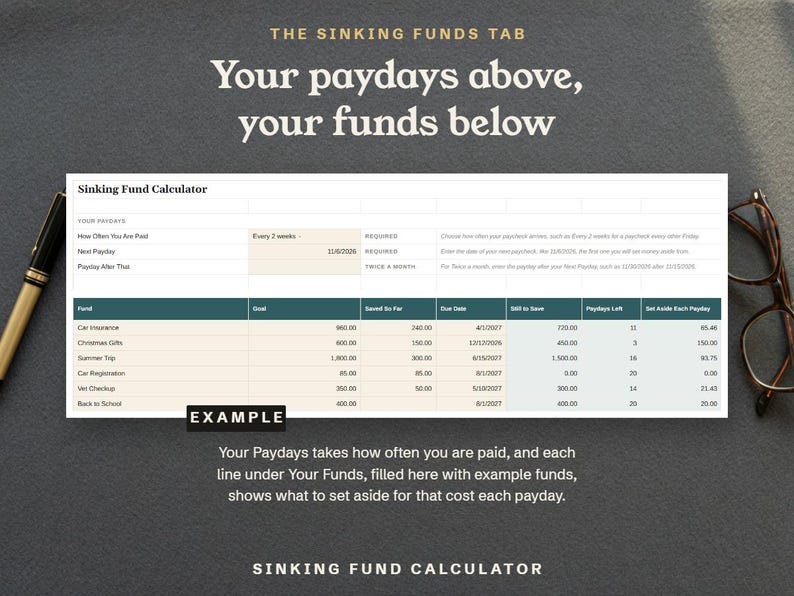
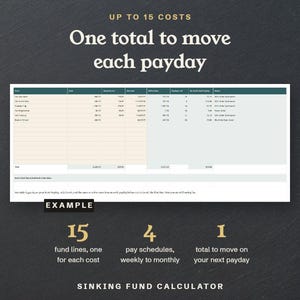
This sinking funds tracker is a one tab Excel spreadsheet where you enter how often you are paid and each cost you are saving for, with its goal, what you have saved and its due date, and read what to set aside from each paycheck for each cost and in total.
How to use it:
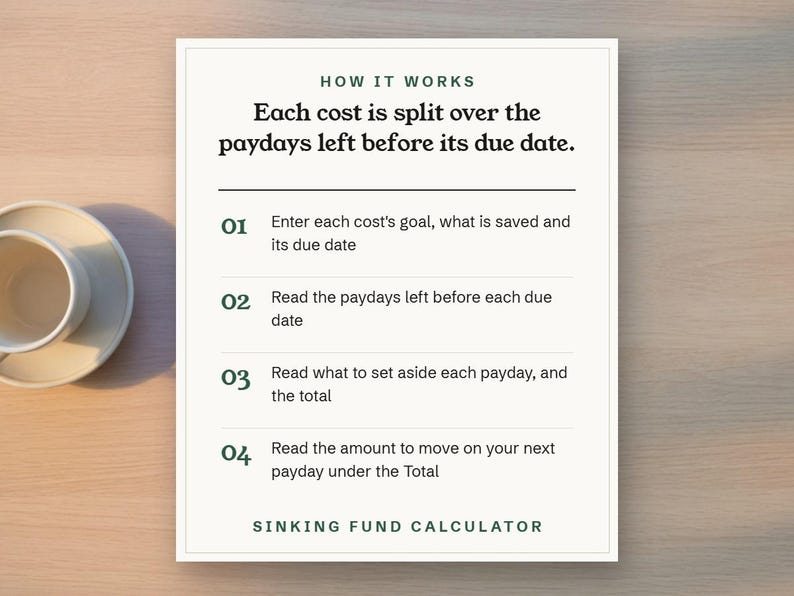
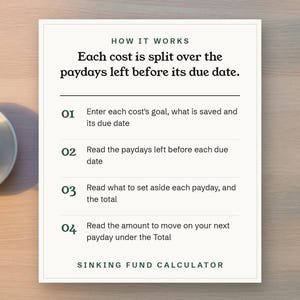
1. Gather each cost you are saving for, such as a car insurance renewal, holiday gifts or a trip, with what it will cost, the date it is due and what you have saved for it.
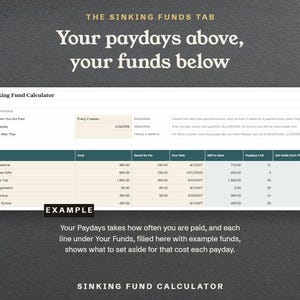
2. Open Sinking Fund Calculator.xlsx in Excel, choose how often you are paid, weekly, every 2 weeks, twice a month or monthly, and enter your Next Payday, plus Payday After That if you are paid twice a month.
3. Enter each cost on its own line with its Goal, Saved So Far and Due Date.
4. Read Set Aside Each Payday on each line and the total to move into savings on your Next Payday.
5. Each payday, move that total into savings, add each fund's Set Aside Each Payday to its Saved So Far, then change Next Payday to the payday after it, and Payday After That too if you are paid twice a month.
What you download:
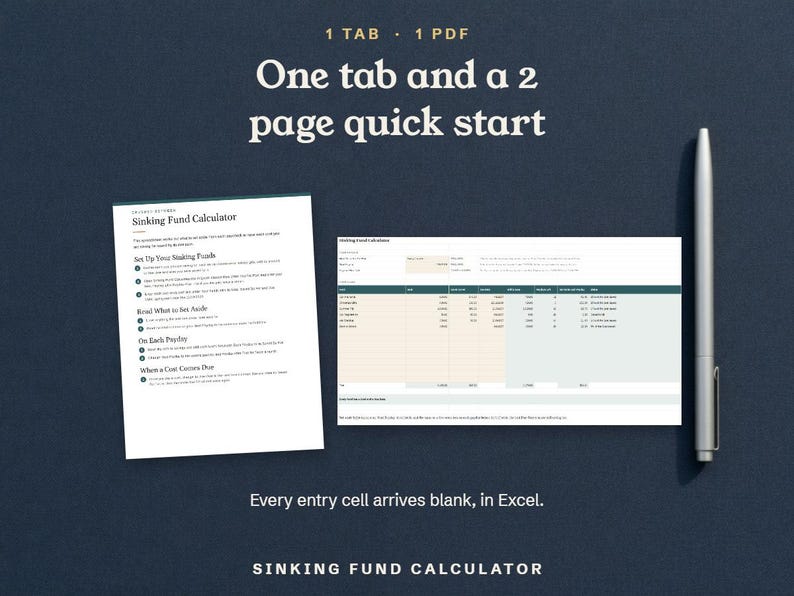
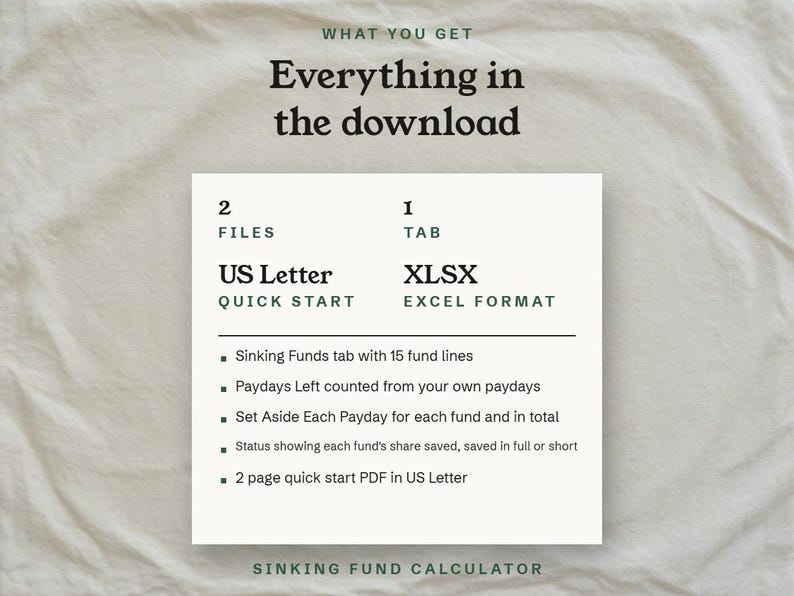
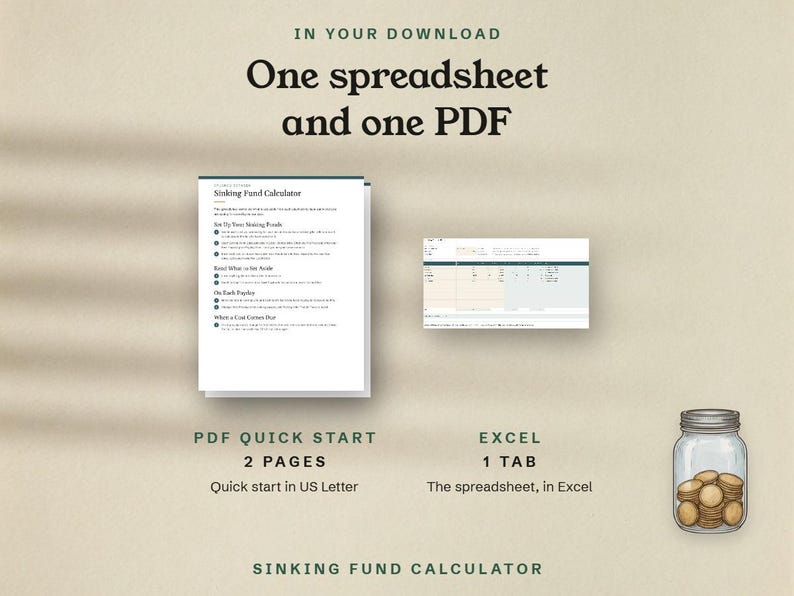
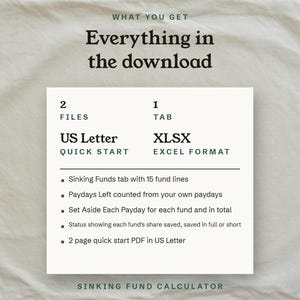
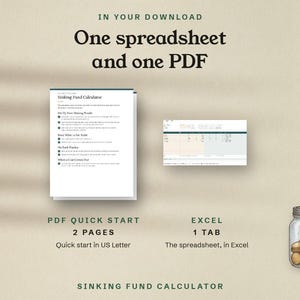
One Excel spreadsheet with one tab, Sinking Funds, and a 2 page quick start PDF in US Letter.
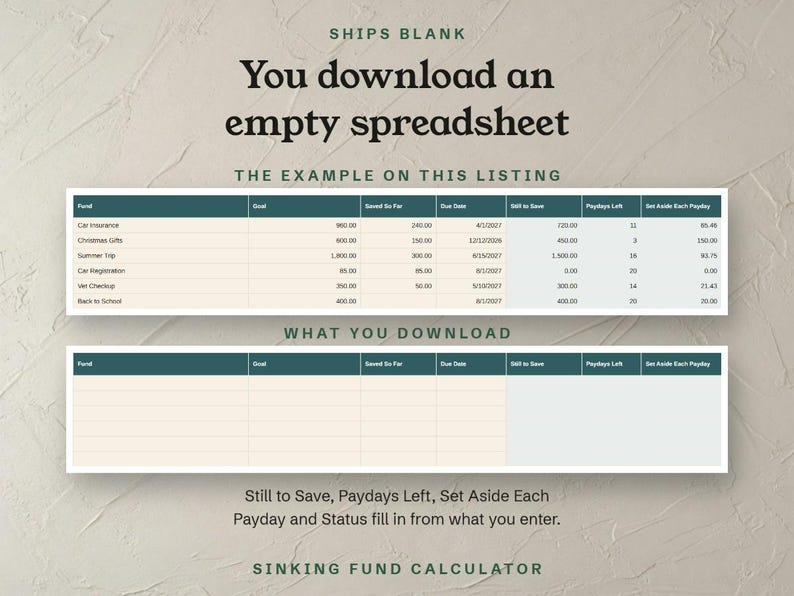
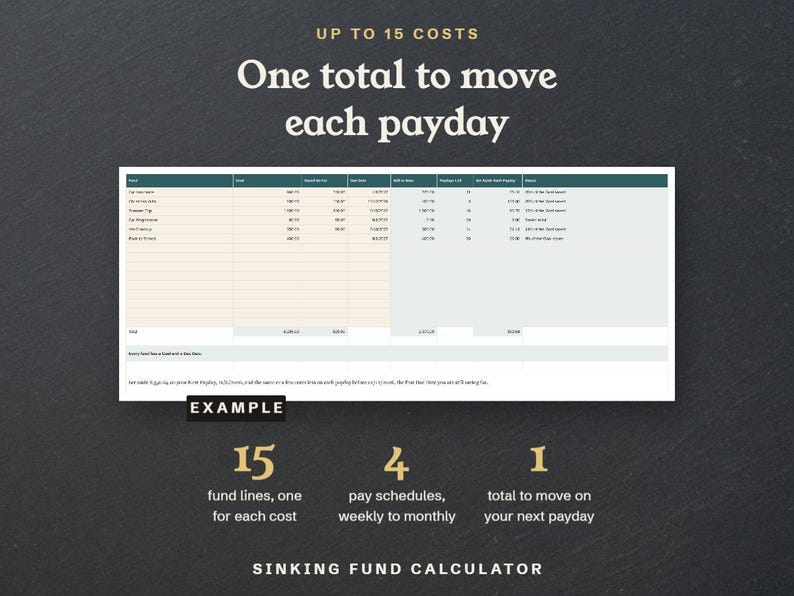
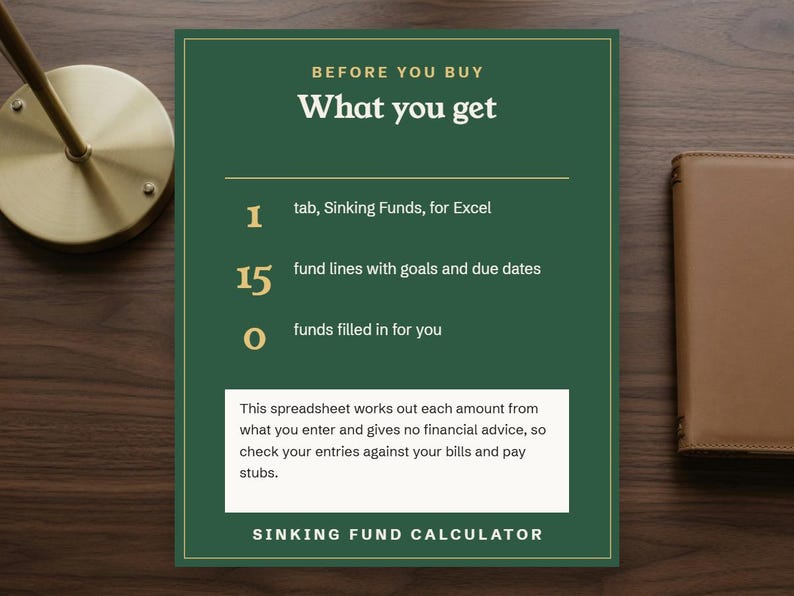
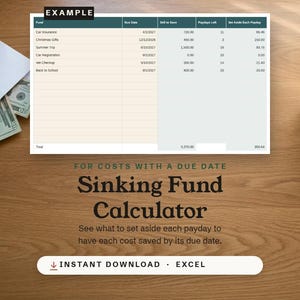
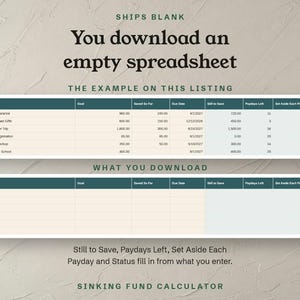
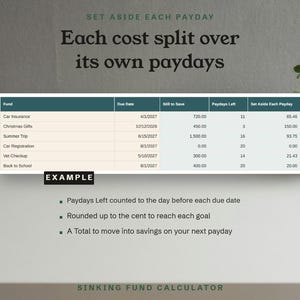
Your Funds holds 15 lines, each with Fund, Goal, Saved So Far and Due Date, and works out Still to Save, Paydays Left and Set Aside Each Payday.
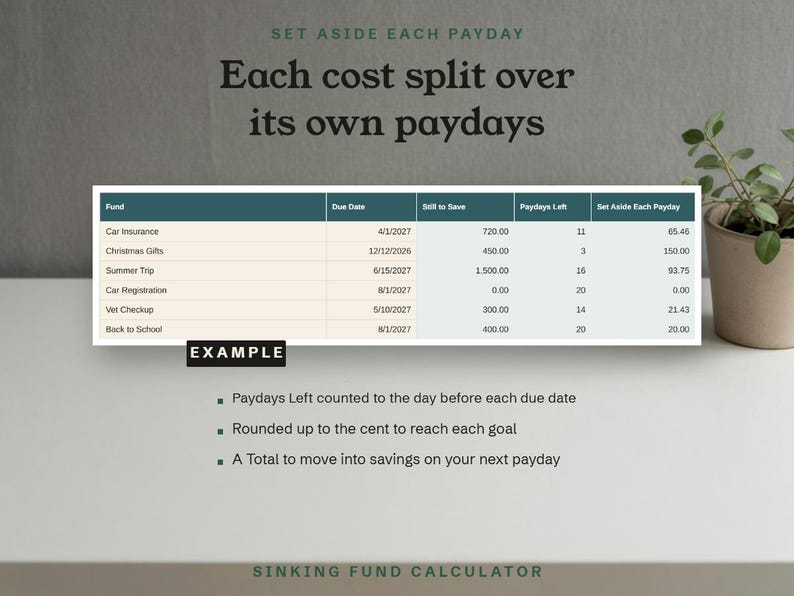
Paydays Left counts your own paydays from Next Payday to the day before each Due Date, since a bank can hold a direct deposit made on the Due Date until the next business day.
Set Aside Each Payday divides Still to Save by Paydays Left and rounds up to the cent, so the paydays left reach the Goal.
A cost due sooner takes a larger share of each paycheck than the same cost due later.
The Status column shows the share of each Goal saved, Saved in full, or how much a fund with no payday before its Due Date is short.
A Total line adds Goal, Saved So Far, Still to Save and Set Aside Each Payday, and the sentence under it gives the total to set aside on your Next Payday, the same or a few cents less on each payday before the first Due Date you are still saving for.
A bold line under Total asks for any payday, Goal or Due Date still missing, and for a new Next Payday once yours has passed.
Every entry cell arrives blank.
This spreadsheet works out each amount from what you enter and gives no financial advice, so check your entries against your bills and pay stubs.
This is a digital download, and no physical item ships.
All sales are final.
Instant Download
Your files will be available to download once payment is confirmed. Here's how.
Instant download items don’t accept returns, exchanges or cancellations. Please contact the seller about any problems with your order.
Etsy Purchase Protection
Shop confidently on Etsy knowing if something goes wrong with an order, we've got your back for all eligible purchases —
see program terms

Be the first to review this item


More from this shop
Visit shop-
Digital download
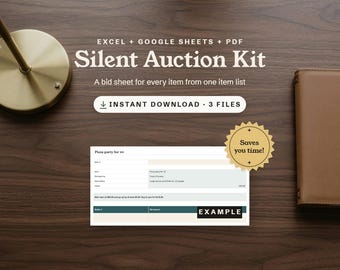
Silent Auction Bid Sheet Template, Editable Silent Auction Kit with Item List, Bidder Numbers, Checkout and Receipt, Excel Google Sheets PDF
Sale Price $3.74
Original Price $4.99
-
Digital download
Debt Snowball Tracker Printable, Payoff Planner with List and Log (PDF)
Sale Price $1.87
Original Price $2.49
-
Digital download
Bill Tracker Spreadsheet, Monthly Bill Tracker Printable and Google Sheets, Bill Calendar, Paycheck Planner, Bill Payment Log (Excel)
Sale Price $4.49
Original Price $5.99
-
Digital download
Donation Receipt Template, Editable Google Docs Nonprofit Donation Receipt Letter, Year End Giving Statement, Charitable Donation Receipt
Sale Price $2.24
Original Price $2.99
-
Digital download
Sinking Funds Tracker Landscape, Savings Tracker Printable, Savings Challenge, Budget Planner, A4/Letter, Instant Download Pdf
Sale Price $1.04
Original Price $1.39
-
Digital download
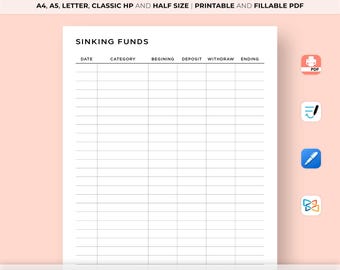
Sinking Funds Tracker Printable, Sinking Funds Printable, Savings Tracker, Savings Challenge, Sinking Funds Monthly Tracker, Budget Planner
Sale Price $1.04
Original Price $1.39
-
Digital download
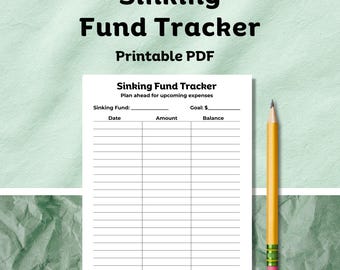
Sinking Fund Tracker Printable | Savings Planner Sheet | Budget Binder Insert | Printable PDF | Instant Download
$1.99
-
Digital download
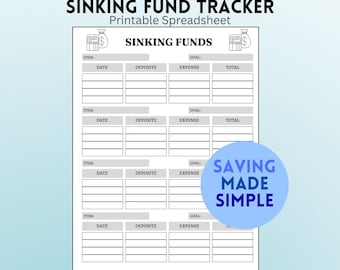
Sinking Fund Spreadsheet: Emergency Budget Tracker (Spreadsheet Template)
$1.61
-
Digital download
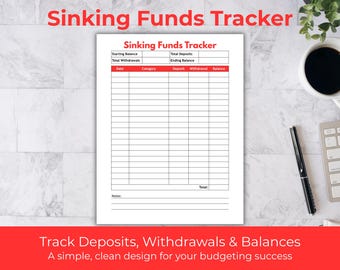
Sinking Funds Tracker (Red) | Budget Printable | Savings Tracker PDF | A4 & Half Letter Sizes
$1.49
-
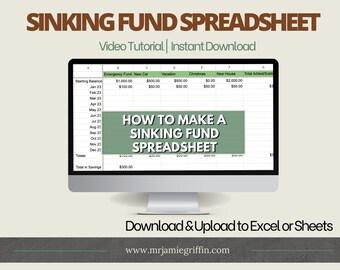
Digital download
Sinking Fund Tracker Spreadsheet Google Sheets and Excel, Saving Goals Tracker, Sinking Funds Spreadsheet, Savings Tracker Spreadsheet Excel
$1.99
-
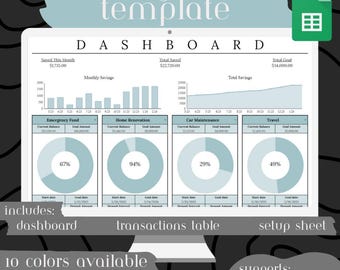
Digital download
Sinking Funds Template, Savings Tracker for Google Sheets (Digital Template)
$1.99
-
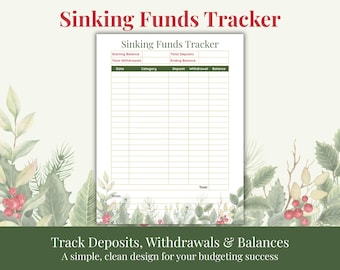
Digital download
Christmas Sinking Funds Tracker | Holiday Savings Printable | Festive Financial Tracker PDF
$1.49
-
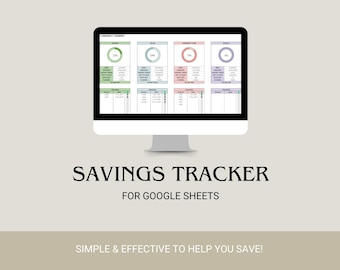
Digital download
Savings Tracker Sinking Funds Tracker Google Sheets Excel Spreadsheet Savings Template Money Savings Planner Goal Tracker Personal Finance
$2.06
-
Digital download
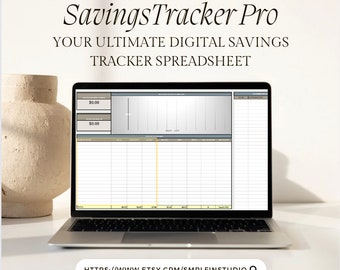
SavingsTracker Pro | Savings Spreadsheet | Savings Tracker | Sinking Funds | Excel Spreadsheet | Digital Saving Tracking
$1.55
-

Digital download
Sinking Funds Tracker | Sinking Funds List | Savings Log | Savings Recorder | Savings Challenge | Instant Download | A4, A5, US Letter PDF
$1.80
-
Digital download
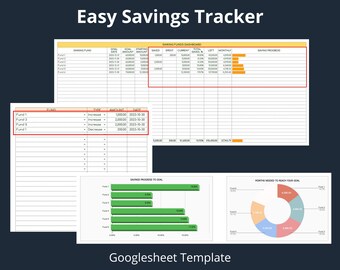
Easy Savings Tracker Template for Google Sheets (PDF)
$1.38
Shoppers with similar taste loved these
-

Digital download
PLR Google Sheets Bundle Budget, Habit, Net Worth Templates (Resell Rights Included) Digital Download
Sale Price $6.32
Original Price $11.48
-

Digital download
PLR Life Organizor Spreadsheet Bundle, Digital product, Plr Bundle, Master Resell Rights, Resell Rights, Done for you, Digital download
Sale Price $12.72
Original Price $25.43
-

Digital download
PLR Family Budget Household Budget Couple budget Spreadsheet PLR Google Sheets Life Organizer Family Meal To do List Tracker Digital Product
Sale Price $14.41
Original Price $28.82
-
Digital download
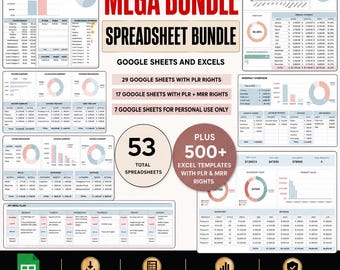
Google Sheets PLR Spreadsheets Master Resell Rights Budget Spreadsheet PLR Digital Product Bundle PLR Templates Planner Budget Spreadsheet
Sale Price $9.84
Original Price $32.80
-
Digital download
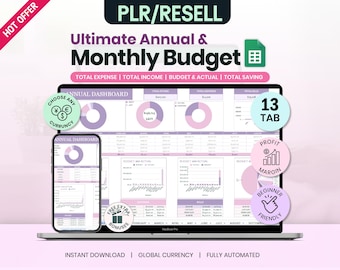
PLR Spreadsheet, PLR Google Sheets, Digital Product, Budget Spreadsheets (Instant Download)
$9.97
-

Digital download
PLR Life Planner Commercial Use PLR Budget Tracker Daily To Do List Monthly Calendar Google Sheets Spreadsheet Master Resell Rights PLR
Sale Price $36.73
Original Price $73.46
-
Digital download
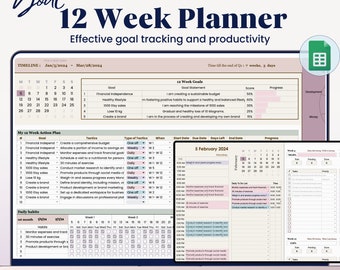
12 Week Goal Planner in Google Sheets, Quarterly Planner, Goal Planner Spreadsheet, Time Blocking
Sale Price $4.03
Original Price $8.96
-
Digital download
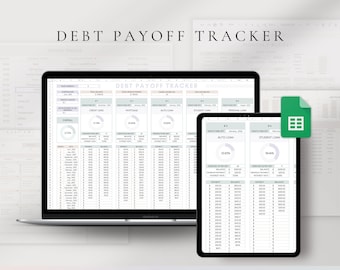
Budget Spreadsheet , Debt Payoff Tracker , Google Sheets Financial Dashboard (Digital Download)
Sale Price $3.27
Original Price $10.91
-
Digital download
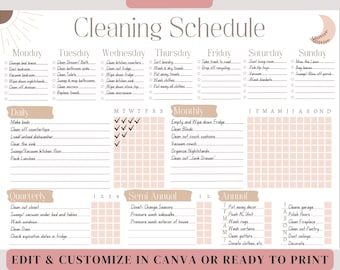
Editable Cleaning Schedule | Cleaning Checklist | PDF & Canva Template | Printable | Goodnotes | Weekly Chores | Digital Cleaning List
$6.00
-
Digital download
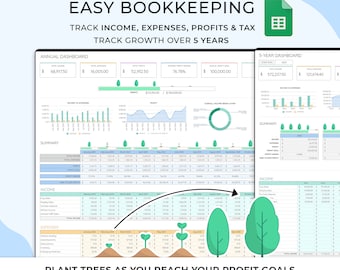
Easy Bookkeeping Template, Small Business Profit and Loss Tracker (Google Sheet) Annual Dashboard
Sale Price $6.40
Original Price $10.66
-
Digital download
Ultimate Bookkeeping Spreadsheet Template Google Sheets Bookkeeping Tracker Income and Expense Sales Tax Accounting
$3.99
-
Digital download
Single Property Rental Income Expense Tracker Google Sheets Template Simple Spreadsheet for Landlord Vacation Retired Homeowners Tax Profit
Sale Price $1.70
Original Price $3.40


