

Vacation Budget Planner Spreadsheet for Google Sheets & Excel, Trip Planner with Countdown, Travel Expense Tracker, Split Costs
Item highlights
Shop review
All reviews are from verified buyers. This review is shown automatically based on factors like recency, whether it includes comments, your chosen language, and whether the rating reflects the typical experience with the shop.
“These are perfect for organizing my White Flare binder! It’s a genius idea and makes organization a breeze! I highly recommend these and plan to purchase these for more sets in the future!”

Katherine
Aug 6, 2025
NowPrice:$4.99
Original Price: $8.32
40% off
Sale ends on November 27
You can only make an offer when buying a single item
Delivery
Instant download
Your files will be available to download once payment is confirmed. Here's how.
Instant download items don't accept returns, exchanges or cancellations. Please contact the seller about any problems with your order.
Seller's description
Specifications
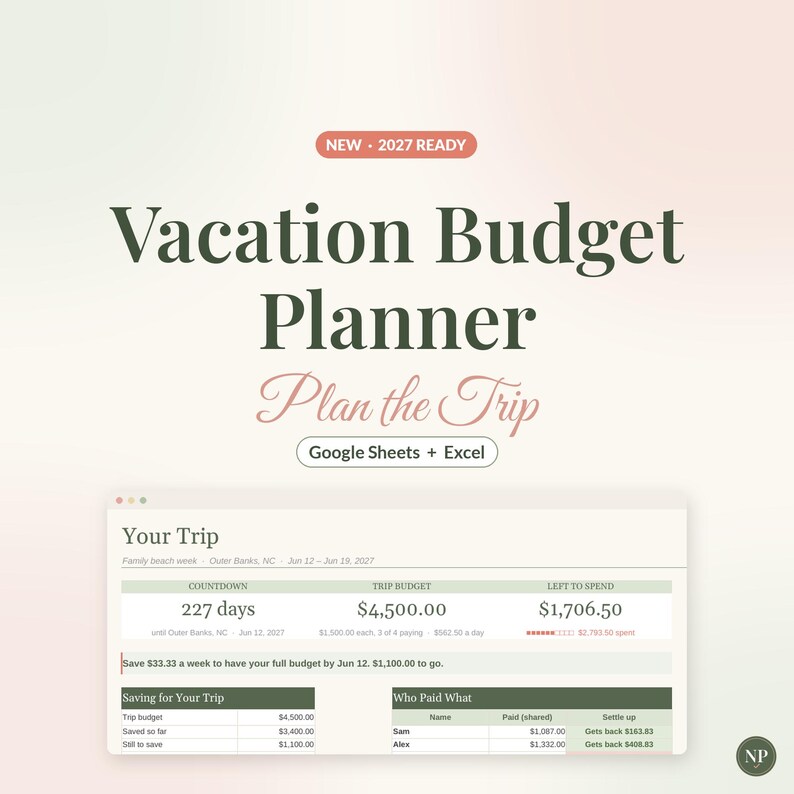
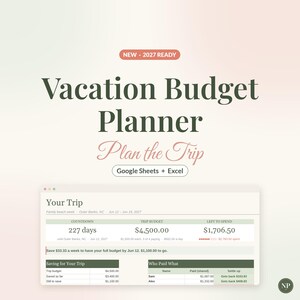
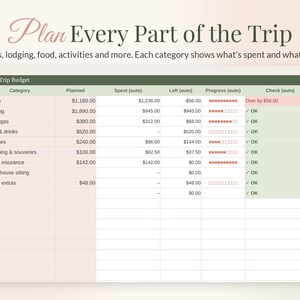
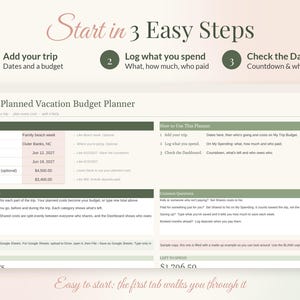
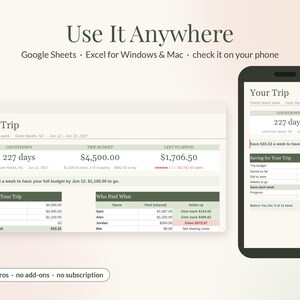
Plan your trip, track every cost and split it fairly, all in one spreadsheet. Add your dates and watch the countdown, give each part of the trip a rough budget, and log what you spend as you go. It tells you how much to save each week before you leave and works out who owes who for shared costs. It works in Google Sheets and Microsoft Excel, and it's an instant digital download.
A note on how it's made: this planner was designed with the help of AI tools, then built, formatted and tested by hand. The math was checked against an independent calculation in 30 real-life scenarios. These included 8 travellers, 20 categories and all 300 spending lines, trips starting today, tomorrow, mid-trip and already over, no budget, over budget, personal expenses left out of the split, mixed upper and lower case, text typed where a number or date goes and a cleared copy.
✿ MADE FOR REAL LIFE, NOT SPREADSHEET EXPERTS
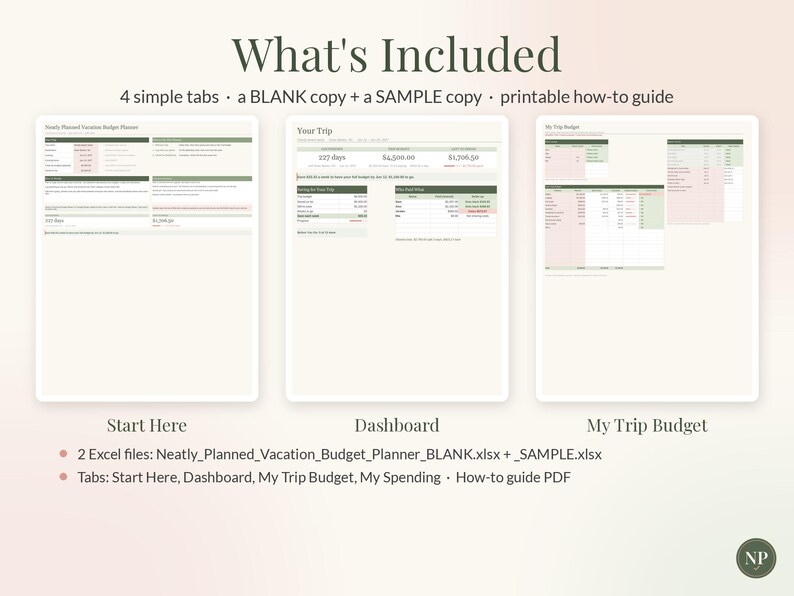
• 4 simple tabs, and you only type in the blush-colored cells
• Plain English: "Left to spend", "Who Paid What", "Before You Go"
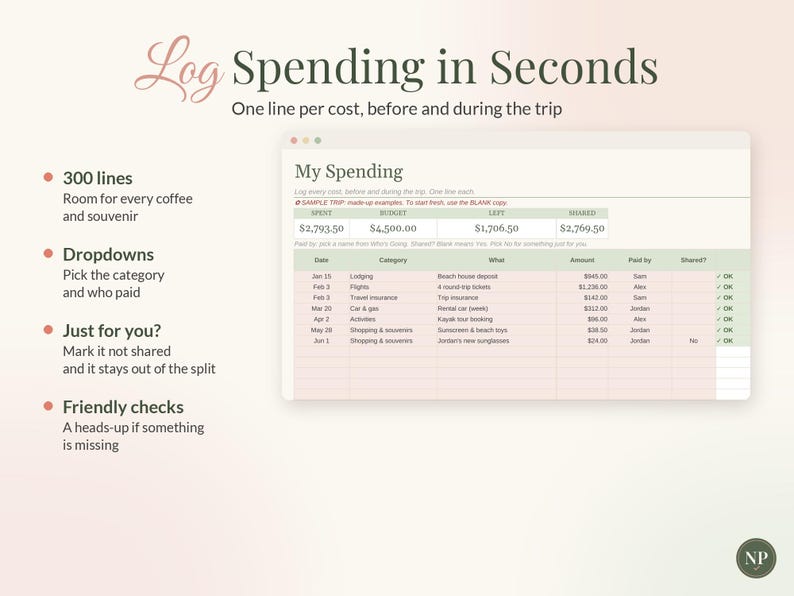
• Short tips next to every box, and a friendly check on every line if something needs a look
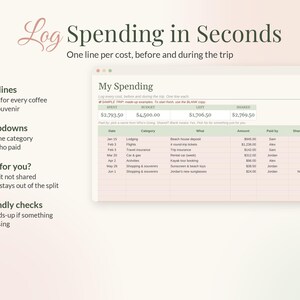
• Pick categories and names from dropdowns
• A Common Questions box right on the first tab
• Formulas are locked in Excel so nothing breaks by accident (in Google Sheets, just type in the blush cells)
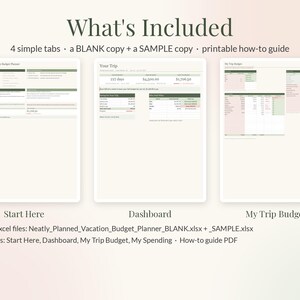
✿ WHAT'S INSIDE: 4 SIMPLE TABS
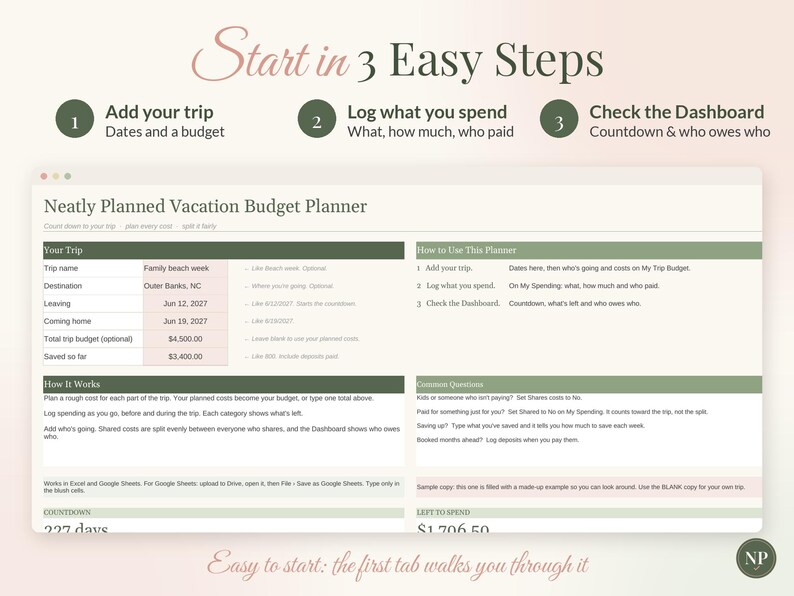
1. START HERE: 3 easy steps, a short "How It Works" box and a Common Questions box. Add your trip, dates, budget and savings.
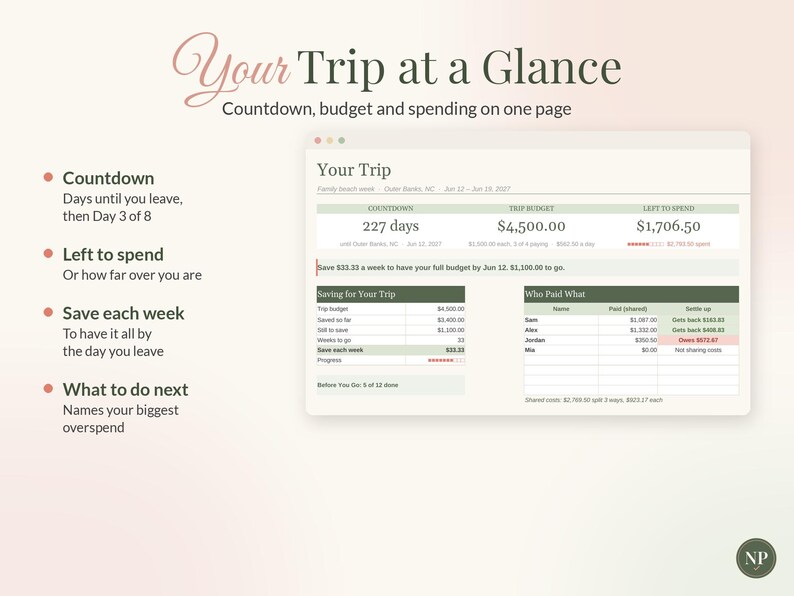
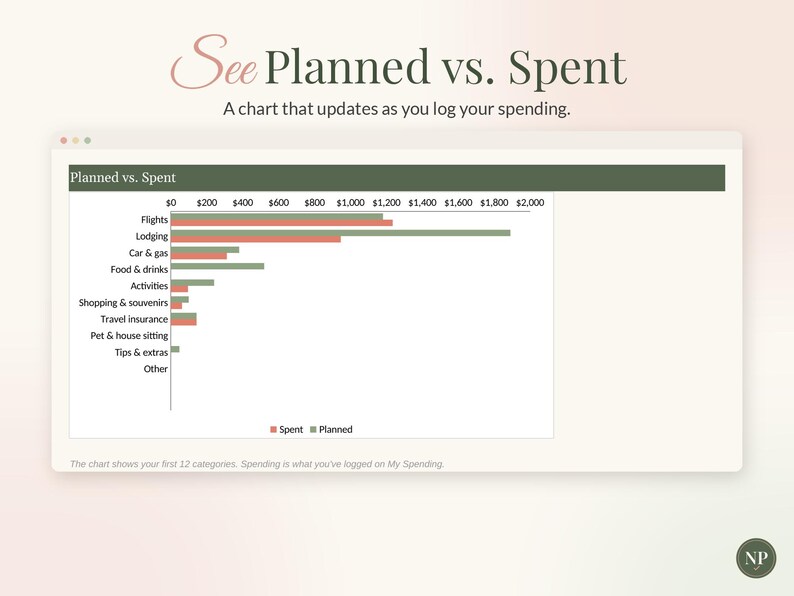
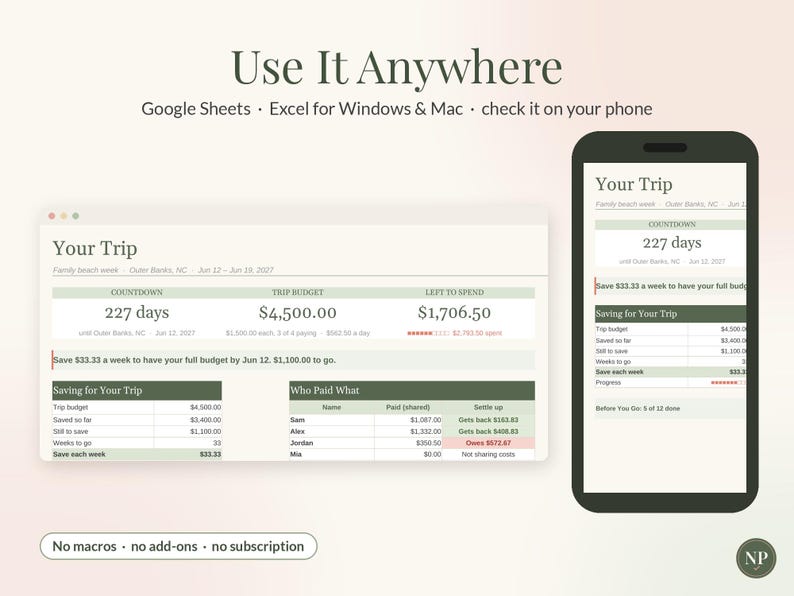
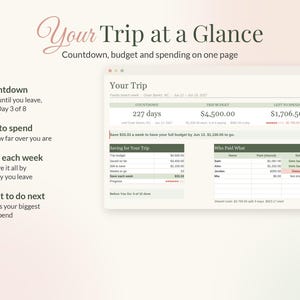
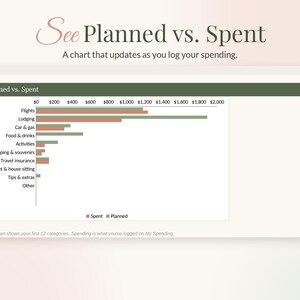
2. DASHBOARD: Countdown, trip budget, left to spend, a "what to do next" line, a savings plan, who paid what, budget by category and a Planned vs. Spent chart.
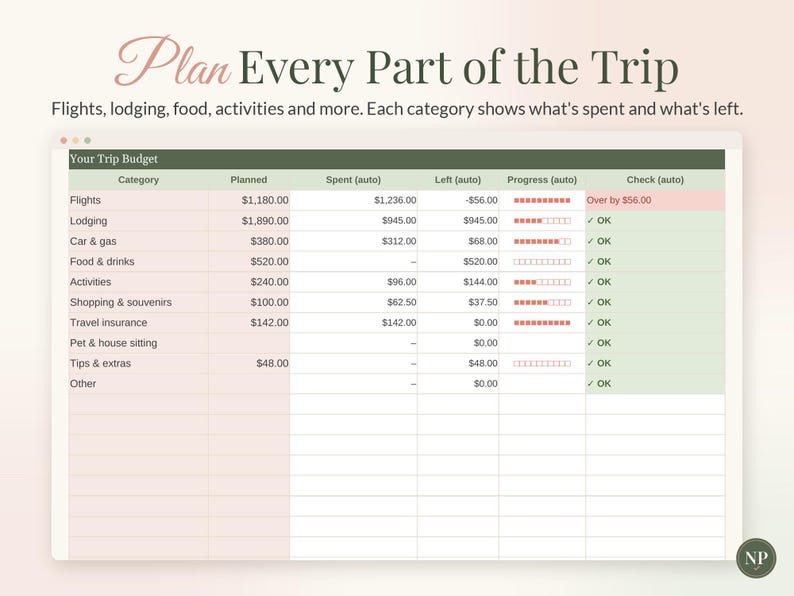
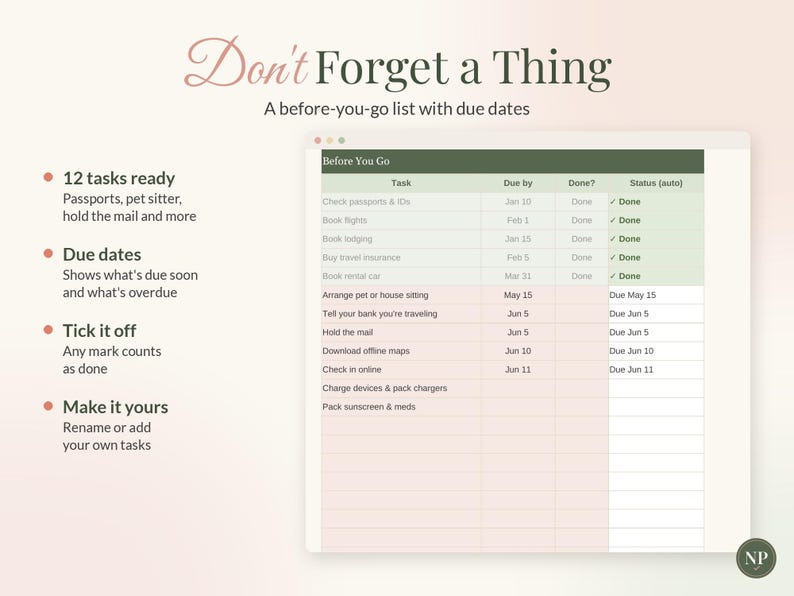
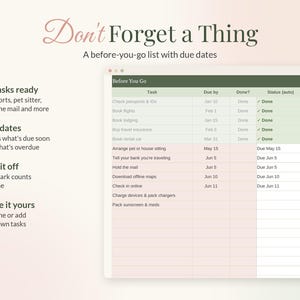
3. MY TRIP BUDGET: Who's going (up to 8 people), 20 budget categories with 10 ready to go, and a Before You Go checklist with due dates.
4. MY SPENDING: Room for 300 costs, with date, category, what, amount, who paid and whether it's shared.
✿ SMART LITTLE TOUCHES
• The countdown turns into "Day 3 of 8" once you're there.
• It tells you how much to save each week to have your budget by the day you leave.
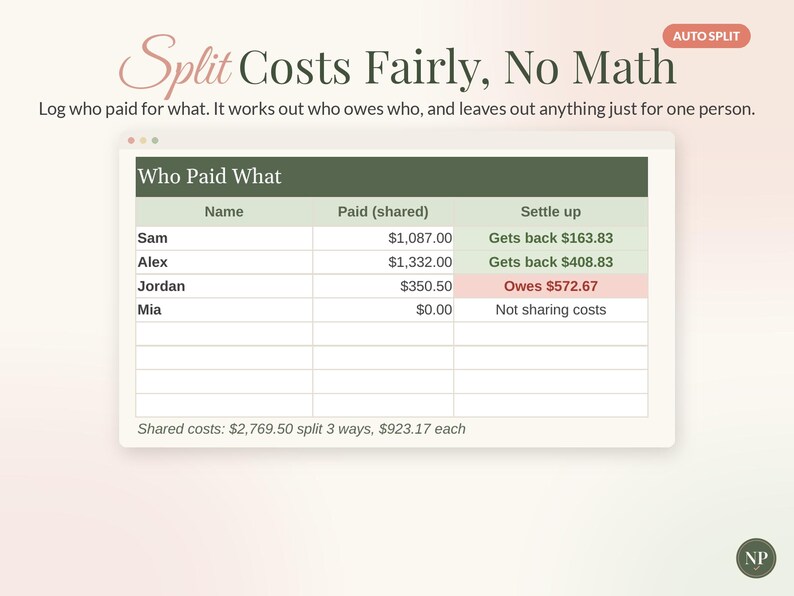
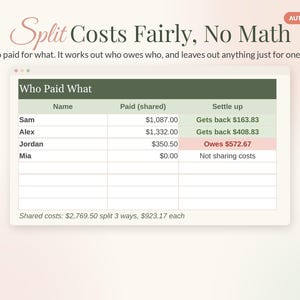
• Shared costs are split evenly, and it shows who gets money back and who owes.
• Personal buys can be left out of the split but still count toward the trip.
• Over budget? It names the category you've overspent the most.
• Checklist tasks show Due soon, Due today or Overdue.
✿ WHAT YOU RECEIVE
• Neatly_Planned_Vacation_Budget_Planner_BLANK.xlsx: ready for your details
• Neatly_Planned_Vacation_Budget_Planner_SAMPLE.xlsx: a filled-in example to explore
• How_To_Use_Vacation_Budget_Planner.pdf: a 2-page setup guide
✿ WORKS WITH
• Google Sheets (free) and Microsoft Excel for Windows and Mac (Excel 2016 or newer, or Microsoft 365)
• Log costs on your phone in the free Google Sheets or Excel app while you travel (setting up is easiest on a computer or tablet)
• No macros, add-ins or subscriptions
✿ HOW TO USE IT
Google Sheets: open Google Drive, click New › File upload and choose the BLANK file. Open it, then click File › Save as Google Sheets.
Excel: double-click the file. If you see "Enable Editing," click it.
Then follow the 3 steps on the Start Here tab.
✿ GOOD TO KNOW
• This is an INSTANT DIGITAL DOWNLOAD. No physical item will be shipped.
• Your files are available right after purchase from your Etsy Purchases page (You › Purchases and reviews).
• The names and amounts in the SAMPLE file are made up for illustration.
• Costs are in one currency, with no currency conversion.
• Shared costs are split evenly between everyone who shares. Uneven splits aren't built in.
• One trip per file. Make a fresh copy for your next trip.
• For personal use only. Please don't share, resell or redistribute the file.
✿ RETURNS & REFUNDS
Because this is a digital file you get instantly, we can't accept returns, exchanges or cancellations. If anything isn't working, please message us through Etsy and we'll make it right.
Designed with the help of AI tools, and built and tested by hand by Neatly Planned Sheets.
✿ Pairs well with: our Sinking Funds Tracker, Savings Tracker and Meal Planner
-
Item typeDigital download
-
Digital file type(s)1 PDF, 2 other files
If something goes wrong with an order, we've got your back on all eligible purchases. View program terms
Meet your seller

More from this shop
-
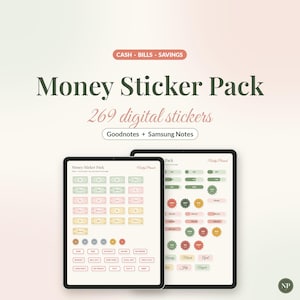
Digital download
Money Stickers for Goodnotes & Samsung Notes, Digital Budget Stickers, Cash Stuffing Stickers, Bill Tracker Stickers, Savings Stickers
Sale Price $2.99
Original Price $4.98
-
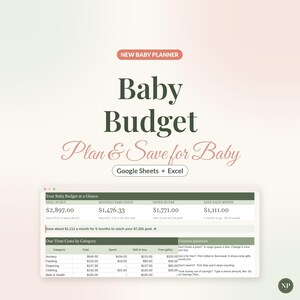
Digital download
Baby Budget Spreadsheet, New Baby Cost Planner for Google Sheets & Excel, Pregnancy Savings Plan, Newborn Checklist, Baby Expense Tracker
Sale Price $4.99
Original Price $8.32
-
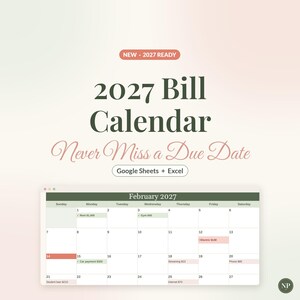
Digital download
2027 Bill Calendar Spreadsheet, Monthly Bill Tracker for Google Sheets & Excel, Bill Payment Checklist, Due Date Planner Template
Sale Price $4.99
Original Price $8.32
-
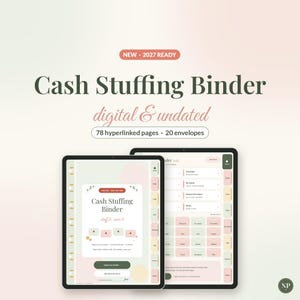
Digital download
Digital Cash Stuffing Binder, Undated Cash Envelope Tracker for GoodNotes & Samsung Notes, Savings Challenges, Budget Binder, Stickers
Sale Price $3.99
Original Price $6.65
-

Digital download
Digital Budget Planner 2027, Hyperlinked Money Planner for GoodNotes & Samsung Notes, iPad Android Finance Planner, Dark Mode, Stickers
Sale Price $5.99
Original Price $9.98
-
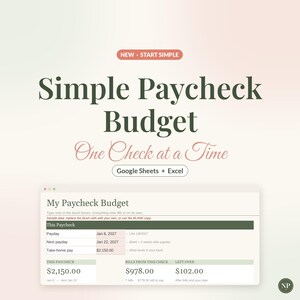
Digital download
Simple Paycheck Budget Spreadsheet, Easy Beginner Budget Template for Google Sheets & Excel, Bills by Paycheck, Biweekly Budget Planner
Sale Price $1.99
Original Price $3.32