

SBA Loan Calculator Spreadsheet, SBA 7a Loan Payment and Amortization Schedule, Variable Rate Business Loan, Excel & Google Sheets
NowPrice:$6.40
Original Price: $8.00
20% off
Sale ends on December 9
You can only make an offer when buying a single item
Highlights
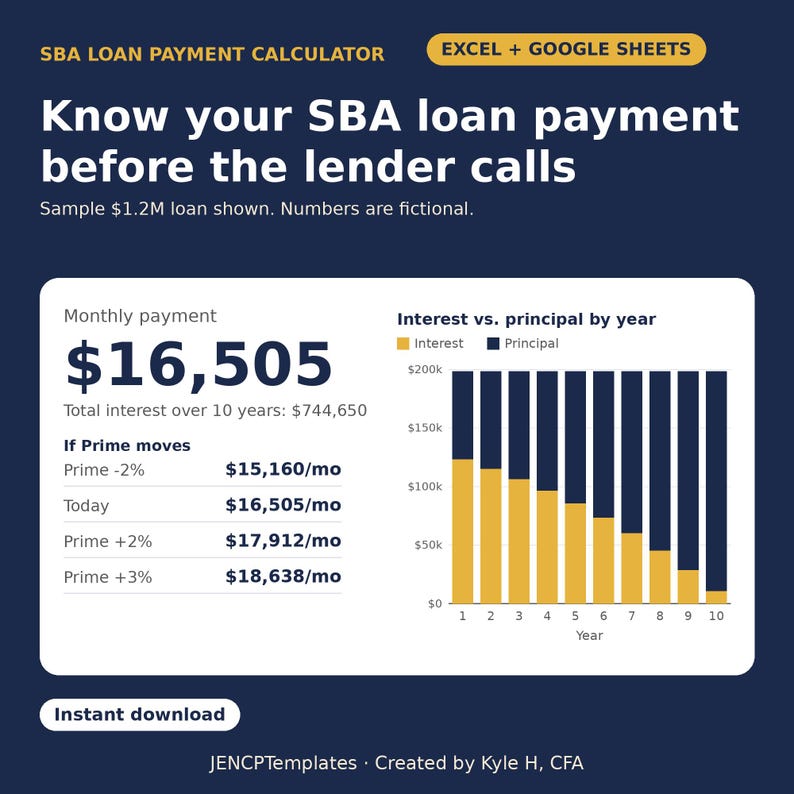
What will the SBA loan really cost you each month, and what if Prime moves? Get the payment, the fee and the full schedule in a minute.
INSTANT DIGITAL DOWNLOAD for Microsoft Excel and Google Sheets. No physical item will be shipped.
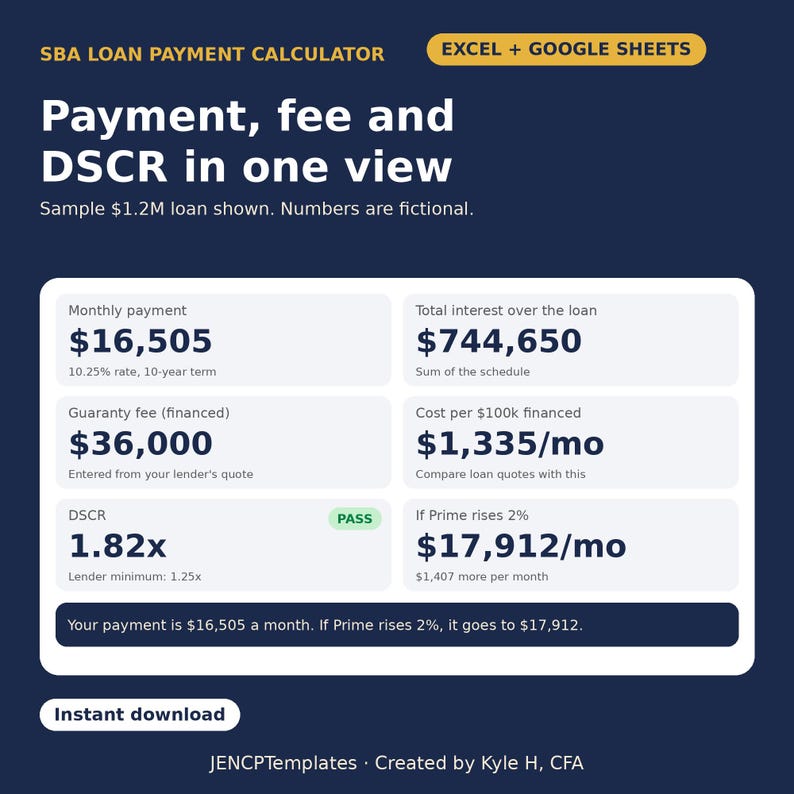
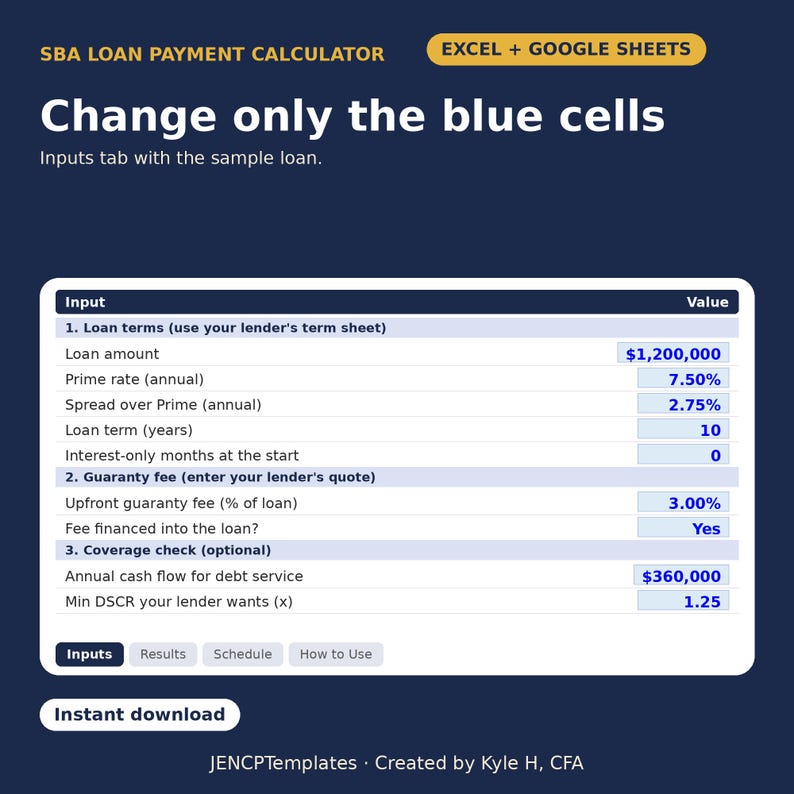
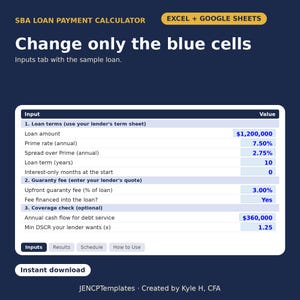
Enter the loan amount, Prime, your spread over Prime, the term, whether the guaranty fee is financed, and any interest-only months. The Results tab shows the monthly payment, financed fee, annual debt service, total interest, the cost per $100,000 financed and a DSCR check against your lender's minimum. A rate shock table shows the payment if Prime moves up or down.
WHAT'S INSIDE
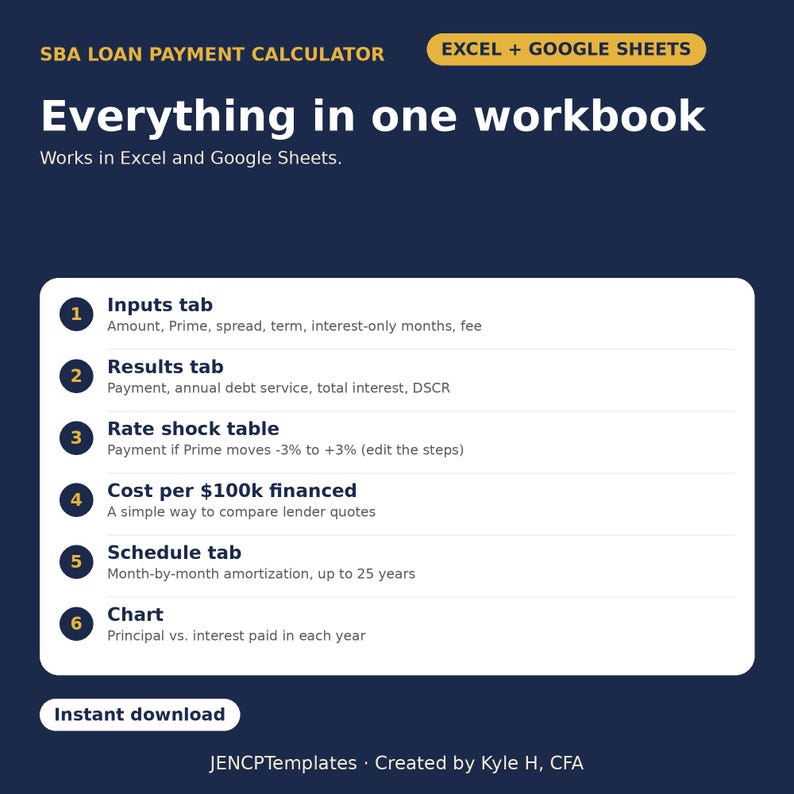
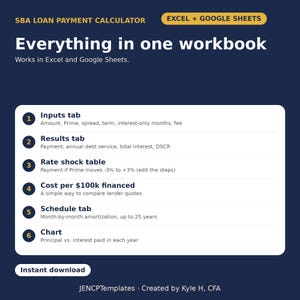
- Inputs tab: amount, Prime, spread, term, interest-only months, fee (you enter your lender's quote), optional cash flow for the DSCR check
- Results tab: payment, annual debt service, total interest, cost per $100k, DSCR
- Rate shock table: payment at -3% to +3% (edit the steps)
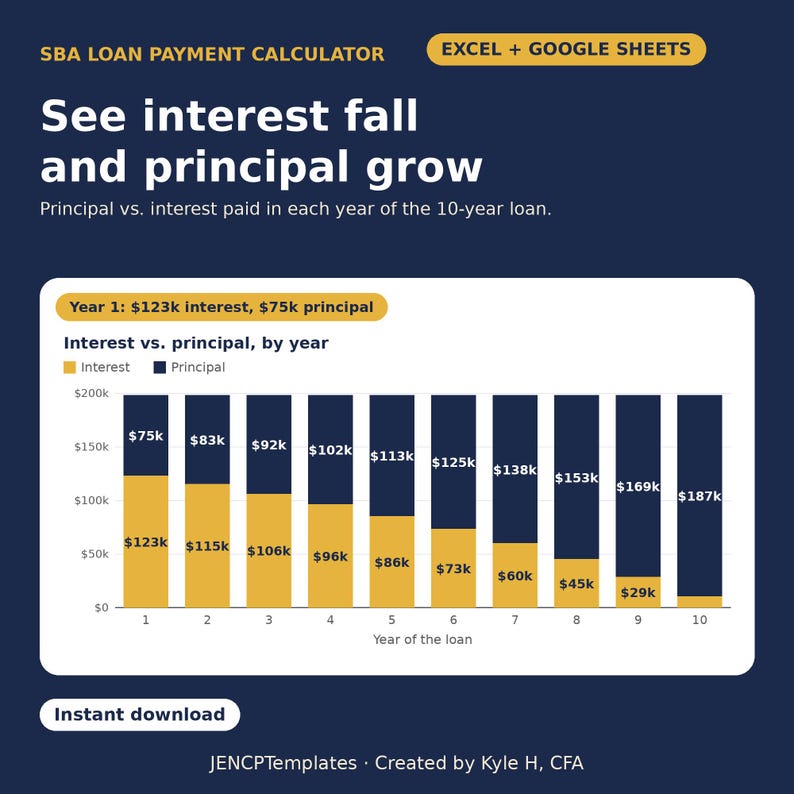
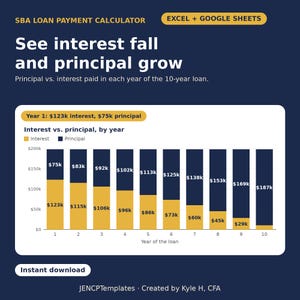
- Principal vs. interest by year, with a chart
- Schedule tab: month-by-month amortization for up to 25 years
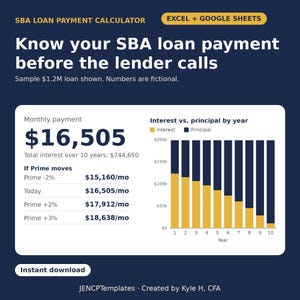
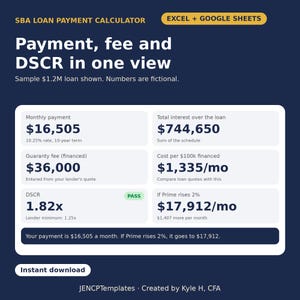
- Sample fictional loan: $1,200,000 at Prime + 2.75% over 10 years, which gives a $16,505 payment
HOW TO USE IT
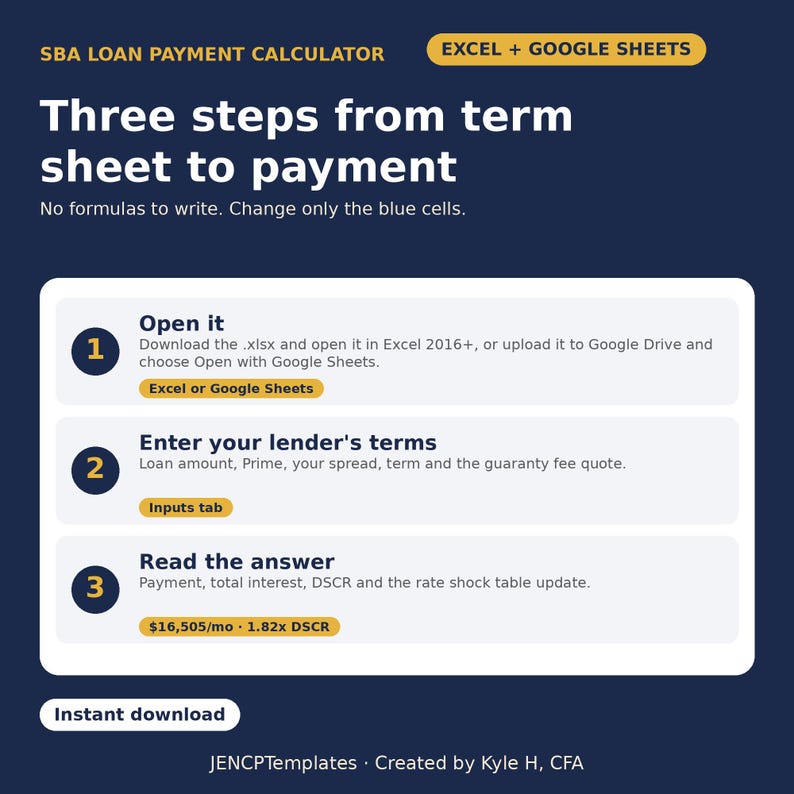
Enter the terms from your lender's term sheet, then use the rate shock table to see what a rate move does to the payment.
READY FOR MORE?
Checking if the business can carry the payment? Try the SBA 7(a) Business Quick Screener, or the full SBA 7(a) Business Acquisition Model.
Note: You enter the rate and fee your lender quotes; SBA rules and fees change, so confirm current terms with your lender. The schedule assumes the rate stays fixed at today's Prime + spread (real loans can reprice). Not affiliated with or endorsed by the U.S. Small Business Administration.
HOW TO OPEN IT
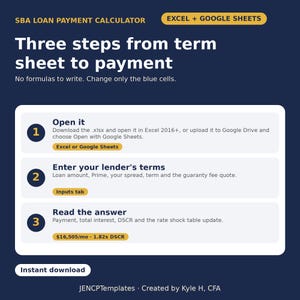
- Excel: after purchase go to Etsy > You > Purchases and reviews, click "Download Files", save the .xlsx and open it in Excel 2016+ or Microsoft 365. If Excel opens it in Protected View, click Enable Editing so the numbers calculate.
- Google Sheets: upload the .xlsx to Google Drive, then right-click it and choose Open with > Google Sheets (or use File > Import in a new Sheet).
- Start on the Inputs tab and replace the sample numbers in the blue cells. Read the answer on the Results tab.
PLEASE NOTE
- Digital file only; nothing is shipped. All sales are final. If something isn't working, message me and I'll help.
- Educational tool, not investment, lending, tax or legal advice. Example figures are fictional.
- Single-user license. Please do not resell or share the file.
Created by Kyle H, CFA · JENCPTemplates
Instant Download
Your files will be available to download once payment is confirmed. Here's how.
Instant download items don’t accept returns, exchanges or cancellations. Please contact the seller about any problems with your order.
Etsy Purchase Protection
Shop confidently on Etsy knowing if something goes wrong with an order, we've got your back for all eligible purchases —
see program terms

Be the first to review this item

More from this shop
Visit shop-
Digital download
Business Acquisition Model Excel, SBA 7a Loan Calculator for Buying a Business, SDE Valuation, DSCR, Cash on Cash and Payback Spreadsheet
Sale Price $63.20
Original Price $79.00
-
Digital download
Rental Property Calculator Spreadsheet, Real Estate Investment Analysis for Excel & Google Sheets, Cap Rate, Cash on Cash, DSCR, 1% Rule
Sale Price $8.00
Original Price $10.00
-

Funny Excel Mug, IFERROR Coffee or Nap Spreadsheet Coffee Cup, Accountant Gift, Data Analyst Coworker Gift, Office Humor 11oz
Sale Price $17.59
Original Price $21.99
-
Digital download
NYC Rent Stabilized Building Excel Model, New York Landlord Cash Flow and Breakeven Rent Forecast, Multifamily Pro Forma Spreadsheet
Sale Price $63.20
Original Price $79.00
-
Digital download
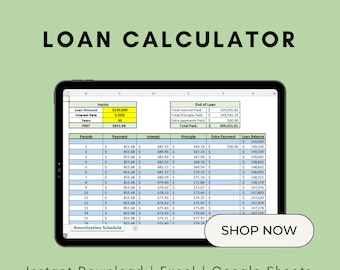
Loan Calculator and Amortization Schedule | Google Sheets | Microsoft Excel | Loan Amortization | Calculate with Additional Payments
$7.99
-
Digital download
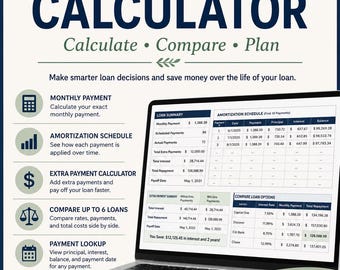
Loan Amortization Table Excel Template: Debt Payoff Calculator (Digital Download)
$5.29
-
Digital download
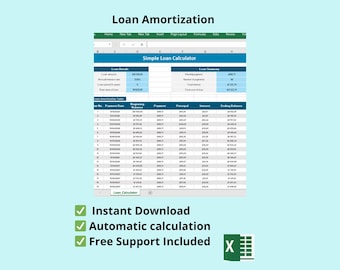
Excel Loan Calculator | Amortization Schedule, Extra Payment Comparison (Digital Download)
$8.99
-
Digital download
Automatic Loan Amortization Calculator Template Excel – Track Payments & Interest
$7.00
-

Digital download
Loan Amortization Calculator
$5.99
-

Digital download
Loan Amortization Schedule Calculator, Home Mortgage Calculator, College Loan Calculator, Car Loan Calculator, Pay Off Mortgage, Pay Off
$8.00
-

Digital download
Mortgage Amortization Schedule w/ Extra Payment Calculator
$7.00
-

Digital download
Loan Amortization Calculator | Excel
$5.00
-

Digital download
Green Loan Amortization Spreadsheet for Google Sheets & Excel, Extra Payment Calculator
$15.00
-

Digital download
Mortgage Payment Calculator and Payoff Schedule - Microsoft Excel Template | Loan Amortization | Calculate with Additional Payments
$6.99
-
Digital download
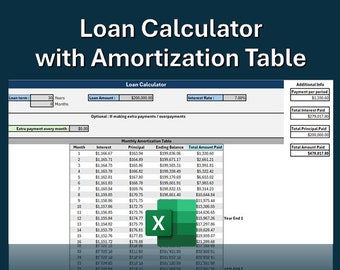
Loan Calculator with Amortization Schedule | Track Loan Payments | Excel
Sale Price $4.49
Original Price $5.99
-
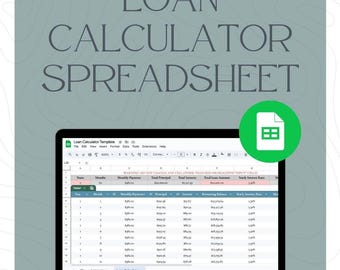
Digital download
Loan Amortization Calculator | Google Sheets Loan Payment Tracker | Car Loan, Mortgage & Debt Payoff Spreadsheet Template
$5.00
Shoppers with similar taste loved these
-

Digital download
Budget Finance Notion Template, Monthly Budget Tracker Money, Financial Planner Savings Tracker, Income Expense Tracker Personal Finance
$11.99
-

Digital download
Notion Finance Tracker: Budget & Savings Planner Template (Digital Download)
Sale Price $8.85
Original Price $10.42
-

Digital download
Notion Template Personal Finance Tracker Budget Tracker Income Expense Tracker Business Notion Template Notion Finance Tracker Money Tracker
$12.54
-

Digital download
Finance Planner Notion Template 2026 2027 Aesthetic Budget Tracker Monthly Goals Income Expenses Notion Dashboard Notion Budget Template
Sale Price $5.10
Original Price $14.56
-

Digital download
Notion Template Personal Finance Tracker Budget Tracker | Income and Expense Tracker Notion Template | Notion Finance Tracker, Money Tracker
Sale Price $8.95
Original Price $12.79
-

Digital download
Notion Template Budget Tracker Comprehensive Digital Personal Finance Income Expenses Savings Debt Payoff Planner Couple Household Budget
Sale Price $2.49
Original Price $4.99
-

Digital download
650+ Financial Coaching Bundle CANVA / Financial Freedom Templates with Real Content
$33.26
-
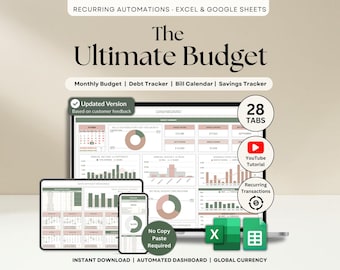
Digital download
Ultimate Annual Budget Spreadsheet Excel Google Sheets Budget Template Monthly Budget Tracker Financial Planner Bill Tracker Debt Tracker
Sale Price $10.20
Original Price $20.40
-

Digital download
Faceless Social Media Videos Finance and Money|Melanin|DFY Faceless Videos|Reels for Black Women|Melanin Aesthetic|Faceless Reels Finance
$7.99
-

Digital download
Financial Advisor Social Media Templates, Financial Coach Instagram, Money Management Posts, Financial Consultant Instagram Posts, Coaching
Sale Price $6.31
Original Price $11.47
-

Digital download
2600 Instagram Bundle for Personal Finance Coaching, Post Story Quote, Boho Beige Ivory Gold Canva, Wealth Management Coach Money Saving
$24.19
-

Digital download
Financial Advisor Instagram Templates | Finance Posts and Stories with Real Content & Captions - Finance Coaches
$18.99


