

Gantt Chart Excel Template, Project Planner Spreadsheet for Google Sheets & Excel, Project Timeline, Task Tracker, Project Management
Item highlights
Seller's description
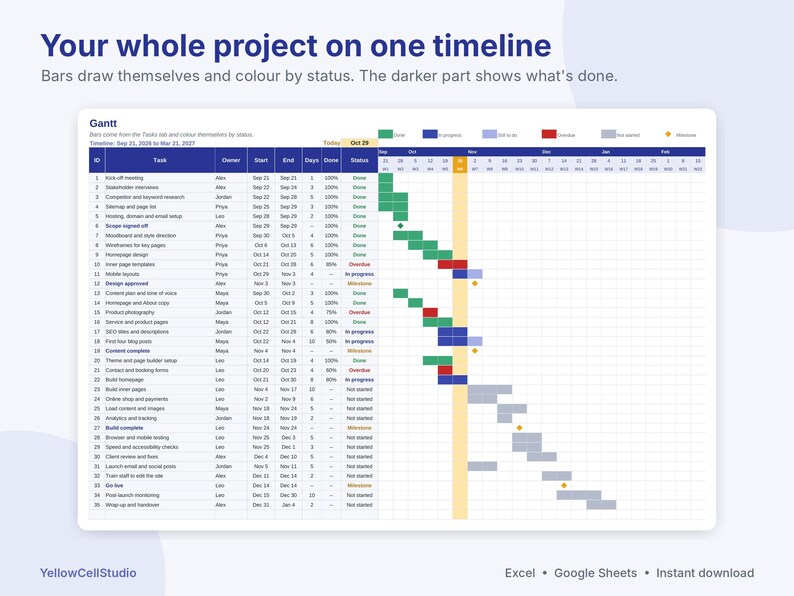
Plan your project once and watch the Gantt chart draw itself. List your tasks with a duration in working days, an end date or a predecessor, and the spreadsheet works out every date, skips weekends and holidays, colours each bar by status and keeps the dashboard up to date.
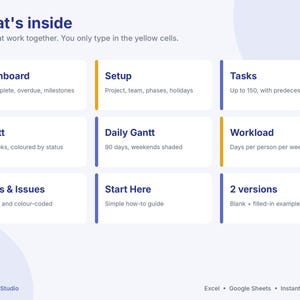
WHAT'S INSIDE
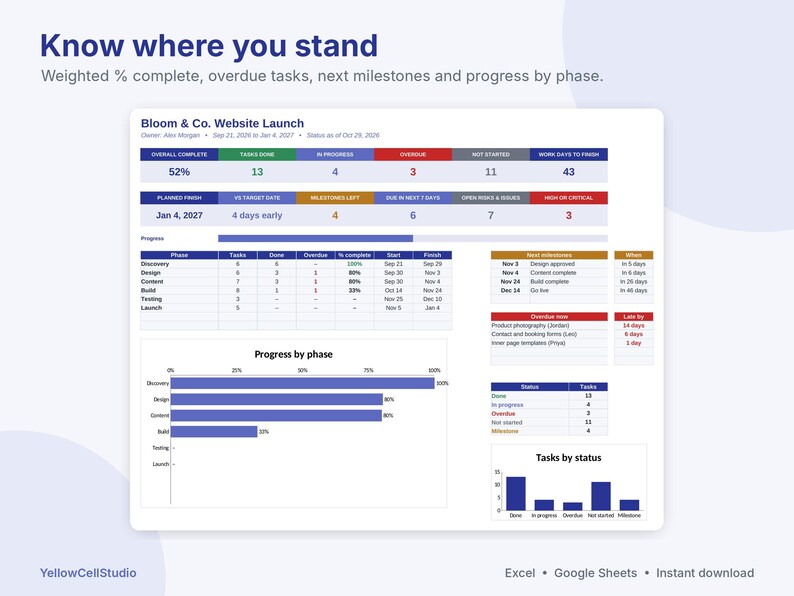
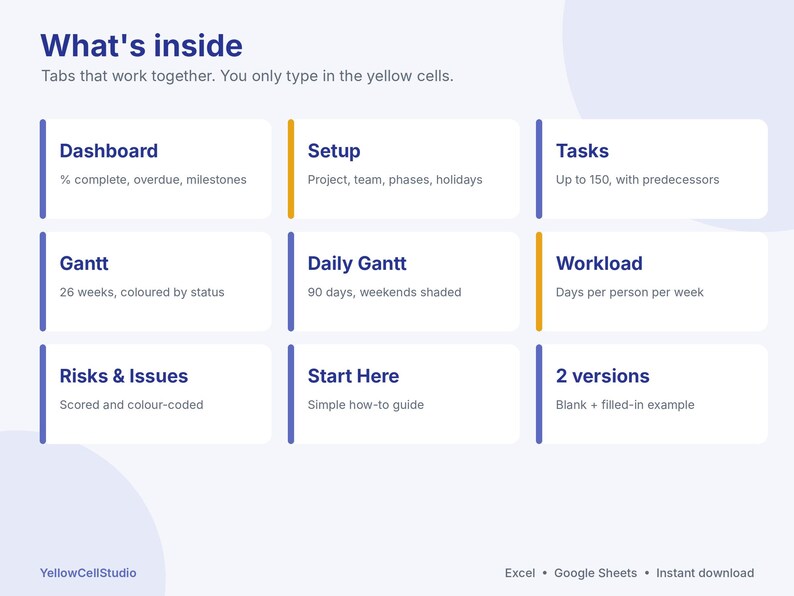
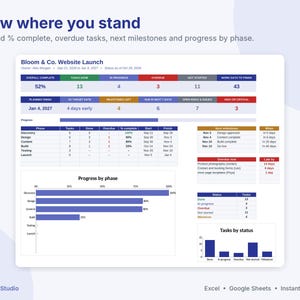
- Dashboard: overall % complete (weighted by working days), tasks done, in progress, overdue and not started, working days to finish, planned finish vs your target date, next 5 milestones, overdue tasks and a progress-by-phase chart
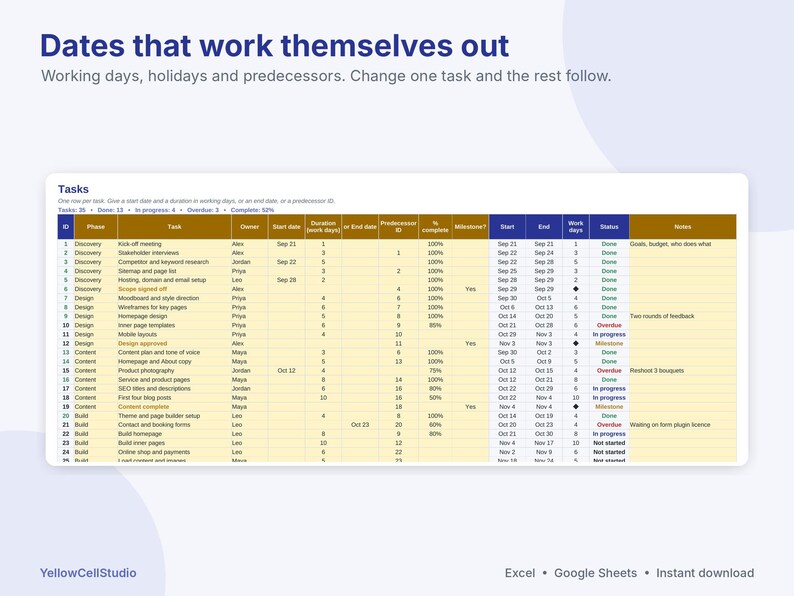
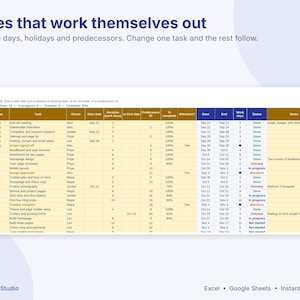
- Tasks: up to 150 tasks with phase, owner, start date, duration in working days or end date, predecessor, % complete and milestone flag. Status fills in by itself: Not started, In progress, Done, Overdue or Milestone
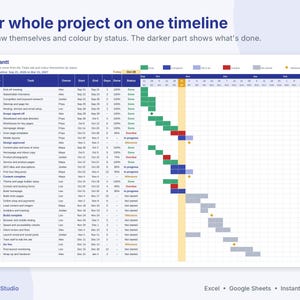
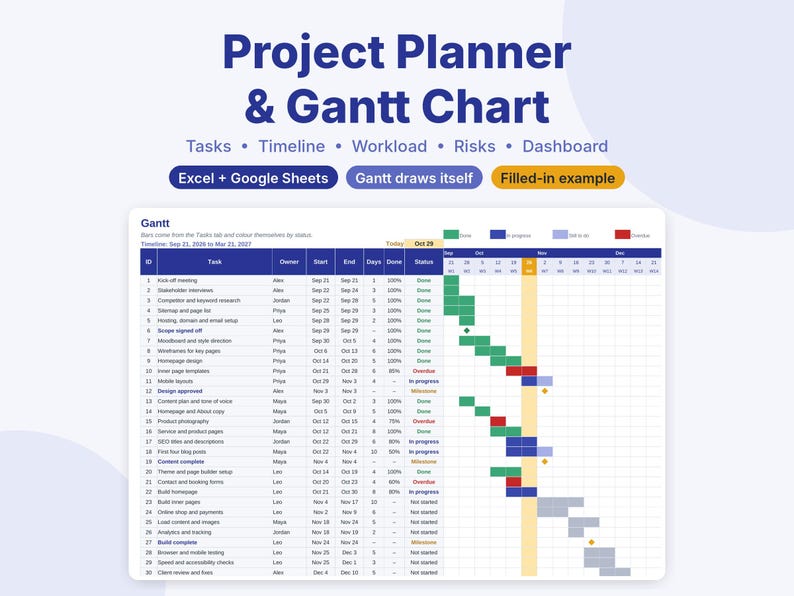
- Gantt: a 26-week timeline. Bars colour by status, the darker part shows what's done, milestones show as diamonds and this week is highlighted
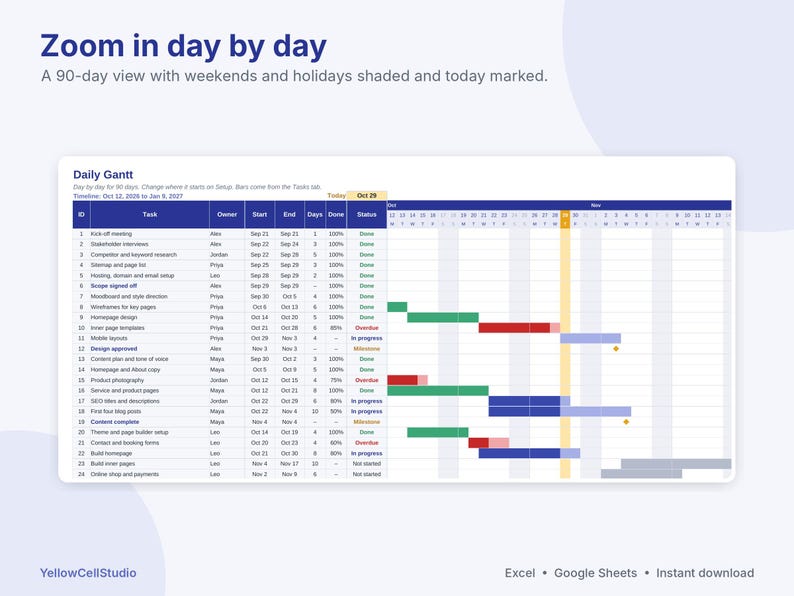
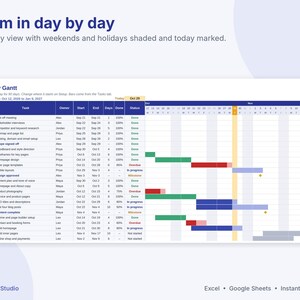
- Daily Gantt: 90 days, day by day, with weekends and holidays shaded and today marked
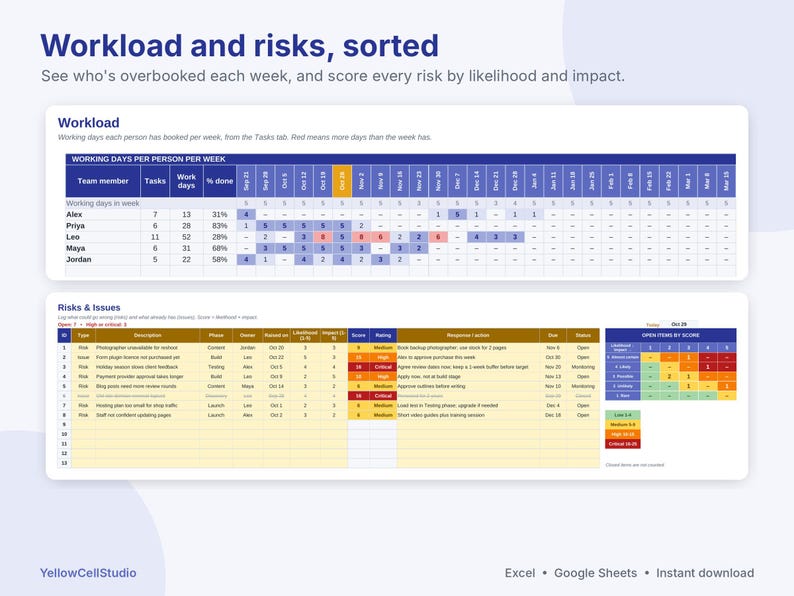
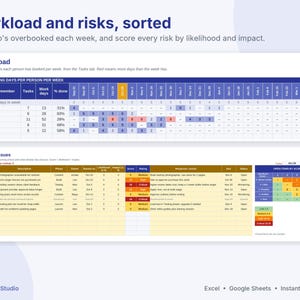
- Workload: working days and tasks per person per week, with overbooked weeks shown in red
- Risks & Issues: likelihood × impact score, colour-coded rating and a 5 by 5 risk matrix
- Setup: project name, owner, start and target dates, status rules, team members, phases and holidays
- Start Here guide, plus a filled-in example: a small-business website launch with 35 tasks across 6 phases
HOW IT WORKS
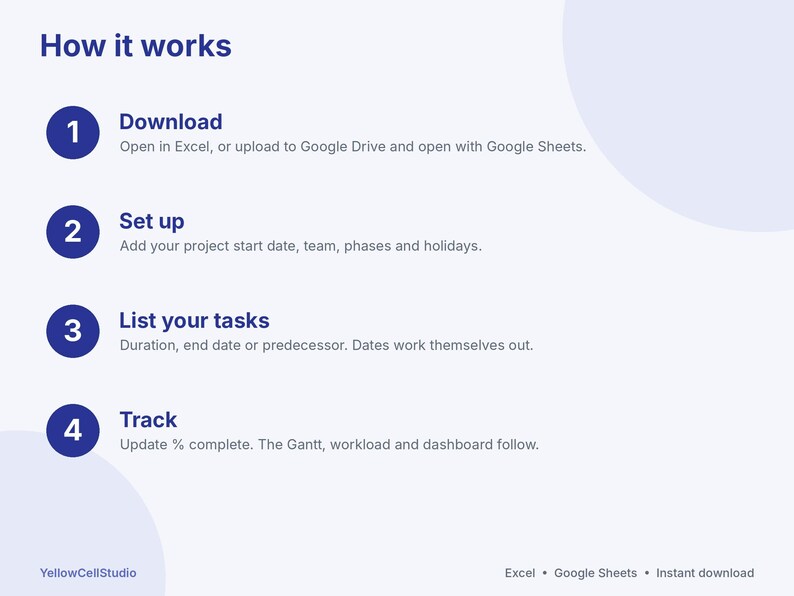
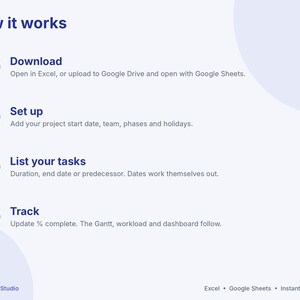
1. Download the files after purchase
2. Open in Excel, or upload to Google Drive and open with Google Sheets (share it with your team so everyone can update their progress)
3. Add your start date, team and phases on Setup, then list your tasks. Type only in the yellow cells. Everything else updates by itself
GOOD TO KNOW
- Works in Excel 2016 or newer, Excel for Mac, Microsoft 365 and Google Sheets
- Working days are Monday to Friday, minus the holidays you add
- Link a task to the one before it and its dates move when that task moves
- Statuses use today's date, or a status date you choose for reports
- This is a digital download. Nothing will be shipped
- For your own projects, personal or business. Please do not share or resell the files
- Need help? Message us on Etsy and we'll get you set up
HOW THIS WAS MADE
Designed by YellowCellStudio with the help of AI tools, under the guidance of Mujahid Saif. Every formula is tested in Excel and Google Sheets, and each file is reviewed and verified by Mujahid Saif before release.
If something goes wrong with an order, we've got your back for all eligible purchases. View program terms
NowPrice:$7.19
Original Price: $11.99
40% off
Sale ends on November 10
You can only make an offer when buying a single item
Delivery
Instant download
Your files will be available to download once payment is confirmed. Here's how.
Instant download items don't accept returns, exchanges or cancellations. Please contact the seller about any problems with your order.
Seller's description
Specifications
Plan your project once and watch the Gantt chart draw itself. List your tasks with a duration in working days, an end date or a predecessor, and the spreadsheet works out every date, skips weekends and holidays, colours each bar by status and keeps the dashboard up to date.
WHAT'S INSIDE
- Dashboard: overall % complete (weighted by working days), tasks done, in progress, overdue and not started, working days to finish, planned finish vs your target date, next 5 milestones, overdue tasks and a progress-by-phase chart
- Tasks: up to 150 tasks with phase, owner, start date, duration in working days or end date, predecessor, % complete and milestone flag. Status fills in by itself: Not started, In progress, Done, Overdue or Milestone
- Gantt: a 26-week timeline. Bars colour by status, the darker part shows what's done, milestones show as diamonds and this week is highlighted
- Daily Gantt: 90 days, day by day, with weekends and holidays shaded and today marked
- Workload: working days and tasks per person per week, with overbooked weeks shown in red
- Risks & Issues: likelihood × impact score, colour-coded rating and a 5 by 5 risk matrix
- Setup: project name, owner, start and target dates, status rules, team members, phases and holidays
- Start Here guide, plus a filled-in example: a small-business website launch with 35 tasks across 6 phases
HOW IT WORKS
1. Download the files after purchase
2. Open in Excel, or upload to Google Drive and open with Google Sheets (share it with your team so everyone can update their progress)
3. Add your start date, team and phases on Setup, then list your tasks. Type only in the yellow cells. Everything else updates by itself
GOOD TO KNOW
- Works in Excel 2016 or newer, Excel for Mac, Microsoft 365 and Google Sheets
- Working days are Monday to Friday, minus the holidays you add
- Link a task to the one before it and its dates move when that task moves
- Statuses use today's date, or a status date you choose for reports
- This is a digital download. Nothing will be shipped
- For your own projects, personal or business. Please do not share or resell the files
- Need help? Message us on Etsy and we'll get you set up
HOW THIS WAS MADE
Designed by YellowCellStudio with the help of AI tools, under the guidance of Mujahid Saif. Every formula is tested in Excel and Google Sheets, and each file is reviewed and verified by Mujahid Saif before release.
-
Item typeDigital download
-
Digital file type(s)2 Files
If something goes wrong with an order, we've got your back on all eligible purchases. View program terms
Meet your seller

More from this shop
-
Digital download
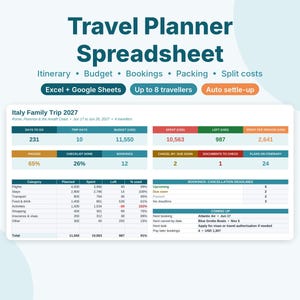
Travel Planner Spreadsheet, Trip Itinerary Template, Vacation Budget & Packing List, Split Expenses, Google Sheets Excel Template
Sale Price $5.99
Original Price $9.99
-
Digital download
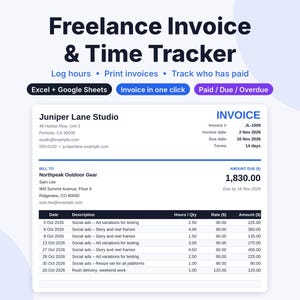
Freelance Invoice Template & Time Tracker Spreadsheet, Google Sheets and Excel, Client Invoice Tracker, Hourly Billing, Small Business
Sale Price $8.39
Original Price $13.99
-
Digital download
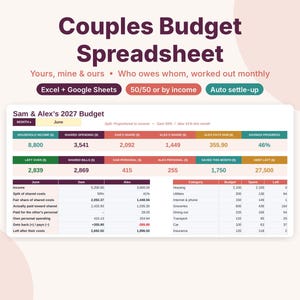
Couples Budget Spreadsheet, Joint Budget for Two, Google Sheets & Excel Template, Split Bills Tracker, Yours Mine Ours, Who Owes Whom
Sale Price $7.79
Original Price $12.99
-
Digital download
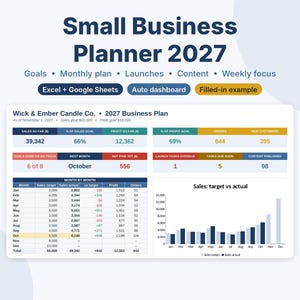
Small Business Planner 2027 Spreadsheet, Business Goal Planner, Content Calendar, Launch Planner, Google Sheets & Excel Template
Sale Price $8.99
Original Price $14.99
-
Digital download
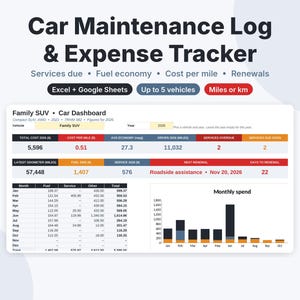
Car Maintenance Log Spreadsheet, Vehicle Expense Tracker, Fuel Log and Mileage Tracker, Google Sheets & Excel Template, Car Service Record
Sale Price $5.39
Original Price $8.99
-
Digital download
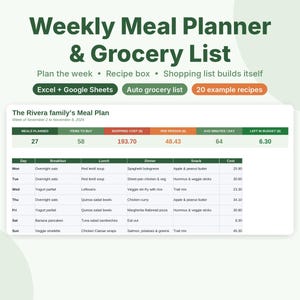
Meal Planner Spreadsheet, Weekly Meal Plan and Grocery List, Google Sheets & Excel Template, Recipe Organizer, Family Menu Planner
Sale Price $5.99
Original Price $9.99