


Attendance Tracker Google Sheets & Excel, Employee Absence Calendar, Yearly Tardy Log, Sick Day Record, Small Business HR
Item highlights
Seller's description
This attendance tracker keeps a clear record of absences and late arrivals for your team. Log each absence, tardy or day off in one line. It builds a yearly calendar for each employee. It totals days by person and by month. A REVIEW flag shows when someone reaches the limit you set. It works in Google Sheets and Excel. It is made for employers tracking staff, not for classrooms.
WHAT IT DOES
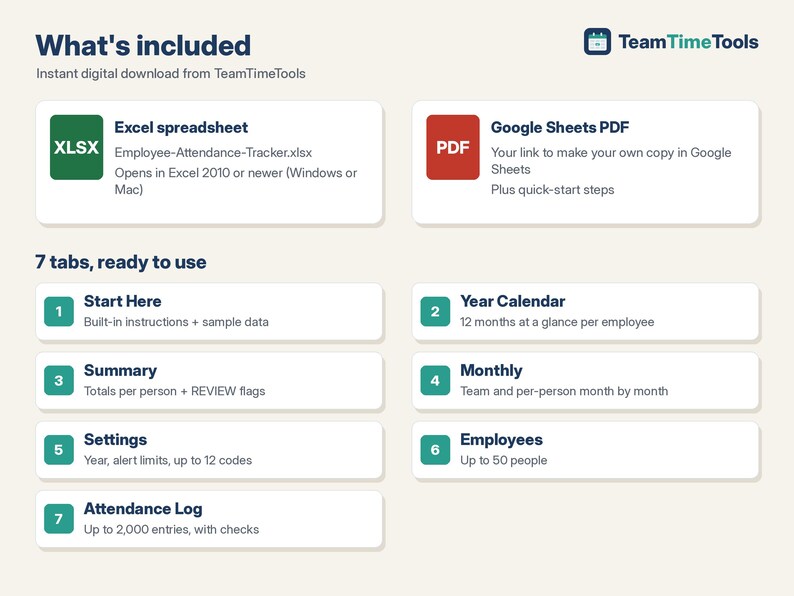
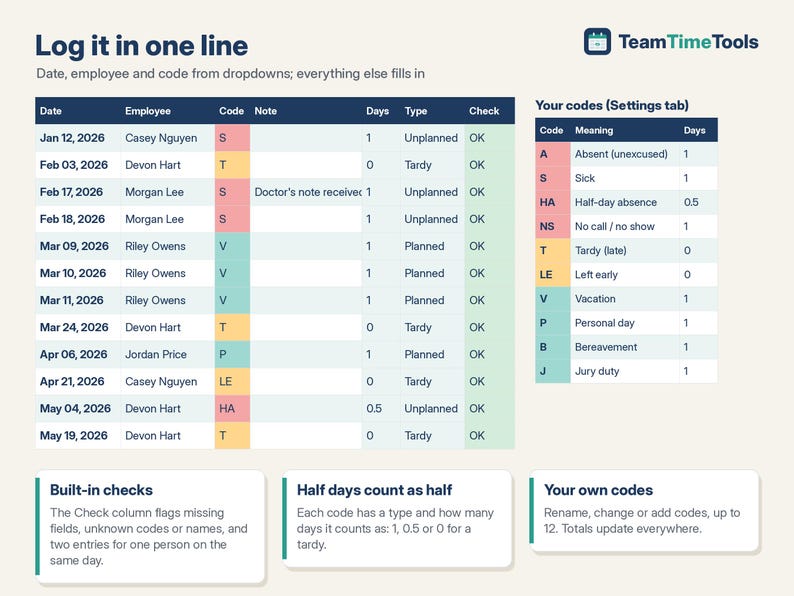
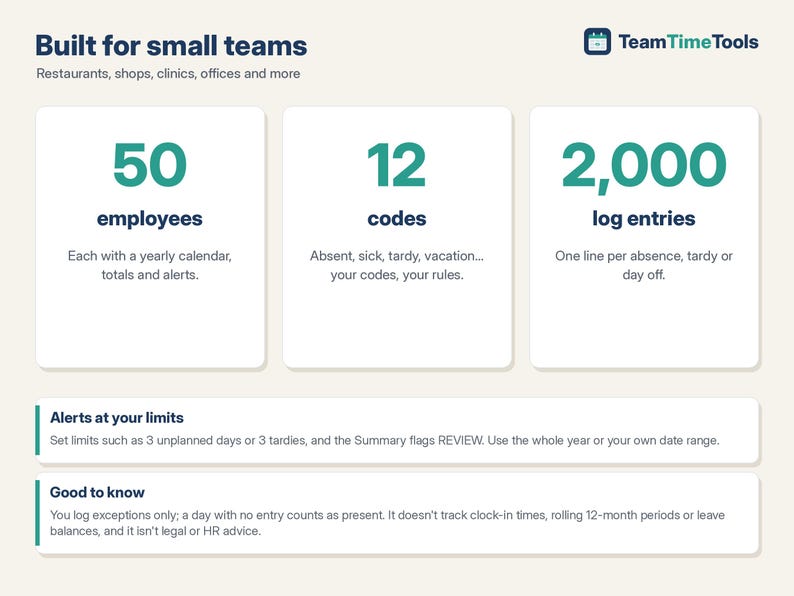
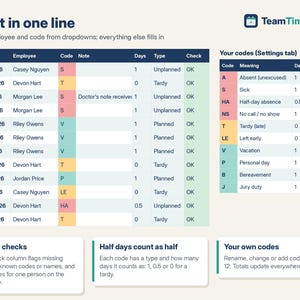
- Attendance Log: one row per event (date, employee and code from dropdowns, optional note), up to 2,000 entries. A Check column flags missing fields, unknown codes or names, and duplicate entries for the same person on the same day.
- Your own codes: up to 12 attendance codes (comes with Absent, Sick, Half-day, No call/no show, Tardy, Left early, Vacation, Personal, Bereavement, Jury duty). Each code has a type (Unplanned, Planned or Tardy) and how many days it counts as, so a half day counts as 0.5.
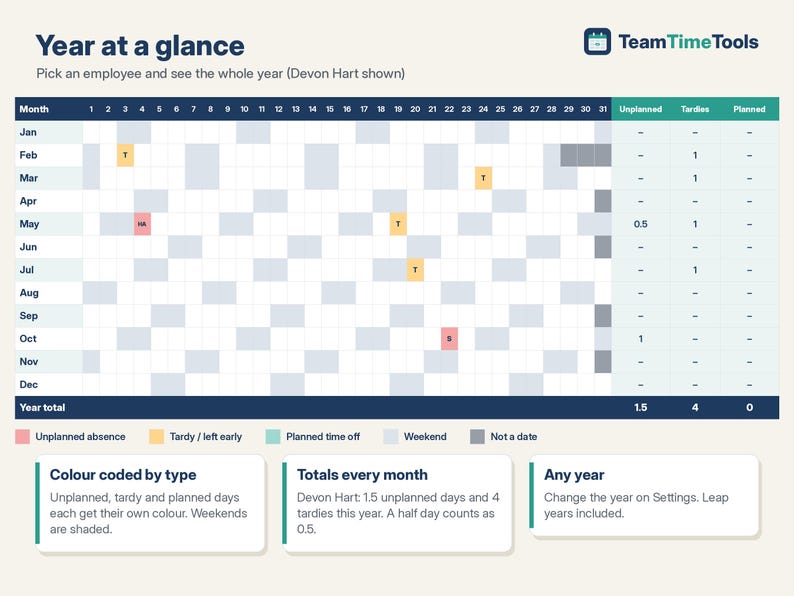
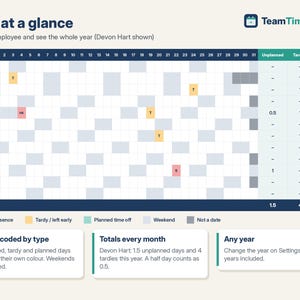
- Year Calendar: pick an employee to see all 12 months at a glance, colour coded by type with weekends shaded, plus unplanned days, tardies and planned days per month.
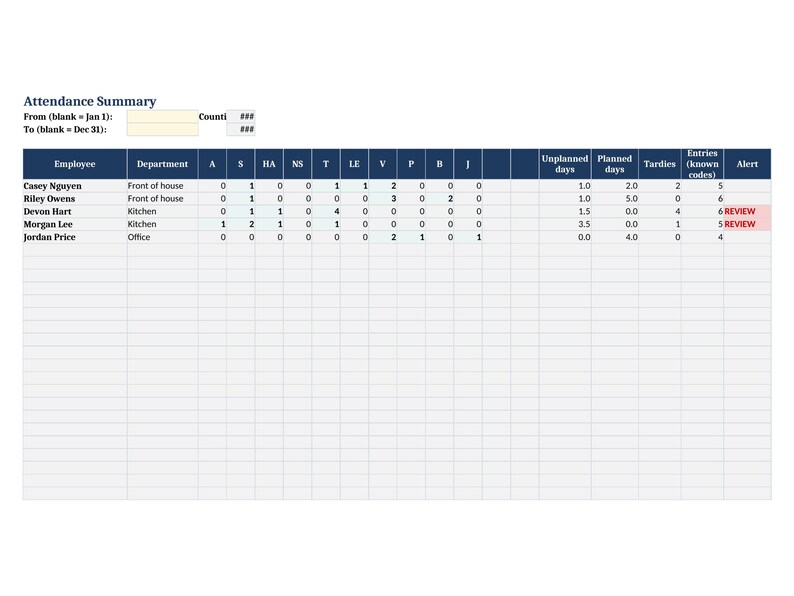
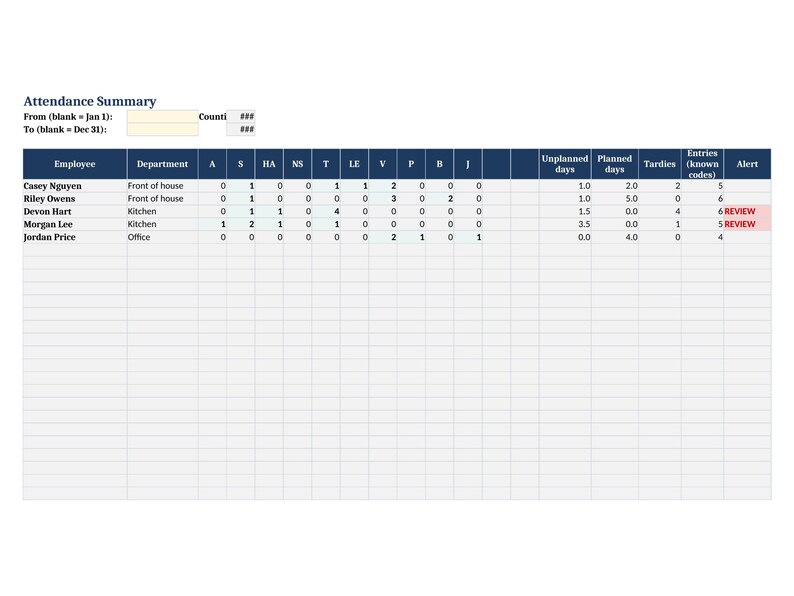
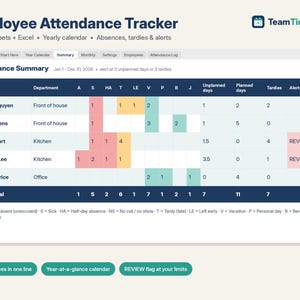
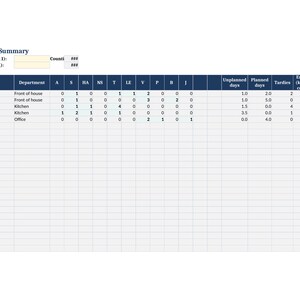
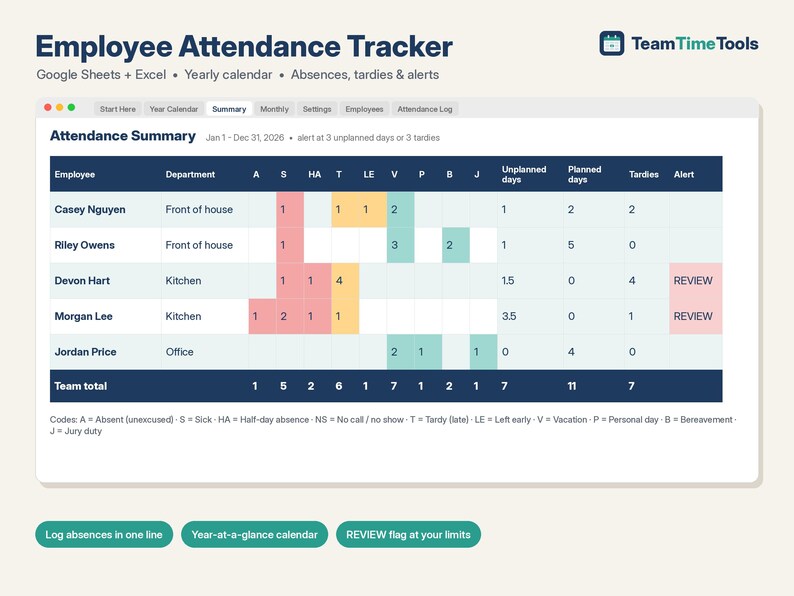
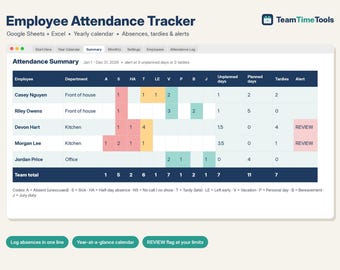
- Summary: entries per code for every employee, unplanned days, planned days, tardies and a REVIEW flag when someone reaches your alert limits (e.g. 3 unplanned days or 3 tardies). Use the whole year or type your own date range.
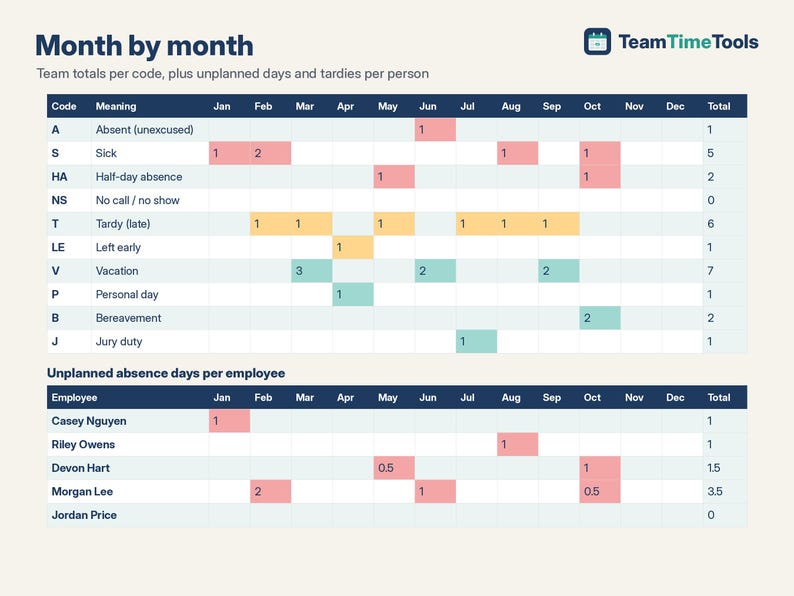
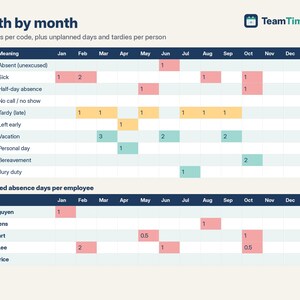
- Monthly: team entries per code per month, plus unplanned days and tardies per employee per month.
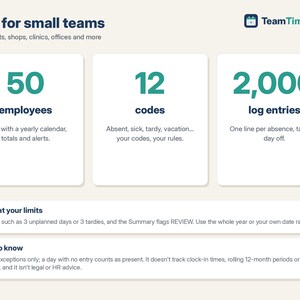
- Up to 50 employees. Change the year on the Settings tab to start a new year (leap years included).
WHAT YOU GET
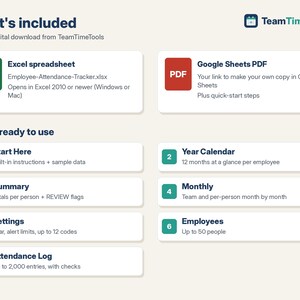
- 1 Excel file (.xlsx): Employee-Attendance-Tracker.xlsx
- 1 PDF with your link to make your own copy in Google Sheets, plus quick-start steps
- A built-in "Start Here" tab with instructions, and sample data you can clear in a minute
HOW TO GET IT
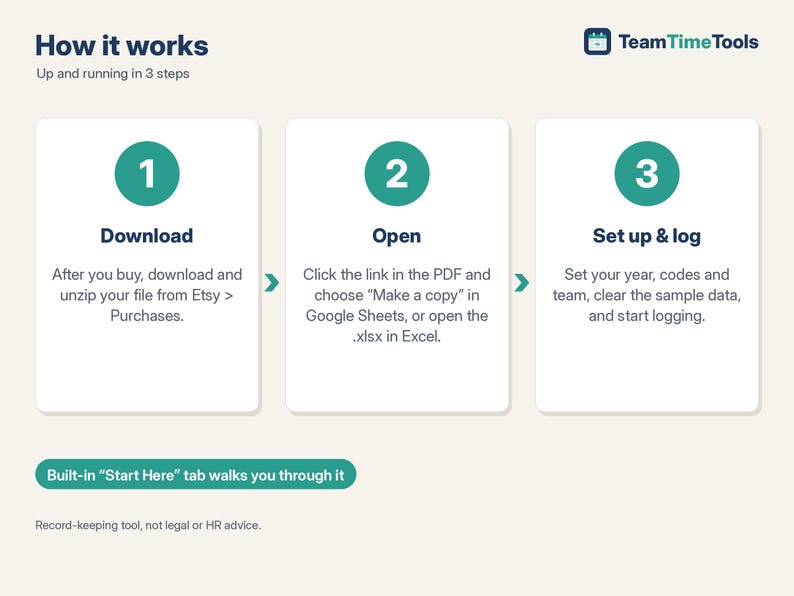
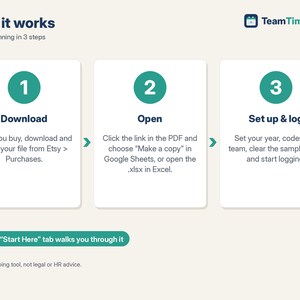
1. After you buy, go to your Etsy account > Purchases and download your file. Etsy also emails you a download link.
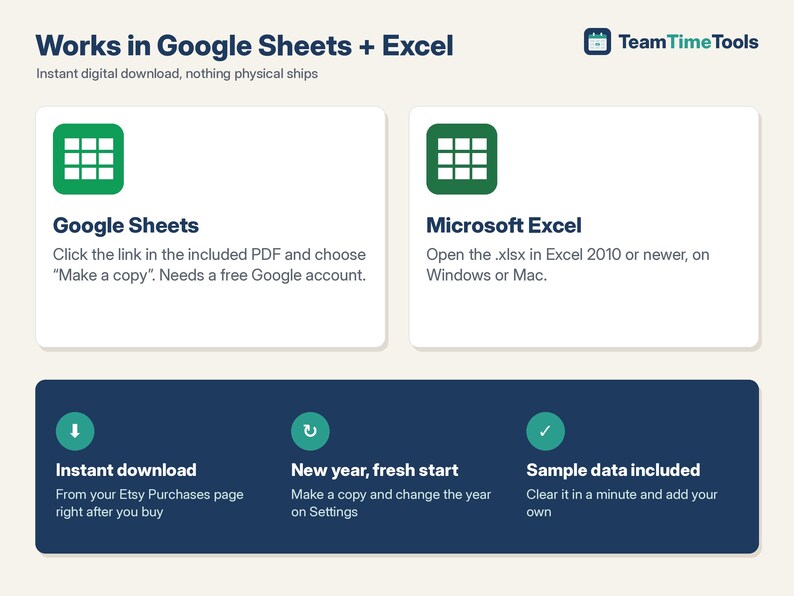
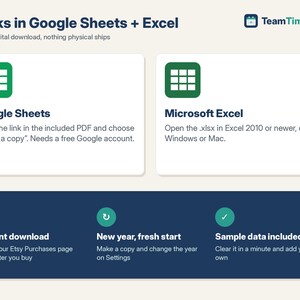
2. Unzip it. Google Sheets: open the PDF, click the copy link and choose "Make a copy". The copy is saved to your own Google Drive.
3. Excel: open the .xlsx file in Excel 2010 or newer.
4. Follow the Start Here tab: set the year and your codes, add your employees, clear the sample entries and start logging.
GOOD TO KNOW
- This is a digital download. Nothing physical will be shipped.
- Compatible with Google Sheets (needs a free Google account) and Microsoft Excel 2010 or newer, on Windows or Mac. Not designed for Apple Numbers.
- You log exceptions only; a day with no entry counts as present. It doesn't record clock-in times.
- One entry per person per day. Duplicates are flagged, and the calendar shows the first one.
- One year per file (make a fresh copy each year).
- It doesn't calculate rolling 12-month periods, Bradford Factor scores or leave balances.
- It's a record-keeping tool, not legal or HR advice. Follow your own policy and local law (for example on protected leave) before acting on a REVIEW flag.
- Because this is a digital file, returns aren't accepted. If something isn't working, send me a message and I'll help.
HOW THIS WAS MADE
I designed this tracker with help from AI tools, which assisted with building the formulas and layout. I chose the features, and before listing it I tested every calculation against an independent check (a 30-point test plan covering half days, custom codes, date ranges, alert limits, duplicates, leap years and 50-employee / 2,000-entry capacity).
If something goes wrong with an order, we've got your back for all eligible purchases. View program terms
Price:$12.00
You can only make an offer when buying a single item
Delivery
Instant download
Your files will be available to download once payment is confirmed. Here's how.
Instant download items don't accept returns, exchanges or cancellations. Please contact the seller about any problems with your order.
Seller's description
Specifications
This attendance tracker keeps a clear record of absences and late arrivals for your team. Log each absence, tardy or day off in one line. It builds a yearly calendar for each employee. It totals days by person and by month. A REVIEW flag shows when someone reaches the limit you set. It works in Google Sheets and Excel. It is made for employers tracking staff, not for classrooms.
WHAT IT DOES
- Attendance Log: one row per event (date, employee and code from dropdowns, optional note), up to 2,000 entries. A Check column flags missing fields, unknown codes or names, and duplicate entries for the same person on the same day.
- Your own codes: up to 12 attendance codes (comes with Absent, Sick, Half-day, No call/no show, Tardy, Left early, Vacation, Personal, Bereavement, Jury duty). Each code has a type (Unplanned, Planned or Tardy) and how many days it counts as, so a half day counts as 0.5.
- Year Calendar: pick an employee to see all 12 months at a glance, colour coded by type with weekends shaded, plus unplanned days, tardies and planned days per month.
- Summary: entries per code for every employee, unplanned days, planned days, tardies and a REVIEW flag when someone reaches your alert limits (e.g. 3 unplanned days or 3 tardies). Use the whole year or type your own date range.
- Monthly: team entries per code per month, plus unplanned days and tardies per employee per month.
- Up to 50 employees. Change the year on the Settings tab to start a new year (leap years included).
WHAT YOU GET
- 1 Excel file (.xlsx): Employee-Attendance-Tracker.xlsx
- 1 PDF with your link to make your own copy in Google Sheets, plus quick-start steps
- A built-in "Start Here" tab with instructions, and sample data you can clear in a minute
HOW TO GET IT
1. After you buy, go to your Etsy account > Purchases and download your file. Etsy also emails you a download link.
2. Unzip it. Google Sheets: open the PDF, click the copy link and choose "Make a copy". The copy is saved to your own Google Drive.
3. Excel: open the .xlsx file in Excel 2010 or newer.
4. Follow the Start Here tab: set the year and your codes, add your employees, clear the sample entries and start logging.
GOOD TO KNOW
- This is a digital download. Nothing physical will be shipped.
- Compatible with Google Sheets (needs a free Google account) and Microsoft Excel 2010 or newer, on Windows or Mac. Not designed for Apple Numbers.
- You log exceptions only; a day with no entry counts as present. It doesn't record clock-in times.
- One entry per person per day. Duplicates are flagged, and the calendar shows the first one.
- One year per file (make a fresh copy each year).
- It doesn't calculate rolling 12-month periods, Bradford Factor scores or leave balances.
- It's a record-keeping tool, not legal or HR advice. Follow your own policy and local law (for example on protected leave) before acting on a REVIEW flag.
- Because this is a digital file, returns aren't accepted. If something isn't working, send me a message and I'll help.
HOW THIS WAS MADE
I designed this tracker with help from AI tools, which assisted with building the formulas and layout. I chose the features, and before listing it I tested every calculation against an independent check (a 30-point test plan covering half days, custom codes, date ranges, alert limits, duplicates, leap years and 50-employee / 2,000-entry capacity).
-
Designed by
-
Item typeDigital download
-
Digital file type(s)1 ZIP
If something goes wrong with an order, we've got your back on all eligible purchases. View program terms
Meet your seller
More from this shop
-
Digital download
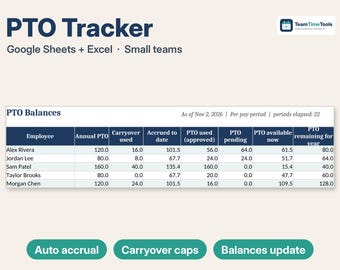
PTO Tracker 2026 2027 Google Sheets & Excel, Employee Vacation, Sick and Personal Time Off Tracker, Accrual, Carryover, Team Calendar
$16.25
-
Digital download
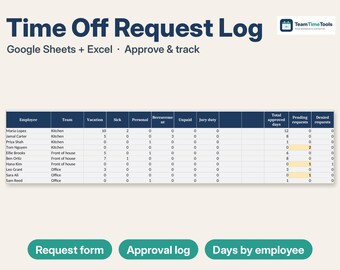
Time Off Request Form Google Sheets & Excel, Vacation and PTO Approval Log, Team Leave Calendar, Small Business HR Template
$12.00
-
Digital download
Timesheet Template Google Sheets & Excel, Weekly Employee Time Card, Overtime Calculator, Hours, Gross Pay Tracker, Small Business
$13.00
-
Digital download
Pet Sitting Spreadsheet, Dog Walking Booking Tracker & Client Pet Care Log, Key Log, Holiday Rates | Excel Google Sheets
$19.00
-
Digital download
Restaurant Food Cost Calculator & Menu Pricing Spreadsheet, Recipe Costing, Sub Recipes, Menu Engineering, Cafe | Excel Google Sheets
$15.00
-
Digital download
Employee Offboarding Checklist & Termination Letter Template, Exit Interview Template, Final Paycheck Tracker, HR Form | Excel Google Sheets
$14.00
 This listing
Attendance Tracker Google Sheets & Excel, Employee Absence Calendar, Yearly Tardy Log, Sick Day Record, Small Business HR
Sale Price $10.20
Original Price $12.00
15% off "buy together" offer
Digital Download
-
Digital download
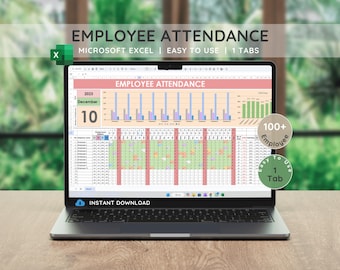
Excel Employee Attendance Tracker: Leave & Absence Chart (Digital Download)
Sale Price $8.92
Original Price $11.90
-
Digital download
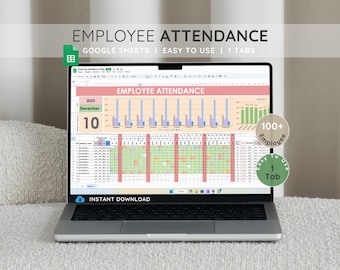
Employee Attendance Tracker: Google Sheets Template (Digital Download)
Sale Price $8.92
Original Price $11.90
-

Digital download
Employee Attendance Sheet Template | Staff Time Log Tracker | HR Professional Tool | Instant Digital Download | Employee Tracker Template
$11.13
-
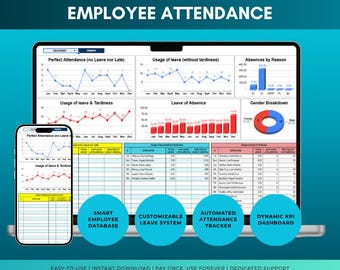
Digital download
Employee Attendance Tracker: HR Dashboard Template
$12.41
-
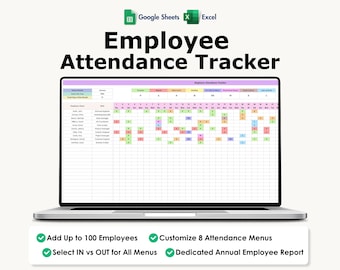
Digital download
Employee Attendance Tracker, Excel, Google Sheets, Absence, Sick Leave, Early Out, Late In,
Sale Price $4.82
Original Price $13.77
-

Digital download
Employee Attendance Tracker, Sickness & Absence Tracker, Employee Attendance Spreadsheet, Daily Attendance Sheet, Vacation Tracker
Sale Price $4.37
Original Price $12.50
-
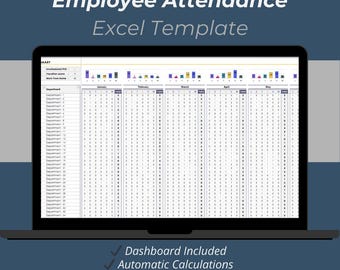
Digital download
Employee Attendance Tracker Excel Template: Monthly Attendance Planner
$12.50
-
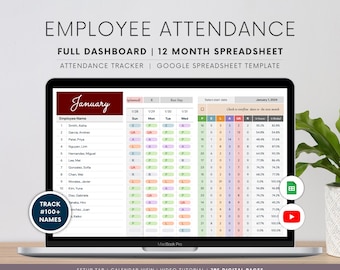
Digital download
Employee Attendance Tracker: Google Sheets Template & Dashboard
Sale Price $12.84
Original Price $19.75
-
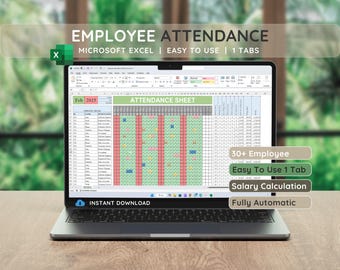
Digital download
Employee Attendance Tracker: Automated Excel Template (Instant Download)
Sale Price $8.92
Original Price $11.90
-
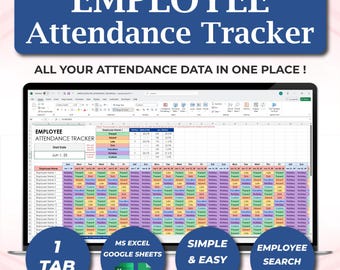
Digital download
Employee Attendance Tracker Excel Template, Human Resources Attendance Log Sheet, Absence Tracker, HR Templates, Employee Management Office
Sale Price $6.34
Original Price $10.56
-
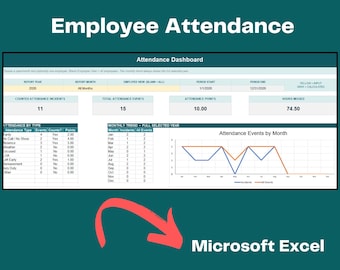
Digital download
Employee Attendance Tracker for Excel – HR Dashboard, Absence Log & Optional Point System
$10.00
-
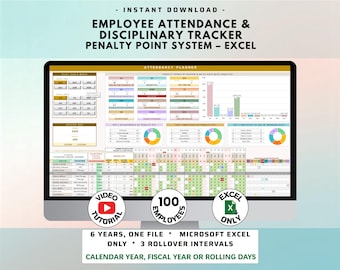
Digital download
Employee Attendance Tracker for Small Businesses with Penalty Point System included (MS Excel)
$18.19
Shoppers with similar taste loved these
-

Digital download
Bookkeeping Client Onboarding Templates Bundle – Word & PDF, A4 + US Letter
Sale Price $35.74
Original Price $64.99
-
Digital download
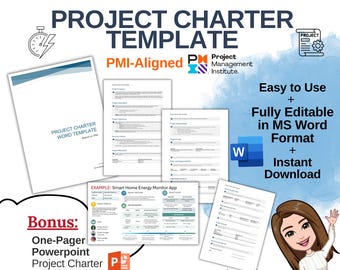
Project Charter Template, Project Planner, Digital Project Charter, Digital Project Management Template, MS Word, Business Plan Tool, PMI
$4.46
-
Digital download
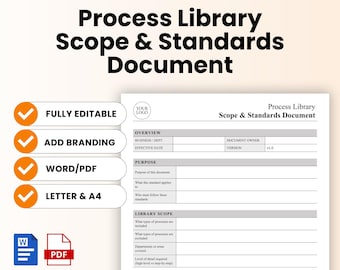
Process Library Scope and Standards Document Template – Word & PDF, A4 + US Letter
Sale Price $6.32
Original Price $11.49
-

Digital download
Project Status Report Powerpoint Excel 2 documents for the price of 1
Sale Price $6.74
Original Price $8.43
-
Digital download
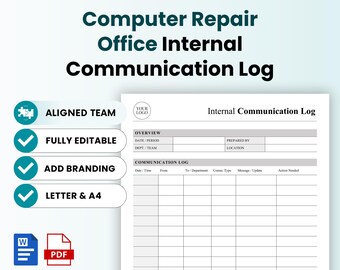
Computer Repair Office Internal Communication Log Template – Word & PDF, A4 + US Letter
Sale Price $8.99
Original Price $16.35
-
Digital download
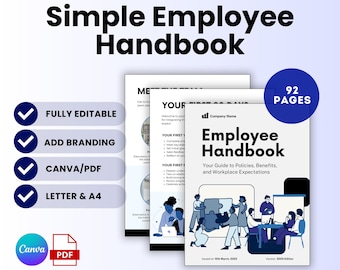
Simple Employee Handbook Template (Canva, PDF) | Company Handbook, Small Business Employee Manual, Human Resources Template, Staff Handbook
Sale Price $9.07
Original Price $16.49
-
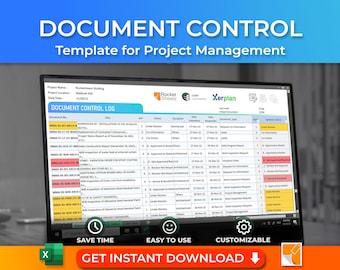
Digital download
Document Control Excel Template | Construction Document Register & Tracker
$9.95
-
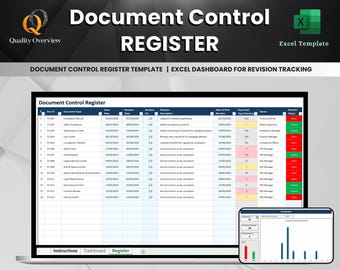
Digital download
Document Control Register Excel Template with Automated Dashboard | Track Revisions, Due Dates, Status, and Compliance for ISO Systems
$9.97
-
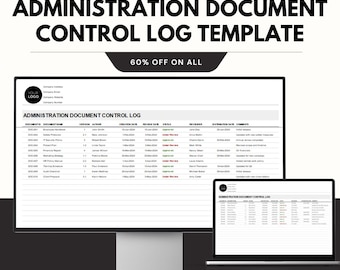
Digital download
Administration Document Control Log Template - Google & Excel Sheets - Document Tracking, Revision History, Approval Records
Sale Price $5.69
Original Price $11.38
-
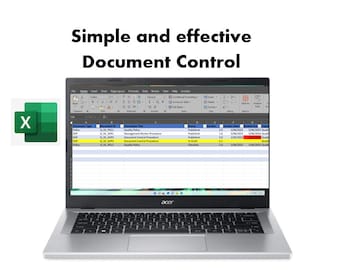
Digital download
Controlled Document Register plus Records/Archive Register in Excel | Example Document Management SOP included.
$10.60
-
Digital download
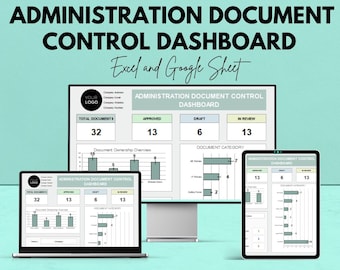
Administration Document Control Dashboard – Excel and Google Sheets Template for Document Tracking, Management & Reporting
Sale Price $5.85
Original Price $11.69
-
Digital download
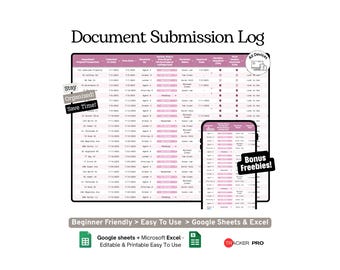
Document Submission Tracker Google Sheets Template (Business, Real Estate and Project Document Submission Log Spreadsheet)
Sale Price $2.90
Original Price $6.03

