


Payroll Spreadsheet Google Sheets & Excel, Weekly, Biweekly Pay Period Hours Summary, Overtime, Gross Earnings Calculator, Small Business
Item highlights
Seller's description
This payroll spreadsheet turns your team's hours into a clean pay-period summary. Log hours as you go. Then type any date to see that weekly or biweekly pay period. Each employee gets regular hours, overtime, paid leave and gross pay. Overtime is counted per workweek, not averaged. Hand the summary to your payroll provider or accountant. It does not calculate taxes or run payroll. It works in Google Sheets and Excel.
WHAT IT DOES
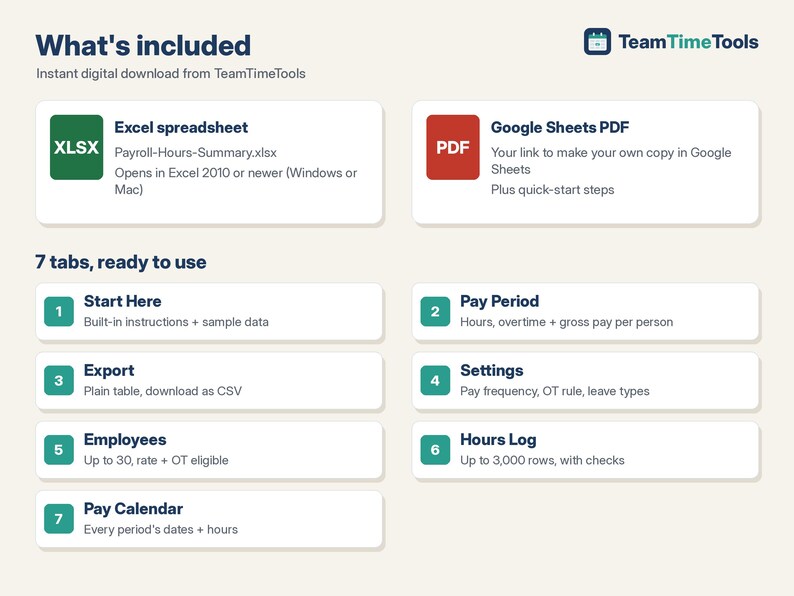
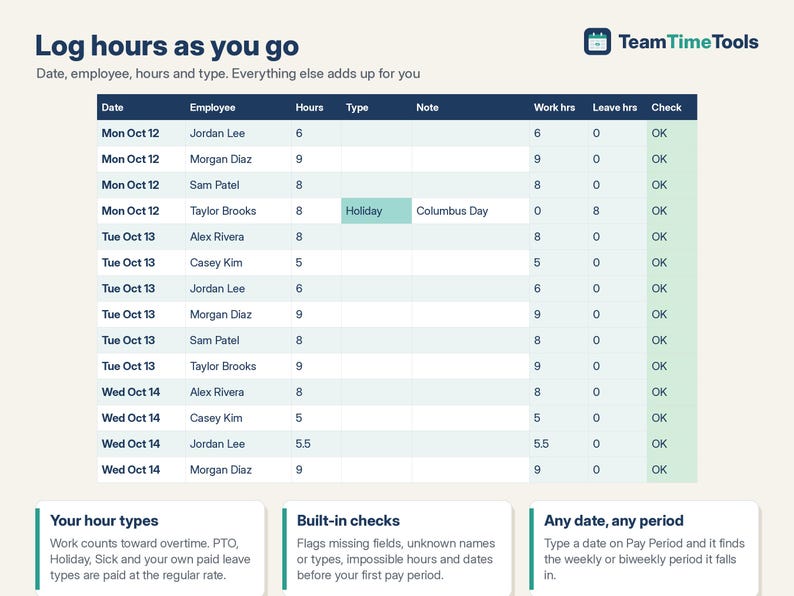
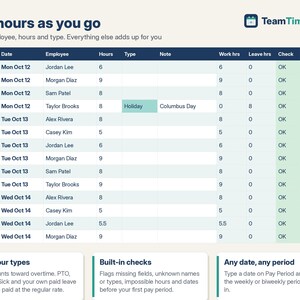
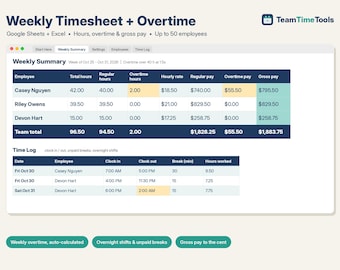
- Hours Log: one row per shift or day, with date, employee, hours and type (Work, PTO, Holiday, Sick... your own list). Up to 3,000 rows. The Check column flags missing fields, unknown names or types, and impossible hours.
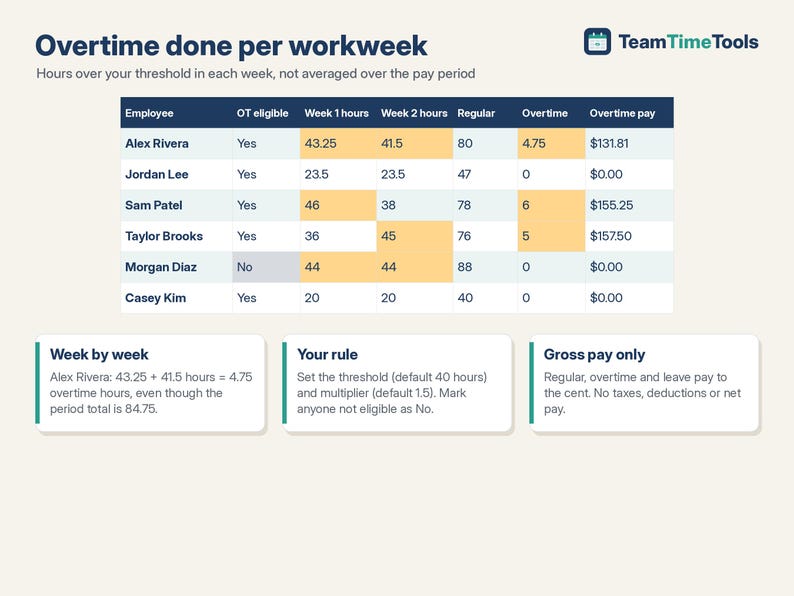
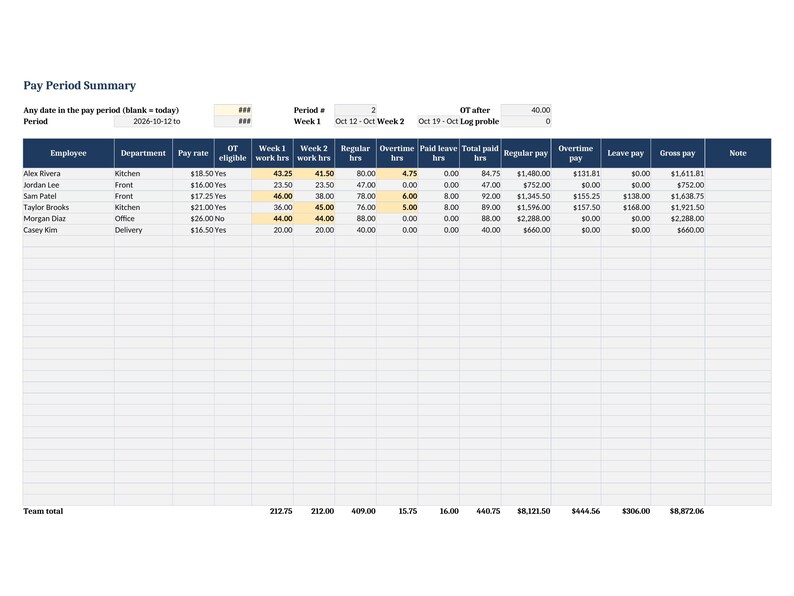
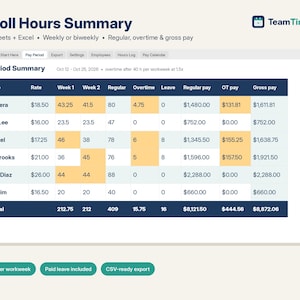
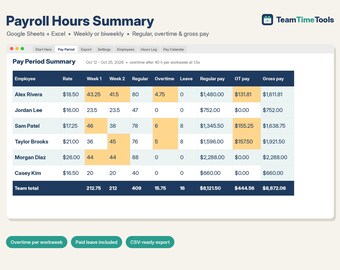
- Pay Period: type any date and it finds the pay period. For each employee you get week 1 and week 2 hours, regular hours, overtime hours, paid leave hours, and regular, overtime, leave and gross pay, plus team totals.
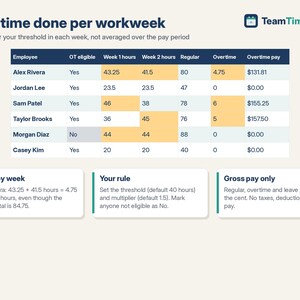
- Overtime per workweek: hours over your threshold (default 40) in each workweek, at your multiplier (default 1.5). It's not averaged across a two-week period. Turn overtime off for anyone who isn't eligible.
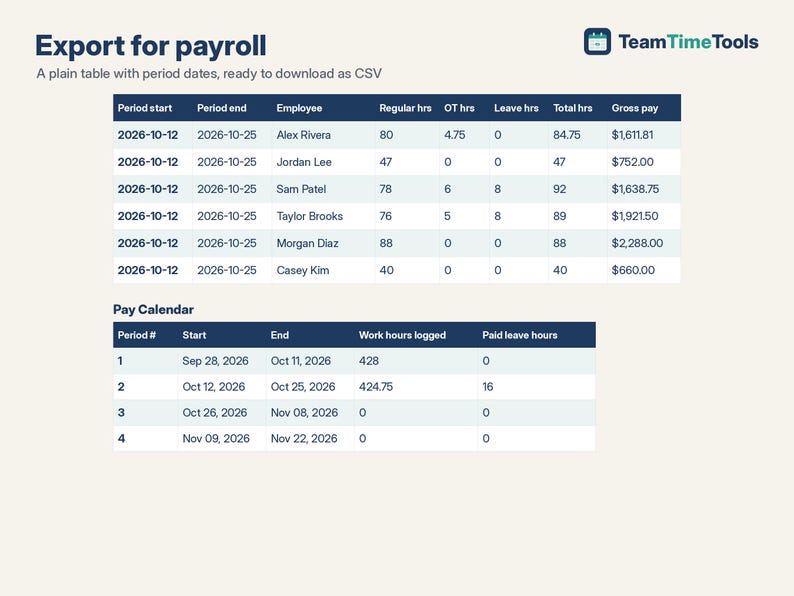
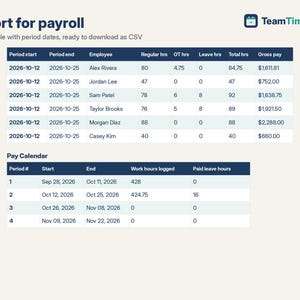
- Export: the same summary as a plain table with period dates, ready to download as CSV.
- Pay Calendar: every pay period's dates and the hours logged in each.
- Weekly or biweekly pay periods, starting on the date you choose.
WHAT YOU GET
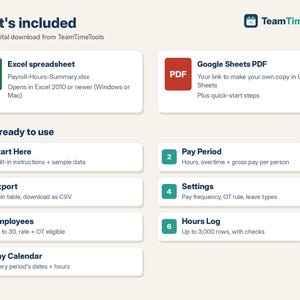
- 1 Excel file (.xlsx): Payroll-Hours-Summary.xlsx
- 1 PDF with your link to make your own copy in Google Sheets, plus quick-start steps
- A built-in "Start Here" tab with instructions, and sample data you can clear in a minute
HOW TO GET IT
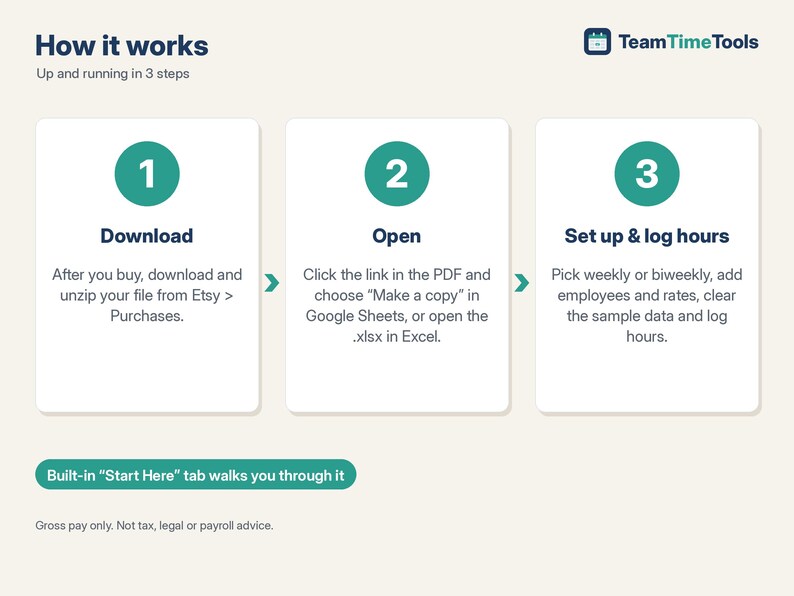
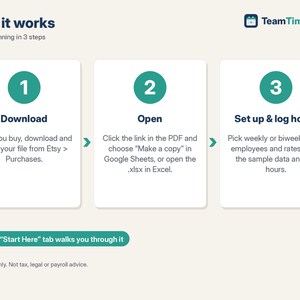
1. After you buy, go to your Etsy account > Purchases and download your file. Etsy also emails you a download link.
2. Unzip it. Google Sheets: open the PDF, click the copy link and choose "Make a copy". The copy is saved to your own Google Drive.
3. Excel: open the .xlsx file in Excel 2010 or newer.
4. Follow the Start Here tab: set your pay frequency and first pay period, add your employees and rates, and log hours.
GOOD TO KNOW, PLEASE READ
- Gross pay only. It does NOT calculate taxes, withholding, deductions or net pay, and it is not a payroll service.
- One overtime rule: one weekly threshold at one multiplier. Daily overtime, double time, 7th-day rules and bonuses in the regular rate are not supported. Each person has one hourly rate.
- You decide who is overtime-eligible. Overtime rules vary by location, so check with your payroll provider or local labor rules. This is a calculation tool, not legal, tax or payroll advice.
- Paid leave is paid at the regular rate and does not count toward overtime.
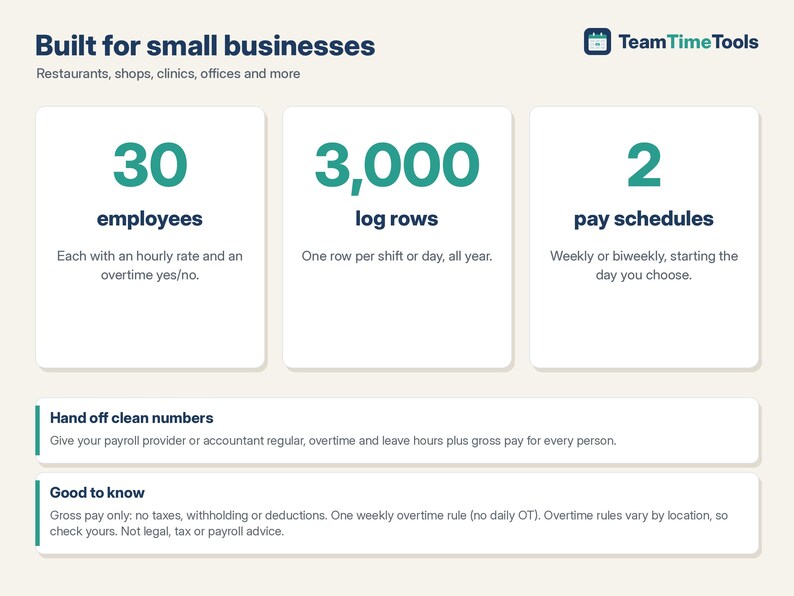
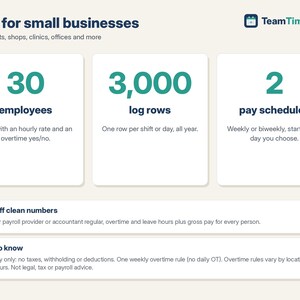
- Weekly or biweekly only (no semi-monthly). Up to 30 employees and 3,000 log rows per file.
- This is a digital download. Nothing physical will be shipped.
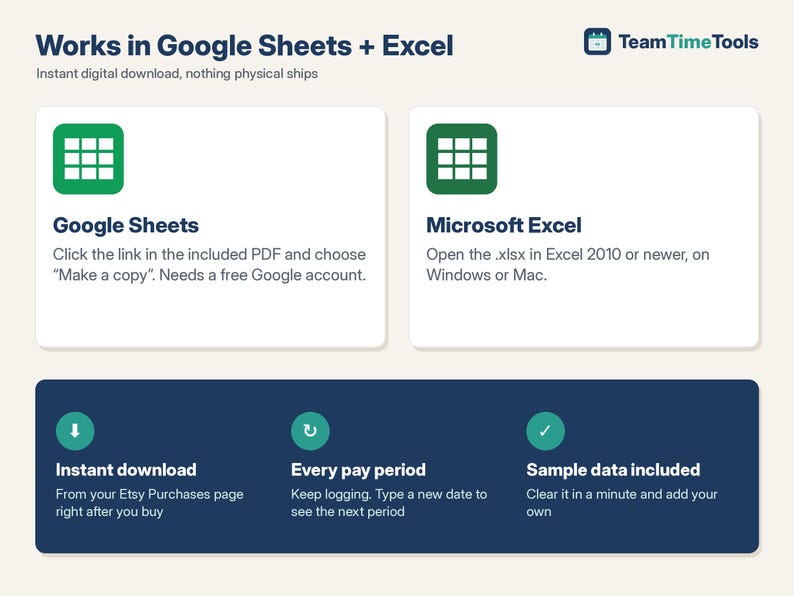
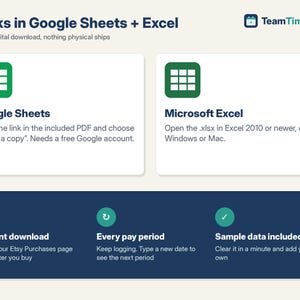
- Compatible with Google Sheets (needs a free Google account) and Microsoft Excel 2010 or newer, on Windows or Mac. Not designed for Apple Numbers.
- Because this is a digital file, returns aren't accepted. If something isn't working, send me a message and I'll help.
HOW THIS WAS MADE
I designed this spreadsheet with help from AI tools, which assisted with building the formulas and layout. I chose the features, and before listing it I tested every calculation against an independent check (a 24-point test plan covering pay-period boundaries, overtime at exactly 40 hours, per-week overtime, non-eligible employees, paid leave, rounding to the cent, bad log rows, and 30-employee / 3,000-row capacity).
If something goes wrong with an order, we've got your back for all eligible purchases. View program terms
Price:$14.00
You can only make an offer when buying a single item
Delivery
Instant download
Your files will be available to download once payment is confirmed. Here's how.
Instant download items don't accept returns, exchanges or cancellations. Please contact the seller about any problems with your order.
Seller's description
Specifications
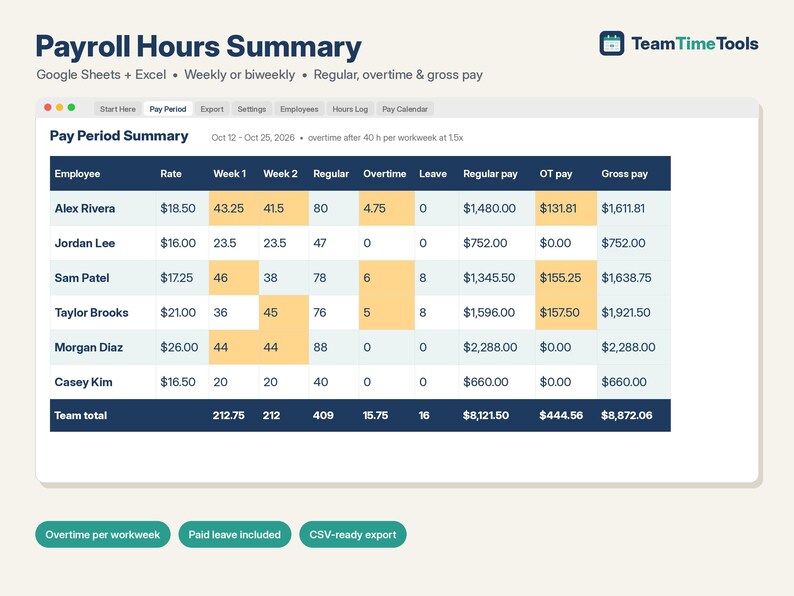
This payroll spreadsheet turns your team's hours into a clean pay-period summary. Log hours as you go. Then type any date to see that weekly or biweekly pay period. Each employee gets regular hours, overtime, paid leave and gross pay. Overtime is counted per workweek, not averaged. Hand the summary to your payroll provider or accountant. It does not calculate taxes or run payroll. It works in Google Sheets and Excel.
WHAT IT DOES
- Hours Log: one row per shift or day, with date, employee, hours and type (Work, PTO, Holiday, Sick... your own list). Up to 3,000 rows. The Check column flags missing fields, unknown names or types, and impossible hours.
- Pay Period: type any date and it finds the pay period. For each employee you get week 1 and week 2 hours, regular hours, overtime hours, paid leave hours, and regular, overtime, leave and gross pay, plus team totals.
- Overtime per workweek: hours over your threshold (default 40) in each workweek, at your multiplier (default 1.5). It's not averaged across a two-week period. Turn overtime off for anyone who isn't eligible.
- Export: the same summary as a plain table with period dates, ready to download as CSV.
- Pay Calendar: every pay period's dates and the hours logged in each.
- Weekly or biweekly pay periods, starting on the date you choose.
WHAT YOU GET
- 1 Excel file (.xlsx): Payroll-Hours-Summary.xlsx
- 1 PDF with your link to make your own copy in Google Sheets, plus quick-start steps
- A built-in "Start Here" tab with instructions, and sample data you can clear in a minute
HOW TO GET IT
1. After you buy, go to your Etsy account > Purchases and download your file. Etsy also emails you a download link.
2. Unzip it. Google Sheets: open the PDF, click the copy link and choose "Make a copy". The copy is saved to your own Google Drive.
3. Excel: open the .xlsx file in Excel 2010 or newer.
4. Follow the Start Here tab: set your pay frequency and first pay period, add your employees and rates, and log hours.
GOOD TO KNOW, PLEASE READ
- Gross pay only. It does NOT calculate taxes, withholding, deductions or net pay, and it is not a payroll service.
- One overtime rule: one weekly threshold at one multiplier. Daily overtime, double time, 7th-day rules and bonuses in the regular rate are not supported. Each person has one hourly rate.
- You decide who is overtime-eligible. Overtime rules vary by location, so check with your payroll provider or local labor rules. This is a calculation tool, not legal, tax or payroll advice.
- Paid leave is paid at the regular rate and does not count toward overtime.
- Weekly or biweekly only (no semi-monthly). Up to 30 employees and 3,000 log rows per file.
- This is a digital download. Nothing physical will be shipped.
- Compatible with Google Sheets (needs a free Google account) and Microsoft Excel 2010 or newer, on Windows or Mac. Not designed for Apple Numbers.
- Because this is a digital file, returns aren't accepted. If something isn't working, send me a message and I'll help.
HOW THIS WAS MADE
I designed this spreadsheet with help from AI tools, which assisted with building the formulas and layout. I chose the features, and before listing it I tested every calculation against an independent check (a 24-point test plan covering pay-period boundaries, overtime at exactly 40 hours, per-week overtime, non-eligible employees, paid leave, rounding to the cent, bad log rows, and 30-employee / 3,000-row capacity).
-
Designed by
-
Item typeDigital download
-
Digital file type(s)1 ZIP
If something goes wrong with an order, we've got your back on all eligible purchases. View program terms
Meet your seller
More from this shop
-
Digital download
Restaurant Food Cost Calculator & Menu Pricing Spreadsheet, Recipe Costing, Sub Recipes, Menu Engineering, Cafe | Excel Google Sheets
$15.00
-
Digital download
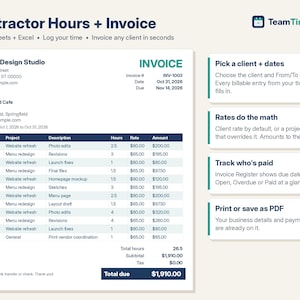
Invoice Template Excel & Google Sheets, Freelance Hours Log, Contractor Billable Time Tracker, Client Payment Register, Consultant
$13.00
-
Digital download
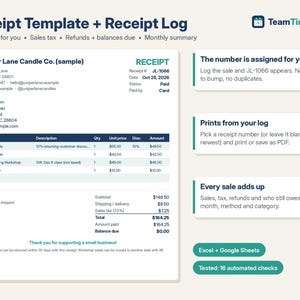
Receipt Template & Receipt Log, Auto Numbered Sales Receipt, Printable Receipt Book, Sales Tax, Refunds | Excel Google Sheets Template
$7.00
-
Digital download
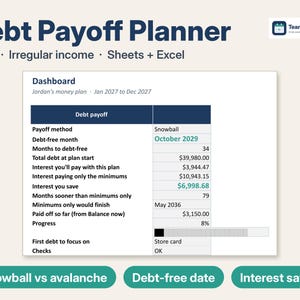
Debt Payoff Tracker Spreadsheet, Debt Snowball Avalanche Calculator for Irregular Income, 2027 Budget & Sinking Funds | Excel Google Sheets
$11.99
-
Digital download
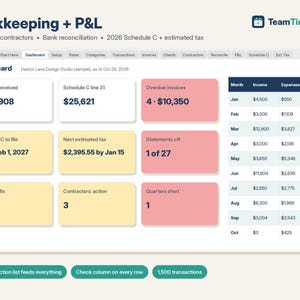
Bookkeeping Spreadsheet Google Sheets & Excel, Small Business Profit and Loss, 1099 Contractor Tracker, 2026 Schedule C, Estimated Tax
$15.00
-
Digital download
Rental Property Spreadsheet, Landlord Rent Tracker & Schedule E, Rent Roll, Late Fees, Security Deposits | Excel Google Sheets Template
$16.00
 This listing
Payroll Spreadsheet Google Sheets & Excel, Weekly, Biweekly Pay Period Hours Summary, Overtime, Gross Earnings Calculator, Small Business
Sale Price $11.90
Original Price $14.00
15% off "buy together" offer
Digital Download
-
Digital download
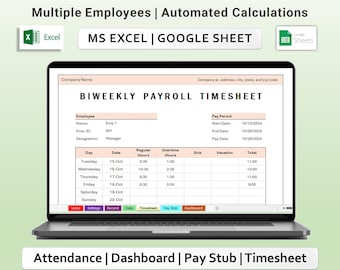
Biweekly Payroll Timesheet Tracker Excel & Google Spreadsheets Template, Employee Pay stub, Attendance, Overtime, Dashboard
Sale Price $8.99
Original Price $11.99
-
Digital download
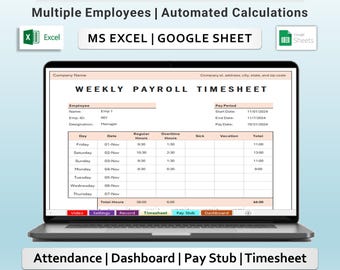
Weekly Payroll Timesheet Tracker Excel & Google Sheets Template | employee paystup and Overtime calculator
Sale Price $8.99
Original Price $11.99
-
Digital download
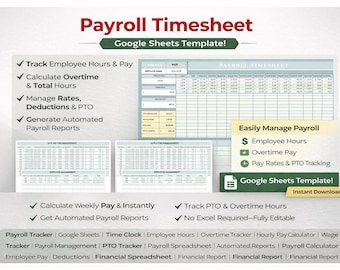
Payroll Timesheet Template | Employee Hours Tracker & Overtime Calculator | Google Sheets Payroll Spreadsheet
Sale Price $10.49
Original Price $13.99
-

Digital download
Monthly Payroll Timesheet Tracker Excel & Google Spreadsheets Template, Employee Pay stub, Attendance, Overtime, Dashboard
Sale Price $8.99
Original Price $11.99
-
Digital download
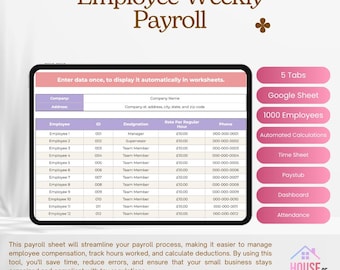
Weekly Employee Payroll | Google Sheets | Payroll Calculator | Timecard | Payroll Tracker | Weekly | Paycheck | Financial Planner
$16.86
-
Digital download
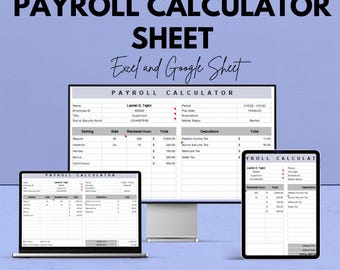
Payroll Calculator Sheet | Excel & Google Sheet | Calculate Earnings, Taxes, Deductions, and More | Easy-to-Use Payroll Management Template
Sale Price $5.85
Original Price $11.69
-
Digital download
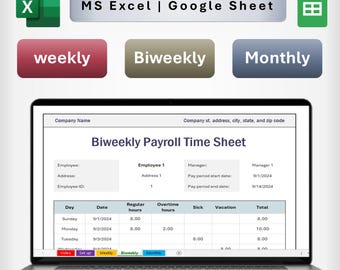
Payroll Timesheet Tracker | Excel & Google Spreadsheet Template | Weekly, Biweekly, Monthly | Automated Employee Payroll calculations
Sale Price $4.49
Original Price $5.99
-
Digital download
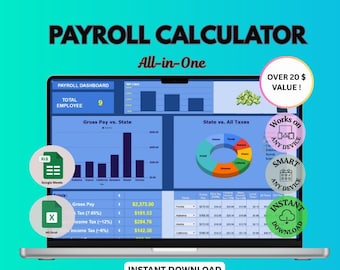
Payroll Tracker | Summary Report | Google Sheets PayCheck Tracker | Monthly Pay Calculator Paystub Payroll Management Calculator
$6.00
-
Digital download
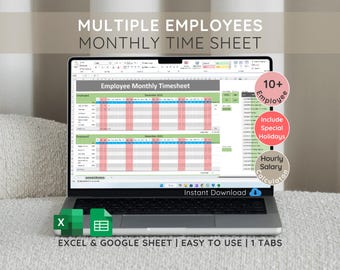
Employee Monthly Timesheet: Excel & Google Sheets Salary Calculator (Digital Download)
Sale Price $9.75
Original Price $13.00
-

Digital download
Employee Timesheet Excel Dashboard Detailed Time sheet Tracking Spreadsheet Semi Monthly Payroll Calculator Employee Tracker
Sale Price $16.49
Original Price $21.99
-
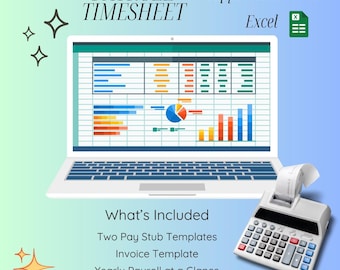
Digital download
Employee Payroll Template Excel and Google Sheets | Salary Calculation Sheet with Pay Slips, Bank Transfer Letter, Invoice & Reports
$14.99
-
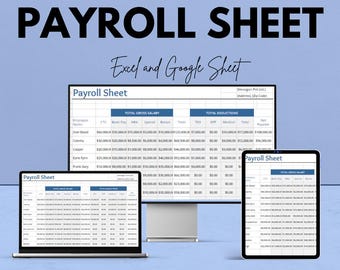
Digital download
Payroll Sheet Template for Excel and Google Sheets | Instant Download | 50% Off | Organize Employee Salaries & Deductions
Sale Price $5.85
Original Price $11.69
Shoppers with similar taste loved these
-
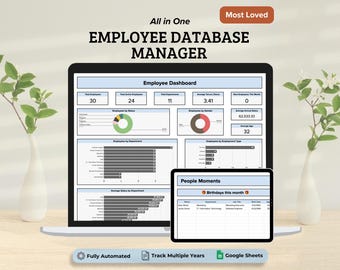
Digital download
Employee Database Manager, Employee Data Management System Google Sheets Template, Employee Dashboard HR Template
$7.80
-
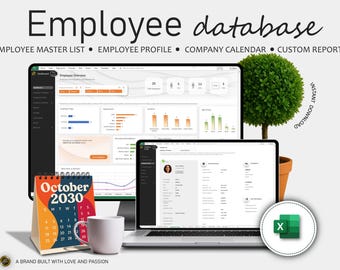
Digital download
Employee Database, Employee Directory, Employee Master List, Employee Management, Human Resource, Excel Spreadsheet, Excel Template
$25.76
-
Digital download
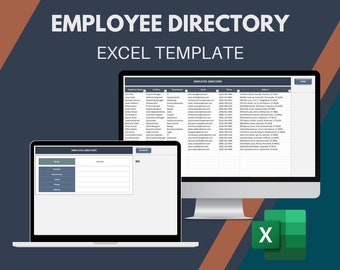
Employee Directory Excel Template | Employee Contact List Spreadsheet | Staff Management Tool | HR Tracker
Sale Price $7.50
Original Price $12.50
-

Digital download
HR Compliance Cheat Sheet: Top 20 Employment Laws (Digital Download)
$4.00
-
Digital download
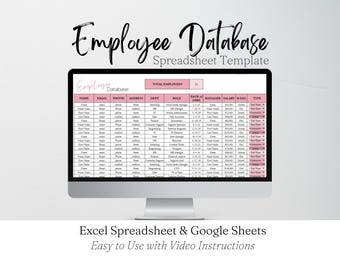
Employee Database Template Google Sheets, Employee Directory Excel Spreadsheet, Human Resources Staff Directory Team Management HR Templates
Sale Price $3.29
Original Price $6.59
-

Digital download
HR Handbook: Employee Management Guide (PDF, KPF)
$4.81
-
Digital download
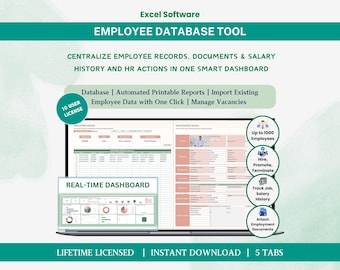
Employee Database HR Management Human Resource HR Templates Excel Dashboard - Multi License Software
Sale Price $59.24
Original Price $78.99
-
Digital download
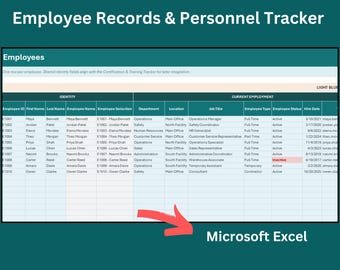
Employee Records & Personnel Tracker for Excel – HR Employee Database Spreadsheet
$15.00
-

Digital download
Employee Performance Review Template Human Resource HR Excel Dashboard Employee Review Customizable Checklist Staff Evaluation Report
Sale Price $13.49
Original Price $17.99
-

Digital download
Team Manager's 4in1 Pack: Comprehensive Workflow Suite | Google Sheet Tools
$52.50
-

Digital download
Employee Roster Template: Staff Directory & Salary Tracker (Excel, Google Sheets)
$5.00
-

Digital download
HR Templates Hub: 600+ HR Forms, Employee Handbook, Onboarding (Digital Download)
$69.99


