


Grant Tracker Spreadsheet for Nonprofits, Grant Management Template, Application Deadlines and Award Spending Log
Item highlights
Seller's description
Instant digital download: grant tracker spreadsheet. You get 2 .xlsx files (blank and filled-in example), a printable PDF and a quick start guide. Nothing physical ships.
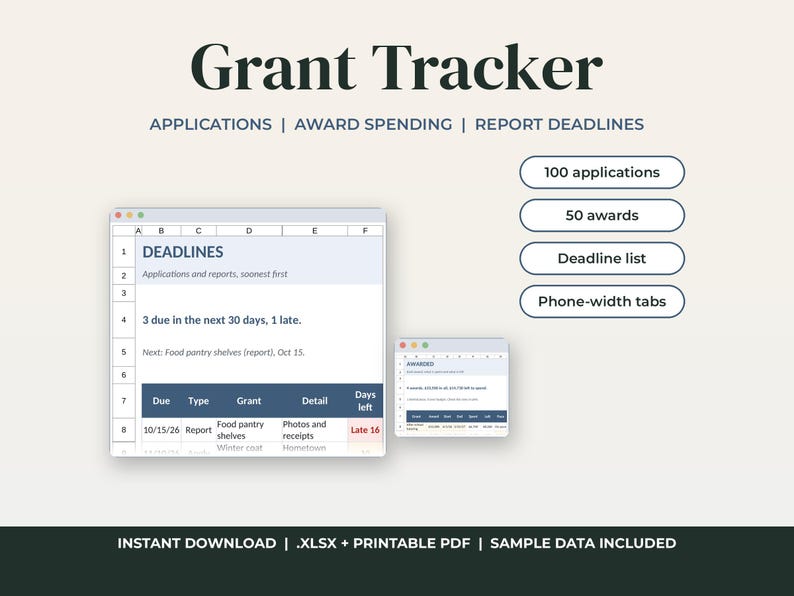
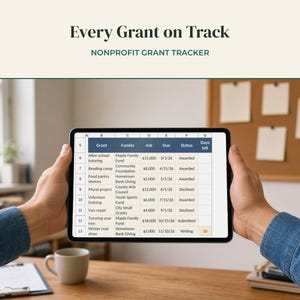
A grant tracker spreadsheet for a small nonprofit, school group or grant writer. Log every application, the awards you win, what you spend from each award and the reports each funder wants back, and it puts every application deadline and report due date into one list, soonest first.
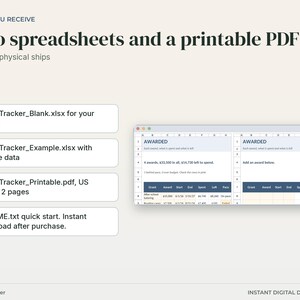
WHAT YOU GET
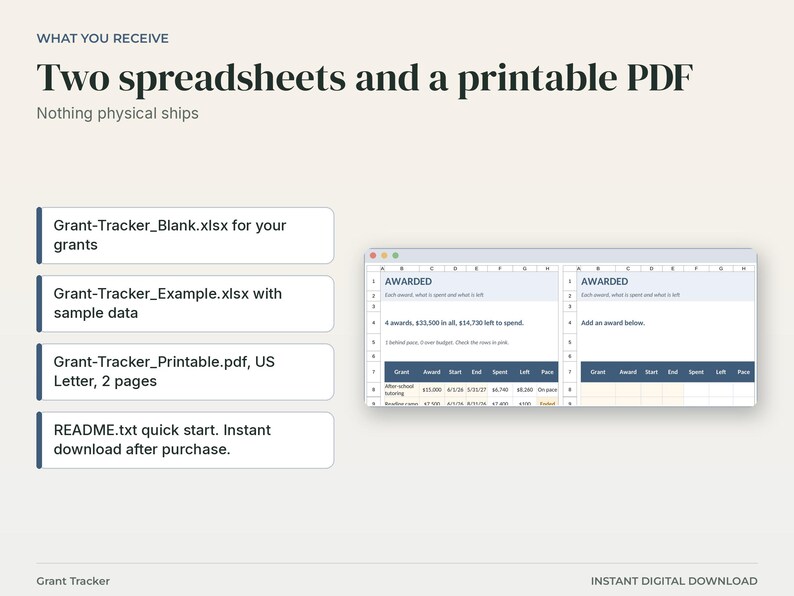
- Grant-Tracker_Blank.xlsx: empty, ready for your own grants
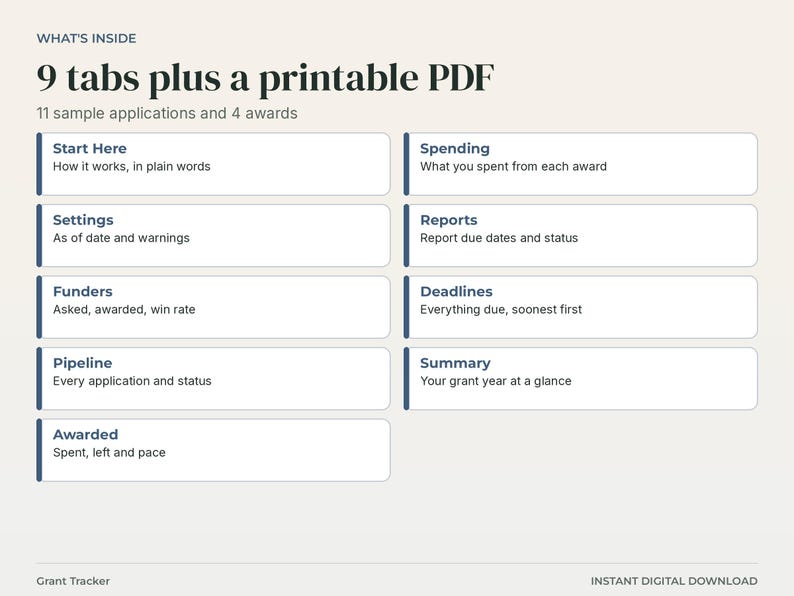
- Grant-Tracker_Example.xlsx: the same workbook filled in with 6 sample funders, 11 applications, 4 awards and 7 reports
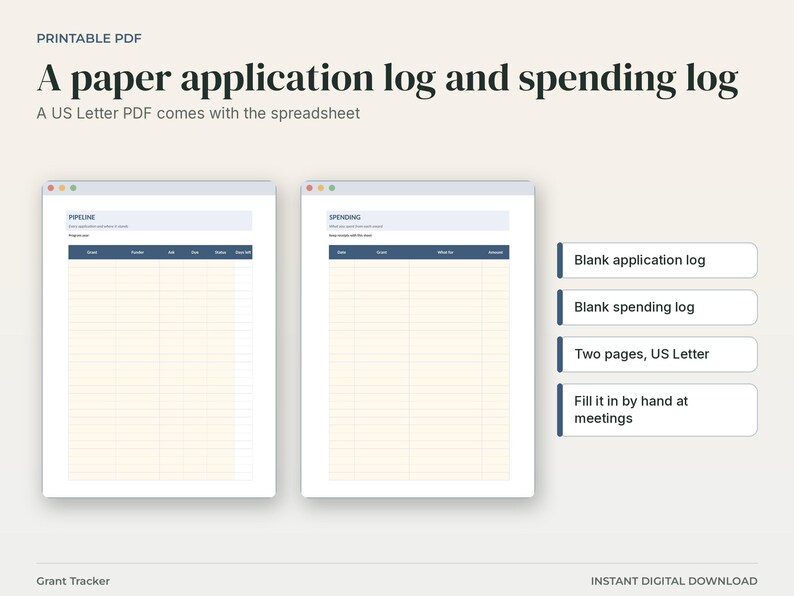
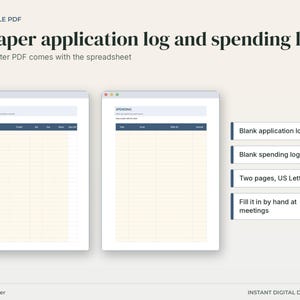
- Grant-Tracker_Printable.pdf: 2 pages on US Letter paper, a blank application log and a blank spending log to fill in by hand
- README.txt: quick start
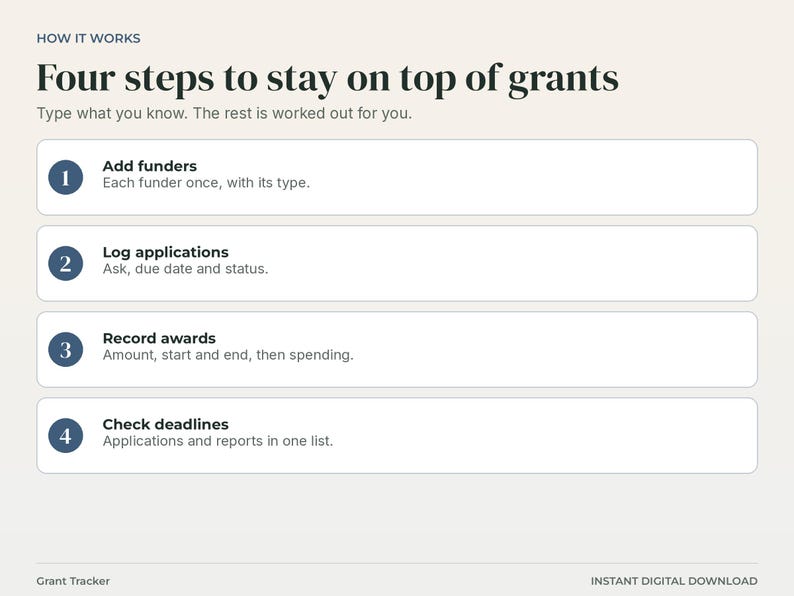
HOW IT WORKS
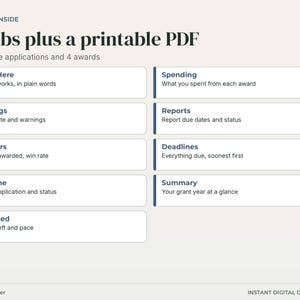
1. Settings: an as of date (blank = today), how many days count as due soon, and how far spending can trail before an award shows Behind.
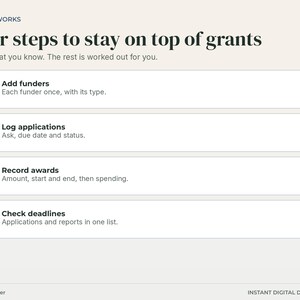
2. Funders: each funder once with its type. Grants, amount asked, amount awarded and win rate are worked out.
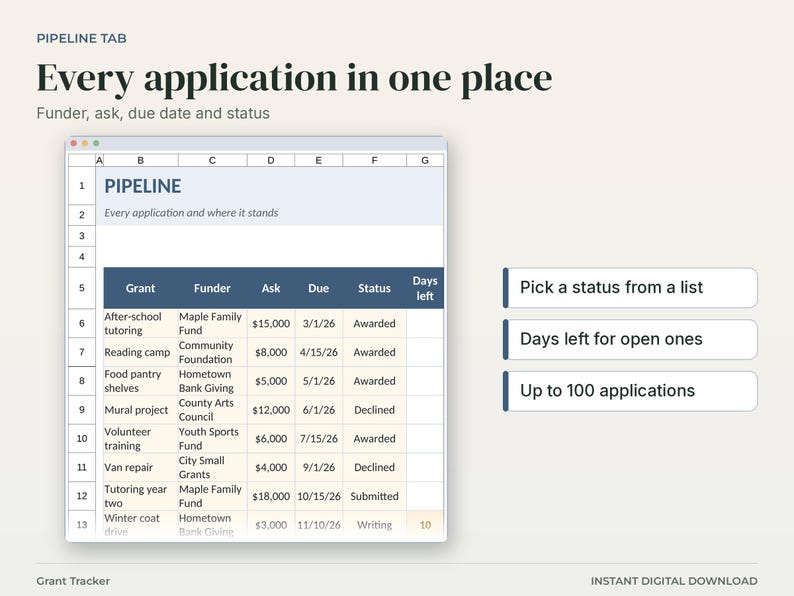
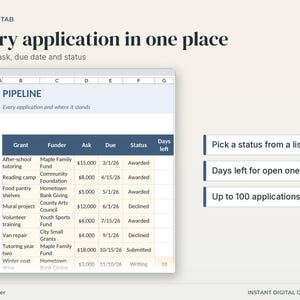
3. Pipeline: one row per application with the funder, the ask, the due date and a status picked from a list. Open applications show the days left.
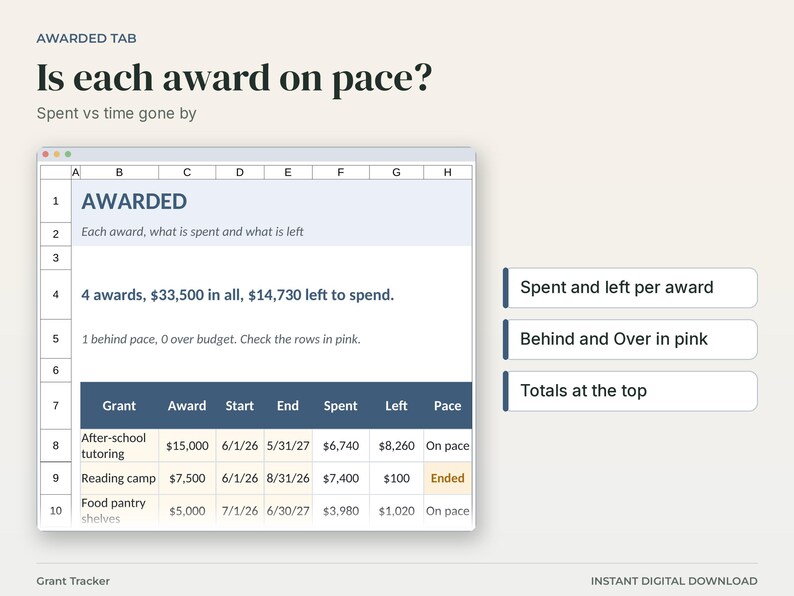
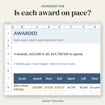
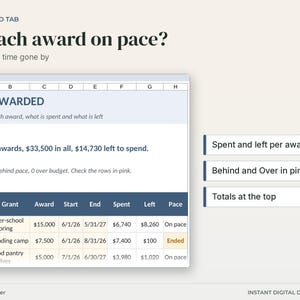
4. Awarded: each grant you won with the award, start and end dates. Spent, left and pace are worked out from the Spending tab.
5. Spending: one row per expense, with the grant picked from a list.
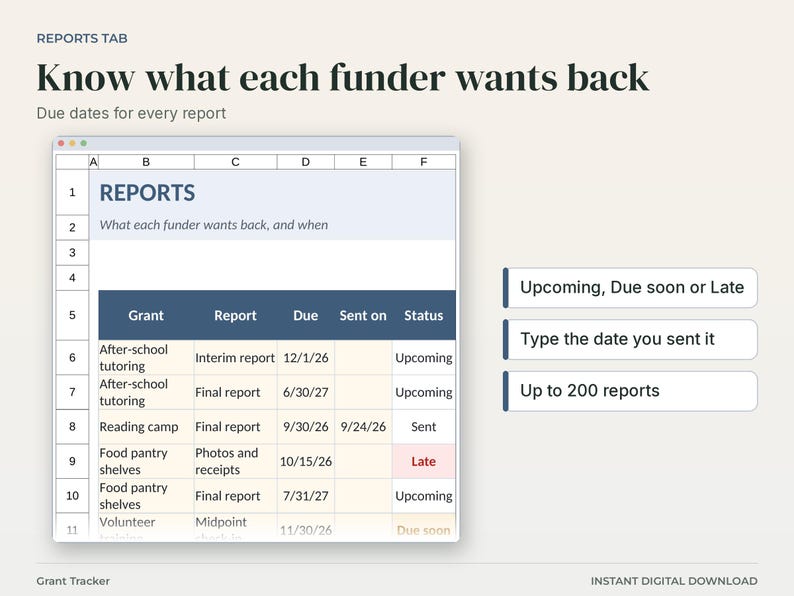
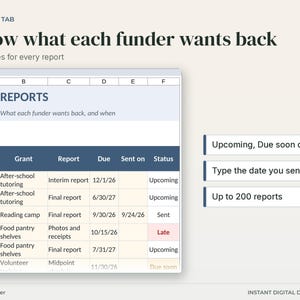
6. Reports: each report a funder wants, with its due date. Type the date you sent it and the status changes to Sent.
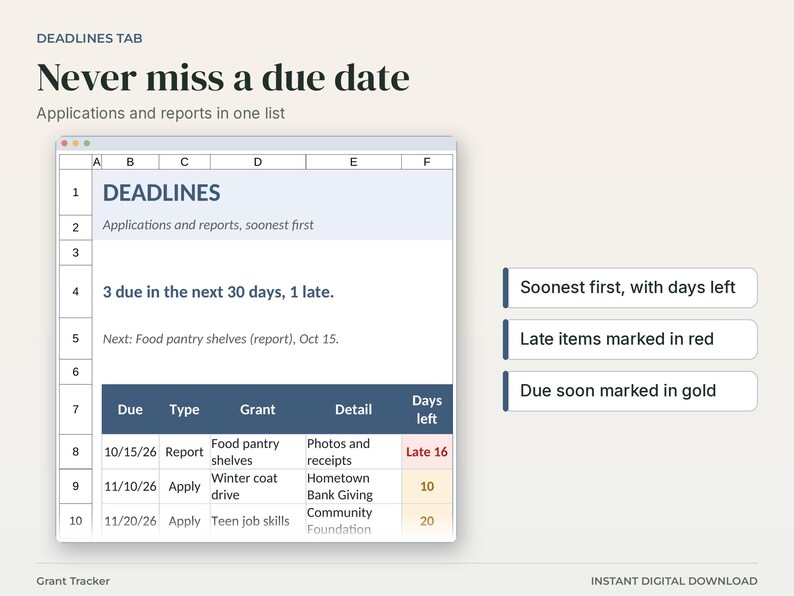
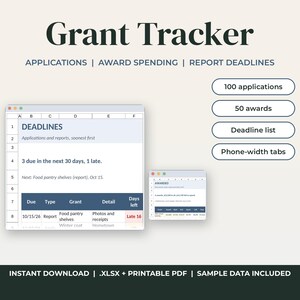
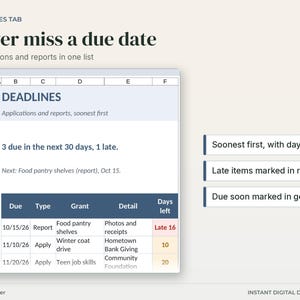
7. Deadlines: applications still being written and reports not yet sent, soonest first, with days left. Late items turn red and items due soon turn gold.
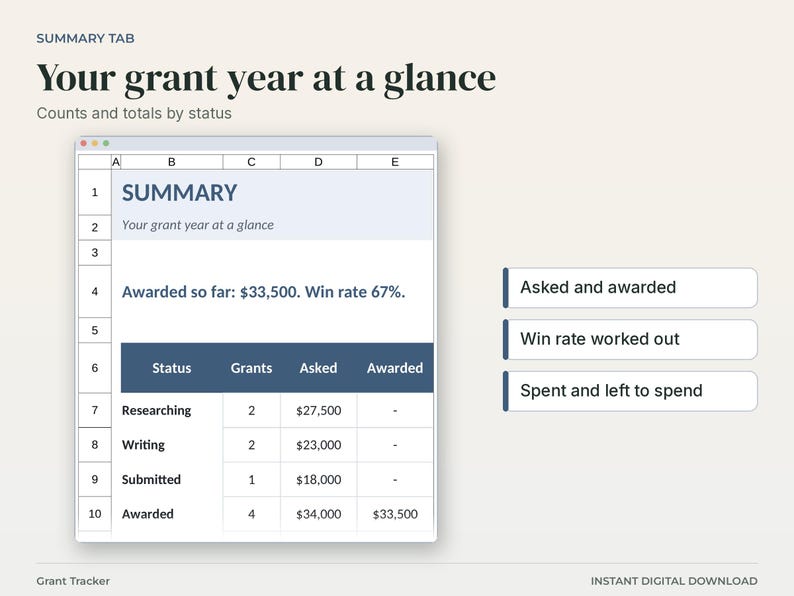
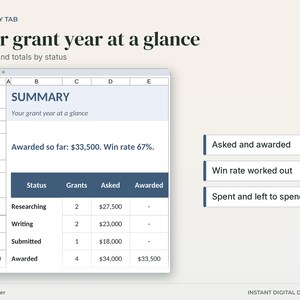
8. Summary: counts and amounts by status, win rate, money waiting to hear, spent and left to spend.
WHAT MAKES IT DIFFERENT
- Application deadlines and report due dates in one list, so nothing slips.
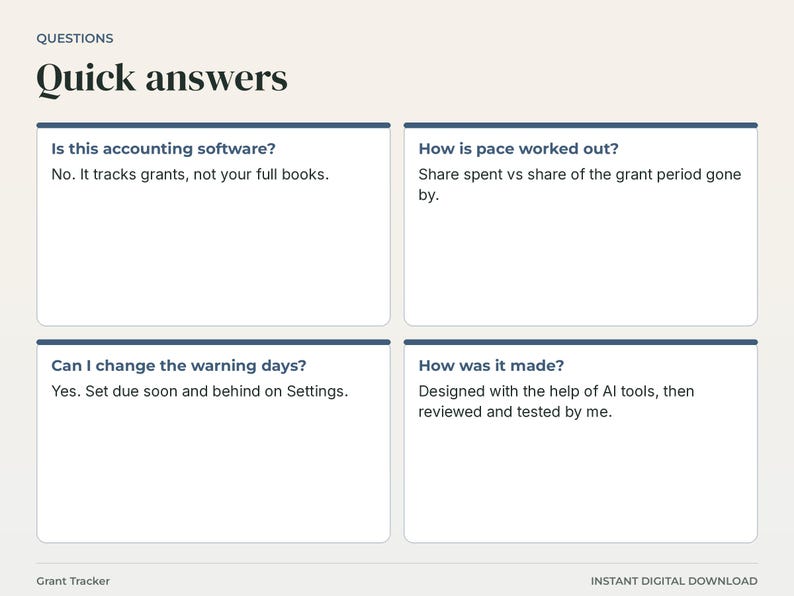
- A pace check for each award: the share spent compared with the share of the grant period gone by.
- Win rate by funder, counting only applications that were awarded or declined.
THE FILES
9 tabs: Start Here, Settings, Funders, Pipeline, Awarded, Spending, Reports, Deadlines, Summary. Up to 50 funders, 100 applications, 50 awards, 500 spending rows and 200 reports. Cream cells are for typing and white cells calculate. Formula cells are protected with no password, so you can unprotect them in Excel with Review > Unprotect Sheet. No macros. The sample funders and grants are made up and generic.
THE PRINTABLE PDF
Two pages, US Letter: a blank application log (grant, funder, ask, due, status) and a blank spending log (date, grant, what for, amount).
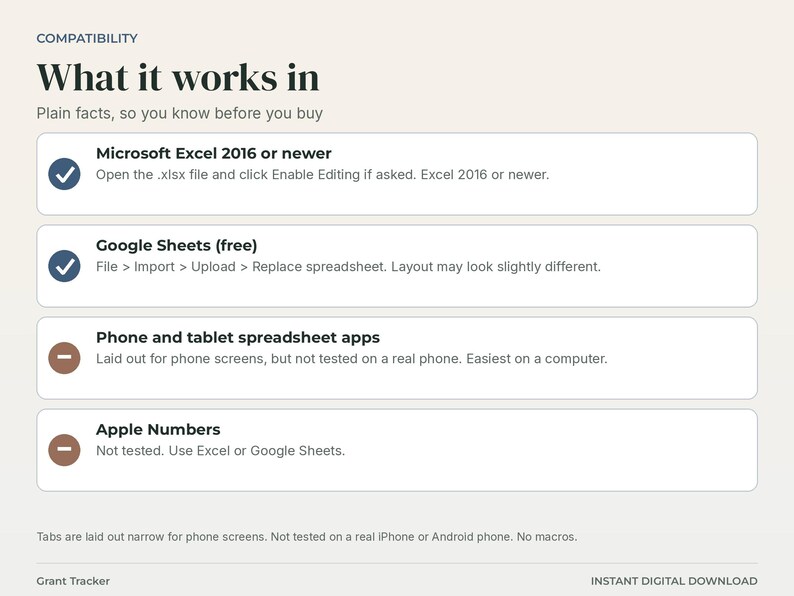
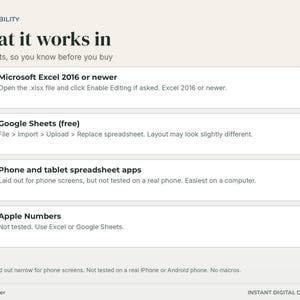
WORKS IN: Microsoft Excel 2016 or newer, and Google Sheets (File > Import > Upload > Replace spreadsheet; layout may look slightly different). Apple Numbers: not tested. The tabs are laid out narrow for phone screens, but it has not been tested on a real iPhone or Android phone, so a computer is easiest for setup.
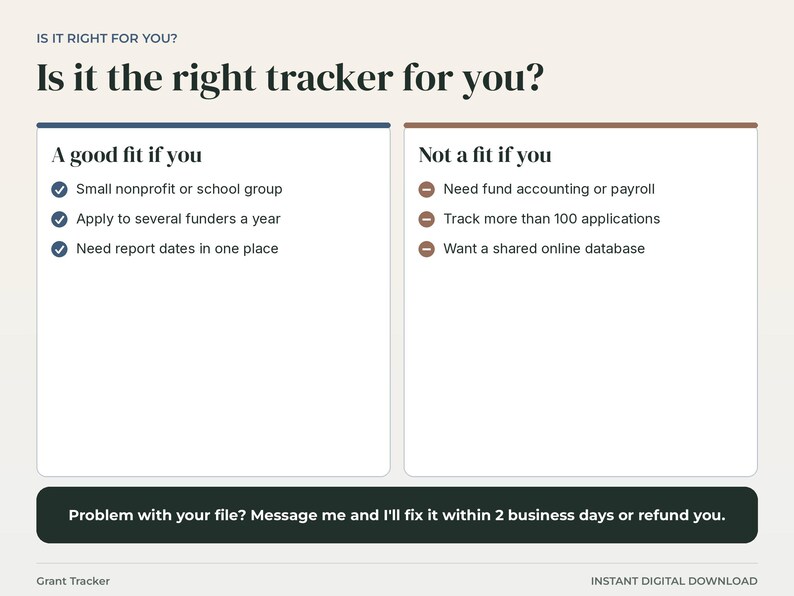
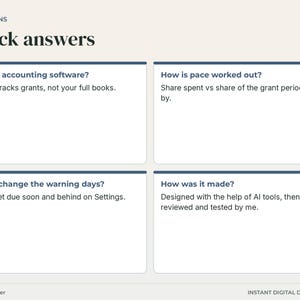
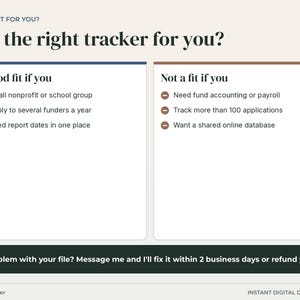
THIS IS NOT accounting software. It does not do fund accounting, payroll or bank reconciliation, and it is not legal or tax advice. It does not connect to any grant portal. The Deadlines tab shows the 40 soonest items.
PHOTOS: the listing photos are screenshots of the actual files and the actual PDF. They are not mockups.
INSTANT DOWNLOAD. Nothing physical ships. For personal use only. Please do not share or resell the files.
Designed with the help of AI tools, then reviewed and tested by me.
If something goes wrong with an order, we've got your back for all eligible purchases. View program terms
Price:$7.99
You can only make an offer when buying a single item
Delivery
Instant download
Your files will be available to download once payment is confirmed. Here's how.
Instant download items don't accept returns, exchanges or cancellations. Please contact the seller about any problems with your order.
Seller's description
Specifications
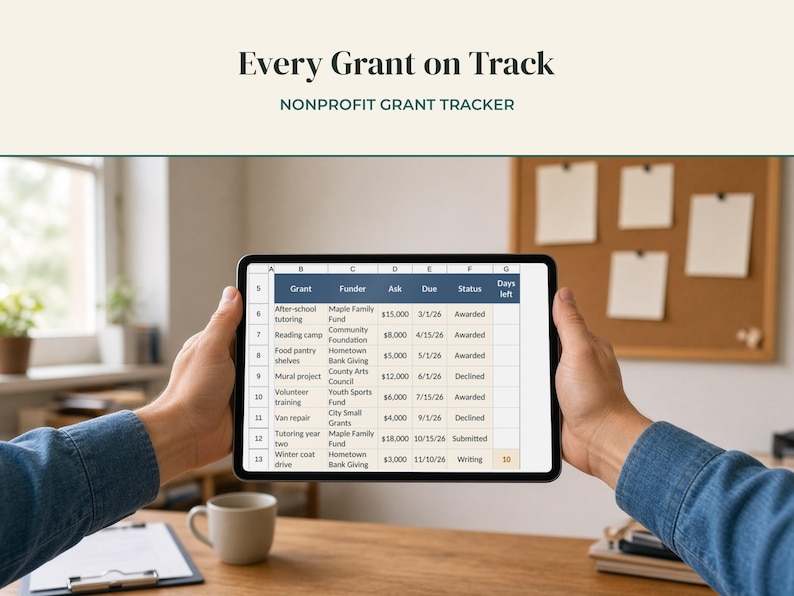
Instant digital download: grant tracker spreadsheet. You get 2 .xlsx files (blank and filled-in example), a printable PDF and a quick start guide. Nothing physical ships.
A grant tracker spreadsheet for a small nonprofit, school group or grant writer. Log every application, the awards you win, what you spend from each award and the reports each funder wants back, and it puts every application deadline and report due date into one list, soonest first.
WHAT YOU GET
- Grant-Tracker_Blank.xlsx: empty, ready for your own grants
- Grant-Tracker_Example.xlsx: the same workbook filled in with 6 sample funders, 11 applications, 4 awards and 7 reports
- Grant-Tracker_Printable.pdf: 2 pages on US Letter paper, a blank application log and a blank spending log to fill in by hand
- README.txt: quick start
HOW IT WORKS
1. Settings: an as of date (blank = today), how many days count as due soon, and how far spending can trail before an award shows Behind.
2. Funders: each funder once with its type. Grants, amount asked, amount awarded and win rate are worked out.
3. Pipeline: one row per application with the funder, the ask, the due date and a status picked from a list. Open applications show the days left.
4. Awarded: each grant you won with the award, start and end dates. Spent, left and pace are worked out from the Spending tab.
5. Spending: one row per expense, with the grant picked from a list.
6. Reports: each report a funder wants, with its due date. Type the date you sent it and the status changes to Sent.
7. Deadlines: applications still being written and reports not yet sent, soonest first, with days left. Late items turn red and items due soon turn gold.
8. Summary: counts and amounts by status, win rate, money waiting to hear, spent and left to spend.
WHAT MAKES IT DIFFERENT
- Application deadlines and report due dates in one list, so nothing slips.
- A pace check for each award: the share spent compared with the share of the grant period gone by.
- Win rate by funder, counting only applications that were awarded or declined.
THE FILES
9 tabs: Start Here, Settings, Funders, Pipeline, Awarded, Spending, Reports, Deadlines, Summary. Up to 50 funders, 100 applications, 50 awards, 500 spending rows and 200 reports. Cream cells are for typing and white cells calculate. Formula cells are protected with no password, so you can unprotect them in Excel with Review > Unprotect Sheet. No macros. The sample funders and grants are made up and generic.
THE PRINTABLE PDF
Two pages, US Letter: a blank application log (grant, funder, ask, due, status) and a blank spending log (date, grant, what for, amount).
WORKS IN: Microsoft Excel 2016 or newer, and Google Sheets (File > Import > Upload > Replace spreadsheet; layout may look slightly different). Apple Numbers: not tested. The tabs are laid out narrow for phone screens, but it has not been tested on a real iPhone or Android phone, so a computer is easiest for setup.
THIS IS NOT accounting software. It does not do fund accounting, payroll or bank reconciliation, and it is not legal or tax advice. It does not connect to any grant portal. The Deadlines tab shows the 40 soonest items.
PHOTOS: the listing photos are screenshots of the actual files and the actual PDF. They are not mockups.
INSTANT DOWNLOAD. Nothing physical ships. For personal use only. Please do not share or resell the files.
Designed with the help of AI tools, then reviewed and tested by me.
-
Item typeDigital download
-
Digital file type(s)4 Files
If something goes wrong with an order, we've got your back on all eligible purchases. View program terms
Meet your seller

More from this shop
-
Digital download
Personal Trainer Template Spreadsheet, Client Workout Program and Tracker, Session Packages, Payments
$11.99
-
Digital download
IEP Tracker Spreadsheet, Special Education Caseload Tracker, Annual Review and Re-Evaluation Dates
$6.99
-

Digital download
Cash Flow Spreadsheet for Small Business, 13 Week Cash Flow Forecast, Budget Planner, Low Balance Alert
$12.99
-
Digital download
Brag Sheet Spreadsheet, Work Accomplishment Tracker, Performance Review Prep, Career Wins Log
$6.99
-
Digital download
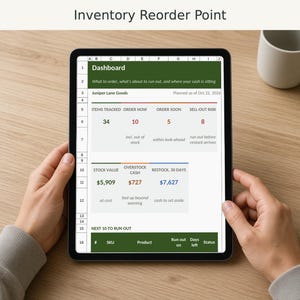
Inventory Tracker Spreadsheet, Reorder Point, Safety Stock and Lead Time Calculator, Excel and Google Sheets
$12.99
-

Digital download
Contractor Estimate Template Spreadsheet, Construction Bid Calculator, Job Quote Template, Excel and Google Sheets
$7.99
-

Digital download
GRANT TRACKER TEMPLATE - Nonprofit Template, Google Sheets, Grants, Foundations, Grant Proposal, Deadline, Grant Management, Fundraising
$12.99
-

Digital download
Grant Application Tracker | Excel & Google Sheets Template (Digital Download)
$8.50
-

Digital download
Nonprofit Grant Application Tracking Spreadsheet - Google Sheets Version - With Dashboard, Budget Projection, & Submission Tracker
$6.98
-

Digital download
Nonprofit Grant Tracker Google Sheet, Project Management Template
$7.78
-

Digital download
Nonprofit Grant Budget & Expense Tracking Spreadsheet - Google Sheets
$6.98
-

Digital download
Nonprofit Unrestricted Grant Tracker | Google Sheets Spreadsheet Template Download for Nonprofits and Charity Organizations
$2.99
-
Digital download
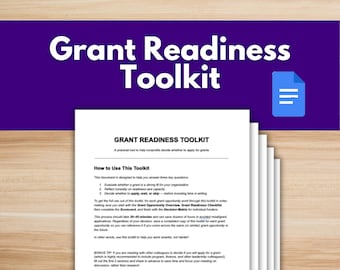
Grant Readiness Toolkit - Google Docs Template
$8.99
-

Digital download
Nonprofit Restricted Grant Tracker | Google Sheets Spreadsheet Template Download for Nonprofit Grants and Donations with Donor Restrictions
$2.99
-

Digital download
Nonprofit Grant Management Template | Google Sheets, Budget Tracker (Digital Download)
$12.50
-

Digital download
The Nonprofit Grant Reporting Starter Kit | Google Sheets Spreadsheet Template Download
$8.99
-
Digital download
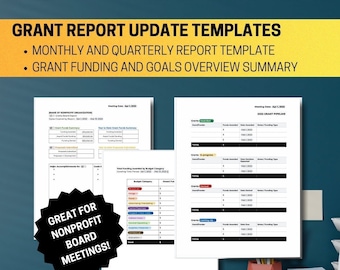
Grant Report Update Templates
$8.00
-
Digital download
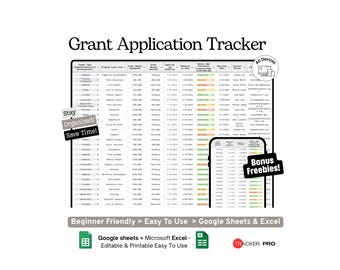
Grant Application Tracker Google Sheets Template (Nonprofit Funding, Proposal Submission and Deadline Management Spreadsheet)
Sale Price $2.56
Original Price $5.33
Shoppers with similar taste loved these
-

Digital download
Nonprofit One-Pager Templates: Impact Report Canva Designs
$12.00
-

Digital download
PTO PTA Sponsorship Levels Form Editable Template, Non-Profit Flyer, Canva
Sale Price $4.99
Original Price $9.99
-

Digital download
Non Profit Bundle Legal Templates for Non-Profit Articles Bylaws 501c3 Meeting Minutes Non Profit Policy 501c3 Donation Receipt
$29.00
-
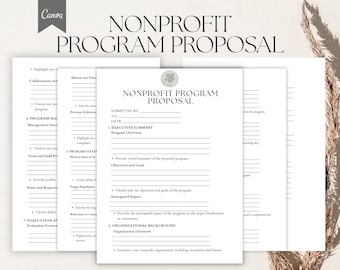
Digital download
NonProfit Program Proposal Template, Charitable Organization Project Form Pdf, Canva
$3.99
-
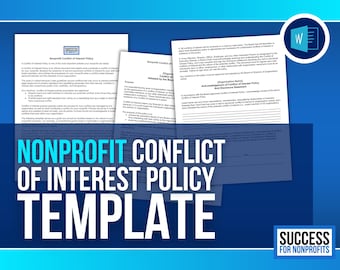
Digital download
Nonprofit Conflict of Interest Policy Template | Editable MS Word Document
$3.99
-
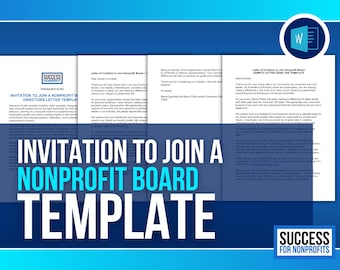
Digital download
Nonprofit Board Invitation Letter Template (Microsoft Word)
$4.99
-

Digital download
Non Profit Run Event Template Bundle: T-Shirt, Flyer, Bib (Canva & PDF)
$30.00
-
Digital download
Non Profit Whistleblower Policy Template, 501c3 Compliant (PDF, Word)
Sale Price $12.34
Original Price $12.99
-

Digital download
Nonprofit Sponsorship Fundraiser Flyers: Editable Canva Template (5-Pack)
$8.50
-

Digital download
Non-Profit Canva Website Template, Organization Website (Digital Download)
$28.35
-

Digital download
Nonprofit Startup Kit: Business Plan & Grant Templates (Digital Download
$40.00
-

Custom Photo Booth Frame, Any Event
Sale Price $33.25
Original Price $35.00
