

Monthly Budget Google Sheets Template, Light Mode Printable Budget Planner, Monthly Expense Tracker, Debt and Savings Goals, Any Year
NowPrice:$12.99
Original Price: $25.98
50% off
Sale ends on December 1
Here's what's eligible:
- Your order doesn't match the item description or photos
- Your item arrived damaged
- Your item arrived after the estimated arrival window
- Your item didn't arrive or was lost in the mail
You can only make an offer when buying a single item
Highlights
Plan the month, log what you spend, and always know what is left.
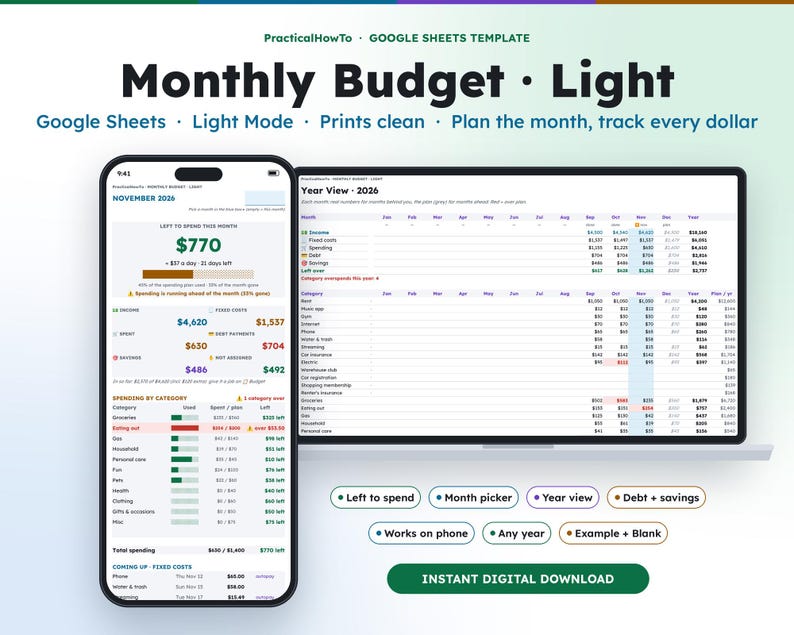
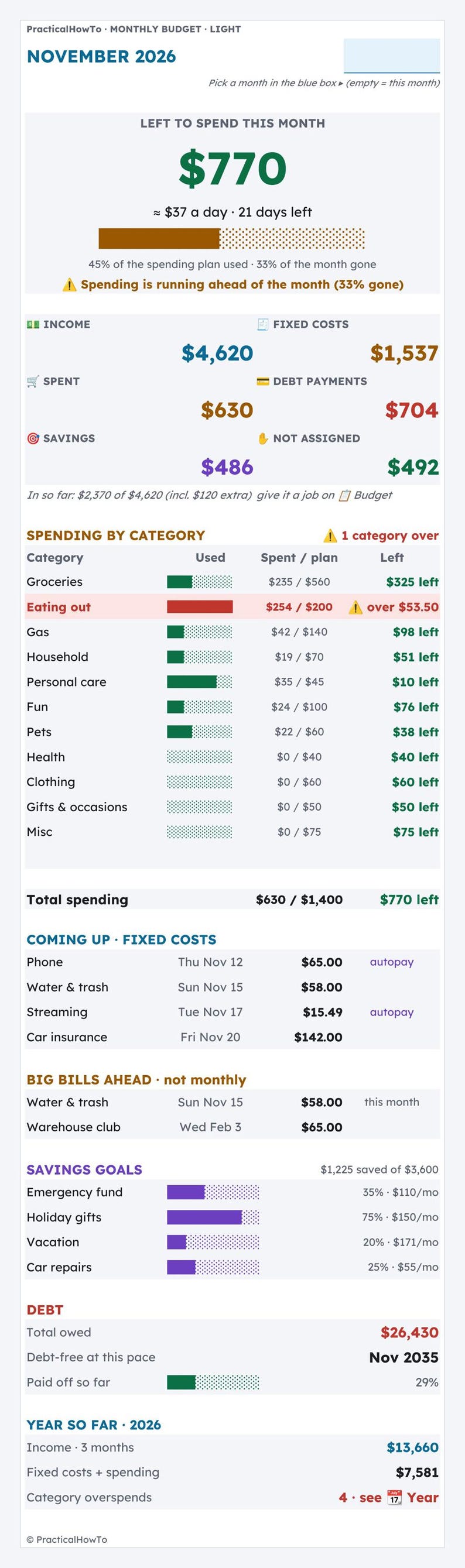
The Monthly Budget, Light Edition is a simple Google Sheets template for planning one month at a time. Add your take-home pay, list your fixed costs and set a plan for each spending category. As you log spending, the Dashboard shows what is left to spend this month, how much that is per day, and how many days are left. Pick any month in the month picker to look back or plan ahead. It works for any year.
Light mode is bright and easy to read in daylight, and it prints cleanly on plain paper.
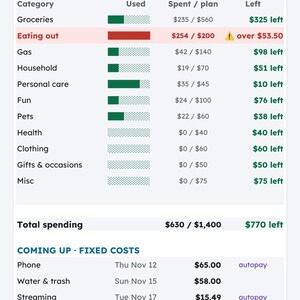
Example: in the filled-in Example version it is November 10. There is $770 left of a $1,400 spending plan, about $37 a day for the 21 days left. Eating out is at $254 of $200, so it shows $53.50 over, and a note says spending is running ahead of the month (45% used, 33% of the month gone).
Prefer dark mode? A Dark Mode version is also in the shop. Same features, different look.
Want a payoff plan and a bill calendar too? The Monthly Budget Bundle (Monthly Budget + Debt Payoff Planner + Bill Tracker) is in the shop as well.
★ THIS IS A DIGITAL DOWNLOAD ★
No physical item will be shipped. After purchase you'll download a PDF guide with links to make your own copy of the template in Google Sheets. You need a free Google account to use it.
━━━━━━━━━━━━━━
WHAT'S INCLUDED
━━━━━━━━━━━━━━
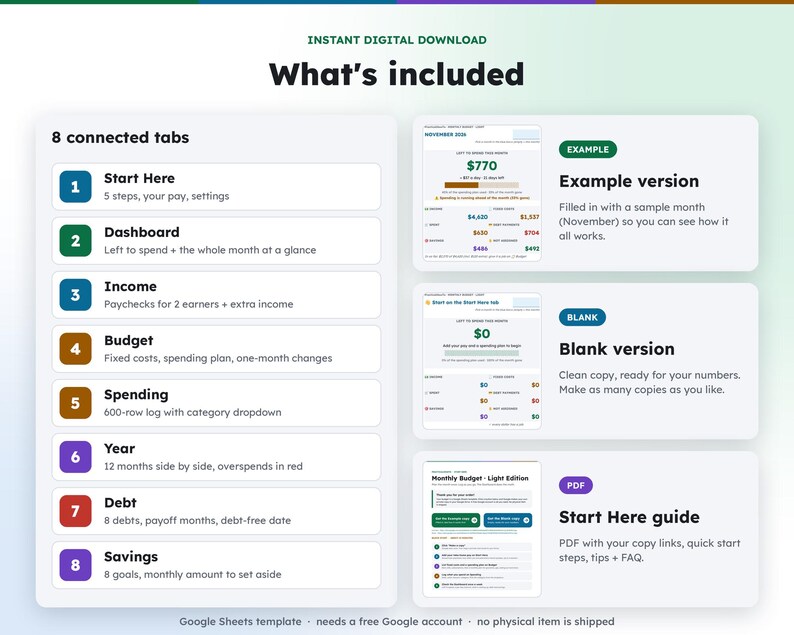
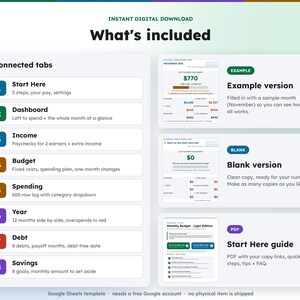
• Start Here guide PDF with your copy links, quick start steps, tips and FAQ
• EXAMPLE version (filled in with a sample month so you can see how it works)
• BLANK version (ready for your numbers)
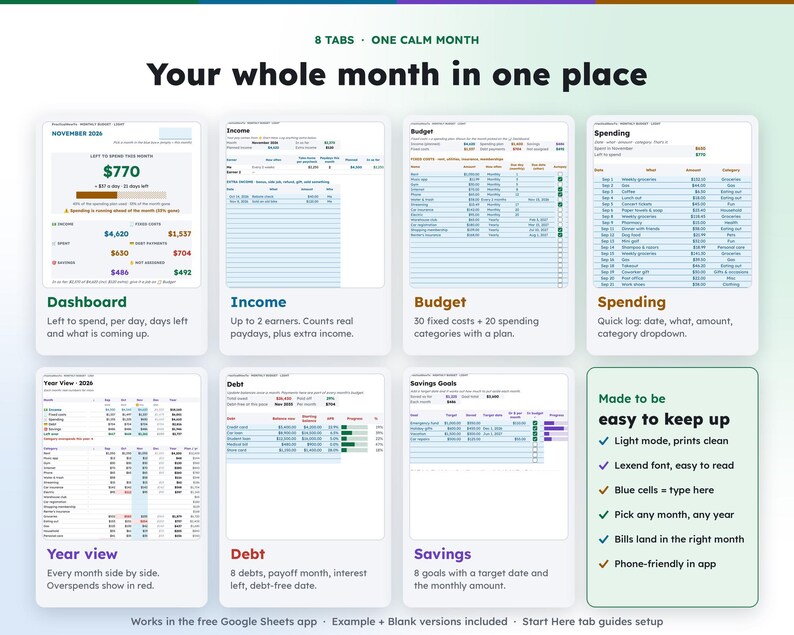
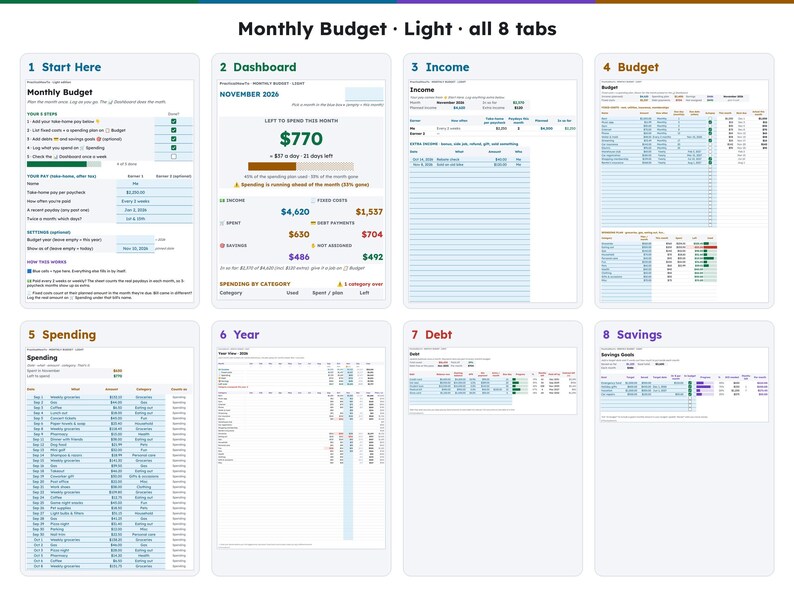
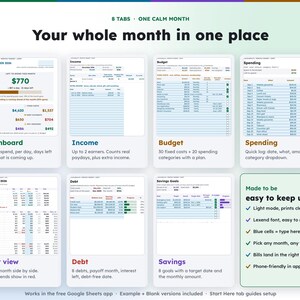
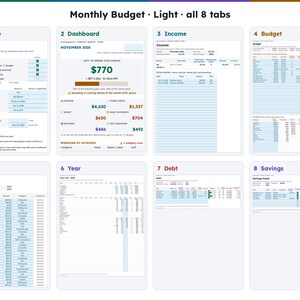
8 connected tabs:
1. Start Here – 5 setup steps, your pay and settings
2. Dashboard – the whole month on one screen
3. Income – up to 2 earners plus extra income
4. Budget – fixed costs and a spending plan
5. Spending – quick spending log
6. Year – every month side by side
7. Debt – up to 8 debts
8. Savings – up to 8 goals
━━━━━━━━━━━━━━
FEATURES
━━━━━━━━━━━━━━
DASHBOARD
• Left to spend this month, per day and days left
• Progress bar plus a note when spending runs ahead of the month
• Tiles for income, fixed costs, spent, debt payments, savings and not assigned
• Spending by category with what is left in each
• Coming up: the next fixed costs and bigger non-monthly bills
• Savings goals, debt summary and year so far
INCOME
• Up to 2 earners
• Monthly, twice a month, every 2 weeks or weekly pay
• Counts the real paydays in each month, so 3-paycheck months show up on their own
• Up to 100 extra income entries (bonus, side job, refund, gift)
BUDGET
• Up to 30 fixed costs: monthly, every 2 months, quarterly, twice a year, yearly or one-time
• Bills that are not monthly land in the right month
• Autopay checkboxes
• Up to 20 spending categories (11 filled in to start), with one-month changes
SPENDING
• 600-row log: date, what, amount, category dropdown
YEAR VIEW
• All 12 months side by side: income, fixed costs, spending, debt, savings and what was left over
• Every category by month, overspends shown in red
DEBT
• Up to 8 debts with balance, APR and progress
• Payoff month, interest left and a debt-free date at your current payments
SAVINGS
• Up to 8 goals with a target date
• Shows how much to set aside each month
MADE TO BE EASY TO KEEP UP
• Light mode: white, clean and printable
• Prints cleanly: File > Print in Google Sheets, no dark backgrounds to waste ink
• Lexend font, designed for easier reading
• Blue cells = type here. Everything else fills in by itself.
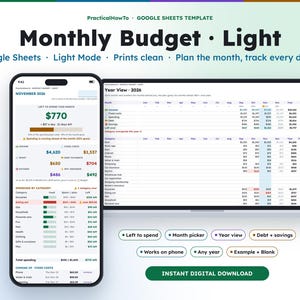
• Works on your phone in the free Google Sheets app
• Undated: pick any month, any year
━━━━━━━━━━━━━━
HOW IT WORKS
━━━━━━━━━━━━━━
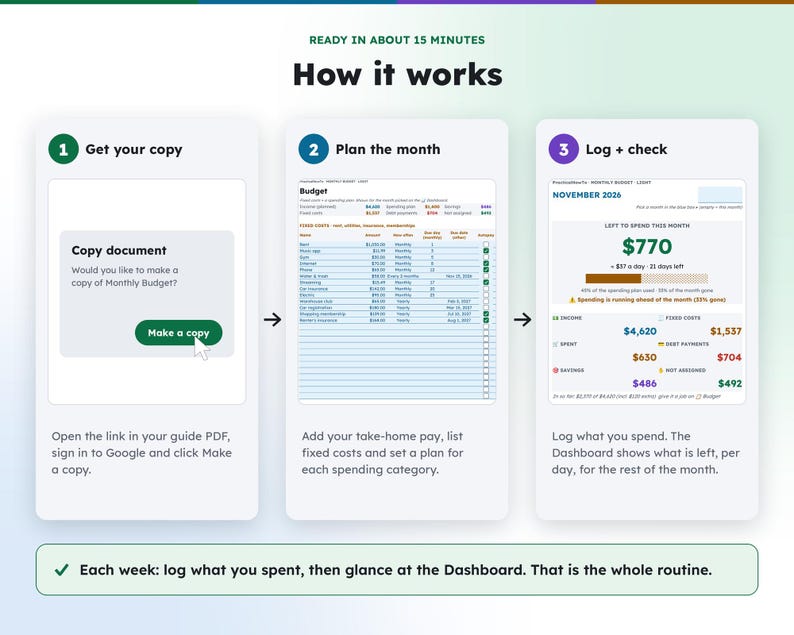
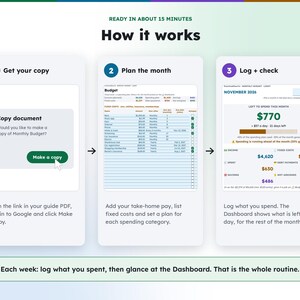
1. Download the PDF guide after purchase
2. Click the link and choose "Make a copy" (sign in to Google first)
3. Open the Start Here tab and follow the 5 steps (about 15 minutes)
4. Each week: log what you spent, then glance at the Dashboard. That is the whole routine.
━━━━━━━━━━━━━━
GOOD TO KNOW
━━━━━━━━━━━━━━
• Google Sheets template. Requires a free Google account.
• Built for Google Sheets, not Excel. You can download it as .xlsx, but some features may look or work differently.
• This is a budgeting tool, not financial advice.
• Colors may look slightly different on different screens.
• Because this is a digital product, returns and exchanges aren't accepted. If anything isn't working, message me and I'll help.
PERSONAL USE ONLY. Please don't share, resell or redistribute the file or links.
Designed by Travis McGravis of PracticalHowTo with help from digital tools.
Thank you for supporting a small shop!
Instant Download
Your files will be available to download once payment is confirmed. Here's how.
Instant download items don’t accept returns, exchanges or cancellations. Please contact the seller about any problems with your order.
Etsy Purchase Protection
Shop confidently on Etsy knowing if something goes wrong with an order, we've got your back for all eligible purchases —
see program terms

More from this shop
Visit shop-

Digital download
Northern Lights Lake Reflection Print | Aurora Borealis Over a Frozen Lake Cabin, Printable Night Sky Wall Art Download
Sale Price $5.96
Original Price $7.95
-

Digital download
Northern Lights Over Cabin Print | Aurora Borealis Above a Snowy Log Cabin, Printable Winter Night Wall Art Download
Sale Price $5.96
Original Price $7.95
-

Digital download
Northern Lights Wall Art Set of 4 | Aurora Cabin, Lake Reflection, Fox and Milky Way Prints, Printable Night Gallery Set
Sale Price $14.96
Original Price $19.95
-
Digital download
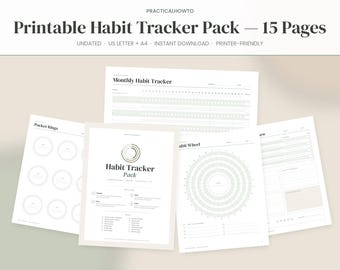
Printable Habit Tracker Pack, 15 Pages, Undated Monthly Weekly Daily Habit Tracker, Habit Wheel, Mood Sleep Water Tracker, US Letter A4 PDF
Sale Price $4.19
Original Price $6.99
Be the first to leave a review
-
Digital download
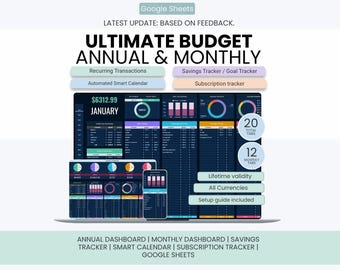
Ultimate Annual Budget Spreadsheet | Sinking Funds / Goal Tracker | Calendar | Subscription Tracker | Annual Monthly Budget Google Sheets
Sale Price $11.13
Original Price $44.53
-
Digital download
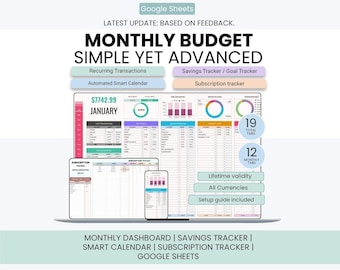
Smart Monthly Budget Planner | New Update | Savings Tracker / Goal Tracker | Smart Calendar | Subscription Tracker | Google Sheets Only
Sale Price $11.13
Original Price $44.53
-
Digital download
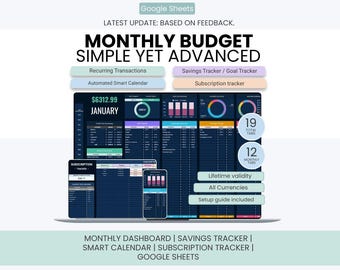
Smart Monthly Budget Planner | Budget Planner Sheets | Savings Tracker | Smart Calendar | Subscription Tracker | Google Sheets Only
Sale Price $11.13
Original Price $44.53
-
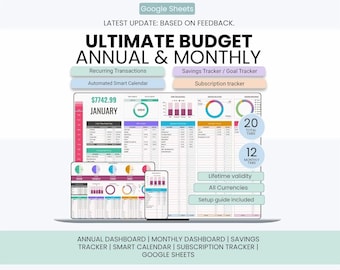
Digital download
Ultimate Annual Budget Spreadsheet | Sinking Funds / Goal Tracker | Calendar | Subscription Tracker | Annual Monthly Budget Google Sheets
Sale Price $11.13
Original Price $44.53
-
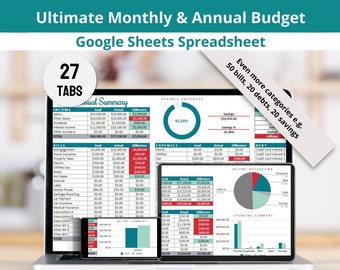
Digital download
Ultimate Monthly Budget Google Sheets Spreadsheet, Income, Bills, Expenses, Savings and Financial Goals Tracker
$16.99
-

Digital download
Annual Budget By Paycheck & Monthly Spreadsheet Google Sheets and Excel Financial Planner Template Monthly Income, Expense and Bill Tracker
Sale Price $12.70
Original Price $25.40
-

Digital download
Annual Budget Spreadsheet for Google Sheets, Monthly Weekly Biweekly Paycheck Budget Planner Template, Debt Payoff Tracker, Bill Calendar
Sale Price $13.98
Original Price $23.31
-
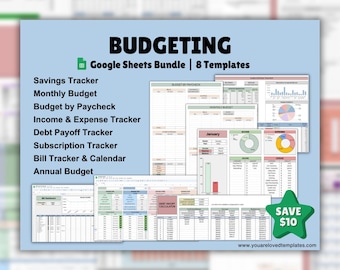
Digital download
Budgeting Bundle | Google Sheets Template | Monthly Budget | Savings Tracker | Income and Expense Tracker | Debt Payoff Calculator & Tracker
$39.60
-

Digital download
Annual Budget Spreadsheet Excel Google Sheets Budget Template Monthly Budget Tracker Bill Debt Tracker Financial Planner Dark Mode Budget
Sale Price $8.89
Original Price $17.77
-

Digital download
2026 Blue Budget & Goal Tracker: Credit Card and Debit/Cash User Google Sheets Template (Digital Download)
$26.66
-

Digital download
Monthly & Yearly Budget Google Sheets Spreadsheet Digital Template, Income, Expenses, Savings, Debt, Financial Goals
$17.99
-

Digital download
Google Sheets Budget Spreadsheet with Bill Calendar, Debt & Savings Tracker, 50 30 20 Dashboard
Sale Price $18.88
Original Price $31.46
Disclaimer: Button/coin batteries may cause serious injury and even death if swallowed. Items containing button/coin batteries should not be easily accessible without the use of a tool. Sellers are responsible for complying with all applicable labeling, design, testing, packaging, and other safety requirements. Etsy assumes no responsibility for the accuracy or contents of a seller’s listing. If you have questions about button/coin batteries, contact the seller by sending a Message. See Etsy's Terms of Use for more information.
Shoppers with similar taste loved these
-
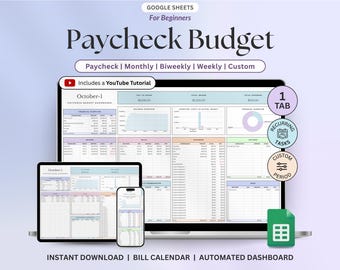
Digital download
Paycheck Budget Planner, Google Sheets Budget Template, Monthly Budget Tracker, Weekly & Biweekly Budget, Expense And Spending Tracker
Sale Price $1.70
Original Price $4.89
-
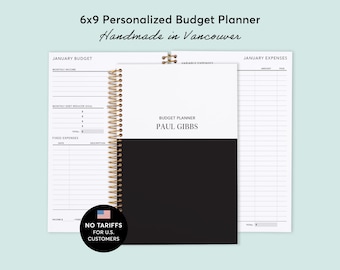
BUDGET PLANNER - 2027 Finance Planner 6x9 - Expense Tracker - Custom Start Month - Black White Color Block
$25.00
-
Digital download
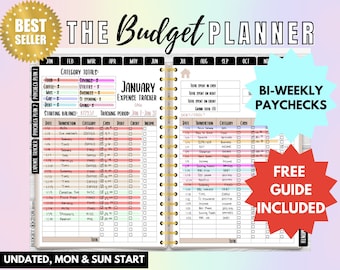
Biweekly Budget Planner Digital Book Bill Tracker Debt Snowball Financial Planner Paycheck Budget Remarkable 2 Planner Bill Calendar Budget
Sale Price $17.81
Original Price $27.40
-

Digital download
Digital Budget Planner: GoodNotes Finance Tracker (Hyperlinked PDF)
Sale Price $3.50
Original Price $7.00
-

Digital download
Ultimate Monthly Budget Spreadsheet, Google Sheets Budget Template Sheet, Digital Budget Financial Planner, Paycheck Budget Savings, Expense
Sale Price $10.81
Original Price $18.02
-

2025 Humble Beginnings Budget Planner
$25.00
-
Digital download
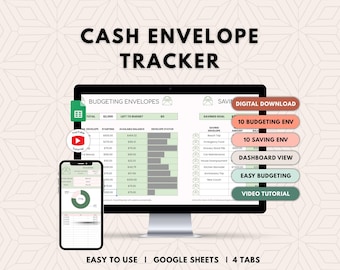
Cash Envelope Tracker | digital budget tool, cash stuffing, budget tracker spreadsheet, savings tracker, Google Sheets
$9.50
-
Digital download
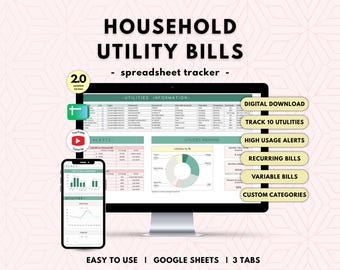
Home Utility Planner | household bills tracker, easy utility bill planner, household finance spreadsheet, Google Sheets
$6.50
-

Digital download
Printable Budget Planner Bundle Editable Finance Planner Kit Paycheck by Budget Debt Snow Ball Bi Weekly Monthly Templates Savings Trackers
Sale Price $2.56
Original Price $6.40
-

Digital download
Spending Tracker Spreadsheet | easy budget tracker, digital spending log, simple personal finance budget tool for Google Sheets
$4.50
-

Digital download
Paycheck Budget Spreadsheet Google Sheets Template for Monthly Weekly Biweekly Semi Monthly Budgeting, Income Expenses Subscription Tracker
Sale Price $1.73
Original Price $3.46
-

Digital download
Simple Cash Envelope Spreadsheet - finance spreadsheet for digital envelope cash stuffing, use any budgeting method; Google Sheets template
$5.50


