


5S Action Plan Template | Corrective Action Log for 5S Audit Findings with Owner and Due Date, Excel & Google Sheets with Printable PDF
Price:$4.99
Star Seller
Star Sellers have an outstanding track record for providing a great customer experience—they consistently earned 5-star reviews, shipped orders on time, and replied quickly to any messages they received.
5.0 out of 5
2 ratings
You can only make an offer when buying a single item
Star Seller. This seller consistently earned 5-star reviews, shipped on time, and replied quickly to any messages they received.
Highlights
This is one 5S action plan template. The full 7-file kit is here: https://www.etsy.com/listing/4502369252/5s-workplace-organization-excel-template
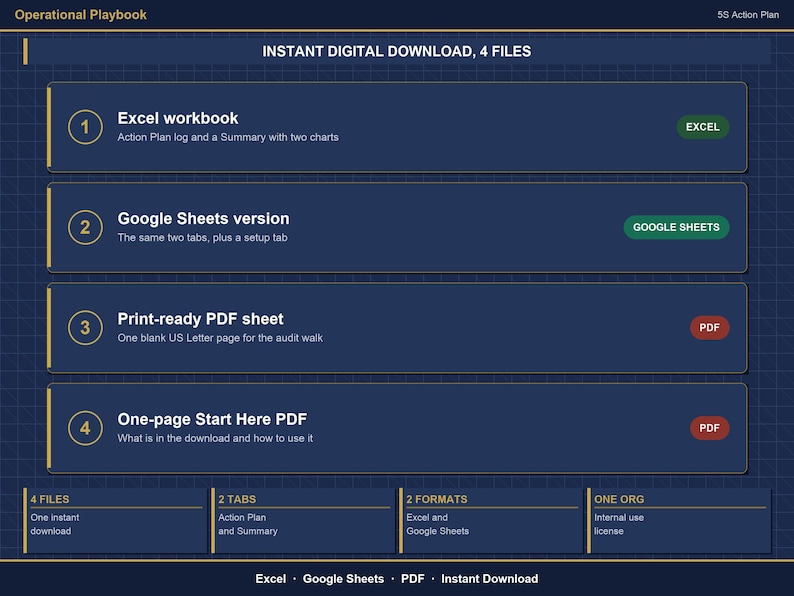
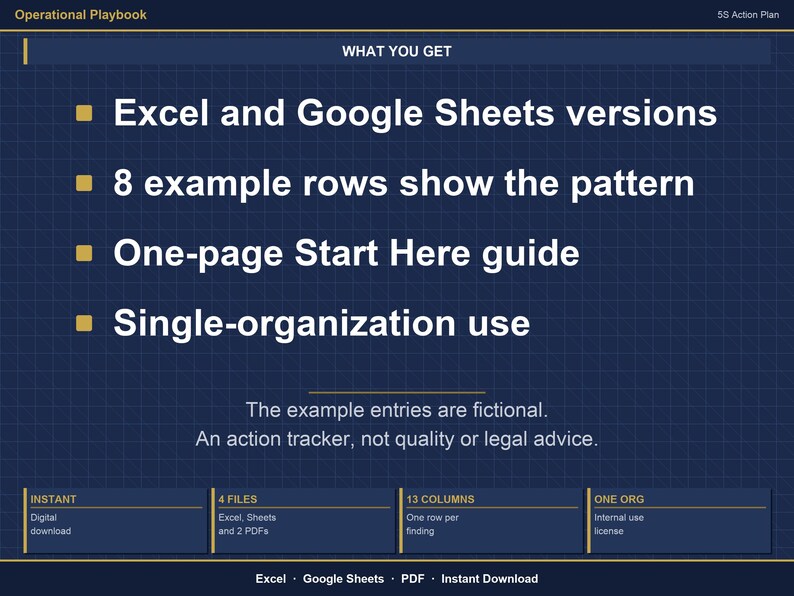
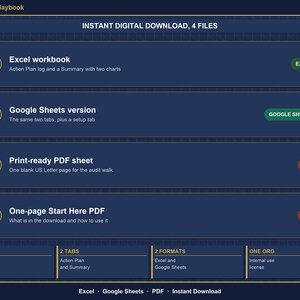
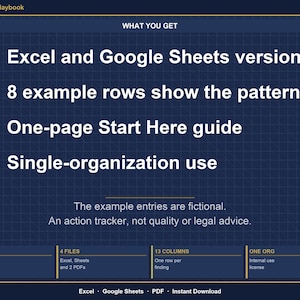
WHAT YOU DOWNLOAD (one ZIP: 5S_Action_Plan_Etsy_Bundle_v3.zip, 4 files)
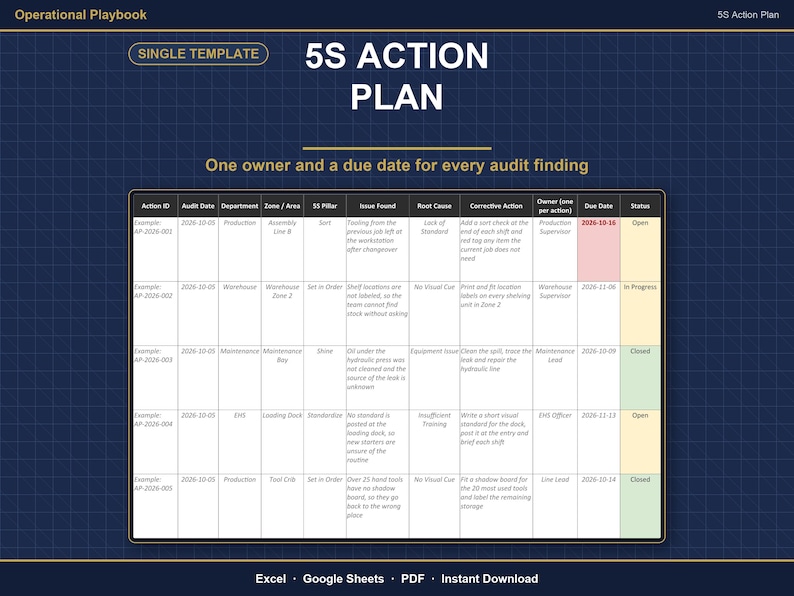
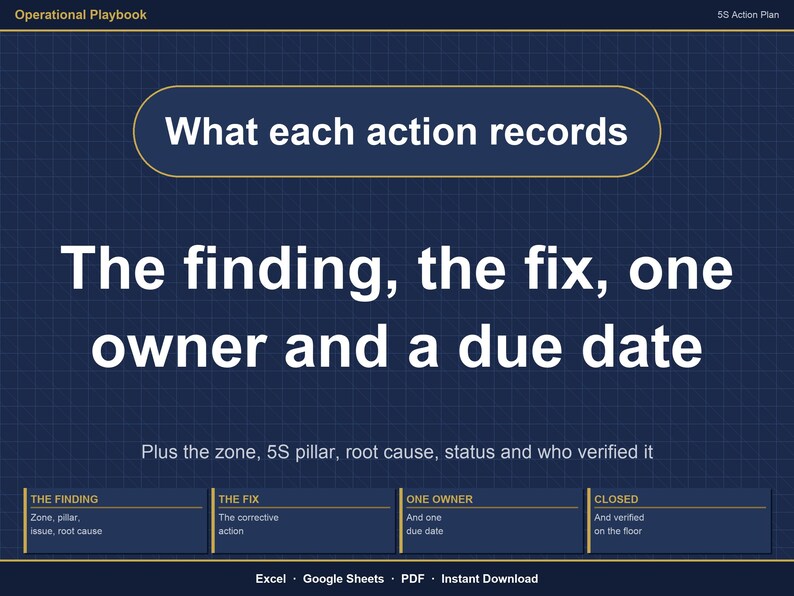
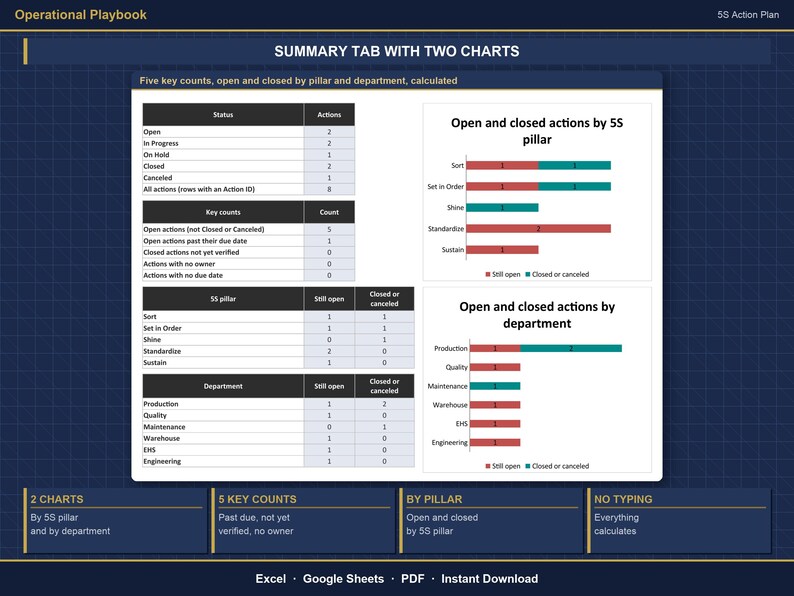
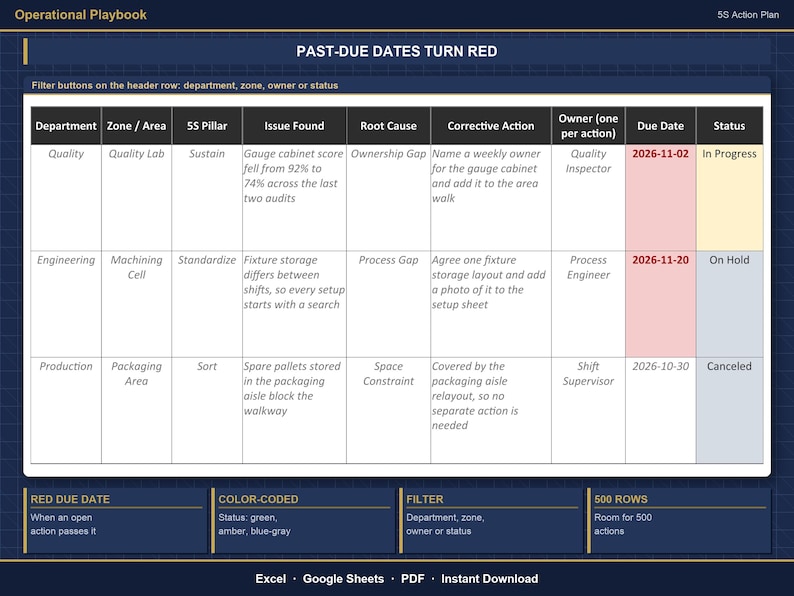
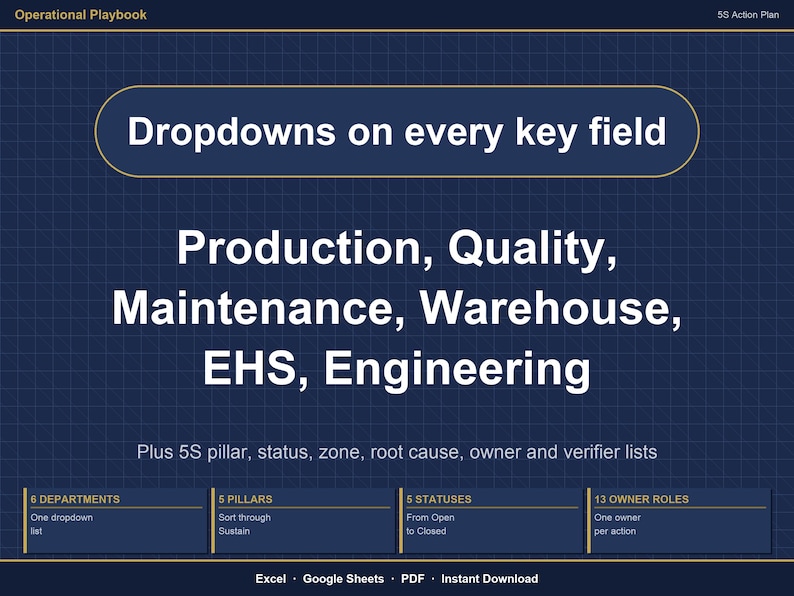
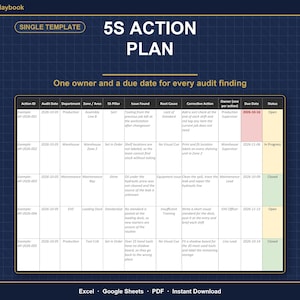
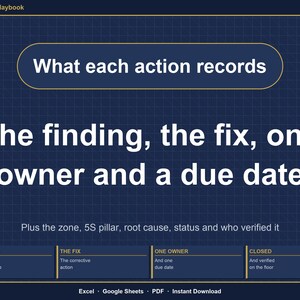
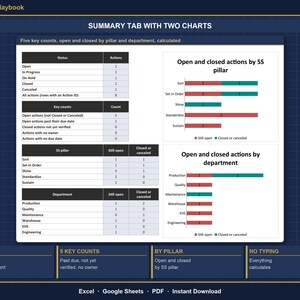
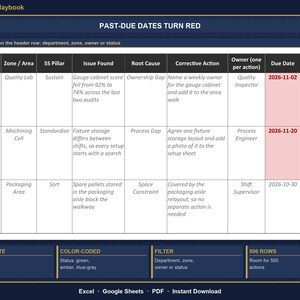
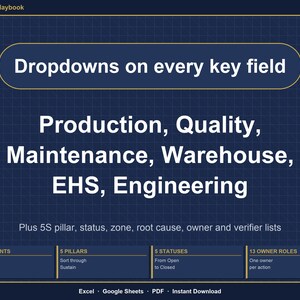
* 5S_Action_Plan_Template_v3.xlsx - the editable Excel workbook, 2 tabs. Action Plan: one row per 5S audit finding, 13 columns (Action ID, Audit Date, Department, Zone / Area, 5S Pillar, Issue Found, Root Cause, Corrective Action, Owner, Due Date, Status, Date Completed and Verified By), 8 gray example rows and room for 500 actions. Department, Zone / Area, 5S Pillar, Root Cause, Owner, Status and Verified By are dropdowns, the owner is one role per action from a list of 13, and the three date columns accept dates only. Status is color-coded, a due date turns red when an open action passes it, and the header row carries filter buttons. Summary: actions by status, all actions, five key counts (open actions, open actions past their due date, closed actions not yet verified, actions with no owner, actions with no due date), still open versus closed or canceled by 5S pillar and by department, and two charts (open and closed actions by 5S pillar, and by department). Nothing on the Summary needs typing.
* 5S_Action_Plan_Template_v3_GoogleSheets.xlsx - the same two tabs with a Google Sheets Setup tab first: what carries over and a one-minute check after import.
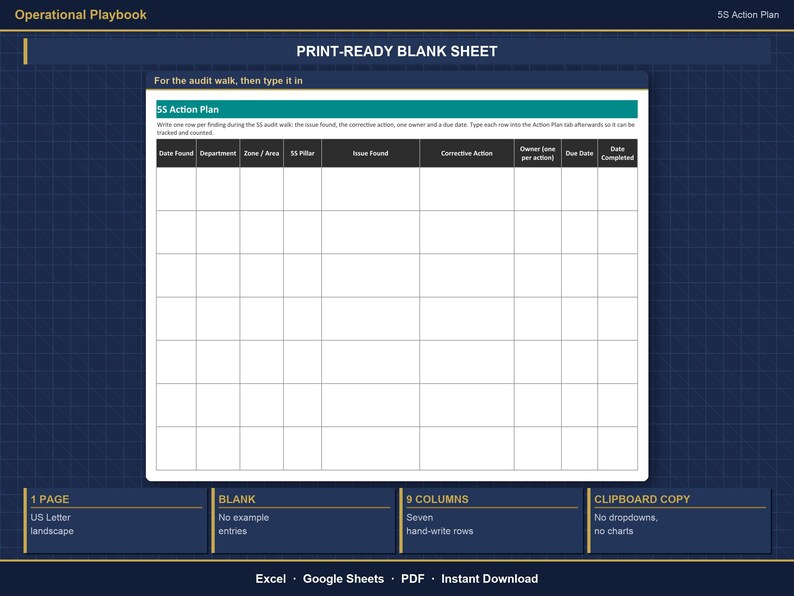
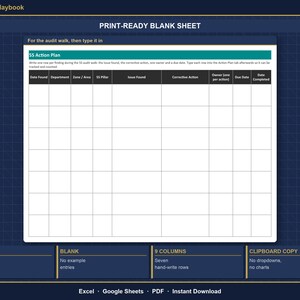
* 5S_Action_Plan_Print_Ready_v3.pdf - a blank one-page printable sheet with nine columns and seven hand-write rows, for noting findings during the audit walk. US Letter landscape. No example entries, dropdowns, counts or charts.
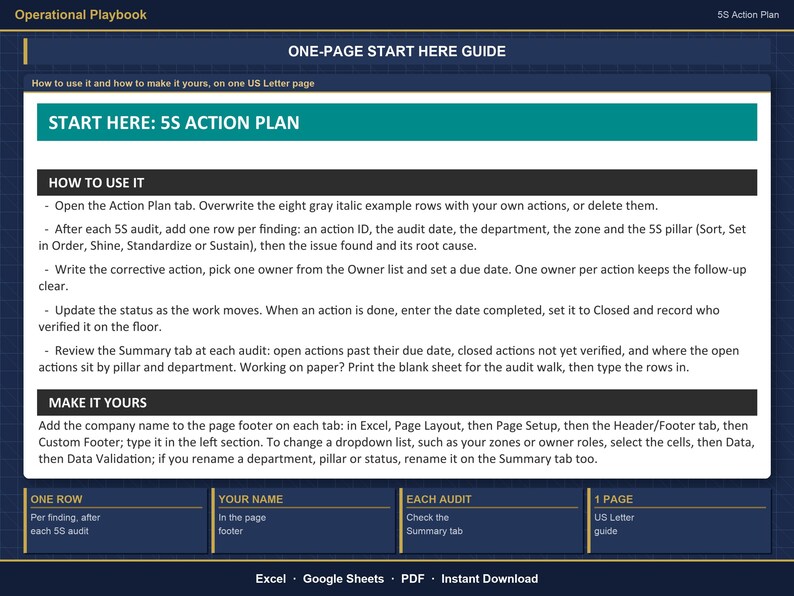
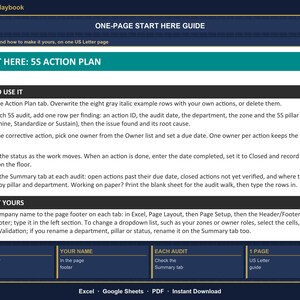
* 5S_Action_Plan_Start_Here_v3.pdf - one-page setup guide, prints on US Letter.
Instant digital download. No physical item ships.
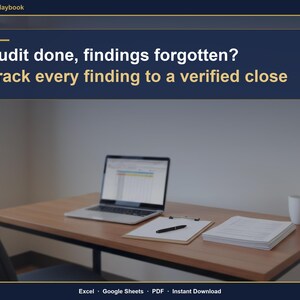
The 5S audit walk turns up the findings: tools left out after changeover, unlabeled shelves, a spill under a press. They get read out at the meeting, and three weeks later nobody can say which were fixed, who had them, or whether anyone checked. This action plan gives every finding one row, one owner and a due date, turns the date red when an open action runs past it, and shows on one Summary what is still open by pillar and department and which closed actions are not yet verified on the floor.
WHO IT IS FOR
Production supervisors, area managers, 5S coordinators and continuous improvement leads in manufacturing who run 5S audits and want every finding followed through to a verified close.
HOW IT WORKS
* Read the one-page Start Here, then open the Action Plan tab. Overwrite the eight gray example rows with your own actions, or delete them.
* After each 5S audit, add one row per finding: an action ID, the audit date, the department, the zone and the 5S pillar (Sort, Set in Order, Shine, Standardize or Sustain), then the issue found and its root cause.
* Write the corrective action, pick one owner from the Owner list and set a due date. One owner per action keeps the follow-up clear.
* Update the status as the work moves (Open, In Progress, On Hold, Closed or Canceled). When an action is done, enter the date completed, set it to Closed and record who verified it.
* Review the Summary tab at each audit: open actions past their due date first, then closed actions not yet verified. Use the filter buttons to pull up actions by department, zone, owner or status. Working on paper? Print the blank sheet for the audit walk, then type the rows in.
MAKE IT YOURS
Type your company name into the page footer on each tab; the Start Here shows the Excel path. The Department dropdown ships with Production, Quality, Maintenance, Warehouse, EHS and Engineering. To change any dropdown list, such as your zones or owner roles, select the cells, then Data, then Data Validation; if you rename a department, pillar or status, rename it on the Summary tab too. The log tab is set to print landscape, fit to the page width, with the header row repeated on each page.
WANT THE FULL SYSTEM?
This action plan is one part of our 5S Workplace Organization System kit, which adds a scored 5S audit, zone tracking, red tags, a training matrix, an inspection schedule, before and after records, a scoring summary with charts, a visual standards library, an implementation roadmap and a 5S training presentation: https://www.etsy.com/listing/4502369252/5s-workplace-organization-excel-template
HOW THIS WAS MADE
Designed and built by us. We use AI tools to help draft text and, on some products, artwork. Every template, formula and page is reviewed, edited and tested before it ships.
LICENSE
Single-organization internal use is included.
You may customize the files for your organization's internal business use. Do not resell, redistribute, share, sublicense, or repackage the source files.
Consultants who want to use the materials across multiple client organizations should message the shop about licensing options.
PLEASE NOTE
This action plan is a structured starting point for following up your own 5S audits. The example entries are fictional and their dates are fixed, so the past-due count and the red due dates change as the calendar moves. It tracks the actions an audit raises; it does not score the audit, and how each action is approved and checked stays with your own site process. Owners are picked from a list of roles, which you can edit. It has no macros, reminders or e-mail alerts. In Google Sheets the page footer and print area do not carry over; the setup tab shows how to print. It is an operational support tool, not quality, legal or regulatory advice.
Instant Download
Your files will be available to download once payment is confirmed. Here's how.
Instant download items don’t accept returns, exchanges or cancellations. Please contact the seller about any problems with your order.
Etsy Purchase Protection
Shop confidently on Etsy knowing if something goes wrong with an order, we've got your back for all eligible purchases —
see program terms

Be the first to review this item

Speedy replies Has a history of replying to messages quickly.
Rave reviews Average review rating is 4.8 or higher.
More from this shop
Visit shop-
Digital download
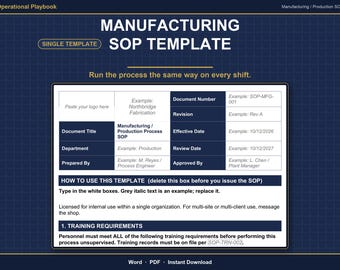
Manufacturing SOP Template | Production Process Standard Operating Procedure with Quality Checkpoints | Editable Word & Printable PDF
$4.99
-
Digital download
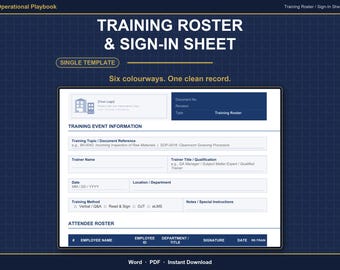
Training Sign In Sheet | Employee Training Roster & Attendance Record | Trainer Sign Off | 6 Colors | Word Template and Printable PDF
$3.49
-
Digital download
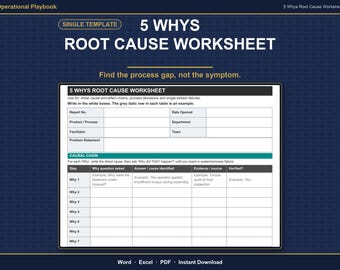
5 Whys Template, Root Cause Analysis Worksheet in Word and Excel
$4.99
-
Digital download
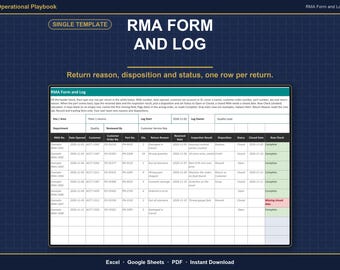
RMA Form Template | Return Material Authorization Log with Return Reason, Disposition and Row Check, Excel & Google Sheets, Printable PDF
$4.99
-
Digital download
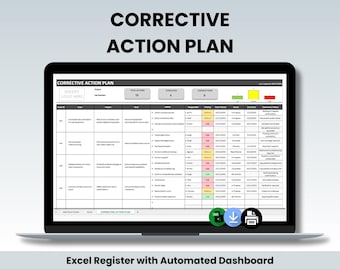
Corrective Action Plan – Excel Template | Action Register + Dashboard
Sale Price $4.99
Original Price $8.31
-
Digital download
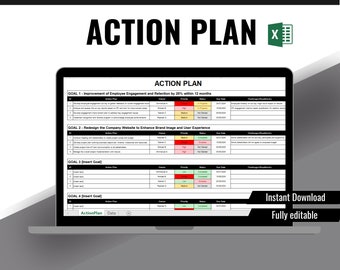
Action Plan Template, Project Action Plan, Task Planner, Activity Planner, MS Excel, Project Team Management, Project Manager
$4.92
-
Digital download
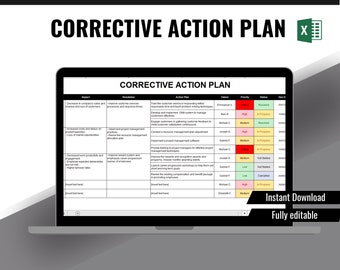
Corrective Action Plan, Action Plan, Action Tracker, Task Tracker, To Do List, Issue Log, Project Management, Project Task Tracker
$3.28
-
Digital download
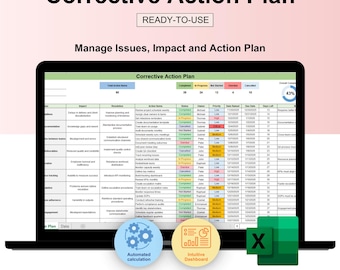
Corrective Action Plan, Action Plan MS Excel, Corrective Action Plan MS Excel, Issue Log, Issue Tracker, Project Management,
$3.28
-
Digital download
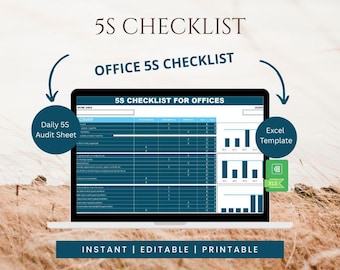
Office 5S Checklist Excel Template | Workplace Audit Tracker (Digital Download)
Sale Price $7.50
Original Price $10.00
-
Digital download
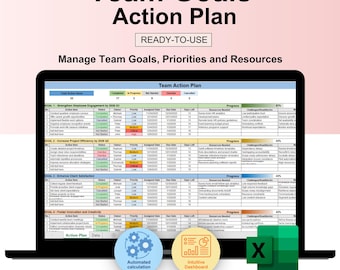
Team Action Plan, Action Plan, Goal Planner, Project Management Template, MS Excel
$5.09
-
Digital download
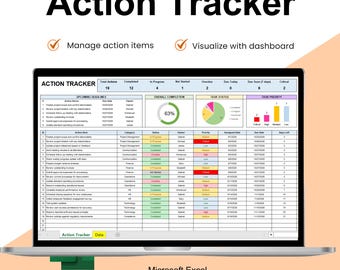
Action Tracker, Action Tracker Excel, Action Item Spreadsheet, Action Plan, Action Log Project Management Action Tracker, Project Task
$3.94
-
Digital download
5S Audit Scorecard Excel Template: Process Management Checklist
Sale Price $14.96
Original Price $19.95
-
Digital download
Change Management Plan Template – HR Project Tracker (Excel, Google Docs)
$5.00
-
Digital download
Corrective Action Plan: Project Management Google Sheets Template
Sale Price $7.50
Original Price $12.50
-
Digital download
Action Plan Tracker | Excel Spreadsheet Tool | Streamlined Task & Action Management
Sale Price $3.60
Original Price $9.00
-
Digital download
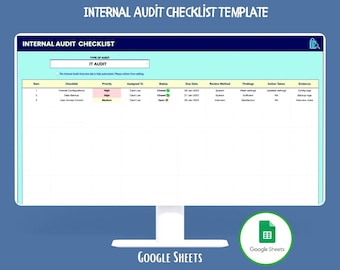
Internal Audit Checklist Google Sheets Compliance Review Inspection Tracker Dashboard Template System Log
Sale Price $6.52
Original Price $8.70
Shoppers with similar taste loved these
-
Digital download
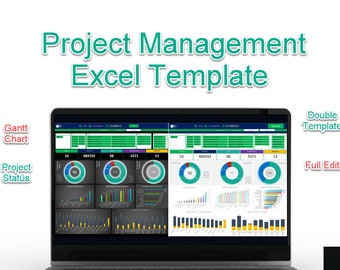
Project Management Excel Template 2026 | Gantt Chart, Dashboard, Resource & Cost Tracker | 10 Projects
Sale Price $12.00
Original Price $24.00
-
Digital download
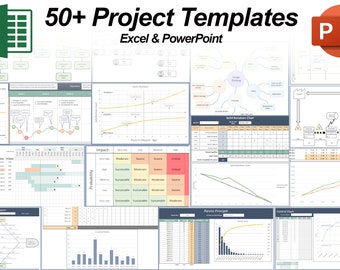
50+ Project Management Templates in Excel and PowerPoint
$21.00
-
Digital download
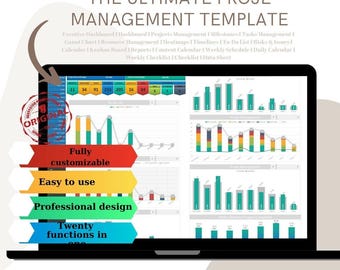
The Ultimate Project Management Template, Projects Management I Milestones I Tasks Management I Gannt Chart I Resource Management I Calendar
Sale Price $28.00
Original Price $79.99
-
Digital download
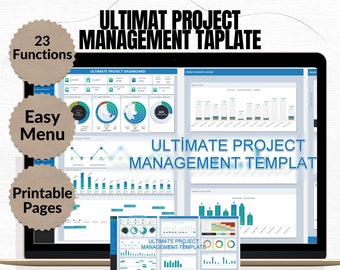
Ultimate Project Management Template, Project Management, Resource Management, Gannt Chart, Risks Management, Project Management Template
Sale Price $54.50
Original Price $109.00
-

Minimalist Field Notes Cover - Bookmark, Pen Holder and Elastic Cord Closure - Slim Design
$26.00
-

Digital download
Program Charter Template
Sale Price $2.25
Original Price $3.00
-
Digital download
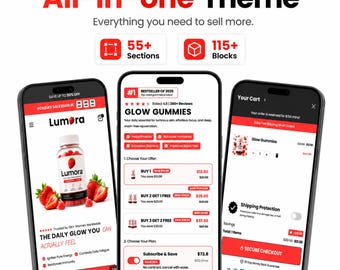
Candy Shopify Theme, Modern, Clean, Branded, Professional, Optimized theme
Sale Price $18.20
Original Price $72.80
-
Digital download
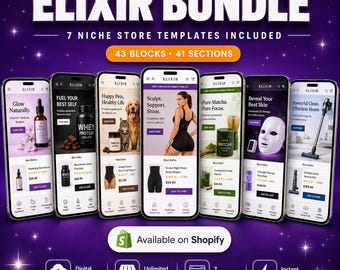
Elixir Shopify Theme Bundle | Base Theme + 7 Niche Templates | Skincare Pet Supplement Shapewear Matcha | Digital Download
Sale Price $14.33
Original Price $57.35
-
Digital download
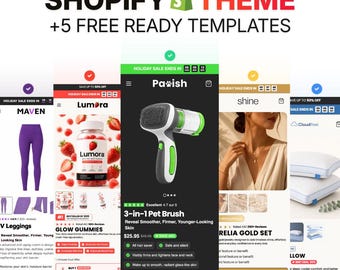
Shopify Theme Bundle, Modern, Clean, Branded, Professional, Optimized theme
Sale Price $32.50
Original Price $129.99
-

Digital download
Elixir Shopify Theme v1.6.2 | High Converting Ecommerce Template | 43 Blocks 41 Sections | Shopify 2.0 | Digital Download
Sale Price $14.90
Original Price $59.63
-
Digital download
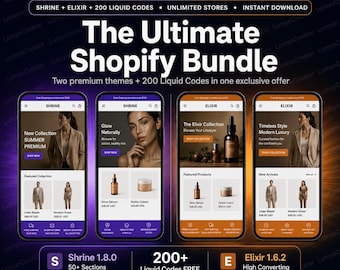
Shrine 1.8.0 + Elixir Shopify Theme Bundle | Two Premium Themes + 200 Liquid Codes | Instant Download Exclusive Deal
Sale Price $13.68
Original Price $54.71
-
Digital download
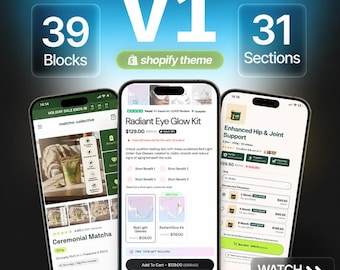
Elixir Shopify Theme v1.6.2 | High Converting Ecommerce | 7 individual Templates | 43 Blocks 41 Sections | Shopify 2.0 | Digital Download
Sale Price $17.10
Original Price $68.41


