

FlipStack: House Flip Project Manager — Deal Analyzer, Rehab Budget Tracker, Contractor Scorecard, Photo Log | No Subscription
Price:$19.99
Here's what's eligible:
- Your order doesn't match the item description or photos
- Your item arrived damaged
- Your item arrived after the estimated arrival window
- Your item didn't arrive or was lost in the mail
You can only make an offer when buying a single item
Highlights
Run the whole flip in one clean, phone-first app — no subscription, no macros, no login. FlipStack takes you from deal analysis to final profit on your phone, tablet, or computer. Built for house flippers who are tired of spreadsheet macros that break on tablets and paying monthly rent for software that holds their own data.
Price: $19.99, one time. No subscription, no renewal, no upsell required to use the full app.
HOW YOU GET FLIPSTACK
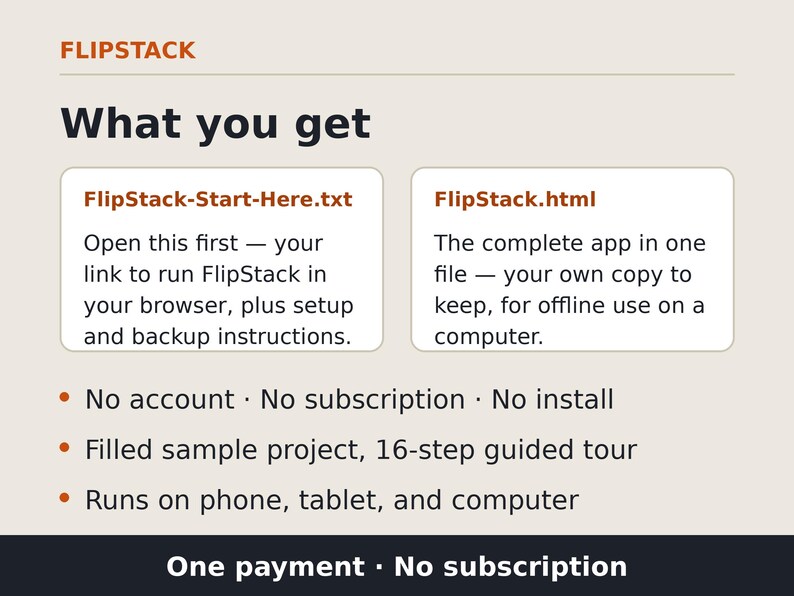
Your purchase includes two files to download from Etsy:
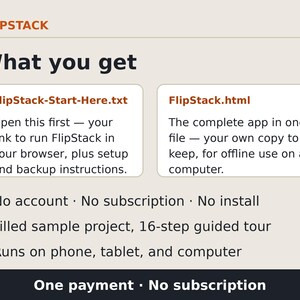
1. FlipStack-Start-Here.txt — open this first. It contains the link to run FlipStack in your browser, plus setup and backup instructions.
2. FlipStack.html — the complete app as a single file: your own copy to keep, for offline use on a computer.
AFTER YOU BUY — FINDING YOUR FILES. When your purchase is complete, Etsy emails you a link ("View your files on Etsy") — or go to Your account → Purchases on Etsy and choose Download Files. Important: downloads don't work inside the Etsy app — open Etsy in a browser (Safari or Chrome) or on a computer. If the Download Files button is grayed out, give it a few minutes; payment processing sometimes takes a moment to finish. Where the files land depends on your device and browser: on an iPhone, check the Files app's Downloads folder; on an Android phone or a computer, they typically go to the Downloads folder — though your browser settings can send them somewhere else. Open FlipStack-Start-Here.txt first — it contains the link that runs FlipStack and walks you through setup and backups.
No account, no subscription, no install. On iPhone, open your link in Safari and use Share → Add to Home Screen — it works like an app. Use the same browser each time; that's where your projects live.
ANALYZE THE DEAL
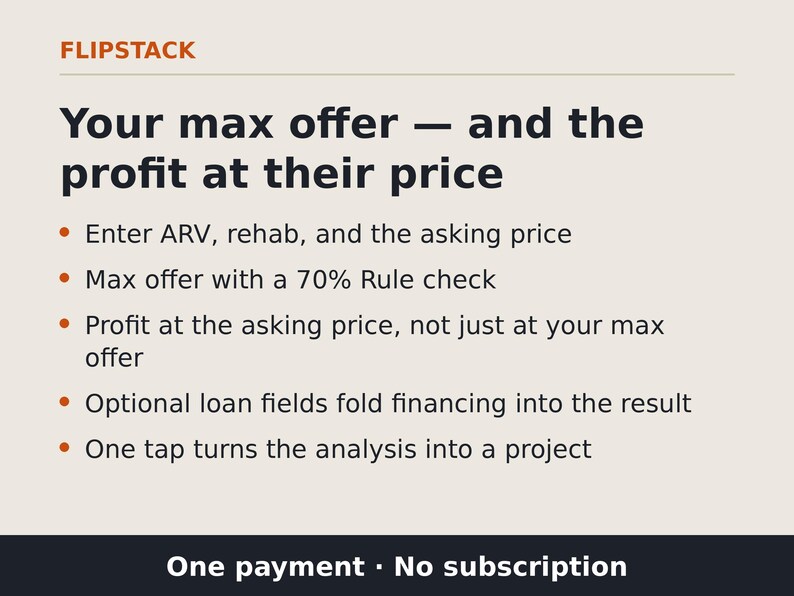
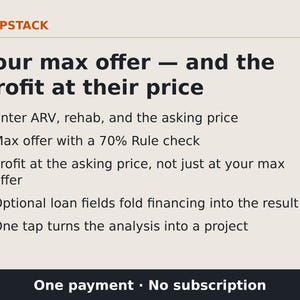
• Deal Analyzer with Max Allowable Offer + 70% Rule check. Enter ARV, rehab, and the seller's asking price — FlipStack shows your max offer AND the profit at the asking price, not just at your max offer. Tap "Try sample numbers" to see the math, then turn a winning analysis into a live project in one tap.
• Financing built in: add loan details in the Analyzer and the financing cost lands in the result — the results state whether financing is included.
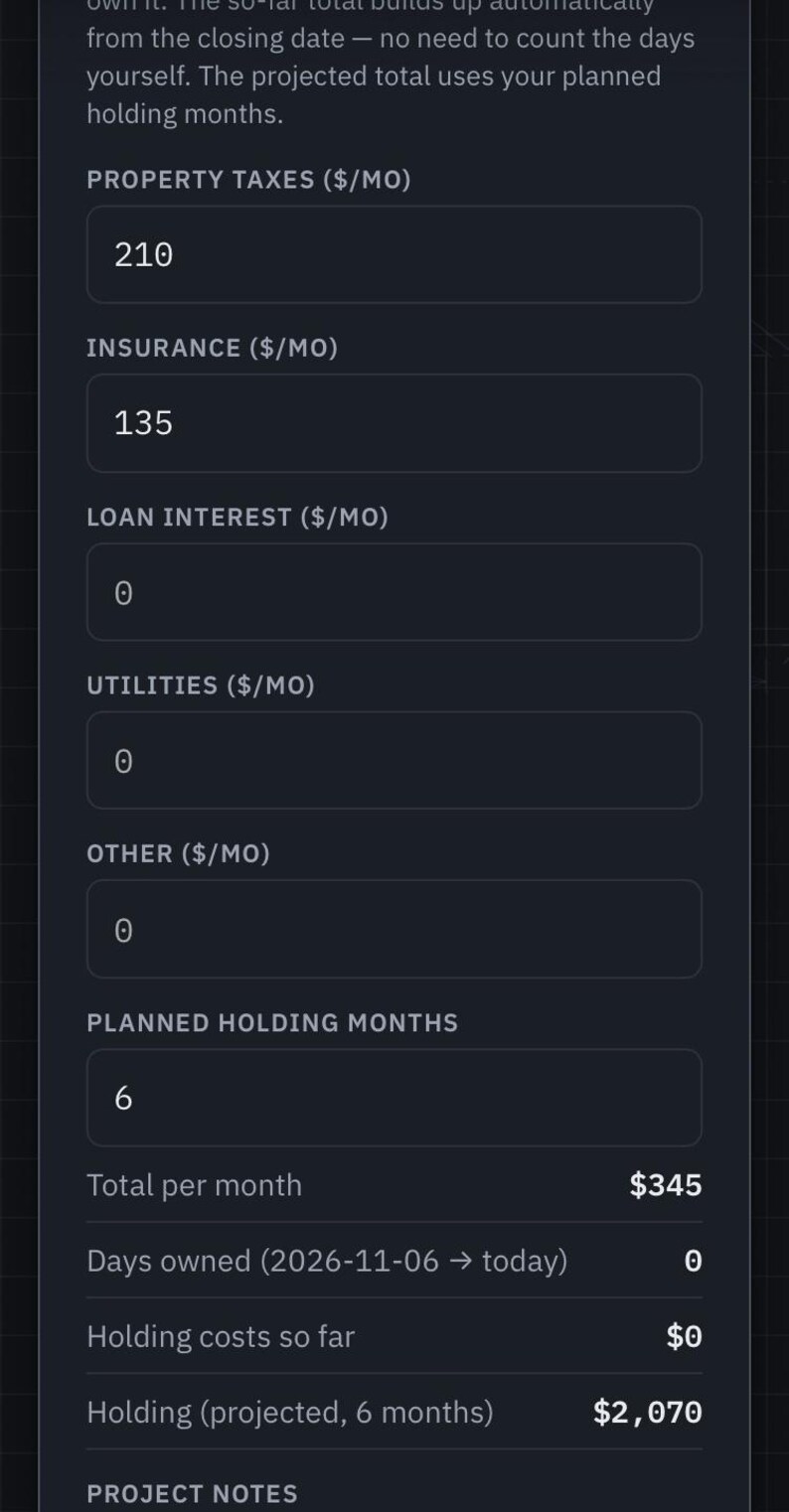
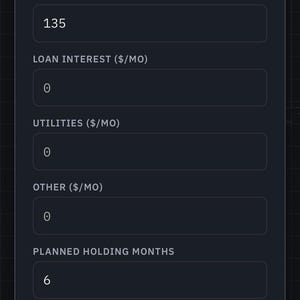
• Live profit forecast: projected profit if you sell today vs. in 60 days, plus your break-even sale price. Holding costs accrue from the closing date.
• Comps: record nearby recent sales yourself and let FlipStack weigh them into your ARV — no data subscription, no made-up numbers; the comps are the ones you enter.
• Exits tab: the same property run through flip vs. BRRRR vs. wholesale vs. hold-as-rental, side by side.
BUDGET & TRACK THE REHAB
• Rehab Cost Guide with 27 pre-priced line items, editable to your market.
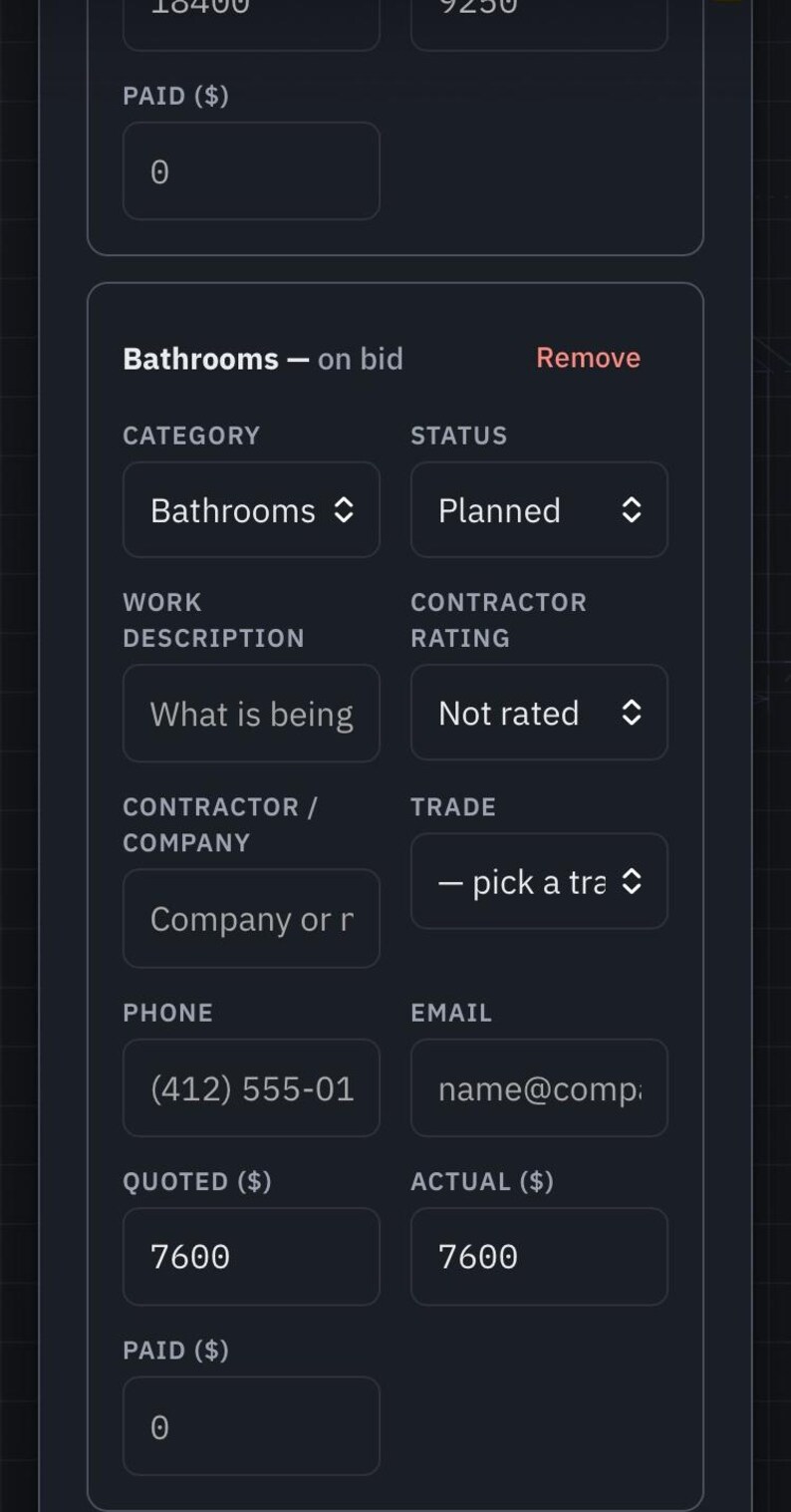
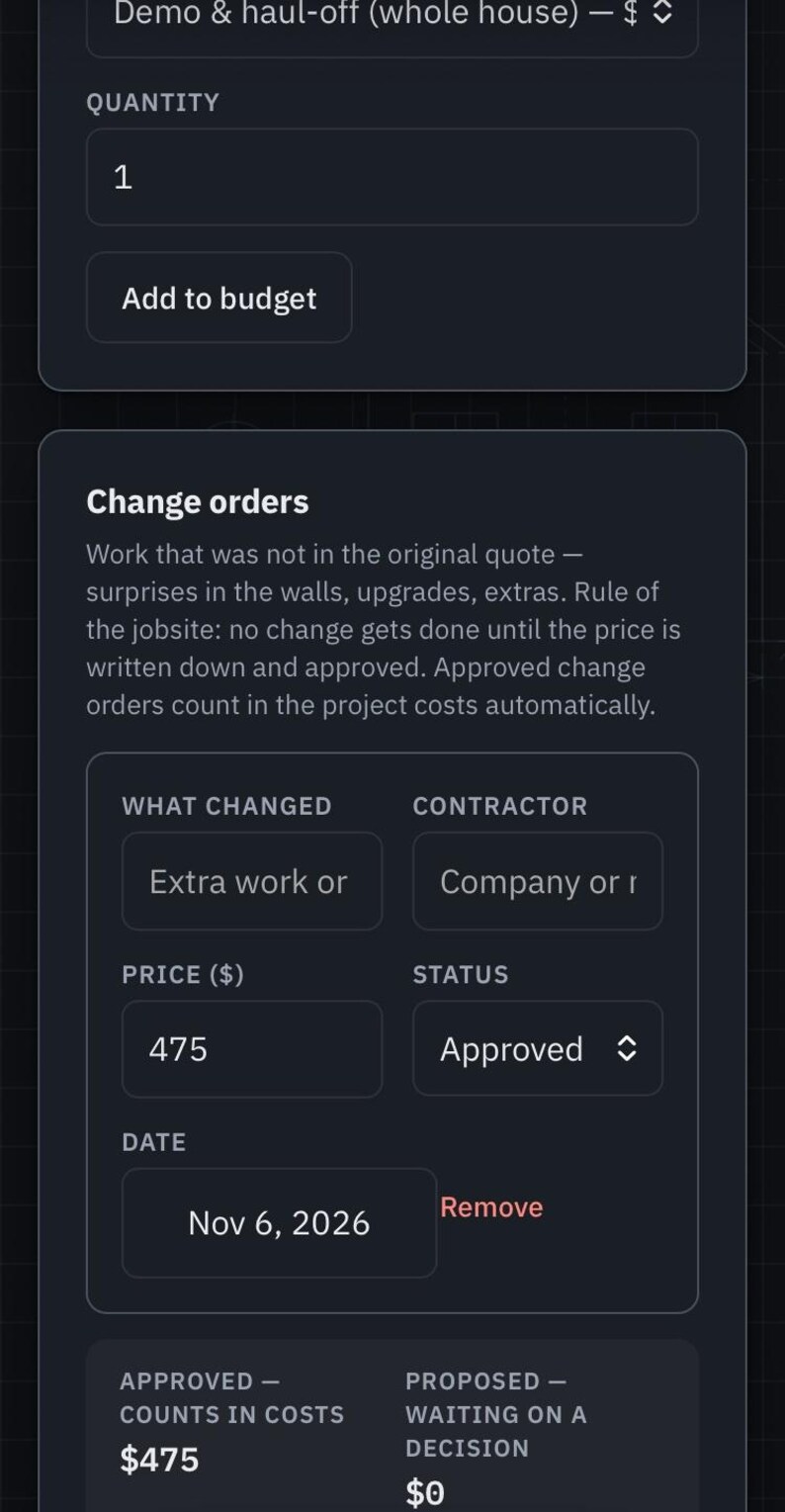
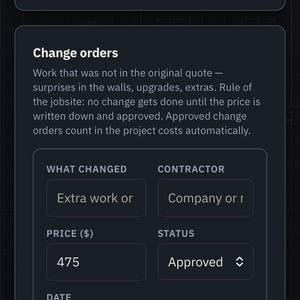
• Budget vs. actual vs. paid on every line, with variance — plus change orders, a materials list, and permit costs, all counted in the projections.
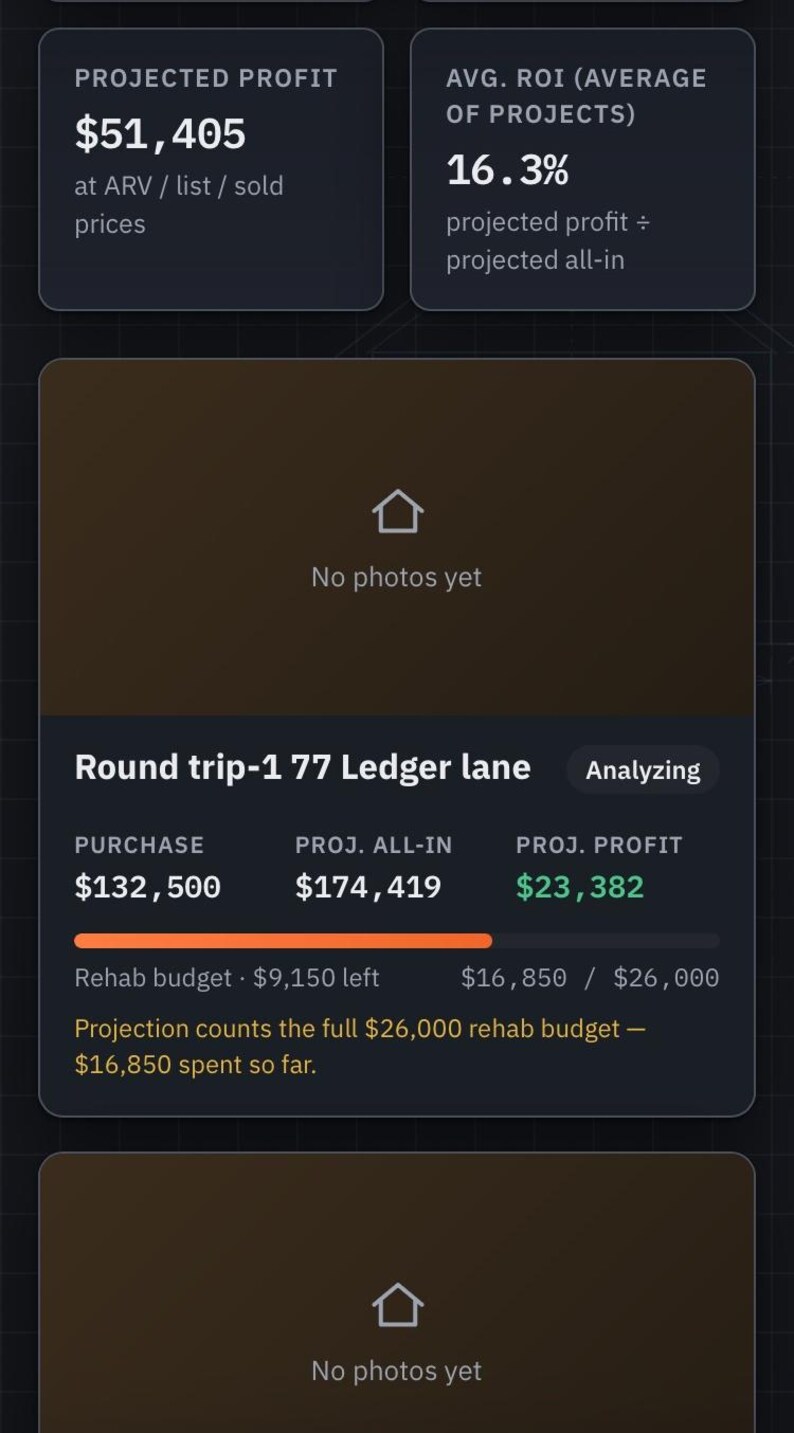
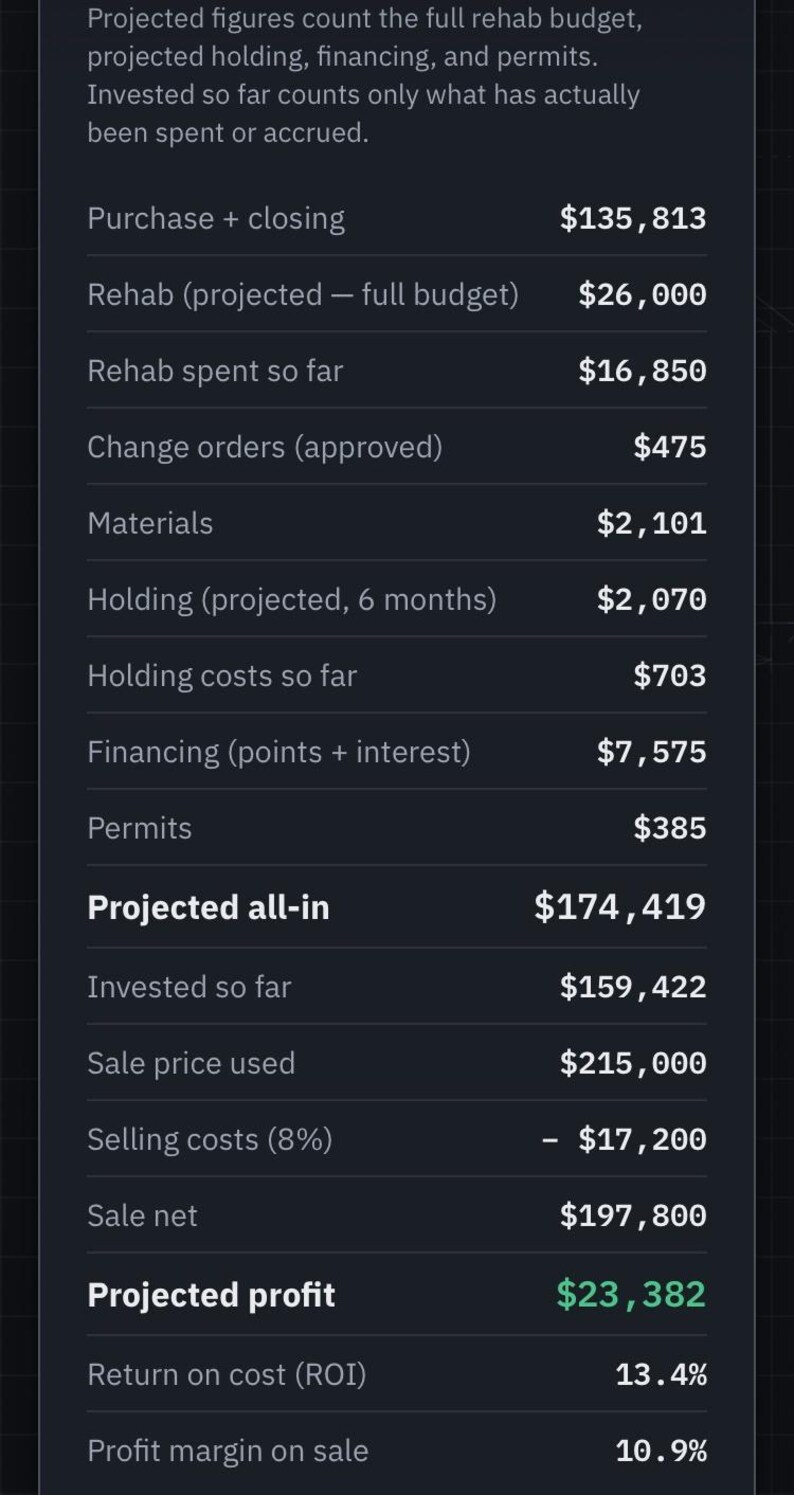
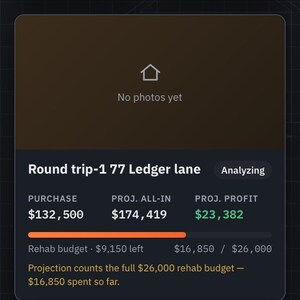
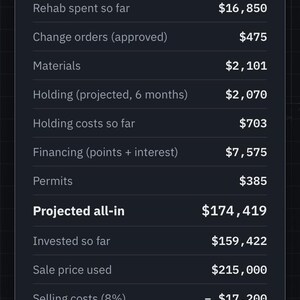
• Honest headline numbers: "Projected profit" counts your full rehab budget, financing, holding, and permits. "Invested so far" counts only money actually spent. One set of figures on every screen.
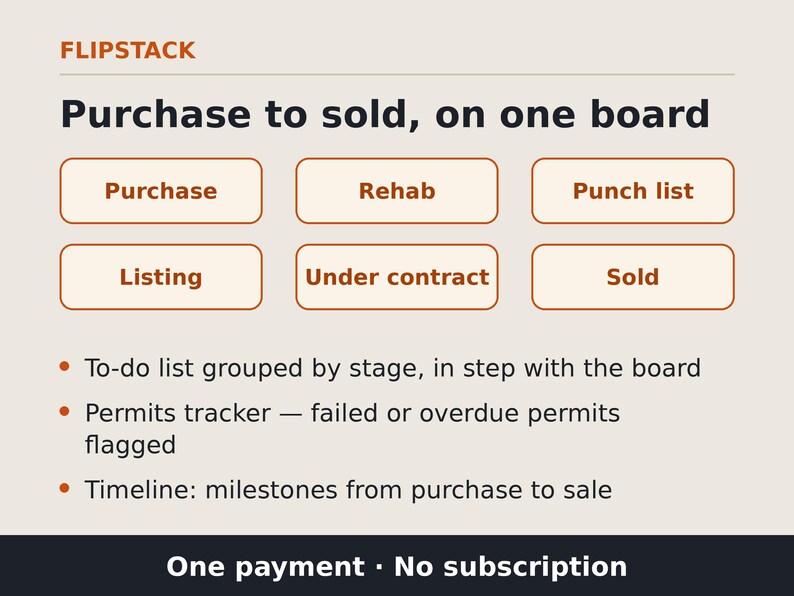
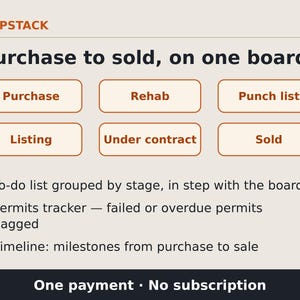
• Flow board in six stages (Purchase, Rehab, Punch list, Listing, Under contract, Sold) with a to-do list grouped by stage, a permits tracker that flags failed or overdue permits, and a timeline view from purchase to sale.
• Profit and budget charts.
TEAM & DOCUMENTS
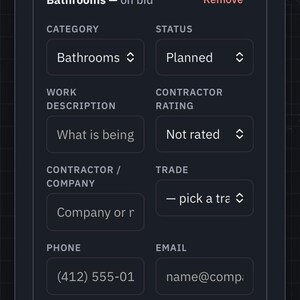
• Contractor scorecard across your projects — each contractor's jobs, quoted vs. actual cost, variance, and star rating. Your bench gets smarter every flip.
• Photo log: photos are saved with your project and included in your backups, with a before/after photo slider. Video log: add walkthrough videos and view them during your session — please note uploaded videos are not saved into backups, so keep your original video files.
• Translator: a built-in English↔Spanish jobsite phrasebook (42 phrases) that works fully offline, plus a one-tap handoff to Google Translate for anything else (that part needs internet).
• AI Assistant: builds ready-to-copy requests pre-filled with your project's real numbers — check my ARV against the comps, check my budget for leaks, what should I do next, draft a text to my contractor, summarize this project for a lender — to paste into your own AI chat.
• Lender tab: a lender-ready review page per project, with a downloadable report and a share button. Lender Money Tracker: each lender's amount, rate, points, and term — points cost, interest owed, and total payoff per lender.
• Spreadsheet export: download deal numbers, budget, materials, and comps as CSV that opens in Excel or Google Sheets.
• Company-level expenses for costs that aren't tied to one project.
• Rentals section: portfolio view with cash flow, cap rate, and cash-on-cash, plus tenant and lease tracking, Schedule E expenses, maintenance log, and vacancy tracking.
LEARN IT FAST
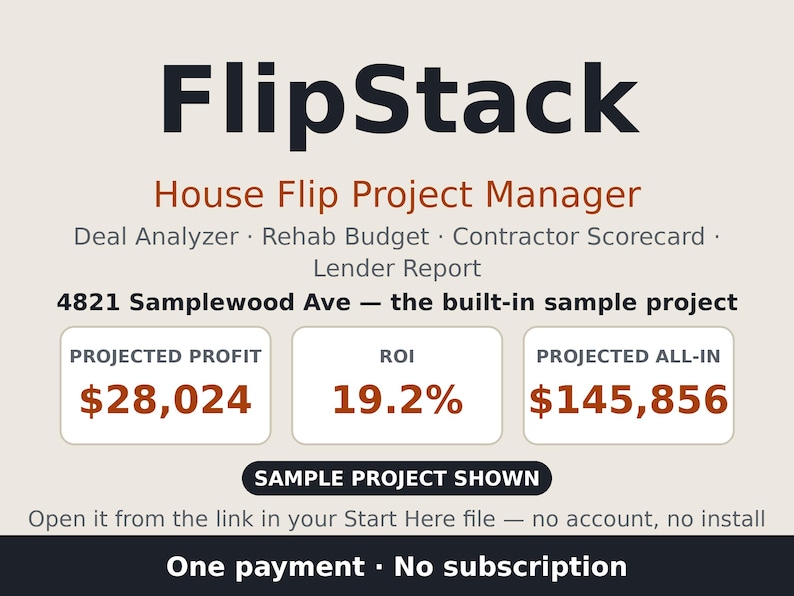
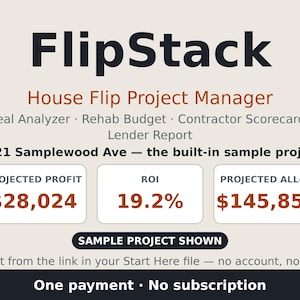
• Filled-in sample project (4821 Samplewood Ave — projected all-in $145,856, projected profit $28,024, ROI 19.2% on its own entered numbers) shows every tab filled in.
• 16-step guided tour: start with just 3 screens, ignore the rest until you need them.
YOUR DATA — PLEASE READ
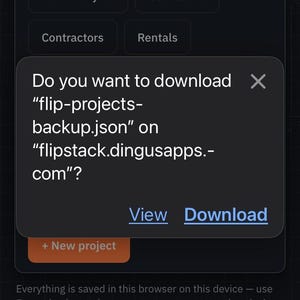
FlipStack saves everything in your browser, on your device — no account, no cloud copy, and we do not keep a backup of your projects. Export a backup (home screen → Export backup) after any real work and keep the file somewhere safe. Clearing your browser data or losing the device without a backup means your projects are gone. Moving devices? Open your link in the new device's browser and use Import / Restore with your backup file — importing replaces what's currently in the app, and the app warns you and offers to save a copy first. The same Import / Restore control also accepts a ScopeCaddy backup and builds the project for you, seeding the rehab budget from the scope's Needs-work items.
Your purchase includes: FlipStack-Start-Here.txt (one-page quick start — open it first; it contains the link to run FlipStack in your browser) and FlipStack.html (the complete app — one file, opens offline in any browser; your own copy to keep). Laptop and desktop view included.
Please read — estimates, not guarantees. FlipStack is a planning and tracking tool. Every profit, ROI, and offer figure is an estimate based on the numbers you enter — your ARV, your rehab budget, your costs. The sample project and the figures in the cover image are a worked example, not a promise of results. Real flips vary; verify any deal with your own inspections, contractor quotes, and professional advice before you buy.
ABOUT THE SCREENSHOTS
The screenshots in this listing are genuine captures from a real project run through FlipStack — not mockups. The Holding view was captured before the project's closing date was set, with $0 accrued; the Numbers view was captured 62 days after the closing date, with $703 accrued. Holding costs accrue daily from the closing date.
SUPPORT. Questions, or trouble getting FlipStack running? Email support [!at] dingusapps.com with your device and browser — we reply within 2 business days.
FAQ
Q: Does FlipStack guarantee a profit?
A: No. It estimates outcomes from the numbers you enter. The sample figures shown are a worked example.
Q: Where are my projects saved?
A: In your browser on your device. Export backups regularly — we hold no copy.
Q: Does it work offline?
A: Once FlipStack is open in your browser, everything runs on your device — and the FlipStack.html file in your purchase works completely offline on a computer. The phrasebook translator is fully offline. Only the optional Google Translate handoff needs internet.
Q: Are videos saved?
A: Photos are saved with your project. Uploaded videos can be viewed during the session you add them but aren't stored in backups yet — keep your originals.
Instant Download
Your files will be available to download once payment is confirmed. Here's how.
Instant download items don’t accept returns, exchanges or cancellations. Please contact the seller about any problems with your order.
Etsy Purchase Protection
Shop confidently on Etsy knowing if something goes wrong with an order, we've got your back for all eligible purchases —
see program terms

More from this shop
Visit shop-

Digital download
House Flipping Scope of Work App | Rehab Budget Estimator, Contractor Scope Reports, Room-by-Room Walkthrough Planner for Flippers
$9.99
-
Digital download
Workout Planner & Gym Log App | Personalized Training Plan, Session Logger, Rest Timer | One-Time Purchase, Works Offline
$9.99
-

Digital download
Safety Talk & Poster Kit for Small Shops | 24 Toolbox Talks, Printable Posters, Sign-In Sheets, Talk Log | No Subscription
$19.99
Be the first to leave a review
-

Digital download
House Flipping Calculator And Ebook
$19.99
-

Digital download
House Flipping Calculator Excel Template | Real Estate Deal Analyzer for 25 Properties
Sale Price $6.54
Original Price $10.90
-

Digital download
Real Estate Refinance Calculator – ROI, Cash Flow & Opportunity Cost Analysis Spreadsheet for Rental Properties
$10.00
-

Digital download
Comparison Property Analysis Tool
$25.00
-

Digital download
House Flipping Calculator spreadsheet, Fix & Flip real estate investment analysis, Renovation budget ROI, Excel / Google property rehab BRRR
Sale Price $8.49
Original Price $16.99
-

Digital download
Real Estate Investor Bundle | Loan Comparison, DSCR Calculator, Property Analyzer, Multifamily Proforma, and More! | Excel & Google Sheets
$13.99
-

Digital download
House Flipping Calculator for Real Estate Investors w/ Video Instructions
$19.99
-
Digital download
Australian Property Investment Excel Calculator, ROI Cashflow Analysis
$11.61
-

Digital download
Fix & Flip - Real Estate Investment Calculator - Microsoft Excel
$49.99
-

Digital download
UK Property Deal Analyzer Excel | BRRR, Buy to Let & Flip Investment Calculator | Profit, ROI and Cashflow Spreadsheet
$14.90
-

Digital download
Fix and Flip Analysis Tool
$25.00
-
Digital download
House Flip Tracker, House Flip Spreadsheet Template, Property Flipping, Property Management, Renovation Cost, House Flip Budget, Excel
Sale Price $6.32
Original Price $12.65
Shoppers with similar taste loved these
-

Digital download
AirBnb Co-Hosting Services Flyer Template | Canva Template | Property Management Flyer Template | Vacation Rental Management | Co-Host
$4.99
-

Digital download
Property Manager Service Presentation Template, Rental Property Management Marketing Guide Real Estate Property Manager Guide Canva Template
Sale Price $16.80
Original Price $56.00
-

Digital download
AirBnb Co-Hosting Services Flyer Template | Property Management Flyer Template | STR Management | Co-Host Marketing Canva Template
Sale Price $5.39
Original Price $5.99
-

Digital download
Vacation Rental Property Management Agreement Template - Airbnb VRBO Contract (Instant Download, PDF & DOC)
Sale Price $22.49
Original Price $24.99
-

Digital download
Property Manager Flyer, Introduction Flyer Template for Property Management, Lease Marketing for Real Estate, Rental Property Management
Sale Price $7.20
Original Price $24.00
-

Digital download
Vacation Rental Property Management Agreement for Airbnb, VRBO, and Short Term STR Managers
Sale Price $79.99
Original Price $99.99
-

Digital download
Property Management Services Flyer Template | Editable Property Management Tri-Fold Brochure | Flyer Canva Templates for Property Managers
Sale Price $6.00
Original Price $6.67
-

Digital download
60 Hosting Social Media Posts Templates for Hosts | vacation rentals, guesthouses, holiday homes, rooms to rent, facebook instagram content
Sale Price $21.78
Original Price $43.55
-

Digital download
Printable Profit and Loss Statement Template. Small Business Income Statement. Financial Statement. Profit Calculator. Editable PDF, Word.
$1.99
-
Digital download
Real Estate Transaction Checklist - Seller and Buyer Guide, Transaction Coordinator Checklist, Real Estate Template, Real Estate - FreedomAZ
$46.99
-

Digital download
House Flipping Investment Renovation Calculator Spreadsheet Excel Google Sheets Profit Remodel Budget Analysis Planner
Sale Price $9.35
Original Price $17.00
-
Digital download
Closing Costs Sheet, Real Estate Closing Cost Breakdown: Who Pays What, Realtors Closings Cost for Homebuyers, PDF & Editable Canva Template
Sale Price $3.47
Original Price $6.95


