




Rental Property Spreadsheet for Google Sheets & Excel, Landlord Rent Tracker, Income Expense Cash Flow, Lease Alerts, Printable
NowPrice:$5.99
Original Price: $9.99
40% off
Sale ends in 4 days
5.0 out of 5
4 ratings
You can only make an offer when buying a single item
Highlights
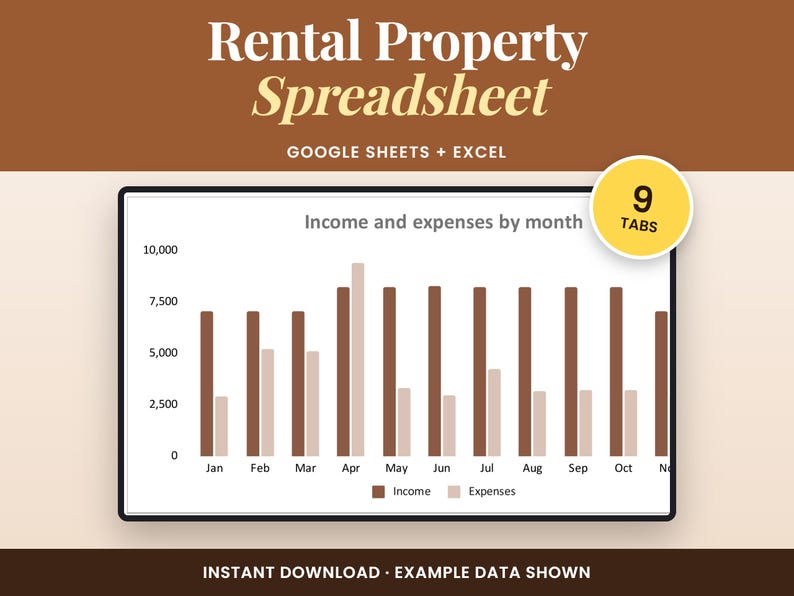
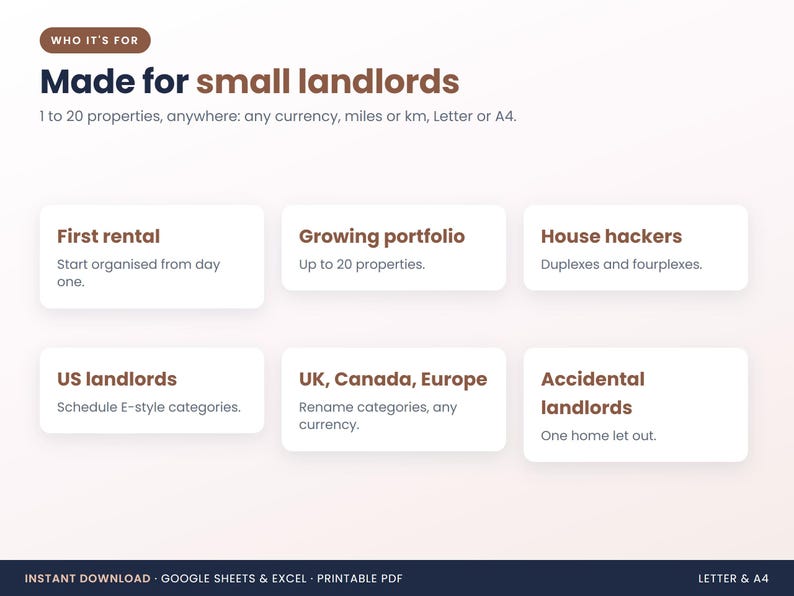
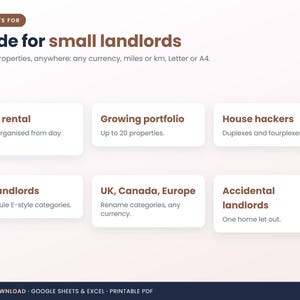
See the profit on every rental, never miss rent or a lease end, and have your income and expenses sorted for tax time. For small landlords with 1 to 20 properties, in the US, Canada, the UK, Europe or anywhere: any currency, miles or km, Letter or A4. Use it in Google Sheets or Excel, and print the matching landlord pages.
QUICK FACTS
- What it is: Rental Property Spreadsheet for Landlords
- Best for: small landlords with 1 to 20 rental properties
- Works with: free Google Sheets and Microsoft Excel (computer; view on phone or tablet)
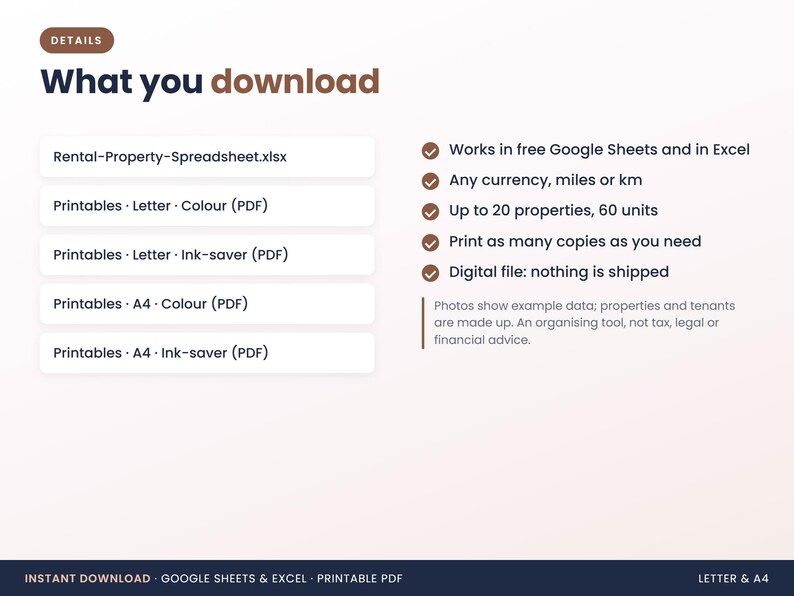
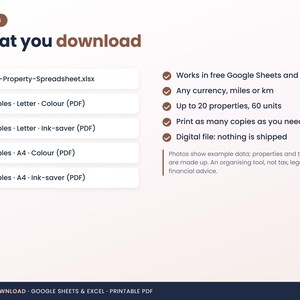
- Format: spreadsheet (.xlsx) plus printable PDFs in A4 and US Letter
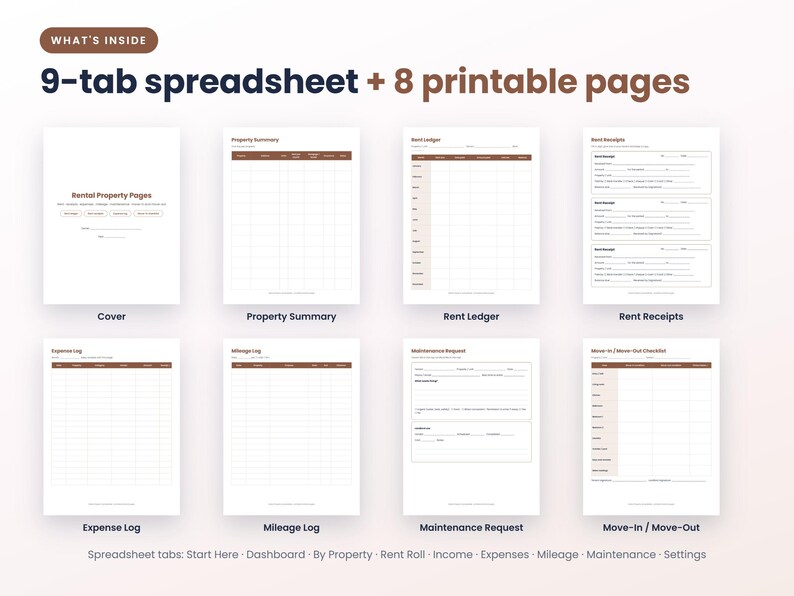
- Inside: 9 tabs + printables
- Delivery: instant digital download, nothing is shipped; message us and we help within 24 hours
WHAT'S INCLUDED
- Rental property spreadsheet (.xlsx) for Google Sheets and Excel, 9 tabs:
- Start Here: set-up in plain words
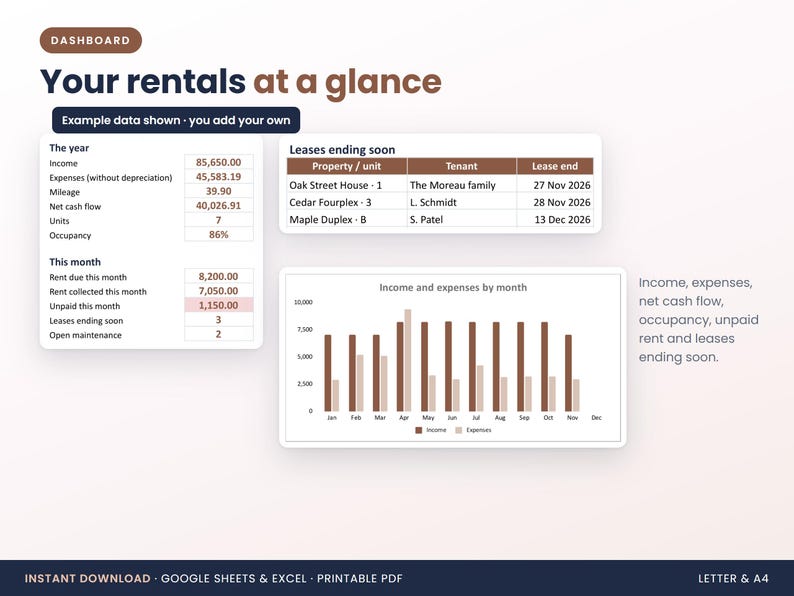
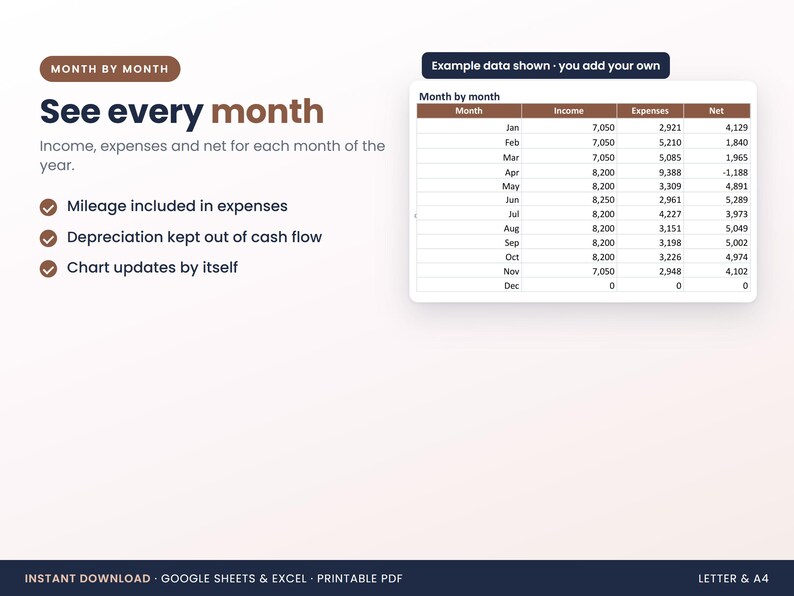
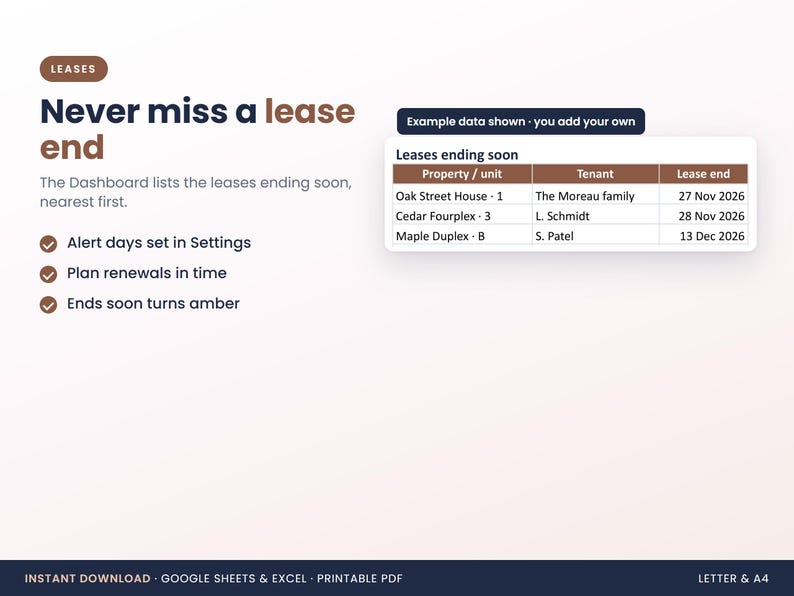
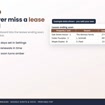
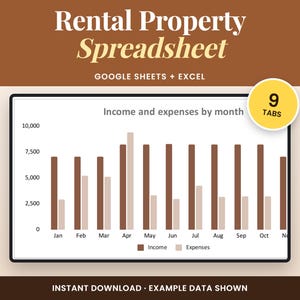
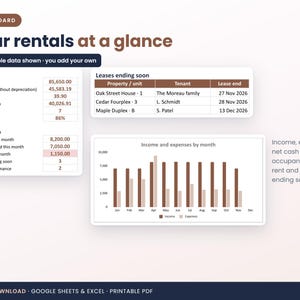
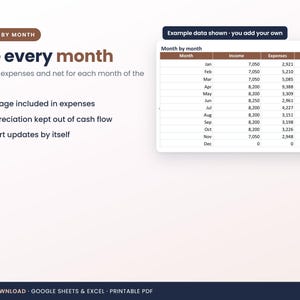
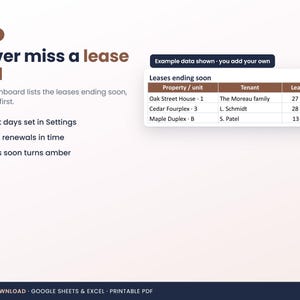
- Dashboard: for the year you pick: income, expenses, mileage, net cash flow, units and occupancy; this month: rent due, rent collected, unpaid, leases ending soon and open maintenance; the leases ending soon (nearest first); income, expenses and net month by month, with a chart
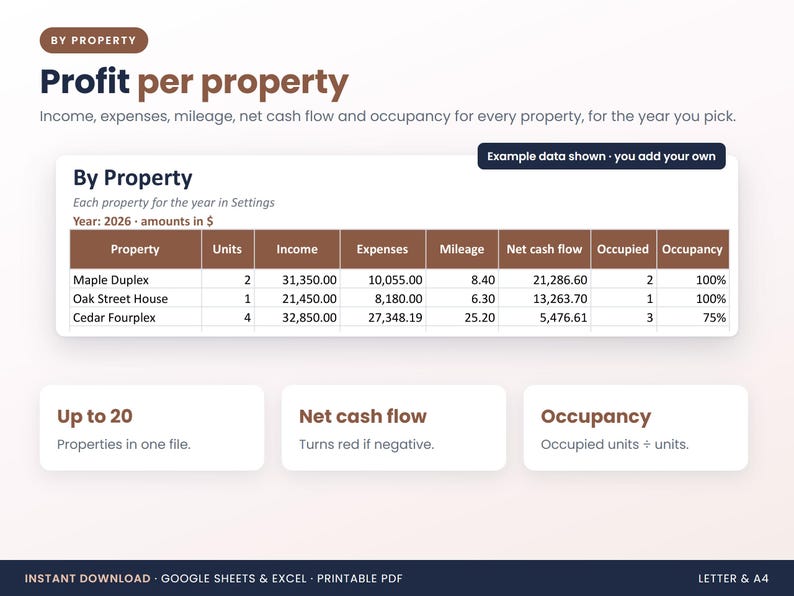
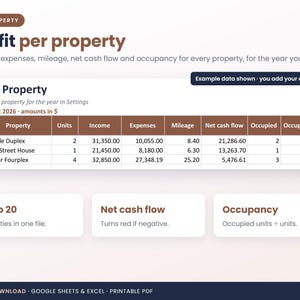
- By Property: income, expenses, mileage, net cash flow, occupied units and occupancy for up to 20 properties, plus expenses by category for all properties or the one you choose
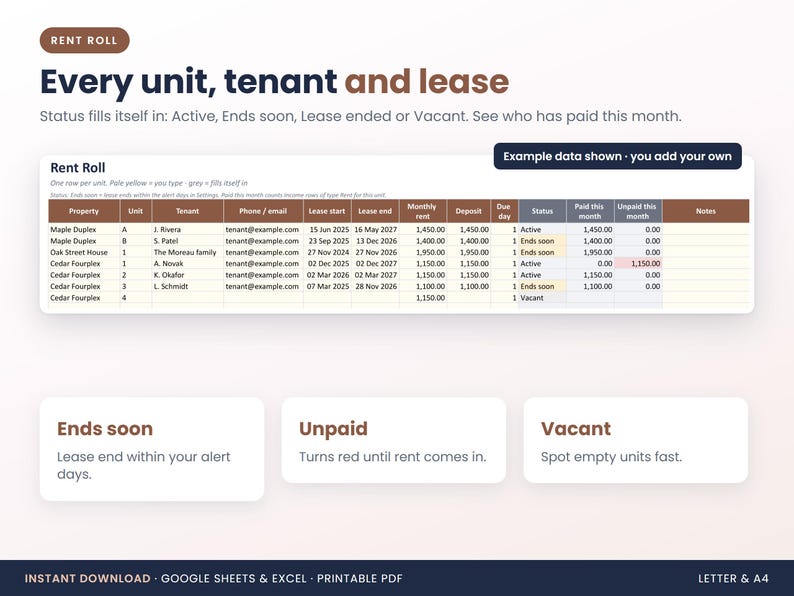
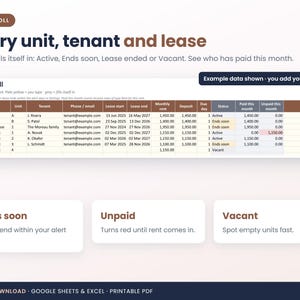
- Rent Roll: 60 units with tenant, contact, lease start and end, monthly rent, deposit and due day; status (Active, Ends soon, Lease ended, Vacant), paid this month and unpaid this month fill in
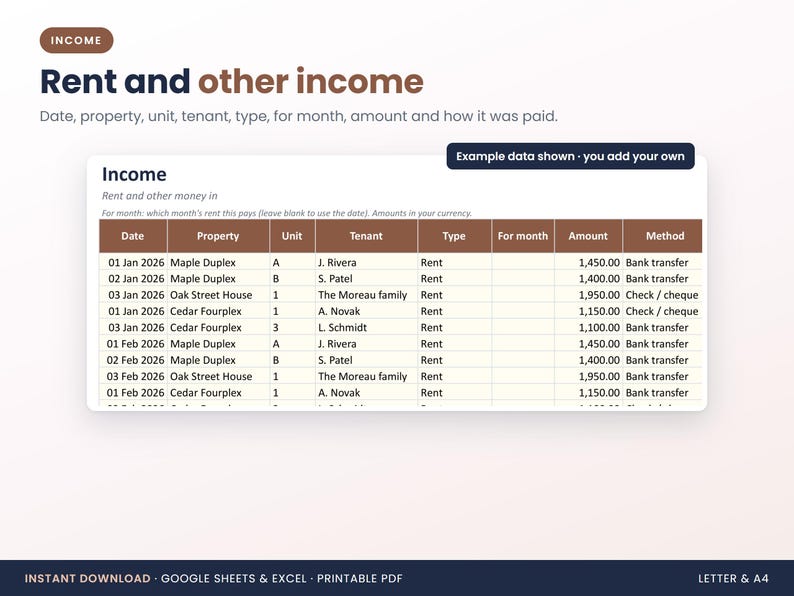
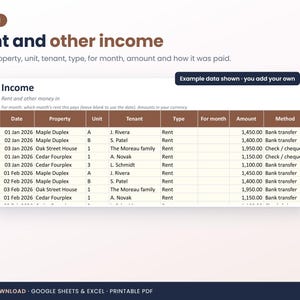
- Income: 2,000 rows (rent, late fees, deposits kept, other income), with the month the rent is for
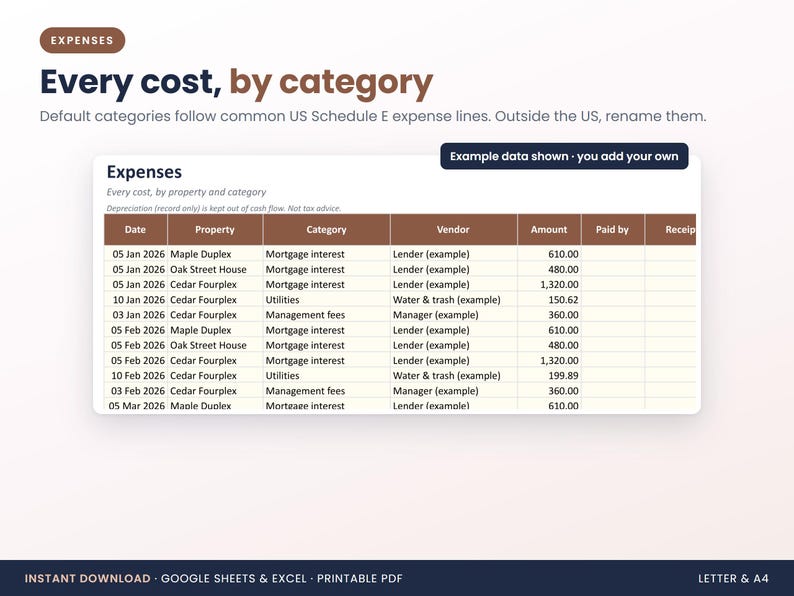
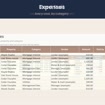
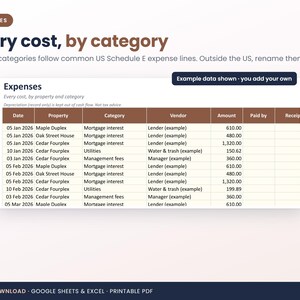
- Expenses: 2,000 rows by property and category, with vendor and receipt link
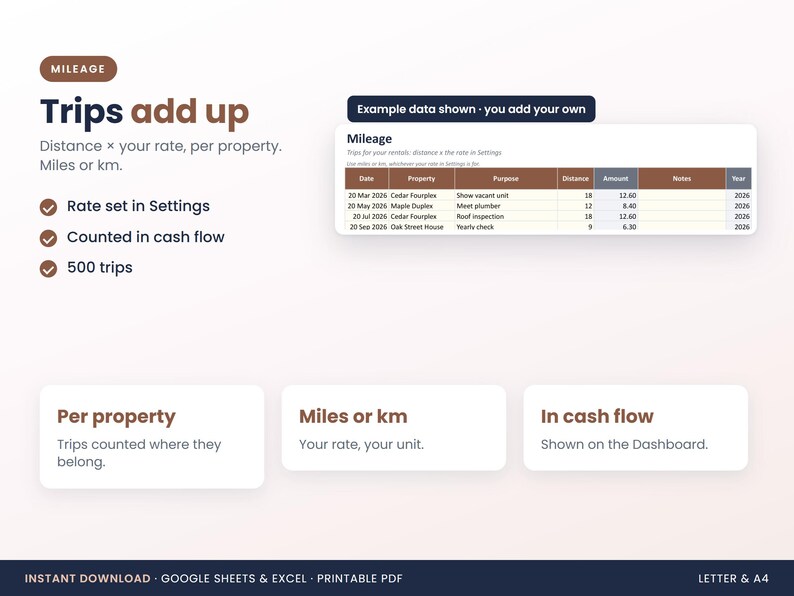
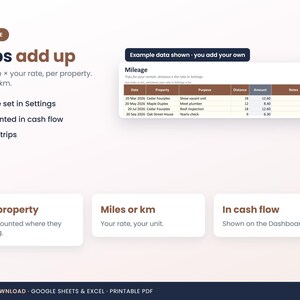
- Mileage: 500 trips; distance x your rate (miles or km)
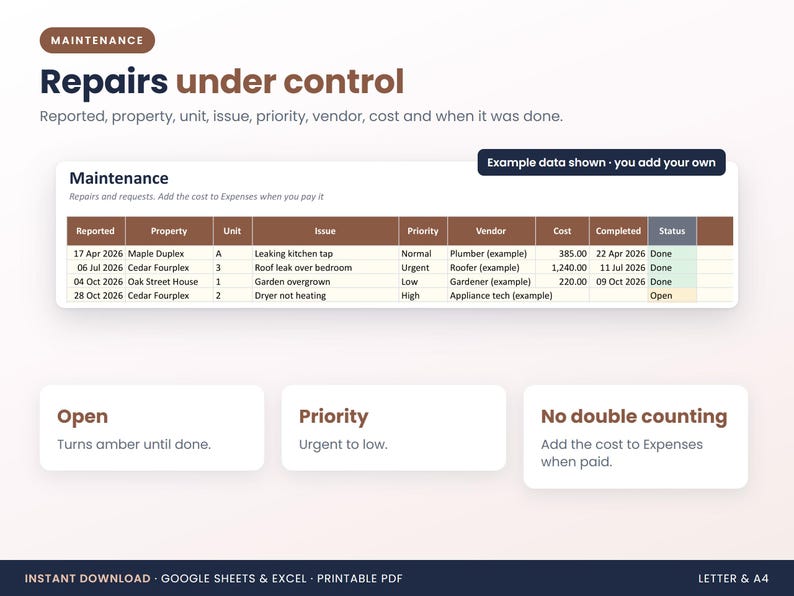
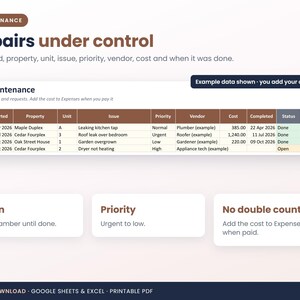
- Maintenance: 300 requests with priority, vendor, cost and status (Open or Done)
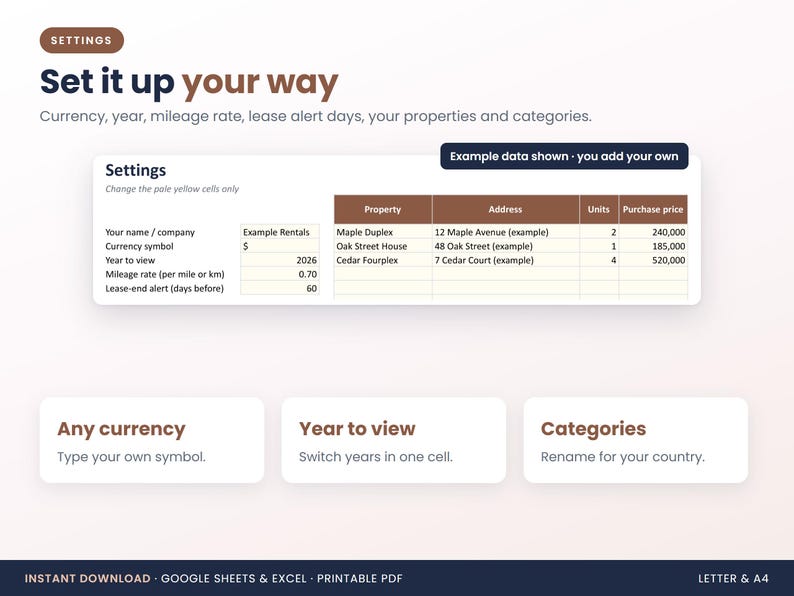
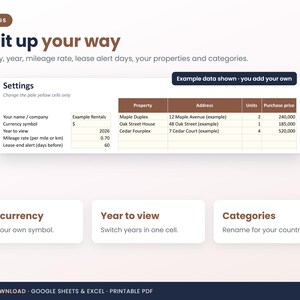
- Settings: currency, year to view, mileage rate, lease-end alert days, your properties, 16 expense categories and income types
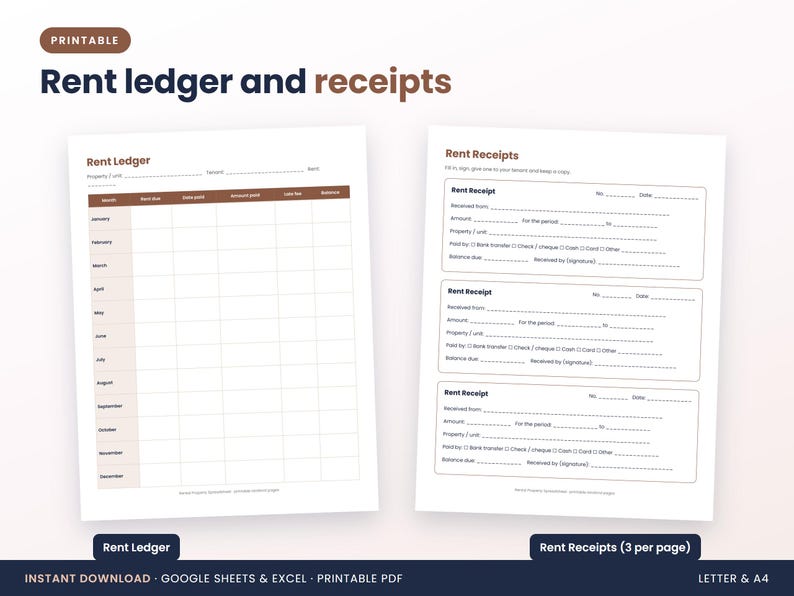
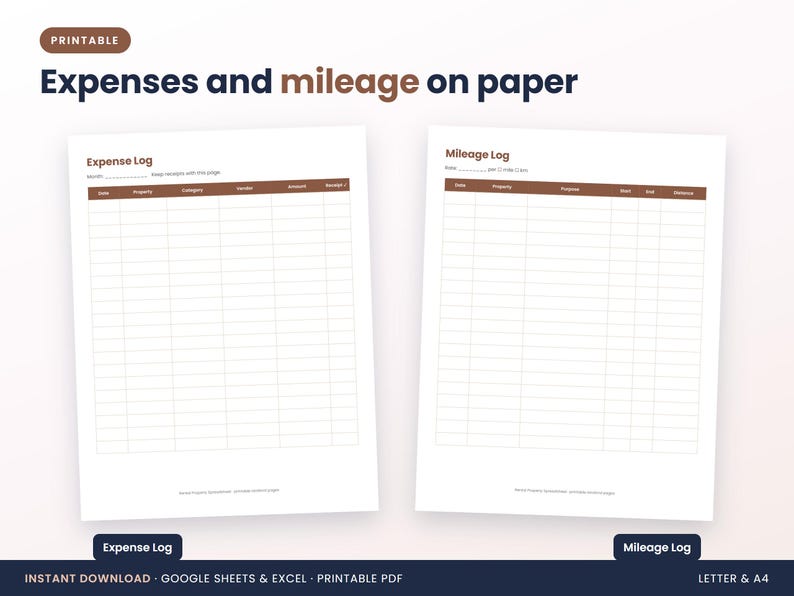
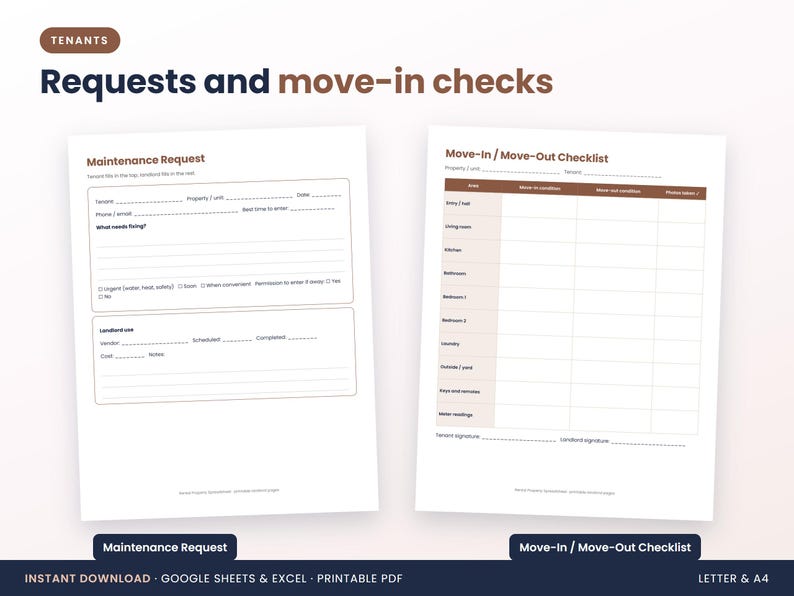
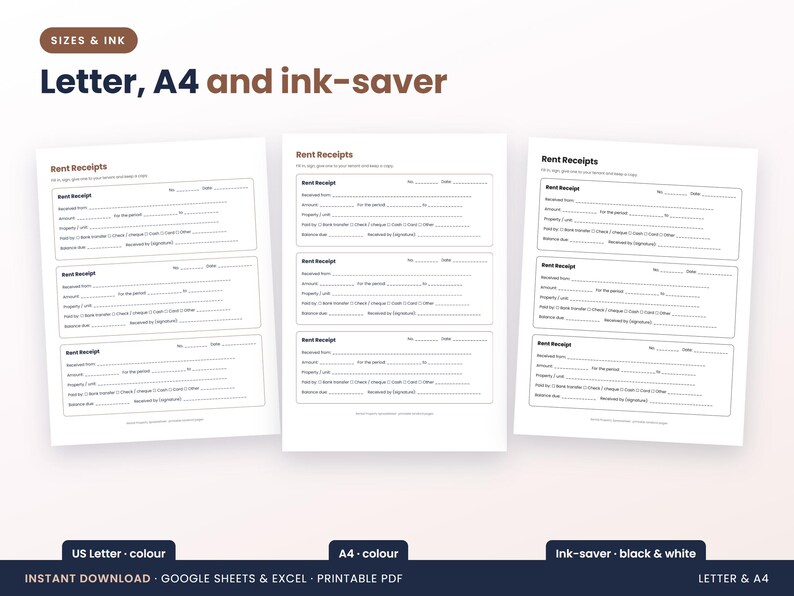
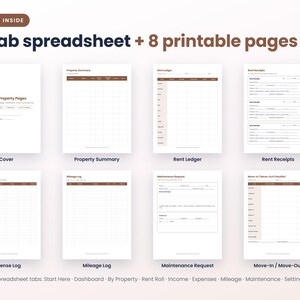
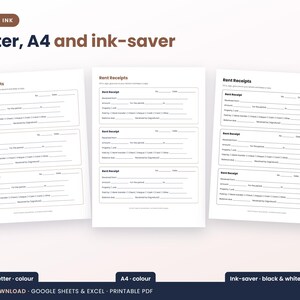
- Printable landlord pages, 8 pages, in 4 PDFs (US Letter and A4, each in colour and ink-saver black and white):
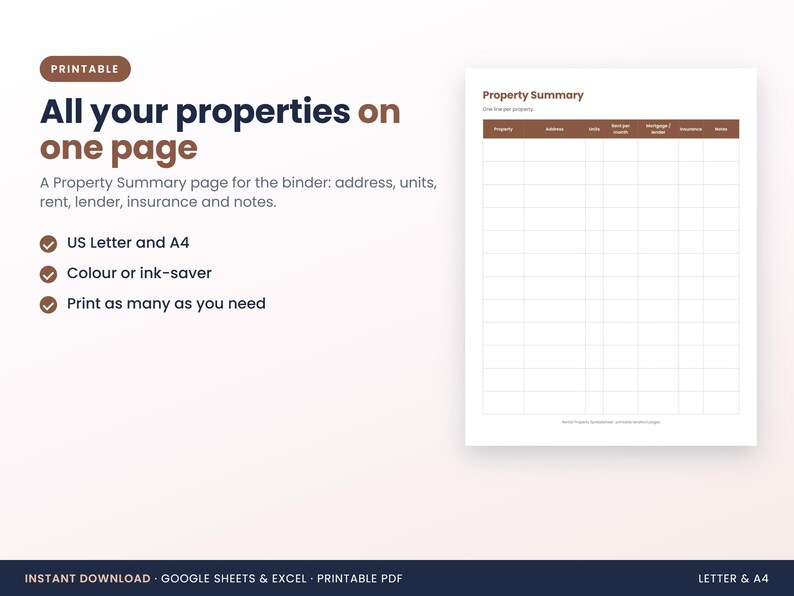
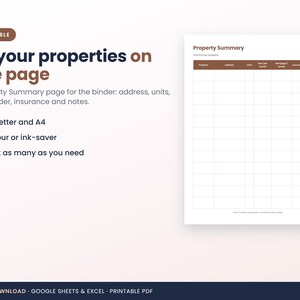
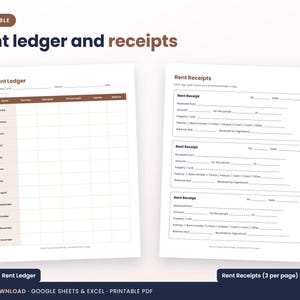
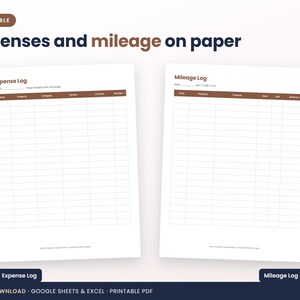
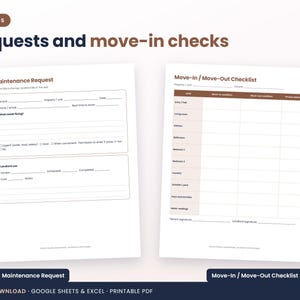
cover, Property Summary, Rent Ledger, Rent Receipts (3 per page), Expense Log, Mileage Log, Maintenance Request, Move-In / Move-Out Checklist
ABOUT CATEGORIES AND TAX
The default expense categories follow common US Schedule E expense lines. Outside the US, rename them in Settings and every dropdown follows. Depreciation can be recorded but is kept out of cash flow. This is an organising tool, not tax, legal or financial advice: check with your tax professional.
HOW TO USE (ABOUT 5 MINUTES)
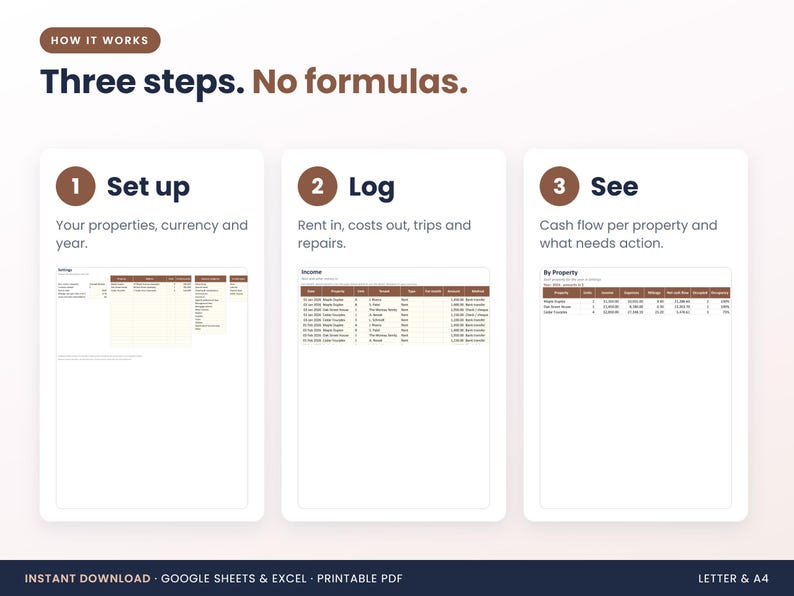
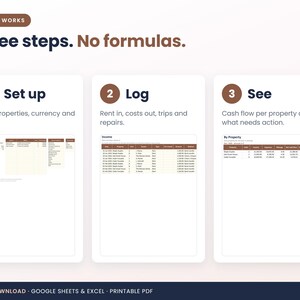
1. Download the files right after purchase
2. Google Sheets: upload the .xlsx to Google Drive and open it with Google Sheets. Excel: just open it
3. In Settings, type your currency symbol, the year and your properties
4. Add your units on Rent Roll, then log rent on Income and costs on Expenses. The Dashboard and By Property fill themselves in
The file starts with one example property, unit and rent payment marked "delete me": select their pale yellow cells and press Delete.
FORMAT
- 1 .xlsx file (no macros or add-ons) and 4 PDF files
- Works in Google Sheets (free with a Google account) and Microsoft Excel
- Spreadsheet works best on a computer; viewing works on phone and tablet
- The listing photos show example data; the properties, addresses and tenants are made up
HOW IT'S MADE
Designed by our shop with the help of AI tools for drafting layouts, formulas and wording. Every page and tab is reviewed, edited and tested by us in Excel and Google Sheets before it is listed. The dashboard totals were checked against a separate calculation.
FAQ
Q: Does it connect to my bank?
A: No. You type or paste your income and expenses. Your data stays in your own file.
Q: I am in the UK, Canada or Europe. Does it work?
A: Yes. Use your own currency symbol, miles or km, A4 printables, and rename the categories.
Q: Can I see last year as well?
A: Yes. Keep logging in the same file and change the year in Settings.
INSTANT DIGITAL DOWNLOAD
This is a digital product. Nothing will be shipped. Your files are ready to download right after purchase. Because it is an instant download, all sales are final, but if a file will not open or something is unclear, message me and I will help.
More in our shop: an Inventory Tracker, a Debt Payoff Tracker and a 2027 Budget Planner. Visit ibrahimtoppicks.etsy.com
Instant Download
Your files will be available to download once payment is confirmed. Here's how.
Instant download items don’t accept returns, exchanges or cancellations. Please contact the seller about any problems with your order.
Etsy Purchase Protection
Shop confidently on Etsy knowing if something goes wrong with an order, we've got your back for all eligible purchases —
see program terms

Be the first to review this item

More from this shop
Visit shop-
Digital download
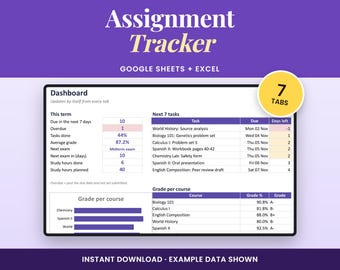
Assignment Tracker Spreadsheet for Google Sheets & Excel, Student Study Planner, Grade Tracker, Homework, Exams, Weekly Printable
Sale Price $4.79
Original Price $7.99
-
Digital download
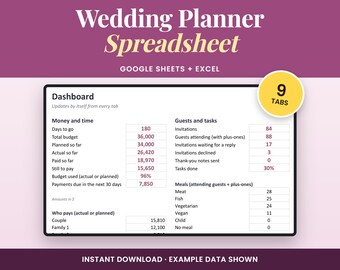
Wedding Planner Spreadsheet, Google Sheets & Excel Wedding Budget, Guest List Tracker, Checklist, Seating Chart, Printable Binder
Sale Price $5.99
Original Price $9.99
-
Digital download
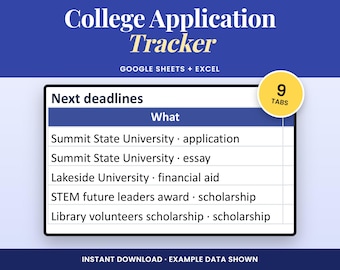
College Application Tracker Spreadsheet for Google Sheets & Excel, Deadlines, Essays, Scholarships, Cost Comparison, Printable
Sale Price $4.19
Original Price $6.99
-
Digital download
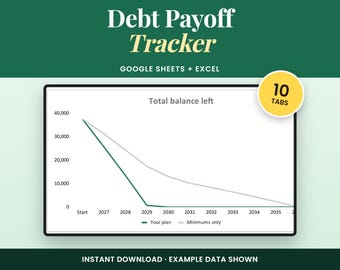
Debt Payoff Tracker Spreadsheet, Debt Snowball and Avalanche Planner for Google Sheets & Excel, Printable Debt Tracker
Sale Price $4.79
Original Price $7.99
-
Digital download
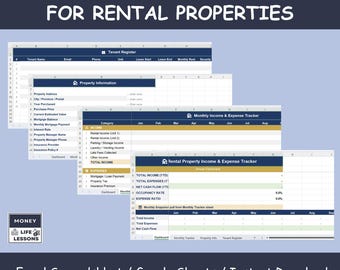
Rental Property Income Expense Tracker | Landlord Spreadsheet (Google Sheets, Excel)
$6.57
-
Digital download
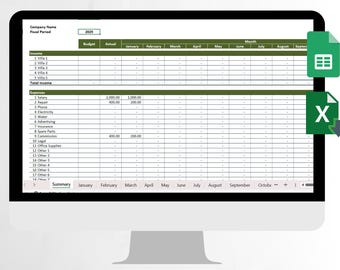
Rental Property Income And Expense Tracker | Excel Spreadsheet | Monthly And Annual Summary | Landlord Bookkeeping Template | Air B&B Profit
$6.87
-
Digital download
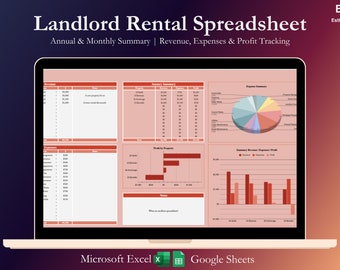
Landlord Rental Tracker | Excel & Google Sheets | Property Income and Expense Spreadsheet | Cashflow and Profit Tracker
$6.31
-
Digital download
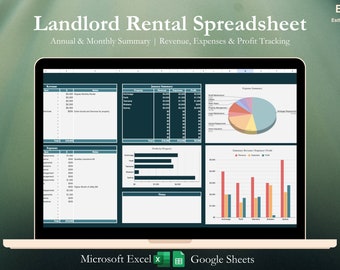
Landlord Property Rental Spreadsheet | Excel & Google Sheets | Track Income, Expenses and Cashflow | Multi-Property Tracker
$6.31
-
Digital download
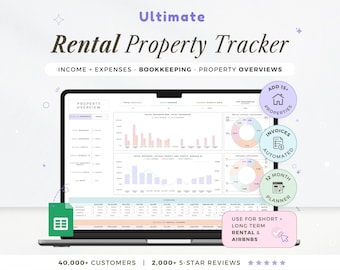
Rental Property Tracker Landlord Spreadsheet Multi Property Income and Expense Google Sheets Rent Payment Tracker Rental Bookkeeping Airbnb
$6.69
-
Digital download
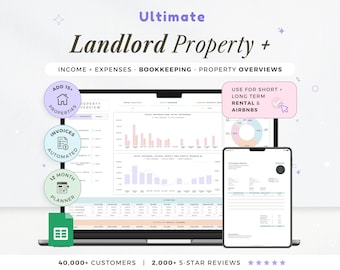
Landlord Rental Property Spreadsheet Income and Expense Google Sheets Real Estate Rental Bookkeeping Landlord Tenant Rent Payment Tracker
$6.69
-
Digital download
Rental Property Template Landlord Spreadsheet Income and Expense Tracker Rental Bookkeeping Excel Google Sheets Real Estate Management
Sale Price $4.96
Original Price $9.92
-
Digital download
Landlord Rental Property Spreadsheet Template Google Sheets | Landlord Tracker | Income & Expense | Real Estate Spreadsheet
$7.30
-
Digital download
Rental Property Tracker Google Sheets Excel, Landlord Spreadsheet, Rent Ledger, Expenses, 10 Year Profit
Sale Price $4.12
Original Price $8.25
-
Digital download
Rental Property Accounting Spreadsheet for Excel and Google Sheets, Rental Property Income Statement, Rental Income and Expense Tracker
$9.99
-
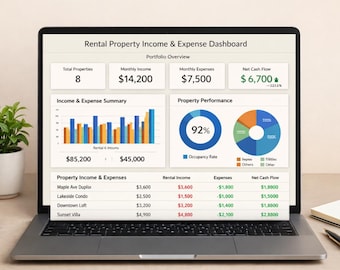
Digital download
Rental Property Income & Expense Spreadsheet | Real Estate Bookkeeping Tracker | ROI Calculator and 5 Year Forecast | Excel , Google Sheets
Sale Price $2.40
Original Price $5.99
-
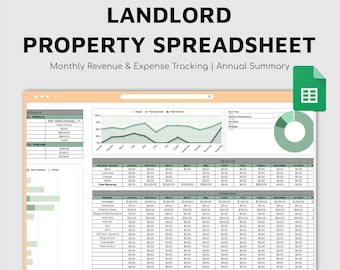
Digital download
Landlord Rental Property Spreadsheet Template Google Sheets | Landlord Tracker | Income & Expense | Real Estate Spreadsheet
$19.99
Shoppers with similar taste loved these
-
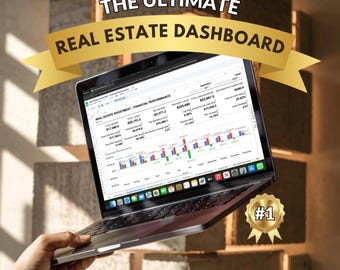
Digital download
Real Estate Investment Financial Performance Dashboard | Rental Property Analysis Spreadsheet | Cash Flow & ROI Calculator
$19.99
-
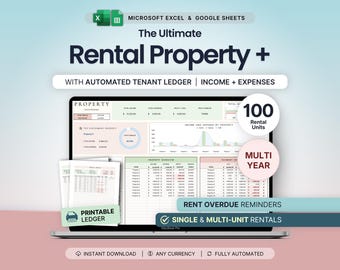
Digital download
Rental Property Bookkeeping Google Sheets Landlord Spreadsheet Multi Property Income and Expense Tracker Excel Tenant Tracker Rent Payment
Sale Price $8.59
Original Price $17.18
-
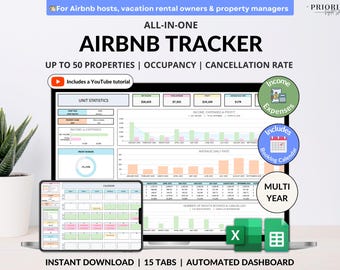
Digital download
Airbnb Spreadsheet Vacation Rental Property Tracker Bookkeeping Template Google Sheets Booking Calendar Excel Short-Term Rental Management
Sale Price $8.76
Original Price $17.52
-
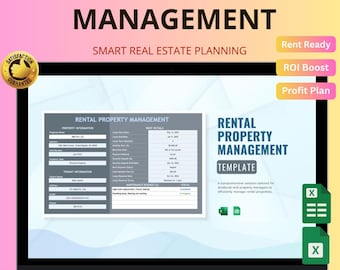
Digital download
Rental Property Management Template Excel & Google Sheets: Track Income, Expenses and Maximize ROI
Sale Price $5.60
Original Price $11.20
-
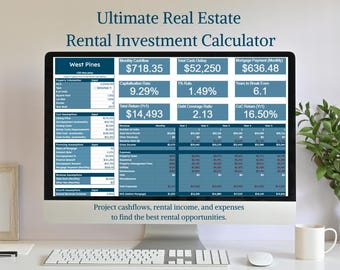
Digital download
Rental Property Calculator | Real Estate Investment Tool | Landlord Spreadsheet | Rental Cashflow Tracker | Google Sheets Template
$14.59
-
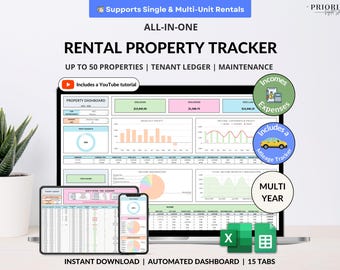
Digital download
Rental Property Tracker Landlord Spreadsheet Multi Property Income and Expense Excel Google Sheets Rental Bookkeeping Rent Payment Tracker
Sale Price $8.76
Original Price $17.52
-

Digital download
All in one Airbnb Host Bundle Kit Canva Interactive Digital Welcome Book Mobile & Printable, Host Photo Listing Template Instagram Post VRBO
Sale Price $20.98
Original Price $52.44
-
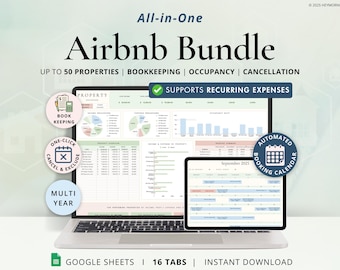
Digital download
Airbnb Spreadsheet Vacation Rental Tracker Booking Calendar Income Expense Template Short-Term Rental Management Profit Loss Bookkeeping
Sale Price $9.99
Original Price $19.98
-
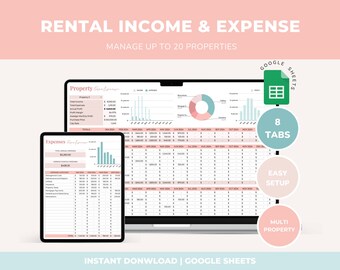
Digital download
Rental Property Management Google Sheets Airbnb Income and Expense Rental Tracker Bookkeeping Spreadsheet Vacation Rental Airbnb Template
$5.74
-
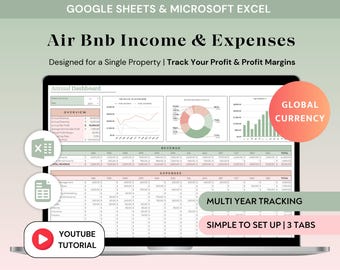
Digital download
Airbnb Income & Expenses Tracker Spreadsheet Excel Vacation Rental Property Bookkeeping Google Sheets Air BNB Host Profit and Loss Template
Sale Price $3.27
Original Price $6.54
-
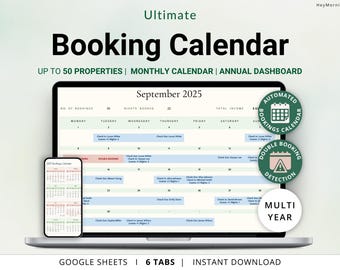
Digital download
Airbnb Booking Calendar Spreadsheet Hotel Reservation Tracker Google Sheets Short Term Rental Management Vacation Rental Planner Vrbo
Sale Price $7.99
Original Price $15.98
-

Digital download
Bilingual Airbnb Host Bundle | Welcome Book, Signs, & Posters (Canva)
Sale Price $17.53
Original Price $35.08


