

Landlord Spreadsheet, Rent Tracker & Rental Property Expense Tracker, Rent Roll, Tenant Ledger, Real Estate Template, Google Sheets Excel
Price:$4.99
Here's what's eligible:
- Your order doesn't match the item description or photos
- Your item arrived damaged
- Your item arrived after the estimated arrival window
- Your item didn't arrive or was lost in the mail
You can only make an offer when buying a single item
Highlights
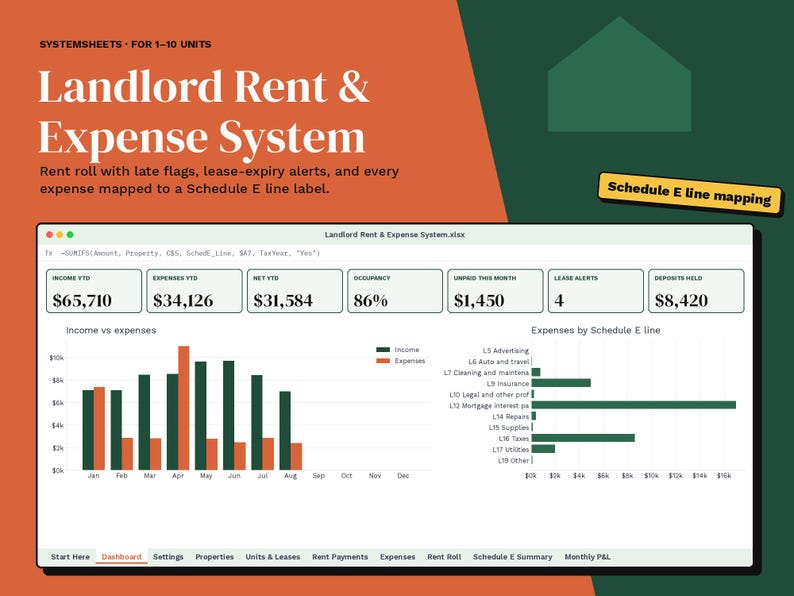
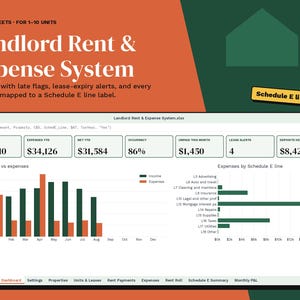
One workbook for rent, expenses and year-end. Log rent payments and receipts as they happen. The rent roll shows who's paid and who's late, and each expense is sorted under its Schedule E line label so year-end prep is simple.
WHO IT'S FOR
Self-managing landlords with 1 to 10 properties (up to 40 units): duplex owners, house hackers and small portfolio owners who want clean records without paying for property-management software.
WHAT IT DOES
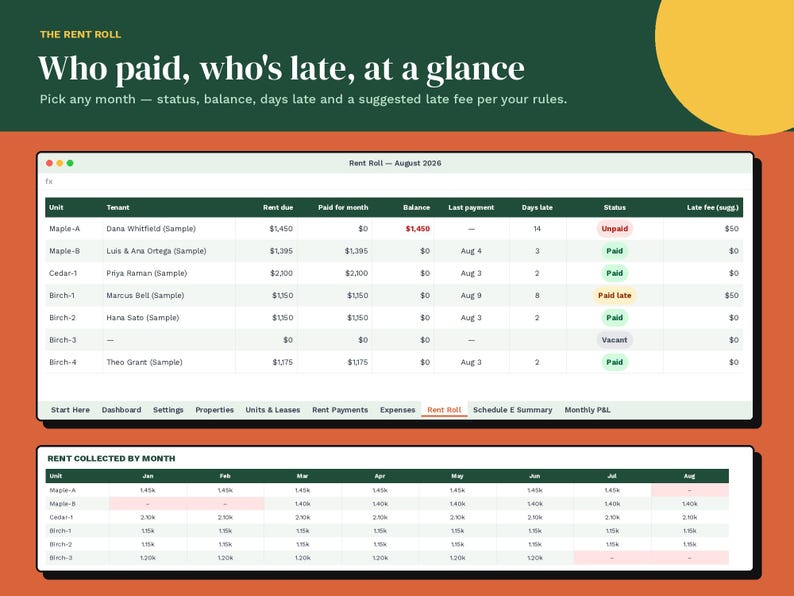
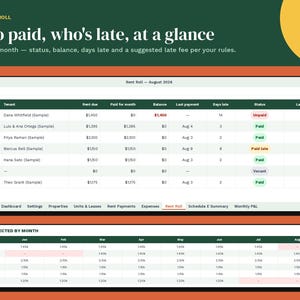
• Rent roll for any month: rent due, paid, balance, days late, status and a suggested late fee based on your grace period (flat or percentage)
• 12-month rent collection grid for every unit
• Lease tracking with alerts for leases ending soon and for vacant units
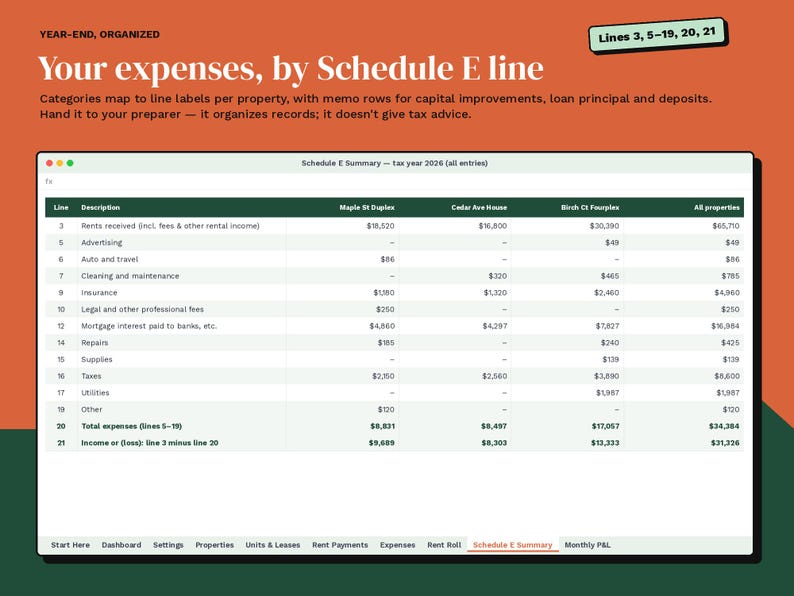
• Expense log with categories that map to Schedule E line labels automatically (you can edit the map)
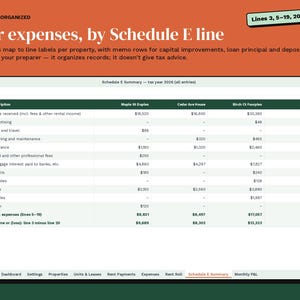
• Schedule E summary by property: line 3, lines 5–19, total and net, with memo rows for capital improvements and deposits
• Monthly P&L for a single property or the whole portfolio
• Dashboard with income, expenses, net, occupancy, unpaid rent, deposits held and charts
TABS
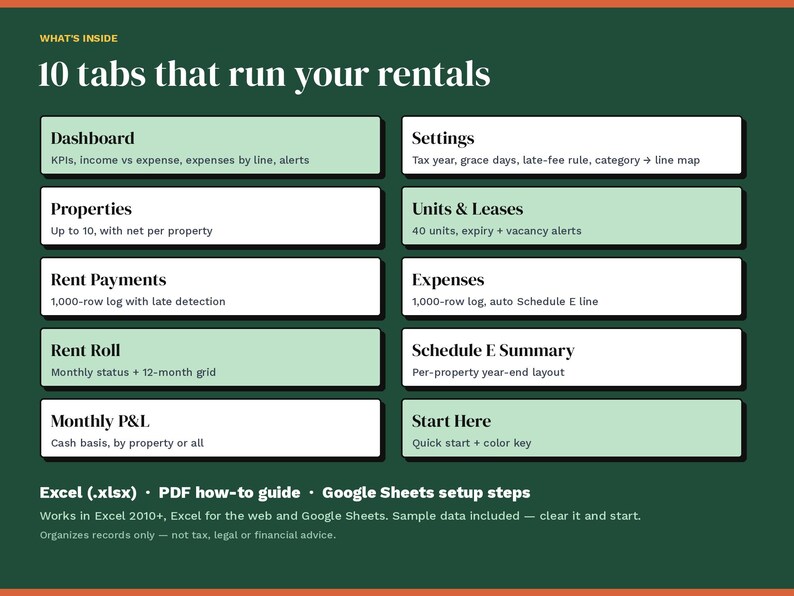
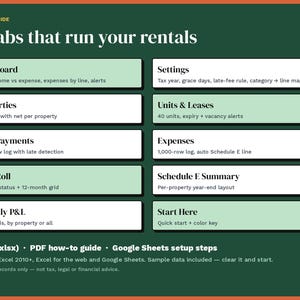
Start Here · Dashboard · Settings · Properties · Units & Leases · Rent Payments (1,000 rows) · Expenses (1,000 rows) · Rent Roll · Schedule E Summary · Monthly P&L
WHAT YOU GET
• Instant digital download — no physical item is shipped.
• Excel workbook (.xlsx) and a PDF how-to guide. The guide has step-by-step instructions for using it in Google Sheets.
• Works in Microsoft Excel 2010 or later (Windows and Mac), Excel for the web, and Google Sheets (free Google account). No macros, add-ins or subscriptions.
• Fictional sample data is included so you can see how it works. Clear it when you're ready to start.
GOOD TO KNOW
• Formula cells are protected so they can't be overwritten by accident (no password). Light-tinted cells are for your entries, and dropdowns keep entries consistent.
• Need more rows? The guide shows how to extend them.
• The Schedule E summary organizes your records under the form's line labels. Your tax preparer decides how each item is reported, including depreciation, which this template doesn't calculate.
• Because this is a digital download, returns aren't accepted. If something doesn't work, message the shop and we'll help.
AI disclosure: This listing was made with the help of AI tools. AI helped draft the spreadsheet formulas, the how-to guide text and the layout of the preview images. Every formula was then recalculated and checked for errors before listing, and the preview images show the real workbook's sample numbers.
Please note: This is a record-keeping template. It is not financial, tax, accounting, legal or HR advice, and it does not guarantee compliance with any law, policy or funder requirement. Check important results with a qualified professional.
Original design by SystemSheets. For personal or internal business use; please don't resell or share the file.
Instant Download
Your files will be available to download once payment is confirmed. Here's how.
Instant download items don’t accept returns, exchanges or cancellations. Please contact the seller about any problems with your order.
Etsy Purchase Protection
Shop confidently on Etsy knowing if something goes wrong with an order, we've got your back for all eligible purchases —
see program terms


More from this shop
Visit shop-
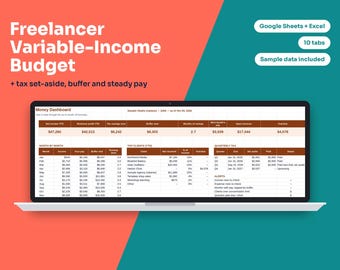
Digital download
Freelancer Budget Spreadsheet, Variable Income Budget, Self Employed Tax Set Aside Tracker, Irregular Income Planner, Google Sheets Excel
$4.99
-
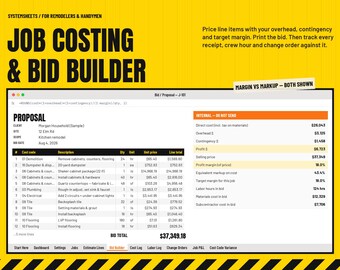
Digital download
Contractor Bid Template & Job Costing Spreadsheet, Construction Estimate, Job Profit Tracker, Cost Code Budget, Google Sheets Excel
$4.99
-
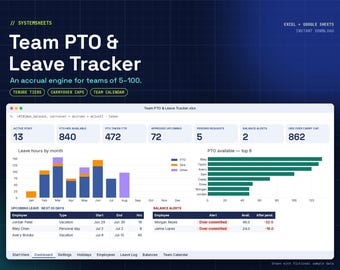
Digital download
PTO Tracker Spreadsheet, Employee Leave Tracker, Vacation & Sick Time Accrual, Team Calendar, Small Business HR, Google Sheets Excel
$4.99
-
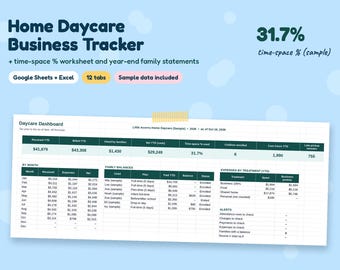
Digital download
Home Daycare Spreadsheet, Time-Space Percentage Tracker, Family Child Care Business, Attendance & Parent Statement, Google Sheets Excel
$4.99