


Resume and Cover Letter Set for Word, Matching Headers, References Page
NowPrice:$4.49
Original Price: $5.99
25% off
Sale ends on November 16
Here's what's eligible:
- Your order doesn't match the item description or photos
- Your item arrived damaged
- Your item arrived after the estimated arrival window
- Your item didn't arrive or was lost in the mail
You can only make an offer when buying a single item
Highlights
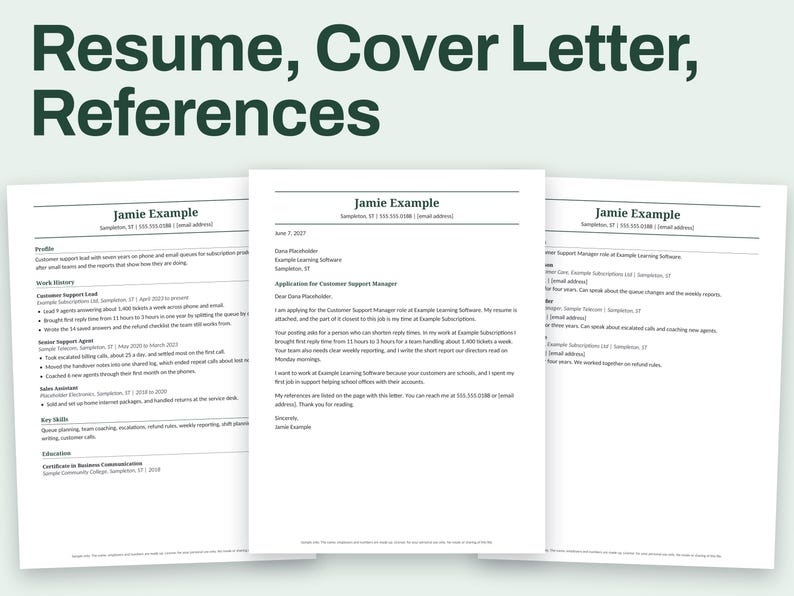
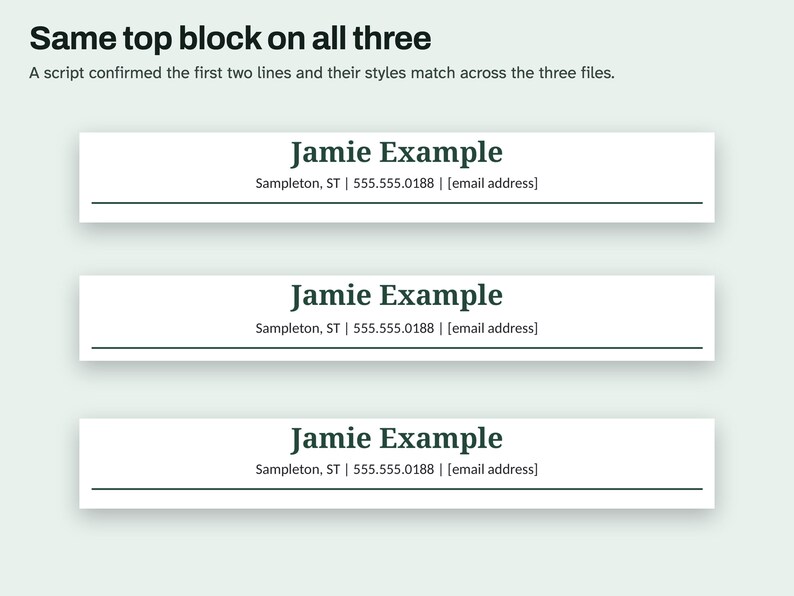
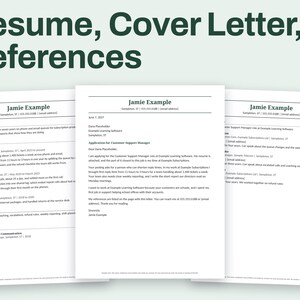
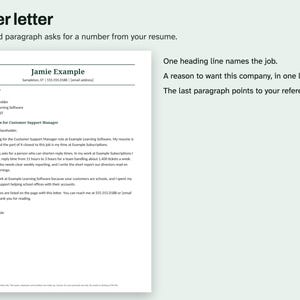
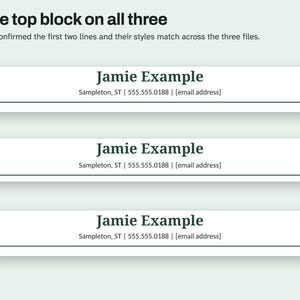
Three documents for one job application: a resume, a cover letter and a references page. All three open with the same name and contact block, set between two rules, so they read as a set.
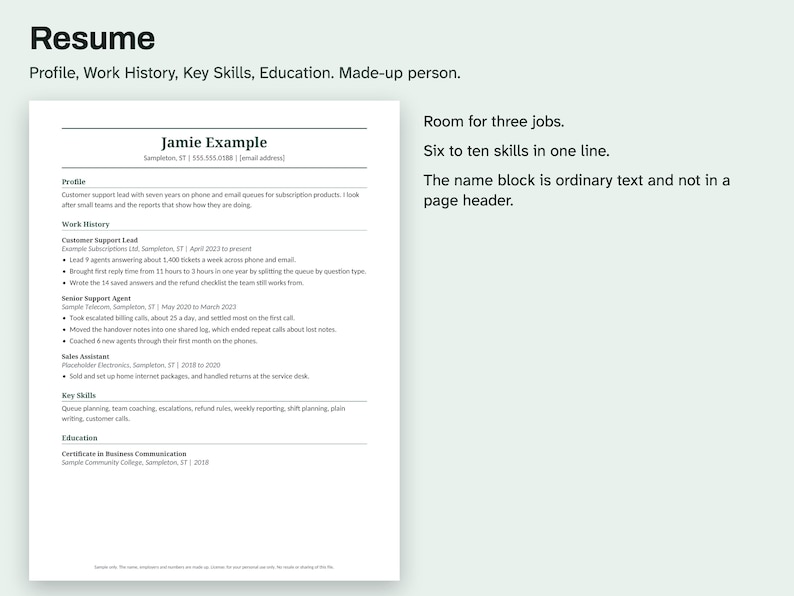
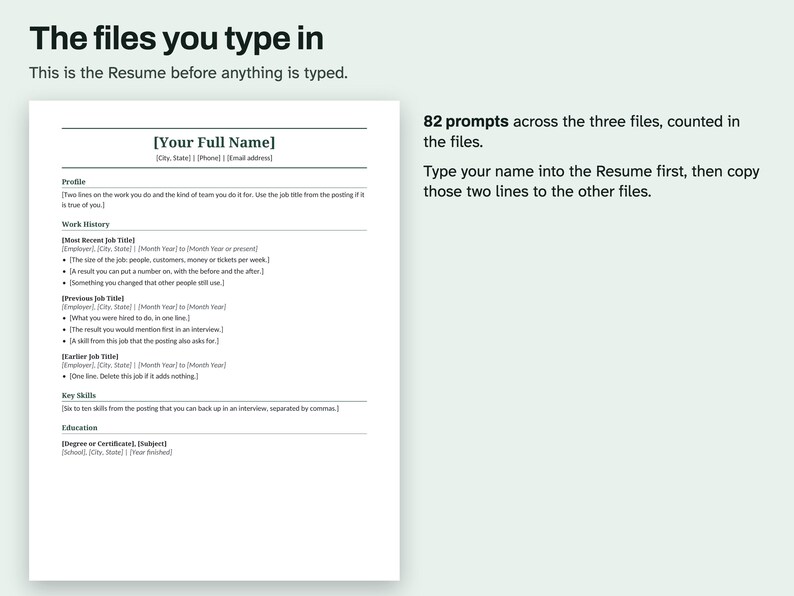
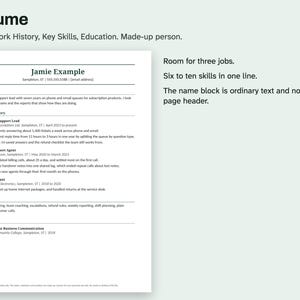
Resume: Profile, Work History with room for three jobs, Key Skills and Education.
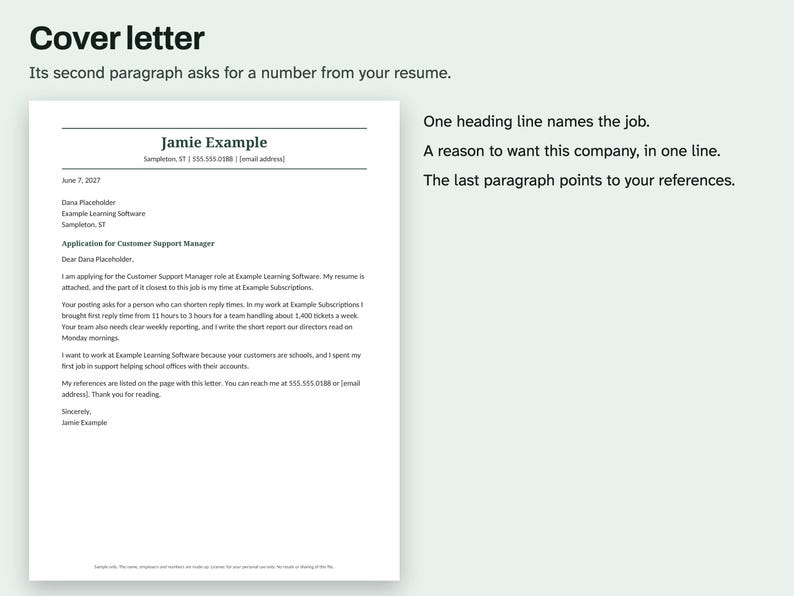
Cover Letter: its second paragraph asks for a number from your resume, so the two agree.
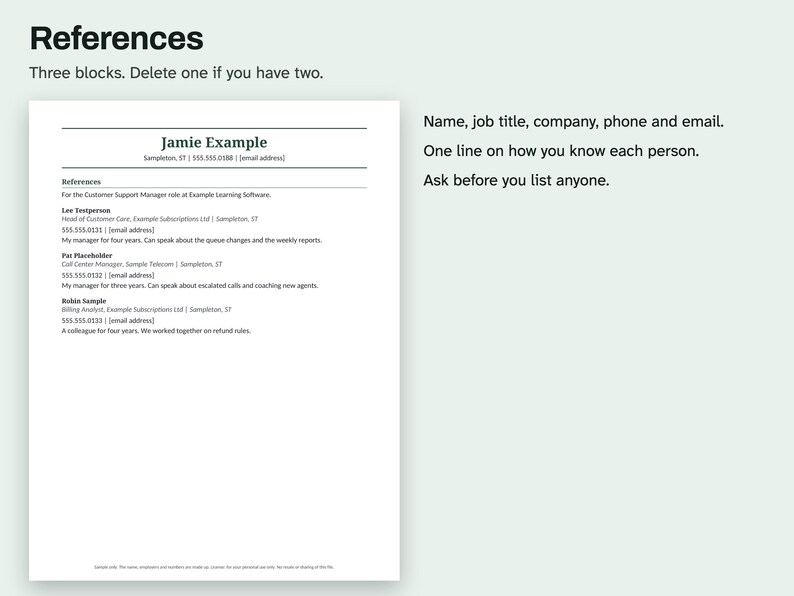
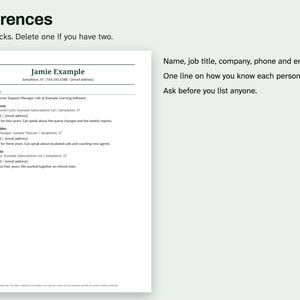
References: three blocks with name, job title, company, phone, email and how you know the person.
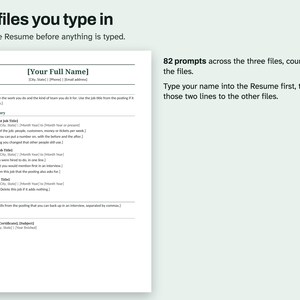
The name block is ordinary text at the top of each page and not in a page header, so it stays in the text order. There are 82 prompts in square brackets across the three files.
The Sample Preview PDF shows all three pages filled in for a made-up customer support lead.
WHAT'S INCLUDED
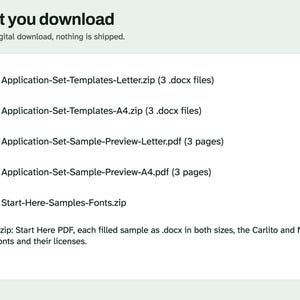
- Application-Set-Templates-Letter.zip and Application-Set-Templates-A4.zip, each with the Resume, Cover Letter and References as separate .docx files
- Application-Set-Sample-Preview-Letter.pdf and Application-Set-Sample-Preview-A4.pdf, 3 pages, all filled in for a made-up person
- Start-Here-Samples-Fonts.zip: Start Here PDF, each filled sample as .docx in both sizes, the Carlito and Noto Serif font files and their licenses
Each document is 1 page. Digital download. Nothing is shipped.
COMPATIBILITY
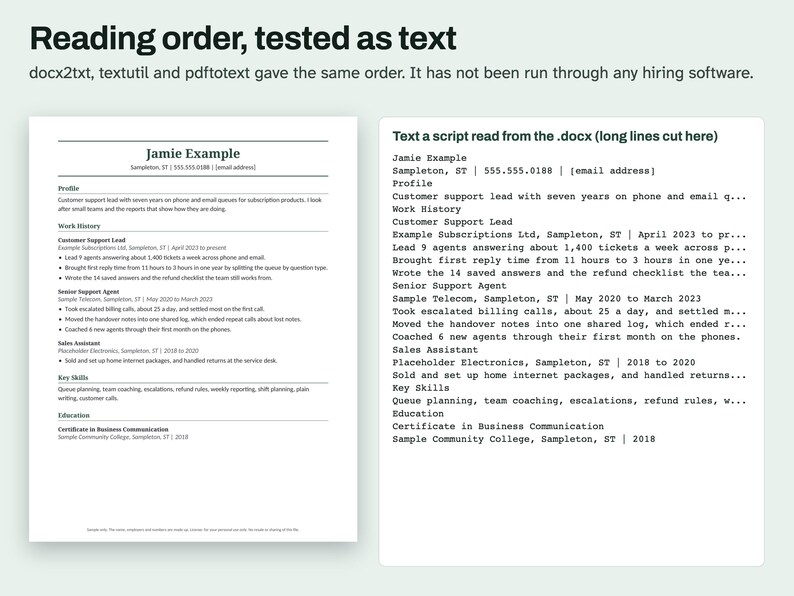
A .docx file with ordinary text, heading styles and one column. No tables, text boxes, macros or add-ins. Scripts opened it in LibreOffice 26.8 and read the text with docx2txt, macOS textutil and, after a PDF export, pdftotext. With its font swapped for Liberation Sans or Liberation Serif in LibreOffice, each document stayed on one page. A script also opened this file in Microsoft Word for Mac 16.114.3 and exported a PDF: it stayed on one page and the words came out in the same order as the file. Word used Calibri, Arial or Noto depending on the file and what it could fetch, and no fonts were installed for the test. That test did not type longer text. Google Docs and Pages have not been tried, no ATS was tested, and the menu steps below have not been tried in Word, Google Docs or Pages.
QUESTIONS AND HOW-TO
How do I keep the three pages matching? Type your name and contact line into the Resume first, then copy those two lines to the top of the other two files.
I only have two references. Delete the third block. The page has room to spare either way.
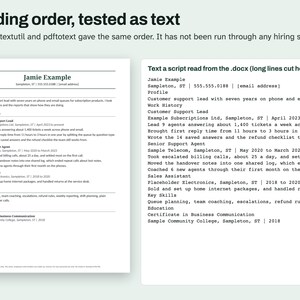
Will it get through an applicant tracking system? No one can promise that, and this file has not been run through one. What was tested is the reading order as text: three text readers gave the words in the same order as the page.
Why does the sample still show [email address]? So the sample holds no real address. Everything else on it is made up.
Editing this file in Word or Google Docs
In Word: open the .docx file. If a yellow bar says Protected View, click Enable Editing. Select the text in [square brackets], brackets included, then type over it.
In Google Docs: open Google Drive, click New > File upload and pick the .docx file. Right-click it in Drive and choose Open with > Google Docs.
To get a file back out of Docs, use File > Download and choose Microsoft Word or PDF.
Line breaks can move between the two apps. Check the page count before you save a final copy.
If a font looks different, the app has swapped in another one. The layout still works.
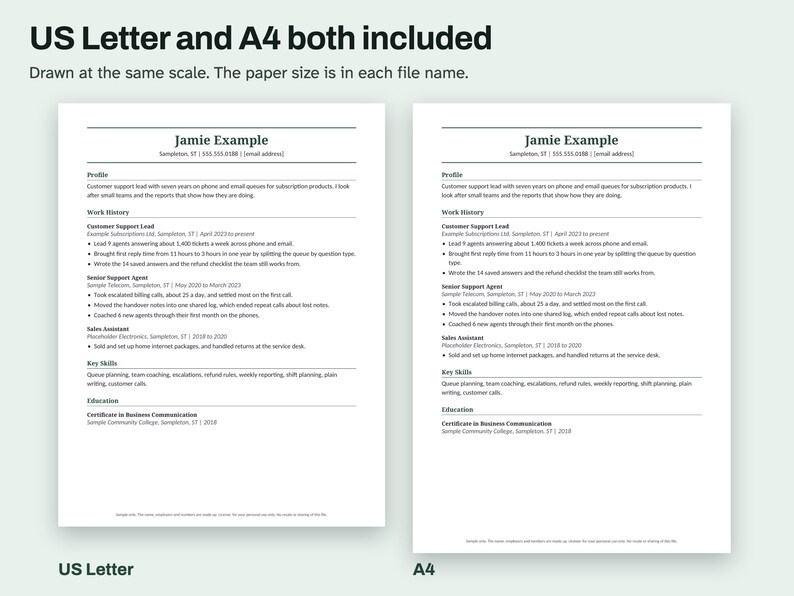
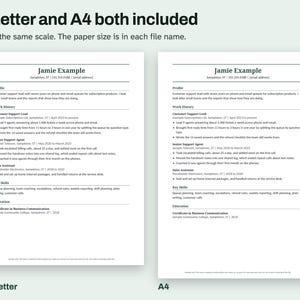
A4 or US Letter
US Letter is 8.5 x 11 inches (216 x 279 mm). It is the usual paper in the United States and Canada.
A4 is 210 x 297 mm (8.3 x 11.7 inches). It is the usual paper in most other countries.
The paper size is in each file name. Print the one that matches the paper in your printer.
If you only have the other size, use Fit or Scale to Fit in the print window. The page will come out slightly smaller, with wider margins.
HOW AI WAS USED
AI helped write the listing text, the how-to text, the prompts, the made-up sample entries and the code that builds this file. Scripts tested: the file structure (one column, no tables or text boxes, real heading styles), the reading order as text through docx2txt, textutil and pdftotext, the page count in LibreOffice, the page count with the font swapped, and the metadata. No person is claimed to have checked it unless stated here.
PLEASE NOTE
These are layouts with writing prompts. They give no career advice and cannot promise an interview or a job. The sample people, employers and numbers are made up. License: for your personal use only. No resale or sharing of this file.
Instant Download
Your files will be available to download once payment is confirmed. Here's how.
Instant download items don’t accept returns, exchanges or cancellations. Please contact the seller about any problems with your order.
Etsy Purchase Protection
Shop confidently on Etsy knowing if something goes wrong with an order, we've got your back for all eligible purchases —
see program terms

More from this shop
Visit shop-
Digital download
Cash Flow Spreadsheet, 12 Month Forecast vs Actual, Balance Warning, Excel
Sale Price $4.49
Original Price $5.99
-
Digital download
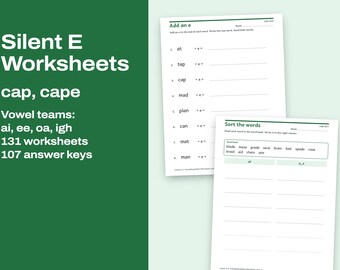
Silent E Worksheets Printable, Long Vowel Words and Vowel Teams, Phonics Practice With Keys
Sale Price $2.99
Original Price $3.99
-
Digital download
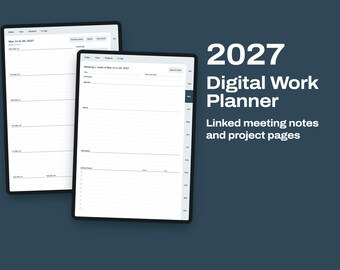
2027 Digital Work Planner, Linked Meeting Notes, Project Pages and Weekly Agenda for iPad
Sale Price $2.99
Original Price $3.99
-
Digital download
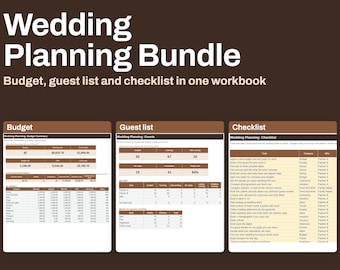
Wedding Planning Bundle, Budget by Guest Count, Guest List and Dated Checklist, Excel
Sale Price $7.49
Original Price $9.99