


Task Manager App, ADHD Friendly To Do List Planner, Offline Kanban Board for Office Work, Digital Download
Item highlights
Shop review
All reviews are from verified buyers. This review is shown automatically based on factors like recency, whether it includes comments, your chosen language, and whether the rating reflects the typical experience with the shop.
“I made wonderful labels and this was so easy. Thank you so much!!”

cheryl
Jun 1, 2026
NowPrice:$10.49
Original Price: $13.99
25% off
Sale ends on November 17
You can only make an offer when buying a single item
Delivery
Instant download
Your files will be available to download once payment is confirmed. Here's how.
Instant download items don't accept returns, exchanges or cancellations. Please contact the seller about any problems with your order.
Seller's description
Specifications
TaskDS · The Calm Task Manager by DuriaStudio
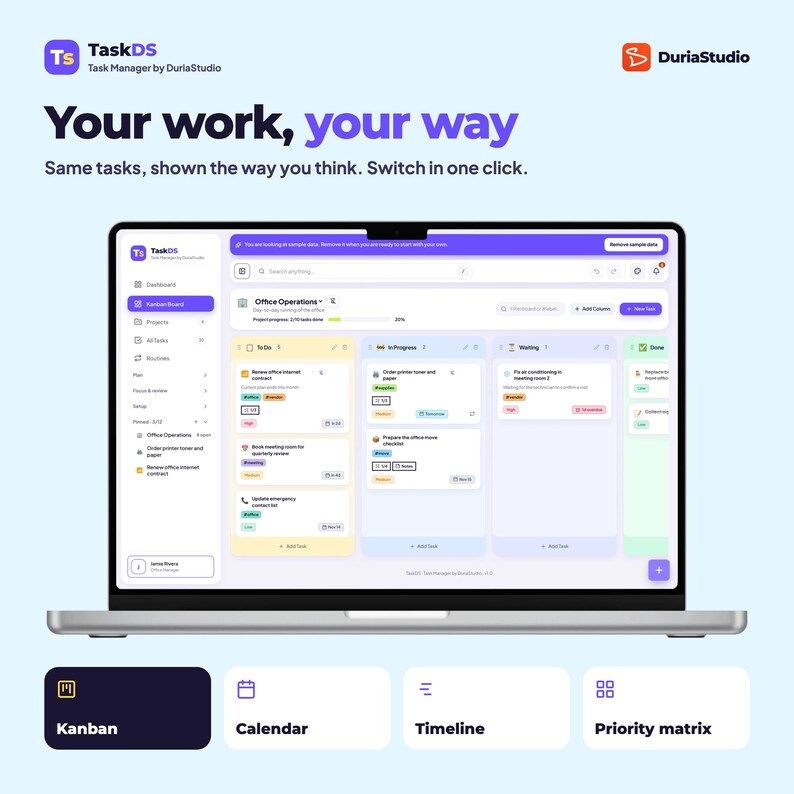
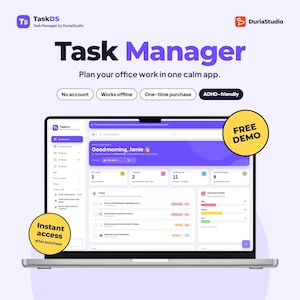
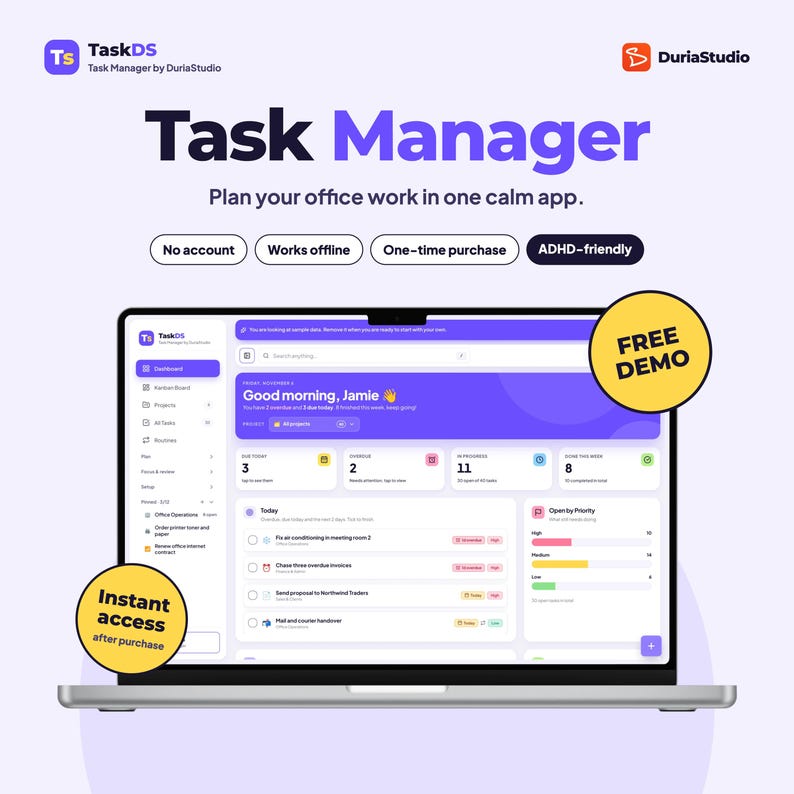
An ADHD - friendly task tracker and manager that keeps your work in view, so your head doesn't have to. See today, plan the week and tick things off on a Kanban board, calendar or timeline. No account, no subscription.
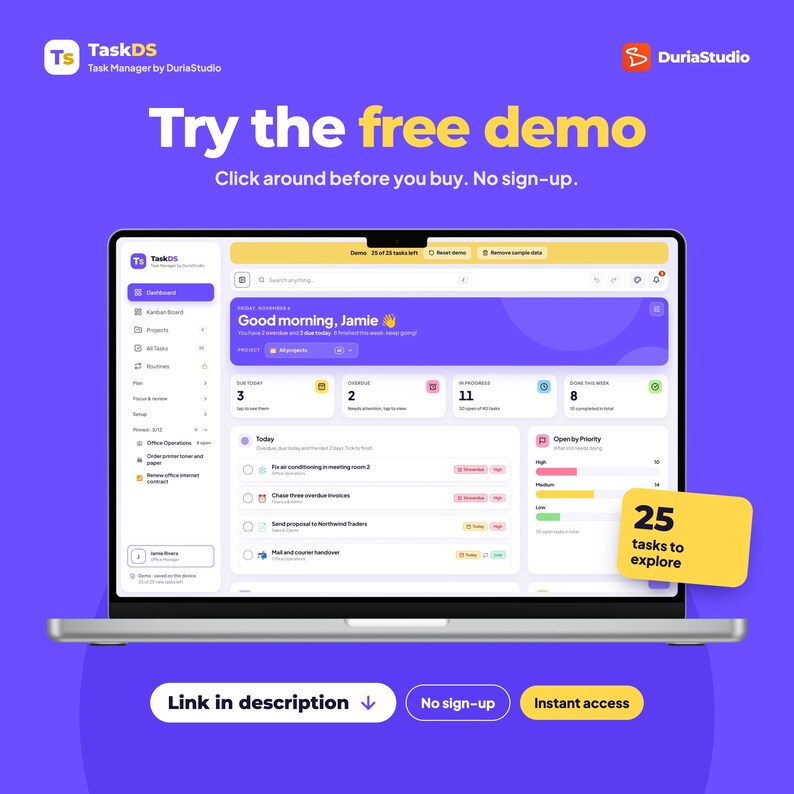
👉 Try it free first:
https://taskds.duria.co/demo/
🧩 WHAT IT IS
TaskDS is a task manager app that runs in your browser, on your phone, tablet or computer. Your tasks are saved on your own device. Nothing to sign up for, nothing to install from an app store. This is a tool to increase your productivity.
————————————————
🙋 WHO IT'S FOR
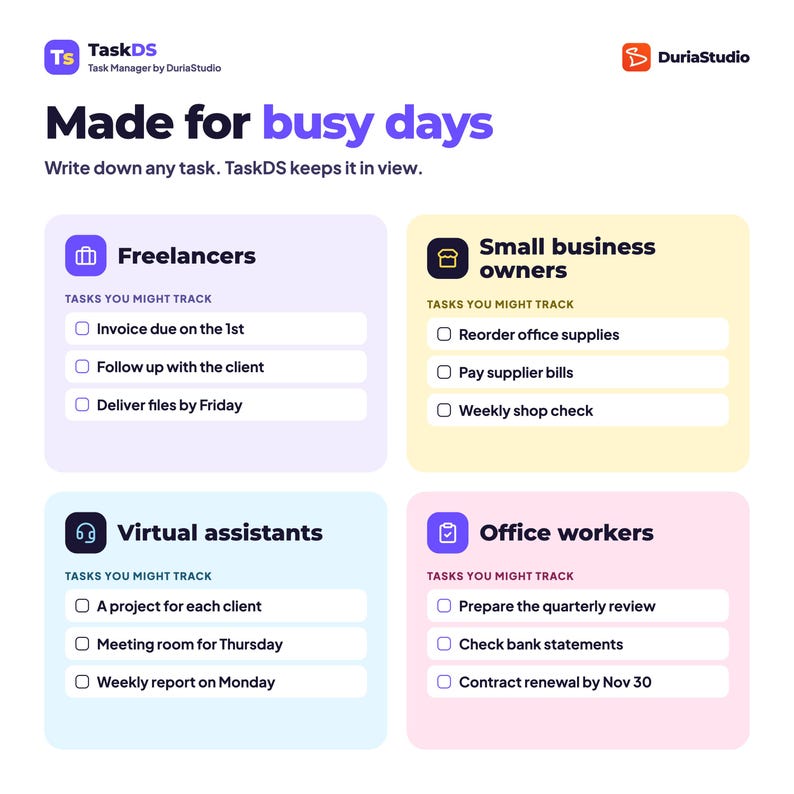
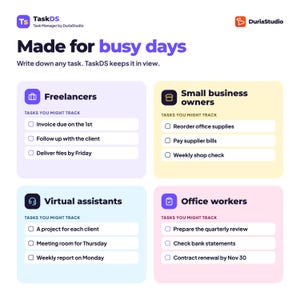
💼 Freelancers keeping track of client work, deadlines, project planning, and invoices to send
🏪 Small business owners juggling supplies, bills and weekly checks
🎧 Virtual assistants who want one project for each client
🏢 Office workers with reports, reviews and renewals to remember
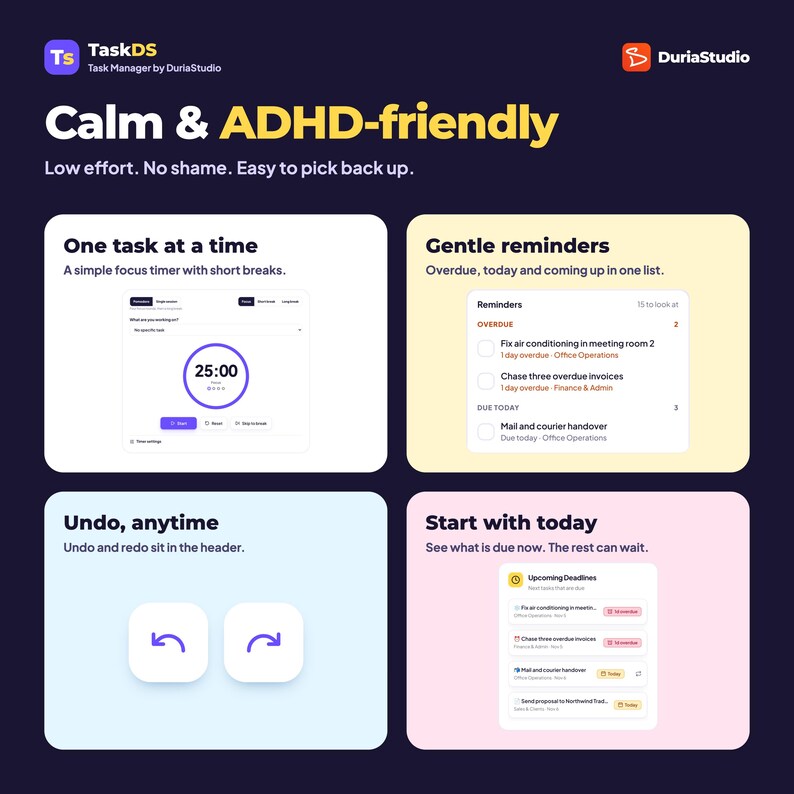
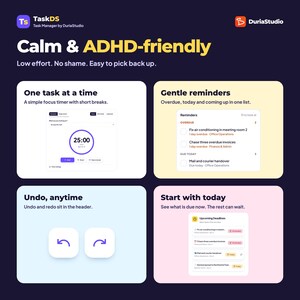
🧠 Anyone with ADHD who wants a planner that is low effort and easy to pick back up
TaskDS is made for one person. It doesn't share tasks with a team.
————————————————
🧠 WHY IT STICKS
- Open it and see what's due today first. The rest can wait
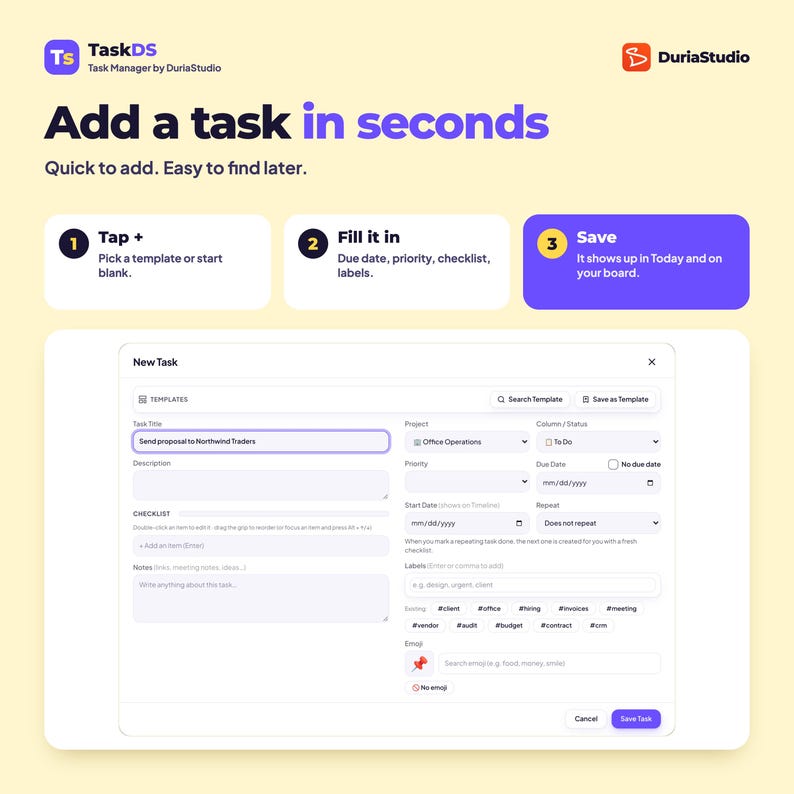
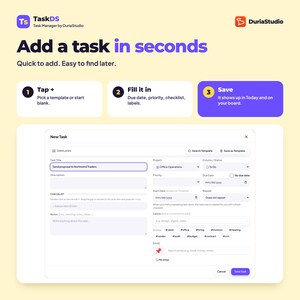
- Adding a task takes seconds: start blank or pick a template
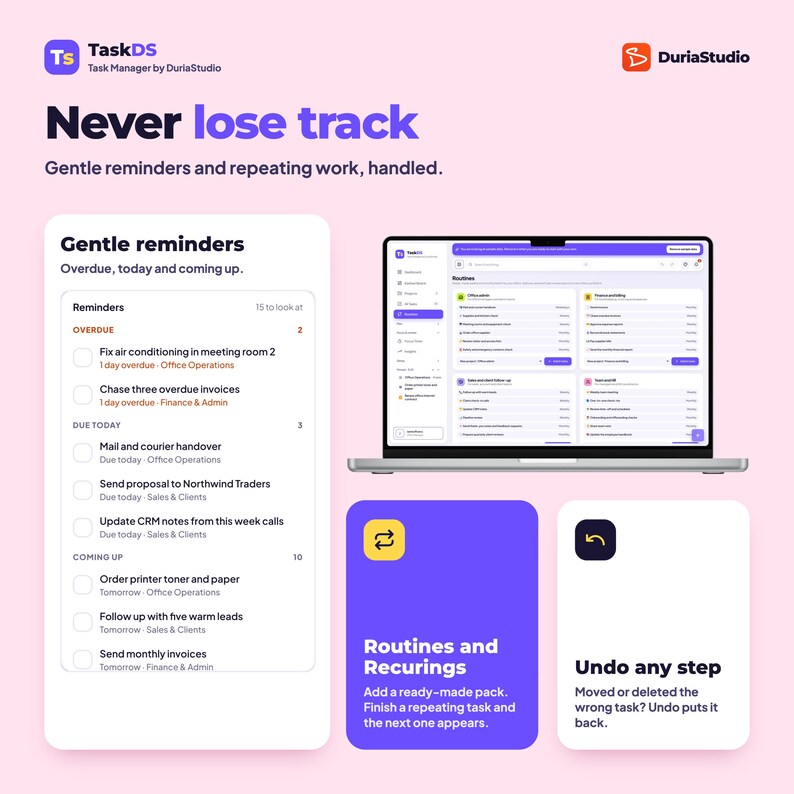
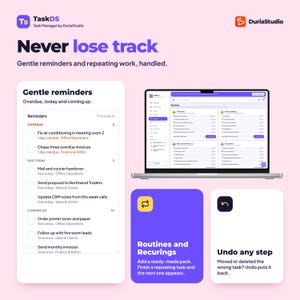
- Moved the wrong card? Undo anything, any time
- Repeating tasks come back by themselves when you finish them
- A focus timer for one task at a time
- A guided Start here checklist, with skip buttons for the optional steps
————————————————
🧰 WHAT'S INSIDE
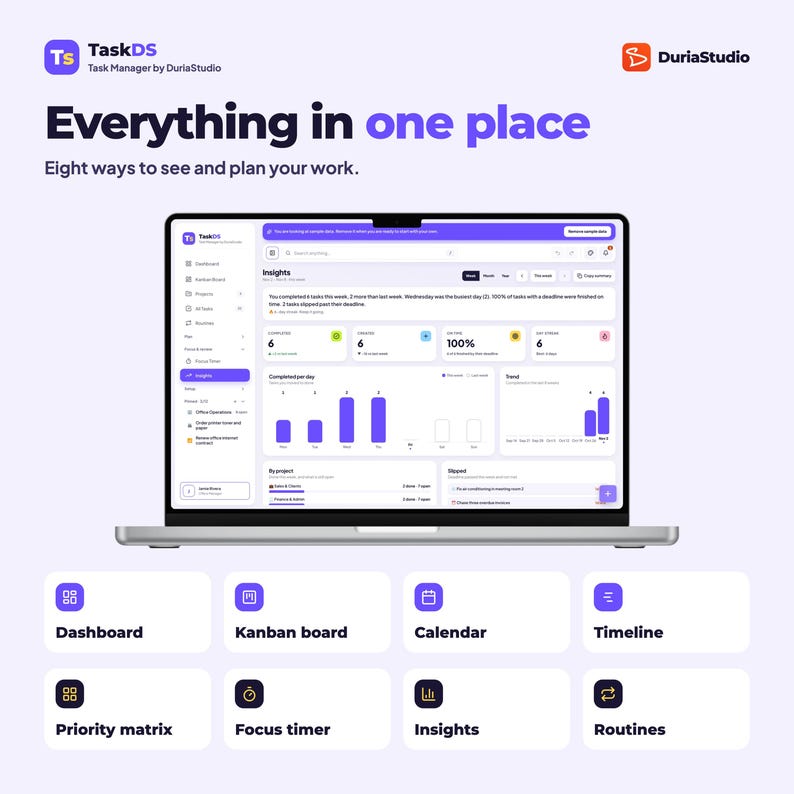
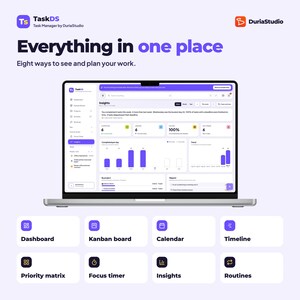
👀 EIGHT WAYS TO SEE YOUR WORK
✅ Dashboard: due today, overdue, in progress, done this week
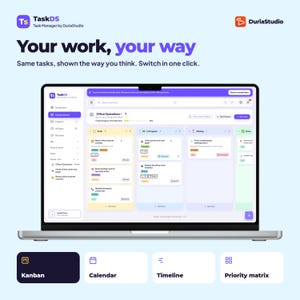
✅ Kanban board with columns you can rename, colour and reorder drag and drop
✅ Calendar, by month or week
✅ Timeline across the weeks, with start and due dates
✅ Priority matrix: do first, plan it, hand off, let go
✅ Focus timer with short and long breaks
✅ Insights: done per day, on-time rate, by project and trend
✅ All tasks list with filters, sorting and labels
📝 TASKS THAT DO THE REMEMBERING
- Due date, start date, priority, labels, notes and checklists
- Repeating tasks: daily, weekly, monthly and more
- Routines: ready-made packs of office habits, added in one tap
- Task templates you can save and reuse
- Projects to keep work, clients or teams of tasks apart
- Pin your most-used projects to the sidebar
🔔 REMINDERS THAT DON'T NAG
- One bell for overdue, due today and coming up
- Export your due dates to your phone's calendar (.ics)
🎨 THE LITTLE THINGS THAT MAKE IT YOURS
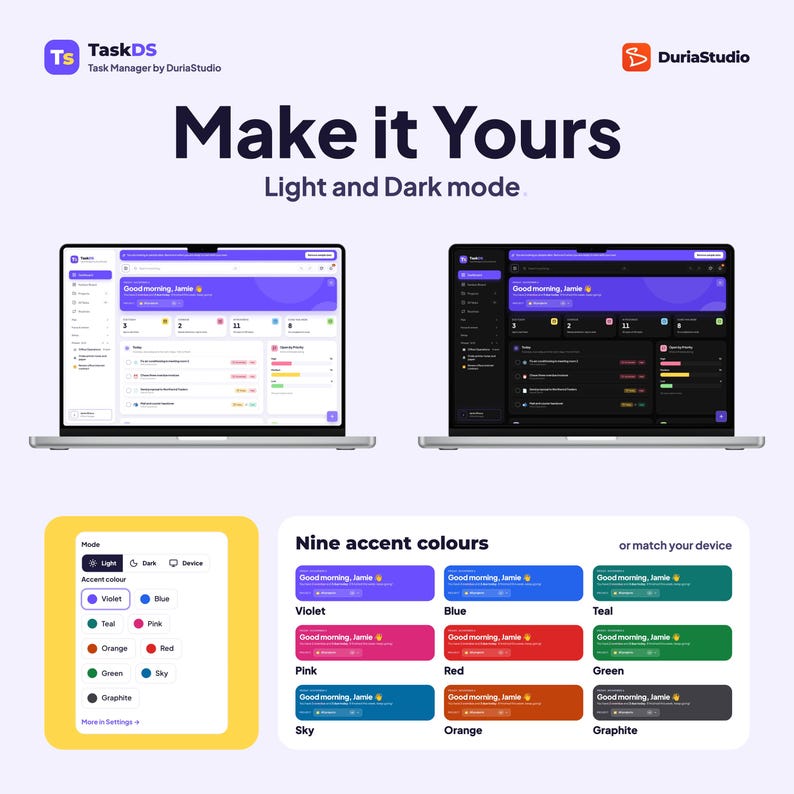
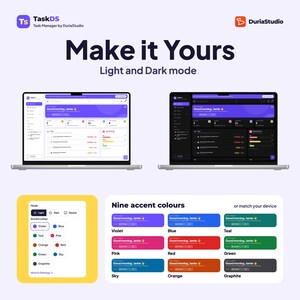
- Light, dark or match your device, with 9 accent colours
- Your name and photo
- Search anything: tasks, projects and settings
- Keyboard shortcuts and a collapsible sidebar
- Backup and restore with one file, and export to CSV
————————————————
🔒 YOUR TASKS STAY YOURS
- No account. No sign-up
- Everything is saved on your own device, not on my server or anyone else's
- Works offline after the first visit
- Pay once. No subscription, no upsells
————————————————
📦 HOW YOU GET IT, INSTANTLY
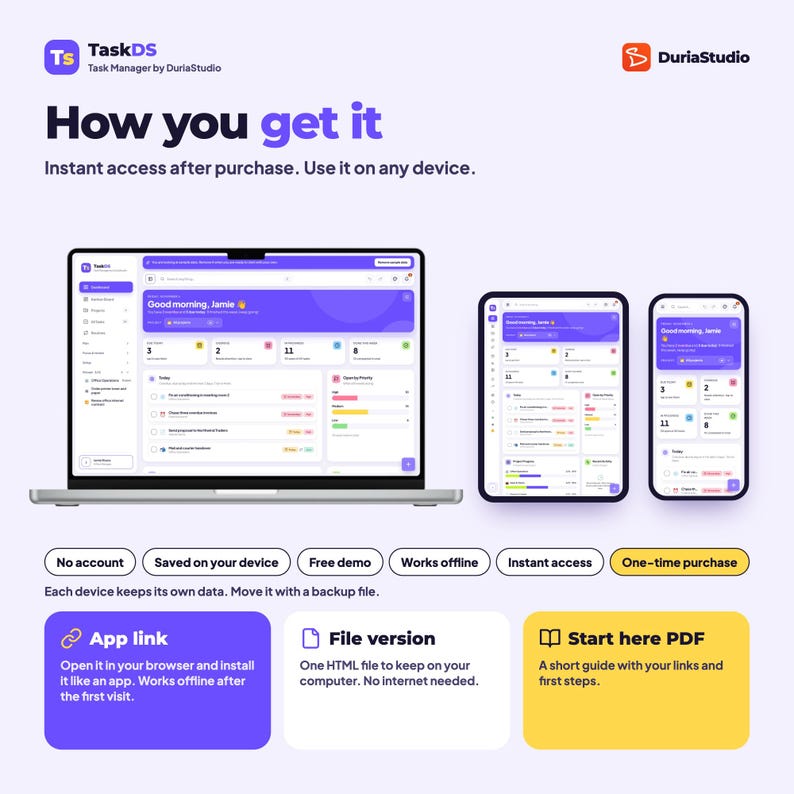
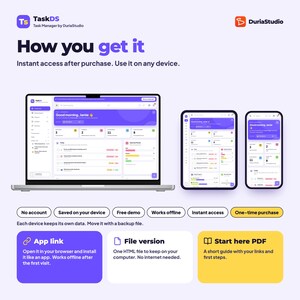
You download two files from Etsy:
📄 Start here PDF: your personal app link, your access code and a short setup guide
💾 File version: TaskDS as one HTML file to keep on your computer, no internet needed
The app link works on phone, tablet and computer, in any up-to-date browser. Add it to your home screen and it opens like an app.
🚀 GET STARTED IN 3 MINUTES
1. Download the files from Etsy (You > Purchases and reviews)
2. Open your link from the PDF and type your code
3. Explore the sample data, then add your first project and tasks
On iPhone, iPad or Mac Safari, add it to your Home Screen or Dock first, then type your code there. The PDF shows how.
Best on a computer or tablet
For the best experience, use TaskDS on a laptop, desktop or tablet. The Kanban board needs room to drag cards. On a phone it works well for today's tasks, quick adds and ticking things off.
————————————————
💡 GOOD TO KNOW BEFORE YOU BUY
- It's a web app, not a printable PDF, a spreadsheet or an App Store app
- It's for one person. It doesn't share tasks or sync with a team
- Each device keeps its own data. Move it any time with a backup file
- Reminders show inside the app. It doesn't send emails or push notifications
- It doesn't connect to Google, Outlook, Slack or other apps
- Digital downloads can't be returned, but message me if anything doesn't work and I'll make it right
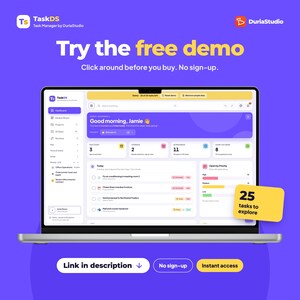
- Not sure? The free demo is the full app with sample data and a limit of 25 new tasks. Try it first
————————————————
🏠 PERSONAL USE ONLY
TaskDS is licensed for you on your own devices. Please don't share, resell or upload your link, code or files, rebrand the app, or use it for client work. Buying for someone else? Get them their own copy.
💬 QUESTIONS OR IDEAS?
Message me on Etsy. I read everything and I'm happy to help you set it up.
📄 DISCLOSURE
I designed and directed TaskDS. AI was used only to assist in writing the underlying code. I tested every feature myself on phone, tablet and computer.
TaskDS · Task Manager by DuriaStudio
-
Item typeDigital download
-
Digital file type(s)1 PDF
If something goes wrong with an order, we've got your back on all eligible purchases. View program terms
Meet your seller

Usually responds in a few hours