

File server report for Windows | PowerShell script | Shares, NTFS permissions, SMB1, old files | HTML report | German
Item highlights
Seller's description
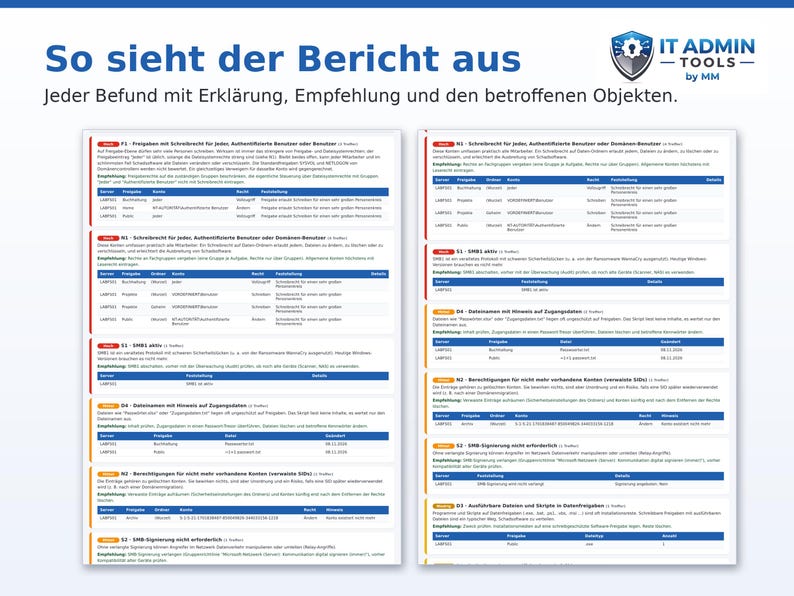
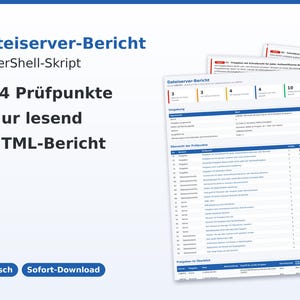
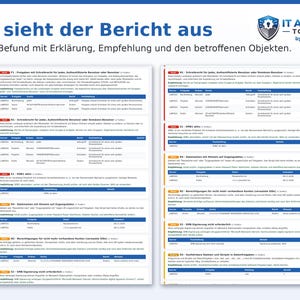
A PowerShell script that checks Windows file servers in 24 areas: risky shares, open NTFS permissions, orphaned accounts, SMB1 and signing, shadow copies, old and large files. Result: a clear HTML report in German.
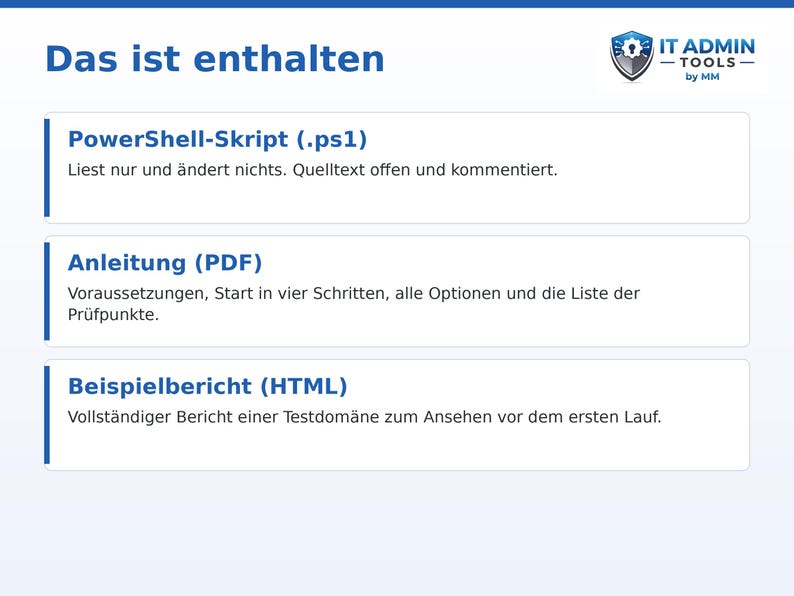
THIS IS INCLUDED
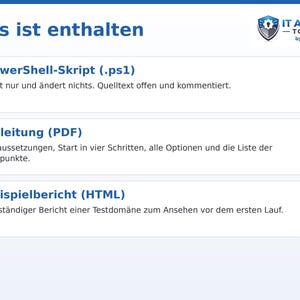
• PowerShell script File Server Report.ps1 (open source code, commented)
• Instructions as PDF
• Sample report of a test domain (HTML)
THE SCRIPT ONLY WORKS IN READING TIME
It does not modify any shares, permissions, or files, does not read file contents, and does not transfer any data. For a complete overview of rights and settings, an administrator account on the file server is recommended.
THE 24 CHECKPOINTS
• Sharing: Write access for Everyone, Authenticated Users, or Users; Sharing an entire drive or system folder; Hidden shares; Shares without access-based enumeration; Shares with a missing folder
• File system permissions: Write access for Everyone, Authenticated Users, or Domain Users; permissions for non-existent accounts (orphaned SIDs); write access directly to user accounts; folders with inheritance disabled; full access for non-administrators; individual users as owners
• Server: SMB1 active; SMB signing not required; Shares accessible without login; Local guest account active; Volumes almost full; No shadow copies; No File System Resource Manager (FSRM); Operating system without support
• Data set: Old files; Very large files; Executable files and scripts; File names containing access credentials; Very long paths
REQUIREMENTS
• Windows PowerShell 5.1
• Ideally, directly on the file server as an administrator
• Tested with Windows PowerShell 5.1 on Windows Server 2019 in a test domain with seven shares and built-in flaws (Everyone access, orphaned accounts, SMB1, legacy files), locally as an administrator and over the network from a domain controller; each checkpoint was triggered with a simulated scenario. Large servers (many millions of files), DFS namespaces, clustered file servers, and servers prior to Windows Server 2016 were not tested.
FOR WHOM
Administrators and IT service providers who need to take over a file server, clean it up, or document it for auditors and insurance companies.
GOOD TO KNOW
• Digital download (ZIP and PDF) – no physical product will be shipped
• Language of script output, report and instructions: German
• The report identifies anomalies based on fixed rules; it does not replace security audits or monitoring.
• Use within your own company or for your own customers; no resale
• Use at your own risk
Note: Content and structure originate from the seller; AI tools were used to assist in its development. All content has been professionally reviewed by the seller.
If something goes wrong with an order, we've got your back for all eligible purchases. View program terms
NowPrice:$17.20
Original Price: $22.93
25% off
Sale ends on November 26
You can only make an offer when buying a single item
Delivery
Instant download
Your files will be available to download once payment is confirmed. Here's how.
Instant download items don't accept returns, exchanges or cancellations. Please contact the seller about any problems with your order.
Seller's description
Specifications
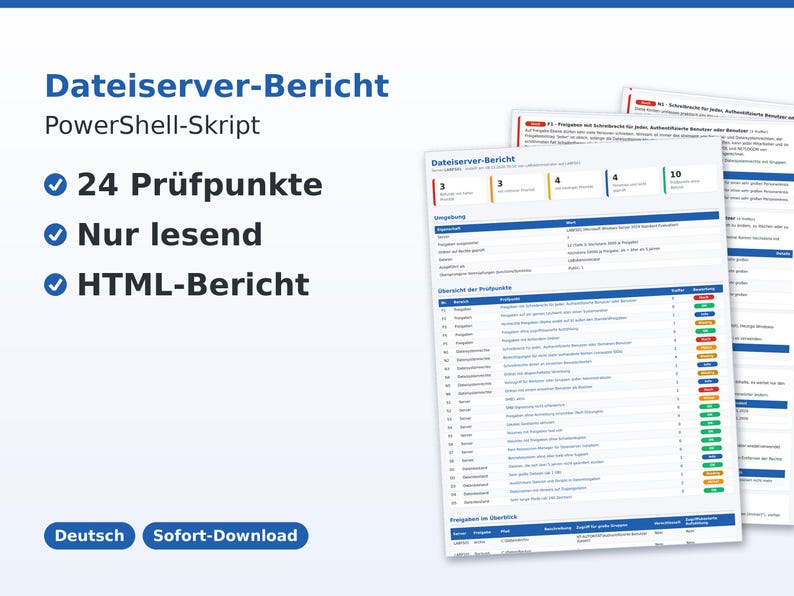
A PowerShell script that checks Windows file servers in 24 areas: risky shares, open NTFS permissions, orphaned accounts, SMB1 and signing, shadow copies, old and large files. Result: a clear HTML report in German.
THIS IS INCLUDED
• PowerShell script File Server Report.ps1 (open source code, commented)
• Instructions as PDF
• Sample report of a test domain (HTML)
THE SCRIPT ONLY WORKS IN READING TIME
It does not modify any shares, permissions, or files, does not read file contents, and does not transfer any data. For a complete overview of rights and settings, an administrator account on the file server is recommended.
THE 24 CHECKPOINTS
• Sharing: Write access for Everyone, Authenticated Users, or Users; Sharing an entire drive or system folder; Hidden shares; Shares without access-based enumeration; Shares with a missing folder
• File system permissions: Write access for Everyone, Authenticated Users, or Domain Users; permissions for non-existent accounts (orphaned SIDs); write access directly to user accounts; folders with inheritance disabled; full access for non-administrators; individual users as owners
• Server: SMB1 active; SMB signing not required; Shares accessible without login; Local guest account active; Volumes almost full; No shadow copies; No File System Resource Manager (FSRM); Operating system without support
• Data set: Old files; Very large files; Executable files and scripts; File names containing access credentials; Very long paths
REQUIREMENTS
• Windows PowerShell 5.1
• Ideally, directly on the file server as an administrator
• Tested with Windows PowerShell 5.1 on Windows Server 2019 in a test domain with seven shares and built-in flaws (Everyone access, orphaned accounts, SMB1, legacy files), locally as an administrator and over the network from a domain controller; each checkpoint was triggered with a simulated scenario. Large servers (many millions of files), DFS namespaces, clustered file servers, and servers prior to Windows Server 2016 were not tested.
FOR WHOM
Administrators and IT service providers who need to take over a file server, clean it up, or document it for auditors and insurance companies.
GOOD TO KNOW
• Digital download (ZIP and PDF) – no physical product will be shipped
• Language of script output, report and instructions: German
• The report identifies anomalies based on fixed rules; it does not replace security audits or monitoring.
• Use within your own company or for your own customers; no resale
• Use at your own risk
Note: Content and structure originate from the seller; AI tools were used to assist in its development. All content has been professionally reviewed by the seller.
-
Item typeDigital download
-
Digital file type(s)1 PDF, 1 ZIP
-
LanguageText in this download may be in another language
If something goes wrong with an order, we've got your back on all eligible purchases. View program terms
Meet your seller
More from this shop
-
Digital download
Network Documentation Excel Template | IP Plan, VLAN, Device Inventory, Patch Panel, Firewall Permissions | Network Plan for Companies, German
Sale Price $8.55
Original Price $11.41
-
Digital download
Backup Checklist + Data Backup Concept Template | IT SMEs | Excel, Fillable PDF, Word | 3-2-1 Rule, Ransomware Protection
Sale Price $11.14
Original Price $14.87
-
Digital download
Exchange Mailbox Report | PowerShell Script | Check Forwarding, Rules, and Permissions | HTML Report | Exchange Server | German
$22.93
-
Digital download
IT Emergency Plan Checklist + Emergency Concept Template | SMEs | Excel, Fillable PDF, Word | Outage, Ransomware, Restart
Sale Price $11.14
Original Price $14.87
-
Digital download
Exchange Kalenderrechte Bericht | PowerShell Skript | Kalender-Berechtigungen aller Postfächer prüfen | HTML-Bericht | deutsch
$22.93
-
Digital download
DNS and DHCP Report | PowerShell Script for Windows Server | Audit as HTML Report | Read-Only | German
Sale Price $15.47
Original Price $20.63
-
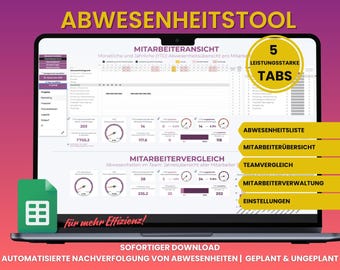
Digital download
Absence tool Absence manager Absence tracker with employee management for teams and SMEs GoogleSheet German HR employee
$31.15
-

Digital download
Productivity exercises Canva bundle for coaches, 35+ exercise sheets as desired and individually customizable, toolbox on the topic of productivity
$33.87
-

Digital download
Digital Wedding Planner, Wedding Notion Template, Wedding Planning with Budget Planner, Finance Tracker, Guest Management, Tasks and more
$38.74
-

Digital download
Template/Sample Data Protection Audit - Inventory for Companies
$28.81
-

Digital download
Simple utility billing Excel calculator – Automatic tenant letter | Single-family homes, multi-family homes & commercial properties | Up to 24 units
Sale Price $12.49
Original Price $24.99
-
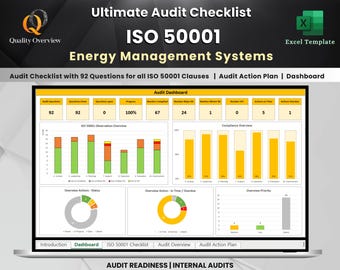
Digital download
Ultimate ISO 50001 Audit Readiness Checklist and Dashboard | Audit Action Plan | Dashboard | Energy Management Systems | Excel tool
Sale Price $22.47
Original Price $34.58
-

Digital download
Artificial Intelligence for Beginners | eBook in PDF format | Understanding, experiencing, and applying AI in everyday life and at work
$27.65
-
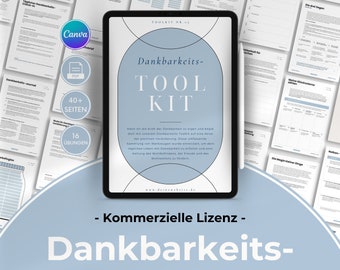
Digital download
Gratitude Canva Toolkit for Coaches, 40+ exercise sheets as desired and individually customizable, toolbox on the topic of gratitude
$33.87
-

Digital download
Sample/Checklist Classification of AI Systems – “AI System”, Prohibited and High-Risk AI Systems, Transparency Obligations
$46.10
-

Digital download
Self-Compassion & Self-Love Canva Toolkit for Coaches, 35+ customizable exercise sheets, self-compassion toolbox
$33.87
-
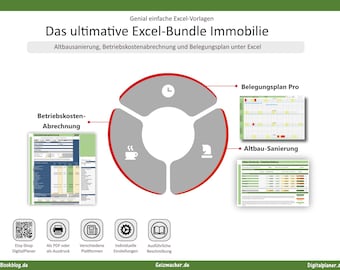
Digital download
The ultimate Excel bundle for real estate: renovation of old buildings, operating cost accounting and occupancy plan for your investment apartment
$48.38
-

Digital download
Overview Ideas for Digital Business, Digital Products, and Working from Home: E-Book 500 Ideas to Get You Started. Ideas digital products
$20.69
Shoppers with similar taste loved these
-
10" Rack Mount for Dell OptiPlex Micro Series | (3000, 5000, 7000, and more) | 1U | 10 inch | Bracket | Secure | Convenient | Durable
$20.80
-

Tamper Resistant 10" Rack Mount fits UniFi UNVR-Instant - 2U Design
$80.99
-
1U 10 or 19-Inch Rack Mount for UniFi UXG-Max UCG-Ultra UCG-Max w/ Keystone Port
$19.99
-
Dell OptiPlex Micro 3000 5000 7000 | 10 Inch 1U Rack Mount | Optional Keystone Slots
$29.99
-
UniFi Cloud Gateway Ultra / UCG-Max 10" Rack Mount | 3D Printed PETG Bracket
$13.99
-

JetKVM 1U Single Rackmount - Secure Mount & Tool-less Installation
$24.87
-
10" Rack Mount for Unifi Switch Lite 8 PoE | Ubiquiti | 1U | 10 inch | Secure | Convenient | Shelf | 8-Port | POE Switch | Unifi | USW
$20.80
-

5U 10-Inch Mini Server Rack – Deep 255mm, PETG, Stackable – Compact Homelab Rack
$60.00
-
5-Bay 3.5" Hot-Swap JBOD Enclosure: 10" Server Rack SATA/SAS 3U
$345.35
-

10" Rack Mount for Unifi Switch Flex 2.5G 8 PoE | Ubiquiti | 1U | 10 inch | Secure | Convenient | Shelf | 8-Port | POE Switch | Unifi | USW
$25.60
-
JetKVM 1-4 Device 10 Inch Rack Mount
$46.68
-
HP T740 1.5U Rackmount Adapter for 10" Racks — PETG, Vented, VESA-Compatible
$40.00


