








Wedding Party & Attire Planner Spreadsheet, Bridesmaid Groomsmen Contacts, Fittings, Hair and Makeup, Excel, Google Sheets, LibreOffice
NowPrice:$5.39
Original Price: $8.99
40% off
Sale ends on December 10
Here's what's eligible:
- Your order doesn't match the item description or photos
- Your item arrived damaged
- Your item arrived after the estimated arrival window
- Your item didn't arrive or was lost in the mail
You can only make an offer when buying a single item
Highlights
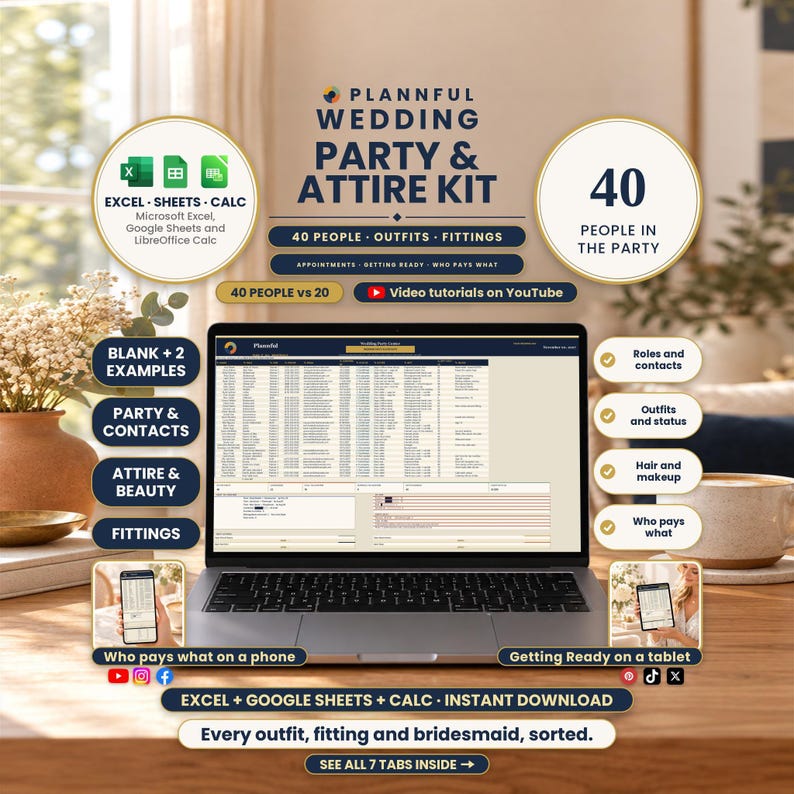
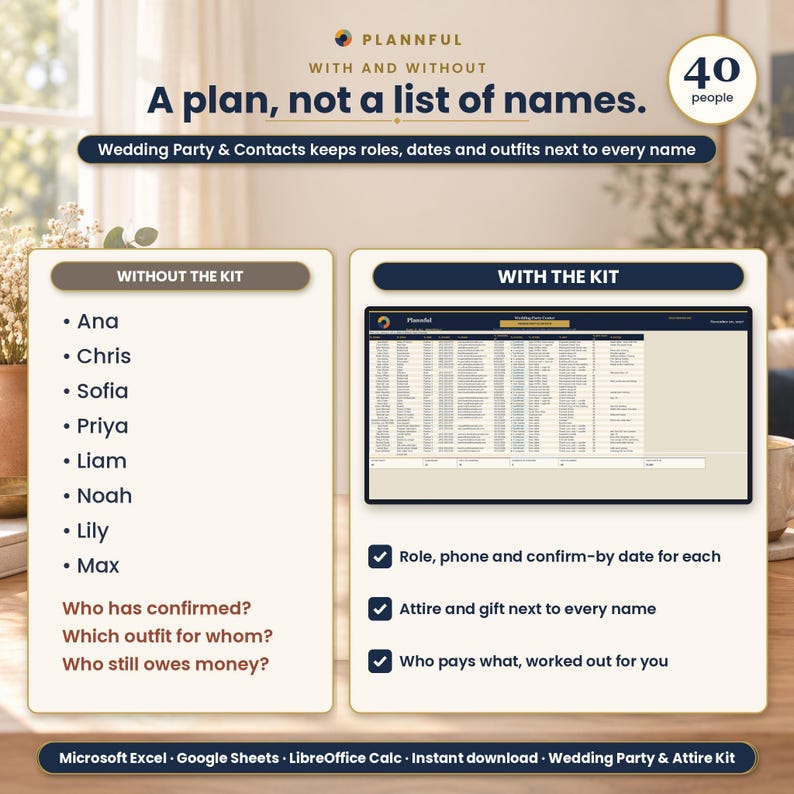
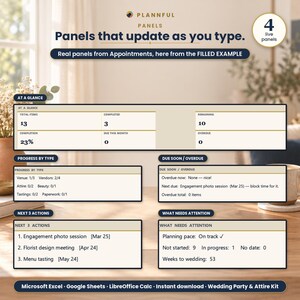
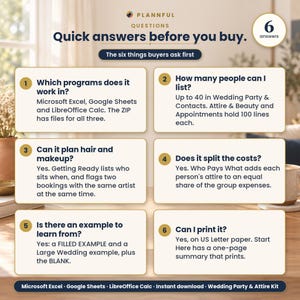
Wedding party and attire planner spreadsheet for Excel and Google Sheets — keep bridesmaid and groomsmen contacts, fittings, hair and makeup in one place.
Every outfit, fitting and bridesmaid, sorted.
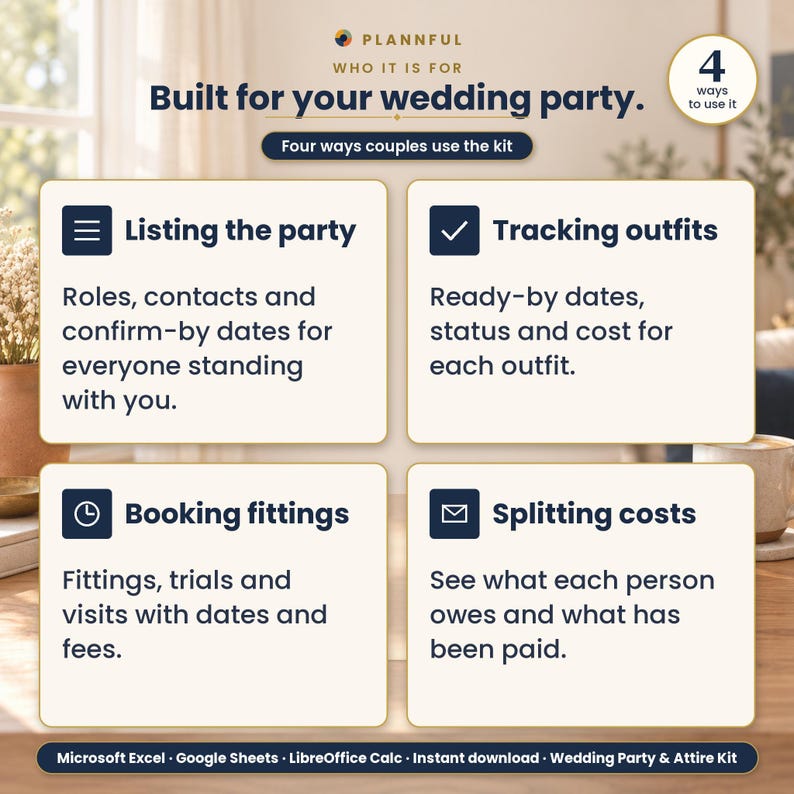
Wedding Party & Attire Kit is a planning spreadsheet for Microsoft Excel, Google Sheets and LibreOffice Calc. Your people, their outfits and every fitting in one kit.
BY THE FIGURES
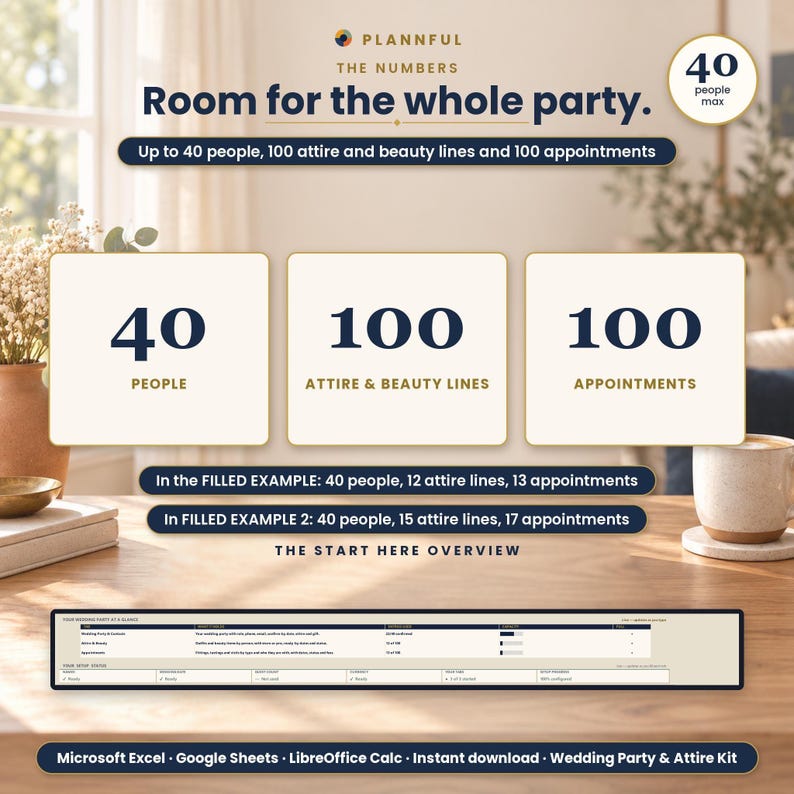
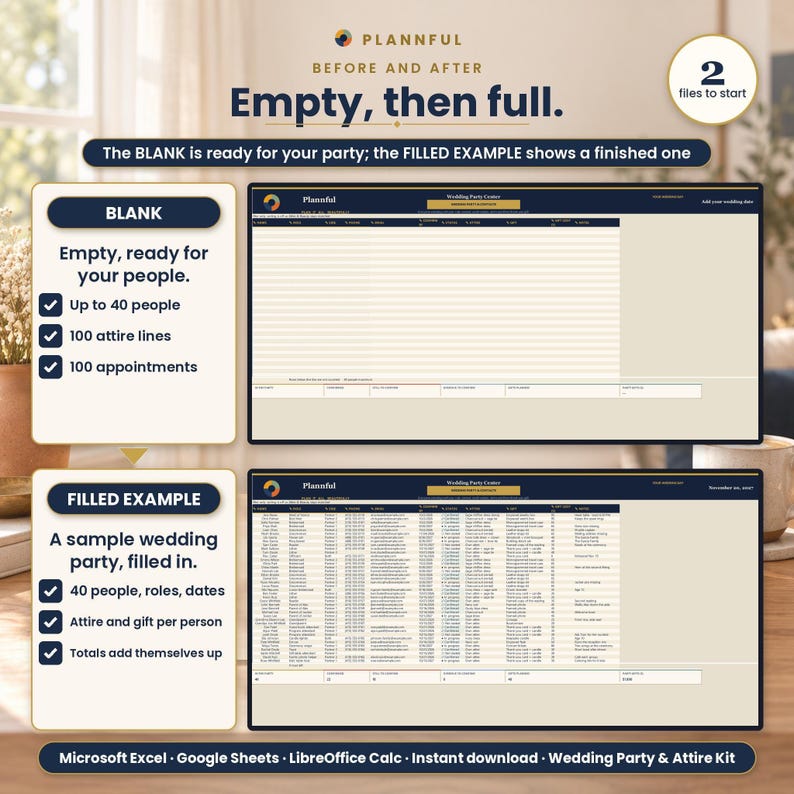
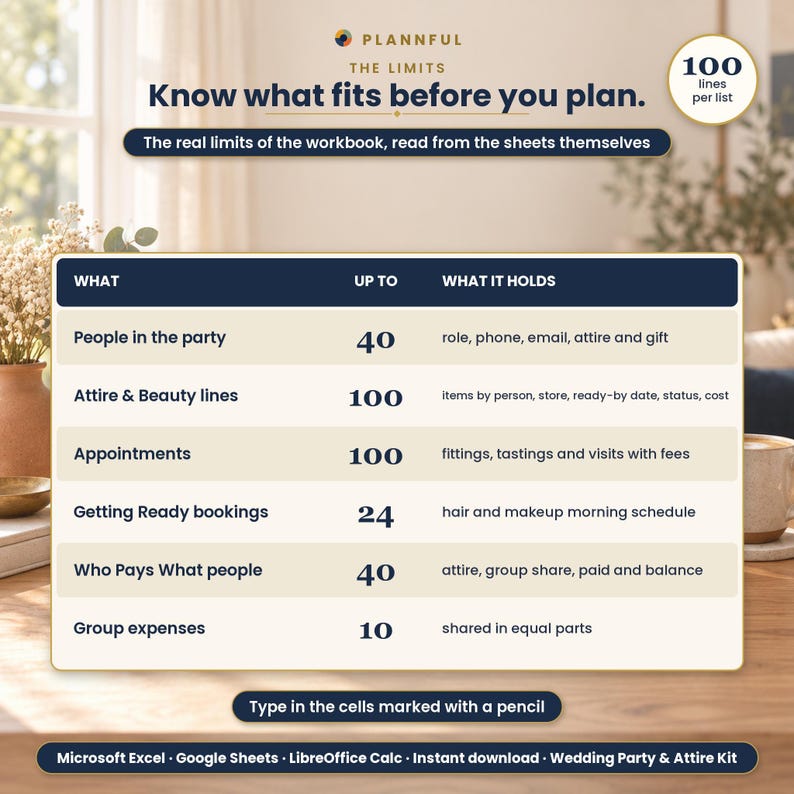
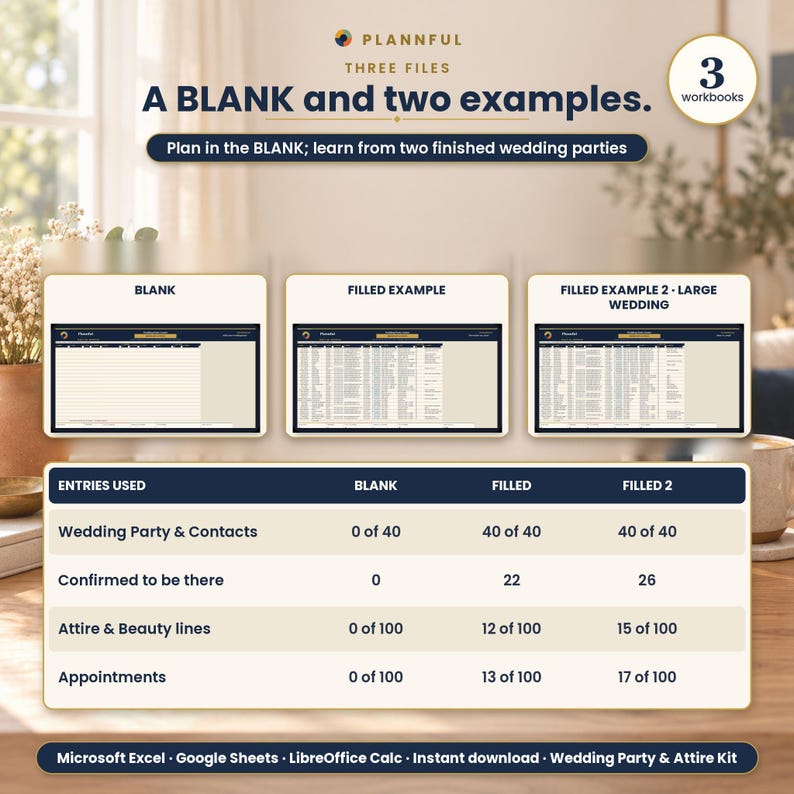
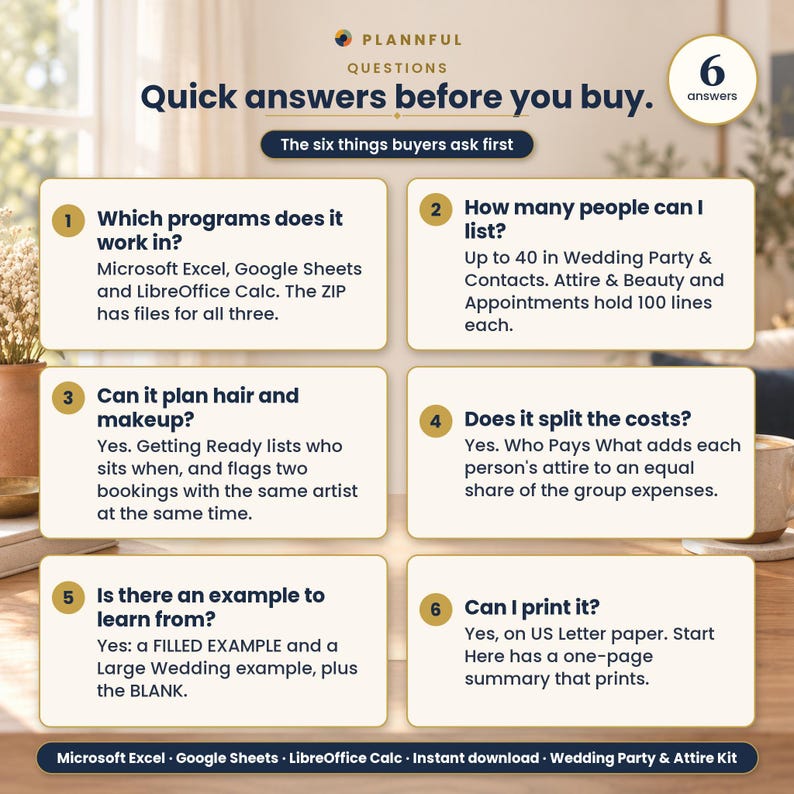
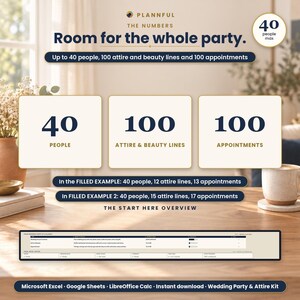
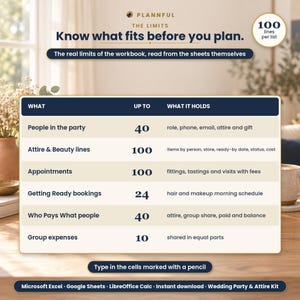
- Up to 40 people in the wedding party, with confirm-by dates
- 100 rows of outfits and beauty items, 100 rows of appointments
- A hair and makeup morning schedule of up to 24 bookings, with an overlap check
- Who Pays What for up to 40 people and 10 group expenses
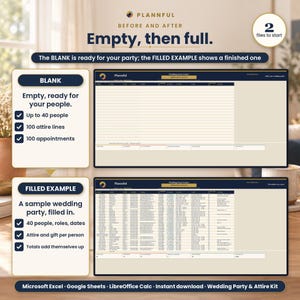
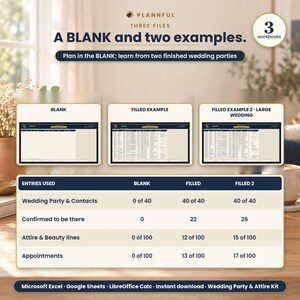
- 2 filled examples
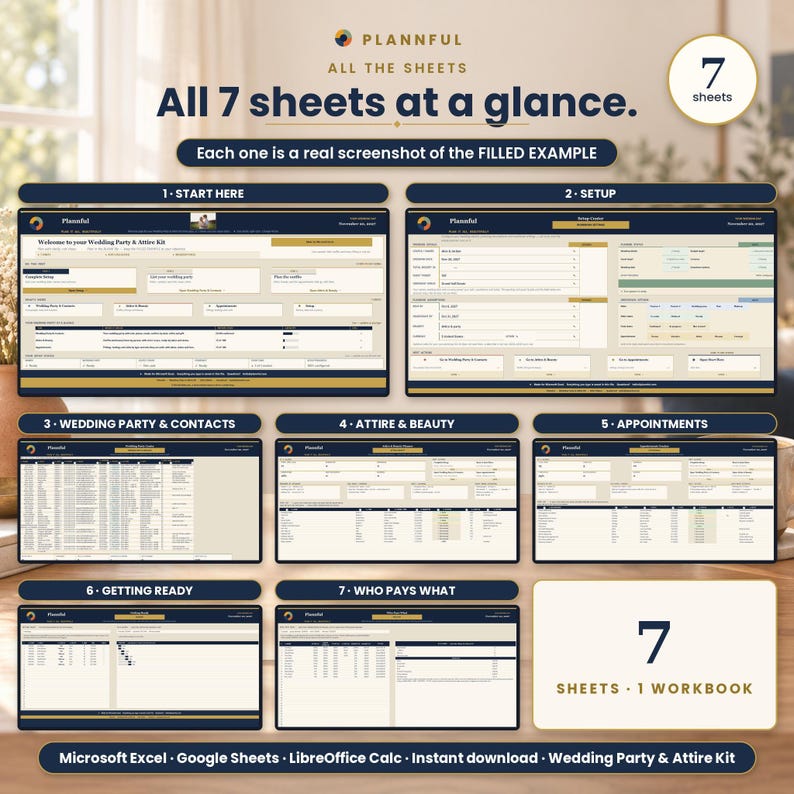
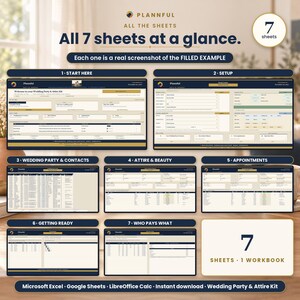
YOUR 7 SHEETS
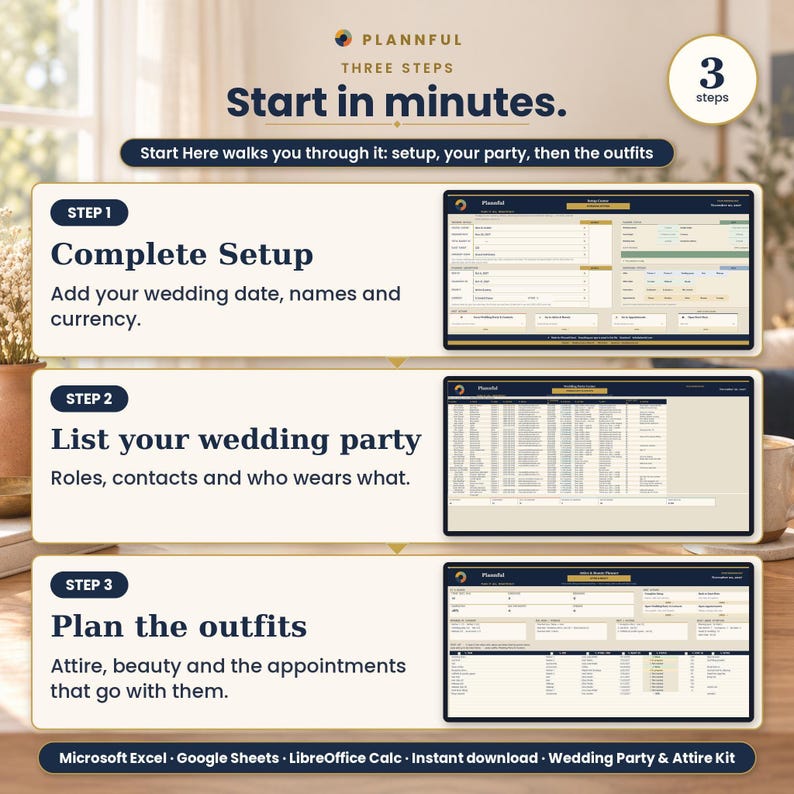
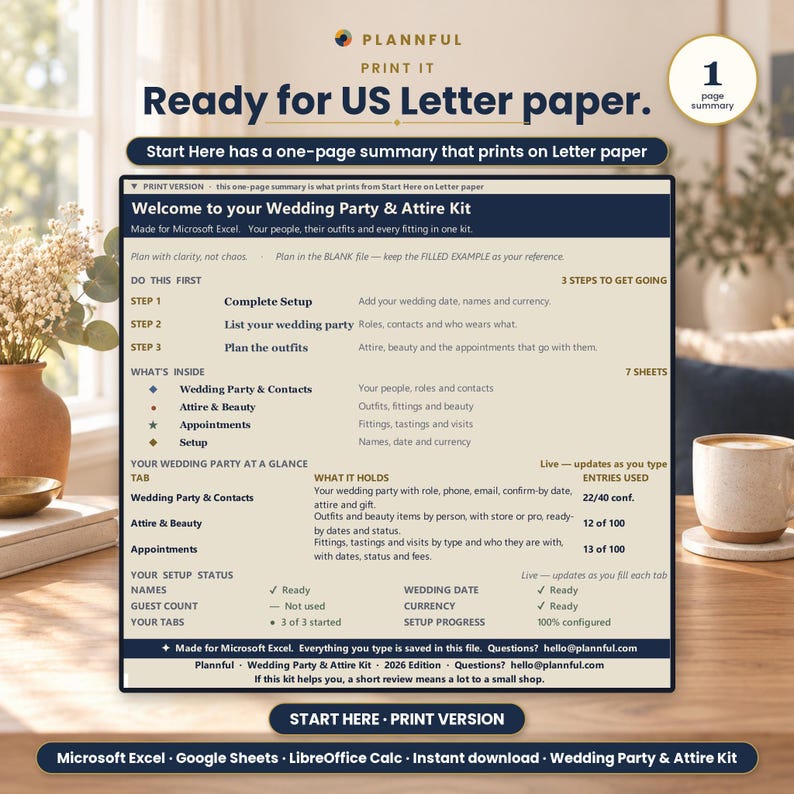
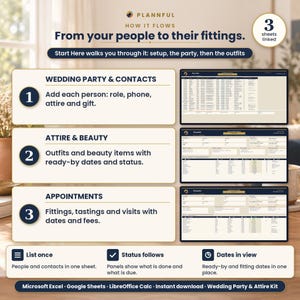
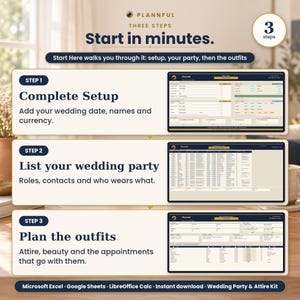
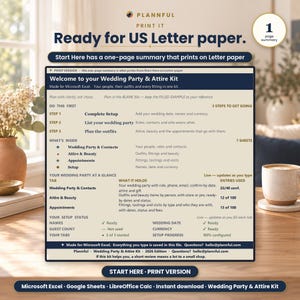
1. Start Here: Three steps to get going, what is inside, and your setup status.
2. Setup: Names, wedding date and currency; dropdown options.
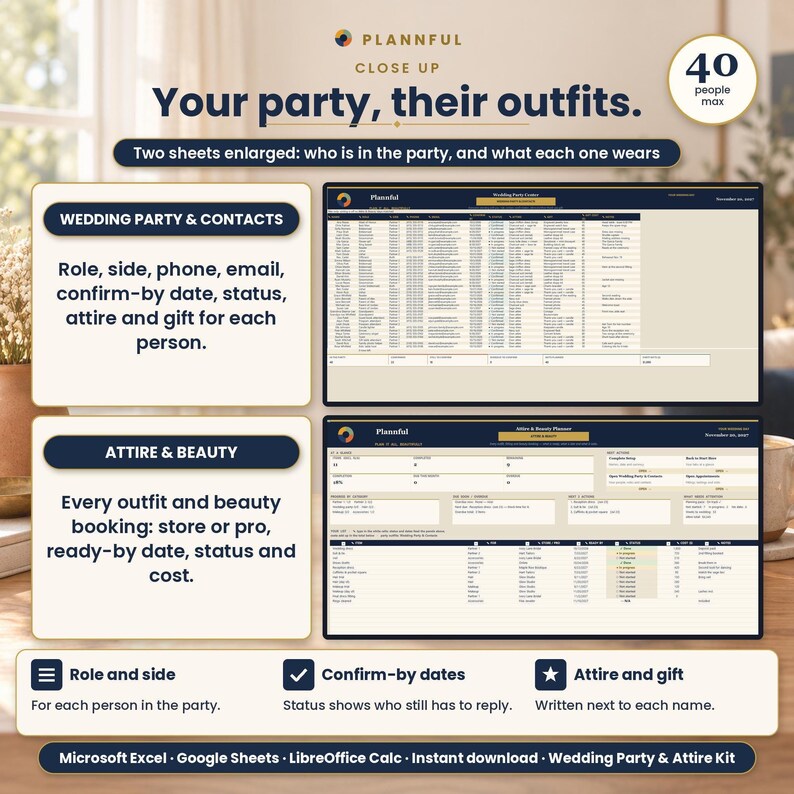
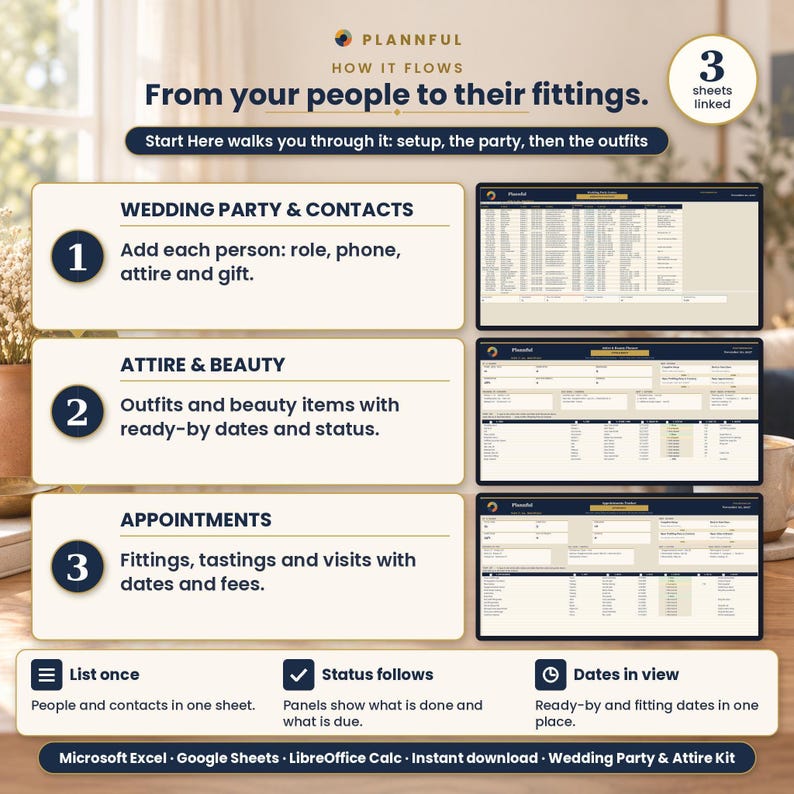
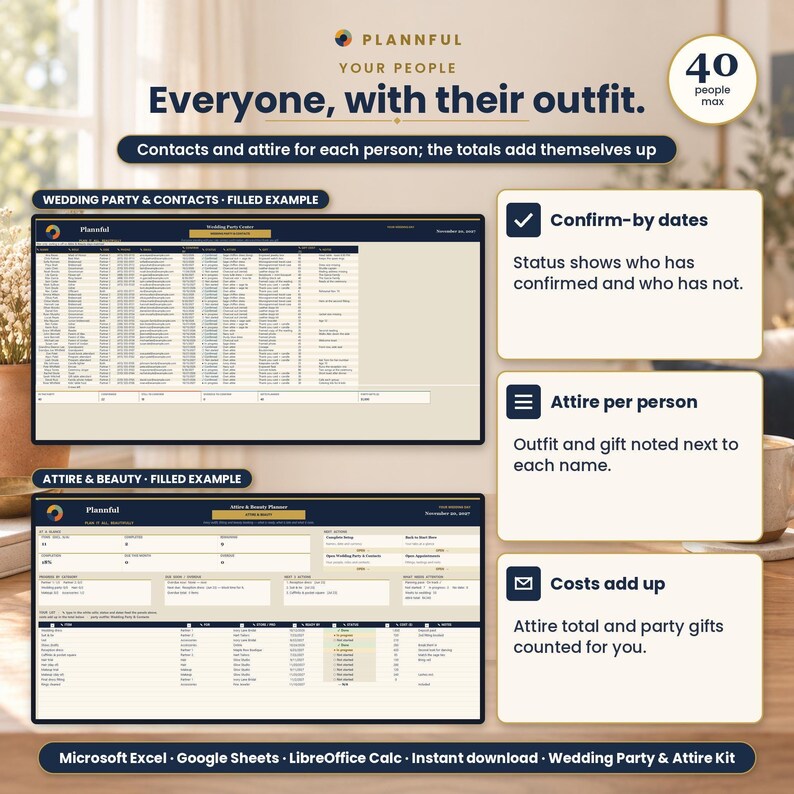
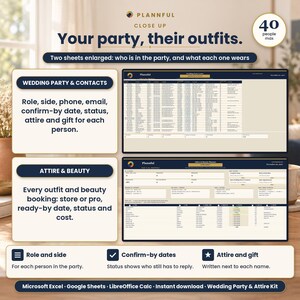
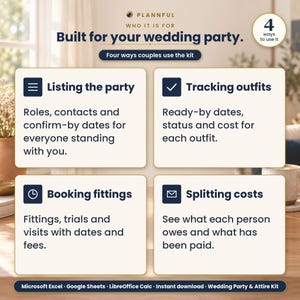
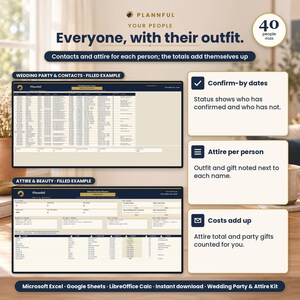
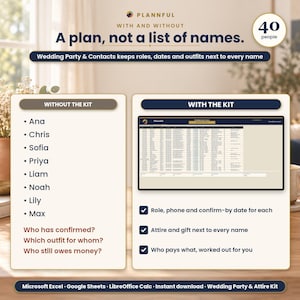
3. Wedding Party & Contacts: Up to 40 people with role, side, phone, email, confirm-by date, status, attire and gift; it counts who is confirmed, who is still to confirm and who is overdue.
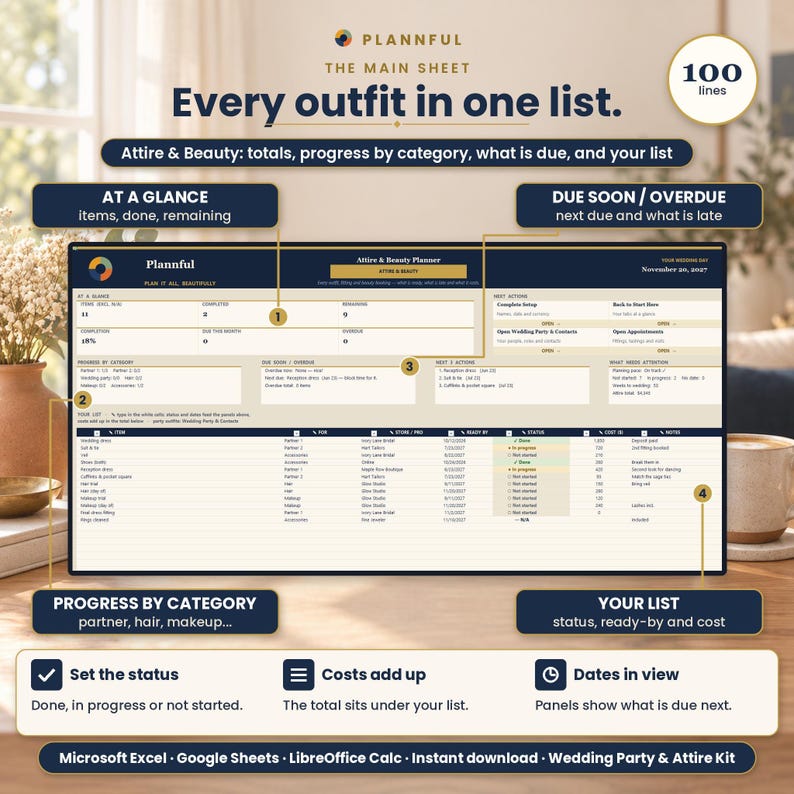
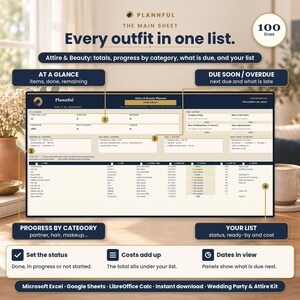
4. Attire & Beauty: Outfits and beauty items by person (100 rows), with the store or pro, ready-by date, status and cost.
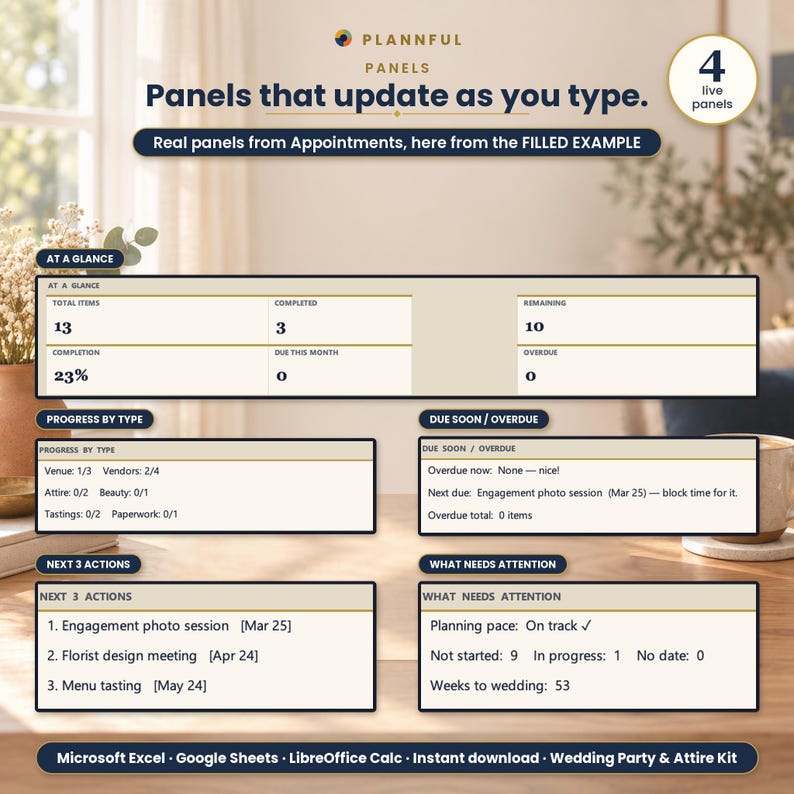
5. Appointments: Fittings, tastings and visits (100 rows) by type and who they are with, with dates, status and fees.
6. Getting Ready: The morning schedule for hair and makeup: type each start time and the minutes each person needs; it works out the end time and flags two bookings with the same artist that overlap (24 rows).
7. Who Pays What: Up to 40 people: attire plus an equal share of up to 10 group expenses, what each has paid or fronted, and the balance.
WHAT IT DOES FOR YOU
- Wedding Party & Contacts: up to 40 people with role, side, phone, email, confirm-by date, status, attire and gift. It counts who is confirmed, who is still to confirm and who is overdue.
- Attire & Beauty: outfits and beauty items by person, with the store or pro, a ready-by date, status and cost, adding up in a total (100 rows).
- Appointments: fittings, tastings and visits by type and who they are with, with dates, status and fees (100 rows).
- Getting Ready: the morning schedule for hair and makeup. Type each start time and the minutes each person needs; it works out the end time and flags two bookings with the same artist that overlap.
- Who Pays What: attire plus an equal share of the group expenses for each person, what they have paid or fronted, and the balance.
- Works in any currency: pick one on Setup.
WHAT'S INCLUDED
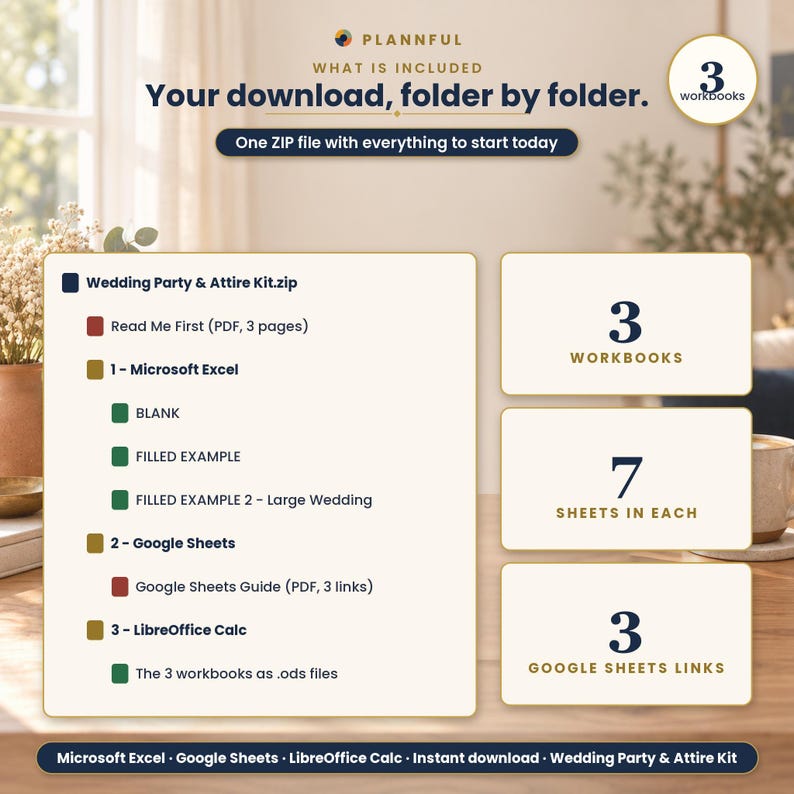
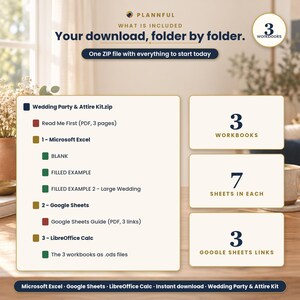
One ZIP file:
- Read Me First (PDF, 3 pages): where to start, a Start Checklist and what is inside each sheet.
- Folder "1 - Microsoft Excel": BLANK (your planner, empty), FILLED EXAMPLE (a sample wedding party) and FILLED EXAMPLE 2 - Large Wedding.
- Folder "2 - Google Sheets": a one-page PDF with three links that copy the BLANK and the two examples into your own Google Drive.
- Folder "3 - LibreOffice Calc": the same three workbooks as .ods files.
VIDEO TUTORIAL
A full video tutorial for every tab is on our YouTube channel, Plannful: https://www.youtube.com/@Plannful
COMPATIBILITY
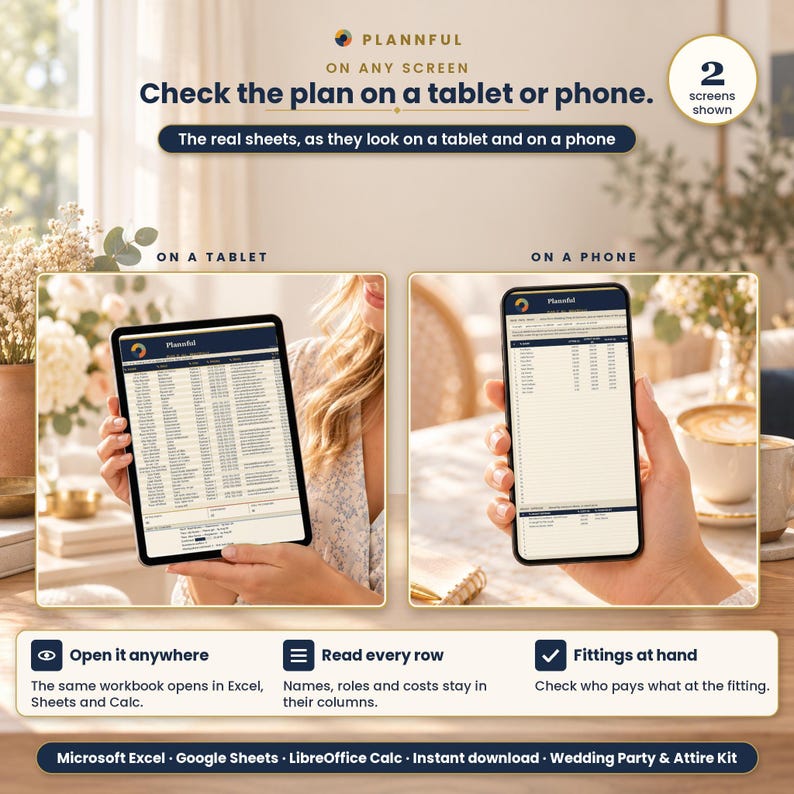
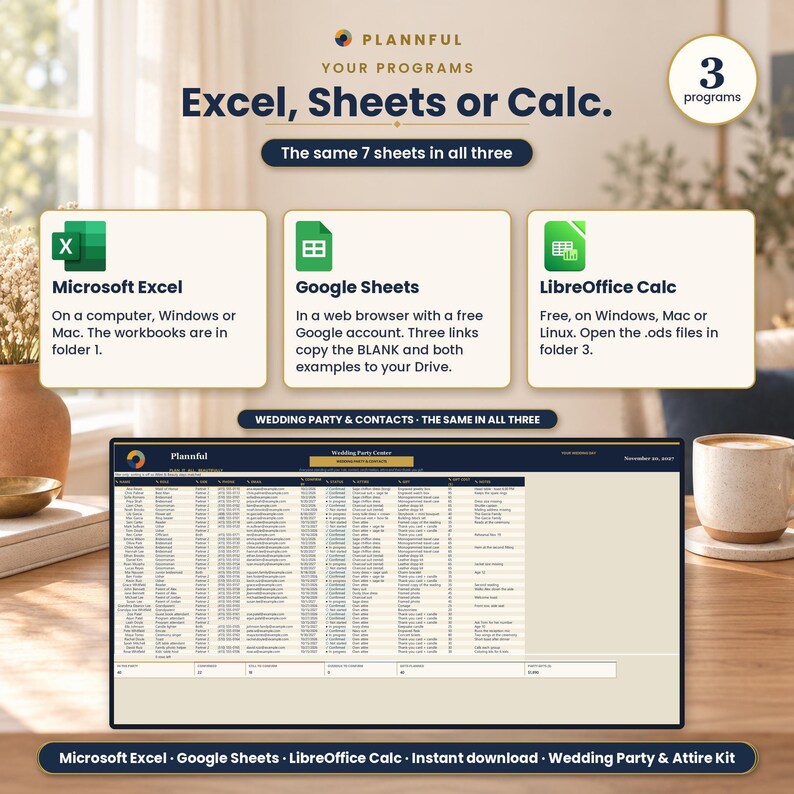
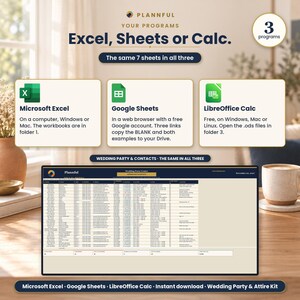
- Microsoft Excel on a computer (Windows or Mac).
- Google Sheets, in a web browser, with a free Google account. The Google Sheets links copy the BLANK and the examples into your own Drive.
- LibreOffice Calc (free) on Windows, Mac or Linux: open the .ods files in the folder 3 - LibreOffice Calc.
- No macros. The Excel and LibreOffice Calc files work offline; Google Sheets needs an internet connection.
- Apple Numbers is not supported.
IN GOOGLE SHEETS
The same 7 sheets and the same numbers as in Excel. What is different: protected cells show a warning instead of blocking you, and printing is better in Excel. For print-ready pages, use the Excel file.
IN LIBREOFFICE CALC
The same sheets, formulas and dropdowns as in Excel. What is different: links between sheets open with Ctrl+click (Cmd+click on Mac).
GOOD TO KNOW
- Every sheet is protected with no password; you type in the cells marked with a pencil.
- Prints on US Letter paper.
- Digital download: no physical item is shipped.
- In the BLANK workbook, some printed pages are the empty form itself, to fill in by hand.
HOW YOU GET IT
This is an instant digital download. After purchase, go to your Etsy Purchases page and download the ZIP. Unzip it and start with Read Me First.
PLANNFUL
Follow us: YouTube @Plannful · Instagram @plannful · Pinterest Plannful · TikTok @plannful
SUPPORT
Questions? Send us a message here on Etsy or email hello [!at] plannful.com.
If something does not work, write to us and we will help.
Digital downloads cannot be returned or refunded.
Instant Download
Your files will be available to download once payment is confirmed. Here's how.
Instant download items don’t accept returns, exchanges or cancellations. Please contact the seller about any problems with your order.
Etsy Purchase Protection
Shop confidently on Etsy knowing if something goes wrong with an order, we've got your back for all eligible purchases —
see program terms


More from this shop
Visit shop-
Digital download
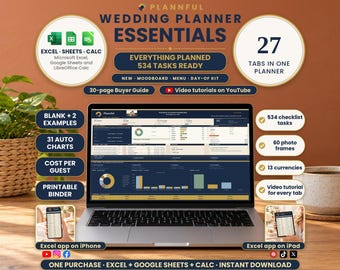
Wedding Planner Spreadsheet, Digital Wedding Planner, 27 Tabs, Budget, Guests, Checklist (Google Sheets, Excel, LibreOffice Calc Download)
$17.99
-
Digital download
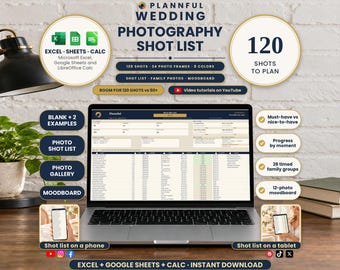
Wedding Photography Shot List Spreadsheet, Family Photo Groups, Photo Gallery, Moodboard, Excel, Google Sheets, LibreOffice
Sale Price $5.39
Original Price $8.99
-
Digital download
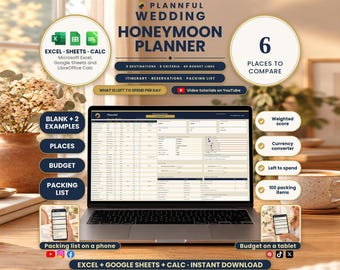
Honeymoon Planner Spreadsheet, Destination Comparison, Budget, Itinerary, Packing List, Excel, Google Sheets, LibreOffice
Sale Price $5.39
Original Price $8.99
-
Digital download
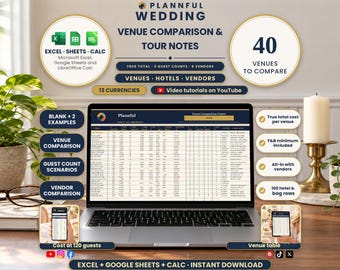
Wedding Venue Comparison Spreadsheet, True Total Cost, Tour Notes, Guest Count Scenarios, Excel, Google Sheets, LibreOffice
Sale Price $5.39
Original Price $8.99
Be the first to leave a review
-

Digital download
Bridal Planning Spreadsheet: Wedding Planner for Google Sheets (Digital Download)
$8.73
-
Digital download
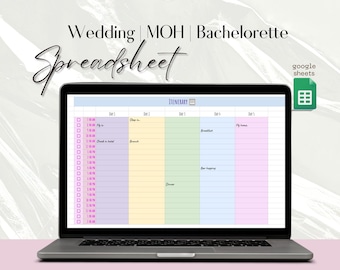
Wedding Google Spreadsheet Maid of honor google sheets Bridal Party Spreadsheet Bachelorette Party Planning Spreadsheet MOH planner
$5.95
-
Digital download
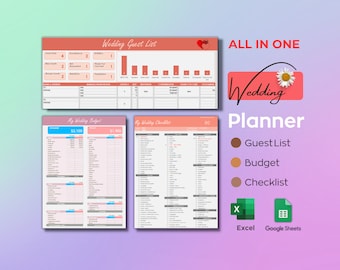
Wedding Planner Spreadsheet: Budget, Checklist, Guest List (Excel, Google Sheets)
Sale Price $5.92
Original Price $7.90
-

Digital download
Wedding Checklist Excel Spreadsheet, Wedding To Do List, Wedding Budget Planner Template Google Sheets, Digital Download Wedding Tracker
$6.82
-
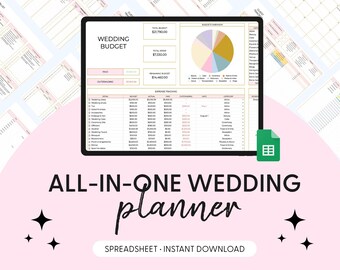
Digital download
The Ultimate Wedding Day, Wedding Planning Spreadsheet, Google Sheets, Wedding Checklist, Wedding Budget Spreadsheet, Wedding To Do Timeline
Sale Price $2.92
Original Price $9.75
-

Digital download
Wedding Budget Spreadsheet | Editable Wedding Planner | Google Sheets & Excel Wedding Budget Tracker | Bridal Planning Template | Instant
$7.99
-

Digital download
Ultimate Wedding Day | Wedding Planning Spreadsheet | Google Sheets Wedding Checklist | Wedding Budget Spreadsheet | Wedding To Do Timeline
Sale Price $2.92
Original Price $9.75
-
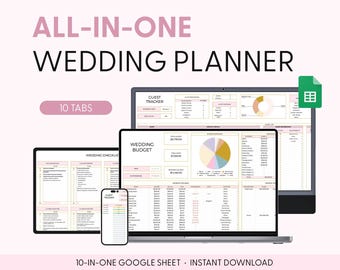
Digital download
The Ultimate Wedding Day Wedding Planning Spreadsheet Google Sheets Wedding Checklist Wedding Budget Spreadsheet To Do Timeline
Sale Price $2.92
Original Price $9.75
-

Digital download
Wedding Planning Spreadsheet, Wedding Budget Spreadsheet, Wedding Planner Google Sheets, Wedding Checklist, Wedding Planning Checklist
$7.99
-

Digital download
Wedding Planning Spreadsheet, Wedding Budget Spreadsheet, Wedding Planner Google Sheets, Wedding Checklist, Wedding Planning Checklist
$7.99
-

Digital download
Wedding Planner Spreadsheet for Excel and Google Sheets
$7.35
-

Digital download
Wedding Planning Spreadsheet Google Sheets Wedding Checklist Wedding Budget Spreadsheet Wedding To Do Timeline Guest List Wedding Template
Sale Price $2.92
Original Price $9.75
Shoppers with similar taste loved these
-

Test tube | Test tubes | Wish fulfiller jar | Money gift | Gift idea | Wedding | Baby shower | Christening | Birthday | Personalized
$8.03
-

Personalized family register – wedding register A4 or A5 | Registry office | Family book with names & date | Wedding gift
Sale Price $38.00
Original Price $58.47
-
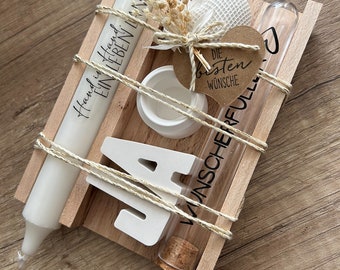
Wedding wish fulfiller
$13.76
-

Exclusive family register "Emma & Tobias", personalized, family record book, document folder, certificates, family book, A5, A4, linen, beige
Sale Price $49.58
Original Price $53.32
-

Wedding gift, cash gift, wish fulfiller, wedding present
$20.07
-

Custom Monogram Acrylic Cake Topper: Elegant Wedding Anniversary Decor
$28.37
-
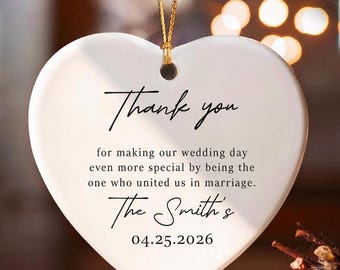
Personalized Officiant Thank You Heart Ornament, Custom Wedding Gift
Sale Price $6.47
Original Price $12.95
-

Wedding Officiant Mug Personalized Keepsake Gift Custom Officiant Proposal Cup Wedding Day Appreciation Thank You Gifts Bridal Party Present
Sale Price $14.99
Original Price $19.99
-

Pine Cone Cake Topper – Winter Wedding, Greenery Anniversary
$40.00
-

Minimalist Initials Wedding Cake Topper - Custom Cake Decoration
$27.35
-

Elegant White Wedding Topper AND Keepsake with Love Birds
$120.00
-

penguin wedding cake topper zoo themed bride groom animal kissing penguin lover Pittsburgh penguins chinstrap penguin mascot college lover
$32.00



 Bridesmaid gifts
 Groomsmen gifts
 Wedding gifts
 Engagement gifts

