


SIPOC Diagram Template | SIPOC Template with Suppliers, Inputs, Process Steps, Outputs and Customers, Excel & Google Sheets, Printable Form
Price:$4.99
Star Seller
Star Sellers have an outstanding track record for providing a great customer experience—they consistently earned 5-star reviews, shipped orders on time, and replied quickly to any messages they received.
You can only make an offer when buying a single item
Star Seller. This seller consistently earned 5-star reviews, shipped on time, and replied quickly to any messages they received.
Highlights
This is one SIPOC diagram template.
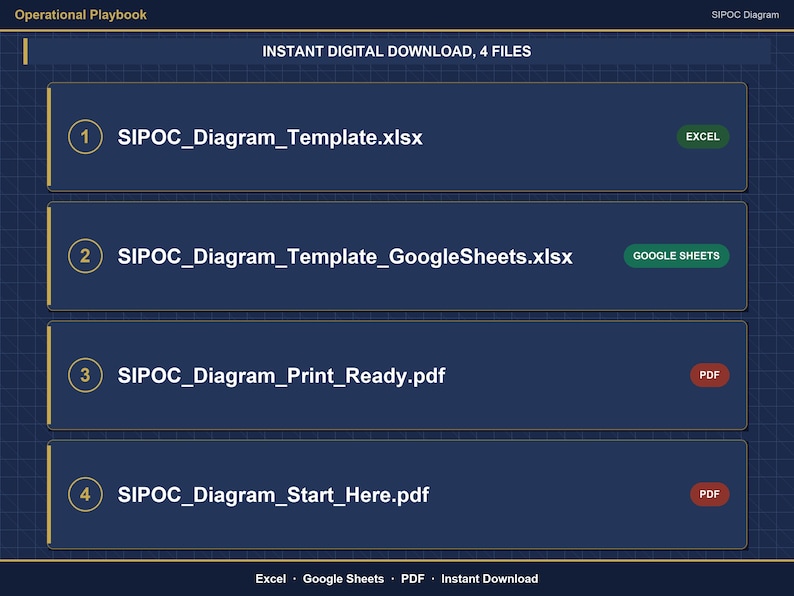
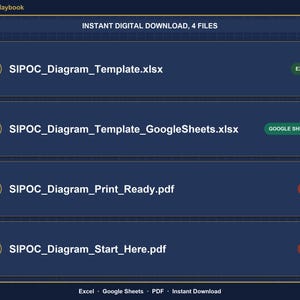
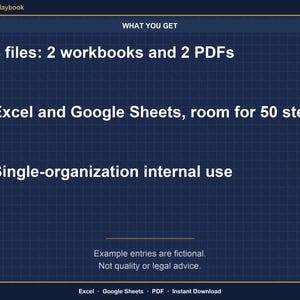
WHAT YOU DOWNLOAD (one ZIP: SIPOC_Diagram_Etsy_Bundle_v1.zip, 4 files)
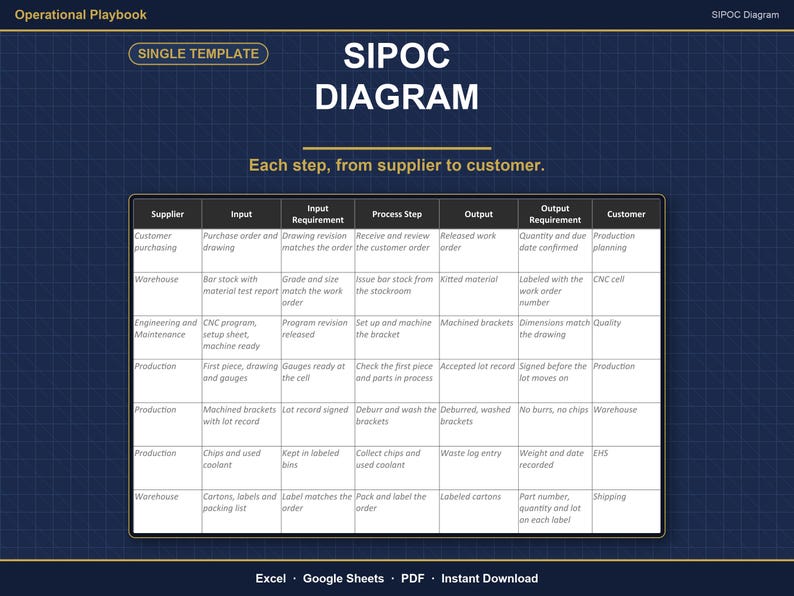
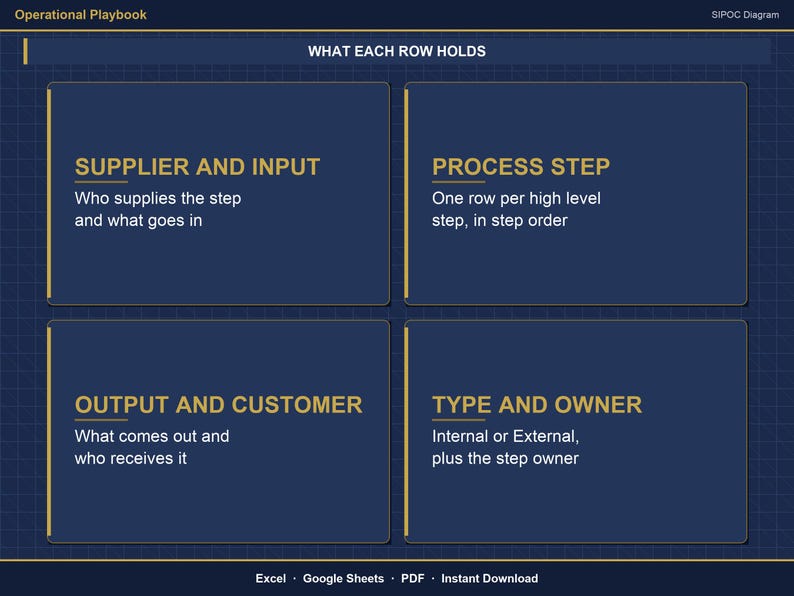
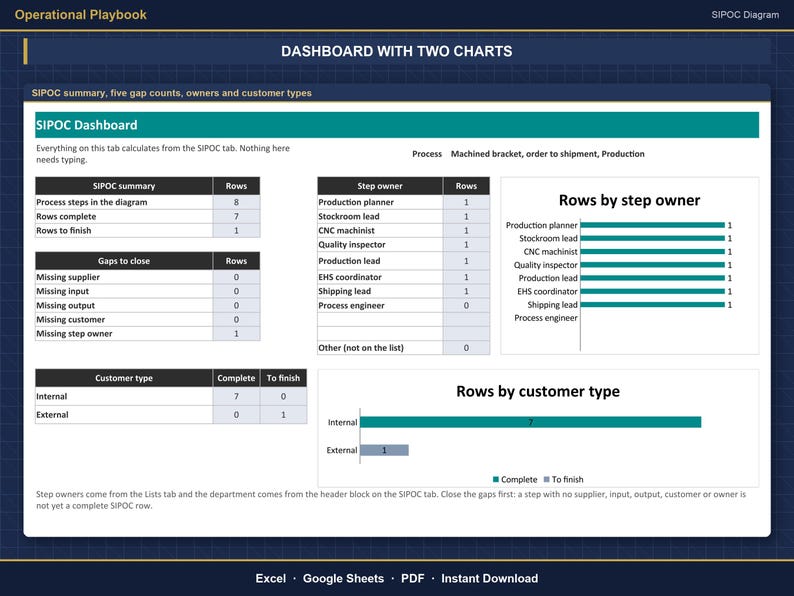
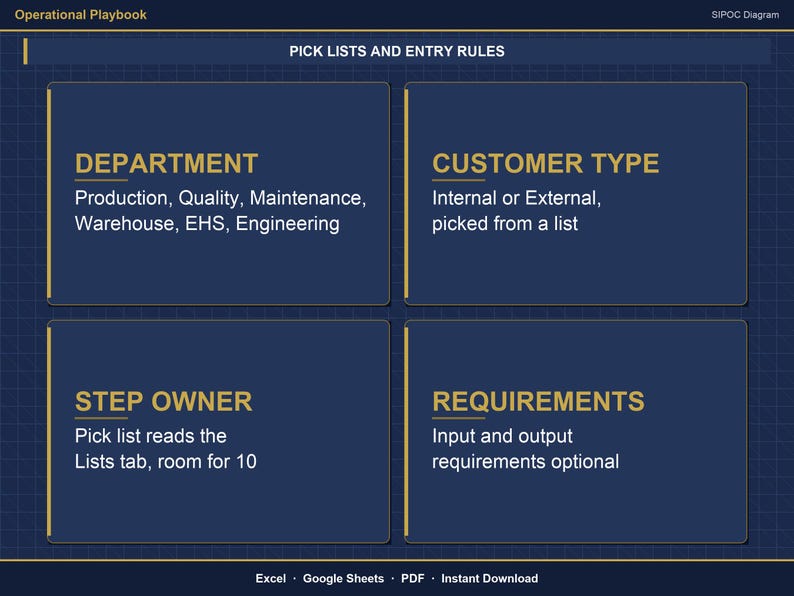
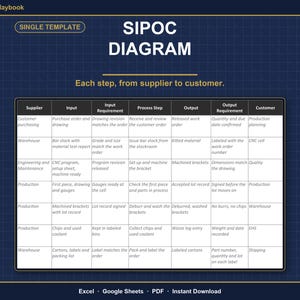
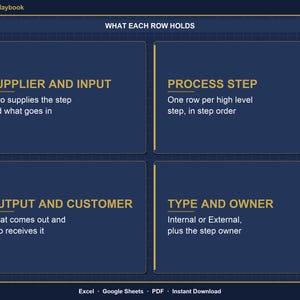
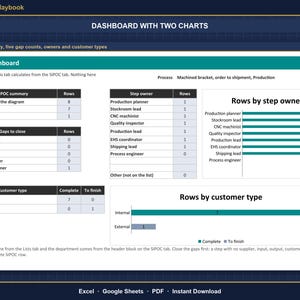
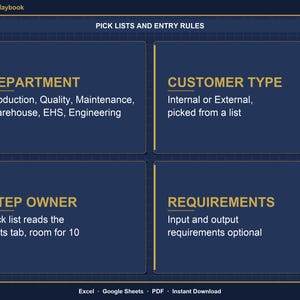
* SIPOC_Diagram_Template_v1.xlsx - the editable Excel workbook, 3 tabs. SIPOC: a header block (Process Name, Process Owner, Department, Process Starts When, Process Ends When, Prepared By and Date) above a grid with one row per high level process step, 11 columns in S-I-P-O-C order from left to right (Step No., Supplier, Input, Input Requirement, Process Step, Output, Output Requirement, Customer, Customer Type, Step Owner and Row Check), 8 example rows in gray italic text and room for 50 process steps. You type who supplies each step, what goes in, the step itself, what comes out, who receives it, whether that customer is internal or external, and the step owner; the input and output requirements are optional, and the shaded Row Check column calculates. Row Check stays blank on an empty row, reads Complete once every required field is in, and otherwise names the first missing field in S-I-P-O-C order: Missing supplier, Missing input, Missing process step, Missing output, Missing customer, Missing customer type or Missing step owner. Complete shows green and each Missing message red. Department (Production, Quality, Maintenance, Warehouse, EHS or Engineering), Customer Type (Internal or External) and Date refuse a wrong entry and show a message. Step Owner warns when a role is not on the Lists tab and lets you keep it. The grid header row carries filter buttons, and the header block, the grid header and the Step No. column stay frozen. Lists: your job roles for the Step Owner dropdown, room for 10, shipped with example roles (Production planner, Stockroom lead, CNC machinist, Quality inspector, Production lead, EHS coordinator, Shipping lead and Process engineer). Dashboard: the process name and department at the top, a SIPOC summary (process steps in the diagram, rows complete and rows to finish), five gap counts (rows that have a process step but no supplier, input, output, customer or step owner), rows by customer type split into complete and to finish, rows by step owner with a line for roles not on the list, and two charts (rows by step owner, and rows by customer type). Nothing on the Dashboard needs typing.
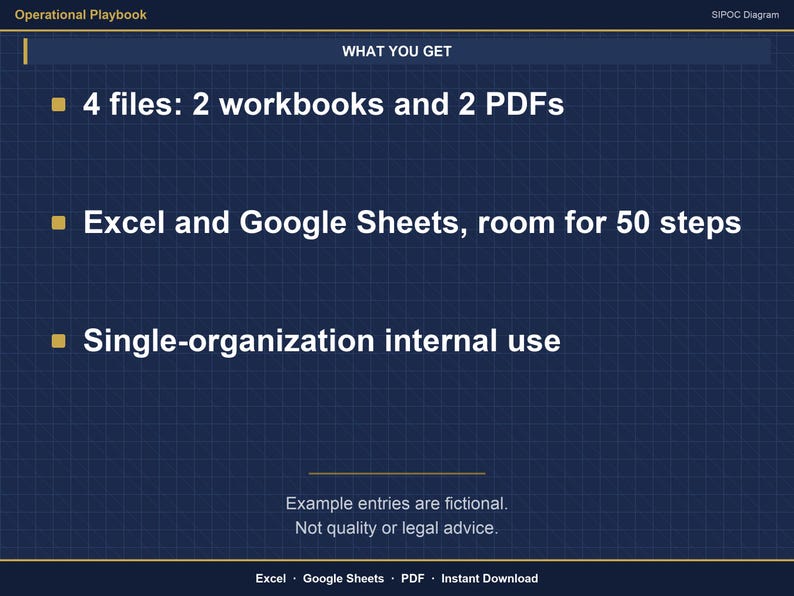
* SIPOC_Diagram_Template_v1_GoogleSheets.xlsx - the same three tabs with a Google Sheets Setup tab first: what carries over, a one-minute check after import, how to print from Google Sheets, and what to do before you roll it out.
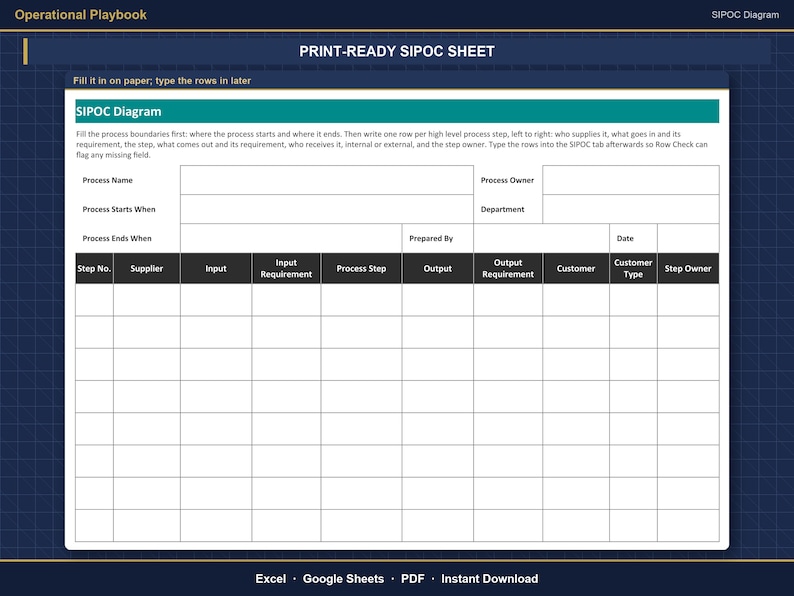
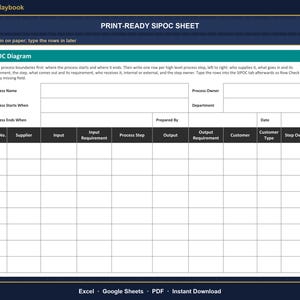
* SIPOC_Diagram_Print_Ready_v1.pdf - a blank one-page printable SIPOC with the same header block, 10 columns (Step No., Supplier, Input, Input Requirement, Process Step, Output, Output Requirement, Customer, Customer Type and Step Owner) and eight rows to fill in by hand. US Letter landscape. No example entries, dropdowns, calculations or charts.
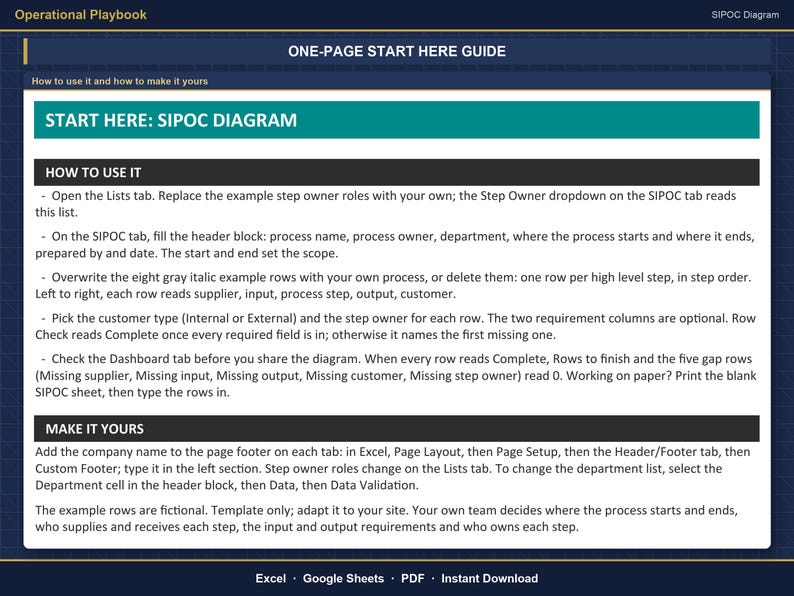
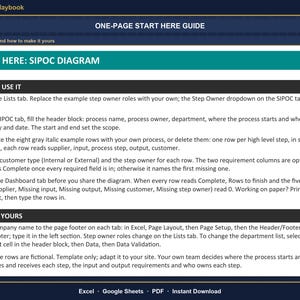
* SIPOC_Diagram_Start_Here_v1.pdf - one-page setup guide, prints on US Letter.
Instant digital download. No physical item ships.
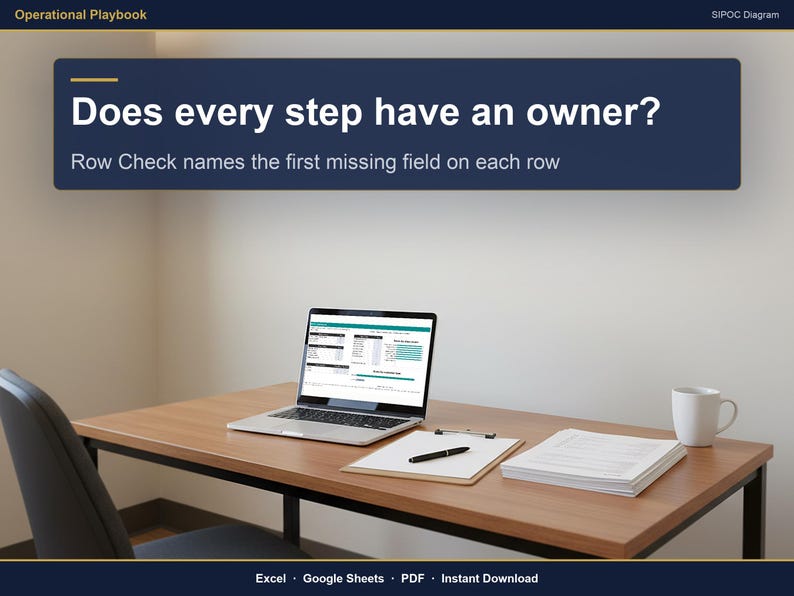
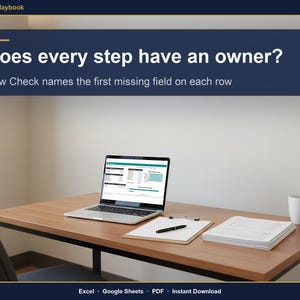
A SIPOC only works when the team agrees where the process starts and where it ends, and every step names who supplies it, what goes in, what comes out and who receives it. On a long sheet, a step with no owner or no named customer is easy to miss. This template puts the process on one grid, one row per high level step, with the start and end written into the header block, and Row Check names the first missing field on any row. The last example row has no step owner on purpose, so Row Check and the Dashboard flag it the first time you open the file. One Dashboard shows the rows to finish, the five gap counts, and how the steps spread across step owners and internal and external customers.
WHO IT IS FOR
Quality engineers, process engineers, operations managers, production supervisors and team leads who need to pin down the scope of a process and write it on one sheet the whole team can read: who supplies each step, what goes in, what comes out and who receives it.
HOW IT WORKS
* Read the one-page Start Here, then open the Lists tab and replace the example step owner roles with your own; the Step Owner dropdown reads this list.
* On the SIPOC tab, fill the header block: process name, process owner, department, where the process starts and where it ends, prepared by and date. The start and end set the scope.
* Overwrite the eight example rows with your own process, or delete them: one row per high level step, in step order. Left to right, each row reads supplier, input, process step, output, customer.
* Pick the customer type (Internal or External) and the step owner for each row, and add an input or output requirement where it helps. Row Check reads Complete once every required field is in; otherwise it names the first missing one.
* Check the Dashboard before you share the diagram: when every row reads Complete, Rows to finish and the five gap rows (Missing supplier, Missing input, Missing output, Missing customer and Missing step owner) read 0. Use the filter buttons to find a step, a customer or an owner. Working on paper? Print the blank SIPOC sheet, then type the rows in.
MAKE IT YOURS
Add your company name to the page footer on each tab; the Start Here shows the Excel path. Step owner roles change on the Lists tab: type over the examples and add more below, up to 10. The Department dropdown ships with Production, Quality, Maintenance, Warehouse, EHS and Engineering; to change it, select the Department cell in the header block, then Data, then Data Validation.
HOW THIS WAS MADE
Designed and built by us. We use AI tools to help draft text and, on some products, artwork. Every template, formula and page is reviewed, edited and tested before it ships.
LICENSE
Single-organization internal use is included.
You may customize the files for your organization's internal business use. Do not resell, redistribute, share, sublicense, or repackage the source files.
Consultants who want to use the materials across multiple client organizations should message the shop about licensing options.
PLEASE NOTE
This template is a structured starting point for writing down your own SIPOC. The example entries are fictional. Nothing in it uses today's date, so Row Check changes only when you change a row. It checks that each row is filled in, not whether the content is right: your own team decides where the process starts and ends, who supplies and receives each step, the input and output requirements and who owns each step. The two requirement columns never raise a Row Check message. The SIPOC is a grid of typed rows; it does not draw shapes or arrows. It has no macros, reminders, e-mail alerts or electronic signatures, and it does not keep a revision history. In Google Sheets the page footer and print area do not carry over; the setup tab shows how to print. It is an operational support tool, not quality or legal advice.
Instant Download
Your files will be available to download once payment is confirmed. Here's how.
Instant download items don’t accept returns, exchanges or cancellations. Please contact the seller about any problems with your order.
Etsy Purchase Protection
Shop confidently on Etsy knowing if something goes wrong with an order, we've got your back for all eligible purchases —
see program terms

Be the first to review this item

Speedy replies Has a history of replying to messages quickly.
Rave reviews Average review rating is 4.8 or higher.
More from this shop
Visit shop-
Digital download
Manufacturing SOP Template | Production Process Standard Operating Procedure with Quality Checkpoints | Editable Word & Printable PDF
$4.99
-
Digital download
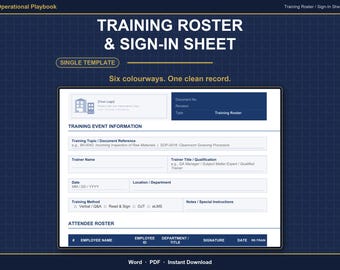
Training Sign In Sheet | Employee Training Roster & Attendance Record | Trainer Sign Off | 6 Colors | Word Template and Printable PDF
$3.49
-
Digital download
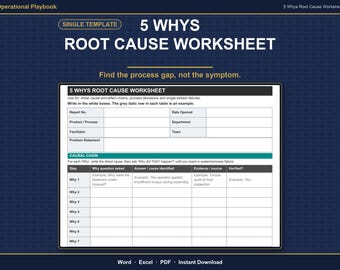
5 Whys Template, Root Cause Analysis Worksheet in Word and Excel
$4.99
-
Digital download
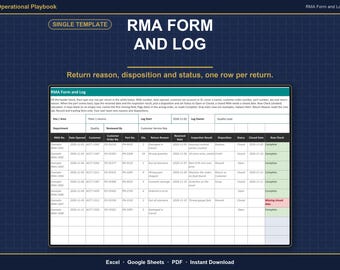
RMA Form Template | Return Material Authorization Log with Return Reason, Disposition and Row Check, Excel & Google Sheets, Printable PDF
$4.99
-
Digital download
SIPOC Process Mapping Template | Lean Six Sigma | Continuous Improvement | Problem Solving Toolkit
$3.41
-
Digital download
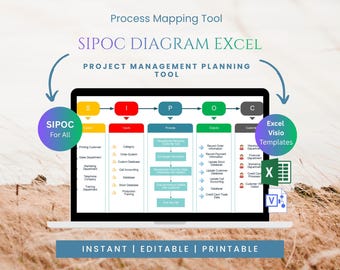
SIPOC Diagram Excel Template | Process Mapping and Project Management Planning Tool
Sale Price $11.25
Original Price $15.00
-
Digital download
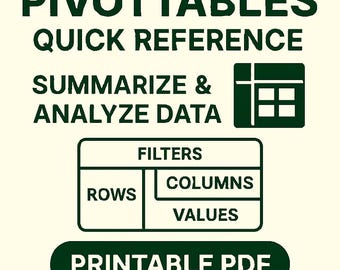
PivotTable Quick Reference | Excel Cheat Sheet | Printable PDF for Data Analysis & Dashboards
$4.07
-
Digital download
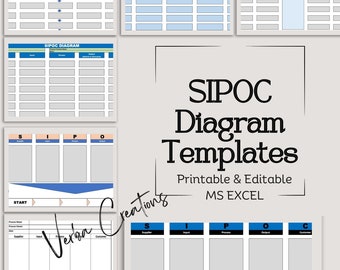
SIPOC Diagram Excel Templates: Editable & Printable (Digital Download)
$17.10
-
Digital download
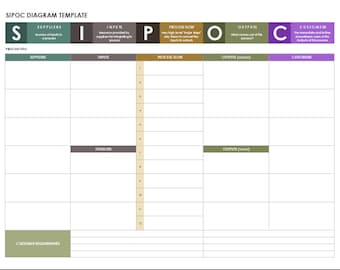
SIPOC Diagram
$2.91
-
Digital download
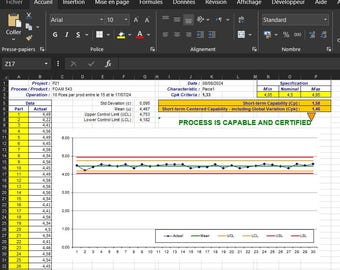
Excel File to Calculate CP and CPK with Graph
$2.18
-
Digital download
Closeout Report | Project Report Template | Performance Evaluation Form | Instant Download | Professional Goal Tracker | Business Task Form
$3.25
-
Digital download
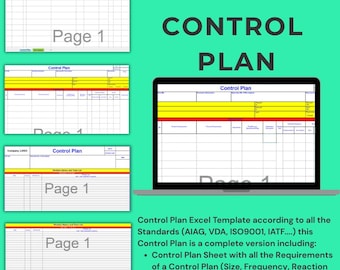
Control Plan Template | IATF 16949 & ISO 9001 Compliant Excel Sheet (Digital Download)
$4.99
-
Digital download
RACI Matrix Template | Lean Six Sigma | Continuous Improvement | Problem Solving Toolkit
$3.41
-
Digital download
Pareto Priority Index Template | Lean Six Sigma | Continuous Improvement | Problem Solving Toolkit
$3.41
-
Digital download
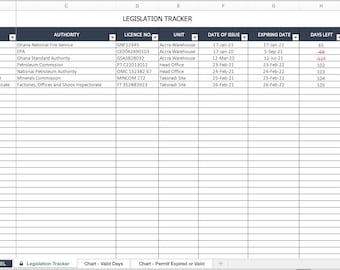
Legislation Tracker | Health and Safety Template | Excel Template
$9.97
-
Digital download
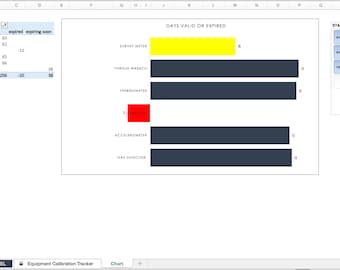
Equipment Calibration Tracker | Health and Safety Template | Excel Template
$5.97
Shoppers with similar taste loved these
-
Digital download
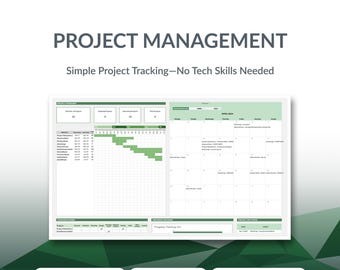
Project Management Template Google Sheets Excel | Task Tracker Dashboard & Gantt Chart
Sale Price $6.44
Original Price $12.89
-
Digital download
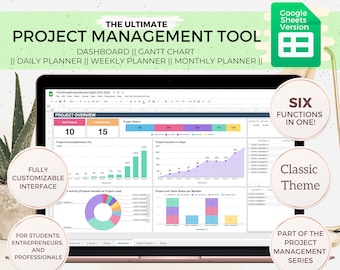
Google Sheets Project Management, The Ultimate Planner, Project Management Template, Project Planner, Gantt Chart, To Do Google Sheet
$18.03
-
Digital download
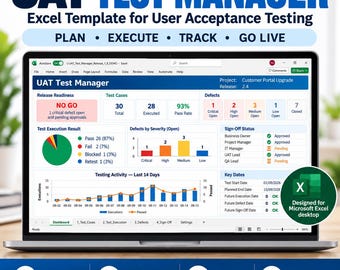
UAT Test Manager Excel Template | User Acceptance Testing | Test Case, Defect Tracker, Sign-Off & QA Dashboard
$9.99
-
Digital download
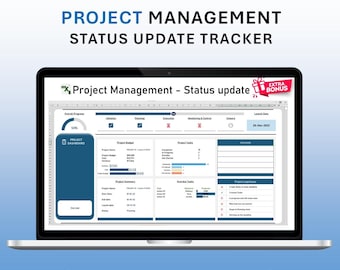
Project Management Dashboard: Excel Status Report Template
Sale Price $4.07
Original Price $10.19
-
Digital download
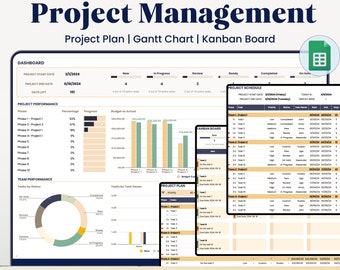
Project Management Template in Google Sheets, Gantt Chart, Kanban Board, Master Team Task Tracker
Sale Price $6.67
Original Price $14.82
-
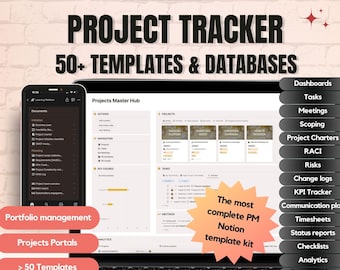
Digital download
Notion Advanced Project Management Kit: 60+ Documents, Project Tracker
$33.06
-
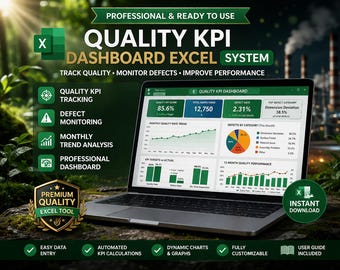
Digital download
Quality KPI Dashboard Excel System, Defect Tracking Template
Sale Price $20.99
Original Price $29.99
-
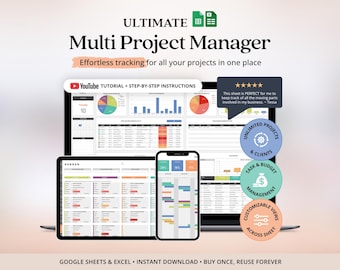
Digital download
Multi Project Management Tracker Template for Small Business Client Tracker Google Sheets Gantt Chart Template Project Budget Kanban Board
Sale Price $3.89
Original Price $15.57
-
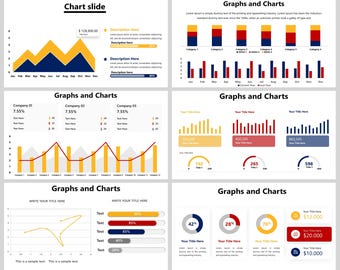
Digital download
Customizable Graphs and Charts PowerPoint template, powerpoint charts and graphs template, KPI Dashboard, Data visualization
$3.00
-
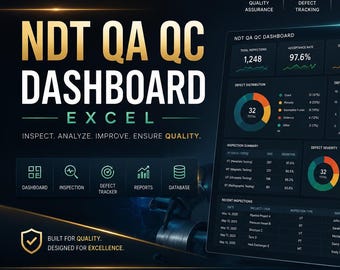
Digital download
NDT QA QC Dashboard Excel | Inspection & Repair Rate Tracker (Instant Download)
Sale Price $18.19
Original Price $25.99
-
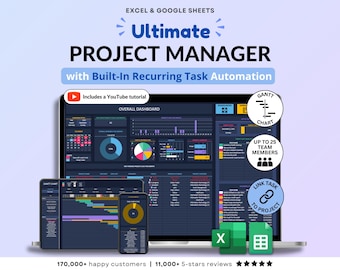
Digital download
Project Planner Spreadsheet Dark Mode Excel Team Project Management Task Tracker Google Sheets Gantt Chart Kanban Board Eisenhower Matrix
Sale Price $8.74
Original Price $17.47
-
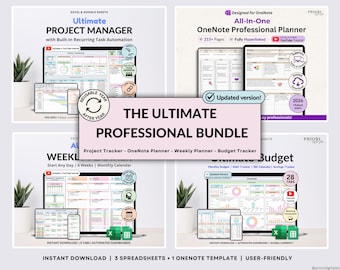
Digital download
Professional Planner Bundle Project Management Excel Template Task Tracker Google Sheets Work OneNote Planner Weekly Planner Budget Tracker
Sale Price $16.38
Original Price $32.76


