


Nonprofit Budget Template for Excel, Budget vs Actual Tracker, Grant and Restricted Fund Tracker, Functional Expenses, Treasurer
Price:$15.99
Here's what's eligible:
- Your order doesn't match the item description or photos
- Your item arrived damaged
- Your item arrived after the estimated arrival window
- Your item didn't arrive or was lost in the mail
You can only make an offer when buying a single item
Highlights
Give your board a clear budget vs actual report. Set this year's budget line by line, record gifts, grant payments and expenses, and the tracker shows budget to date, actual, variance and status for every line, the split between program, management and fundraising costs, and the balance of each restricted grant or fund - for any fiscal year start.
WHY YOU WILL LIKE IT
- See at a glance which lines are over budget or behind.
- Know how much of each restricted grant is left to spend.
- Report program, management and fundraising costs the way funders ask.
- Works with any fiscal year - July to June, October to September or calendar.
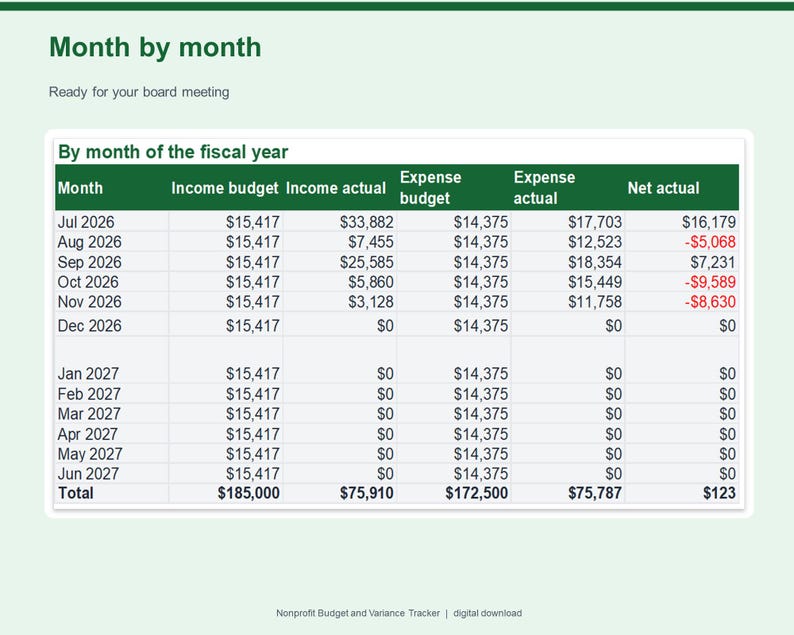
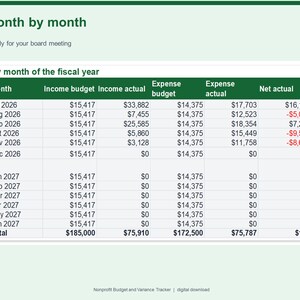
- A month-by-month view that is ready for your board meeting.
FEATURES
- Budget for 60 income and expense lines with functional class (program, management and general, fundraising)
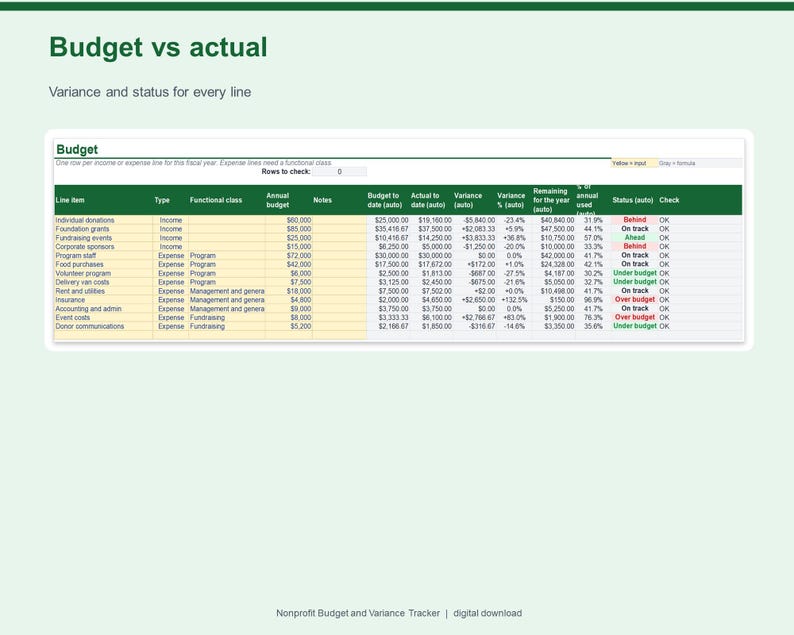
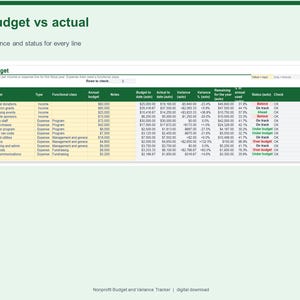
- Budget to date, actual, variance, variance %, remaining and % used for every line, with an alert status
- Transaction log for 1,500 gifts, grant payments and expenses by budget line and fund, with row checks
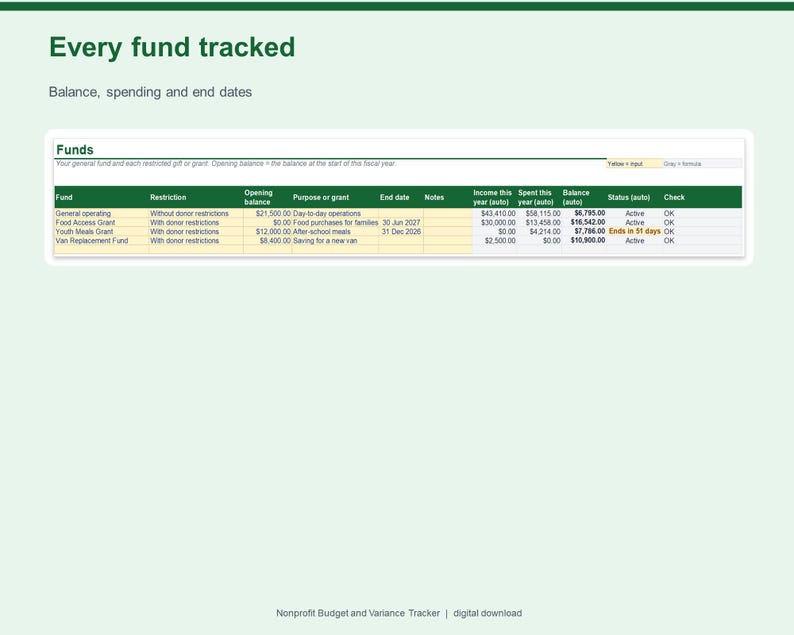
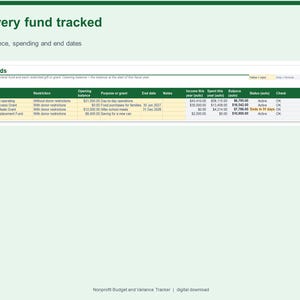
- Fund tracker for 30 restricted and unrestricted funds: income, spending, balance and Overspent / Ends in N days status
- Any fiscal year start month and your own variance alert %
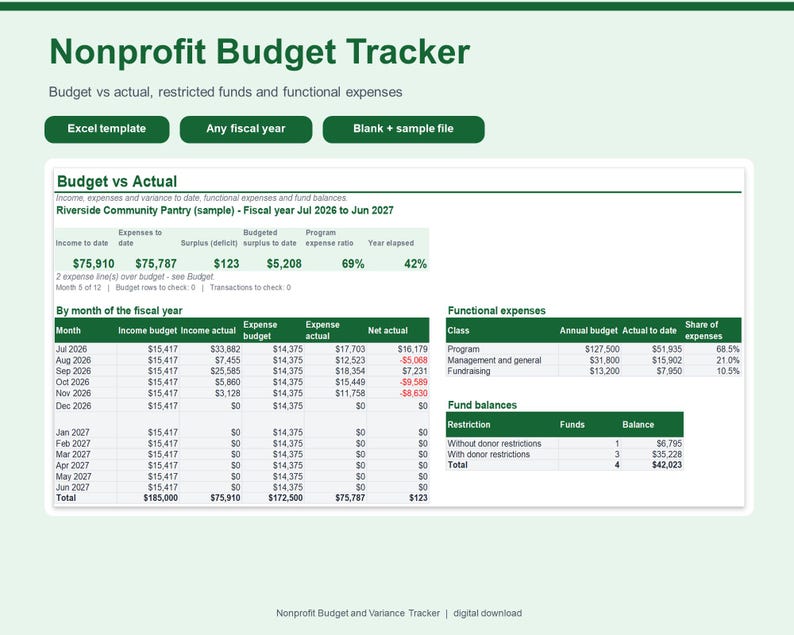
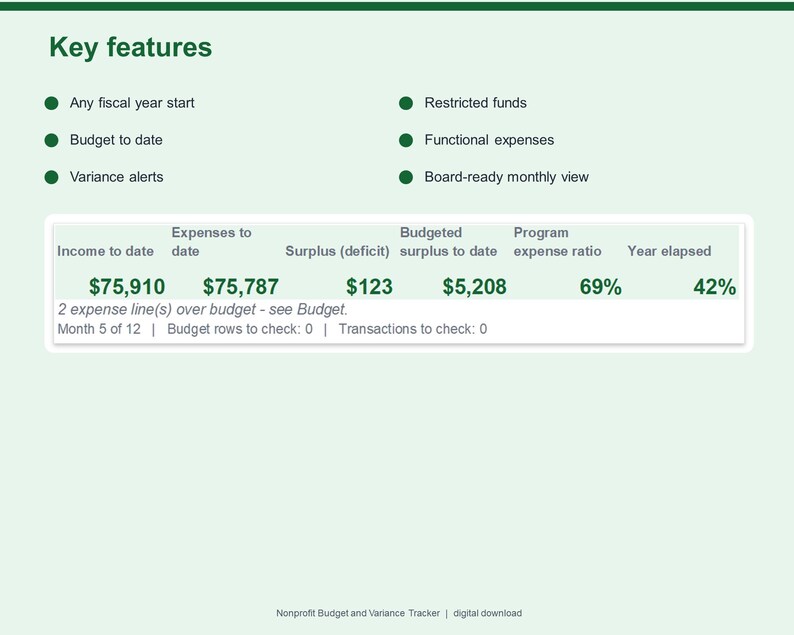
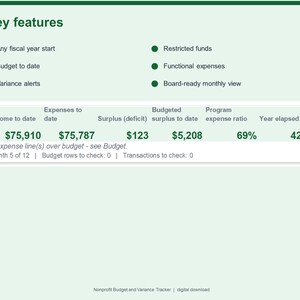
- Dashboard: income and expenses to date, surplus, budgeted surplus, program expense ratio and year elapsed
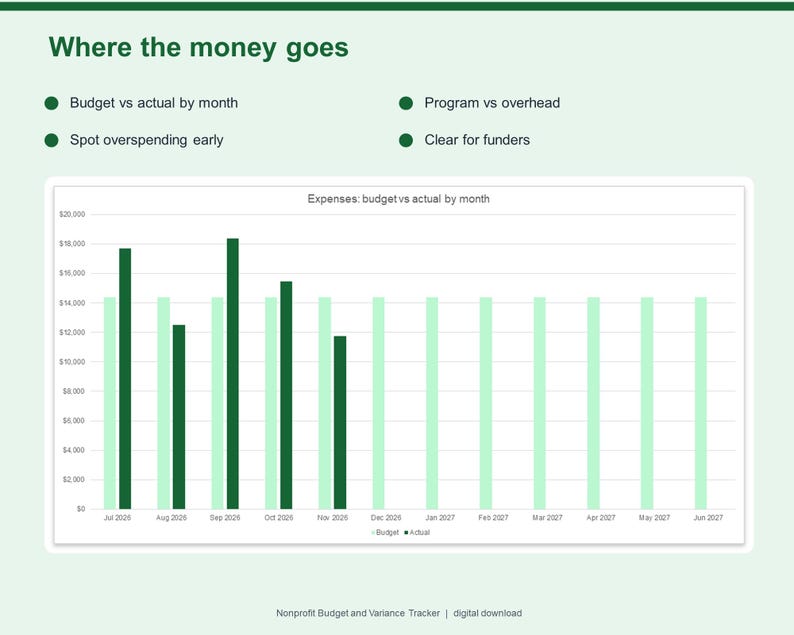
- Month-by-month budget vs actual, functional expenses and fund balances by restriction
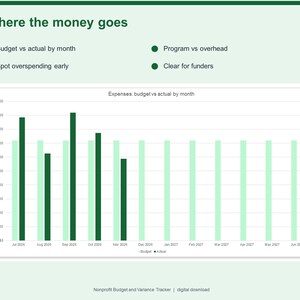
- 3 automatic charts: expenses budget vs actual, income vs expenses, functional expenses
EXAMPLE (fictional sample data)
In the fictional food pantry sample, five months into a July-to-June year, income is $75,910 against $75,787 of expenses and 69% of spending goes to programs. Two lines are flagged over budget - the annual insurance bill paid in July and the harvest dinner - and the Youth Meals Grant has $7,786 left with 51 days to go.
WHAT'S INCLUDED
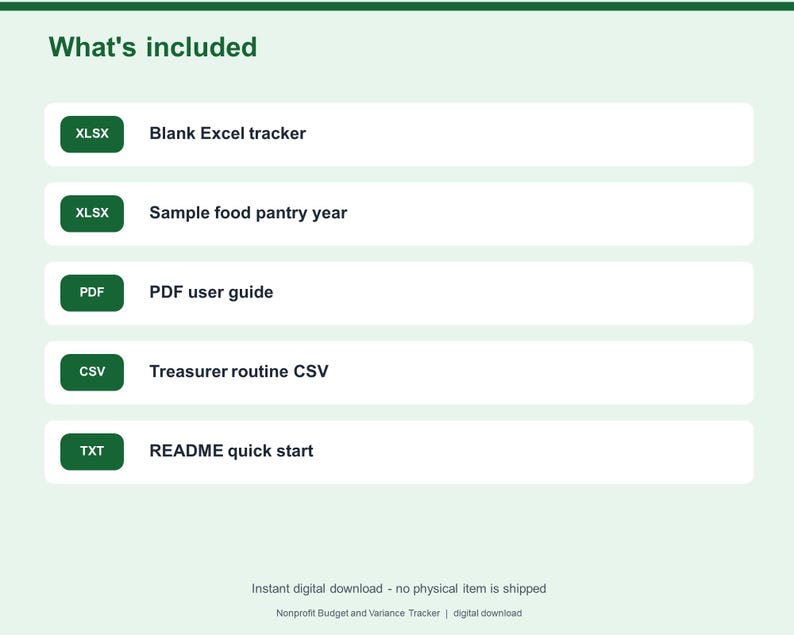
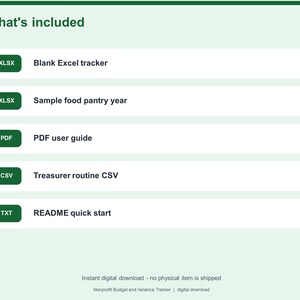
- Nonprofit-Budget-Tracker.xlsx - blank tracker
- Nonprofit-Budget-Tracker-SAMPLE.xlsx - the same workbook with a fictional food pantry's year
- User-Guide.pdf - getting started, how each number is worked out and Google Sheets steps
- Treasurer-Routine.csv - a monthly and year-end treasurer routine
- README.txt - quick start
HOW TO USE
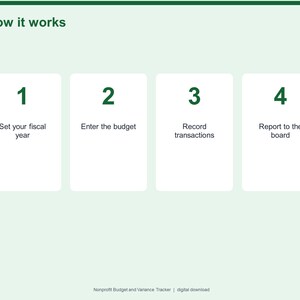
1. Download the ZIP after purchase and unzip it.
2. Open Nonprofit-Budget-Tracker.xlsx in Excel (or upload it to Google Drive and save as Google Sheets).
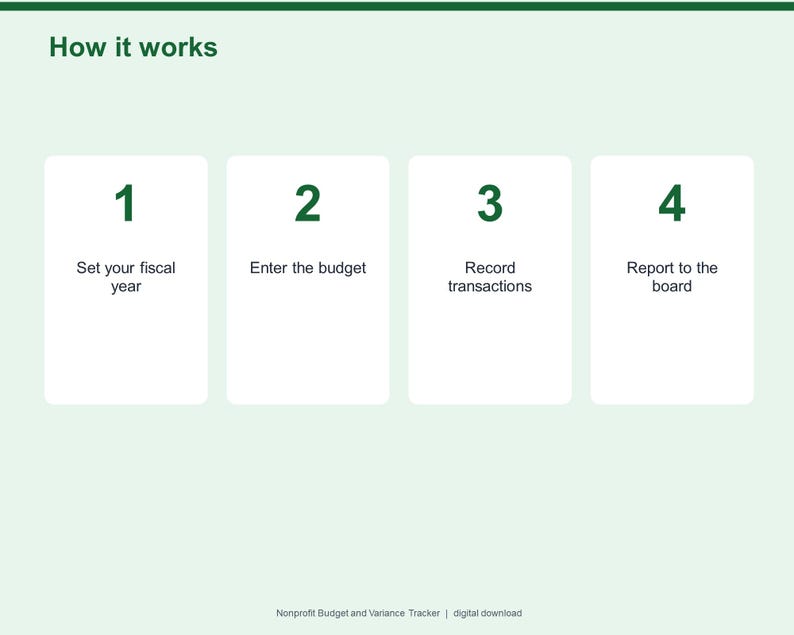
3. Set your fiscal year on Settings, enter the budget and funds, then record transactions.
COMPATIBILITY
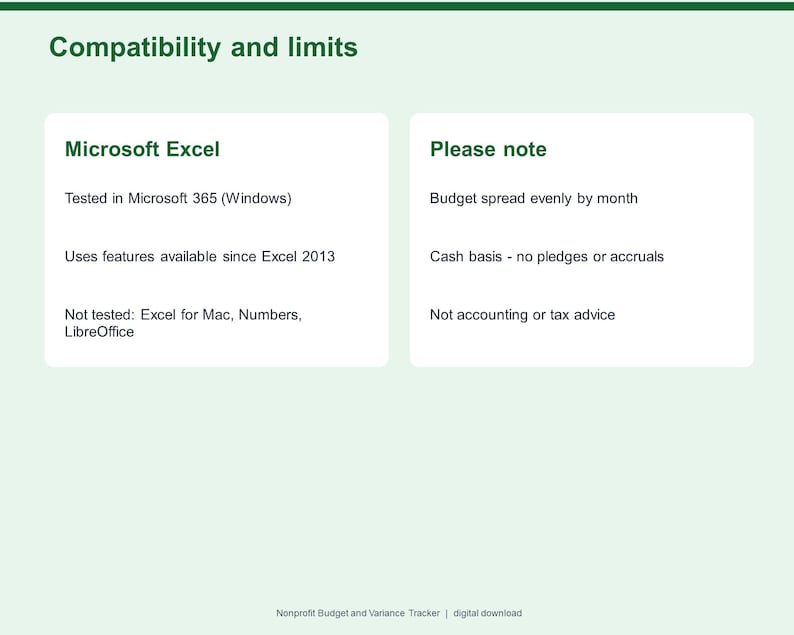
- Microsoft Excel (desktop): tested in Microsoft 365 for Windows. Uses features available since Excel 2013.
- Google Sheets: built only with formulas that Google Sheets also supports; upload the .xlsx to Google Drive and choose File > Save as Google Sheets. Live Google Sheets testing is pending - see the note in the guide.
- Not tested in Apple Numbers, LibreOffice or Excel for Mac.
PLEASE NOTE
This is a digital download - no physical product will be shipped. Please read the description and compatibility notes before purchasing. Sample organization and amounts are fictional. A budgeting and tracking tool, not accounting, audit or tax advice.
FAQ
Does it work if our fiscal year starts in July?
Yes. Set the start month on Settings (for example 7 for July) and every total, month and budget-to-date figure follows that year.
How is budget to date worked out?
Annual budget x months elapsed / 12, counting the current month. It is an even spread, so seasonal lines may show as ahead or behind early in the year.
How are restricted funds handled?
Add each grant or restricted gift as a fund with its restriction and opening balance. Tag income and expenses with the fund and the balance updates.
Does it prepare Form 990 or an audit report?
No. It is a budgeting and tracking tool. The functional expense split can help when you work with your accountant.
How many lines and transactions?
Up to 60 budget lines, 1,500 transactions and 30 funds per file. Start a new copy each fiscal year.
Will I receive a physical item?
No. This is an instant digital download.
Instant Download
Your files will be available to download once payment is confirmed. Here's how.
Instant download items don’t accept returns, exchanges or cancellations. Please contact the seller about any problems with your order.
Etsy Purchase Protection
Shop confidently on Etsy knowing if something goes wrong with an order, we've got your back for all eligible purchases —
see program terms

More from this shop
Visit shop-
Digital download
Notary Journal Spreadsheet for Excel, Loan Signing Agent Tracker, Notary Fee and Mileage Log, Mobile Notary Business Planner
$12.99
-
Digital download
Punch List Template for Excel, Construction Change Order Log, Contractor Project Tracker, Remodel Closeout Checklist Spreadsheet
$9.99
-
Digital download
Personal Finance Planner Spreadsheet for Excel, Yearly Budget Plan vs Actual, Savings Goals, Debt Payoff and Net Worth Tracker
$12.99
-
Digital download
Budget Spreadsheet Template for Excel, Budget vs Actual Dashboard, 50 30 20 Budget Planner, Simple Household Budget with Charts
$8.99
Be the first to leave a review
-
Digital download
NonProfit Budget Tracker - Google Docs template for annual fundraising revenue and expenses
$19.99
-
Digital download
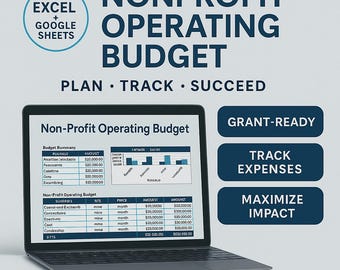
Nonprofit Operating Budget Template Excel & Google Sheets | Annual Finance Planner and Expense Tracker
Sale Price $5.60
Original Price $11.20
-
Digital download
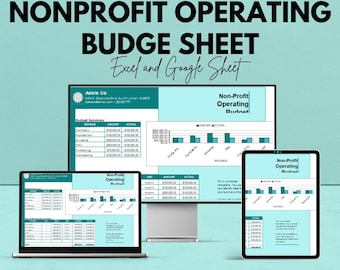
Nonprofit Operating Budget Sheet | Excel & Google Sheets | Editable Financial Template | Budget Tracker for Nonprofits
Sale Price $5.70
Original Price $11.39
-
Digital download
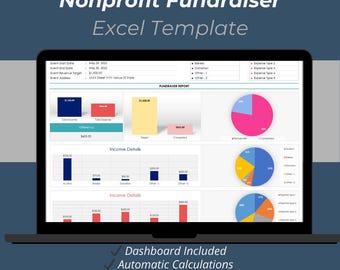
Nonprofit Fundraiser Excel Template | Charity Event Income & Expense Tracker Spreadsheet
Sale Price $6.54
Original Price $10.90
-
Digital download
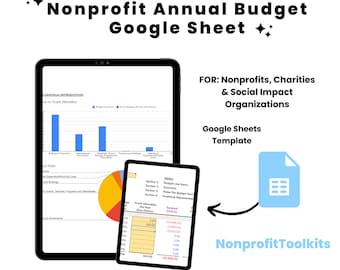
Nonprofit Budget Tracker Google Sheet: Annual Charity Finance Tool (Digital)
Sale Price $6.86
Original Price $11.44
-
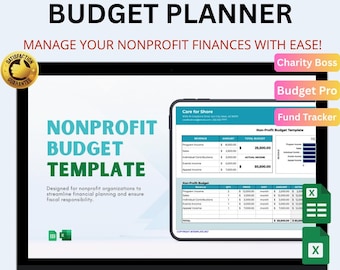
Digital download
Nonprofit Budget Template Excel & Google Sheets | Annual Budget, Expense Tracker and Finance Planner
Sale Price $5.60
Original Price $11.20
-
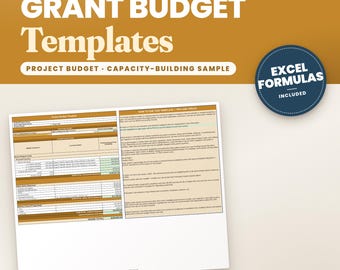
Digital download
Nonprofit Grant Budget Template: 3 Versions (Digital Download)
Sale Price $10.38
Original Price $12.97
-
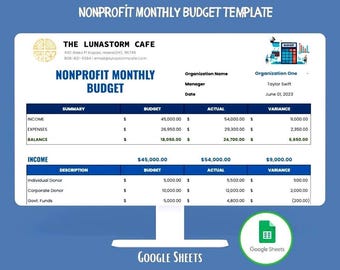
Digital download
Nonprofit Monthly Budget Google Sheets Charity Expense Planner Donation Income Tracking Financial Management Template
Sale Price $6.56
Original Price $8.75
-
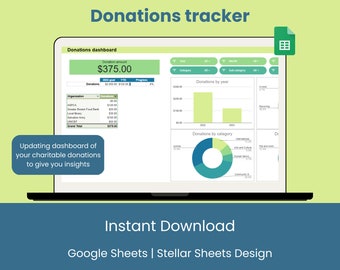
Digital download
Charitable non-profit donations expense tracker spreadsheet template
$10.00
-
Digital download
Detailed Non-Profit Budget Template
$15.00
-
Digital download
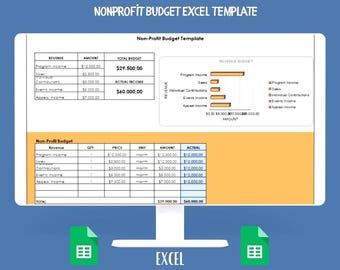
Nonprofit Budget Excel Template For Grant Planning, Donation Tracking, Program Expenses, Operating Costs, Financial Reports, Fund Management
Sale Price $6.56
Original Price $8.75
-
Digital download
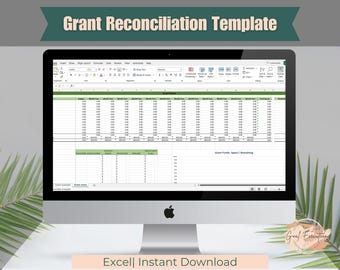
NONPROFIT Grant Reconciliation Budget template – EXCEL
$15.00
Shoppers with similar taste loved these
-
Digital download
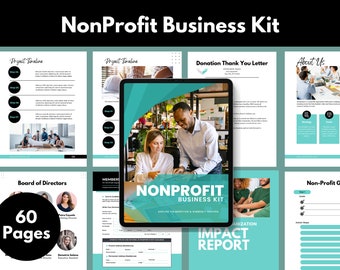
Nonprofit Startup Kit: Business Plan & Grant Templates (Digital Download
$40.00
-

Digital download
PTO PTA Sponsorship Levels Form Editable Template, Non-Profit Flyer, Canva
Sale Price $4.99
Original Price $9.99
-
Digital download
Non Profit Whistleblower Policy Template, 501c3 Compliant (PDF, Word)
Sale Price $9.74
Original Price $12.99
-
Digital download
Nonprofit Board Invitation Letter Template (Microsoft Word)
$4.99
-

Digital download
Nonprofit One-Pager Templates: Impact Report Canva Designs
$12.00
-

Digital download
Nonprofit Sponsorship Fundraiser Flyers: Editable Canva Template (5-Pack)
$8.50
-

Digital download
Non-Profit Canva Website Template, Organization Website (Digital Download)
$28.35
-

Digital download
Non Profit Run Event Template Bundle: T-Shirt, Flyer, Bib (Canva & PDF)
Sale Price $22.50
Original Price $30.00
-
Digital download
Non Profit Bundle Legal Templates for Non-Profit Articles Bylaws 501c3 Meeting Minutes Non Profit Policy 501c3 Donation Receipt
$29.00
-
Digital download
NonProfit Program Proposal Template, Charitable Organization Project Form Pdf, Canva
Sale Price $3.59
Original Price $3.99
-
Digital download
NEW DONOR WELCOME Letter - Google Doc Template, Nonprofit Fundraising Template, Customizable, Editable, Welcome New Donors
$5.99
-

Digital download
GIVING TUESDAY EMAIL Templates - Giving Tuesday Templates, Email templates, Fundraising Emails, Campaign Emails, November 29, Fundraiser
$9.99


