


PPE Issue Log Template | Issued PPE Record with Replace By Date, Due Soon and Overdue Status, Excel & Google Sheets, Printable Form
Price:$4.99
Star Seller
Star Sellers have an outstanding track record for providing a great customer experience—they consistently earned 5-star reviews, shipped orders on time, and replied quickly to any messages they received.
5.0 out of 5
2 ratings
You can only make an offer when buying a single item
Star Seller. This seller consistently earned 5-star reviews, shipped on time, and replied quickly to any messages they received.
Highlights
This is one PPE issue log template.
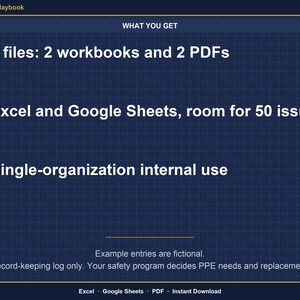
WHAT YOU DOWNLOAD (one ZIP: PPE_Issue_Log_Etsy_Bundle_v1.zip, 4 files)
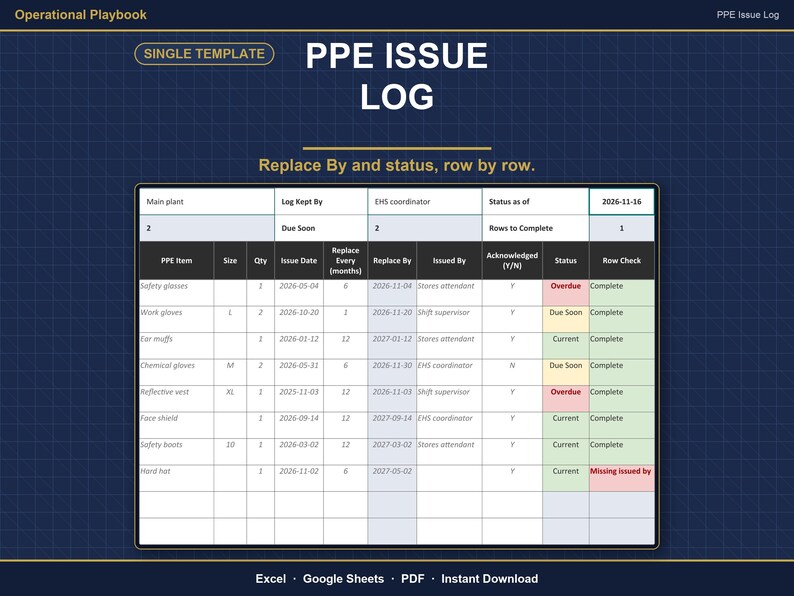
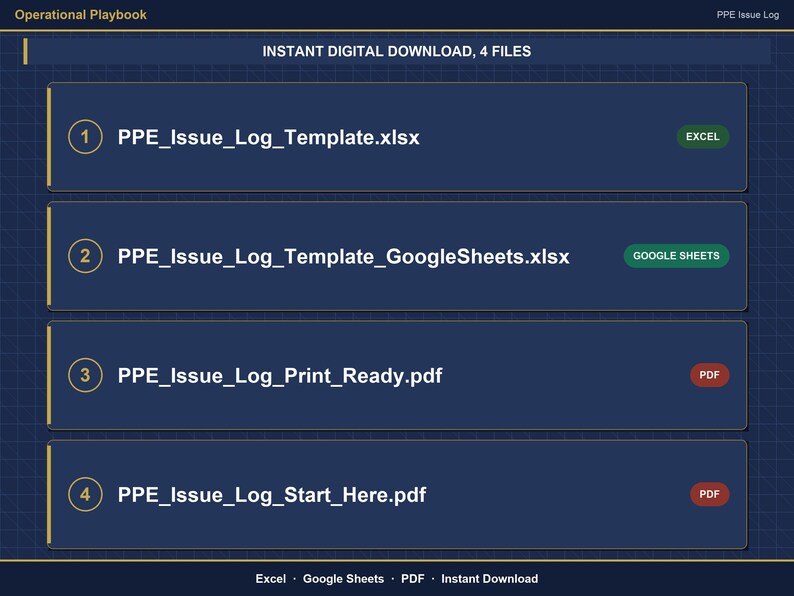
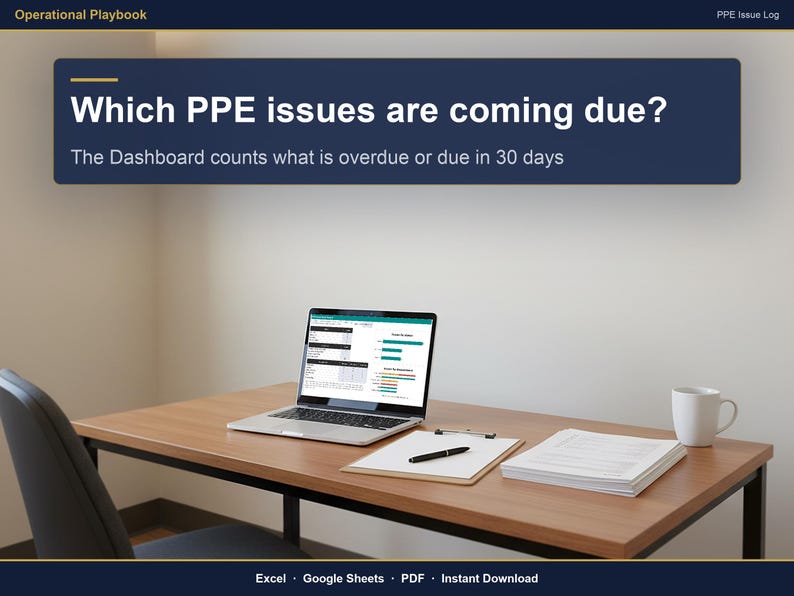
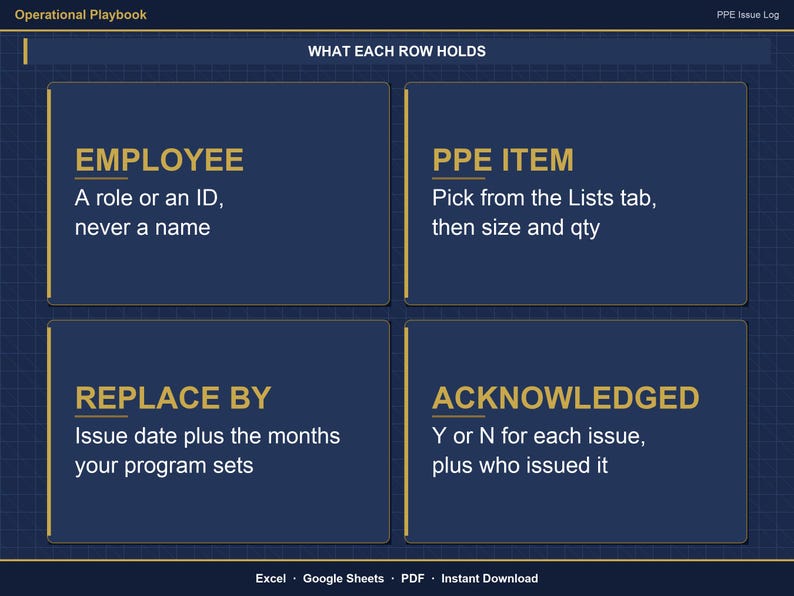
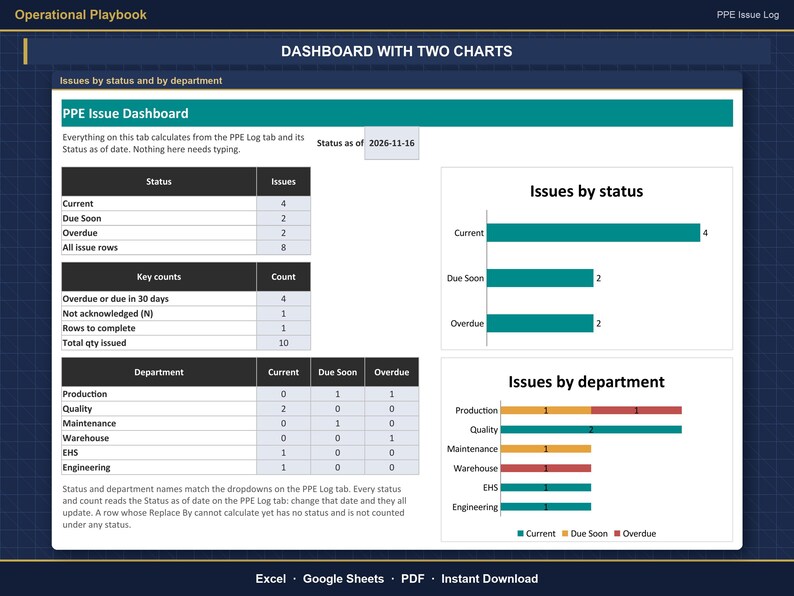
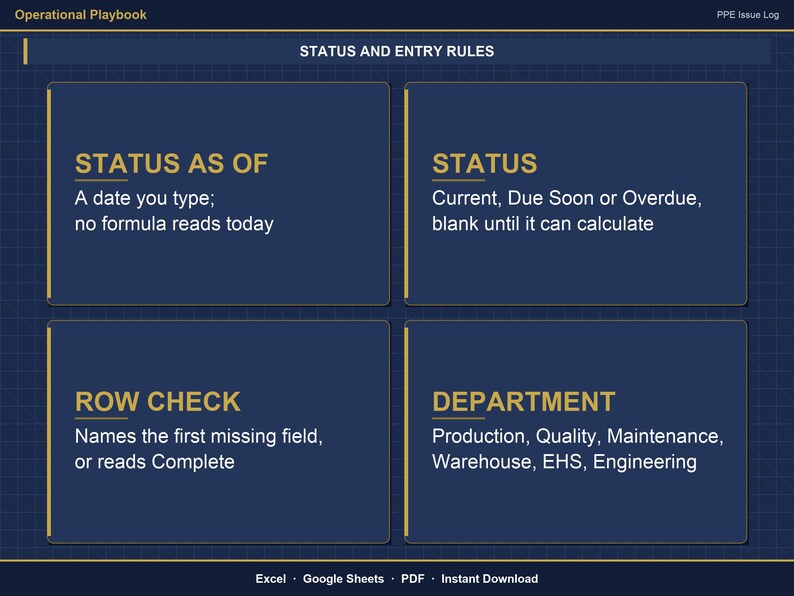
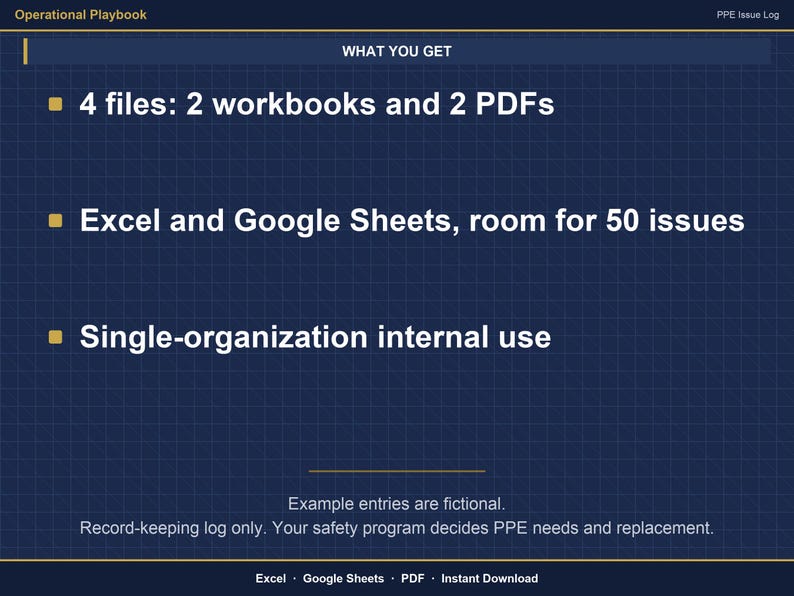
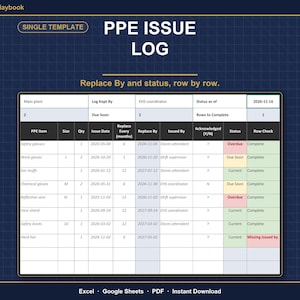
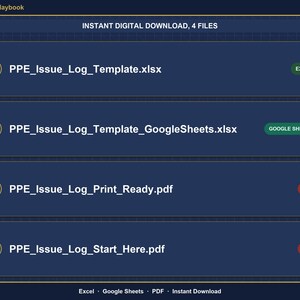
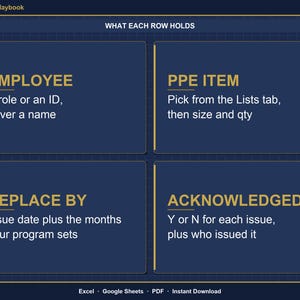
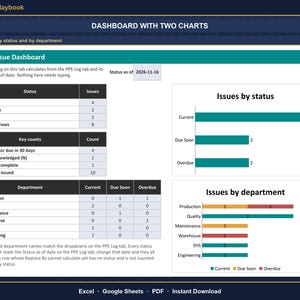
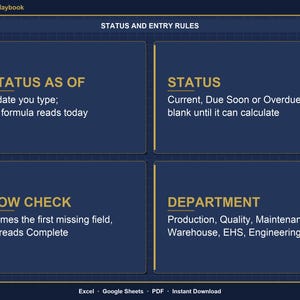
* PPE_Issue_Log_Template_v1.xlsx - the editable Excel workbook, 3 tabs. PPE Log: a header block (Site / Area, Log Kept By, Status as of, Overdue, Due Soon and Rows to Complete) above one row per PPE issue, 12 columns from left to right (Employee (Role or ID), Department, PPE Item, Size, Qty, Issue Date, Replace Every (months), Replace By, Issued By, Acknowledged (Y/N), Status and Row Check), 8 example rows in gray italic text and room for 50 issues. You type the employee, department, PPE item, size, qty, issue date, replace every (months), issued by and Y or N; the three shaded columns calculate. Replace By adds the Replace Every months to the Issue Date and stays blank until both are filled in; an issue dated the 31st lands on the last day of a shorter month. Status reads Current, Due Soon or Overdue against the Status as of date you type in the header block: Overdue when Replace By is before that date, Due Soon when Replace By falls on it or within 30 days after it, and Current when Replace By is more than 30 days out. Status stays blank when Replace By cannot calculate, when the Status as of date is blank, or when the issue date is after the Status as of date, and Row Check gives the reason. Row Check stays blank on an empty row; otherwise it names the first missing field (Missing employee, Missing department, Missing PPE item, Missing qty, Missing issue date, Missing replace every, Missing issued by or Missing Y/N) in red, then reads Missing status date when the Status as of date is blank or Check issue date when the issue date is after it, and otherwise reads Complete in green. Size is optional. Status shows Current in green, Due Soon in amber and Overdue in red. The Overdue, Due Soon and Rows to Complete cells in the header block count the grid. Department (Production, Quality, Maintenance, Warehouse, EHS or Engineering) and Acknowledged (Y or N) take a value from their list, Issue Date and Status as of take a date, Qty takes a whole number from 1 to 999 and Replace Every takes a whole number from 1 to 120; each of these refuses a wrong entry. PPE Item offers the items on the Lists tab and warns on any other item, but an item not on the list can still be kept. The grid header row carries filter buttons, and the header rows and the Employee column stay frozen. Lists: your PPE items for the PPE Item dropdown, room for 20, shipped with example items (Safety glasses, Work gloves, Ear muffs, Chemical gloves, Reflective vest, Face shield, Safety boots, Hard hat, Ear plugs and Welding jacket). Dashboard: the Status as of date at the top, issues by status (Current, Due Soon, Overdue and all issue rows), key counts (Overdue or due in 30 days, Not acknowledged (N), Rows to complete and Total qty issued), issues by department and status, and two charts (issues by status, and issues by department).
* PPE_Issue_Log_Template_v1_GoogleSheets.xlsx - the same three tabs with a Google Sheets Setup tab first.
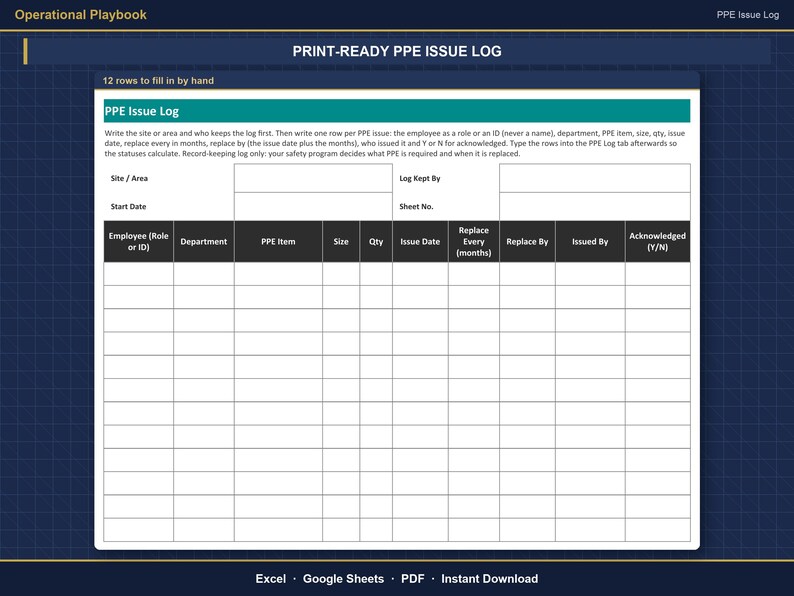
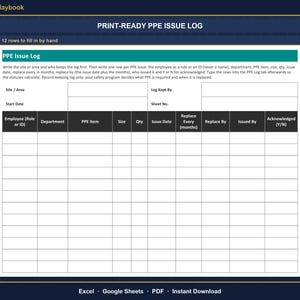
* PPE_Issue_Log_Print_Ready_v1.pdf - a blank one-page printable PPE issue log with its own header block (Site / Area, Log Kept By, Start Date and Sheet No.), 10 columns (Employee (Role or ID), Department, PPE Item, Size, Qty, Issue Date, Replace Every (months), Replace By, Issued By and Acknowledged (Y/N)) and 12 rows to fill in by hand. US Letter landscape. No example entries, dropdowns, calculations or charts.
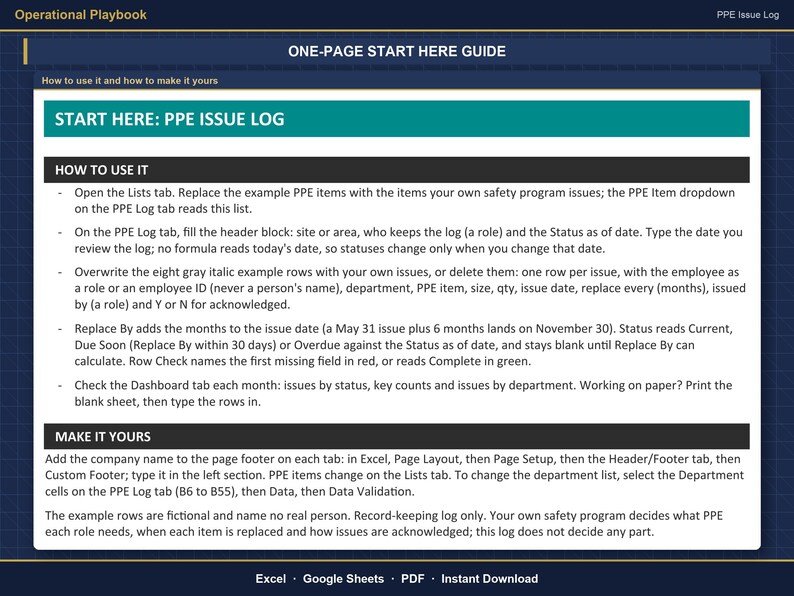
* PPE_Issue_Log_Start_Here_v1.pdf - one-page setup guide, prints on US Letter.
Instant digital download. No physical item ships.
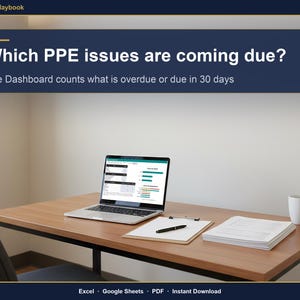
A PPE issue record only helps when every row is complete. When issues live on loose sheets or in one person's memory, it is hard to answer plain record questions: which role or ID received which item, on what date, whether the issue was acknowledged, and which items reach the replace-by date your own program sets. This log puts each issue on one row. You type the issue and the number of months your safety program sets for that item; Replace By calculates the date, and Status compares it with the Status as of date you type. Row Check names the first missing field on any row that is not complete, and one Dashboard shows issues by status, key counts and issues by department.
WHO IT IS FOR
EHS coordinators, plant and operations managers, shift supervisors, stores attendants and small manufacturers who issue PPE and want a plain record of each issue on one sheet the team can read. It is a record-keeping log only: one row per issue. Employees are recorded by role or ID, never by name.
HOW IT WORKS
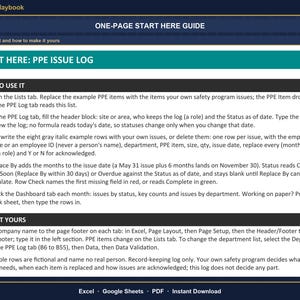
* Read the one-page Start Here, then open the Lists tab and replace the example PPE items with the items your own safety program issues; the PPE Item dropdown reads this list.
* On the PPE Log tab, fill the header block: site or area, who keeps the log (a role) and the Status as of date. No formula reads today's date, so statuses change only when you change that date.
* Overwrite the eight example rows with your own issues, or delete them: one row per issue, with the employee as a role or an employee ID, department, PPE item, size, qty, issue date, replace every (months) as your safety program sets it, issued by (a role) and Y or N for acknowledged.
* Replace By, Status and Row Check calculate as you type. Row Check names the first missing field on each row, or reads Complete.
* Check the Dashboard when you review the log: issues by status, key counts and issues by department. Use the filter buttons to find an employee, a department or the Overdue rows. Working on paper? Print the blank sheet, then type the rows in.
MAKE IT YOURS
Add your company name to the page footer on each tab; the Start Here shows the Excel path. PPE items change on the Lists tab: type over the examples and add more below, up to 20. The Department dropdown ships with Production, Quality, Maintenance, Warehouse, EHS and Engineering; to change it, select the Department cells on the PPE Log tab, then Data, then Data Validation.
HOW THIS WAS MADE
Designed and built by us. We use AI tools to help draft text and, on some products, artwork. Every template, formula and page is reviewed, edited and tested before it ships.
LICENSE
Single-organization internal use is included.
You may customize the files for your organization's internal business use. Do not resell, redistribute, share, sublicense, or repackage the source files.
Consultants who want to use the materials across multiple client organizations should message the shop about licensing options.
PLEASE NOTE
Record-keeping log only. Your safety program decides PPE needs and replacement. Your own safety program decides what PPE each role needs, when each item is replaced and how issues are acknowledged; this log does not decide any part. The Replace Every values in the example rows are example data only, not a replacement interval for any item. The example entries are fictional and name no real person. Nothing in it uses today's date: Status changes only when you change the Status as of date. It adds months to the dates you type and compares dates; it does not choose PPE, sizes or replacement intervals for you. It has no macros, reminders or e-mail alerts, and it does not connect to other systems. It is an operational support tool, not professional advice.
Instant Download
Your files will be available to download once payment is confirmed. Here's how.
Instant download items don’t accept returns, exchanges or cancellations. Please contact the seller about any problems with your order.
Etsy Purchase Protection
Shop confidently on Etsy knowing if something goes wrong with an order, we've got your back for all eligible purchases —
see program terms

Be the first to review this item

Speedy replies Has a history of replying to messages quickly.
Rave reviews Average review rating is 4.8 or higher.
More from this shop
Visit shop-
Digital download
Manufacturing SOP Template | Production Process Standard Operating Procedure with Quality Checkpoints | Editable Word & Printable PDF
$4.99
-
Digital download
Training Sign In Sheet | Employee Training Roster & Attendance Record | Trainer Sign Off | 6 Colors | Word Template and Printable PDF
$3.49
-
Digital download
5 Whys Template, Root Cause Analysis Worksheet in Word and Excel
$4.99
-
Digital download
RMA Form Template | Return Material Authorization Log with Return Reason, Disposition and Row Check, Excel & Google Sheets, Printable PDF
$4.99
-
Digital download
HVAC Permit Log (Excel) | Construction Permit Tracker with Status & Inspections
$4.00
-
Digital download
Recurring Defect Tracker Excel Template | Manufacturing Quality Log (Digital Download)
Sale Price $3.74
Original Price $4.99
-
Digital download
Mileage Log Template (Blue) | Excel & Google Sheets | Track Business Miles + Tax Deductions | Small Business | Instant Download
$3.97
-
Digital download
Mileage Log Template (Purple) | Excel & Google Sheets | Track Business Miles + Tax Deductions | Small Business | Instant Download
$3.97
-
Digital download
Mileage Log Template (Green) for Microsoft Excel & Google Sheets - Small Business Mileage Log - Track Tax Deductions - Instant Download
$3.97
-
Digital download
Mileage Log - Excel Download, Calculates Reimbursement
$4.99
-
Digital download
Mileage Log Template (Green) for Microsoft Excel & Google Sheets - Small Business Mileage Log - Track Tax Deductions - Instant Download
$3.97
-
Digital download
Mileage Log Template (Green) for Microsoft Excel & Google Sheets - Small Business Mileage Log - Track Tax Deductions - Instant Download
$3.97
-
Digital download
Vehicle Mileage Log: Editable Excel HR Template (Digital Download)
$3.00
-
Digital download
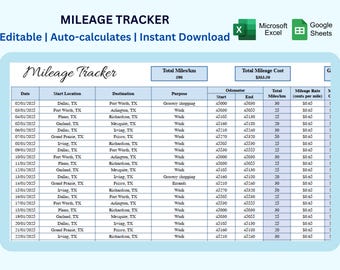
Editable Mileage Tracker: Google Sheets & Excel Template
$2.88
-

Digital download
Printable Mileage Tracker, Automatic Calculation Template (Digital Download)
$3.99
-
Digital download
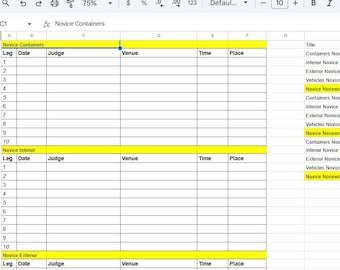
Digital Tracking - UKC Nosework
Sale Price $3.00
Original Price $4.00
Shoppers with similar taste loved these
-
Digital download
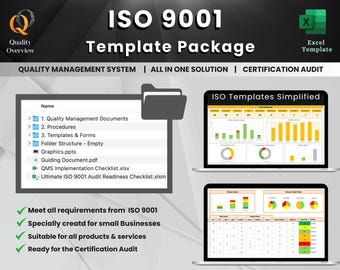
Ultimate ISO 9001 Template Package | Quality Management System | All-In-One Solution | Certification
Sale Price $85.50
Original Price $142.50
-
Digital download
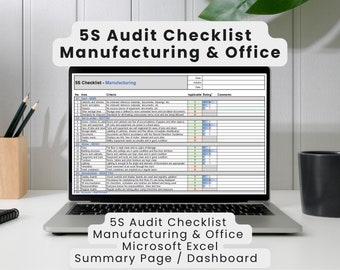
5S Audit Checklist | Manufacturing | Office | Dashboard | Scoring | Excel | Template
Sale Price $4.79
Original Price $7.98
-
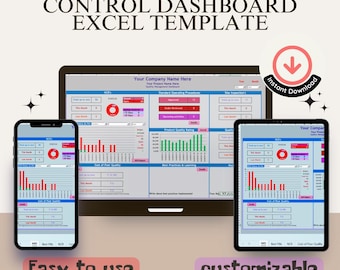
Digital download
Quality Control Dashboard Excel Template: Detailed Inspection Tracker (Google Sheet)
$7.00
-
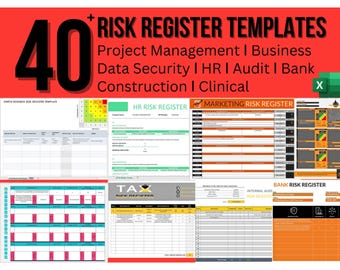
Digital download
40+ Risk Register Templates: Project Management ǀ Business ǀ Data Security ǀ HR ǀ Audit ǀ Bank ǀ Engineering ǀ Clinical (Digital Download)
Sale Price $4.10
Original Price $8.20
-
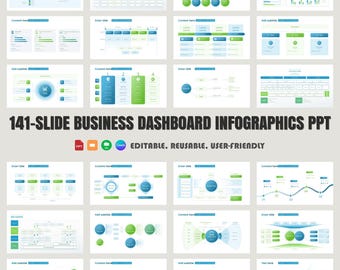
Digital download
Business Organization Chart Template: 141 Editable Slides (PPTX)
$10.00
-
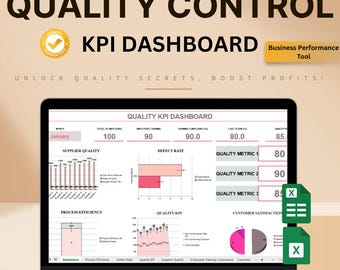
Digital download
Quality KPI Dashboard Excel Template: Defect Rate, CSAT & Process Tracker
Sale Price $5.60
Original Price $11.20
-
Digital download
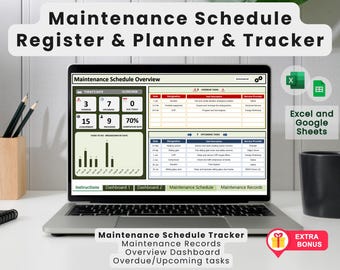
Maintenance Schedule Register Excel Template: Maintenance Planner, Maintenance Tracker, Maintenance Cost. Bonus calibration register
Sale Price $10.94
Original Price $18.24
-
Digital download
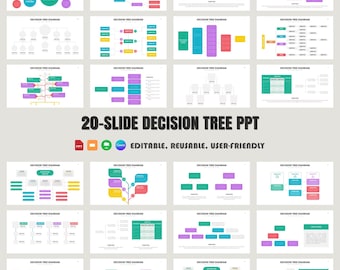
20-Slide Decision Tree Infographics PPT Template | Unique Diagram, Tree-Based Infographics, Business Visuals
$5.00
-
Digital download
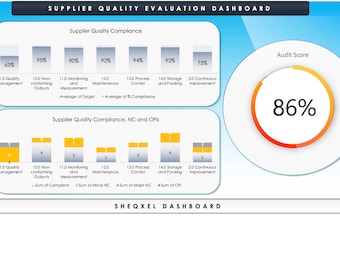
Supplier Quality Evaluation Tool | Quality Dashboard | Excel Template
$29.97
-
Digital download
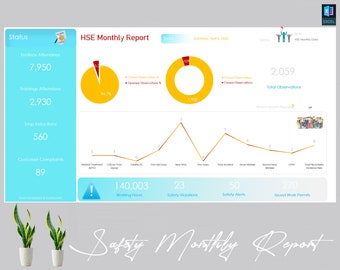
HSE Monthly Statistic Dashboard | Health, Safety & Environmental Microsoft Excel Template | Safety Form | Safety Dashboard | HSE Dashboard
$14.99
-
Digital download
Comprehensive Problem-Solving Tool | Fishbone Diagram and 5-Why Analysis | Action list | Excel Digital Download
$10.25
-

Digital download
Six Sigma Project Template Starter Pack | Lean & CI Tools (Digital Download)
$5.99