


Freelance Invoice & Time Tracker App – Hours Ledger | Real Hourly Rate per Client, Offline, No Subscription
NowPrice:$5.99
Original Price: $7.99
25% off
Sale ends on December 1
Here's what's eligible:
- Your order doesn't match the item description or photos
- Your item arrived damaged
- Your item arrived after the estimated arrival window
- Your item didn't arrive or was lost in the mail
You can only make an offer when buying a single item
Highlights
Hours Ledger is a simple time tracker and invoice app for freelancers.
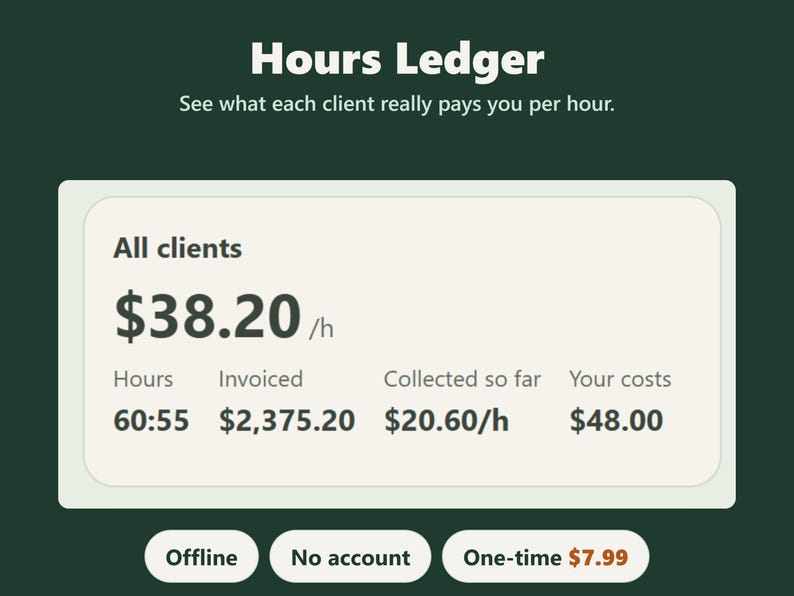
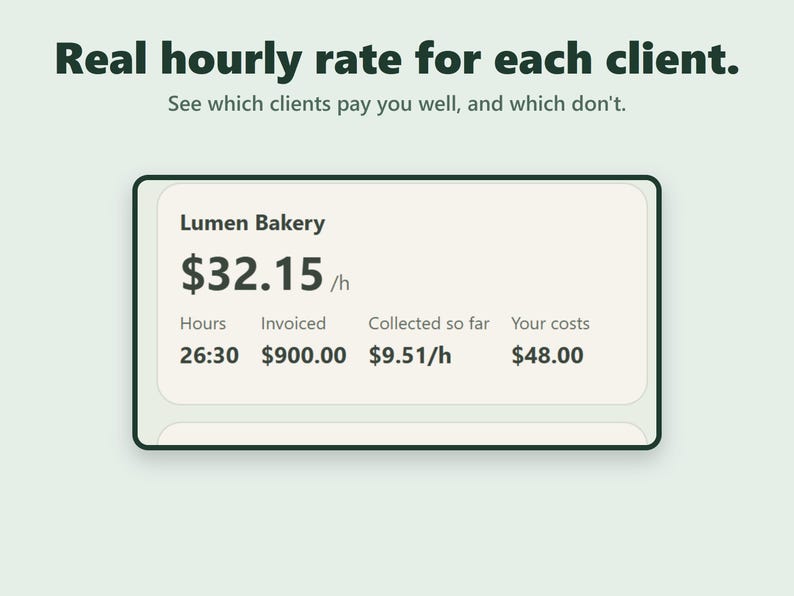
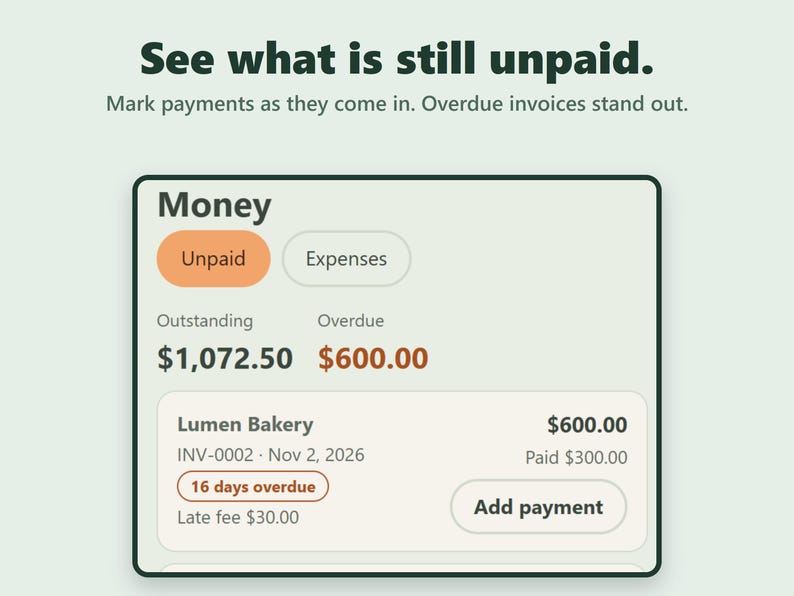
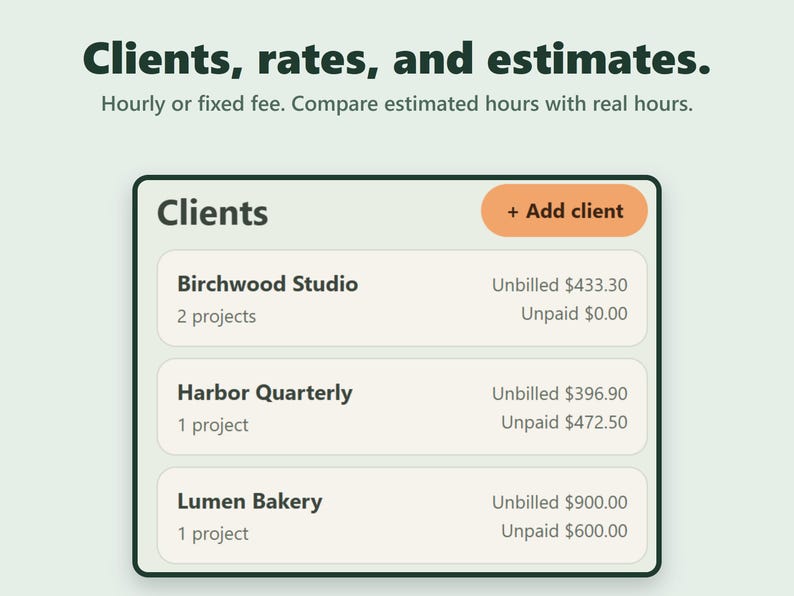
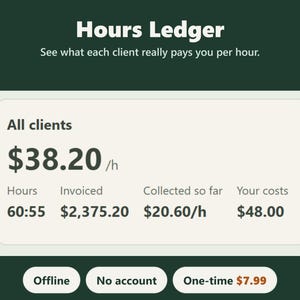
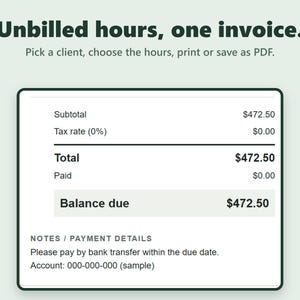
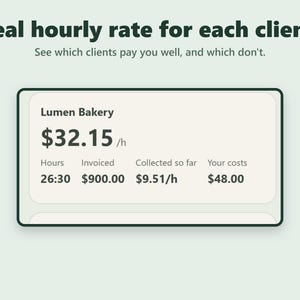
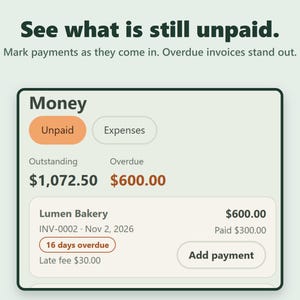
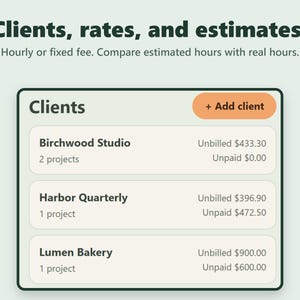
Track your hours for each client, then see what you really earn per hour. Turn unbilled hours into an invoice, and see which clients are still unpaid.
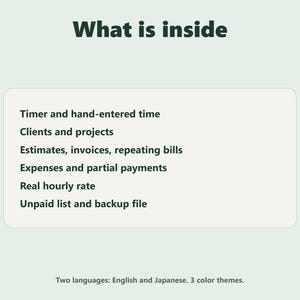
WHAT'S INSIDE
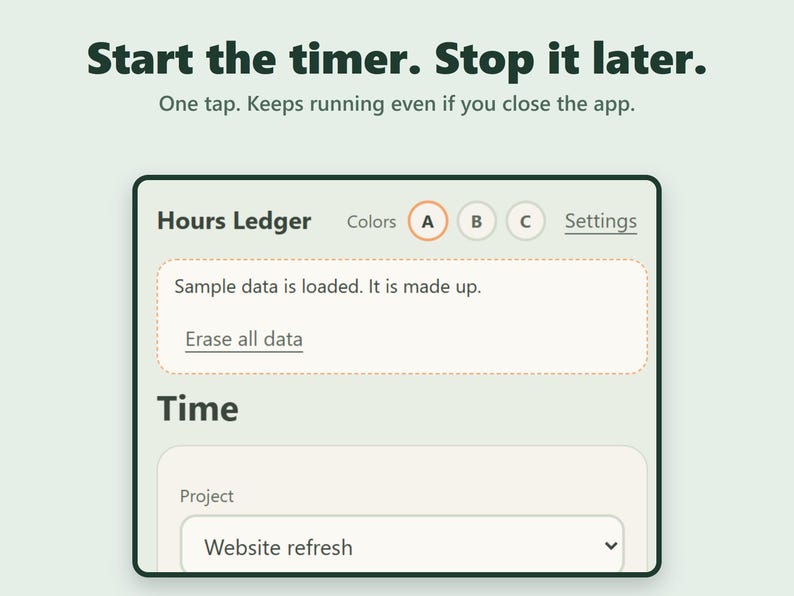
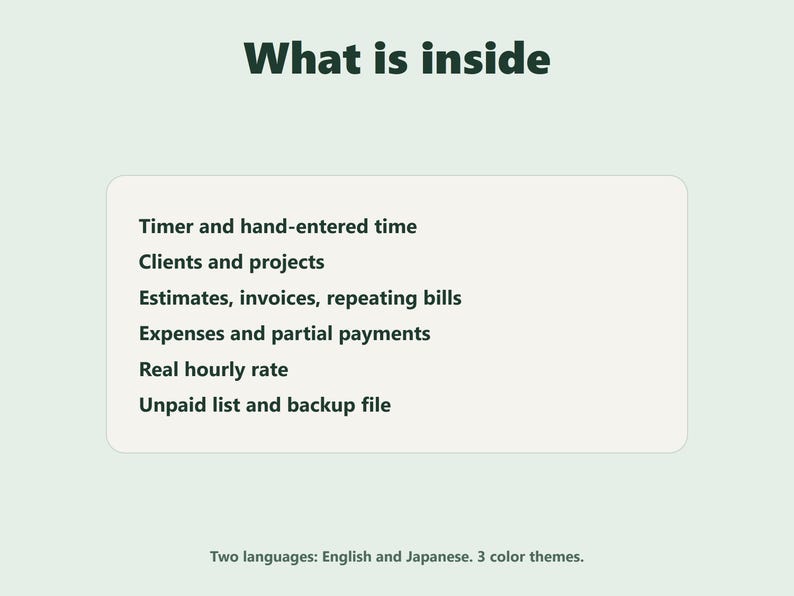
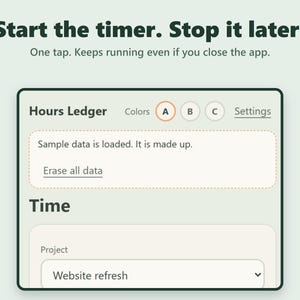
- Timer (keeps running when you close the app) and hand-entered time
- Clients and projects, with hourly or fixed-fee work
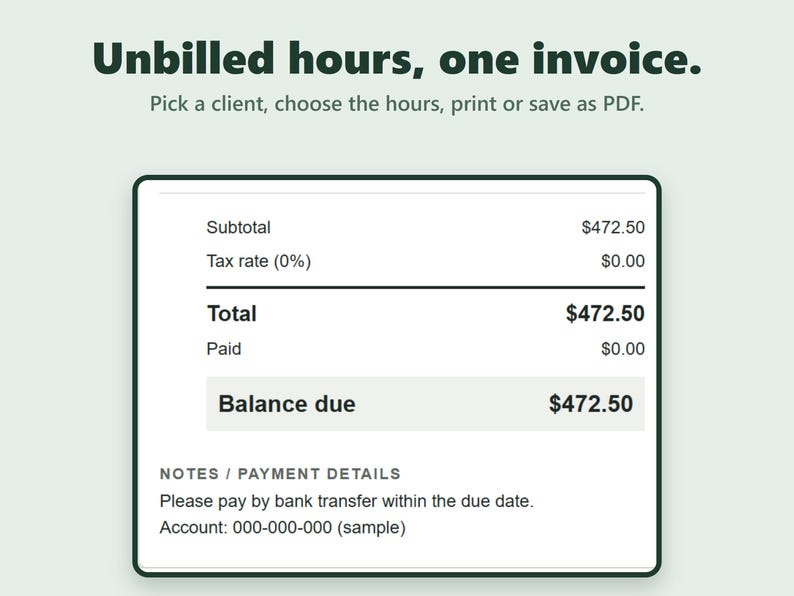
- Estimates, invoices, and repeating invoices
- Partial payments and late fees (you choose when to add them)
- Expenses
- Your real hourly rate, by project and by client
- Unpaid list
-Backup file (save and import)
- English and Japanese, 3 color themes
WHAT'S NOT INCLUDED, ON PURPOSE
- No account, no sync, no monthly fee
- No email sending and no online payments
- No tax calculation (there is a tax-rate field on invoices only)
WORKS ON
Works on iPhone (add it to your Home Screen) and on a computer with Chrome or Edge.
Works offline after the first visit.
WHAT YOU RECEIVE
Start Here PDF with your personal link and a QR code, plus a ZIP file with the app as one HTML file (Hours Ledger.html).
TRY THE FREE DEMO FIRST
https://hours-ledger-demo.netlify.app
The demo has sample clients and invoices. PDF saving, printing, and backup files are shown as notes only.
HOW TO START
- Go to the "Time" tab, choose a project, and press "Start." When you finish, press "Stop and save" to stop the timer. If you want, you can also put what you worked on in the note.
- Go to the "Billing" tab, press "New invoice," and choose a client. That client's unbilled time, fixed fees and expenses appear in a list. Check the ones you want on the invoice, then press "Create."
- When a payment comes in, go to the "Money" tab, press "Add payment" on that invoice, and enter the amount.
- Your data is saved only in the browser or app you are using. To use it on another device or browser, save a backup with "Export backup," then press "Import backup" on the device or browser you want to use. It replaces what is there.
GOOD TO KNOW
- Your data is saved only in your browser on your device. Nothing is uploaded. Clearing browser data deletes it, so save a backup file regularly.
- Please check the rules in your country or region before you send an invoice. This app does not give legal or tax advice.
- This is a digital item. Nothing will be shipped.
- For personal use. Please do not share your link.
ABOUT AI
The sheep illustrations were made with AI image tools. The app was built with AI assistance. The Start Here guide was written by me.
Questions? Open my shop page and tap "Contact shop owner."
Instant Download
Your files will be available to download once payment is confirmed. Here's how.
Instant download items don’t accept returns, exchanges or cancellations. Please contact the seller about any problems with your order.
Etsy Purchase Protection
Shop confidently on Etsy knowing if something goes wrong with an order, we've got your back for all eligible purchases —
see program terms


More from this shop
Visit shop-
Digital download
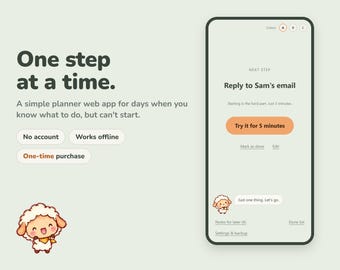
ADHD Planner Web App, One Task at a Time, 5 Minute Timer, Simple Offline Digital Planner, No Subscription, Cute Sheep, iPhone & Computer
Sale Price $5.24
Original Price $6.99
-

Cute Suspicious Devil Ghost Sticker Kawaii Side Eye Ghost | Hand Drawn Little Devil Decal | Laptop Water Bottle Journal Sticker
Sale Price $3.37
Original Price $4.50
-

Cute Crying Devil Ghost Sticker Kawaii Sad Ghost | Hand Drawn Little Devil Decal | Laptop Water Bottle Journal Sticker
Sale Price $3.37
Original Price $4.50
-

Cute Dreamy Colored Pencil Sheep Sticker Kawaii Daydream | Hand Drawn Fluffy Sheep Decal | Laptop Water Bottle Journal Sticker
Sale Price $3.37
Original Price $4.50
Be the first to leave a review
-
Digital download
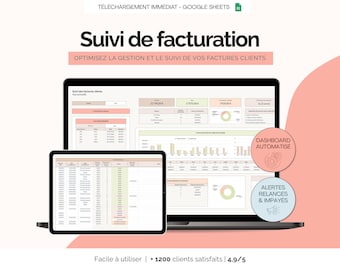
Invoice tracking for micro-business clients, entrepreneurs, and freelancers (Google Sheets)
Sale Price $4.81
Original Price $8.02
-
Digital download
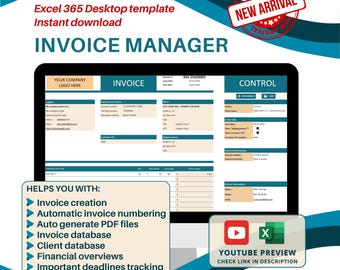
Invoice Manager: Invoice generator & Payment Organizer, Client Management (Digital Download, Excel 365 Required)
Sale Price $6.88
Original Price $9.17
-
Digital download
Payment Receipt Template Editable Small Business Invoice Tracker Freelancer Organizer Gift Digital Download DOCX PDF
$5.99
-
Digital download
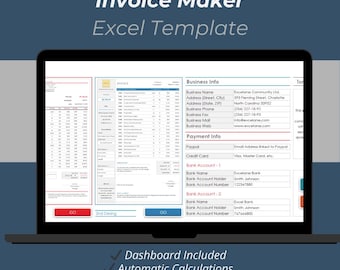
Invoice Maker Excel Template – Professional Billing & Auto Calculations for Freelancers and Small Business
Sale Price $5.94
Original Price $9.90
-
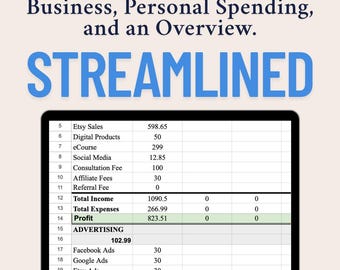
Digital download
Small Business Owner's Budget Template / Business and Personal Combined
$5.99
-
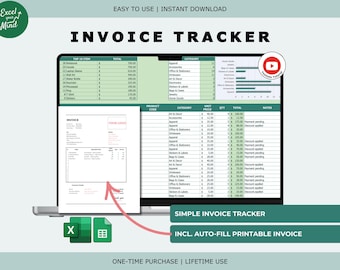
Digital download
Invoice Tracker with Auto-Fill Printable Invoice (Excel & Google Sheets)
Sale Price $4.93
Original Price $8.22
-
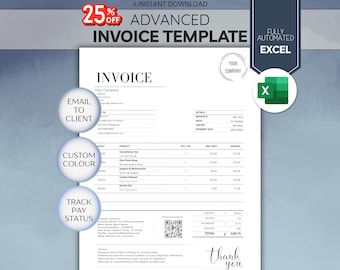
Digital download
Editable Invoice Template for Excel - Advanced Small Business Automated Tracker Dashboard
Sale Price $4.70
Original Price $7.22
-
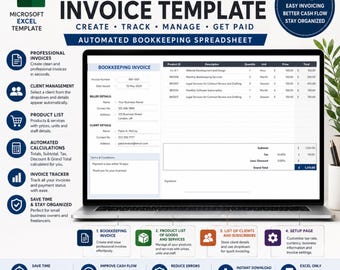
Digital download
Business Invoice Template Excel, Excel Bookkeeping Invoice Tracker, Small Business Tool, Payment Tracker
Sale Price $1.87
Original Price $7.50
-
Digital download
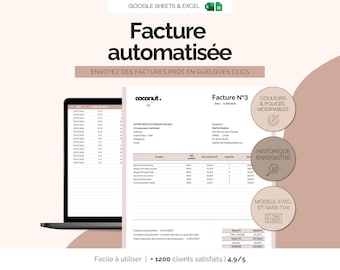
Automatic invoice template in Excel and Google Sheets for self-employed individuals | Simple and modern customer invoice with and without VAT in French
Sale Price $4.47
Original Price $7.45
-
Digital download
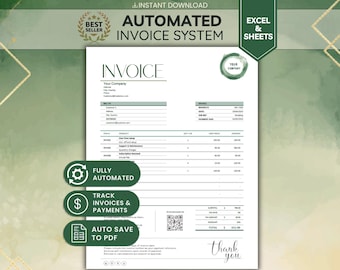
Automated Invoice Tracker & Template | Smart workflow Excel - Google Sheets | 5* Top Service - Easy Setup
Sale Price $7.56
Original Price $11.63
-
Digital download
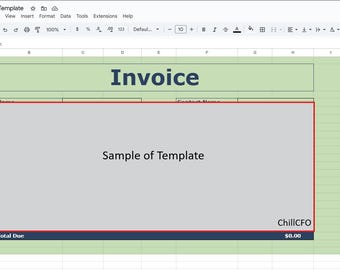
ChillCFO | Invoice Template for Hourly Rate | Know who still owes you money, and how long it' been | Simple Business Template
$7.99
-
Digital download
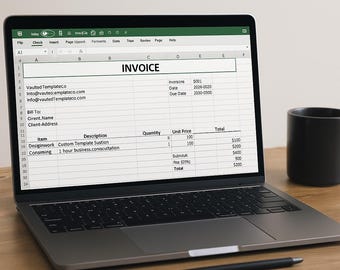
Professional Invoice Template for Small Business | Editable Excel & PDF | Instant Download
$9.99
Shoppers with similar taste loved these
-

Digital download
Ultimate Guide To Becoming A Virtual Assistant
$5.00
-
Digital download
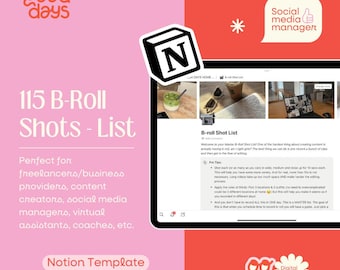
B-Roll Shot List for Content Creators & Biz Owners
$3.65
-

Digital download
Social Media Manager Portfolio Notion Template
Sale Price $6.30
Original Price $11.46
-
Digital download
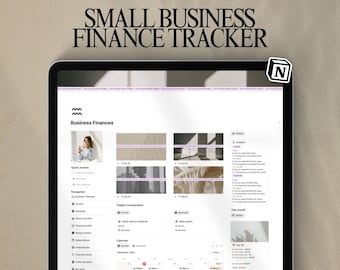
Small Business Finance Tracker Notion Template, Income and Expense, Bookkeeping, Notion Financial Planner
Sale Price $5.67
Original Price $10.31
-

Digital download
Virtual Assistant Template, Squarespace 7.1 Website, Agency Website, Consulting Website, Bright Colorful Website, UGC Website, UGC Portfolio
Sale Price $209.30
Original Price $299.00
-

Digital download
Virtual Assistant Organiser | Weekly Excel Spreadsheet | Track Hours
$8.41
-

Digital download
Squarespace Template for Virtual Assistant, Gradient Website, Squarespace for Business Coaches, Marketing Agency, Pink Luxury Website
Sale Price $209.30
Original Price $299.00
-

Digital download
Premium Squarespace Website Template | For virtual assistants, coaches, small businesses, entrepreneurs, financial managers, bookkeepers.
$228.04
-
Digital download
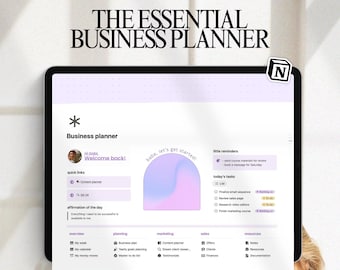
Business Planner Notion Template, CRM Client Tracker, Finance Tracker
Sale Price $8.82
Original Price $16.04
-

Digital download
Freelancer Business Starter Kit 5 in 1, Business Coach Tools, Templates for Bookkeeper, Client Onboard, Virtual Assistant Portfolio, SMM Kit
$31.01
-

Digital download
Notion Client Portal Template for Coaches, Client Onboarding
Sale Price $12.61
Original Price $22.92
-

Digital download
Instagram Content Planner Notion Template, Social Media Calendar, Content Strategy
Sale Price $12.61
Original Price $22.92