

Landlord Rental Bookkeeping Spreadsheet | Rent Ledger, Expense Log, NOI Cash Flow & Year-End Summary
Price:$12.99
Here's what's eligible:
- Your order doesn't match the item description or photos
- Your item arrived damaged
- Your item arrived after the estimated arrival window
- Your item didn't arrive or was lost in the mail
You can only make an offer when buying a single item
Highlights
Landlord bookkeeping, organized for one reporting year
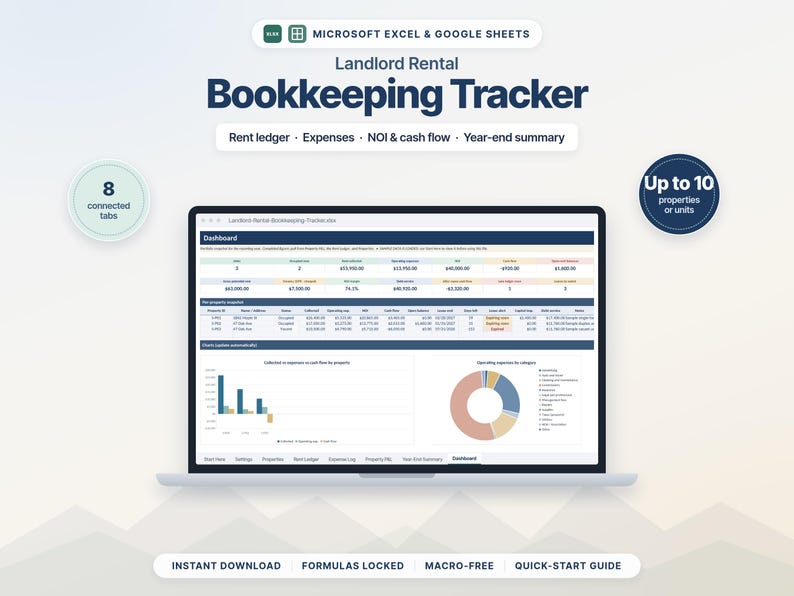
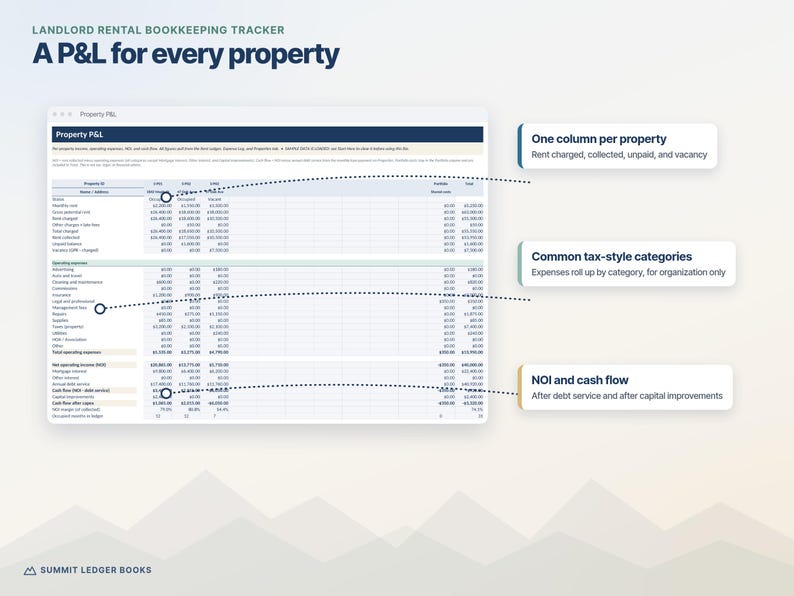
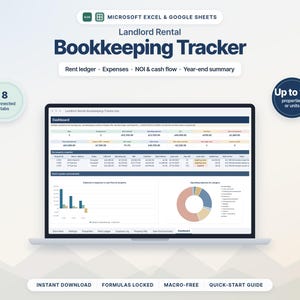
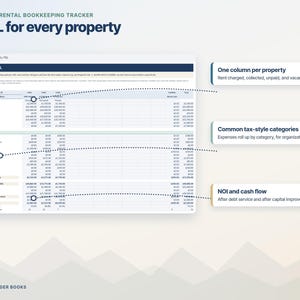
A connected Excel workbook for landlords and small rental owners. Track up to 10 properties or units: a 12-month rent ledger (late flags and balances), an expense log with common tax-style categories, per-property profit and loss, NOI, cash flow after debt service, lease-end alerts, and a year-end summary you can hand to your tax preparer.
This is a bookkeeping and planning workbook, not a tax form and not a substitute for your accountant.
What’s included
- Microsoft Excel workbook (.xlsx), macro-free
- Quick-Start Guide (PDF)
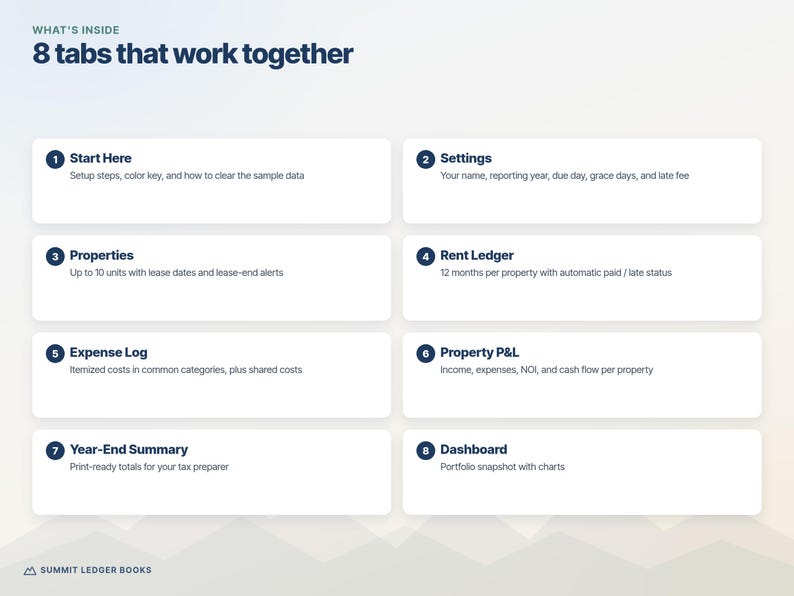
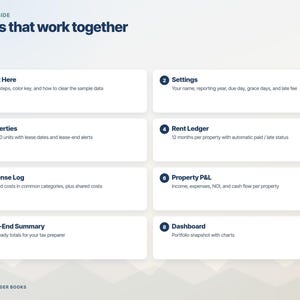
- Start Here, Settings, Properties, Rent Ledger, Expense Log, Property P&L, Year-End Summary, and Dashboard tabs
- Three sample properties already loaded (clearly labeled SAMPLE) so you can see the file working
Built for how landlords actually keep records
- Up to 10 properties or units (a duplex is two rows)
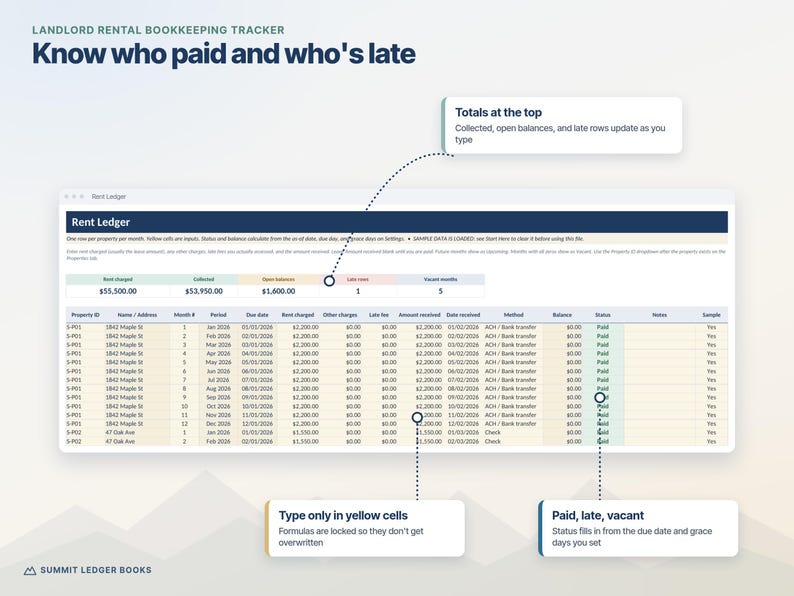
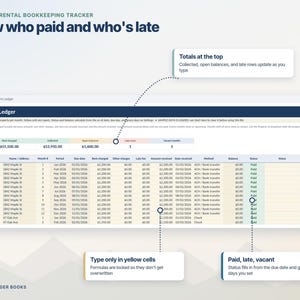
- Rent charged, other charges, late fees, amount received, and automatic late / paid / vacant / upcoming status
- Expenses in common tax-style categories (for organization only — not tax advice)
- Portfolio (shared) costs, such as tax-preparer fees
- Capital improvements tracked but kept out of NOI and the year-end expense total
- Mortgage interest is logged for the year-end summary; cash flow uses your monthly loan payment
- Depreciation is not calculated — that’s for your tax preparer
- Yellow cells are inputs. Gray-blue cells are formulas (locked; there is no password if you need to unprotect)
- Print-friendly pages, frozen headers, and dropdowns
Compatibility
Built for Microsoft Excel (Windows and Mac). Tested in LibreOffice Calc. Google Sheets should open the file, with possible formatting differences. Macro-free (no VBA).
How to use
1. Download and use File > Save As to keep a clean master copy
2. Enter your name, reporting year, and as-of date on Settings (use 12/31 for a year-end packet, or =TODAY() for live tracking)
3. Filter the Sample column to Yes and delete those rows (or keep them as a walkthrough)
4. Add each property first, then log rent and expenses
Please note
This workbook is a general planning and tracking tool. It is not tax, legal, accounting, or financial advice and is not a substitute for a qualified professional. Category labels, if used, are for organization only and may not match your tax forms. Results depend on the information you enter. No profit, return, tax result, or investment outcome is guaranteed.
License
Single-user license for your business. Do not resell, share, or republish the file. Due to the digital nature of this product, returns are typically not available. If something doesn’t open or a formula looks off, message me and I will help.
Not affiliated with Microsoft, LibreOffice, or Google.
Instant Download
Your files will be available to download once payment is confirmed. Here's how.
Instant download items don’t accept returns, exchanges or cancellations. Please contact the seller about any problems with your order.
Etsy Purchase Protection
Shop confidently on Etsy knowing if something goes wrong with an order, we've got your back for all eligible purchases —
see program terms


More from this shop
Visit shop-
Digital download
Job Costing Spreadsheet for Contractors | Estimate vs Actual Profit Tracker, Change Orders & Payments | HVAC Plumbing Electrical Remodel
$14.99
-
Digital download
Partner Profit Split Tracker Spreadsheet | Return of Capital, Preferred Return & Sweat Equity (2-4 Partners)
$9.99
-
Digital download
House Flip Budget & Profit Tracker Spreadsheet | Rehab vs Actual, Holding Costs, Draws and 70% Rule
$11.99
-
Digital download
Real Estate Agent Commission & Expense Tracker Spreadsheet | Split, Cap, Mileage and Tax Set-Aside
$9.99
Be the first to leave a review
-
Digital download
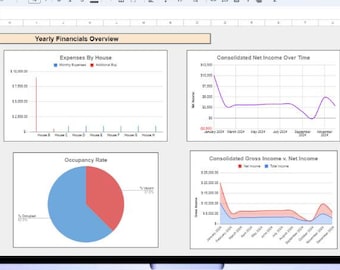
Ultimate Landlord Bookkeeping Spreadsheet | Rental Income & Expense Tracker | Tenant Tracker | Real Estate Finances
$25.00
-

Digital download
Ultimate Google Sheets | Excel | Rental Property Analysis | Spreadsheet Template | RentalTracker | Income & Expense Real Estate Spreadsheet
$12.50
-
Digital download
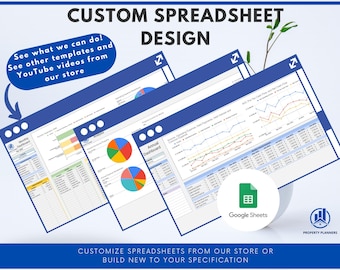
Custom Spreadsheet Design, Rental Property, Bookkeeping, Rent Ledger, Payment Tracker, Small Business Invoices, Inventory, Google Sheets
Sale Price $35.80
Original Price $47.74
-
Digital download
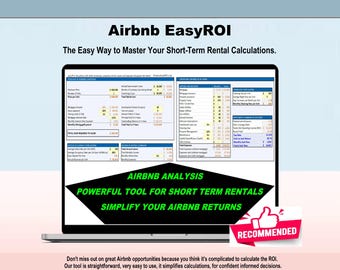
Airbnb EasyROI Calculator - Short-Term Rental ROI Spreadsheet Excel Google Sheets
Sale Price $17.63
Original Price $29.38
-
Digital download
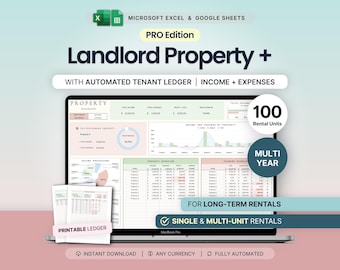
Multi Unit Rental Income Expense Tracker Landlord Property Management Spreadsheet Google Sheets Rental Bookkeeping Excel Tenant Ledger
Sale Price $8.59
Original Price $17.18
-
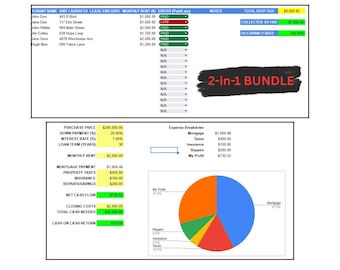
Digital download
Real Estate Investor Bundle | Rental Property Calculator & Landlord Rent Roll Spreadsheet | Google Sheets Deal Analysis and Tenant Tracker
$35.00
-
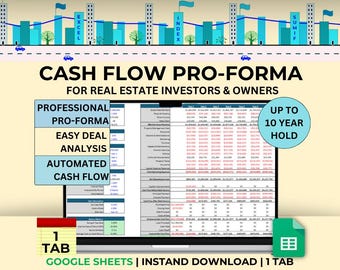
Digital download
Google Sheet Rental Property Cash Flow Forecast for Google Sheet Cash Flow Budget Template ProForma Real Estate Acquisition Investment Model
Sale Price $13.00
Original Price $26.00
-
Digital download
Cash Basis Accounting Excel Spreadsheet | Easy Income Tax Filing for Small Businesses | VIDEO TUTORIAL INCLUDED
$12.50
-
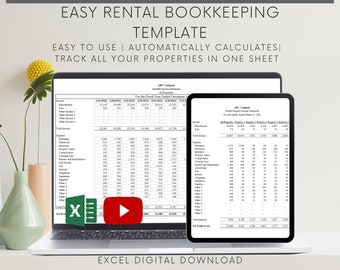
Digital download
Rental Income Statement Spreadsheet: Landlord Profit & Loss Excel Template (Digital Download)
$21.50
-
Digital download
Landlord Rent Roll Spreadsheet | Rental Property Management Template for Google Sheets | Tenant Tracker & Lease Ledger | Real Estate Tool
$15.00
-
Digital download
Landlord Pro Toolkit | Rental Property Bookkeeping & Spreadsheet Pack
$39.99
-
Digital download
Rental Property - Real Estate Investment Calculator - Microsoft Excel
$14.99
Shoppers with similar taste loved these
-
Digital download
PLR Rental Property Planner Done for you Digital Product Property Management Organizer Canva Editable Landlord Template MRR Digital Product
Sale Price $3.07
Original Price $7.68
-
Digital download
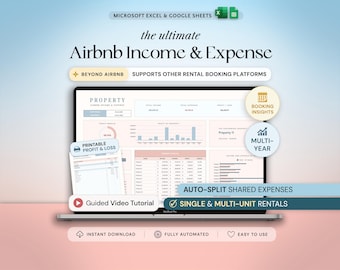
Airbnb Template Income and Expense Spreadsheet Airbnb Host Template Vacation Rental Property Management Vrbo Airbnb Bundle Profit and Loss
Sale Price $22.96
Original Price $32.80
-
Digital download
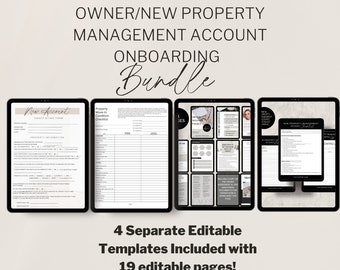
Property Management Owner Onboarding Bundle | Editable Templates (Canva)
Sale Price $4.99
Original Price $9.99
-
Digital download
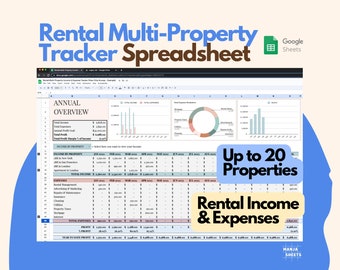
Rental Income & Expense Tracker: Up to 20 Properties (Google Sheets)
$20.28
-

Digital download
Airbnb Host Template Bundle – Digital + Printable Guest Welcome Book Guides, Checklists & Signs
Sale Price $30.03
Original Price $85.80
-

Digital download
PLR Rental property planner, Canva template, goals PLR, editable lease canva template, done for you journal, commercial use resell rights
Sale Price $2.45
Original Price $4.45
-
Digital download
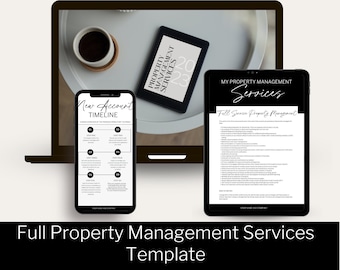
Property Management Handbook Template: Marketing Flyer, Editable in Canva (Digital Download)
Sale Price $7.00
Original Price $14.00
-

Digital download
Airbnb Host Bundle Template Welcome Book Airbnb template, Editable Airbnb Signs, Cleaning Checklists, Airbnb Printables, VRBO host bundle
Sale Price $41.25
Original Price $55.00
-
Digital download
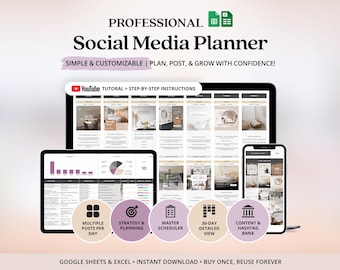
Social Media Content Planner Google Sheet Social Media Management Template Digital Content Planner ADHD Social Media Planner Marketing
Sale Price $4.21
Original Price $8.42
-

Digital download
Ultimate Property Management Bundle, Landlord Templates, Tenant Welcome Guide, Property Management, Edit in Canva
$9.66
-

Digital download
Property Management Instagram Post | Editable Property Business Social Media Template| Social Media Posts that CONVERT for Property Managers
Sale Price $8.99
Original Price $9.99
-
Digital download
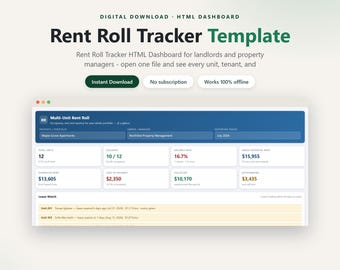
Rent Roll Tracker HTML Dashboard | Landlord Property Management Spreadsheet (Digital Download)
$13.99


