


Home Bakery Business Spreadsheet, Recipe Cost Calculator, Order Tracker, Bookkeeping Spreadsheet, Cake Pricing, Excel & Google Sheets
NowPrice:$8.67
Original Price: $13.99
38% off
Sale ends on December 21
Here's what's eligible:
- Your order doesn't match the item description or photos
- Your item arrived damaged
- Your item arrived after the estimated arrival window
- Your item didn't arrive or was lost in the mail
You can only make an offer when buying a single item
Highlights
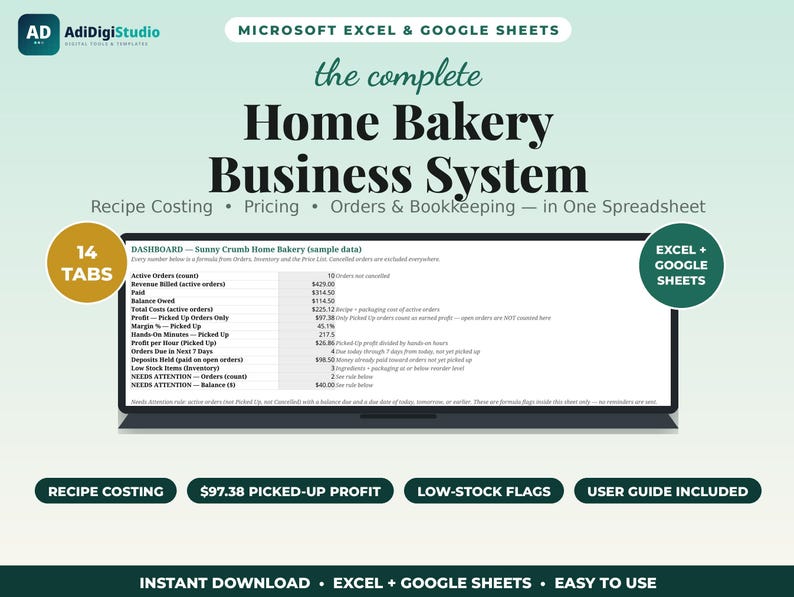
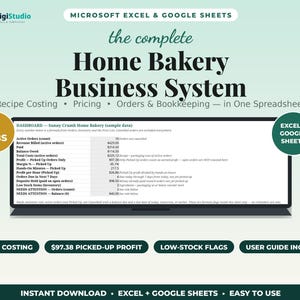
Cost every recipe. Price every order. See what your hours actually paid.
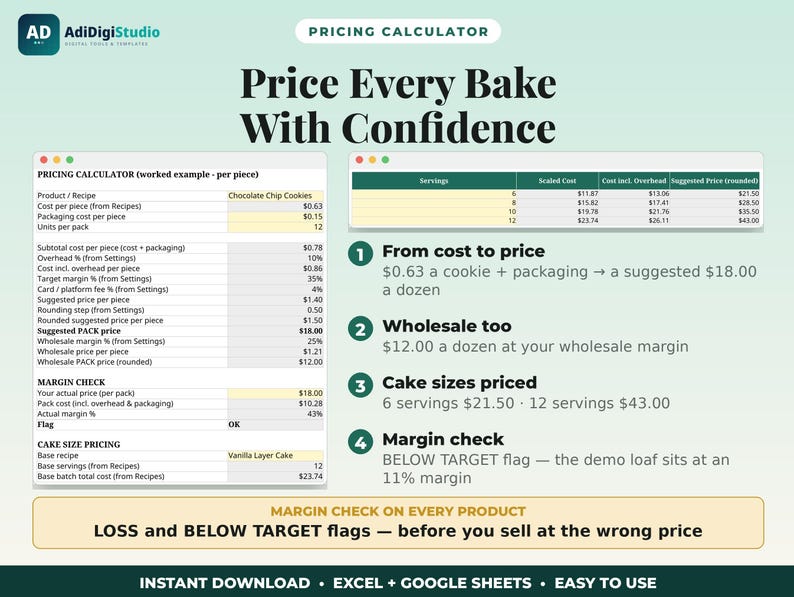
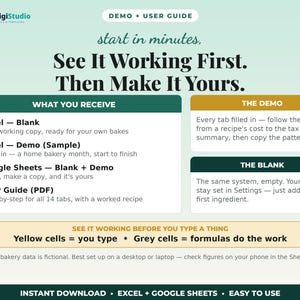
If you are pricing your bakes from guesswork — a bit for ingredients, a bit for your time, and hoping something is left over — this system replaces the guessing with your real numbers. Every recipe is costed from what you actually pay for a pack, every price is built from ingredients, packaging, your time, overhead and fees at your target margin, and every order, deposit and balance is tracked in one place. Type into the yellow cells; the grey formula cells do every calculation for you. No macros, nothing to install, no spreadsheet skills needed.
Built for the solo home baker and cottage food baker selling through social media, farmers markets and Etsy — the baker who is not ready for a $24/month subscription (Stocksmith, formerly CraftyBase, starts there) and does not want one. One purchase, yours to keep, before you need the subscription software.
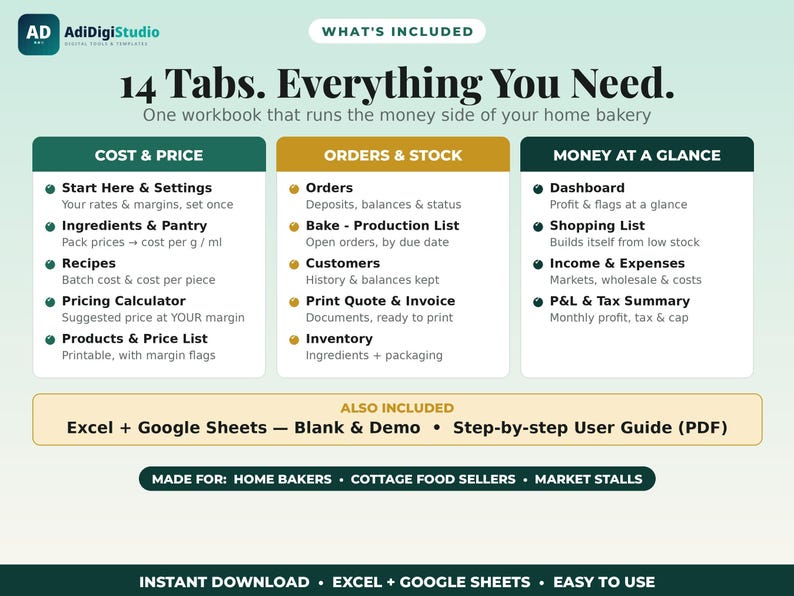
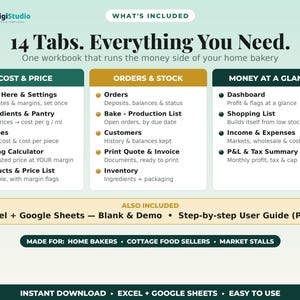
★ WHAT'S INCLUDED — 14 TABS
• START HERE & SETTINGS — your labour rate, target margin, overhead, card/platform fee %, deposit %, tax set-aside % and price rounding in one place, plus a locked unit conversion table (kg/g/lb/oz, litres/ml, cups/tbsp/tsp)
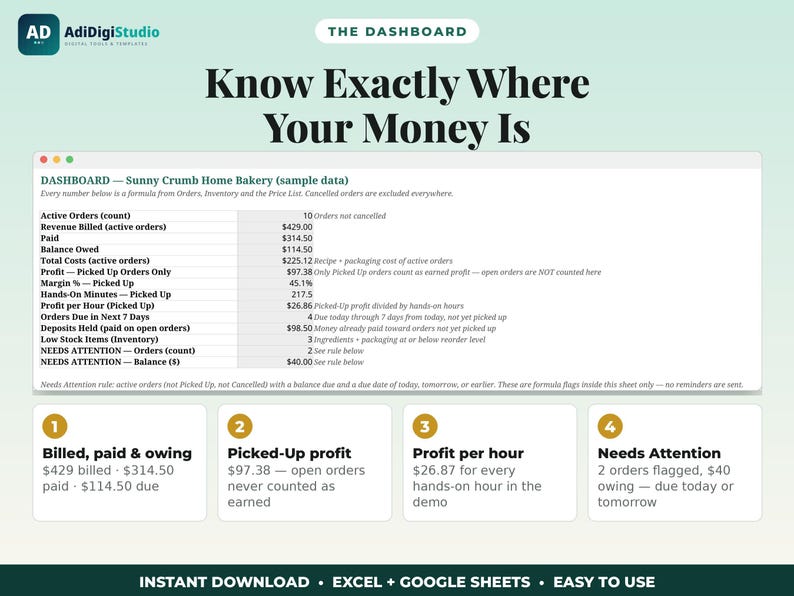
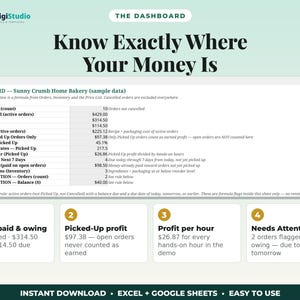
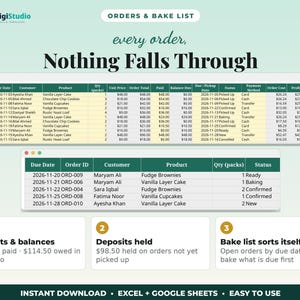
• DASHBOARD — the whole business on one screen: billed, paid, balance still owed, profit on picked-up orders, margin, profit per hour, deposits held, orders due this week, low stock, and a Needs Attention list of what needs you today
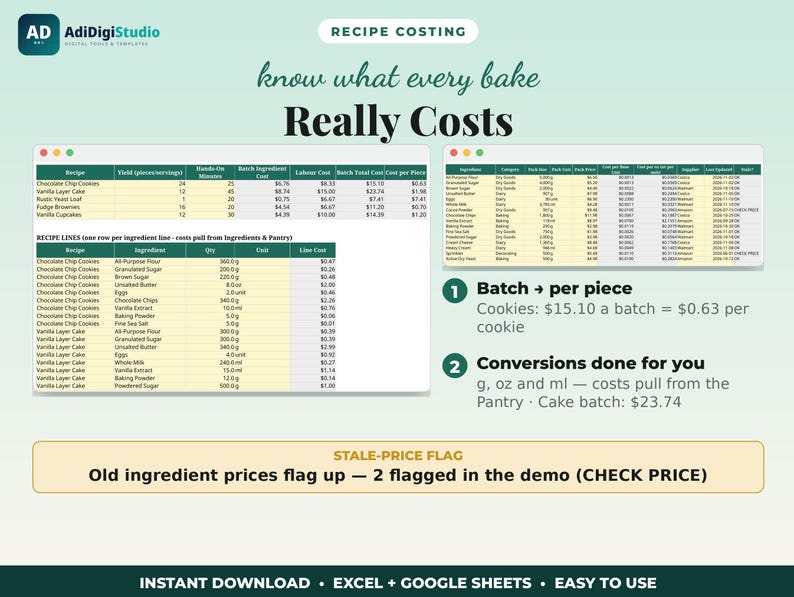
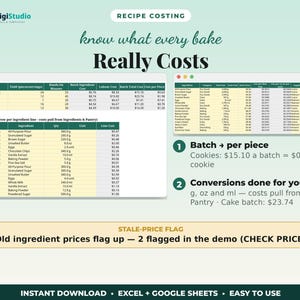
• INGREDIENTS & PANTRY — every ingredient once, with its pack size and pack price; your cost per gram, per ml or per unit is calculated for you, and a CHECK PRICE flag appears when a price has gone stale
• RECIPES — one line per ingredient, with costs pulled from your Pantry; batch cost, labour cost and cost per piece calculated for you
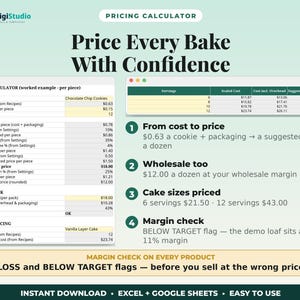
• PRICING CALCULATOR — builds a suggested price from cost per piece + packaging + overhead + your target margin and fees, with a wholesale price, a margin check that flags LOSS or BELOW TARGET prices, and a cake size pricing panel
• PRODUCTS & PRICE LIST — your printable price list: cost per pack, margin % and a below-target flag on every product
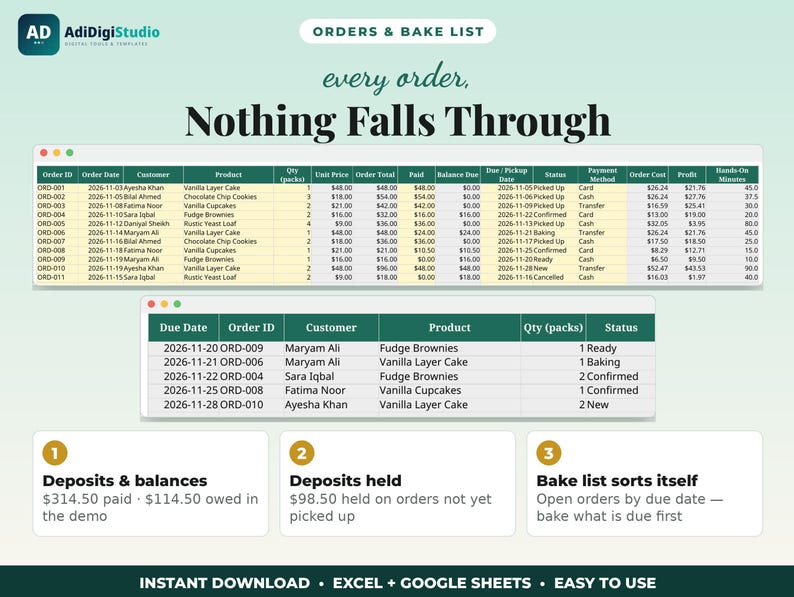
• ORDERS — every order with its deposit, balance due, due/pickup date and status; profit and hands-on time calculated for you
• BAKE - PRODUCTION LIST — a view of your open orders sorted by due date, so each morning you see what to bake, how many, and for whom
• CUSTOMERS — every customer in one list, with total orders, lifetime paid and balance owed calculated for you
• PRINT QUOTE & INVOICE — a clean, customer-ready quote or invoice that fills itself in from an Order ID; print it or save it as a PDF
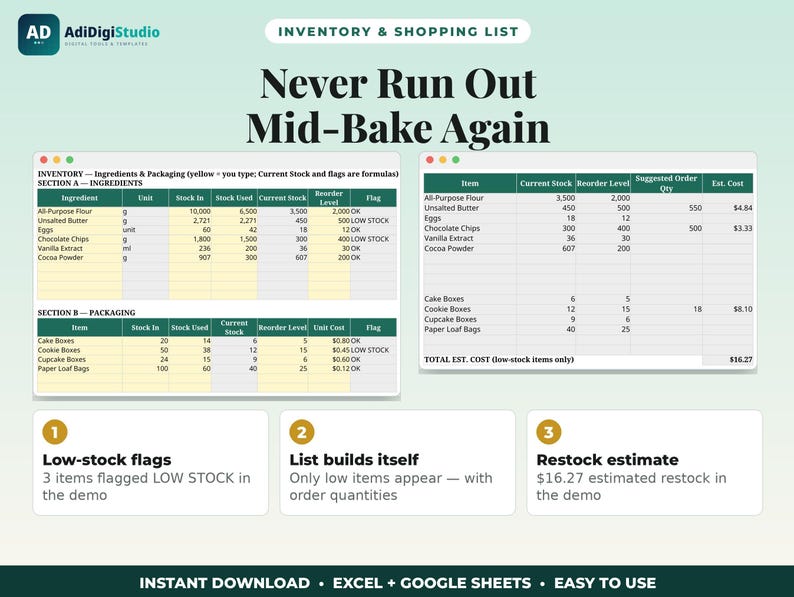
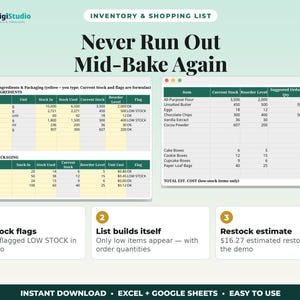
• INVENTORY — ingredients and packaging stock in one place, with LOW STOCK flags at the reorder levels you set
• SHOPPING LIST — builds itself from your low-stock items, with suggested quantities and estimated costs at your current prices
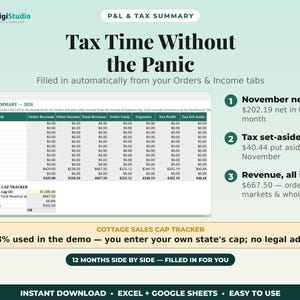
• INCOME & EXPENSES — market and wholesale income plus every business expense, logged by category with totals calculated for you (order income is never typed here — it already lives in Orders, so nothing is counted twice)
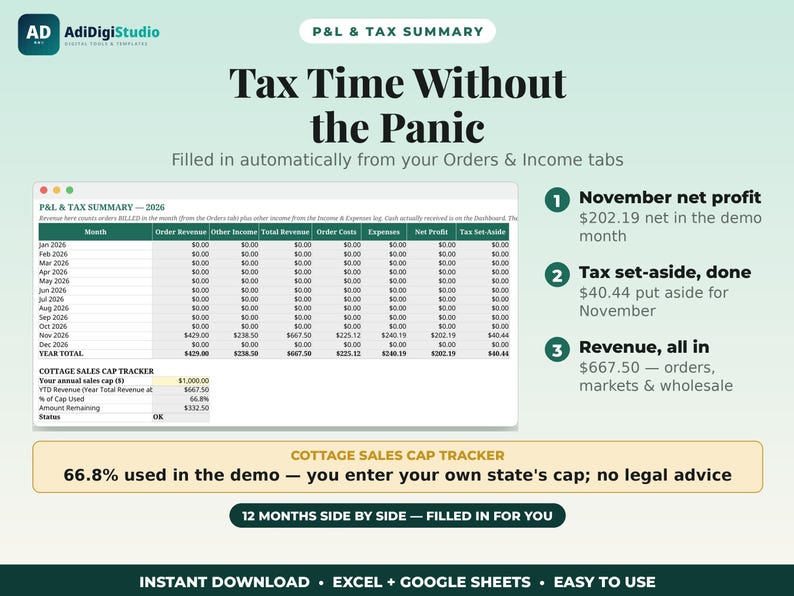
• P&L & TAX SUMMARY — 12 months side by side: revenue, costs, expenses, net profit and your tax set-aside, plus a Cottage Sales Cap tracker that works from the cap figure you enter for your own state or programme
★ WHAT YOU GET (instant download)
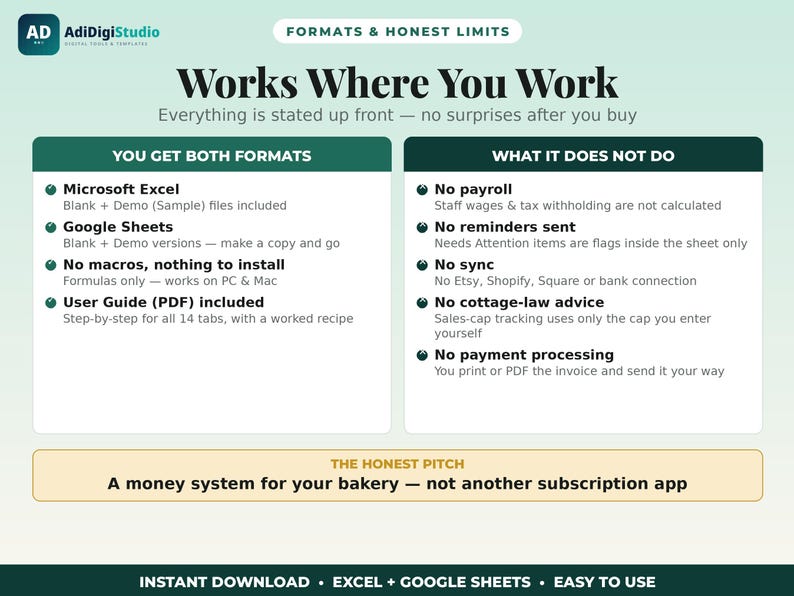
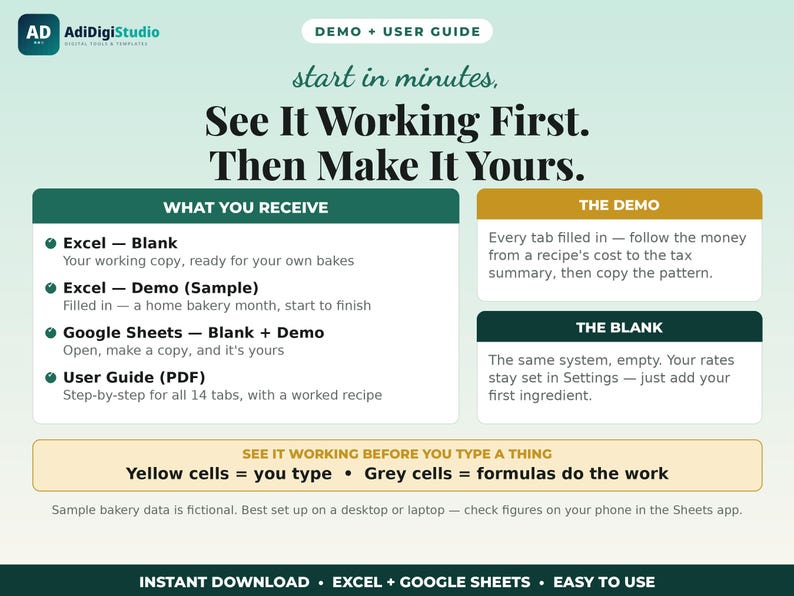
• Excel file — BLANK: your working copy, ready to fill in
• Excel file — SAMPLE: the same system filled with example data, so you can see exactly how it works before you start
• Google Sheets — BLANK and SAMPLE: open the access link in your delivery files, choose File > Make a copy, and it is yours
• User Guide (PDF) — a 10-minute quick start, a guide to every tab, a worked recipe-costing example end to end, markup vs margin explained, a weekly money routine, a plain-English tax set-aside page, and copy-ready customer message templates
★ HOW IT WORKS
1. Set your numbers once on Start Here & Settings, then add your ingredients to the Pantry and build your recipes
2. Price each product in the Pricing Calculator and log every order on the Orders tab
3. Log market income and expenses as you go — the Dashboard, Bake List, Shopping List and P&L update themselves
Yellow cells = you type. Grey cells = formulas. That is the only rule.
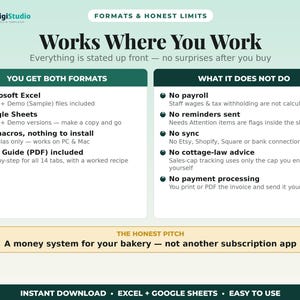
★ PLEASE READ — WHAT THIS SYSTEM DOES NOT DO
• It does NOT calculate payroll or do staff scheduling. Labour in this system is your own time, costed at the rate you set in Settings; if you pay a helper, log what you paid them as an expense
• It does NOT send texts, emails, reminders or alerts. It flags what needs your attention inside the sheet — Needs Attention on the Dashboard, CHECK PRICE in the Pantry, LOW STOCK in Inventory — and the guide includes copy-ready message wording for order confirmations, deposit requests, balance reminders and review asks
• It does NOT sync with Etsy, Shopify, Square or any POS, and it does not connect to your bank. You type orders and income in; the summaries are calculated for you
• It gives NO cottage-food law, licensing, allergen or food-safety advice. The Sales Cap tracker calculates only from a cap figure you enter yourself — check your own state's cottage food rules for your cap and your obligations
• It does NOT print ingredient labels. The Products & Price List is a price list for your customers, not a labelling tool
• It does NOT deduct stock by itself. Inventory is updated by typing Stock In and Stock Used — a one-minute job in the weekly routine in the guide
• It does NOT send invoices or process payments. It creates a clean, printable quote or invoice — save it as a PDF and send it however you normally would
★ GOOD TO KNOW
• You need Microsoft Excel 365 or 2021 or newer, or a free Google account for Google Sheets. It does NOT work in Apple Numbers or older versions of Excel
• A phone works fine for quick updates (checking the Bake List, logging a payment); do the first setup on a computer, where the wider tabs are easiest
• Recipes are costed by weight (g/oz) or volume (ml), the way you actually weighed or measured them — a cup of flour and a cup of sugar do not weigh the same, and the guide explains why the system works this way
• Figures are in $ formatting — the numbers work with any currency, and the currency label can be changed in Settings
• The tax set-aside figure is an organisation tool and an estimate, not tax advice — confirm your rate with your accountant
• All sample data in the Sample files is fictional — Sunny Crumb Home Bakery, its customers and its figures are a worked example, not a real business
• This is a digital download — no physical item will be shipped
★ FAQ
Q: Do I get both Excel and Google Sheets?
A: Yes — Excel Blank + Sample files, and Google Sheets Blank + Sample via the access link in your delivery files. Both versions work the same way; use whichever you already like.
Q: What is the difference between the Excel and Google Sheets versions?
A: Nothing in how they work — same 14 tabs, same formulas, same sample data. The Excel files are downloaded and opened on your computer; the Google Sheets version opens in your browser (free with a Google account) when you choose File > Make a copy from the access link. Pick based on where you prefer to work.
Q: Is there a subscription or monthly fee?
A: No. This is a one-time purchase and the files are yours to keep. It is built for bakers who are not ready for subscription software that starts around $24/month.
Q: Will it connect to my Etsy shop, Shopify, Square or my bank?
A: No — it does not sync with any of them, and that is deliberate. You type your orders and income in, and every summary is calculated for you inside the sheet. There is no connection to set up and nothing that can break.
Q: Will it tell me my state's cottage food sales cap or licensing rules?
A: No, and be careful of any product that claims to. Caps and rules differ by state and programme, so the tracker works only from the cap figure you enter yourself, and flags you at 80% (NEAR CAP) and 100% (CAP REACHED) of it. The guide explains how the panel works; your state or local programme is the source for your own figure.
Q: I am not good with spreadsheets. Can I use this?
A: Yes. If you can type into a yellow box and pick from a dropdown, you can run this system. Start with the Sample file, follow the guide's 10-minute quick start, and copy what the sample does.
Q: Will I get updates if the system improves?
A: If an updated version is released, message the shop on Etsy with your order details and we will help you with the current version. Your purchase always includes the version described here, with all 14 tabs.
Q: How many businesses can I use it for?
A: One purchase covers one business — you may use it for your own home bakery or cottage food business. Please do not share, resell or redistribute the files.
Thank you for supporting a small shop. Good luck — and may every bake pay what it should!
Instant Download
Your files will be available to download once payment is confirmed. Here's how.
Instant download items don’t accept returns, exchanges or cancellations. Please contact the seller about any problems with your order.
Etsy Purchase Protection
Shop confidently on Etsy knowing if something goes wrong with an order, we've got your back for all eligible purchases —
see program terms


More from this shop
Visit shop-
Digital download
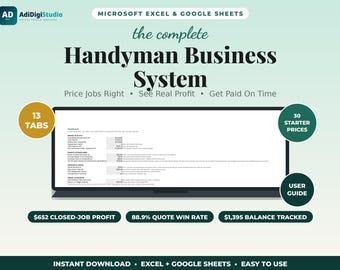
Handyman Business Spreadsheet, Job Pricing Calculator, Contractor Job Costing, Bookkeeping, Estimate & Invoice, Google Sheets and Excel
Sale Price $9.29
Original Price $14.99
-
Digital download
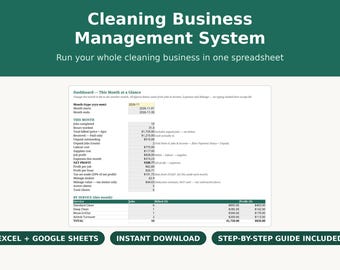
Cleaning Business Quote Calculator, Bookkeeping Spreadsheet, House Cleaning Income Expense Tracker, Profit Per Job, Excel & Google Sheets
Sale Price $8.05
Original Price $12.99
-
Digital download
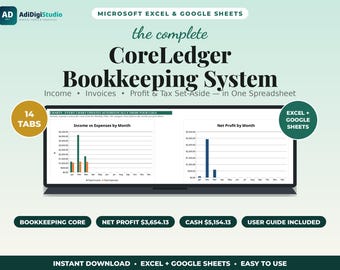
Small Business Bookkeeping Spreadsheet Excel Google Sheets Income Expense Tracker Profit and Loss Tax Planner Freelancer Template
Sale Price $7.64
Original Price $14.99
-
Digital download
Entry Level Resume Template, ATS Friendly Resume, Entry Level CV Template, First Job Resume, Graduate Resume, Editable Word Resume
Sale Price $5.57
Original Price $8.99
Be the first to leave a review
-
Digital download
Bakery Business Manager Excel Spreadsheet, Recipe Cost Calculator, Ingredient Inventory, Allergen Tracker, Invoice & Price List for Bakers
Sale Price $7.98
Original Price $19.95
-
Digital download
Home Baker Recipe Cost Pricing Calculator Bookkeeping Spreadsheet Excel, Business Planner Cake Order Tracker, Bakery Pricing Google Sheets
Sale Price $8.05
Original Price $20.12
-
Digital download
Recipe Cost and Pricing Calculator Spreadsheet for Bakery and Food Business Pricing Tool Google Sheets Excel Cake Ingredient Cost and Profit
Sale Price $6.99
Original Price $13.98
-
Digital download
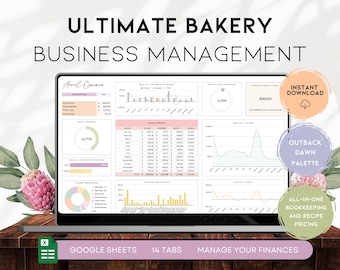
Ultimate Bakery Business Spreadsheet, Recipe Cost Calculator, Bookkeeping for Bakers, Small Bakery Tracker, Digital Download | BS012 - 04
$20.78
-
Digital download
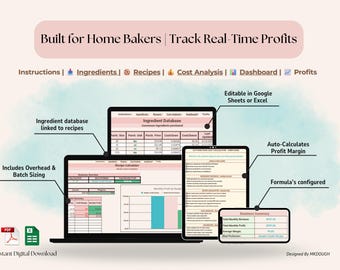
Home Baker or Pricing Calculator - Recipe Cost Spreadsheet for Google Sheets & Excel
$14.00
-
Digital download
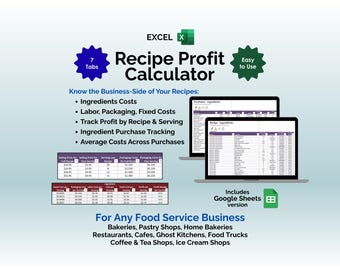
Recipe Cost Profit Calculator, Baking Ingredient Spreadsheet Home Baker Cake Costing Template Bakery Food Costs Excel Baking Pricing Tool
Sale Price $6.38
Original Price $15.95
-
Digital download
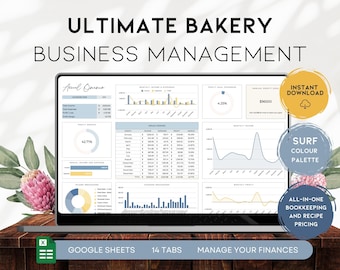
Ultimate Bakery Business Spreadsheet, Recipe Cost Calculator, Bookkeeping for Bakers, Small Bakery Tracker, Blue colour palette | BS012 - 02
$20.78
-
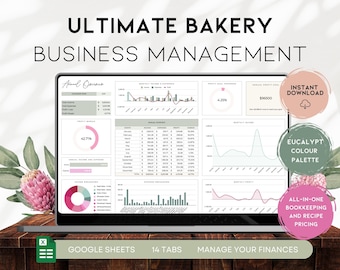
Digital download
Ultimate Bakery Business Spreadsheet, Recipe Cost Calculator, Bookkeeping for Bakers, Small Bakery Tracker, Digital Download | BS012 - 01
$20.78
-
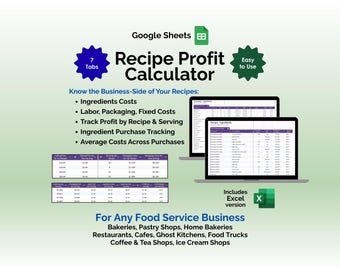
Digital download
Recipe Cost Calculator Food Cost Spreadsheet Bakery Cafe Pricing Tool Profit Margin Tracker Google Sheets Template For Small Business
Sale Price $6.38
Original Price $15.95
-
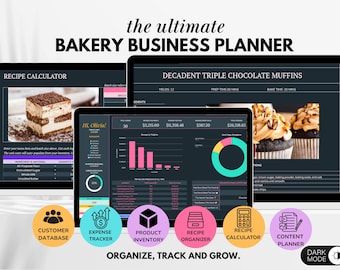
Digital download
Bakery Business Planner Spreadsheet, Recipe Cost Calculator Template, Bakery Order Form for Home Bakers and Cottage Bakery, Google Sheets
Sale Price $15.16
Original Price $20.21
-
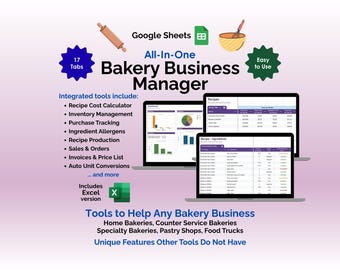
Digital download
Bakery Business Manager Google Sheets Template, Home Bakery Recipe Costing, Ingredient Inventory, Allergen List, Order & Price List Tracker
Sale Price $7.98
Original Price $19.95
-
Digital download
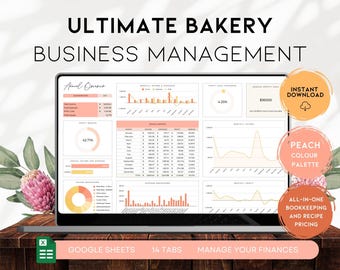
Ultimate Bakery Business Spreadsheet, Recipe Cost Calculator, Bookkeeping for Bakers, Small Bakery Tracker, Digital Download | BS012 - 03
$20.78
Shoppers with similar taste loved these
-
Digital download
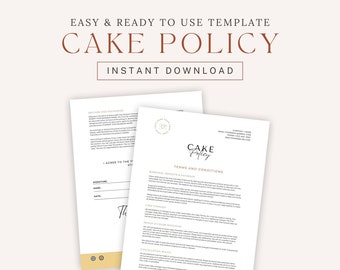
Editable Baking Agreement, Cake Order Terms, Cake terms and conditions, Bakery Policy Template, Neutral cake templates, Dessert Shop Canva
$8.00
-
Digital download
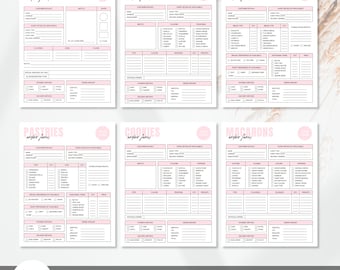
Editable Bakery Order Forms Bundle Canva Template, Bakery Business Form, Custom Cake Order Form, Cupcake Order Form, Cookies Order Form
Sale Price $3.75
Original Price $5.00
-
Digital download
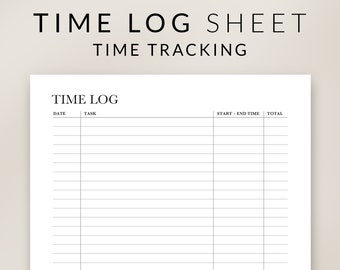
Work Time Log Printable Template – Time Sheet – Time Tracker – Daily Weekly Time Blocking List – Project Working Hours Digital Download PDF
$3.16
-
Digital download
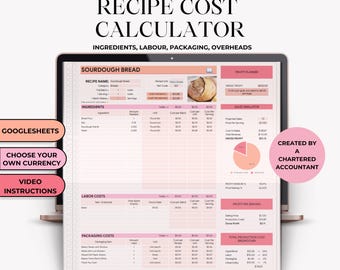
Recipe Cost Calculator, Profit Calculator Spreadsheet, Bakery Pricing Tool, Ingredient Cost Tracker, Google Sheets Template, Cake Pricing
$12.33
-
Digital download
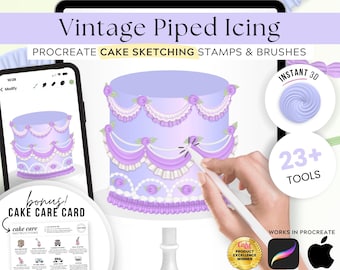
Vintage Icing & Swag Cake Sketching PROCREATE Brushes, Stamps, Digital Cake Design, Buttercream Piping, Lambeth, Retro Cakes FREE Cake Care
$18.20
-
Digital download
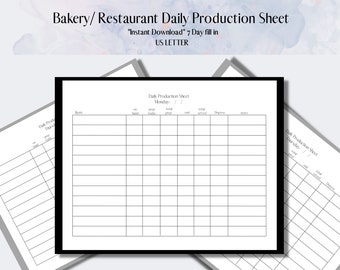
Daily Production Sheet: Restaurant & Bakery Planner (Digital Download)
$2.00
-
Digital download
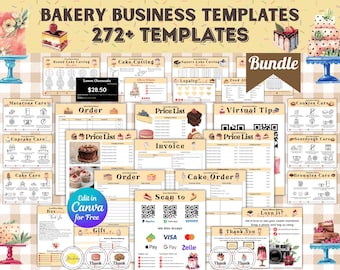
Editable Bakery Business Templates Bundle (Digital Download)
Sale Price $1.09
Original Price $1.99
-
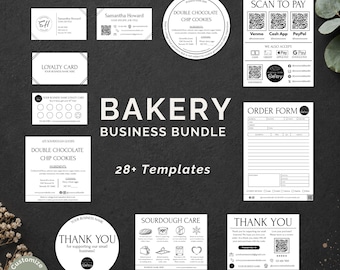
Digital download
Minimalist Bakery Business Bundle: Cottage Food Labels, Care Cards, QR Code Signs (Digital Download)
Sale Price $8.79
Original Price $14.65
-
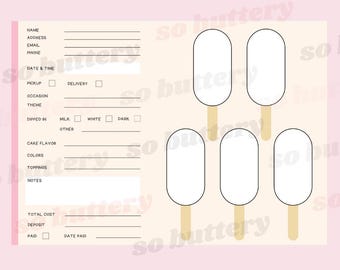
Digital download
Cakesicles Order Form Template | PDF | Printable Custom Order Sheet for Bakers | Cake Business Client Form Download | Cake Sicles
$3.65
-

Digital download
Product Pricing Printable Bundle: Small Business Calculator (PDF Download)
Sale Price $3.11
Original Price $6.22
-
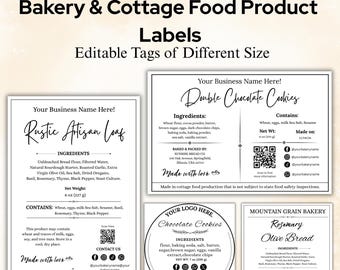
Digital download
Editable Cottage Food Label Template, Home Bakery Ingredient Label, Printable Food Packaging Sticker, Canva Digital Download
Sale Price $2.31
Original Price $3.55
-
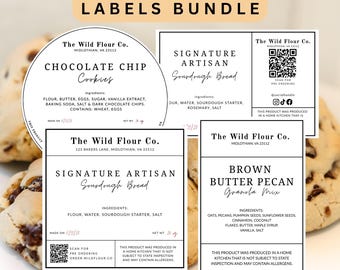
Digital download
Editable Label Bundle Home Bakery Business, Cottage Food Sticker, Sourdough Bread Box, Cookie Bag QR Code Canva Template
Sale Price $2.44
Original Price $6.10


