





Printable Christmas Gift Tags Woodland Animals, Editable To From Holiday Tags, 20 Designs, Instant Download PDF, Print at Home Labels
NowPrice:$1.99
Original Price: $3.99
50% off
Sale ends on December 15
4.9 out of 5
49 ratings
You can only make an offer when buying a single item
Highlights
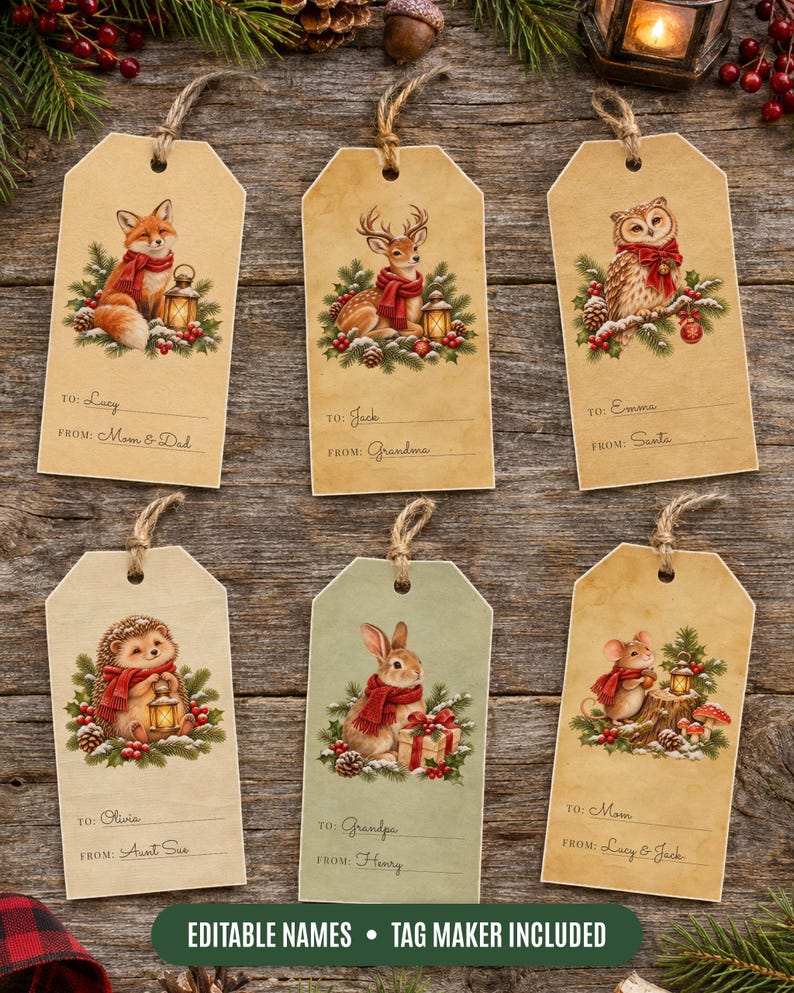
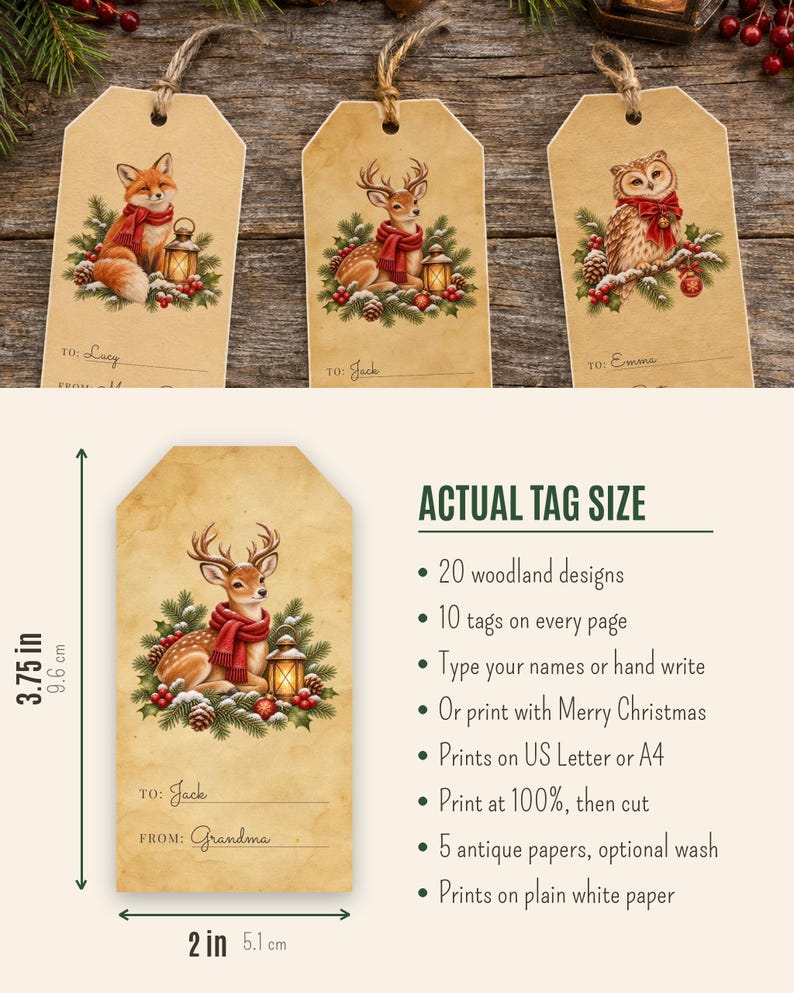
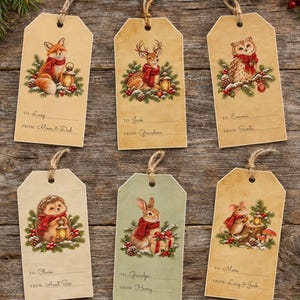
Printable woodland Christmas gift tags with 20 forest animal designs.
Download, type your names (or write them by hand), print, and cut.
If you like the tags, please consider rating or giving feedback. Thank you and MERRY CHRISTMAS!!! -James
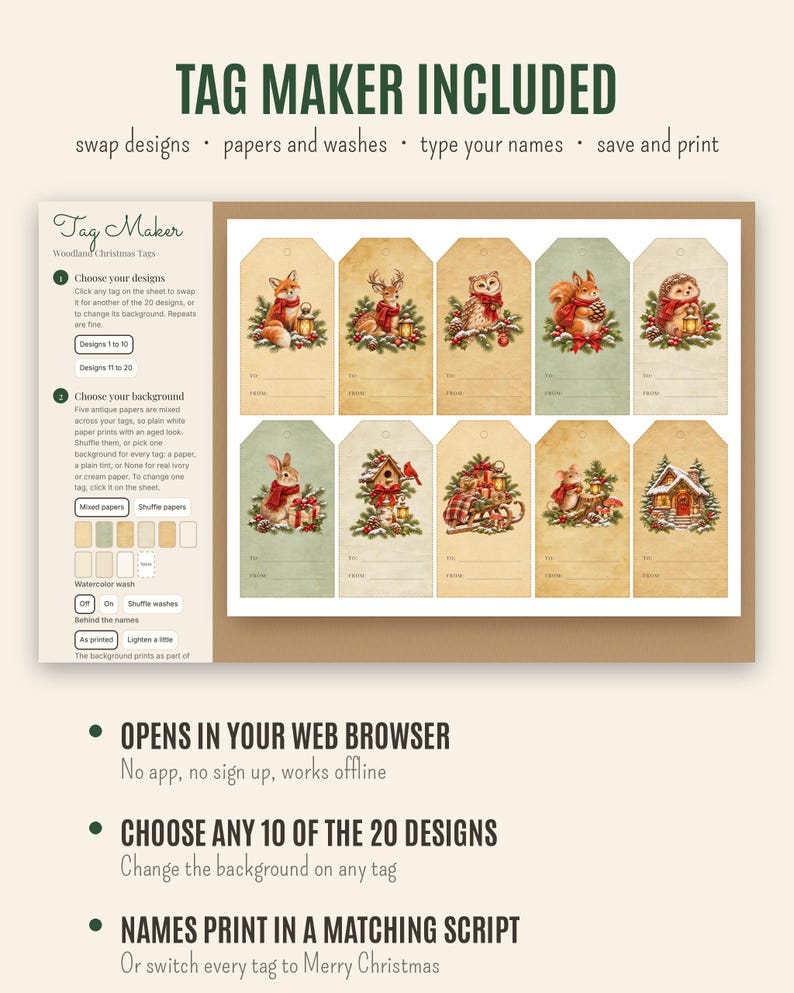
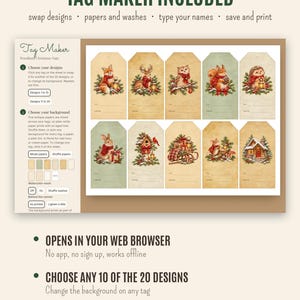
THE TAG MAKER IS INCLUDED
• design your own sheet in your web browser, no internet needed
• swap any tag for another of the 20 designs, or put one design on all ten
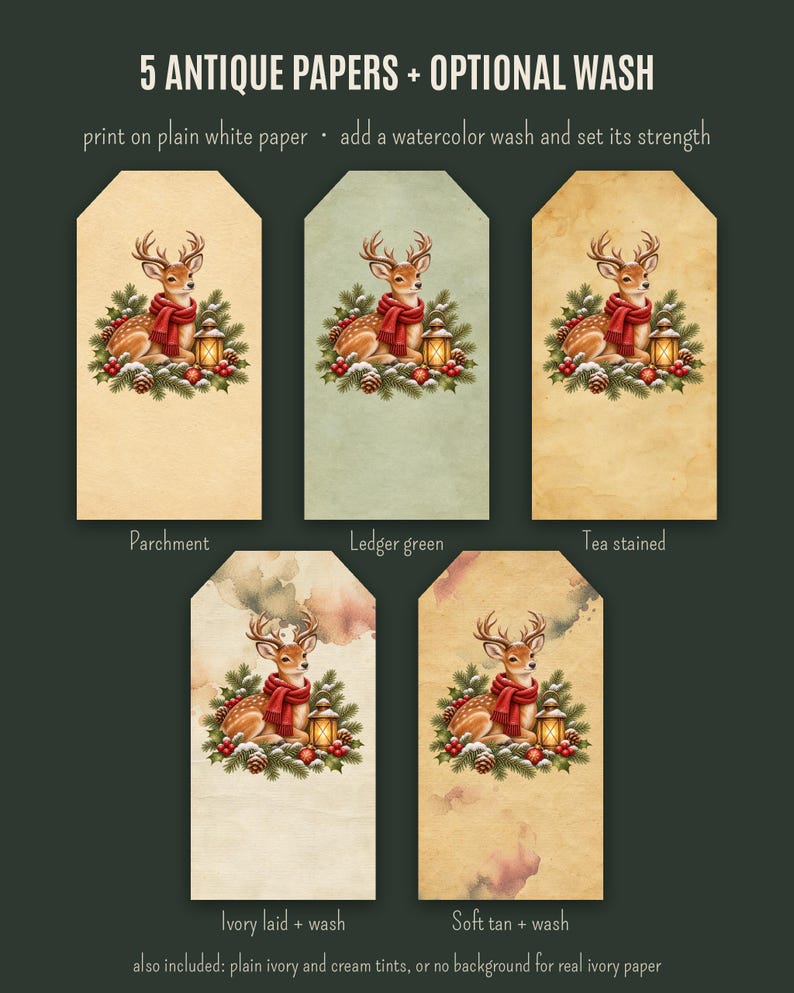
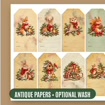
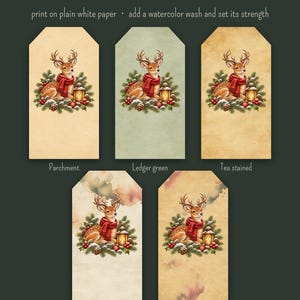
• five antique paper backgrounds are built in, so plain white paper prints with an aged look: keep the mix, shuffle it, use one on every tag, or change a single tag
• optional watercolor wash over the paper: turn it on, shuffle it, and set how strong it is
• prefer it plain? Choose an ivory or cream tint, or no background for real ivory or cream paper
• choose the typing font, text size and name color
• switch every tag to "Merry Christmas" if you would rather write names on the back
• save a print-ready PDF for US Letter or A4 paper
WHAT YOU GET
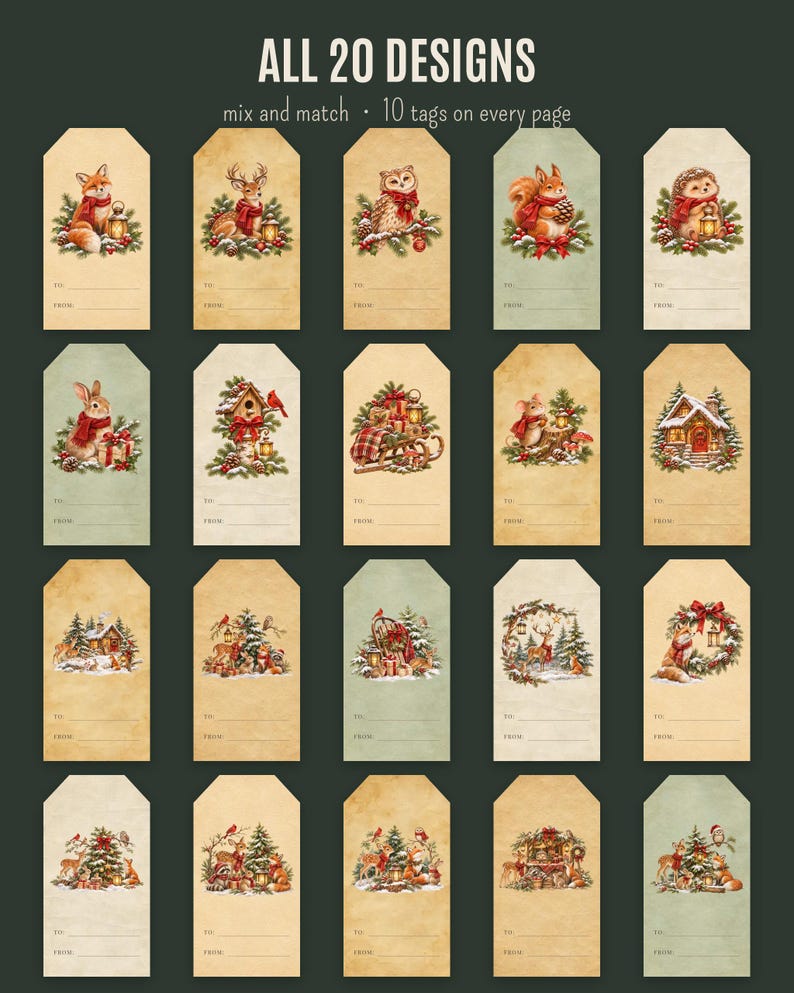
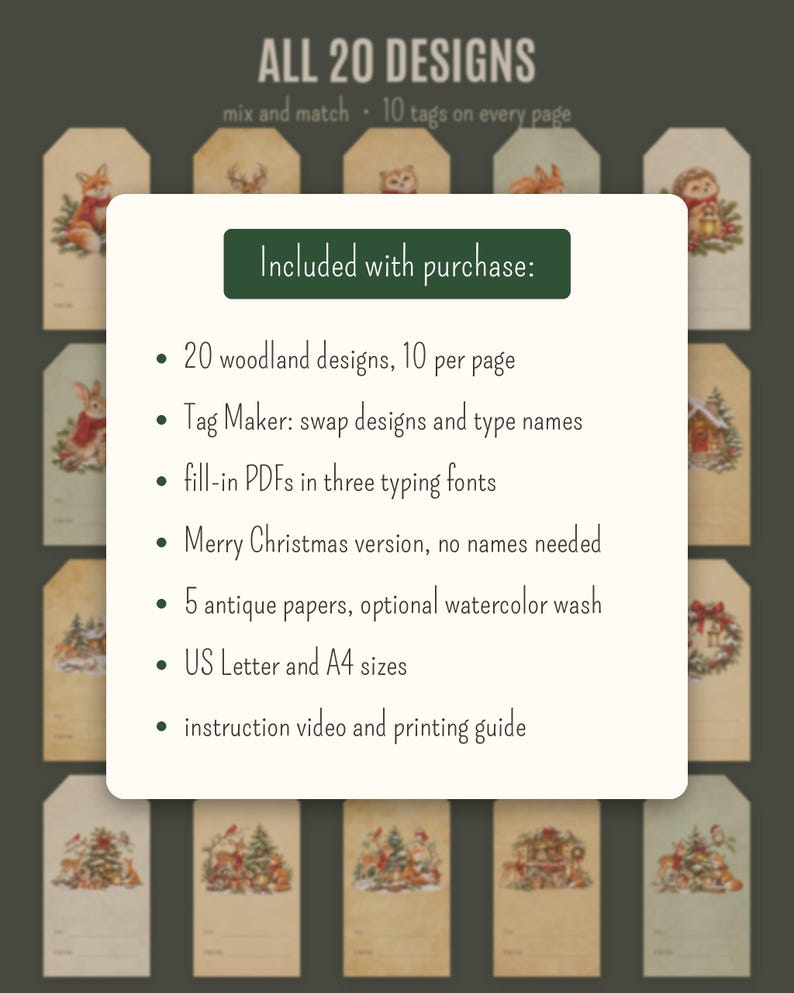
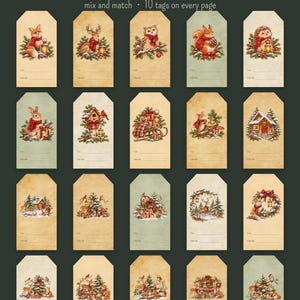
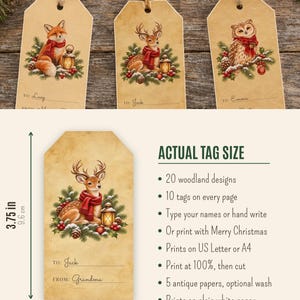
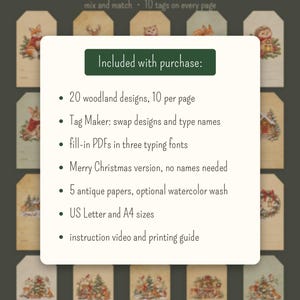
• 20 woodland tag designs, 10 on each page: fox, deer, owl, squirrel, hedgehog, rabbit, mouse, cardinal, snowy cabins, forest friends around the tree and more
• the Tag Maker, which opens in your web browser on a computer
• a short instruction video (it shows my Vintage set, and this Tag Maker works the same way)
• classic fill-in PDFs in three typing fonts: Classic, Script, or Serif
• a Merry Christmas version with no names needed
• 5 antique paper backgrounds that print as part of each tag, with an optional watercolor wash in the Tag Maker
• every PDF two ways: with the antique paper look for white paper, and with no background for ivory or cream paper
• type OR hand write names
• a START HERE page and printing instructions
HOW IT WORKS
1. Download both files after purchase: the zip file and the instruction video. Unzip the zip file.
2. Double-click Tag Maker.html. Choose your designs, pick your backgrounds, type your names, and click Save PDF.
3. Print the saved PDF at 100% and cut along the dotted lines.
Prefer the classic way? Open one of the fill-in PDFs in the free Adobe Acrobat Reader or in Google Chrome on a computer, type, and print.
PERFECT FOR
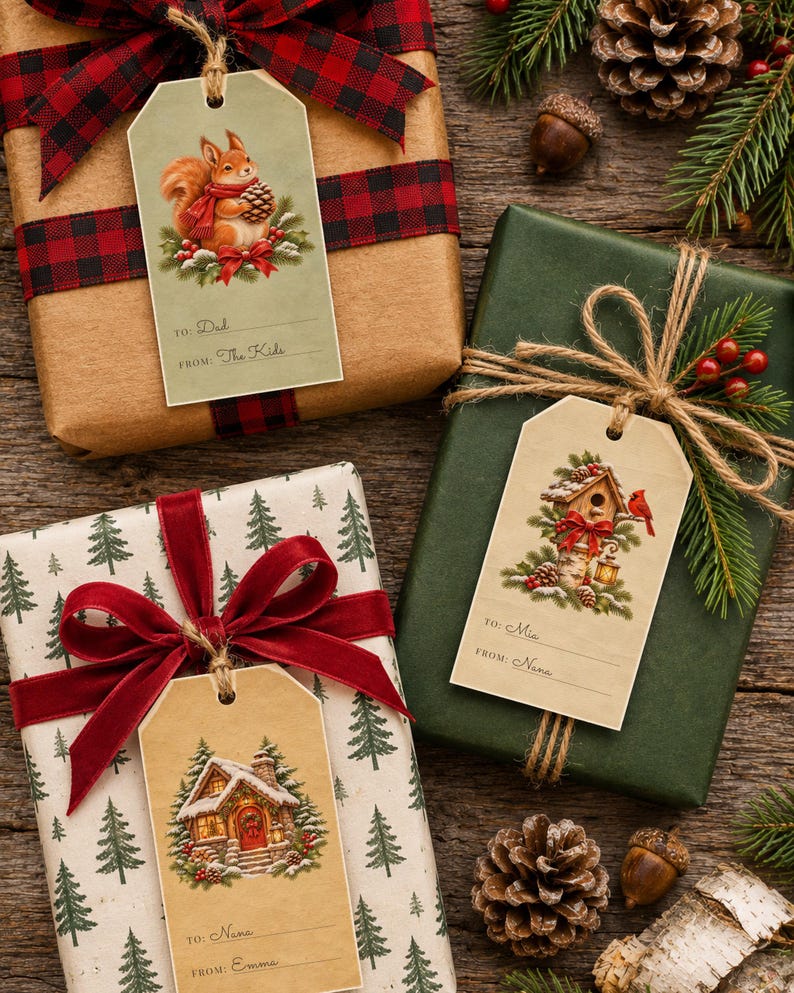
• Christmas and holiday gift wrapping
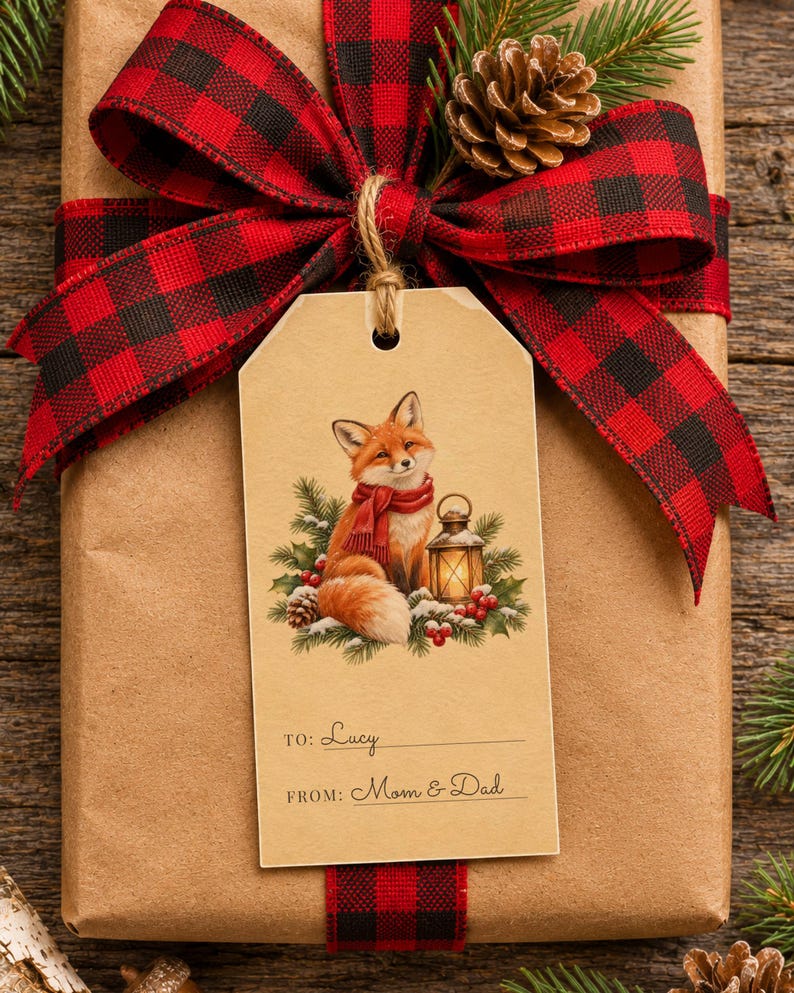
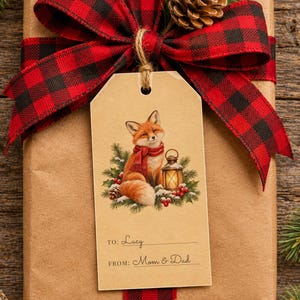
• kraft paper, buffalo plaid and other rustic cabin style wrapping
• gift bags, treat bags and stocking stuffers
• homemade goodies and gift baskets
BEST PAPER
• white matte cardstock, 65 to 80 lb, is all you need: the antique paper background prints with each tag (check what your printer can feed)
• regular white printer paper also works for a lighter tag
• have real ivory or cream cardstock? Choose No background and nothing prints behind the tags
• each tag prints about 2 x 3.75 inches (5.1 x 9.6 cm) at 100%
• the pages are landscape (sideways), 10 tags per page
• punch a hole at the top and tie on with ribbon or twine
GOOD TO KNOW
• The Tag Maker works best on a computer.
• For the fill-in PDFs, please do not type names in Apple Preview or Safari. They show a plain font, and Preview can change the file.
• This is a digital download. No physical item will be shipped.
• Colors can vary by printer and paper.
• Designed with AI assistance, built on my original tag designs.
Instant Download
Your files will be available to download once payment is confirmed. Here's how.
Instant download items don’t accept returns, exchanges or cancellations. Please contact the seller about any problems with your order.
Etsy Purchase Protection
Shop confidently on Etsy knowing if something goes wrong with an order, we've got your back for all eligible purchases —
see program terms

Be the first to review this item

More from this shop
Visit shop-
Digital download
Printable Christmas Gift Tags, Editable To From Holiday Tags, Red and Grey Variety Pack, Instant Download PDF, Print at Home Gift Labels
Sale Price $1.99
Original Price $3.99
-
Digital download
Printable Christmas Gift Tags, Editable To From Holiday Tags, Gold and Black, Instant Download PDF, Print at Home Gift Labels
Sale Price $1.99
Original Price $3.99
-
Digital download
Printable Christmas Gift Tags Green and Gold, Editable To From Holiday Tags, Variety Pack, Instant Download PDF, Print at Home Labels
Sale Price $1.99
Original Price $3.99
-

Digital download
Printable Christmas Gift Tags Vintage, Editable To From Holiday Tags, 20 Designs, Instant Download PDF, Print at Home Labels
Sale Price $1.99
Original Price $3.99