

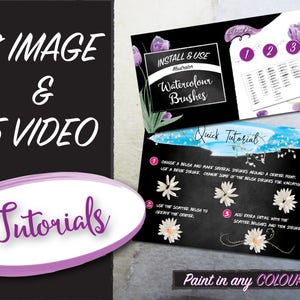
224 Watercolor Brush Set for Illustrator - Vector Format - Thin, Medium, Thick, Blot, and Splatter Art and Scatter Brushes with Tutorials
Item highlights
Seller's description
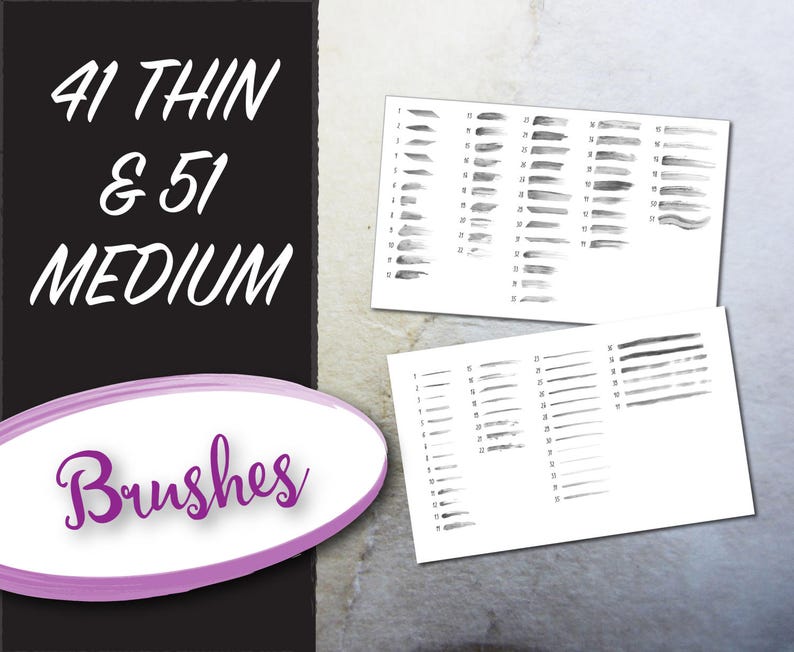
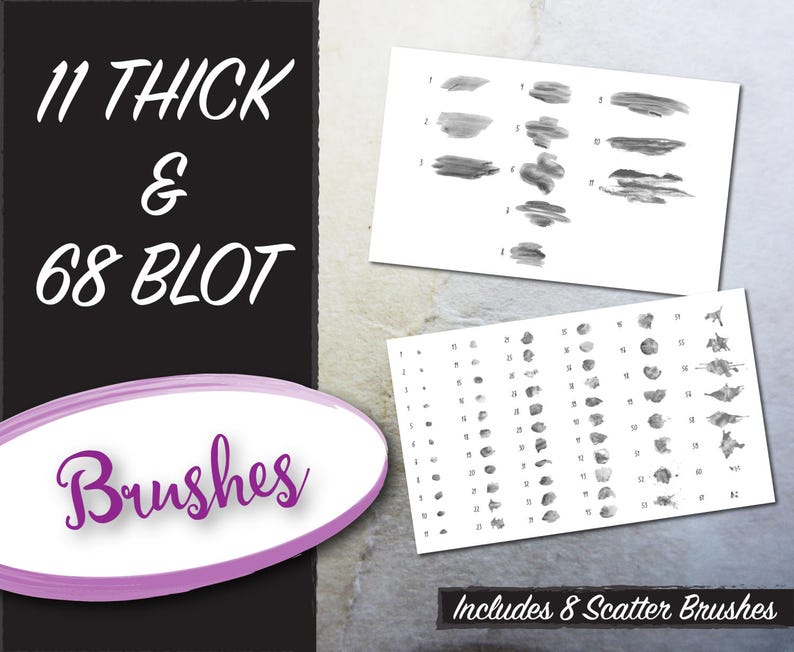
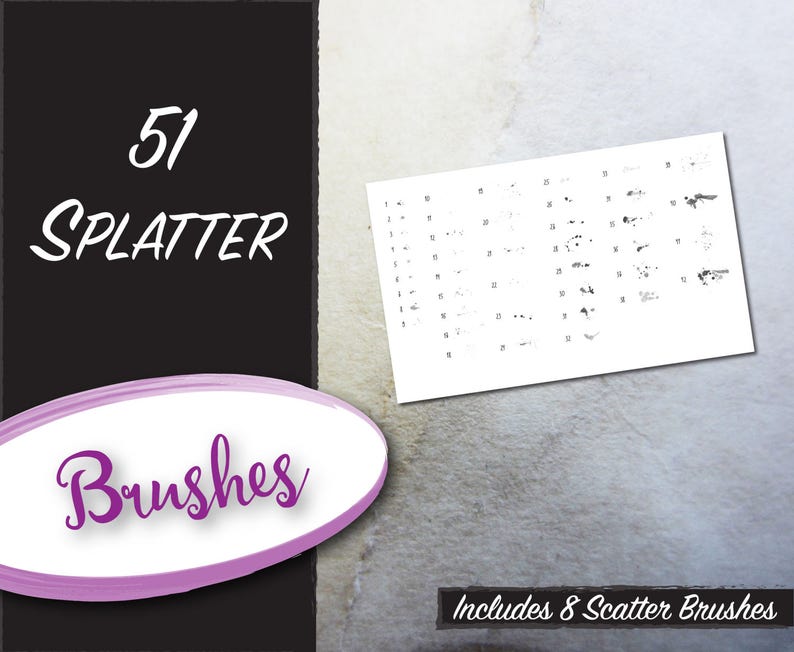
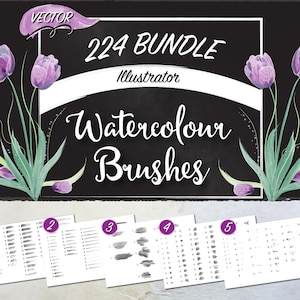
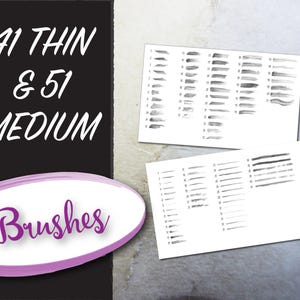
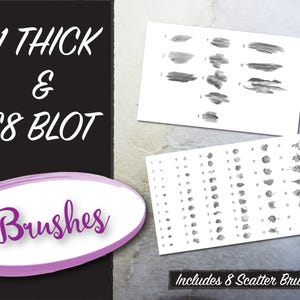
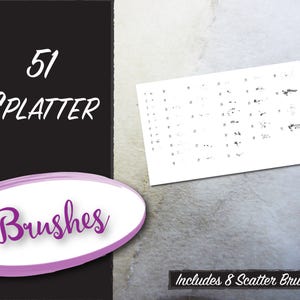
***BUNDLE AND SAVE*** on this set of 224 watercolour vector illustrator brushes. This bundle includes thin, medium, and thick width brushes and blot and splatter brushes. Brushes include art brushes that can be changed to any colour, but still retain the tints of a watercolour brush stroke. There are a total of 16 scatter brushes within the sets.
***SAVE $15 USD by purchasing in the bundle.
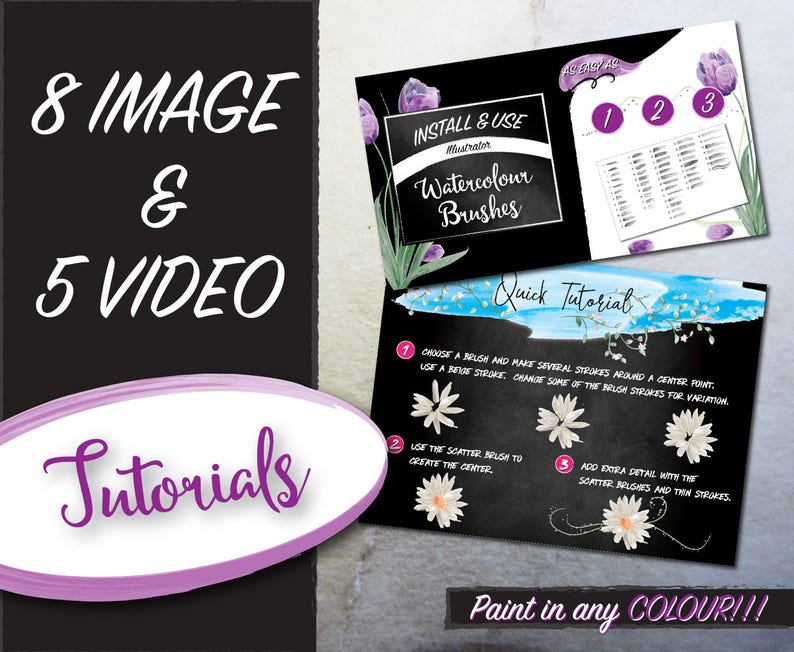
Use your creativity to create beautiful works of art with these hand painted watercolour Illustrator brushes. I have included several image and video tutorials to inspire you and introduce you to using the brushes.
These brushes are perfect for drawing flower petals. Simply use your paint brush to draw strokes, then adjust your stroke colour and width. Your brush strokes will be variegated to reflect realistic watercolour paintings. You can also change the transparency settings to create blended overlapping colours (I like the Multiply setting). I use the multiply blending mode when making accents and shadows on my petals.
The best part is that you can make mistakes and try again until it is perfect. One drawback to painting with watercolour paints is that they are not nearly as forgiving.
- These brushes were painted with care,
- Scanned at 600dpi for a high quality image
- Manipulated in Photoshop
- Converted to a vector image in Illustrator
- and finally converted to high quality Illustrator brushes (created in CS6; also confirmed by customers that it works with CC)
If you are using an older version of Illustrator, please contact me for a sample to check compatibility.
How to install and use brushes:
- Open brushes in Illustrator, open brush window, save brush library to default location
- Open brush library by clicking on the books icon in the bottom left corner of the brush window, go to user defined, and choose your new brushes
- Choose a brush and draw with the paint brush tool
- To change colours, choose a stroke colour
- Change the size and shape of your stroke with the Stroke drop down menu and the Width Profile drop down menu
WHAT'S INCLUDED
- 5 .ai watercolour brush files (Thin, Medium, Thick, Blot, Splatter)
- 5 jpeg image overviews of the included brushes
- 1 instructions page for installing brushes
- 8 short image tutorials
- 5 video tutorials
- Terms of Use
***Links to Individual Brush Resources
- THIN BRUSHES
https://www.etsy.com/listing/511835713/watercolour-vector-illustrator-brushes?ref=shop_home_active_9
- MEDIUM BRUSHES
https://www.etsy.com/listing/511870935/watercolour-vector-illustrator-brushes?ref=shop_home_active_4
- THICK BRUSHES
https://www.etsy.com/listing/513244283/watercolour-vector-illustrator-brushes?ref=shop_home_active_1
- BLOT BRUSHES
https://www.etsy.com/listing/501210210/watercolour-vector-illustrator-brushes?ref=shop_home_active_5
- SPLATTER BRUSHES
https://www.etsy.com/listing/515452285/watercolour-vector-illustrator-brushes?ref=shop_home_active_7
***Want to watch the step by step VIDEO TUTORIALS now? (Please copy and paste the links into your browser)
Learn to install and access your brushes:
https://youtu.be/UEmqBgMivN4
Creating vines, leaves, and flowers:
https://youtu.be/Q8vZJiKJEOA
How to make Splatter Brush Frames:
https://youtu.be/zvGLmPXSjME
https://youtu.be/_cJJccge2Yo
How to Make a Cool Logo:
https://youtu.be/Q8vZJiKJEOA
***Curious as to what kinds of art you can make with watercolour brushes? Here are some flowers that I have made using these brush sets:
Stargazer Lilies & Lavender:
https://www.etsy.com/listing/516713525/vector-watercolour-stargazer-lilies-and?ref=shop_home_feat_1
Tulips:
https://www.etsy.com/listing/501563310/vector-watercolour-tulips-includes-clip?ref=shop_home_feat_2
***Need some tips on how to draw your own flowers? Send me a message, I'm happy to share some ideas with you. (Use the ASK A QUESTION button at the top of the page)
*****************************************
TERMS OF USE
*** Commercial License ***
This license allows you to create new works of art with the brushes for resale with an unlimited amount of uses. You do not have to credit Pam's Designs, but it's of course appreciated.
***YOU MUST expand the brushes and delete them from the brush window before selling your designs.
*** YOU MAY NOT redistribute these brushes or create new brushes with them for resale or distribution.
Copyright 2017 Pam's Designs
REFUND POLICY
Due to the nature of digital files and the design work involved, we do not offer cancellations or refunds.
WHAT I LOVE!!!
I love seeing what you've created with my resources. So, if you have the time or are really proud of what you've created, please share it with me. I can't wait to see all your creativity!
Thank you!!!
Pam @ Pam's Designs
Price:$23.00
You can only make an offer when buying a single item
Delivery
Instant download
Your files will be available to download once payment is confirmed. Here's how.
Instant download items don't accept returns, exchanges or cancellations. Please contact the seller about any problems with your order.
Reviews for this item

These watercolor vector brushes are exactly what I needed! They were very easy to install and use. I used them to create some custom art for an upcoming conference. (2020.synbiobeta.com) Thank you!
Seller's description
Specifications
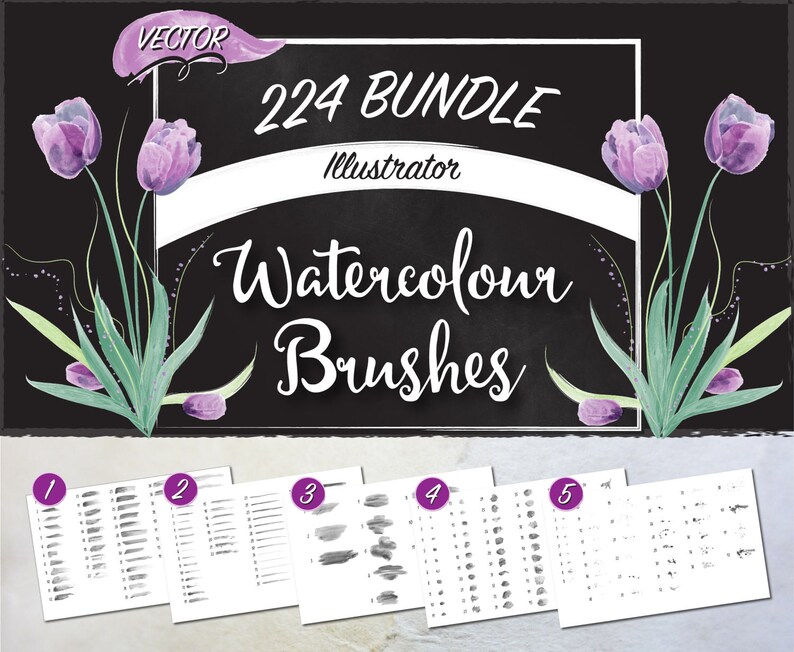
***BUNDLE AND SAVE*** on this set of 224 watercolour vector illustrator brushes. This bundle includes thin, medium, and thick width brushes and blot and splatter brushes. Brushes include art brushes that can be changed to any colour, but still retain the tints of a watercolour brush stroke. There are a total of 16 scatter brushes within the sets.
***SAVE $15 USD by purchasing in the bundle.
Use your creativity to create beautiful works of art with these hand painted watercolour Illustrator brushes. I have included several image and video tutorials to inspire you and introduce you to using the brushes.
These brushes are perfect for drawing flower petals. Simply use your paint brush to draw strokes, then adjust your stroke colour and width. Your brush strokes will be variegated to reflect realistic watercolour paintings. You can also change the transparency settings to create blended overlapping colours (I like the Multiply setting). I use the multiply blending mode when making accents and shadows on my petals.
The best part is that you can make mistakes and try again until it is perfect. One drawback to painting with watercolour paints is that they are not nearly as forgiving.
- These brushes were painted with care,
- Scanned at 600dpi for a high quality image
- Manipulated in Photoshop
- Converted to a vector image in Illustrator
- and finally converted to high quality Illustrator brushes (created in CS6; also confirmed by customers that it works with CC)
If you are using an older version of Illustrator, please contact me for a sample to check compatibility.
How to install and use brushes:
- Open brushes in Illustrator, open brush window, save brush library to default location
- Open brush library by clicking on the books icon in the bottom left corner of the brush window, go to user defined, and choose your new brushes
- Choose a brush and draw with the paint brush tool
- To change colours, choose a stroke colour
- Change the size and shape of your stroke with the Stroke drop down menu and the Width Profile drop down menu
WHAT'S INCLUDED
- 5 .ai watercolour brush files (Thin, Medium, Thick, Blot, Splatter)
- 5 jpeg image overviews of the included brushes
- 1 instructions page for installing brushes
- 8 short image tutorials
- 5 video tutorials
- Terms of Use
***Links to Individual Brush Resources
- THIN BRUSHES
https://www.etsy.com/listing/511835713/watercolour-vector-illustrator-brushes?ref=shop_home_active_9
- MEDIUM BRUSHES
https://www.etsy.com/listing/511870935/watercolour-vector-illustrator-brushes?ref=shop_home_active_4
- THICK BRUSHES
https://www.etsy.com/listing/513244283/watercolour-vector-illustrator-brushes?ref=shop_home_active_1
- BLOT BRUSHES
https://www.etsy.com/listing/501210210/watercolour-vector-illustrator-brushes?ref=shop_home_active_5
- SPLATTER BRUSHES
https://www.etsy.com/listing/515452285/watercolour-vector-illustrator-brushes?ref=shop_home_active_7
***Want to watch the step by step VIDEO TUTORIALS now? (Please copy and paste the links into your browser)
Learn to install and access your brushes:
https://youtu.be/UEmqBgMivN4
Creating vines, leaves, and flowers:
https://youtu.be/Q8vZJiKJEOA
How to make Splatter Brush Frames:
https://youtu.be/zvGLmPXSjME
https://youtu.be/_cJJccge2Yo
How to Make a Cool Logo:
https://youtu.be/Q8vZJiKJEOA
***Curious as to what kinds of art you can make with watercolour brushes? Here are some flowers that I have made using these brush sets:
Stargazer Lilies & Lavender:
https://www.etsy.com/listing/516713525/vector-watercolour-stargazer-lilies-and?ref=shop_home_feat_1
Tulips:
https://www.etsy.com/listing/501563310/vector-watercolour-tulips-includes-clip?ref=shop_home_feat_2
***Need some tips on how to draw your own flowers? Send me a message, I'm happy to share some ideas with you. (Use the ASK A QUESTION button at the top of the page)
*****************************************
TERMS OF USE
*** Commercial License ***
This license allows you to create new works of art with the brushes for resale with an unlimited amount of uses. You do not have to credit Pam's Designs, but it's of course appreciated.
***YOU MUST expand the brushes and delete them from the brush window before selling your designs.
*** YOU MAY NOT redistribute these brushes or create new brushes with them for resale or distribution.
Copyright 2017 Pam's Designs
REFUND POLICY
Due to the nature of digital files and the design work involved, we do not offer cancellations or refunds.
WHAT I LOVE!!!
I love seeing what you've created with my resources. So, if you have the time or are really proud of what you've created, please share it with me. I can't wait to see all your creativity!
Thank you!!!
Pam @ Pam's Designs
-
Designed by
-
UseSupplies for making crafts
-
Item typeDigital download
-
Digital file type(s)3 ZIP, 2 other files
If something goes wrong with an order, we've got your back on all eligible purchases. View program terms
Meet your seller

Usually responds in 24 hours
More from this shop
-
Digital download
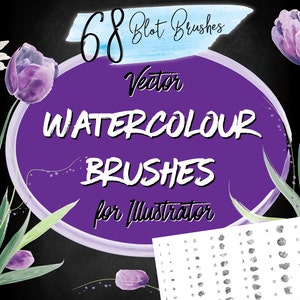
Watercolour Vector Illustrator Brushes - Blot Brushes & Scatter Brushes
$10.00
-
Digital download
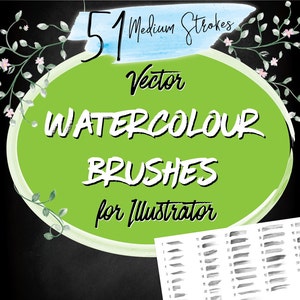
Watercolour Vector Illustrator Brushes - Medium Width
$8.00
-
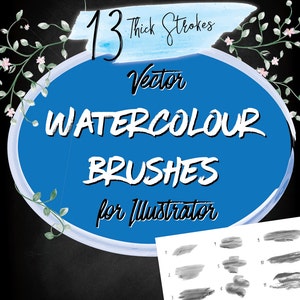
Digital download
Watercolour Vector Illustrator Brushes - Thick Width
$5.00
-
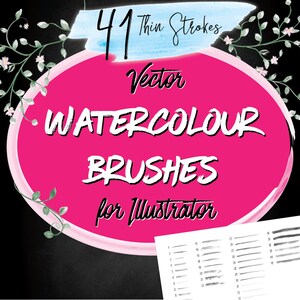
Digital download
Watercolour Vector Illustrator Brushes - Thin
$7.00
-
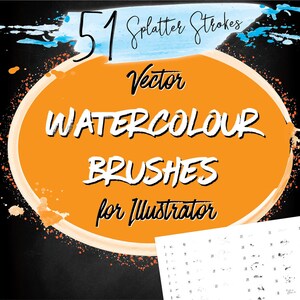
Digital download
Watercolour Vector Illustrator Brushes - Splatter Brushes with Art & Scatter Brushes
$8.00
-
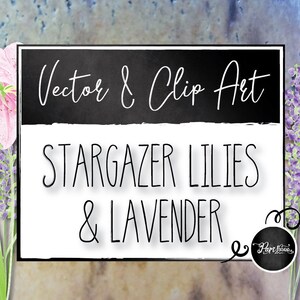
Digital download
Vector Watercolour Stargazer Lilies and Lavender - Includes Clip Art
$5.00
-
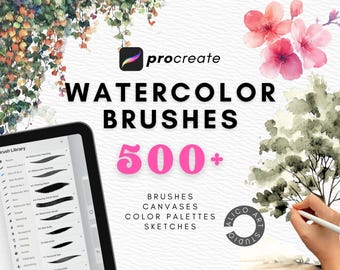
Digital download
Procreate Watercolor Brush Bundle: 240+ Brushes, Palettes, Textures (Digital Download)
Sale Price $18.90
Original Price $27.00
-
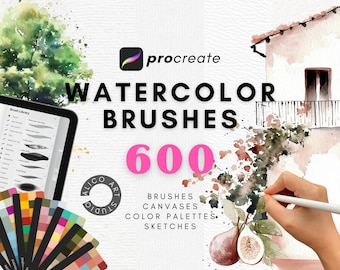
Digital download
Procreate Watercolor Brush Set: Mega Bundle with Canvas Papers (Digital Painting)
Sale Price $21.00
Original Price $30.00
-
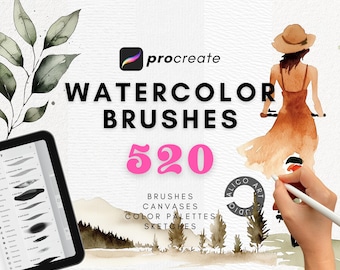
Digital download
Procreate Watercolor Brush Pack: 250+ Wet Painting Brushes (Digital Download)
Sale Price $19.60
Original Price $28.00
-
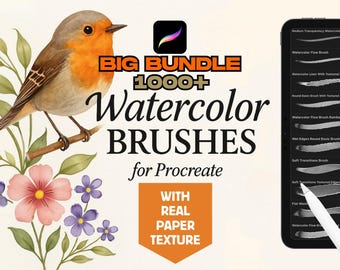
Digital download
Watercolor Brushes Bundle: 1000+ Paper Texture Brushes for Procreate
Sale Price $12.87
Original Price $42.90
-
Digital download
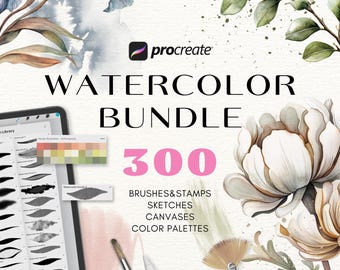
Realistic watercolor Procreate brushes. Procreate watercolor bundle. Procreate watercolor texture brushes. Procreate watercolor spots stamps
Sale Price $12.29
Original Price $24.58
-
Digital download
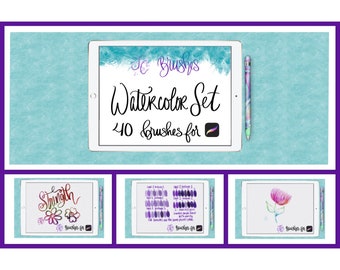
FC-watercolor-set-PROCREATE Brushes-DIGITAL Download
$25.00
-
Digital download
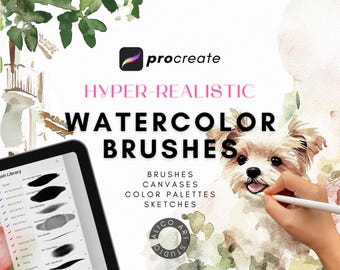
Realistic Watercolor Brushes for Procreate: Brush Bundle, Paper Textures (Digital Download)
Sale Price $14.00
Original Price $20.00
-
Digital download
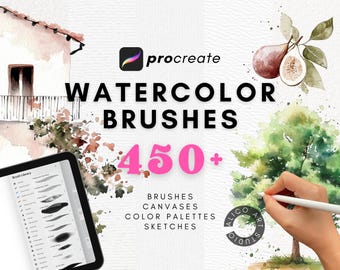
Procreate Watercolor Brush Set, Paper Textures, Color Palettes (Digital Download)
Sale Price $18.20
Original Price $26.00
-
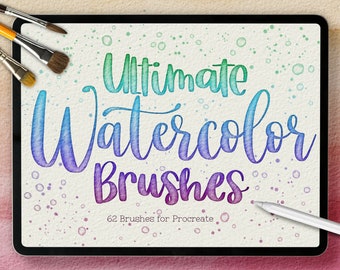
Digital download
Ultimate Watercolor Procreate Brushes, 62 Brush Pack (Digital Download)
$28.49
-
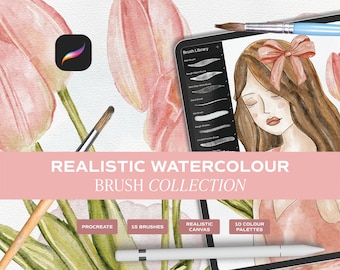
Digital download
Realistic Watercolour Brushes for Procreate. Watercolour Brushes made for Ipad Procreate. Brush & Canvas Set for Ipad. Digital Brushes Set
$22.72
-
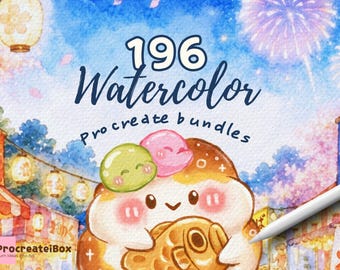
Digital download
196 Procreate Watercolor Brush Bundle | Realistic Stamps with Paper Textures and tutorials
$25.95
-
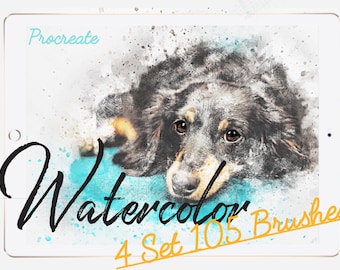
Digital download
100 Procreate Brushes Watercolor - stamp brushes - procreate pack - dynamic brushes, foliage, iPad stamps, download - Watercolor Brushes Set
$13.07
Disclaimer: Etsy assumes no responsibility for the accuracy, labeling, or content of sellers' listings and products. Electrical or electronic products may pose a risk of fire or electrocution. Vintage, handmade, refurbished, or modified electrical or electronic products may not meet current safety standards and may not be in safe working order. Inspect carefully before use and message the seller if you have concerns relating to the product. Do not use a vintage electrical or electronic item if its safety cannot be verified. To reduce the risk of fire, never leave vintage electrical or electronic products plugged in unattended. See Etsy's Terms of Use for more information.
Shoppers with similar taste loved these
-
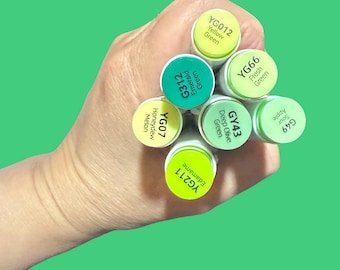
Ohuhu Honolulu B Alcohol Marker - Greens Dual Tip Brush
Sale Price $2.92
Original Price $3.90
-
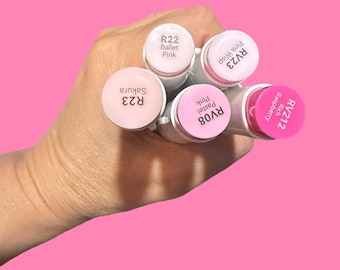
Pink Ohuhu Honolulu B Alcohol Brush Marker - Single Color
Sale Price $2.92
Original Price $3.90
-
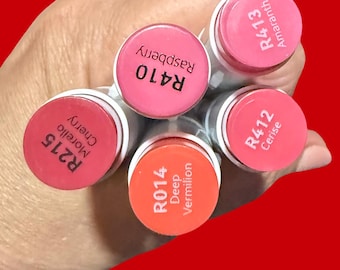
REDS (R1-R350) Single OHUHU Honolulu B Alcohol Marker Choose your color! Mix and Match!
Sale Price $2.92
Original Price $3.90
-
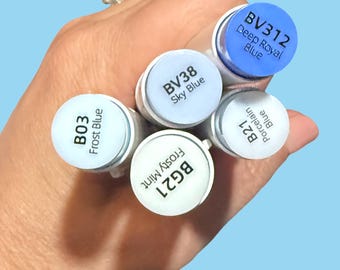
Blues* Single OHUHU Honolulu B Alcohol Marker Choose your color! Mix and Match! Blues
Sale Price $2.92
Original Price $3.90
-
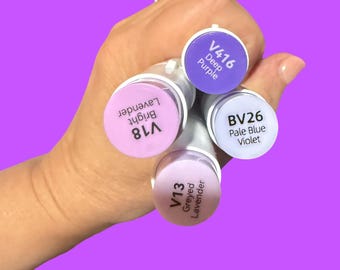
VIOLETS *Single OHUHU Honolulu B Alcohol Marker Choose your color! Mix and Match! PURPLES
Sale Price $2.92
Original Price $3.90
-
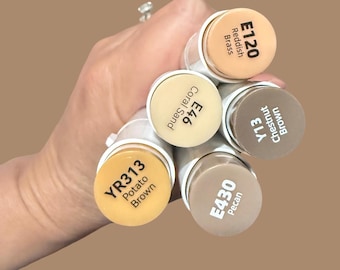
Ohuhu Honolulu B Alcohol Marker - Brush & Fine Tip - Choose Your Color
Sale Price $2.92
Original Price $3.90
-
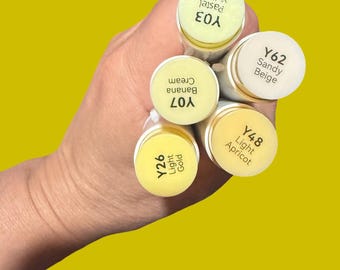
Ohuhu Honolulu and Honolulu B Alcohol Marker - Yellows (Y00-Y611) Single
Sale Price $2.92
Original Price $3.90
-
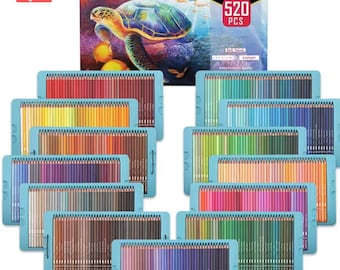
KALOUR 520 Professional Colored Pencils - Rich Colors for Drawing, Sketching, Shading & Coloring
$198.00
-
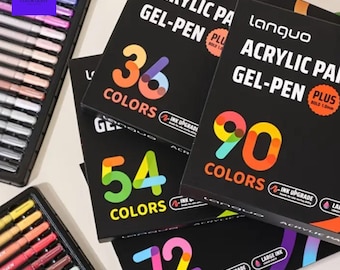
Vibrant Acrylic Gel Pen Set: Smooth Writing, Sketching, Drawing
$46.00
-
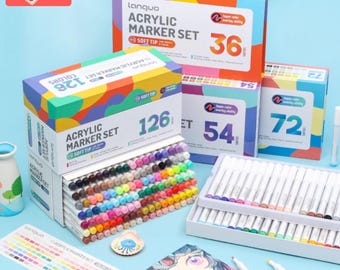
Acrylic Paint Brush Markers: Multi-Surface DIY Art Pens - 36/54/72/126 Colors
$39.00
-
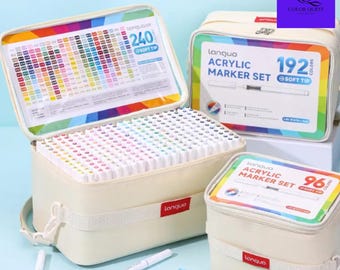
LANGUO Acrylic Paint Marker Set: 288/240/192/96 Colors, Soft Brush Tips, Portable Bag
$90.00
-
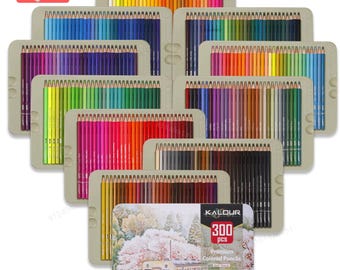
Kalour 300 Colored Pencils: Soft Core, Vibrant Colors
$69.00

