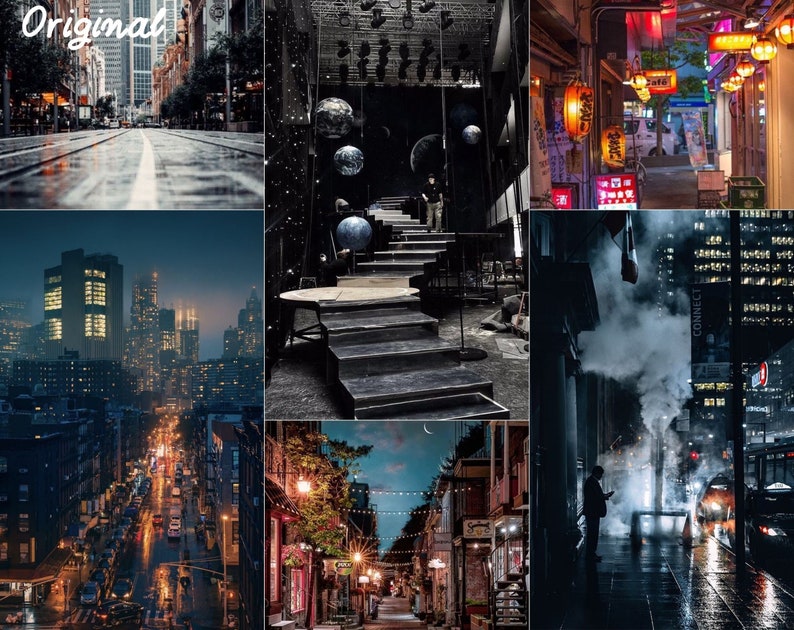
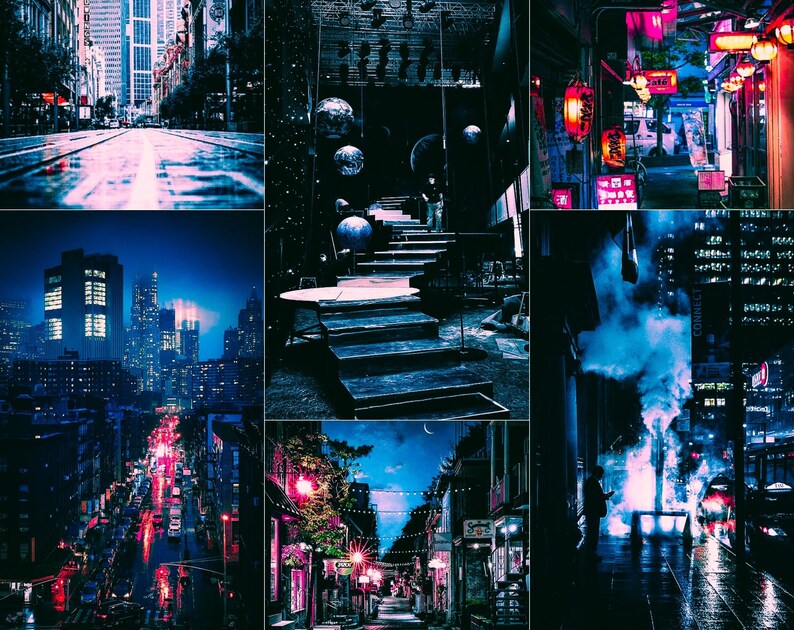
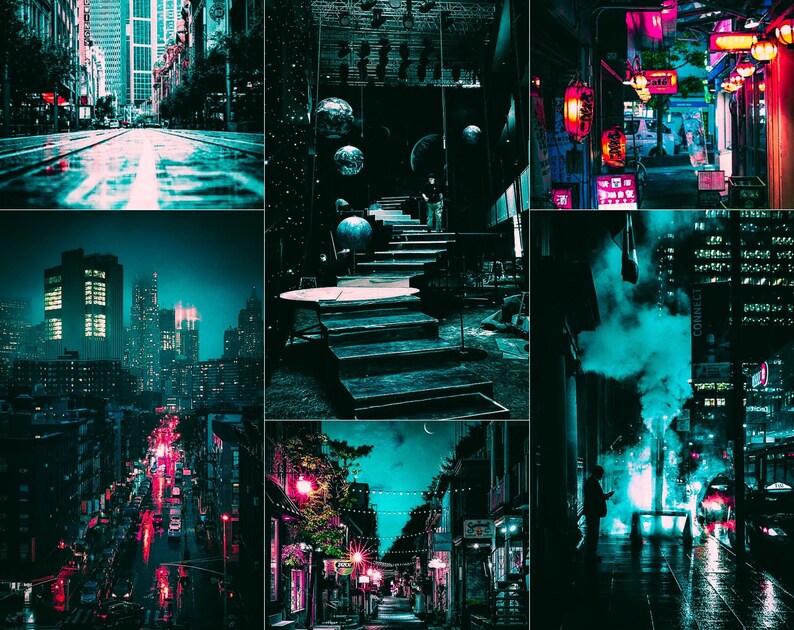
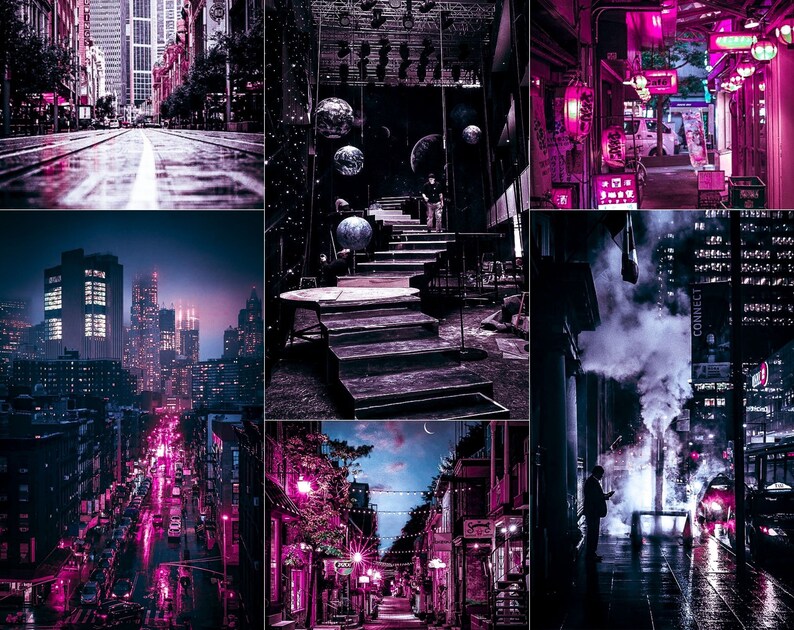
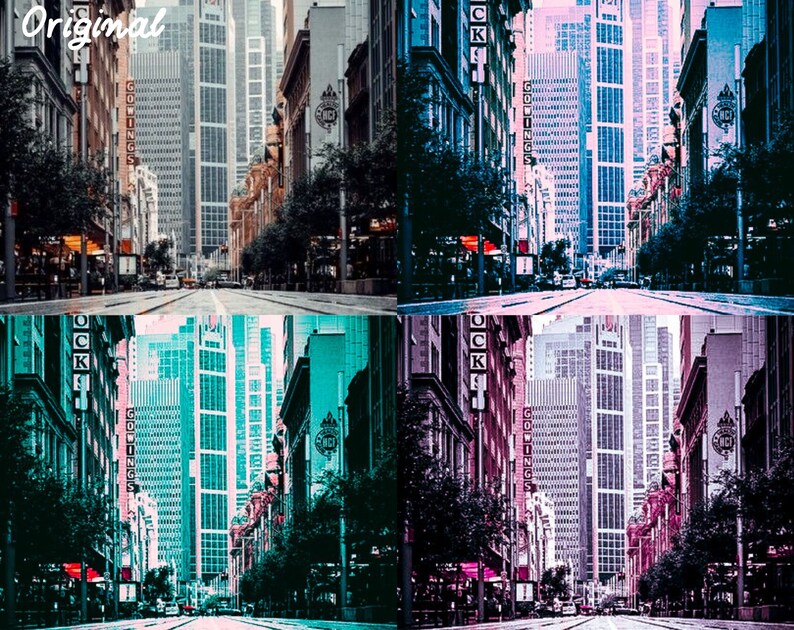
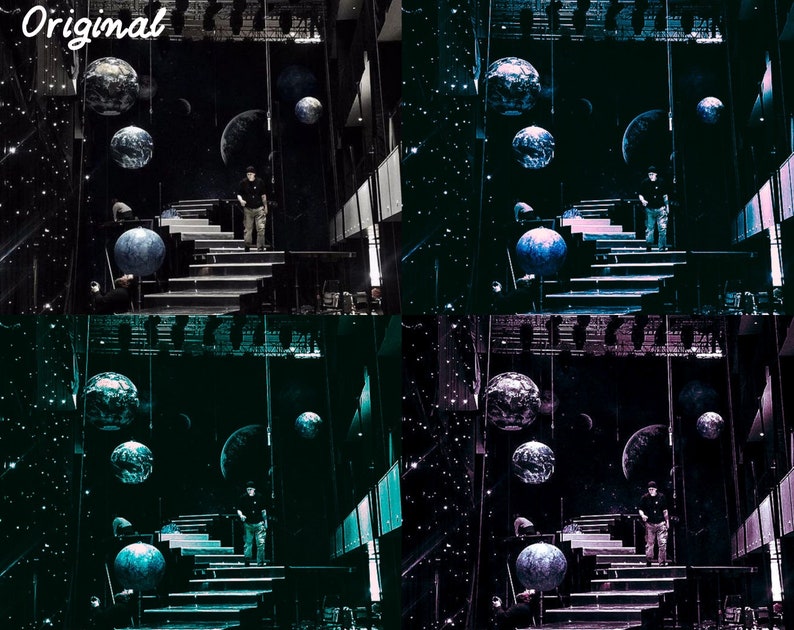
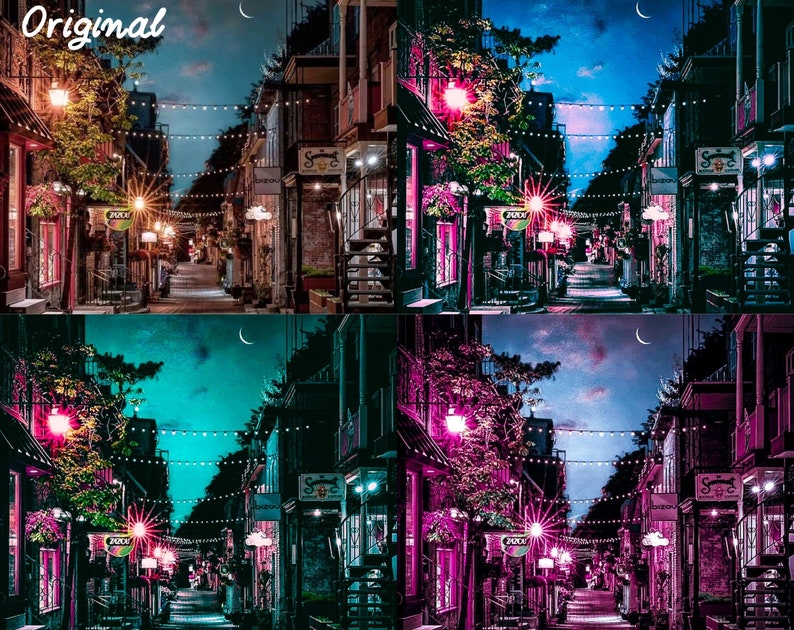
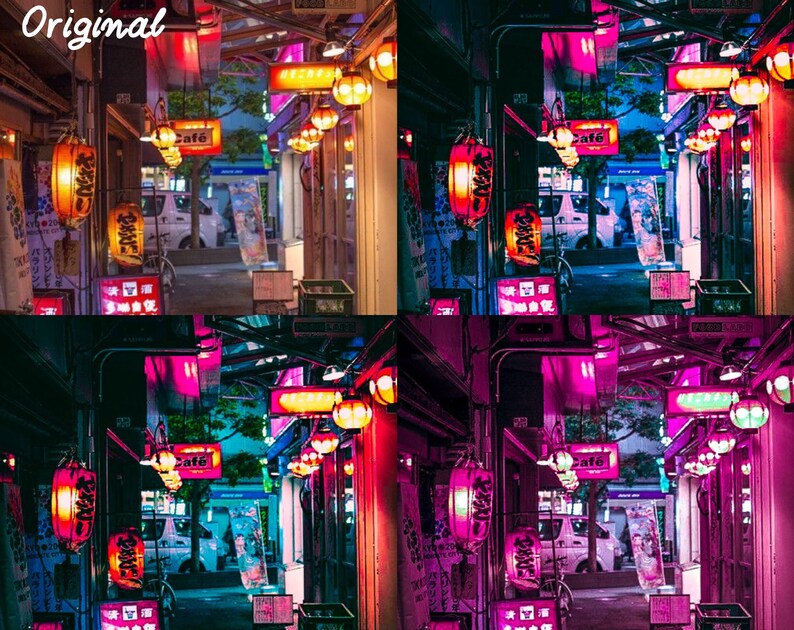
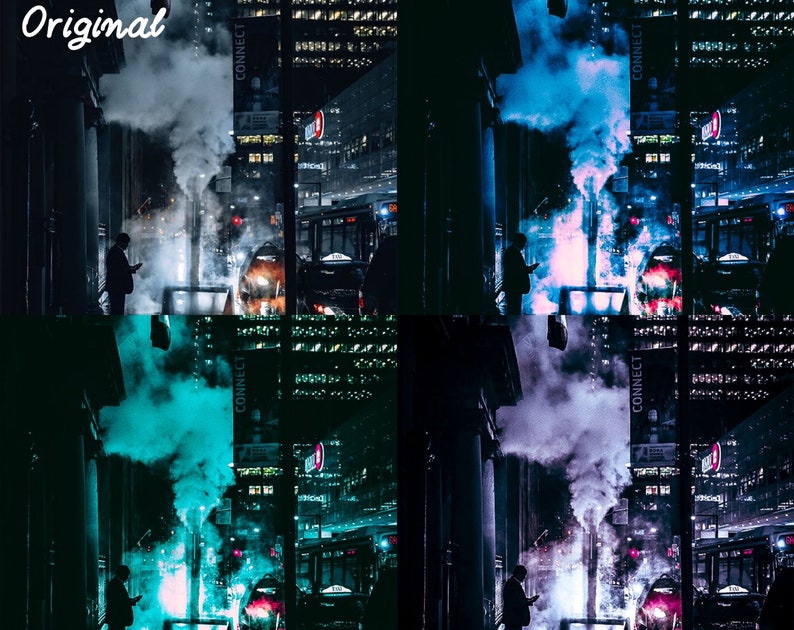


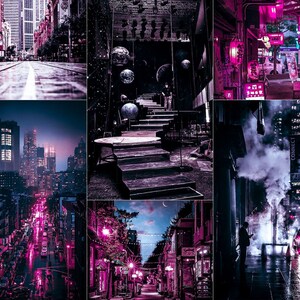
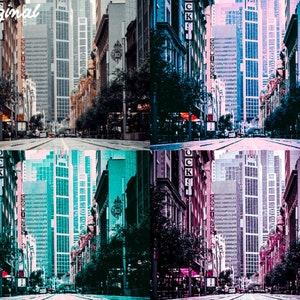
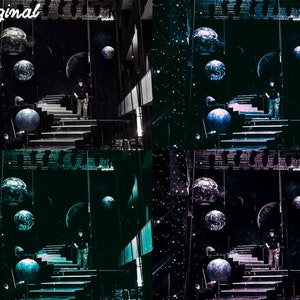
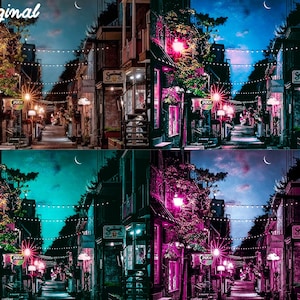
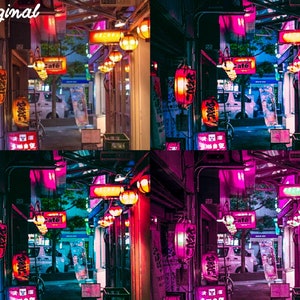
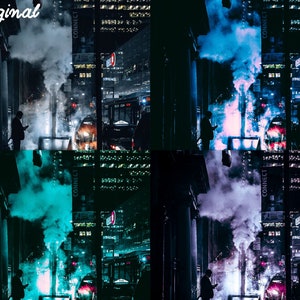
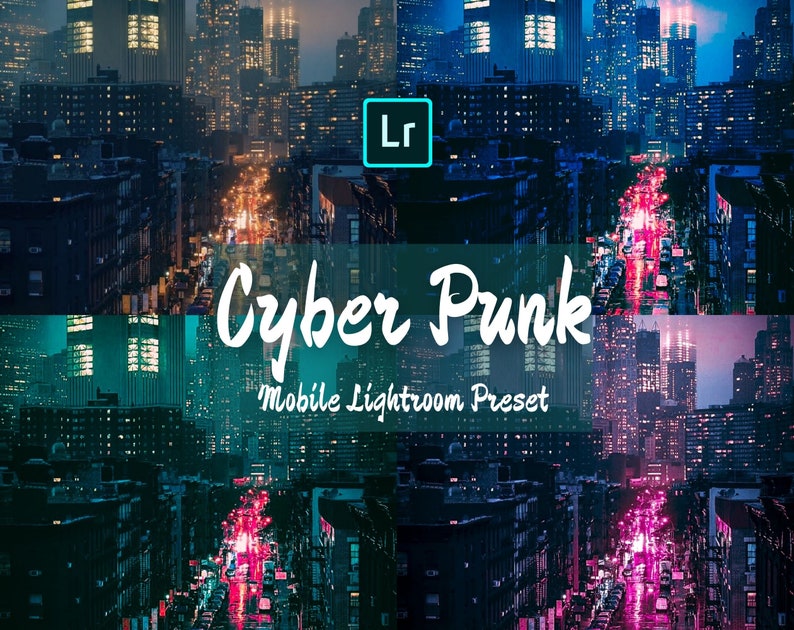
12 Cyberpunk Mobile Lightroom Presets, iPhone DNG Preset, Vsco Instagram Filter,Technology Future Science Movie Night View Influencer Preset
Item highlights
Item review
All reviews are from verified buyers. This review is shown automatically based on factors like recency, whether it includes comments, your chosen language, and whether the rating reflects the typical experience with the shop.
“thank you for the amazing customer service I can't wait to try this preset it looks awesome!”
Etsy buyer
Mar 25, 2021
Price:$2.01
You can only make an offer when buying a single item
Delivery
Instant download
Your files will be available to download once payment is confirmed. Here's how.
Instant download items don't accept returns, exchanges or cancellations. Please contact the seller about any problems with your order.
Reviews for this item
thank you for the amazing customer service I can't wait to try this preset it looks awesome!
Seller's description
Specifications
Buy 4 and get 30% off with code: MZX30
Buy 10 and get 50% off with code: MZX50
✮
FIND MORE PRESETS IN OUR SHOP:✮
https://www.etsy.com/au/shop/MZXPRESET
✮ INCLUDED IN YOUR PURCHASE ✮
• 12 Mobile Lightroom Presets (DNG file)
• Step-by-Step PDF Installation Guide
• Compatible with both Android and iPhone
• Instant Download
✮ INSTALLATION ✮
To access your digital files:
1. Go to “Your Account” – “Purchase and reviews” and locate your order.
2. Click “Download Files” .
3. Upload each DNG file as an image to your Lightroom Mobile app.
4. Click on the three dots in the top right of your Lightroom app
5. Select 'Create Preset and save the preset to the preset editing option.
6. Now you can apply the preset to the photos you want.
*A step-by-step instruction manual with image is included in the downloads.
✮ REFUNDS ✮
Please note that due to the nature of these digital downloads, all sales are final, and non-refundable. But please feel free to contact me for any problems you may have.
✮PLEASE NOTE ✮
The final turn out may be different as each photo is different in lighting, settings, etc, you can manually adjust the basic settings to get best result.
*Some basic editing tips will be provided in the downloads.
*Please DO NOT share files, or resale them in any form. Derivative works are prohibited.
-
Designed by
-
Item typeDigital download
-
Digital file type(s)2 ZIP, 1 PDF
If something goes wrong with an order, we've got your back on all eligible purchases. View program terms
Meet your seller

Usually responds in 24 hours
More from this shop
-
Digital download
10 Watercolor Mobile Lightroom Preset,iPhone DNG Preset, Vsco Instagram Filter,Light Cartoon Macaron Colorful Soft Fantasy Influencer Preset
$2.01
-
Digital download
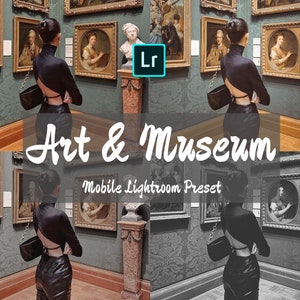
10 Museum Mobile Lightroom Presets, iPhone DNG Preset, Vsco Instagram Filter,Artistic Indoor Light Blogger Influencer Preset, Art Photograph
$2.01
-
Digital download
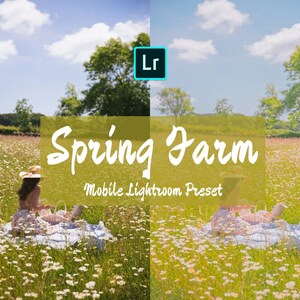
Mobile Lightroom Presets, iPhone Preset, Vsco Filters, Instagram Influencer Filter, DNG Presets, Warm Light Bright Blogger Travel Filter
$1.29
-
Digital download
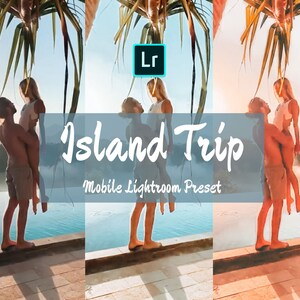
5 Island Travel Mobile Lightroom Presets, iPhone DNG Preset, Vsco Instagram Filter, Sea Ocean Bali Trip Outdoor Influencer Blogger Preset
$2.01
-
Digital download
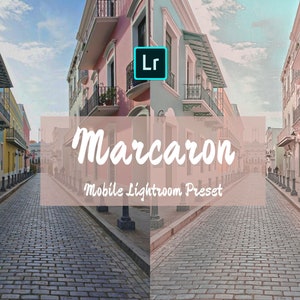
Mobile Lightroom Presets, iPhone Preset, Vsco Instagram Filter, DNG Presets, Macaron Cream Colorful Cute Sweet Blogger Influencer Presets
$1.29
-

Digital download
10 Insta Mobile Lightroom Presets, iPhone DNG Preset, Vsco Instagram Blogger Filter, Influencer Preset, Portrait Fashion Selfie Photography
$2.01
-
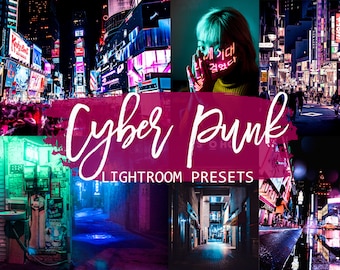
Digital download
Cyberpunk Lightroom Presets: Neon City Mobile & Desktop (Digital Download)
$1.76
-

Digital download
Cyberpunk Lightroom & Photoshop Presets, Neon Night Filters for Mobile, Desktop
$2.06
-

Digital download
Neon Moody Night Lightroom Mobile Preset | Overlay Retro Wave | Synth Cyberpunk Snapseed Filter
$1.82
-
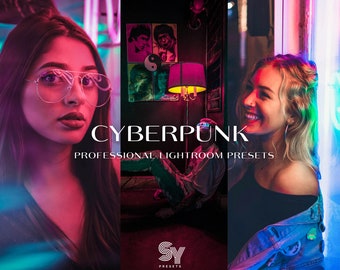
Digital download
Cyberpunk Lightroom Presets: Mobile & Desktop, Neon Colors (Digital Download)
$1.75
-
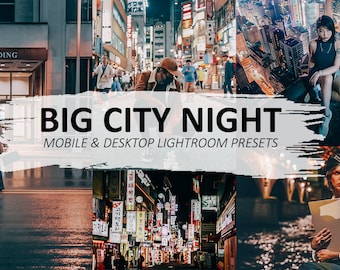
Digital download
Night City Filter - Night Photography Presets For Mobile And Desktop Lightroom
Sale Price $0.71
Original Price $0.79
-
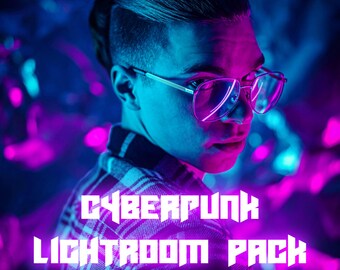
Digital download
Cyberpunk Lightroom Preset Pack – 5 Stunning Presets: Neon Noir, Rainy Cityscape, Cyber Neon Glow, Futuristic Monochrome & Techno Vibes
$4.97
-
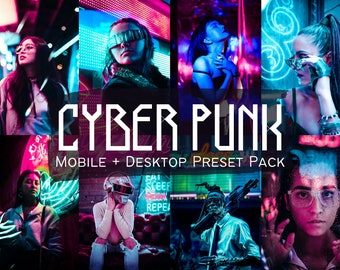
Digital download
Cyberpunk Lightroom Presets: Teal & Pink Neon (DNG Files)
$3.97
-
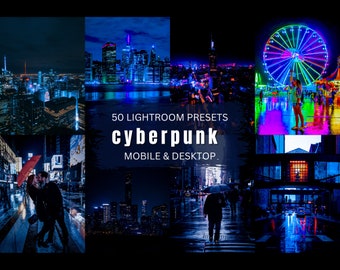
Digital download
50 Cyberpunk Lightroom Presets: Neon Urban Filter (Mobile & Desktop)
$3.07
-
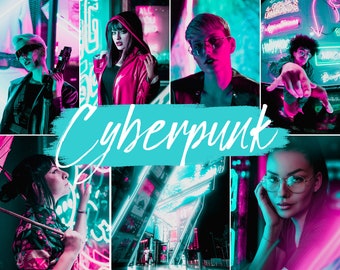
Digital download
25 Cyberpunk Presets Mobile & Desktop | Cyberpunk Filter | Neon Night Dark Urban | Instagram, Influencer, Blogger Preset
$4.88
-
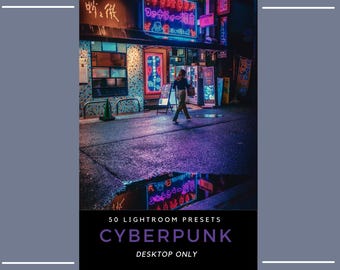
Digital download
50 Cyberpunk Lightroom Presets | Neon Night Photography | Tokyo & Hong Kong Cityscape | Nightlife Presets (Desktop Only)
$4.43
-
Digital download
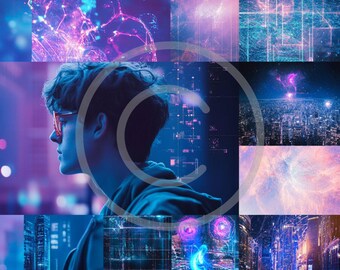
AQUARIUS Phone AI Backgrounds (Pack of 4) - Set 3/3
$1.50
-
Digital download
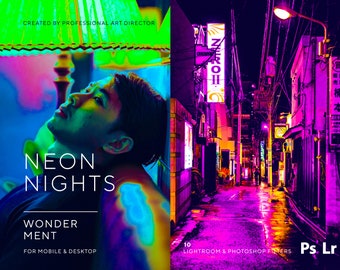
10 NEON NIGHTS Lightroom Presets, Futuristic Night Life Preset, Cyberpunk Creative Portraits, Mobile Lightroom Presets for Influencers
$4.44
Shoppers with similar taste loved these
-
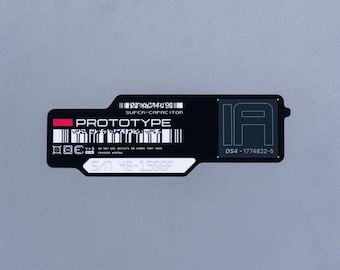
Cyberpunk Sticker, Prototype IA Super-Capacitor Decal
$5.99
-
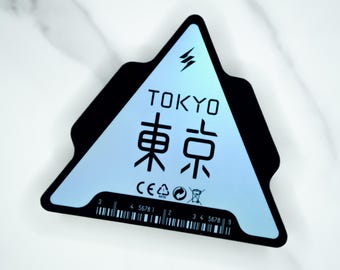
Holo Tokyo Japan Mecha Triangle Tag Sticker, Cyberpunk Industrial Asset Vinyl Decal
$6.99
-
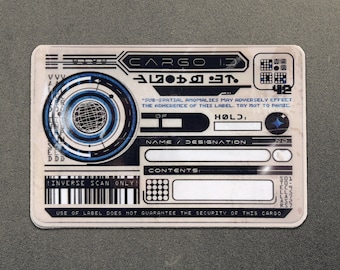
Dystopian Cargo Label Vinyl Decal - Distressed Cyberpunk Spaceship Laptop Sticker - Space Grunge / Astropunk Storage Gift
$6.50
-

Holo Cyberpunk Mech Battery Warning Sticker, Industrial Techwear Asset Vinyl Decal
$6.99
-
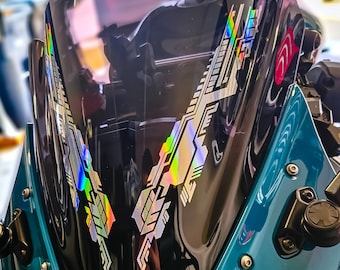
Cyberpunk Tech Sticker Holographic Vinyl Decal
$8.29
-

Cyberpunk Sticker, Certified Hacked Firmware Port Decal
$5.99
-
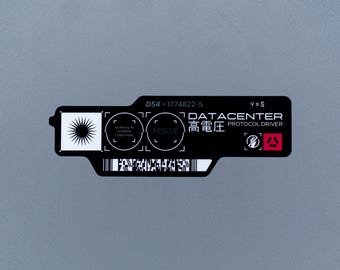
Cyberpunk Sticker, Datacenter Protocol Driver Decal
$5.99
-
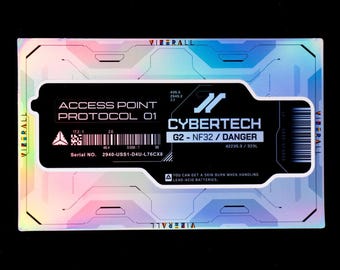
Holo Cybertech Access Point Asset Sticker, Cyberpunk Industrial Decal for Laptop
$6.99
-
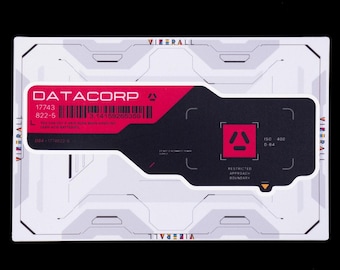
Cyberpunk Sticker, Datacorp Restricted Approach Decal - Black, Red
$5.99
-
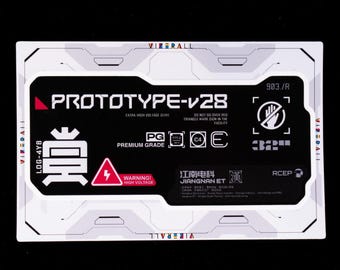
Cyberpunk Sticker, Prototype v28 Voltage Tag, Mecha Panel Decal
$6.99
-

Tron Biodigital Jazz lightcycle transparent sticker/ Tron legacy water bottle laptop notebook vinyl decal
$3.89
-
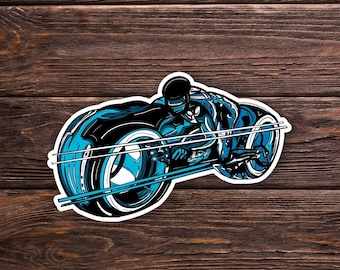
Tron Sticker or Magnet - SciFi - Laptop Hydroflask Water Bottle Decal - Cute Gift - Pop Culture
$3.50


