Html Games

487+ items

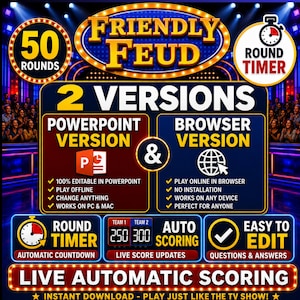
Explore unique HTML games, from interactive browser puzzles to educational math tools and fun memory match challenges.

Summarized based on similar shopper trends using AI

Review spotlight

Common Questions

Answers based on page-topic info using AI

To place a custom HTML game order, you’ll typically need to share your game concept, target device and browser (desktop, mobile, or both), and the gameplay details like controls, levels, scoring, and win/lose rules. If you have art, fonts, audio, or a color palette, send those files via Etsy messages. Many sellers also ask about deadlines and whether you want source code included.
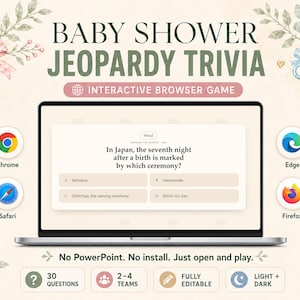
Many HTML games are designed to run in modern browsers using HTML5, JavaScript, and Canvas. You can typically play them in current versions of Chrome, Firefox, Safari, and Edge, though performance can vary by device. Some items may rely on WebGL, audio settings, or keyboard input, so older browsers might not work well.
Yes, several HTML game items come with editable source files, since they’re built with HTML, CSS, and JavaScript rather than compiled apps. You’ll often see separate folders for images (PNG/SVG), audio (MP3/OGG), and an index.html entry file, plus a README. A few items may be minimized or intended for play-only, so check the item details.

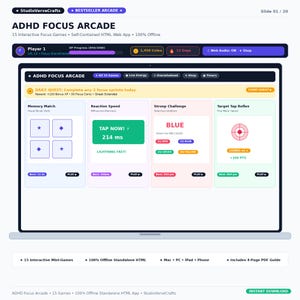
You’ll usually receive a downloadable folder that includes HTML, CSS, and JavaScript files, often with an index.html start file for launching the game in a browser. Many HTML game items also include image assets (PNG, JPG, or SVG), audio files (MP3 or OGG), and a README with setup notes. Some include JSON data files or a packaged ZIP.
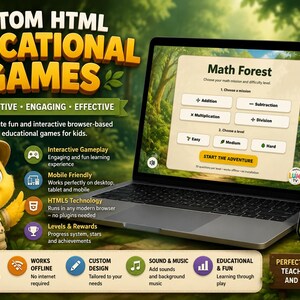
Yes, a number of HTML game items will run offline after you download and unzip them, since they’re typically built with local HTML, CSS, JavaScript, and bundled image/audio assets. Offline play can depend on how files are loaded, though; some items use external libraries, web fonts, or API calls that won’t function without an internet connection.