


NowPrice:$2.28
Original Price: $4.31
47% off
Sale ends in 2 days
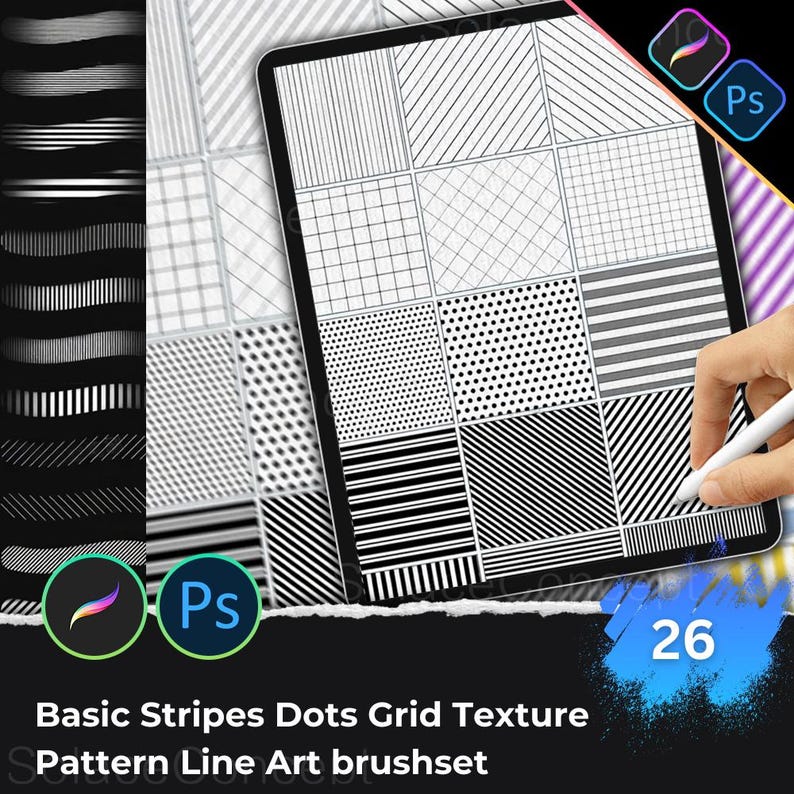
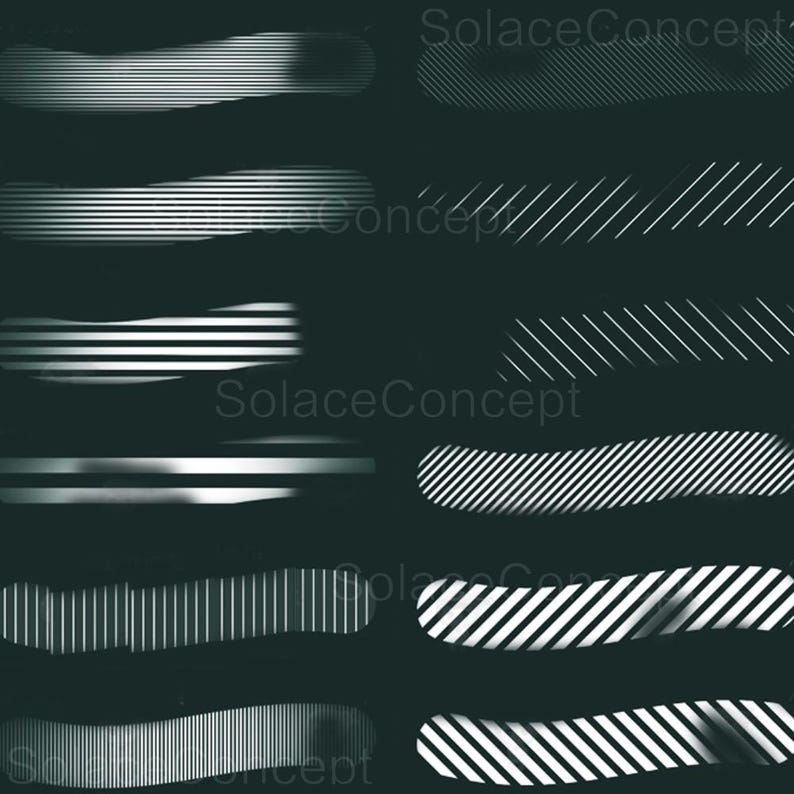
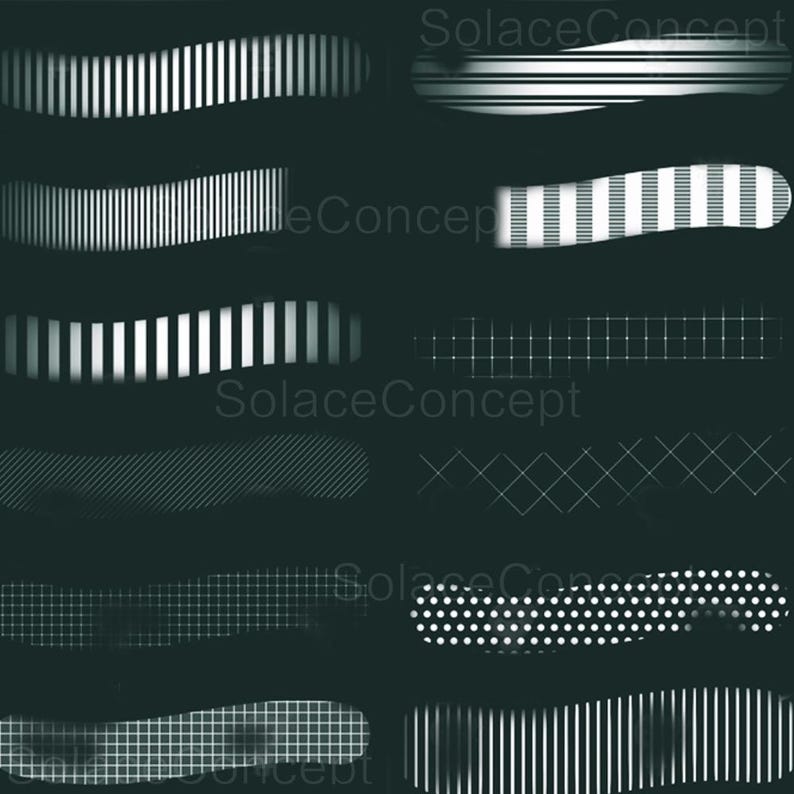
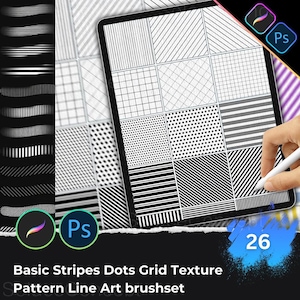
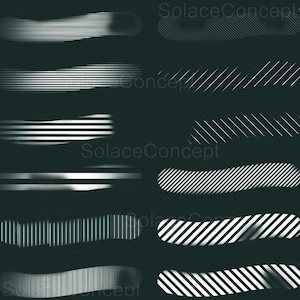
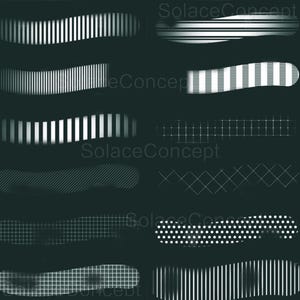
26 Basic Pattern Procreate Photoshop Brushes, Stripes Grid Dots Lines Texture Brush Set, Commercial Use Seamless Background Elements
You can only make an offer when buying a single item
Highlights
IMPORTANT NOTES:
👉 These brushes are not pressure-sensitive, so they can be used with your finger or any third-party stylus.
👉 This is a Procreate stamp set for use on iPad or iPad Pro.
👉 Digital Item Only – No physical product will be shipped.
PERMITTED AND RESTRICTED USAGE:
✔ Permitted Uses:
👉 You can use these Procreate stamps for unlimited personal and commercial projects.
👉 Feel free to incorporate them into your artwork, designs, illustrations, and crafts.
👉 You may create and sell digital products, such as prints, stickers, and social media graphics, using these stamps.
❎ Restricted Uses:
👉 You may not resell, redistribute, or share these Procreate stamps as standalone files.
👉 You cannot claim ownership or authorship of these stamps, or include them in any other digital stamp or brush sets for sale or distribution.
👉 These stamps must not be used for offensive, harmful, or illegal purposes.
FILE DELIVERY INSTRUCTIONS:
After completing your purchase, the file will be available for download immediately. There are two ways to access your files:
1. Via Etsy Website:
👉 Open Etsy on a web browser (e.g., Google Chrome, Safari, Firefox).
👉 Sign in to your Etsy account and navigate to the "Purchases and Reviews" section.
👉 Find your order and click the "Download Files" button.
👉 A PDF will be downloaded to your device; open it and click the link to download the Stamp Brush File.
2. Via Google Drive:
👉 In the PDF provided after purchase, click on the Google Drive link to download the ZIP file containing the Procreate stamps.
👉 The ZIP file will be saved to your device.
How to Unzip and Install Procreate Stamps on iPad:
Step-by-Step Unzipping Instructions on iPad:
Download the ZIP File:
Click the Google Drive link in the PDF after purchase.
Download the ZIP file to your iPad (it will save in your “Files” app).
Unzipping the File:
Open the “Files” app on your iPad.
Navigate to the folder where the ZIP file was downloaded (usually in the "Downloads" folder or "Google Drive").
Tap the ZIP file once. The iPad will automatically unzip the file, creating a folder with the same name that contains the Procreate brushes.
Importing Brushes into Procreate:
Open the unzipped folder and locate the brush files (.brushset).
Tap on a brush file, and it will automatically open and install in Procreate.
Accessing Your Brushes:
Open Procreate and go to the “Brush Library.”
Your new brushes will appear under a folder with the same name as the file or at the top of the brush list.
For Desktop Installation:
Download the ZIP file from Google Drive to your computer.
Unzip the file and save the Procreate brush files to a cloud storage service like iCloud or Dropbox.
Open the cloud storage app on your iPad, locate the brush files, and tap to import them into Procreate.
CANCELLATION POLICY:
Due to the nature of digital products, we are unable to offer returns, cancellations, or exchanges once the Procreate stamps have been downloaded or accessed. Please carefully review the product details, compatibility, and sample images before purchasing.
For any questions or concerns, feel free to reach out to us before making your purchase. We're here to help and provide additional information to ensure you make the best decision.
SOLACE Design – Crafting your digital art experience!IMPORTANT NOTES:
👉 These brushes are not pressure-sensitive, so they can be used with your finger or any third-party stylus.
👉 This is a Procreate stamp set for use on iPad or iPad Pro.
👉 Digital Item Only – No physical product will be shipped.
PERMITTED AND RESTRICTED USAGE:
✔ Permitted Uses:
👉 You can use these Procreate stamps for unlimited personal and commercial projects.
👉 Feel free to incorporate them into your artwork, designs, illustrations, and crafts.
👉 You may create and sell digital products, such as prints, stickers, and social media graphics, using these stamps.
❎ Restricted Uses:
👉 You may not resell, redistribute, or share these Procreate stamps as standalone files.
👉 You cannot claim ownership or authorship of these stamps, or include them in any other digital stamp or brush sets for sale or distribution.
👉 These stamps must not be used for offensive, harmful, or illegal purposes.
FILE DELIVERY INSTRUCTIONS:
After completing your purchase, the file will be available for download immediately. There are two ways to access your files:
1. Via Etsy Website:
👉 Open Etsy on a web browser (e.g., Google Chrome, Safari, Firefox).
👉 Sign in to your Etsy account and navigate to the "Purchases and Reviews" section.
👉 Find your order and click the "Download Files" button.
👉 A PDF will be downloaded to your device; open it and click the link to download the Stamp Brush File.
2. Via Google Drive:
👉 In the PDF provided after purchase, click on the Google Drive link to download the ZIP file containing the Procreate stamps.
👉 The ZIP file will be saved to your device.
How to Unzip and Install Procreate Stamps on iPad:
Step-by-Step Unzipping Instructions on iPad:
Download the ZIP File:
Click the Google Drive link in the PDF after purchase.
Download the ZIP file to your iPad (it will save in your “Files” app).
Unzipping the File:
Open the “Files” app on your iPad.
Navigate to the folder where the ZIP file was downloaded (usually in the "Downloads" folder or "Google Drive").
Tap the ZIP file once. The iPad will automatically unzip the file, creating a folder with the same name that contains the Procreate brushes.
Importing Brushes into Procreate:
Open the unzipped folder and locate the brush files (.brushset).
Tap on a brush file, and it will automatically open and install in Procreate.
Accessing Your Brushes:
Open Procreate and go to the “Brush Library.”
Your new brushes will appear under a folder with the same name as the file or at the top of the brush list.
For Desktop Installation:
Download the ZIP file from Google Drive to your computer.
Unzip the file and save the Procreate brush files to a cloud storage service like iCloud or Dropbox.
Open the cloud storage app on your iPad, locate the brush files, and tap to import them into Procreate.
CANCELLATION POLICY:
Due to the nature of digital products, we are unable to offer returns, cancellations, or exchanges once the Procreate stamps have been downloaded or accessed. Please carefully review the product details, compatibility, and sample images before purchasing.
For any questions or concerns, feel free to reach out to us before making your purchase. We're here to help and provide additional information to ensure you make the best decision.
SOLACE Design – Crafting your digital art experience!
Instant Download
Your files will be available to download once payment is confirmed. Here's how.
Instant download items don’t accept returns, exchanges or cancellations. Please contact the seller about any problems with your order.
Etsy Purchase Protection
Shop confidently on Etsy knowing if something goes wrong with an order, we've got your back for all eligible purchases —
see program terms

Be the first to review this item
This seller usually responds within 24 hours.
Rave reviews Average review rating is 4.8 or higher.
More from this shop
Visit shop-
Digital download
Realistic Leather Texture Brushes for Procreate & PS – Faux Leather, Denim, Fabric, Fashion Design
Sale Price $2.28
Original Price $4.31
-
Digital download
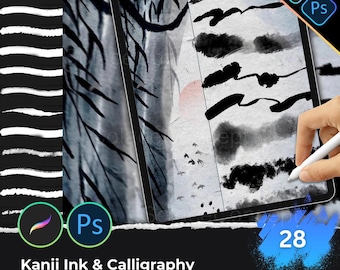
Ink Calligraphy Procreate Photoshop Brushes, Japanese Kanji Brush Strokes, Chinese Painting Ink Splatter Line Art Effects
Sale Price $2.28
Original Price $4.31
-
Digital download
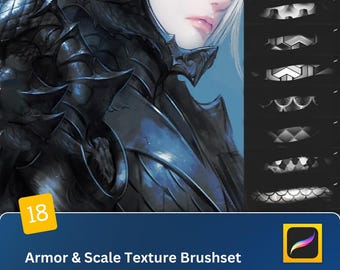
18 Armor & Scale Texture Brushes - Warrior Armor, Scales Dragon Skin Textures for Procreate and Photoshop Art Anime CG Design
Sale Price $2.28
Original Price $4.31
-
Digital download
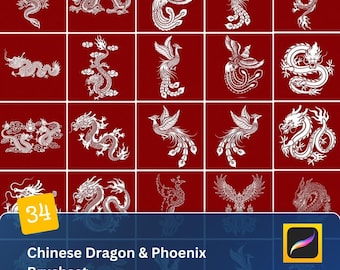
Traditional Chinese Dragon Phoenix Procreate Brush Set - Good Fortune Patterns & Vector Art for Classic Asian Designs
Sale Price $2.28
Original Price $4.31
-
Digital download
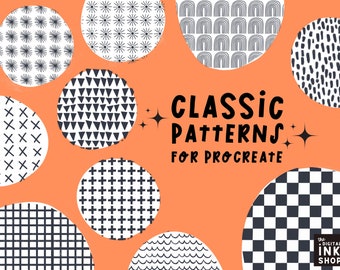
Procreate Pattern Brush Set: Classic Backgrounds, Grids, Lines
Sale Price $2.24
Original Price $2.99
-
Digital download
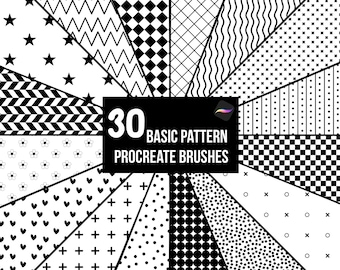
30 Basic Patterns Procreate Brushes: Polka Dot, Floral Seamless Patterns (Digital Download)
Sale Price $6.65
Original Price $11.09
-
Digital download
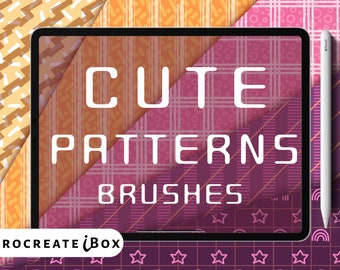
Procreate Pattern Brushes | 42 Seamless Backgrounds (Digital Download)
Sale Price $8.03
Original Price $9.45
-
Digital download
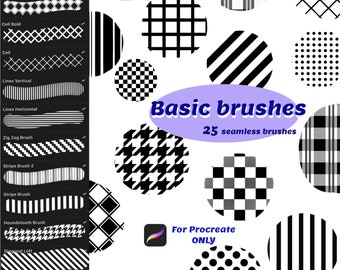
Simple basic brushes for Procreate, Dots brushes, Grid brush set, Check Seamless pattern, Cell brushes, Lined seamless paper, Plaid brushset
$4.20
-
Digital download
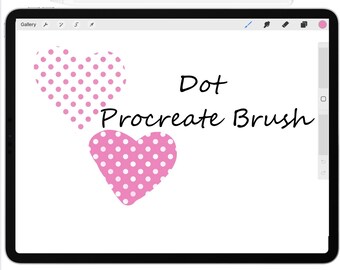
Seamless Dot Procreate Brush Set: Polka Dot Texture Brushes (Digital Download)
$2.51
-
Digital download
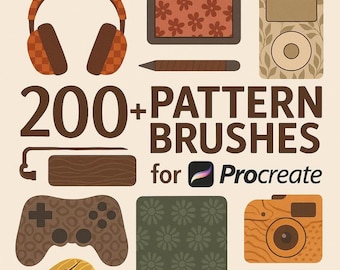
Pattern brushes for Procreate , Perfect for Digital Illustrations, Procreate Stamps, Dotwork Procreate, Procreate Patterns Set - Vol 2
$3.99


