





System Implementation Template | Software Implementation Plan, Go Live Checklist & Project Dashboard | Excel
Only 8 left and in 1 cart
NowPrice:$20.55
Original Price: $29.37
30% off
Sale ends in 5 days
4.8 out of 5
30 ratings
You can only make an offer when buying a single item
Highlights
Implementing new business software? Whether you're introducing a CRM, accounting system, inventory management platform, or another business application, a successful rollout requires careful planning, coordination, testing, and training.
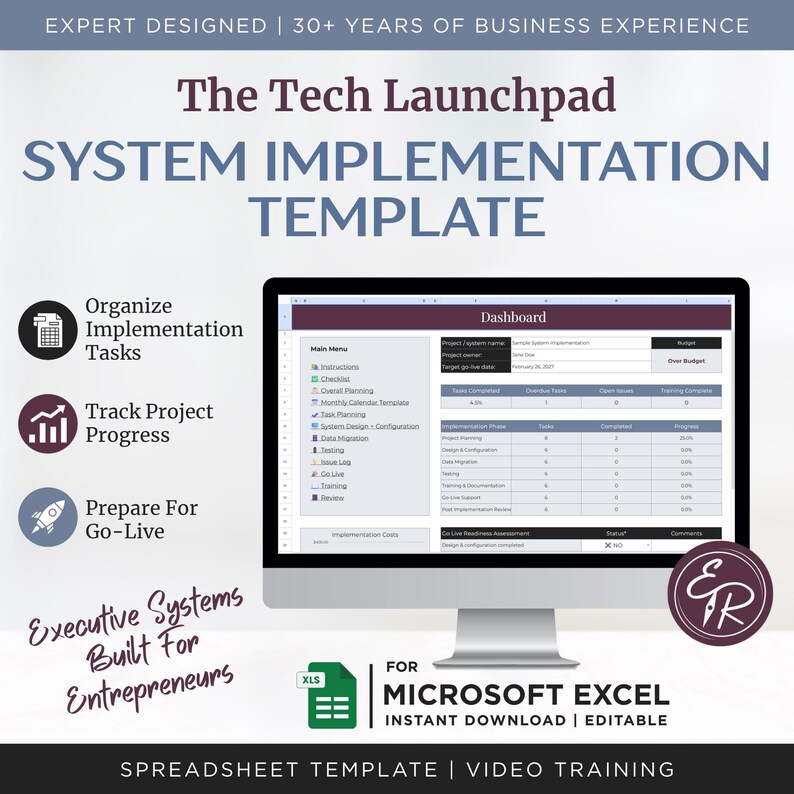
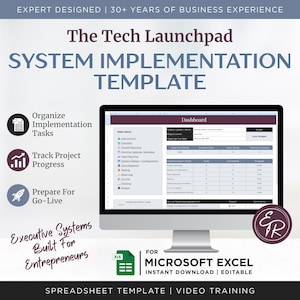
Tech Launchpad: System Implementation Template is an editable Excel system designed to help small business owners plan, organize, and manage their software implementation from start to finish.
With a centralized Implementation Dashboard, comprehensive checklists, task planning tools, data migration trackers, testing frameworks, and go-live readiness assessments, you'll have a structured approach to managing your implementation.
Plan effectively. Track progress. Launch confidently.
Key Features
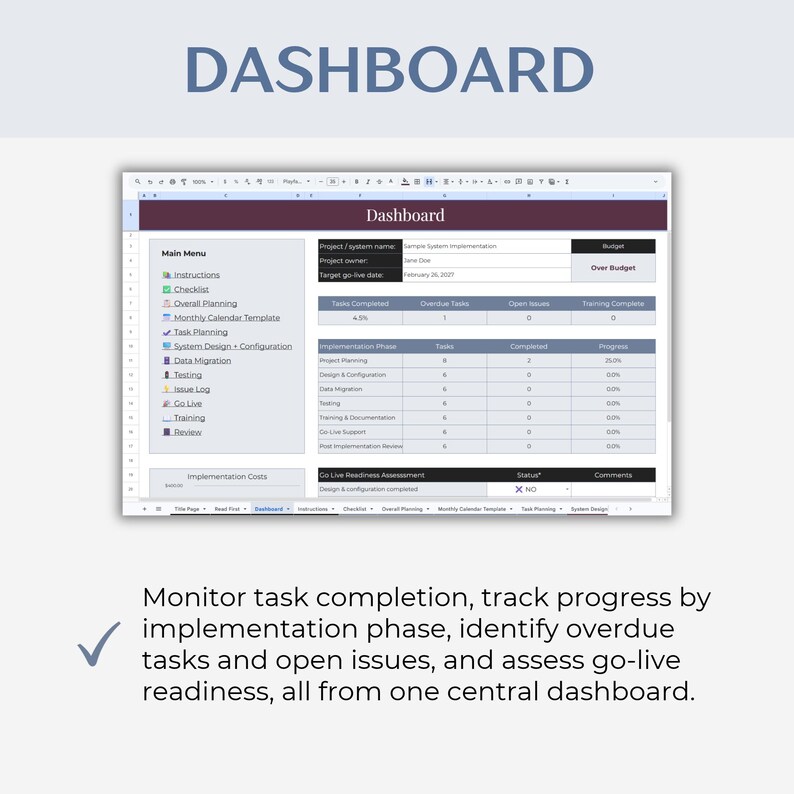
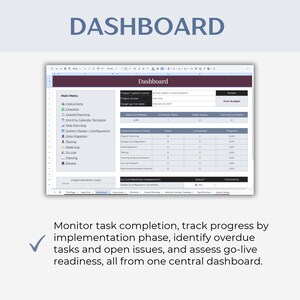
⭐ System Implementation Dashboard: Monitor overall task completion, track progress across implementation phases, identify overdue tasks and open issues, review training completion, and assess go-live readiness from one central dashboard.
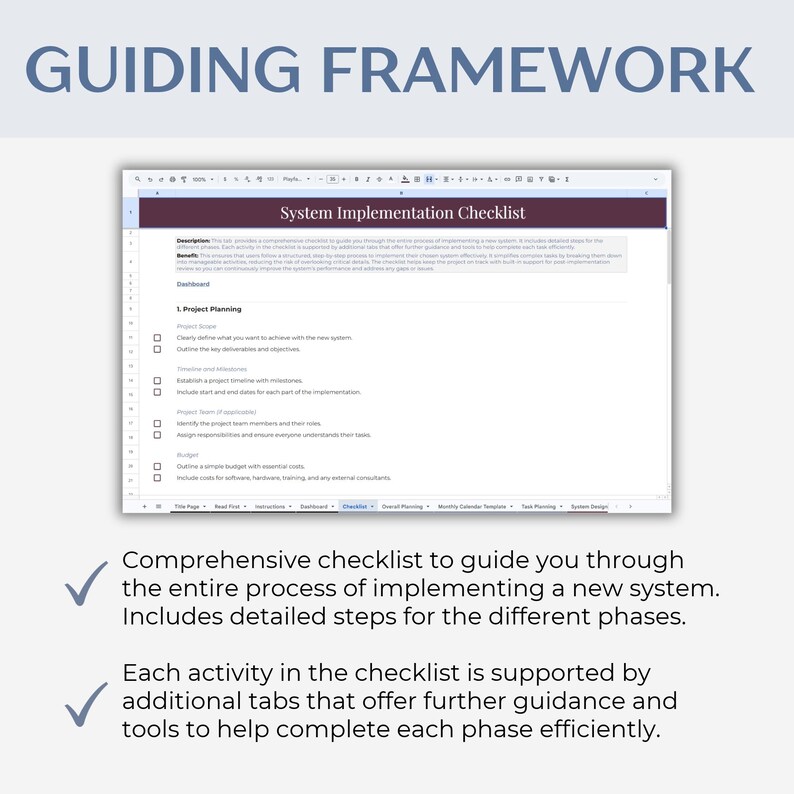
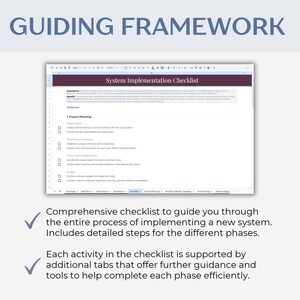
⭐ Comprehensive Implementation Checklist: Follow a structured implementation process covering project planning, system design, data migration, testing, training, go-live preparation, and post-implementation review.
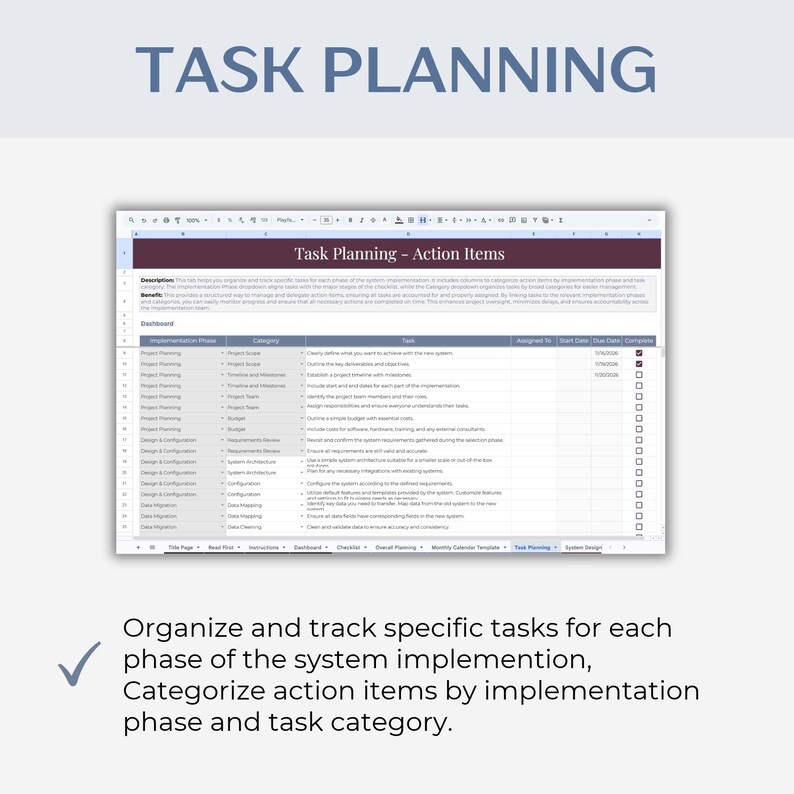
⭐ Project & Task Planning: Organize implementation activities, assign responsibilities, establish deadlines, and track completed tasks. Keep important project details, milestones, and deliverables organized.
⭐ Data Migration & Testing Framework: Plan and document data transfers, track migration validation, organize testing activities, and record issues requiring attention before launch.
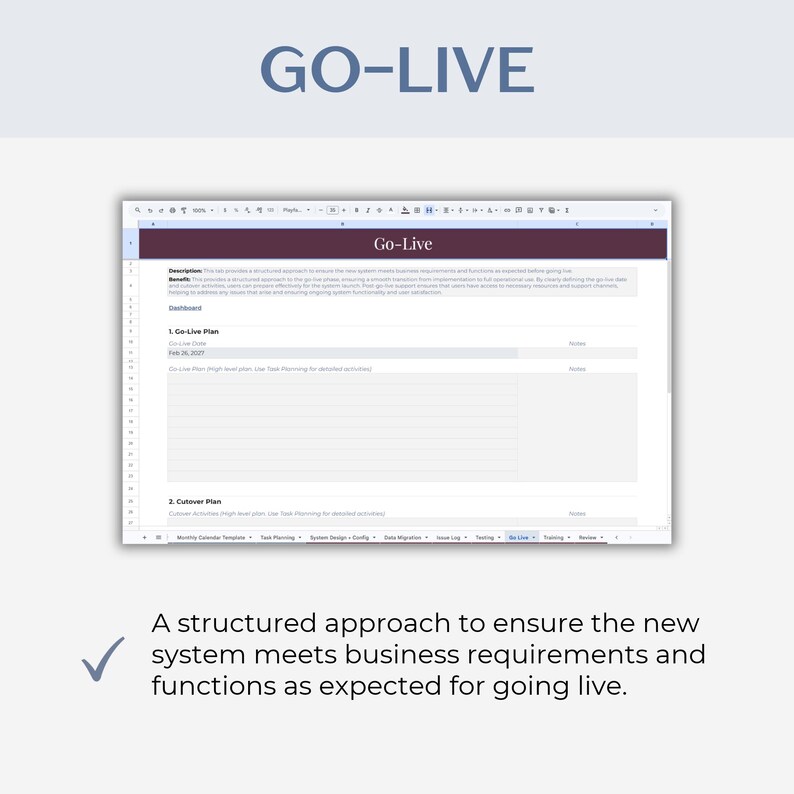
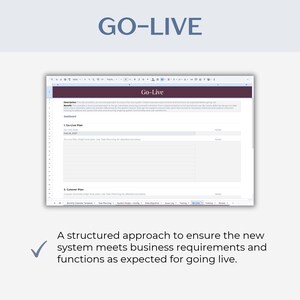
⭐ Go-Live Readiness Assessment: Evaluate essential implementation requirements, including system configuration, data migration, testing, training, and support preparation, to identify areas requiring further attention.
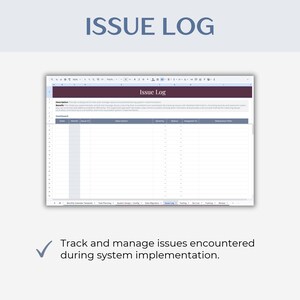
⭐ Issue Tracking & Resolution: Record implementation issues, categorize their severity, assign responsibility, and monitor resolution status.
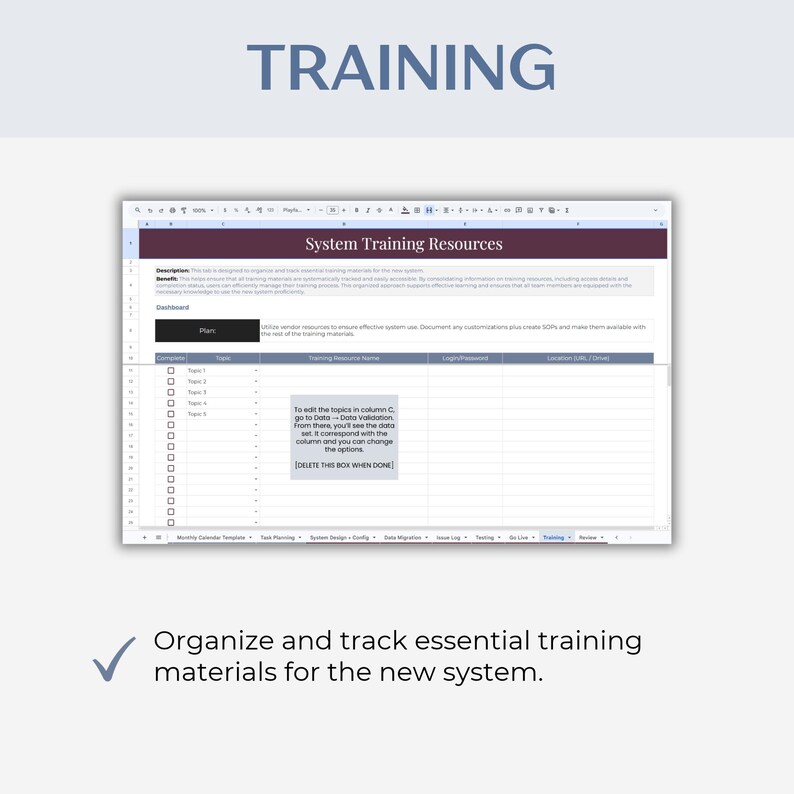
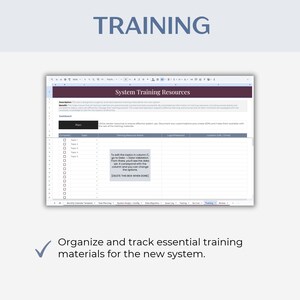
⭐ Training & Post-Launch Review: Organize training materials, monitor training progress, plan go-live support, and document lessons learned for future improvements.
⭐ Customizable Google Sheets Template: Adapt the worksheets to your business, project requirements, and implementation process. Includes sample data to help demonstrate how the system works.
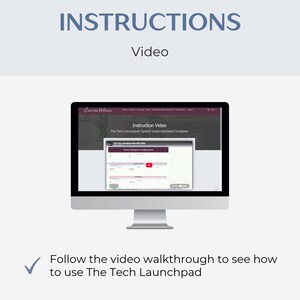
⭐ Walkthrough Video & Instructions: Access written instructions and a video tutorial demonstrating the original version of Tech Launchpad.
Benefits
Implementing new software involves many moving parts. Tech Launchpad helps you bring structure and visibility to the process, so you can focus on the activities that matter most.
➡ Stay Organized: Manage implementation tasks, responsibilities, deadlines, and supporting information in one coordinated system.
➡ Track Progress: Use the Implementation Dashboard to monitor completed activities, outstanding tasks, and progress across project phases.
➡ Identify Potential Issues: Track implementation challenges, testing results, and data migration activities to identify areas requiring attention.
➡ Prepare for Go-Live: Review critical readiness requirements and assess whether important implementation activities have been completed.
➡ Improve Coordination: Keep project responsibilities, training activities, and implementation priorities organized.
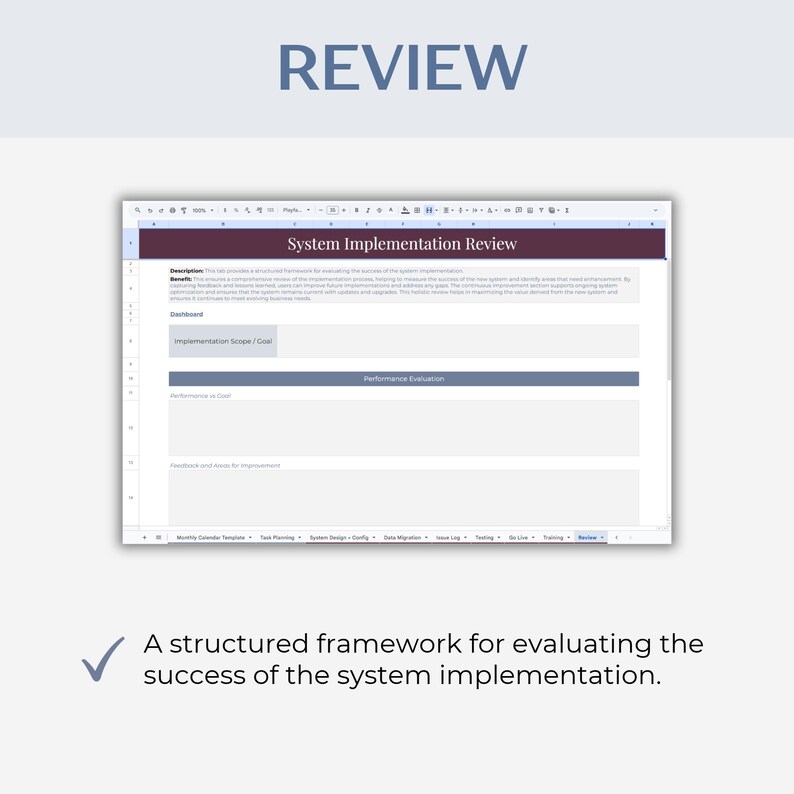
➡ Capture Lessons Learned: Evaluate the implementation process and document opportunities for improvement after launch.
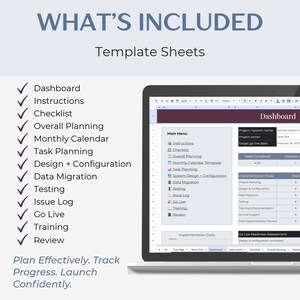
What's Included
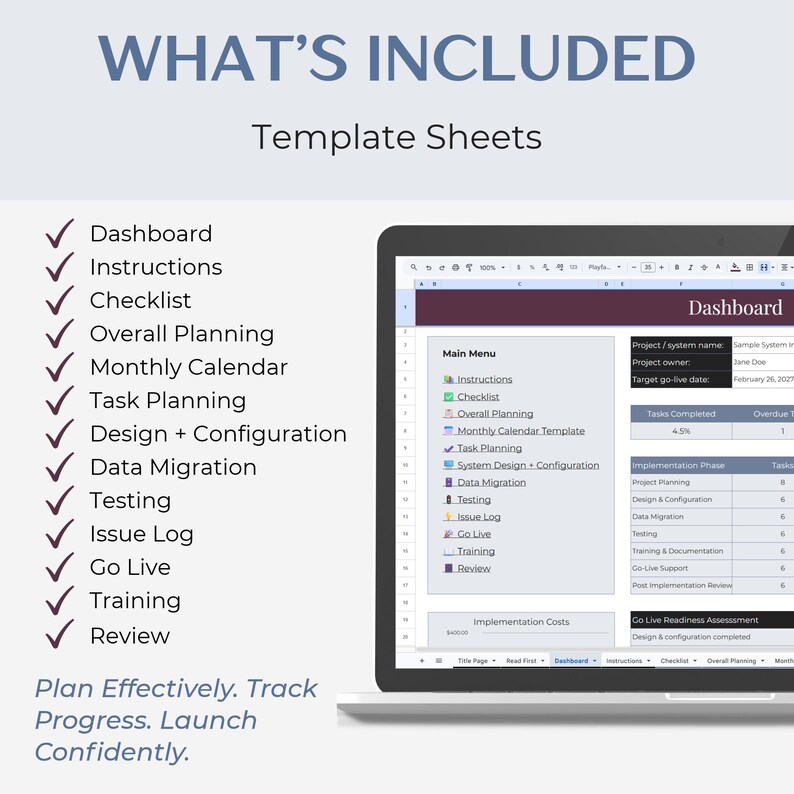
Your purchase includes an editable Excel template with the following worksheets:
✅ Implementation Dashboard: A centralized overview of project progress, task completion, outstanding issues, training progress, and go-live readiness.
✅ Checklist: A comprehensive guide covering the major phases and activities involved in implementing a new business system.
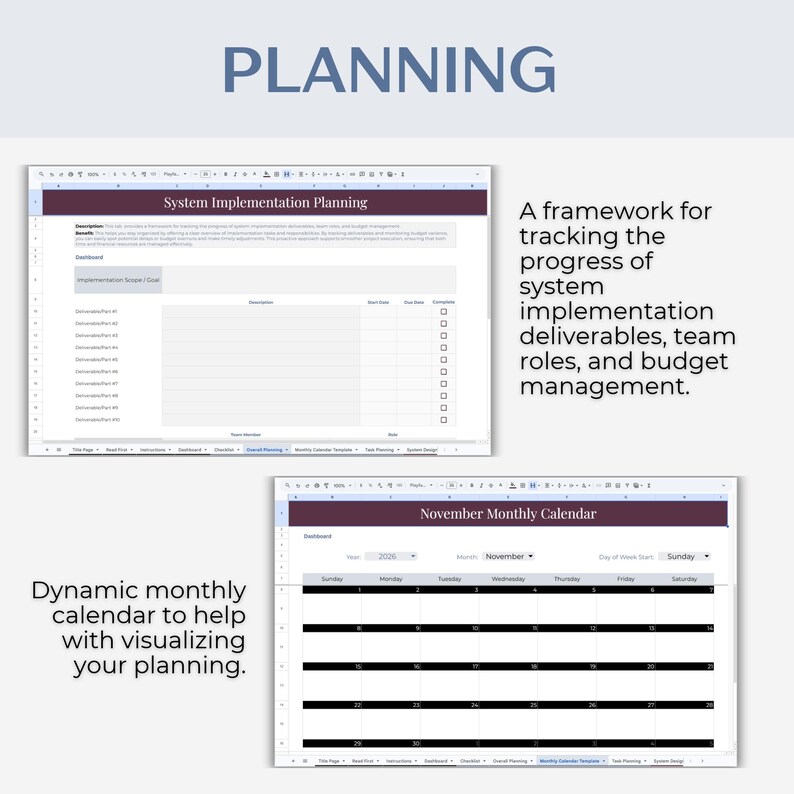
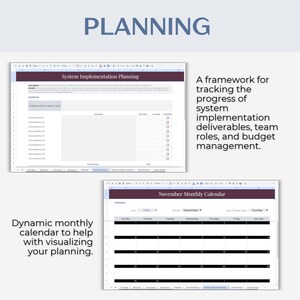
✅ Overall Planning: Organize project scope, deliverables, responsibilities, timelines, and budget information.
✅ Monthly Calendar: Visualize project activities and important dates using a customizable calendar.
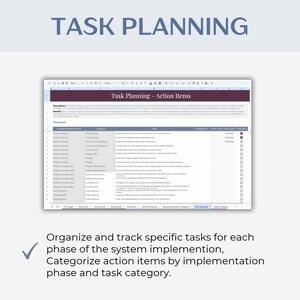
✅ Task Planning: Create, assign, schedule, and track implementation tasks by phase and category.
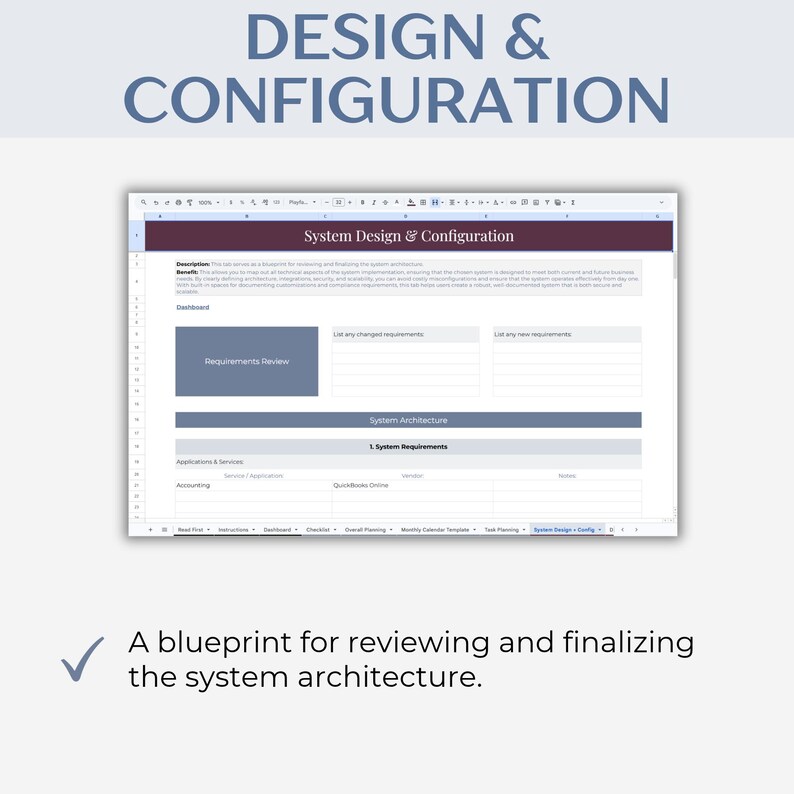
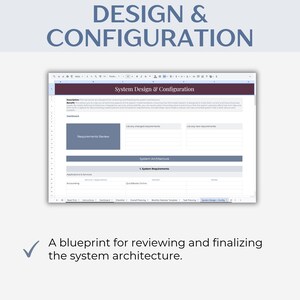
✅ System Design + Configuration: Document system architecture, configuration requirements, and design considerations.
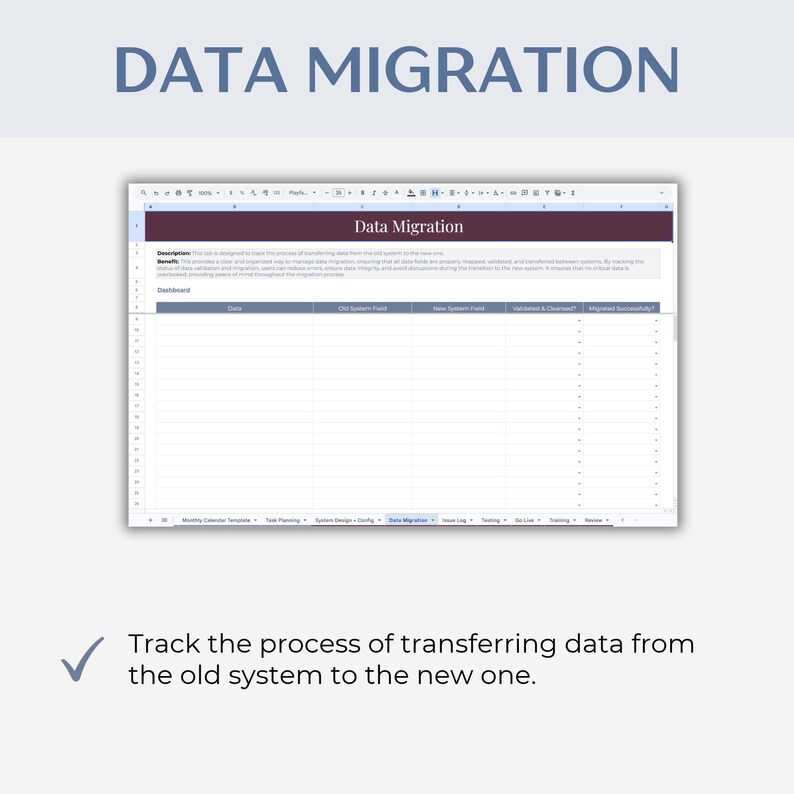
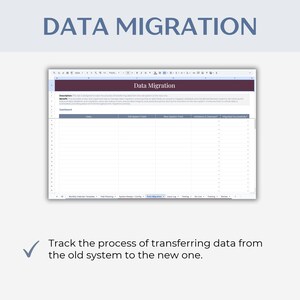
✅ Data Migration: Plan and track the transfer of data from an existing system to a new platform.
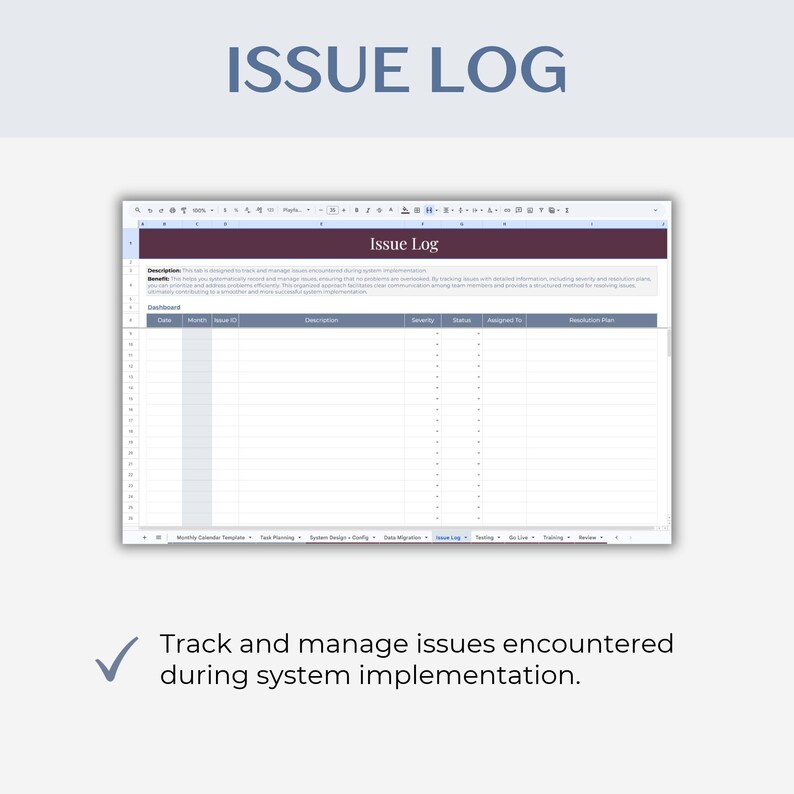
✅ Issue Log: Record implementation issues, severity levels, responsibilities, resolution plans, and status.
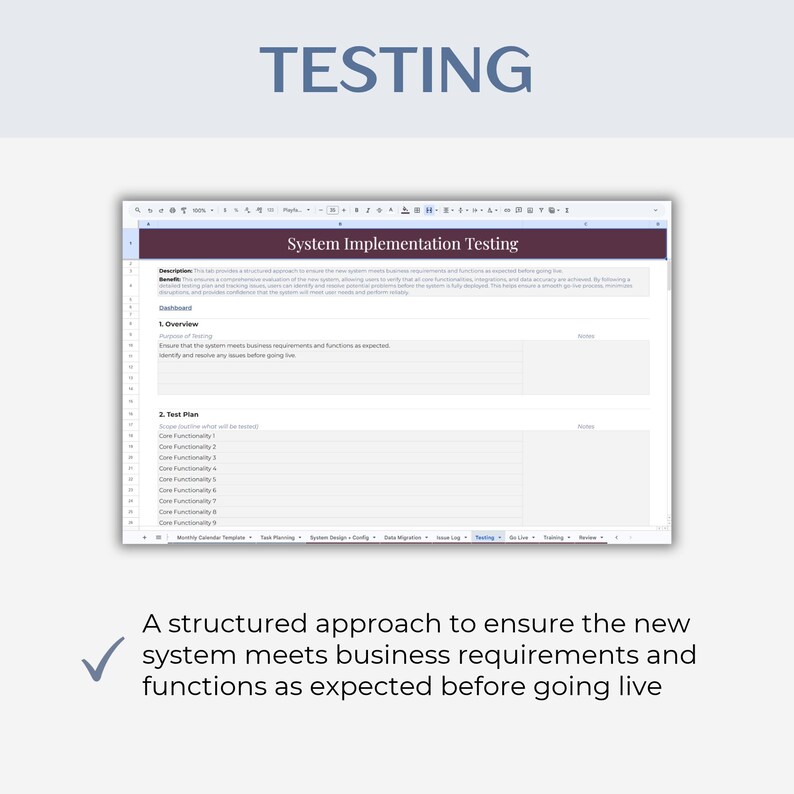
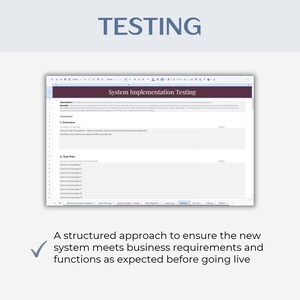
✅ Testing: Organize system testing activities, document test results, and identify outstanding issues.
✅ Go Live: Prepare for the system launch, including implementation activities and support arrangements.
✅ Training: Organize training topics, materials, resources, and completion status.
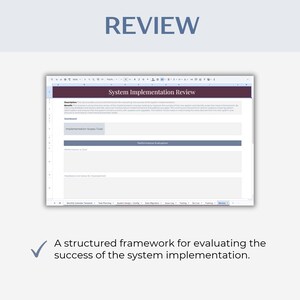
✅ Review: Evaluate implementation outcomes, document lessons learned, and identify improvement opportunities.
Additional resources include:
Written instructions and guidance
Pre-filled example data from a fictional business
Customizable spreadsheet formatting and calendar options
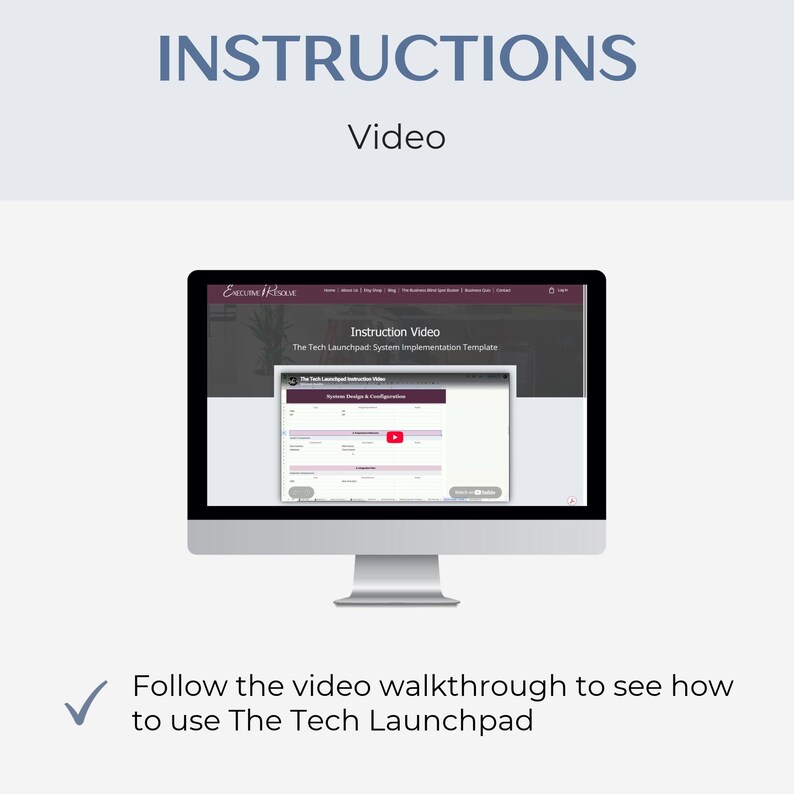
Video walkthrough of the original Tech Launchpad template
Video Tutorial Information
The included walkthrough video demonstrates Version 1 of Tech Launchpad. The template has since been updated with additional functionality, including the Implementation Dashboard.
The video remains useful for understanding the core implementation worksheets, although some screens and features differ from the current template.
An updated Version 2 tutorial is planned.
Designed With Business Expertise
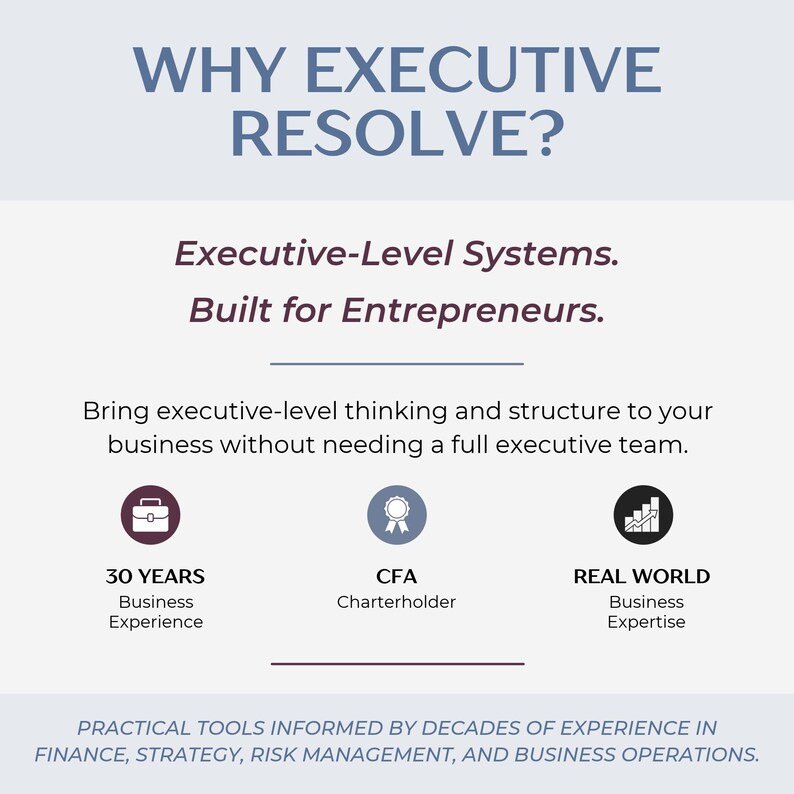
Created by a CFA charterholder with nearly 30 years of experience in corporate finance, risk management, strategic planning, and business systems, Tech Launchpad brings a practical, structured approach to managing business technology implementations.
The template draws on real-world business process and system implementation principles to help small business owners manage complex projects with greater organization and clarity.
Plan effectively. Track progress. Launch confidently.
Bring structure and visibility to your next business software implementation with Tech Launchpad.
Additional Information:
1️⃣ This is an EXCEL spreadsheet instant digital download template, so no physical items will be shipped.
2️⃣ You will need a Microsoft account with EXCEL to access and use the template.
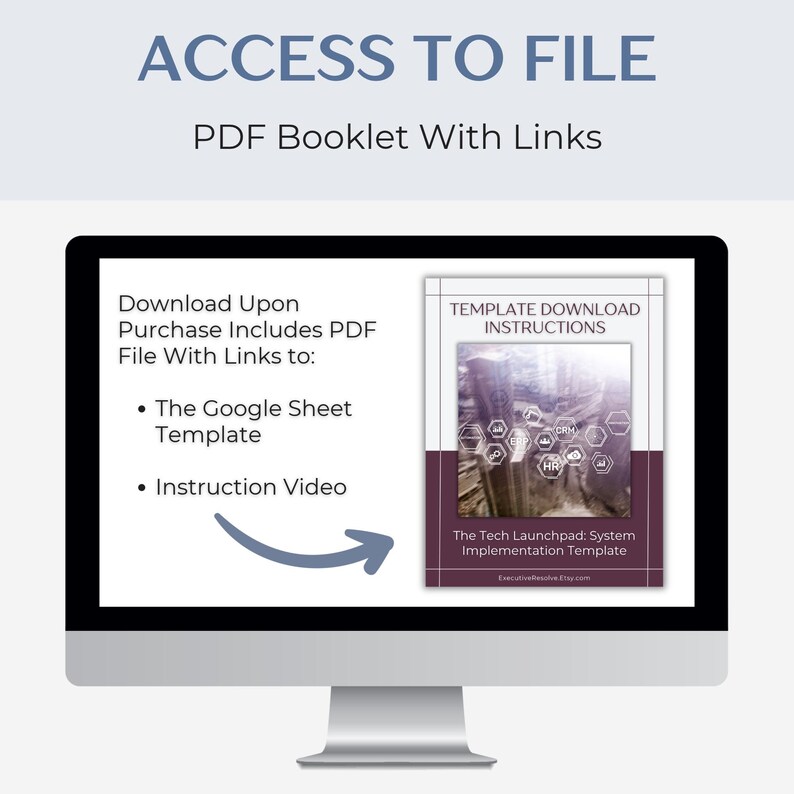
3️⃣ Once your payment is processed, you’ll download a PDF booklet and the spreadsheet.
Please note: due to the nature of digital products, no returns or refunds are available.
You Might Also Like:
If you love Tech Launchpad, be sure to check out more digital download templates for small businesses from The Resolve Template Shop:
🌟 The Performance Playbook: Strategic Planning Template
🌟 The Exposure Brief: Risk Management Template
🌟 The Rival Rundown: Competitive Intelligence Template
🌟 The Solution Scout: System Selection Template
🌟 The Master Blueprint: SOP Template
These tools are designed to help you streamline your business operations and track growth with ease.
Let’s Connect:
Hi, I’m Michelle, founder of Executive Resolve. I help entrepreneurs bring executive-level systems and decision-making tools into their businesses, without needing a full executive team.
As a CFA Charterholder with over 30 years of experience in corporate finance, strategy, risk management, and business operations, I know how valuable the right systems can be. I've created practical, easy-to-use business tools that bring executive-level structure and insights to small business owners, helping them make informed decisions, streamline operations, and manage their businesses with confidence.
Have questions or feedback? Reach out through Etsy messaging. I always enjoy hearing from my customers!
Instant Download
Your files will be available to download once payment is confirmed. Here's how.
Instant download items don’t accept returns, exchanges or cancellations. Please contact the seller about any problems with your order.
Etsy Purchase Protection
Shop confidently on Etsy knowing if something goes wrong with an order, we've got your back for all eligible purchases —
see program terms

Be the first to review this item

More from this shop
Visit shop-
Digital download
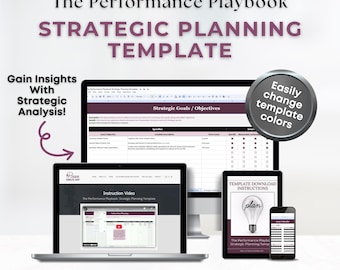
Strategic Planning Template: Excel Spreadsheet with Instruction Video (Digital Download)
Sale Price $20.55
Original Price $29.37
-
Digital download
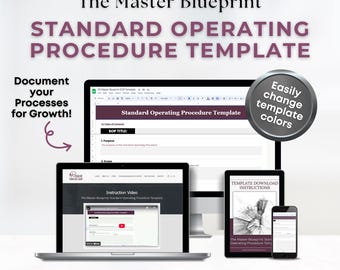
SOP Template: Standard Operating Procedure, Editable Google Sheets
Sale Price $3.60
Original Price $5.15
-
Digital download
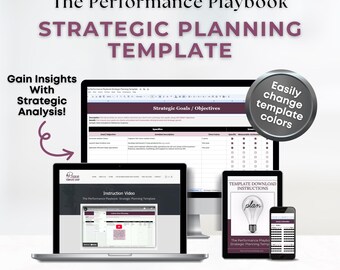
Strategic Planning Template: Editable Google Sheet with Instruction Video (Digital Download)
Sale Price $20.55
Original Price $29.37
-

Digital download
Competitive Intelligence Template: Editable Excel Spreadsheet (Digital Download)
Sale Price $14.92
Original Price $21.32
-
Digital download
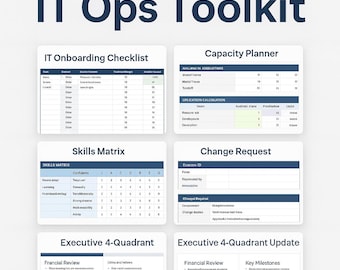
IT Operations Toolkit – 6 Professional Templates + User Guide | Instant Digital Download
$24.99
-
Digital download
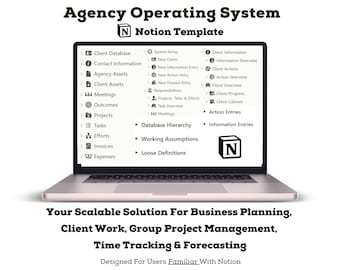
Agency Operating System Notion Template, Notion Business & Agency For Client Management, All in One CRM Template For Business Operations
$11.99
-

Digital download
Business Operations Audit – Custom Efficiency Report for Small Businesses | Workflow, Inventory, Procurement & Finance Optimization
$39.00
-

Digital download
Operations Optimization: Your guide to Streamlining Business Operations
$27.00
-
Digital download
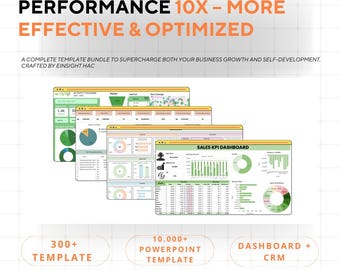
Business & Self-Development Templates: Excel, Google Sheets, PDF Bundle
$27.35
-
Digital download
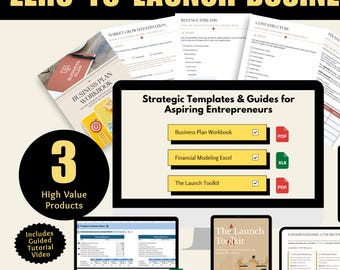
Business Launch Toolkit: Startup Planning Workbook, Financial Model (PDF, Excel)
$41.00
-
Digital download
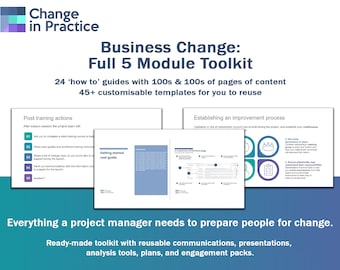
Change Management - 5 Modules Complete Toolkit
$34.25
-
Digital download
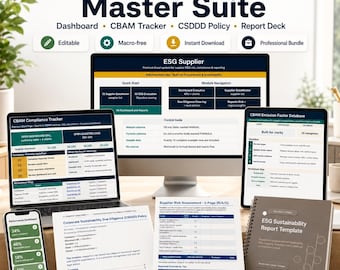
ESG Compliance Toolkit Bundle | CBAM Tracker, CSDDD Policy Template, Supplier Dashboard | Excel Word PowerPoint
Sale Price $44.59
Original Price $68.60
-
Digital download
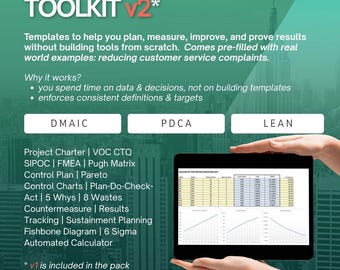
Continuous Improvement Excel Toolkit Bundle | 6Sigma DMAIC, PDCA & Problem Solving Templates
Sale Price $17.21
Original Price $22.95
-
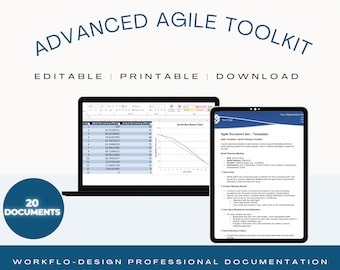
Digital download
Agile Project Management Toolkit, Scrum & Kanban Templates (Digital Download)
$20.54
-
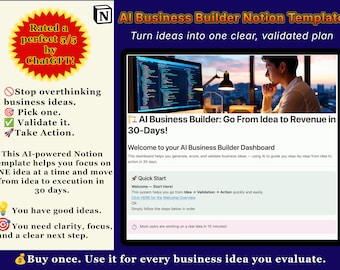
Digital download
AI Business Builder Notion Template | Business Idea Validation & Startup Planner | Go From Idea to Revenue in 30 Days
$39.99
-
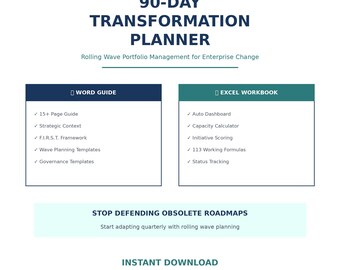
Digital download
90-Day Transformation Planner | Enterprise Change Management Template | Strategic Planning Tool
$34.00
Shoppers with similar taste loved these
-
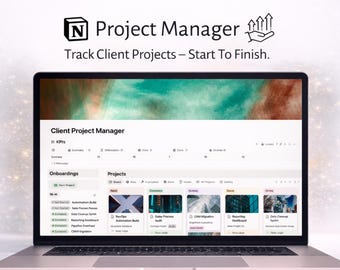
Digital download
Client Project Manager | Notion Template for Freelancers & Agencies
$9.41
-

Digital download
Ultimate Event Planning Template, Excel and Google Sheets
$14.70
-

Digital download
Hourly Rate Calculator | Freelancer Pricing Template (Excel, Google Sheets)
$5.95
-
Digital download
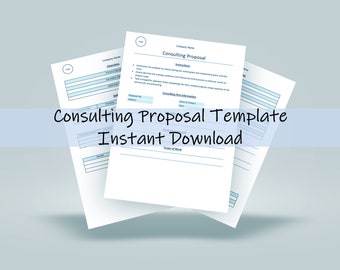
Consulting Proposal Template | Business Services Template | Proposal Kit | Instant Download | Business Strategy Template | Project Sheet
$3.25
-

Digital download
Services & Pricing Guide Canva Template, Business Template, Price List, Rate Sheet
$24.84
-
Digital download
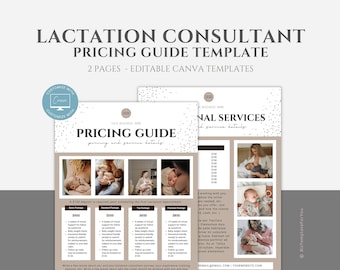
Editable Lactation Consultant Price List Template, Editable Rate Sheet, Lactation Business Marketing Flyer, Support Pricing Guide, Canva
Sale Price $4.75
Original Price $9.50
-

Digital download
Price List Canva Template, Editable DIY Price Sheet, Boho Pricing List, Printable Salon or Hair Stylist Menu - Mae
$6.99
-
Digital download
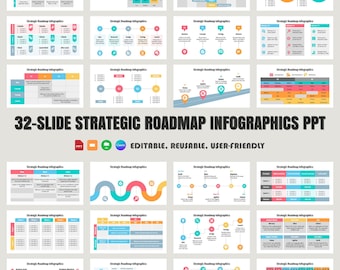
Strategic Roadmap Infographics: 32-Slide Business Plan (PPTX)
$5.00
-
Digital download
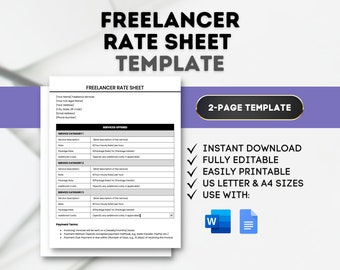
Freelancer Rate Sheet Template: Editable Pricing Guide (Google Docs, MS Word)
$4.99
-
Digital download
Events Schedule Events Calendar Template Multi-Day Event Scheduler Spreadsheet Monthly Events Tracker Events Business Planner Google Sheets
Sale Price $13.99
Original Price $27.98
-

Digital download
Consulting Proposal Template Canva Project Proposal Request for Proposal Response for Professional Services Project Proposal
$8.99
-
Digital download
Project Management Spreadsheet Team Project Manager Template Task Tracker Kanban Board Gantt Chart Eisenhower Matrix Timeline Google Sheets
Sale Price $2.49
Original Price $4.98


