
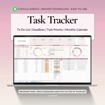


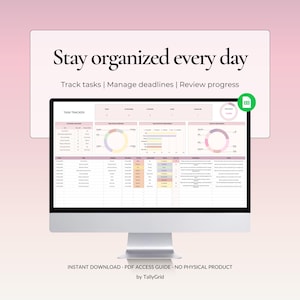
Task tracker spreadsheet Google Sheets to do list template task manager project management productivity planner visual schedule
NowPrice:$3.62
Original Price: $9.04
60% off
Sale ends in 3 days
You can only make an offer when buying a single item
Highlights
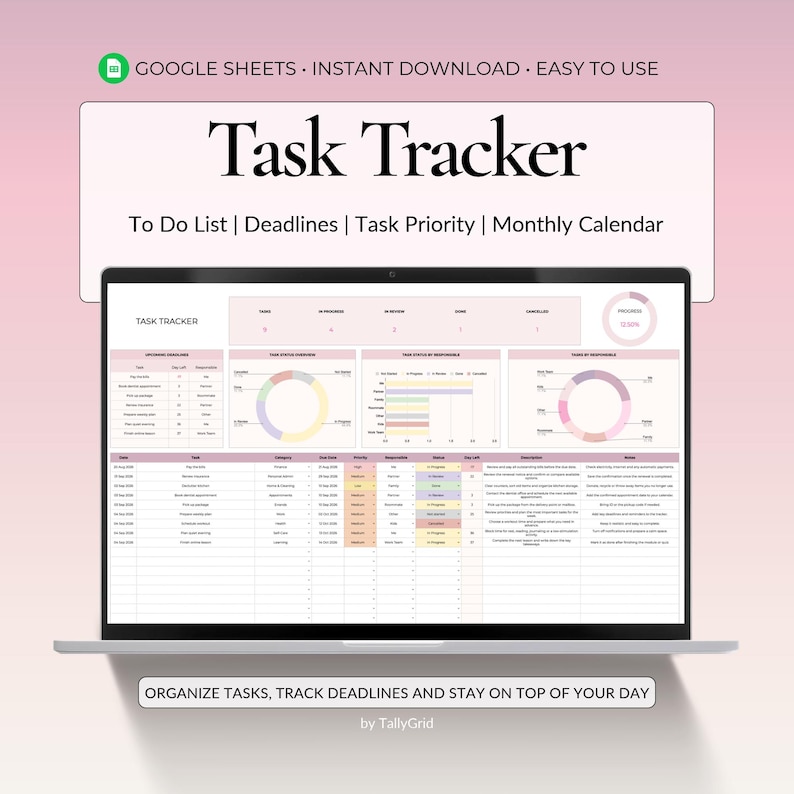
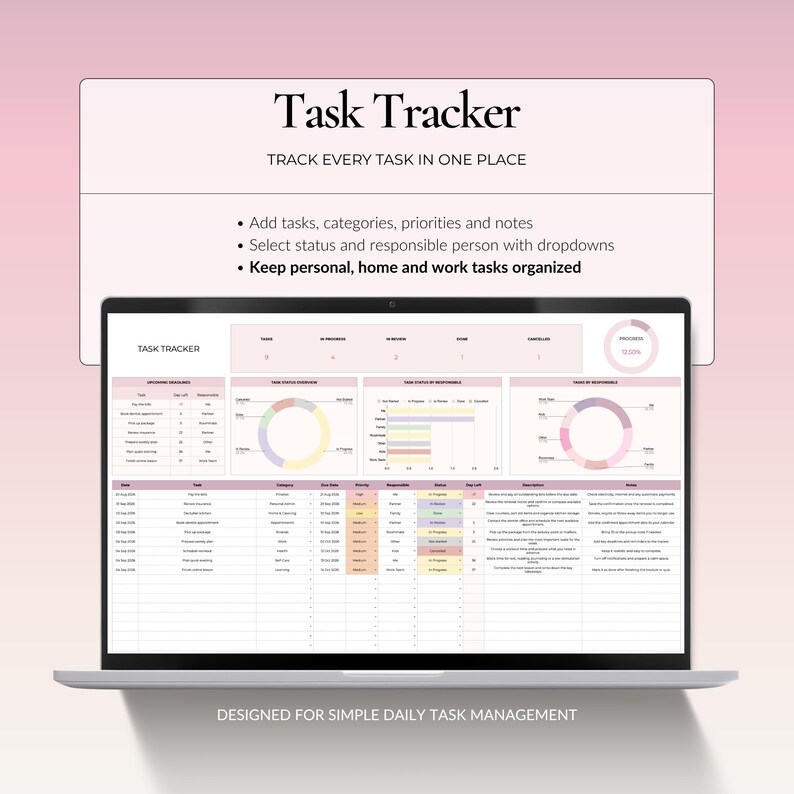
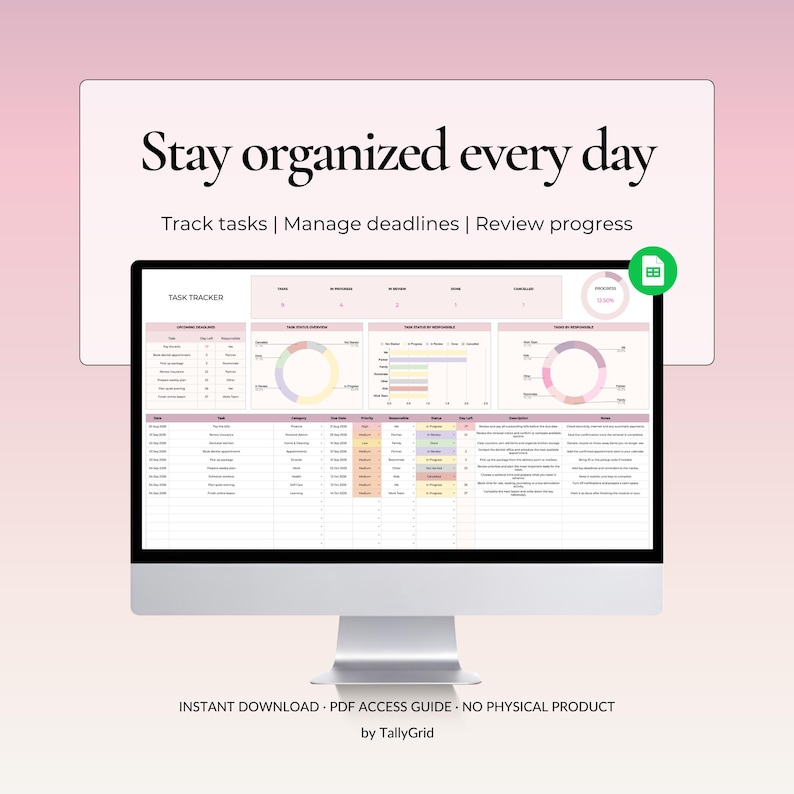
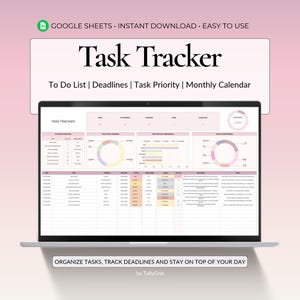
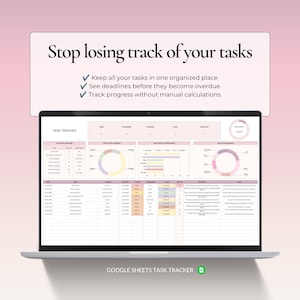
Organize your tasks, deadlines, priorities and progress in one simple Task Tracker Google Sheets template.
This Task Tracker Spreadsheet is designed for anyone who wants an easy way to manage daily tasks, personal to-do lists, home tasks, work tasks, reminders, appointments and small projects in one organized place.
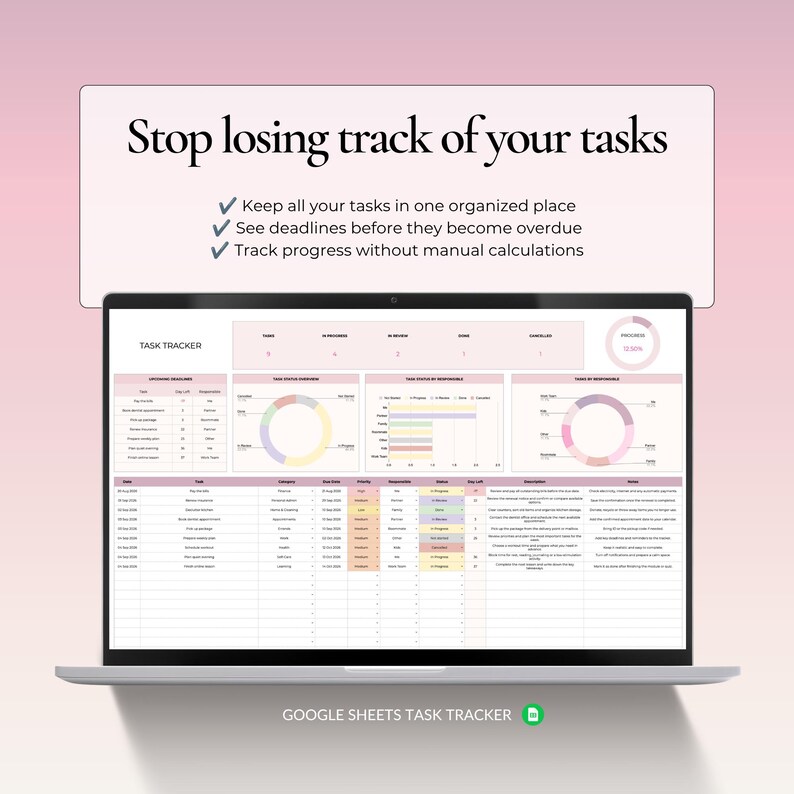
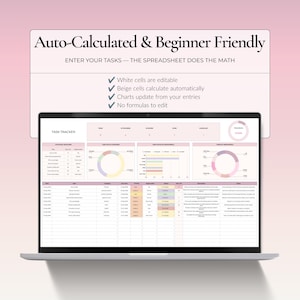
Simply enter your tasks, choose a category, select a priority, assign a responsible person and add a due date — the spreadsheet automatically updates your task dashboard, progress percentage, upcoming deadlines, charts and smart calendar.
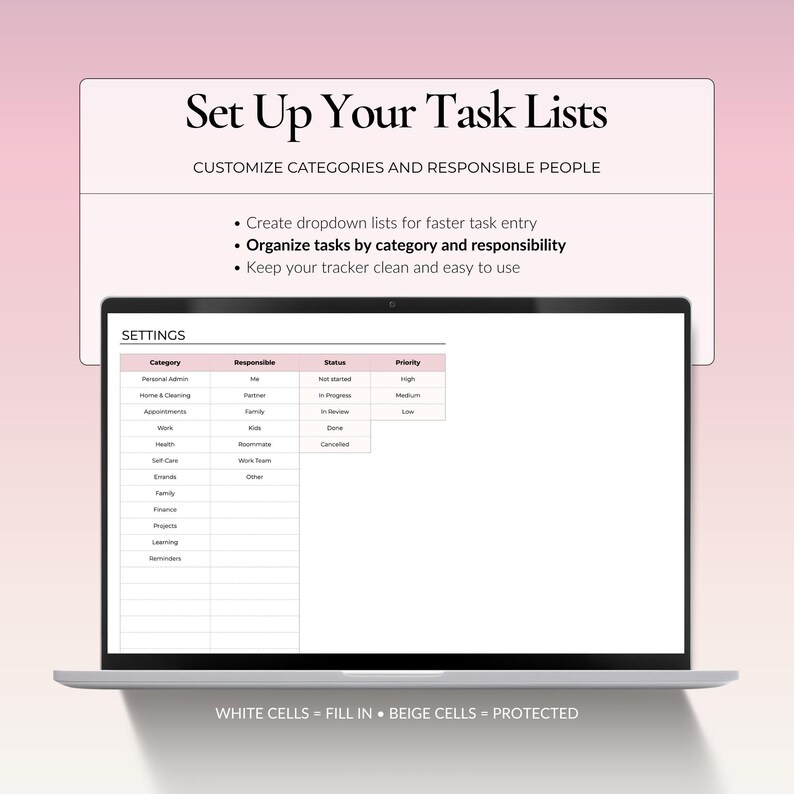
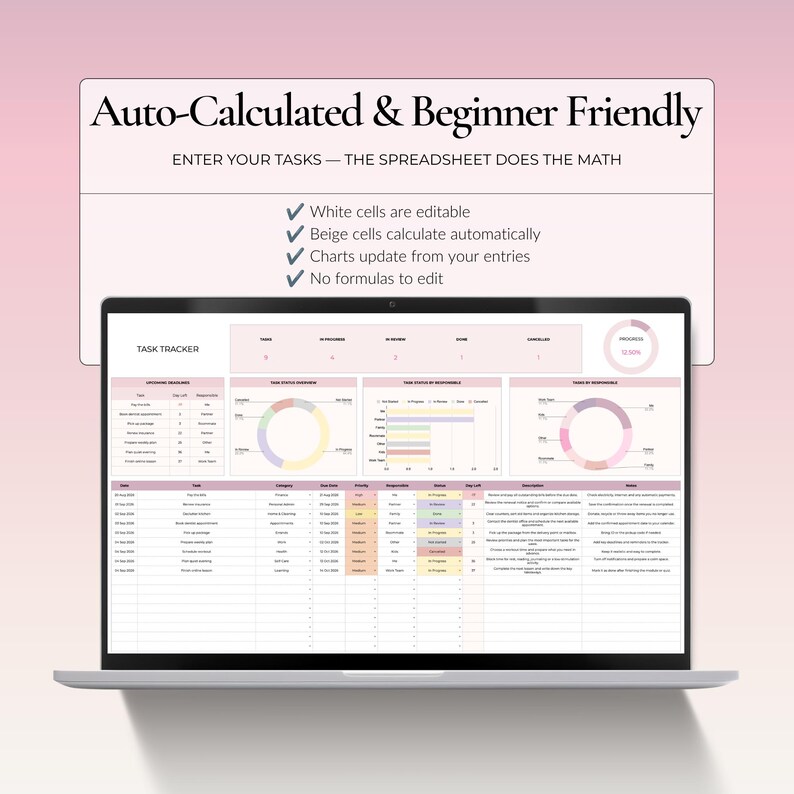
White cells are editable. Beige shaded cells contain formulas or protected source values and should not be edited.
This all in one Google Sheets task tracker template is beginner friendly.
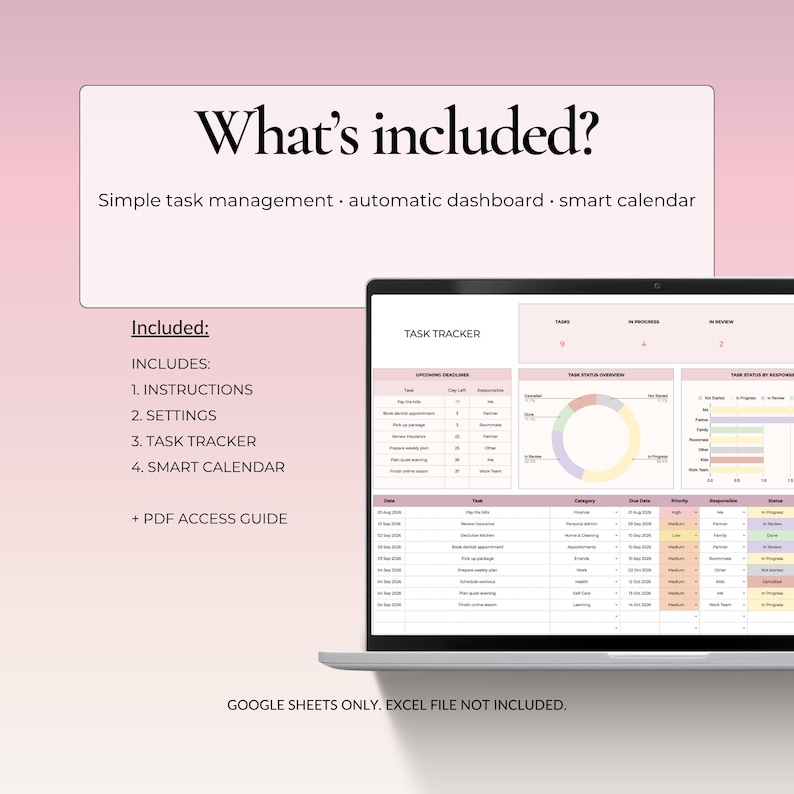
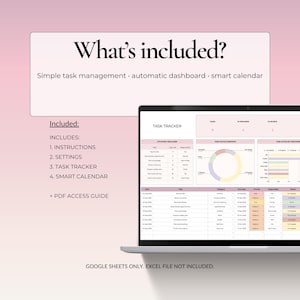
WHAT’S INCLUDED
✔ Instructions tab
✔ Settings tab
✔ Task Tracker tab
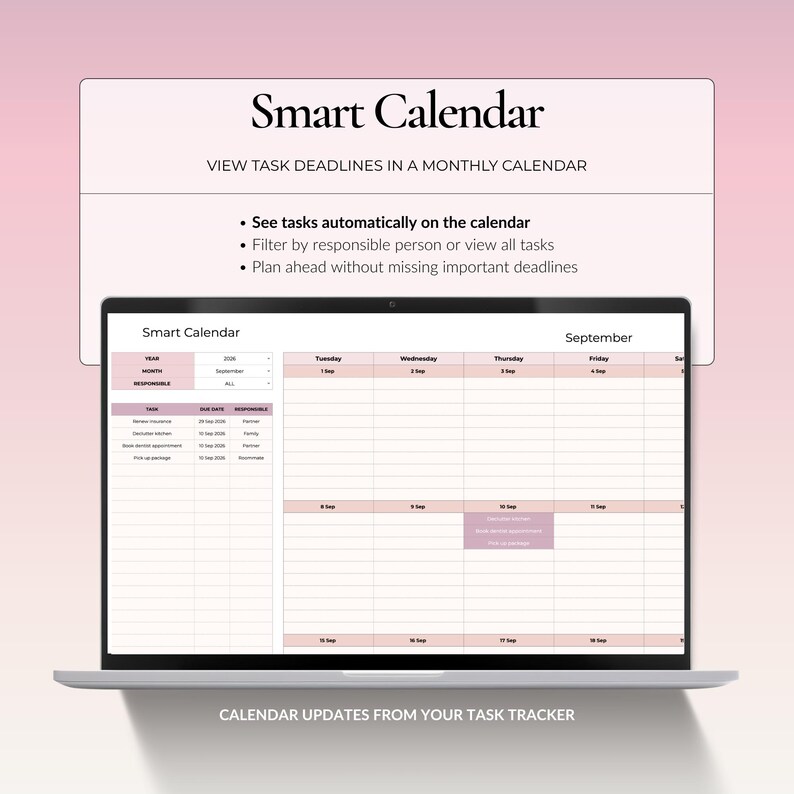
✔ Smart Calendar tab
✔ Task list
✔ Category dropdowns
✔ Responsible person dropdowns
✔ Priority dropdowns
✔ Status dropdowns
✔ Automatic Day Left calculation
✔ Upcoming deadlines table
✔ Task dashboard
✔ Progress percentage
✔ Automatic charts
✔ PDF access guide
FEATURES
✔ Track tasks in one organized spreadsheet
✔ Add due dates and deadlines
✔ Use dropdown menus for faster data entry
✔ Organize tasks by category
✔ Assign tasks to responsible people
✔ Track task priority
✔ Track task status
✔ Add descriptions and notes
✔ See how many days are left before each due date
✔ Identify overdue tasks
✔ View upcoming deadlines
✔ Review task progress automatically
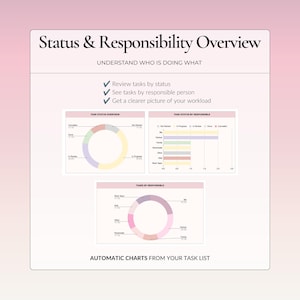
✔ View tasks by status
✔ View tasks by responsible person
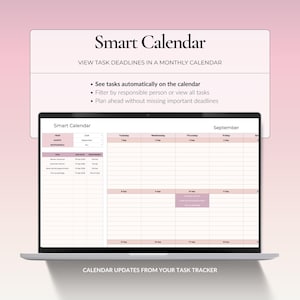
✔ Use a smart monthly calendar
✔ Beginner friendly layout
✔ Automatic dashboard and charts
AUTOMATIC CALCULATIONS
The spreadsheet automatically calculates:
✔ Total tasks
✔ In progress tasks
✔ In review tasks
✔ Done tasks
✔ Cancelled tasks
✔ Progress percentage
✔ Days left before each due date
✔ Upcoming deadlines
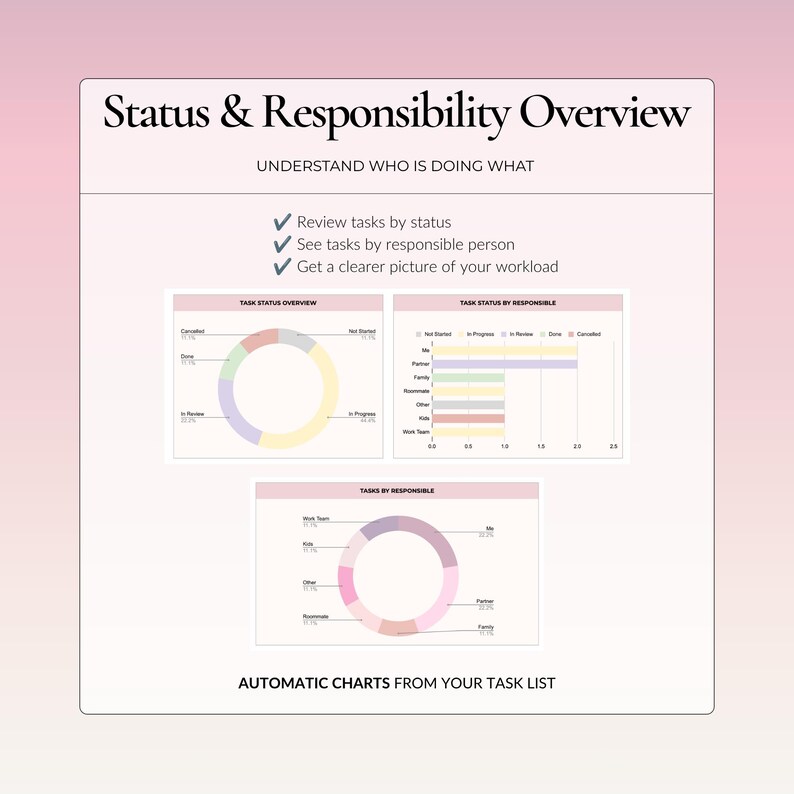
✔ Task status overview
✔ Task status by responsible person
✔ Tasks by responsible person
✔ Calendar task display
White cells are editable.
Beige shaded cells are automatic or protected.
Charts update from your entries.
No formulas to edit.
TASK TRACKER
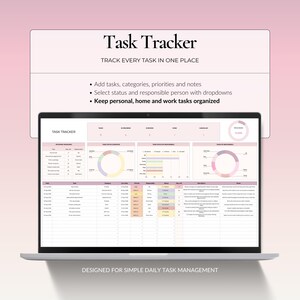
Use the Task Tracker google sheets to enter and organize your tasks.
You can track:
✔ Date
✔ Task name
✔ Category
✔ Due date
✔ Priority
✔ Responsible person
✔ Status
✔ Days left
✔ Description
✔ Notes
The Day Left column is calculated automatically based on the due date.
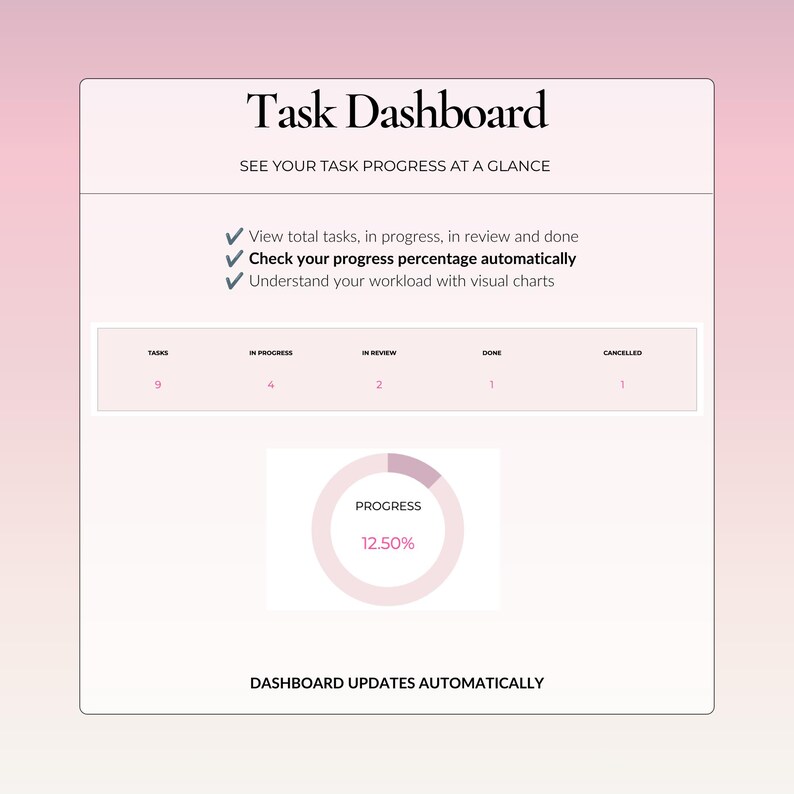
TASK MANAGER DASHBOARD
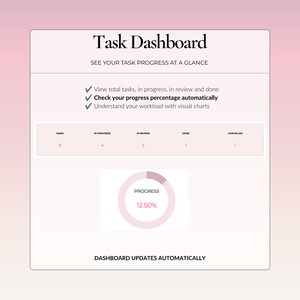
The Task Tracker dashboard gives you a visual overview of your tasks and progress.
You can review:
✔ Total tasks
✔ In progress tasks
✔ In review tasks
✔ Done tasks
✔ Cancelled tasks
✔ Progress percentage
✔ Upcoming deadlines
✔ Task status chart
✔ Tasks by responsible person
The dashboard updates automatically from your task list.
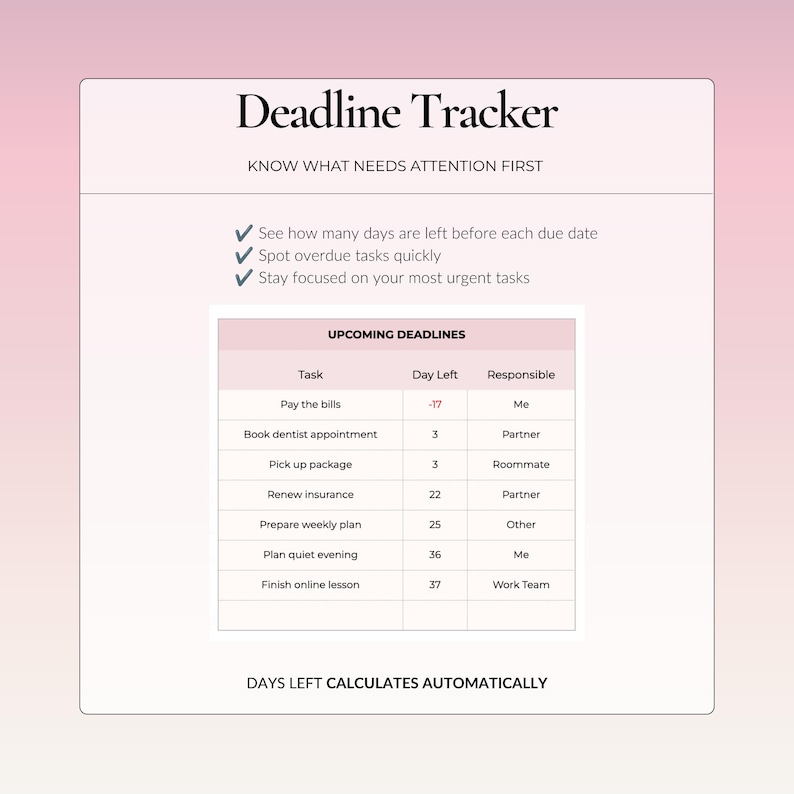
UPCOMING DEADLINES
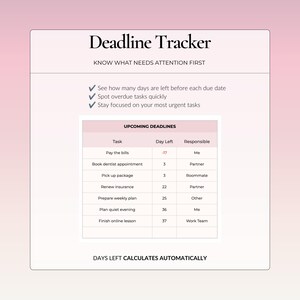
The Upcoming Deadlines table helps you quickly see which tasks need attention first.
Use it to:
✔ Review upcoming due dates
✔ Spot overdue tasks
✔ Stay focused on priority tasks
✔ Avoid missing important deadlines
SMART CALENDAR
The Task Calendar template displays your task deadlines automatically in a monthly view.
Use it to:
✔ Select the year
✔ Select the month
✔ Select a responsible person
✔ View all tasks or filter by person
✔ See tasks directly on the calendar
✔ Plan ahead more easily
SETTINGS
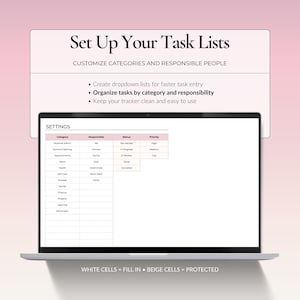
The Settings tab lets you set up the dropdown lists used in the Task Tracker.
You can customize:
✔ Categories
✔ Responsible people
Default Priority and Status values are protected source values linked to formulas, colors and charts. You can add custom values if needed, but renaming or deleting the default values may affect the automatic display.
WHO THIS IS FOR
This task tracker is useful for:
✔ Personal task tracking
✔ Daily to-do lists
✔ Home organization
✔ Family tasks
✔ Work tasks
✔ Appointments
✔ Errands
✔ Study tasks
✔ Small project planning
✔ Productivity planning
✔ Deadline tracking
✔ Simple task management
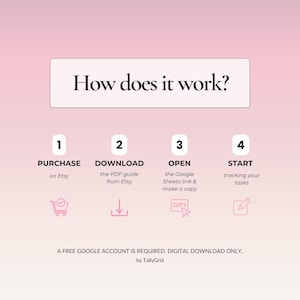
HOW IT WORKS
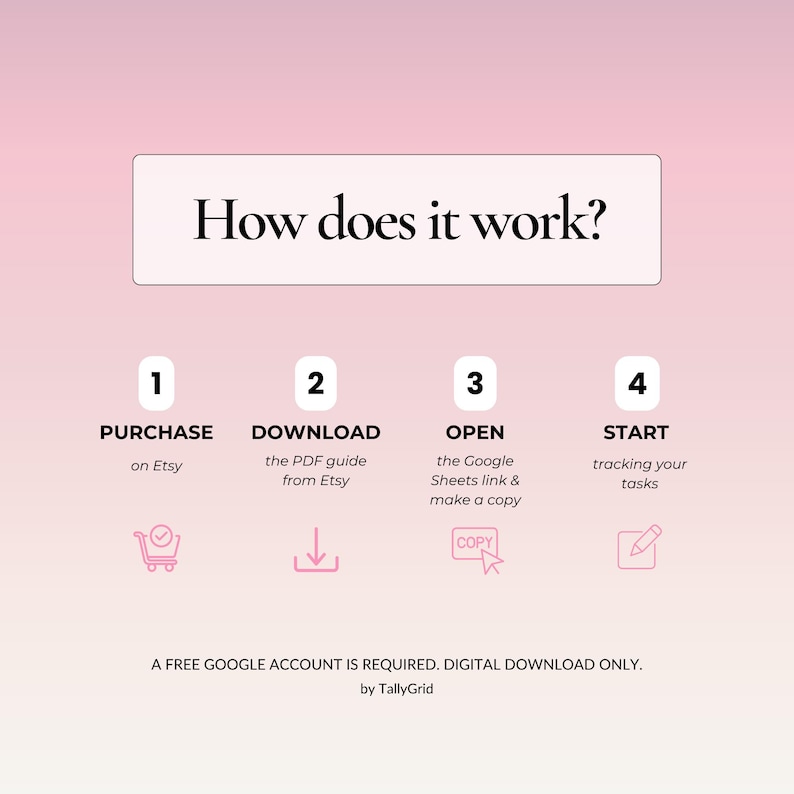
1. Purchase the listing on Etsy
2. Download the PDF access guide
3. Click the Google Sheets link
4. Make your own copy
5. Fill in the white cells
6. Start tracking your tasks
You will need a free Google account to use this template.
PLEASE NOTE
This is a digital product. No physical item will be shipped.
This spreadsheet is made for Google Sheets only. Excel file is not included.
Formula cells are protected to help avoid accidental edits. White cells are editable and beige shaded cells are automatic or protected.
Default status and priority values are linked to formulas, dropdown menus, colors and charts. Renaming or deleting the default values may affect the automatic display.
This task management tool is for personal organization and productivity tracking only. It is not legal, financial, business or professional advice.
Due to the digital nature of this product, all sales are final. Please contact me if you have any questions or need help accessing your file.
Instant Download
Your files will be available to download once payment is confirmed. Here's how.
Instant download items don’t accept returns, exchanges or cancellations. Please contact the seller about any problems with your order.
Etsy Purchase Protection
Shop confidently on Etsy knowing if something goes wrong with an order, we've got your back for all eligible purchases —
see program terms

Be the first to review this item

More from this shop
Visit shop-
Digital download
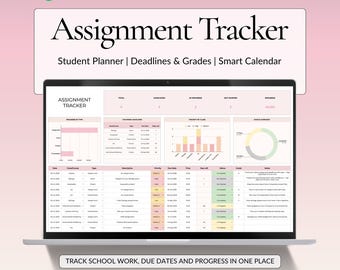
Assignment Tracker Google Sheets, Student Planner Spreadsheet, Homework Deadline Tracker, Grade Dashboard & Calendar
Sale Price $1.79
Original Price $4.46
-
Digital download
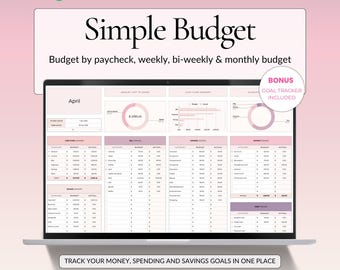
Budget planner Google Sheets, Monthly budget spreadsheet, Paycheck budget template, Weekly budget & biweekly budget tracker
Sale Price $1.79
Original Price $4.46
-
Digital download
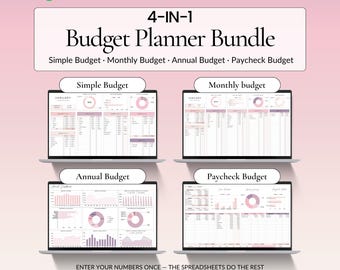
Budget spreadsheet Bundle Google Sheets: Monthly Budget planner, Simple Budget template, Annual Budget, Paycheck Budget
Sale Price $12.31
Original Price $30.79
-
Digital download
Habit Tracker Google Sheets, Monthly Habit Tracker Spreadsheet, Daily Routine Planner, Goal Tracker & Progress Dashboard
Sale Price $0.69
Original Price $1.72
-

Digital download
Task Tracker Spreadsheet | To Do List | Smart Calendar | Project Management | Task Management | Digital Productivity Planner | Google Sheets
$5.86
-
Digital download
Task Management Spreadsheet Google Sheets Daily Checklist Weekly Planner Productivity Dashboard To Do List Template Project Tracker
Sale Price $2.70
Original Price $6.75
-
Digital download
Task Tracker Spreadsheet Excel & Google Sheets Planner To-Do List Productivity Organizer Work Organization ADHD Daily Task Manager
Sale Price $5.23
Original Price $9.51
-
Digital download
Task Tracker Spreadsheet Google Sheets Excel To Do List Template Task Manager Time Blocking Eisenhower Matrix Kanban Board Work Productivity
Sale Price $5.95
Original Price $8.50
-
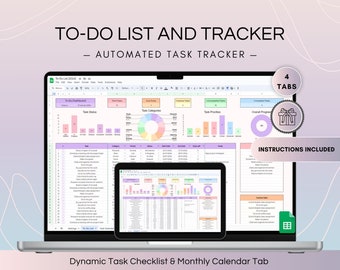
Digital download
To-Do List Spreadsheet Template, Task Manager Google Sheets, Productivity Planner Checklist
Sale Price $6.21
Original Price $10.34
-
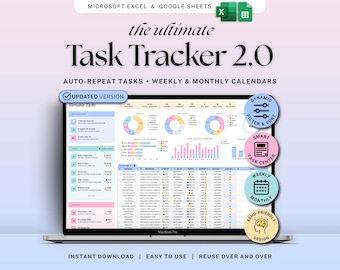
Digital download
Task Tracker Spreadsheet To Do List Google Sheets Excel Work Organizer Recurring Task Planner Team Project Management ADHD Productivity
Sale Price $3.99
Original Price $7.98
-
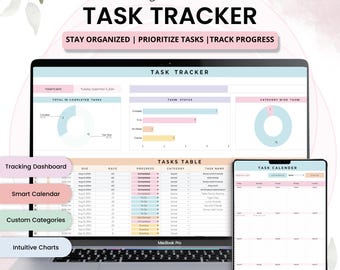
Digital download
Task Tracker Spreadsheet To do List Productivity Planner Daily Weekly Monthly peoject Management Dashboard task Priority Checklist Organizer
Sale Price $1.97
Original Price $6.58
-
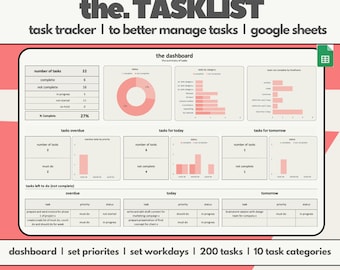
Digital download
Task Tracker - To Do List and Productivity Planner - Weekly, Daily, Monthly Task Management with Automated Dashboard, Google Sheets
$10.27
-
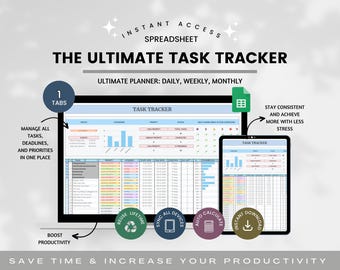
Digital download
Task Tracker Spreadsheet, To Do List Spreadsheet, Productivity Planner, List Checklist, Task Priority Tracker, Digital Planner Google Sheet
Sale Price $3.49
Original Price $6.34
-
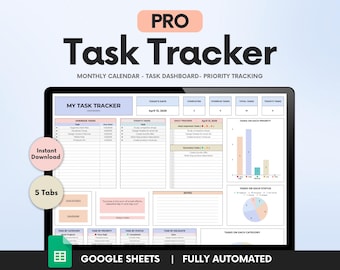
Digital download
PRO TASK TRACKER To Do List Template Daily Tasks Spreadsheet Recurring Tasks Productivity Planner ToDo List Project Management Google Sheets
Sale Price $1.05
Original Price $3.49
-
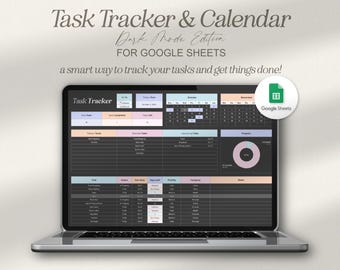
Digital download
Google Sheets Task Tracker and Smart Calendar, Task Scheduler Spreadsheet, To Do List Spreadsheet, Productivity Tracker, Task Management
$6.85
-
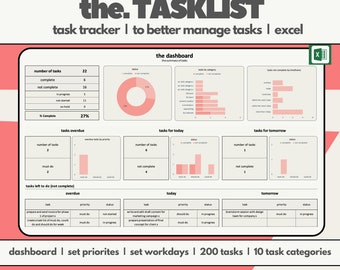
Digital download
Task Tracker - To Do List and Productivity Planner - Weekly, Daily, Monthly Task Management with Automated Dashboard, Excel To Do List
$10.27
Shoppers with similar taste loved these
-
Digital download
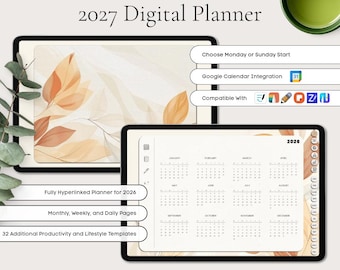
2026 Digital Planner for iPad, Tablet, or PC | Hyperlinked Minimalist Design (PDF)
Sale Price $6.48
Original Price $9.97
-
Digital download
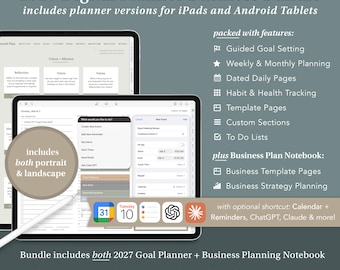
2027 Digital Planner for Business Owners | Business Planning | Goal Planner | Optional Calendar Scheduling and AI iOS Shortcut
$24.99
-

Digital download
2027 Dated Digital Planner, Landscape, Life Planner, Simply Noir Collection, Hyperlinked, Monday & Sunday Start, Daily Weekly Monthly
Sale Price $12.00
Original Price $24.00
-

Digital download
Autumn Stories | Fall Colors Digital Planner Stickers for Goodnotes & Noteful
$5.99
-

Digital download
The Unbothered | Minimalist Digital Journal Planner, Undated (PDF)
Sale Price $11.24
Original Price $14.99
-
Digital download
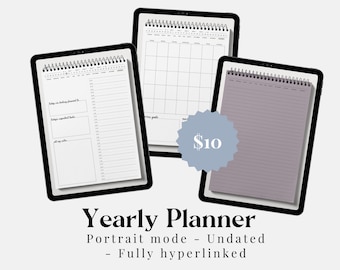
Yearly Digital Planner 2026 - Portrait mode, White mode
Sale Price $5.00
Original Price $10.00
-
Digital download
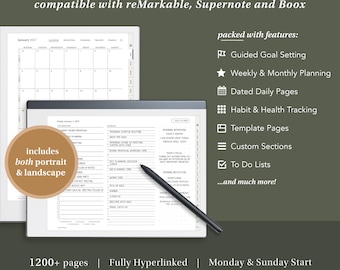
2027 E-Ink Planner - the ultimate goal planner! | digital planner template for use on Supernote, Boox and reMarkable tablets
$14.99
-
Digital download
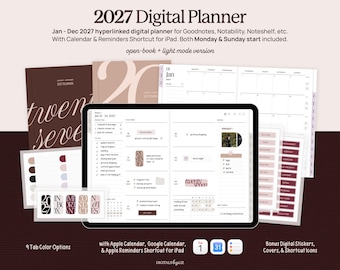
2027 Digital Planner with Calendar/Reminders Shortcut | Open-Book Layout Hyperlinked Planner for iPad, Goodnotes, Notability
Sale Price $7.77
Original Price $12.95
-

Digital download
Autumn Digital Notebook: 12-Subject Hyperlinked Planner (PDF Download)
Sale Price $3.67
Original Price $6.67
-

Digital download
2027 Dated Digital Planner, Landscape, Life Planner, Eucalyptus Collection, Hyperlinked, Monday & Sunday Start, Daily Weekly Monthly
Sale Price $12.00
Original Price $24.00
-

Digital download
Ultimate Sage Green Digital Planner, Hyperlinked Planner, All-in-One Life Planner, iPad Planner with Stickers, GoodNotes Life Planner
Sale Price $7.20
Original Price $17.99
-

Digital download
ADHD Planner Google Sheets Brain Dump Template Busy Moms Planner ADHD To Do List Productivity Template Daily Planner Excel Task Tracker
Sale Price $5.99
Original Price $19.97


