










Welcome to Brusheria by Nuny Belle
Featured items
All items
Announcement
Last updated on Oct 22, 2025
Reviews
5.0
(69)
Average item review
We calculate this number using a recency-weighted average of all ratings, with a rating's value decreasing by half each year to best reflect the current experience.
Loading
-

Etsy buyer on Feb 18, 2026
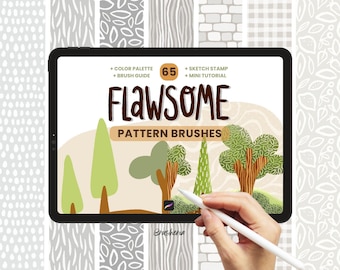
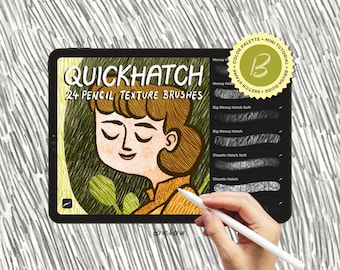
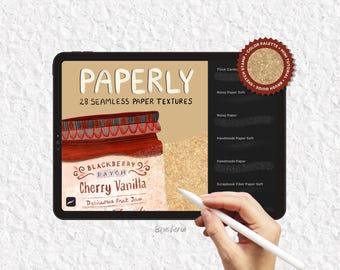
5 out of 5 starsLove the brushes from this shop!! I have the flawsome, quick hatch, paper, geometric, retro, & multi liner sets. Really nice sets.
-
Etsy buyer on Feb 18, 2026
5 out of 5 starsLove the brushes from this shop!! I have the flawsome, quick hatch, paper, geometric, retro, & multi liner sets. Really nice sets.

Brusheria responded on Feb 19, 2026
Thanks so much for your wonderfull feedback,I’m so glad to hear you’re happy with all the brush sets you purchased! :)
-

-

-
-
Jennifer on Jun 27, 2025
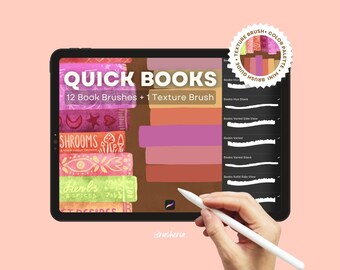
5 out of 5 starsVery nice book brush set! I love that you can adjust the spacing simply by holding down. Just enough variety too! Love the texture brush
-
About Brusheria
Sales
396
On Etsy since 2023

Shop policies
Last updated on
Accepted payment methods
Accepts Etsy Gift Cards and Etsy Credits
Returns & exchanges
See item details for return and exchange eligibility.
More information
Last updated on
Dec 17, 2025
Frequently asked questions
How do I download a digital item?
If you have an Etsy account, after the purchase you’ll see a View your files link which goes to the Downloads page. Here, you can download all the files associated with your order.
Downloads are available once your payment is confirmed. If you paid with PayPal or a credit card on Etsy, confirmation might take a few minutes.
Etsy also sends you a download notification email separate from any transaction notification emails you receive from Etsy and/or PayPal.
If you're unsure if you've purchased a Digital Item, you can always go back to the listing page. If it is a digital download, you should see an "Instant Download" message on the images for the item.
*** Please note that you can't download a digital purchase through the Etsy app.
What if I purchased a digital item, but I don't have an Etsy account?
If you checked out as a guest, you'll find a link to download your purchase in the receipt email that was sent to you after purchase.
What if I can’t seem to find my download notification email?
First, check your spam or junk inbox. If you use Gmail, also check your Social and Promotions tabs. If it’s not there, add transaction (at) etsy.com to your address book or safe list.
For now, you can still get to your file using the directions below.
Can I access my digital purchases from within my account?
Of course! To access your digital file(s), go to You > Purchases and reviews and look for the order.
To the right of the order, click Download Files. This goes to the Downloads page for all the files attached to your order.
There are generally no limits for when or how many times you can download a file. In most cases, you can access a file any time on your Purchases page, provided the transaction hasn't been canceled or removed.
If your payment is still processing, the Download Files button will be gray.
What if I’m having trouble downloading my files?
If nothing happens when you click the download links, it’s possible that there’s an issue with your web browser. Please disable any non-standard add-ons or toolbars that you’ve installed and try again.
If your computer states that the file has been corrupted, delete the file and try downloading it again. If you still can't open the file, please contact the seller through Etsy Conversations for further assistance.
If your computer is unable to open the file, it’s possible that you’re missing the program required to open the file type. Please contact the seller through Etsy Conversations to see what program(s) you may need.
If you continue to have trouble, please contact Etsy Support.