






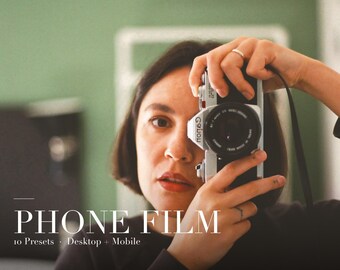
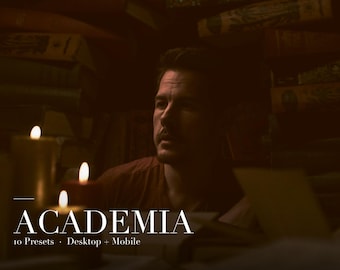
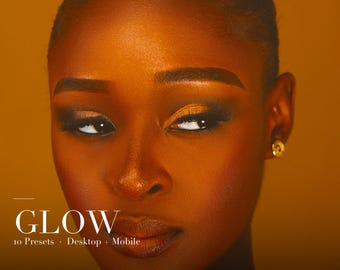
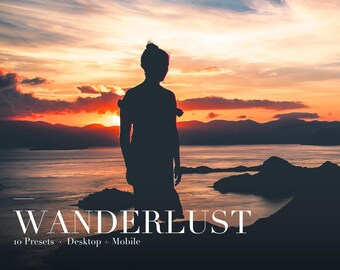


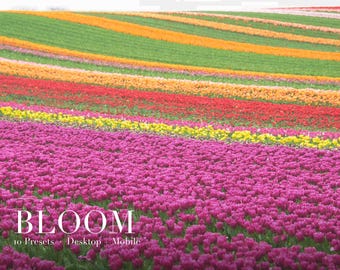
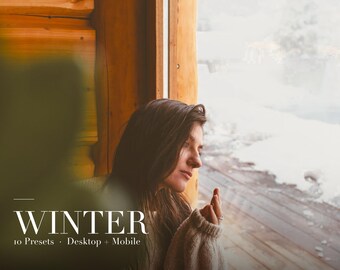
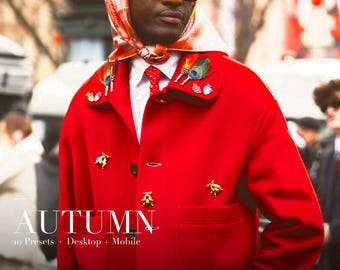
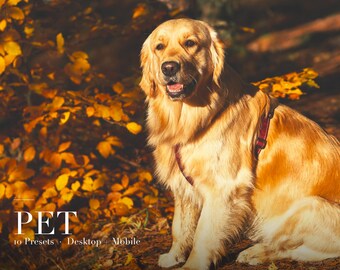



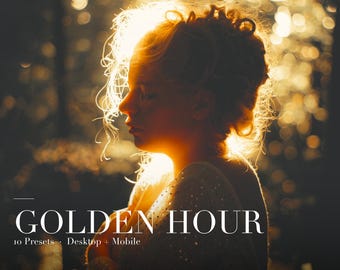
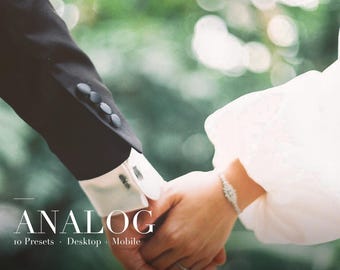

From Childhood Hobby to Professional Presets
Wszystkie produkty
Ogłoszenie
Data ostatniej aktualizacji 5 kwi 2026
Informacje o sklepie EditCraftCo
Transakcje
0
Na Etsy od 2026
Pracownicy sklepu
-

Alexis
Właściciel
Founder, Photographer and Preset Designer
Regulamin sklepu
Data ostatniej aktualizacji 5 kwi 2026
Produkty cyfrowe do pobrania
Pliki do natychmiastowego pobrania
Pliki będą dostępne do pobrania po potwierdzeniu płatności. Procedura.
Opcje płatności
Bezpieczne opcje
Akceptuje karty podarunkowe Etsy i bony Etsy
Etsy zapewnia bezpieczeństwo Twoich informacji o płatnościach. Sklepy Etsy nigdy nie otrzymują danych Twojej karty kredytowej.
Zwroty i wymiany produktów
Sprawdź szczegóły produktu, aby dowiedzieć się, czy kwalifikuje się on do zwrotu lub wymiany.
Anulowania
Anulowania: niezaakceptowane
Skontaktuj się ze sprzedawcą w razie problemów z zamówieniem.
Polityka prywatności
Więcej informacji
Data ostatniej aktualizacji
5 kwi 2026
Często zadawane pytania
What software do I need?
These presets work with Adobe Lightroom Classic, Lightroom CC (desktop), and Lightroom Mobile. The mobile app is free to download - no Adobe subscription required.
What file formats are included?
Each pack includes XMP preset files organised in Desktop and Mobile folders. A README with installation instructions is also included.
How do I install the presets?
Desktop: Open Lightroom, go to File > Import Profiles and Presets, then select the XMP files. Mobile: Import the XMP files via Settings > Import Presets. Full instructions are in the README.
Will these work on my phone?
Yes! The Mobile folder contains XMP files compatible with Lightroom Mobile (free app). See the included README for step-by-step instructions.
Custom and personalised orders
Yes. Once purchased, you can use the presets on any personal or commercial photos. You may not resell, redistribute, or share the preset files themselves.
The preset looks different on my photo than the listing images. Why?
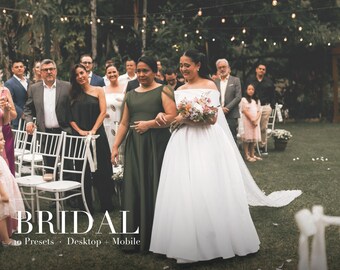
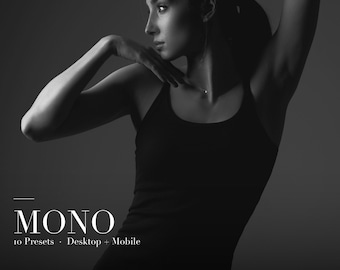
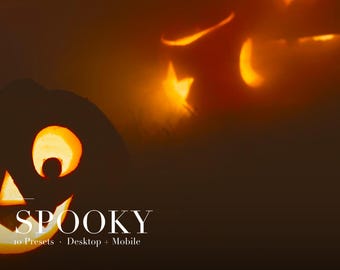
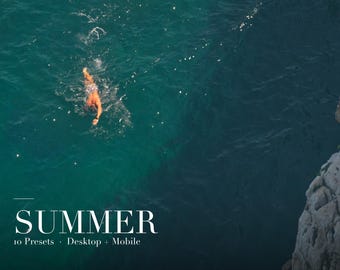
Presets are a starting point. Results vary depending on lighting, exposure, and camera. After applying a preset, adjust Exposure and White Balance to fine-tune the look for your specific photo.
Can I get a refund?
Due to the nature of digital downloads, all sales are final. If you have any issues, please message us and we will do our best to help.