
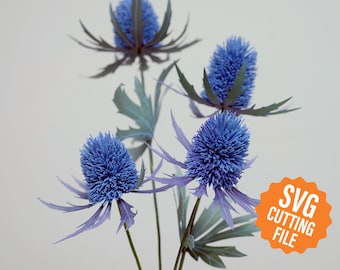
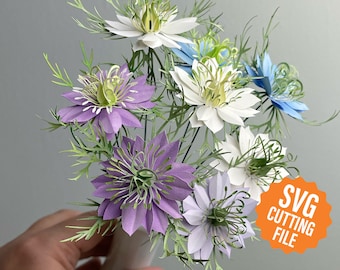
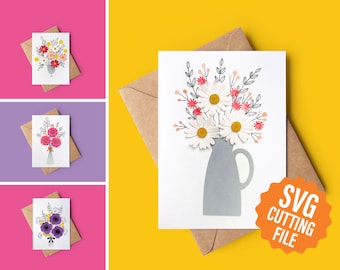
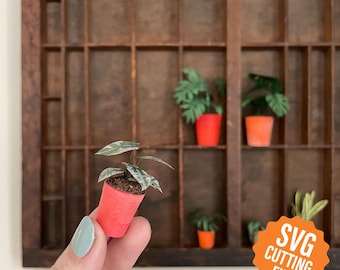
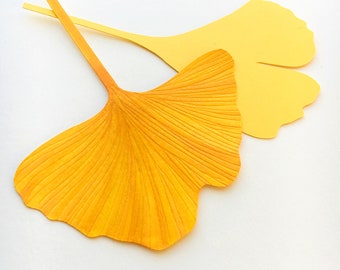
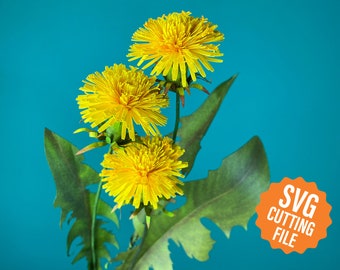
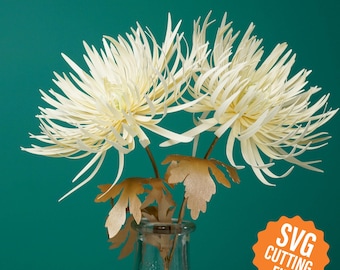
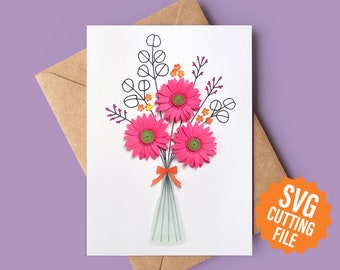
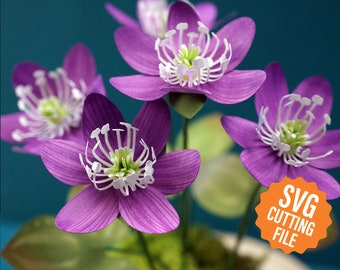
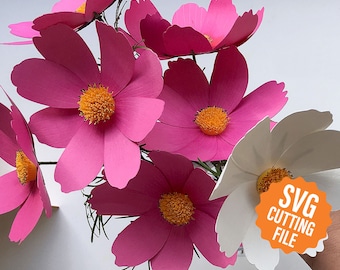
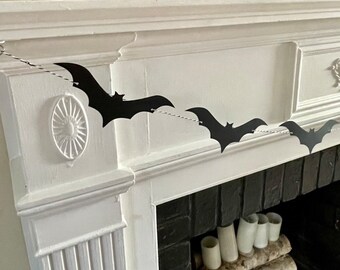
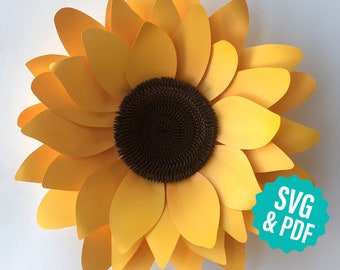
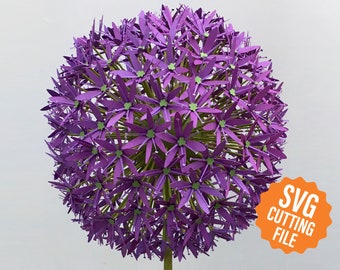
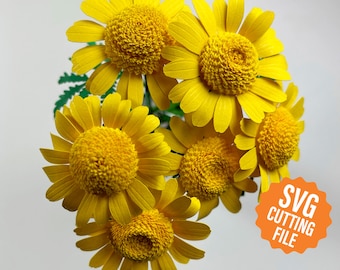
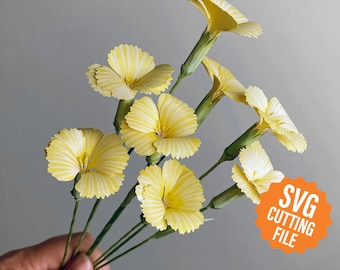

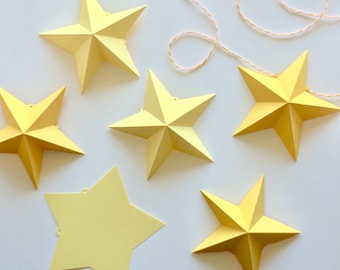
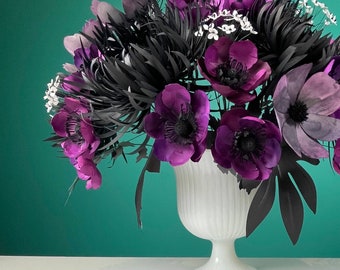
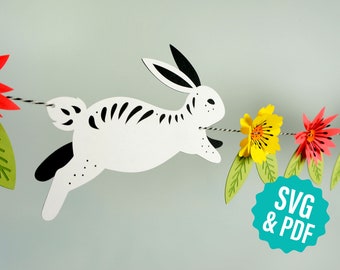
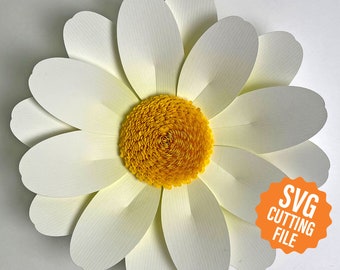
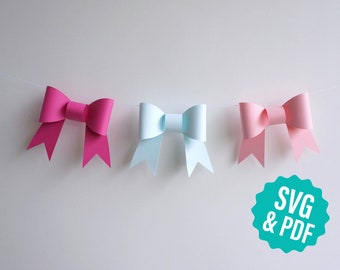
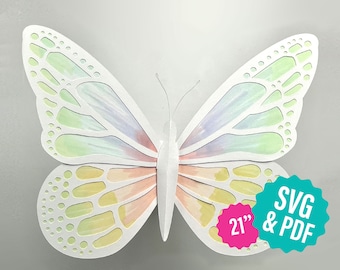
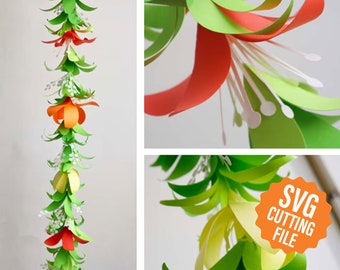
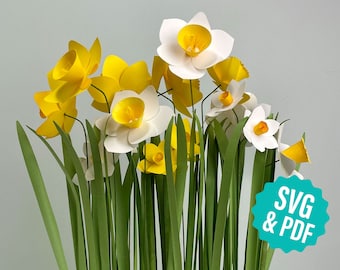

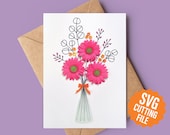
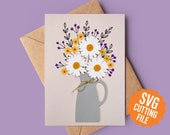
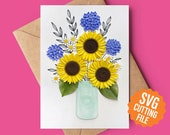
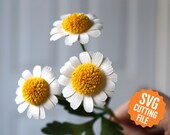



Unique paper flower templates and cutting machine files
Featured items
All items
Announcement
Last updated on Jul 11, 2025
Reviews
4.9
(1733)
Average item review
We calculate this number using a recency-weighted average of all ratings, with a rating's value decreasing by half each year to best reflect the current experience.
Loading
-

Nanette on Jul 21, 2026
5 out of 5 starsSuper pretty card easy to customize. Versatile design good for many occasions. Fun combo of drawing and cutting.
-
-
Nanette on May 5, 2026
5 out of 5 starsSuch a simple but beautiful project for so many occasions. It was fun to put together!
-
-
-

-
Reneigh on Aug 6, 2026
5 out of 5 starsMade up with very pretty flowers, but some of the instructions were not clear and if you are just beginning to make paper flowers it would be somewhat confusing.
-

-

-

hollie on Jun 16, 2026
5 out of 5 starsThe individual instructions were nice! Everything cut very well
About EspeciallyPaper
Sales
17,816
On Etsy since 2012
Shop members
-

Heather
Owner
I've been designing digital paper craft templates since 2012, blending traditional craft with modern technology. I specialize in realistic flowers with intricate detail and clear instructions for beautiful, confidence-building results.
Production partners
-
Printing Service
AL, United States
I work with a printing service to bring you high-quality, professionally-printed paper goods. After customizing the files for your items, I deliver the final document to the printer where your order is printed, trimmed, and shipped straight to you.
Shop policies
Last updated on
January 23, 2023
Accepted payment methods
Accepts Etsy Gift Cards and Etsy Credits
Returns & exchanges
See item details for return and exchange eligibility.
Cancellations
Cancellations: not accepted
Please contact the seller if you have any problems with your order.
More information
Last updated on
Dec 17, 2025
Frequently asked questions
When will I receive my order?
Digital orders are available for download as soon as payment clears, usually less than a minute. A link to download digital goods will be sent to the email address on file with Etsy. Instant downloads are automatically sent, so please be sure that your email address on file is correct before ordering.
How do I cut SVG files with my Cricut cutting machine?
To cut an SVG file with your Cricut cutting machine, you'll need to upload the file to Cricut Design Space. For step-by-step instructions and tips, check out this Especially Paper blog post:
https://especiallypaper.com/blogs/especially-paper/how-to-use-svg-files-with-your-cricut-explore-craft-cutter
How do I download digital files that I've purchased?
After purchase, a download link will be sent to the email address associated with your Etsy account. If you didn't receive that or don't have access to that email account you can download from your Etsy orders page under You > Purchases and reviews. Learn more about buying and downloading digital files in this Etsy help article: https://www.etsy.com/help/article/3949
How do I cut your templates with my Silhouette machine?
Cutting templates include DXF files that can be used with the basic edition of Silhouette Studio (the free version of the software). Simply go to File > Open within Studio and select the DXF file. Double-clicking the file from the Finder will not open the file.
If you have the designer edition of Silhouette Studio (the upgraded version), you can open the SVG version of the template.
Both file versions include the exact same pieces. They are just alternative file types.