

Featured items
All items











Announcement
Last updated on Nov 24, 2026

About HarrisCooperStudio
Sales
0
On Etsy since 2026
-
-
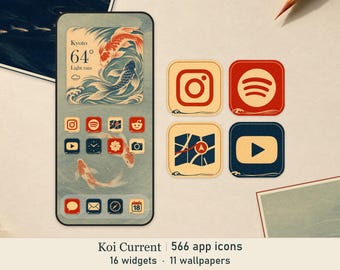
 Koi Current | Vermilion Pair wallpaper
-
 Kelp | Bladderwrack wallpaper
-
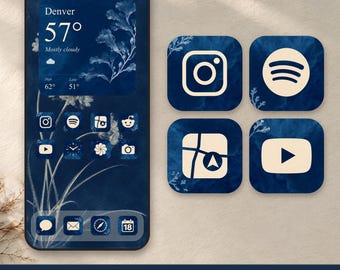
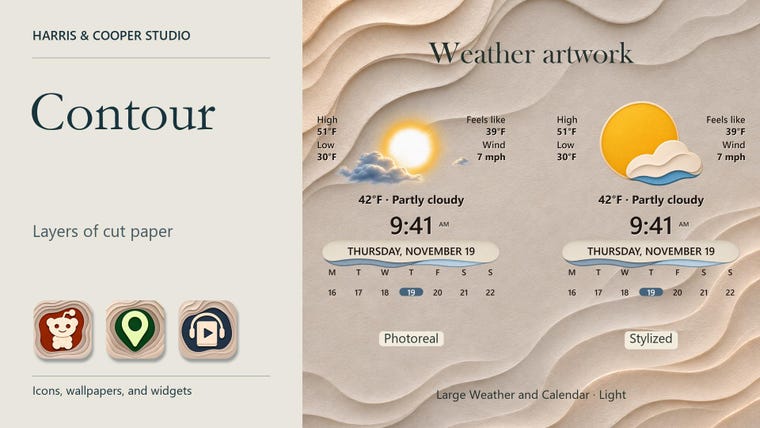 Contour | Color Core icons with Photorealistic and Stylized weather widgets
-
 Tideglass | Shoreline wallpaper
-
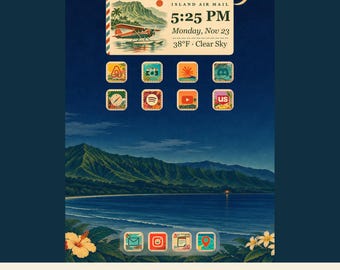
 Island Air Mail | Hanalei Blue Hour wallpaper
Shop about video description
Shop policies
Last updated on
Accepted payment methods
Accepts Etsy Gift Cards and Etsy Credits
Returns & exchanges
See item details for return and exchange eligibility.
More information
Last updated on
Nov 20, 2026
Frequently asked questions
Where do I download my order?
Sign in to Etsy in a web browser, open Purchases and reviews, and choose Download Files next to your order. If you checked out as a guest, use the download link in your Etsy receipt email. Open the setup guide included with your purchase.
How do I add an app icon to my Home Screen?
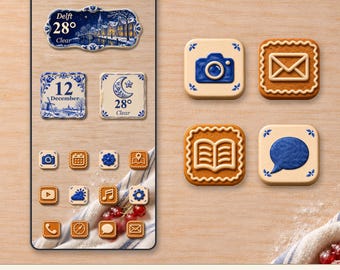
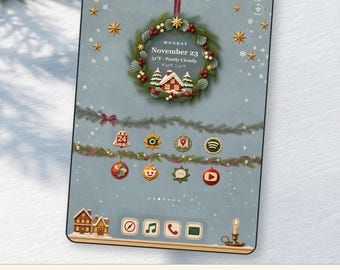
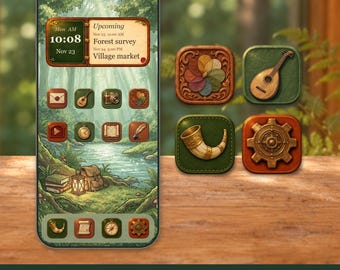
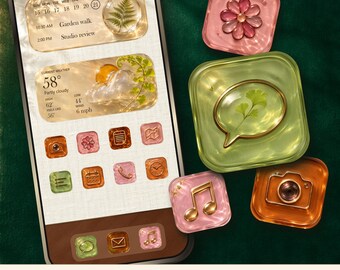
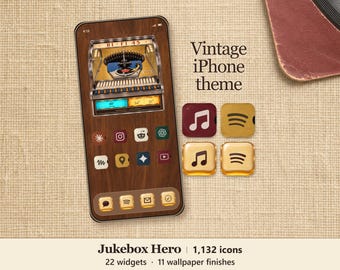
Open Apple Shortcuts, create a shortcut with the Open App action, and select the app. Choose Add to Home Screen, tap the icon, and select the matching PNG from your download. Repeat for each app you want to change. Shortcut icons open the original apps and do not display notification badges.
What do I need to use the widgets?
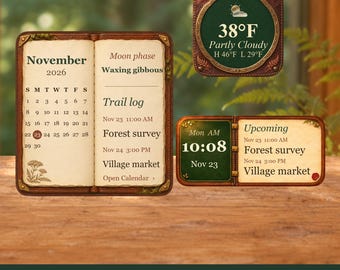
You need the Widgy app and an available Home Screen slot in the size shown in the listing. Import the widget file into Widgy, assign it to the slot, and add the matching Widgy widget to your Home Screen. Allow access to the information you want the widget to show, such as weather or calendar events.