







Meet Jennie — the person behind InclusiveEd
Featured items
All items
Announcement
Last updated on Nov 4, 2026
Reviews
5.0
(7)
Average item review
We calculate this number using a recency-weighted average of all ratings, with a rating's value decreasing by half each year to best reflect the current experience.
Loading
-

Lisa on Nov 14, 2026
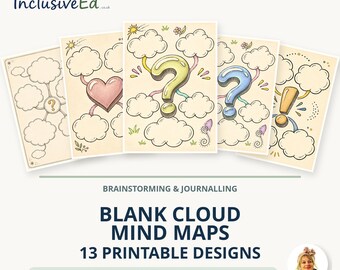
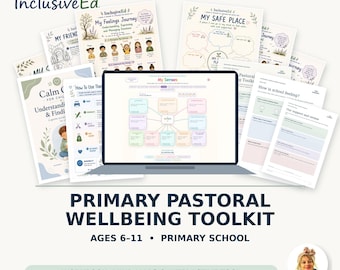
5 out of 5 starsThis should get my class talking, I wanted something that would make them think, there's enough to do that without too much information and I think they'll take pride to completing the mind maps for our Health Relationships Wall. Really pleased with the quality.

Jennifer responded on Nov 15, 2026
Oh great, those conversations are so important aren't they. Thank you so much for your feedback it is greatly appreciated.
-
Samantha on Nov 13, 2026
5 out of 5 starsI wasn't sure what to expect but I'm really impressed, Easy to use and lots of choices. This will be ideal for my students. Great Value.
Jennifer responded on Nov 13, 2026
Thank you for your review it is greatly appreciated. It is really important to me that the tools are easy to use and provide lots of choices so that people have options and have control.
-
Gail on Nov 5, 2026
5 out of 5 starsGreat resource, my grandson has been struggling and I bought this in desperation. He's been using it for a while now. This morning he asked if he could stick his mind maps on the wall. Reading through them with him was great. It was lovely to see him so positive. Would definitely recommend to a friend.
Jennifer responded on Nov 5, 2026
Thanks Gail, that is so great to hear. I used to make these mind maps with my own children after using them professionally which motivated me to start InclusiveEd. It's wonderful to hear how other children are enjoying them.
About InclusiveEdTraining
Sales
115
On Etsy since 2026
-
-
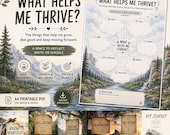
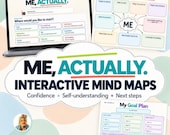
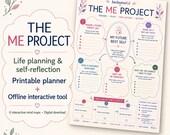
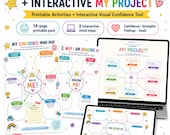
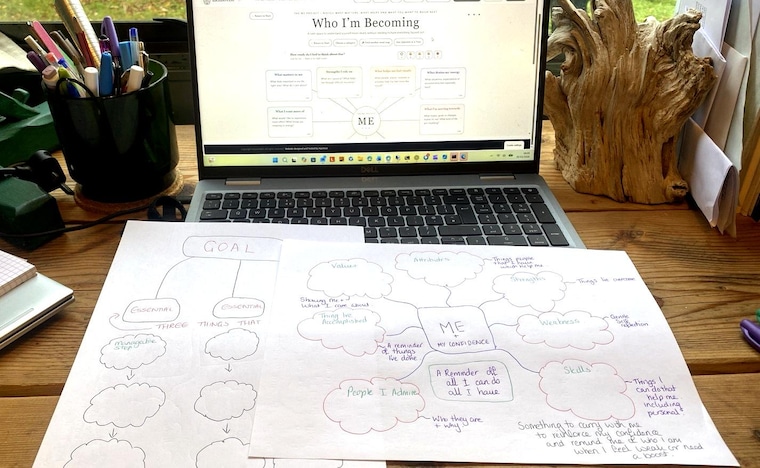 From handwritten confidence and goal maps to interactive tools: making thoughts visible, one manageable step at a time.
-
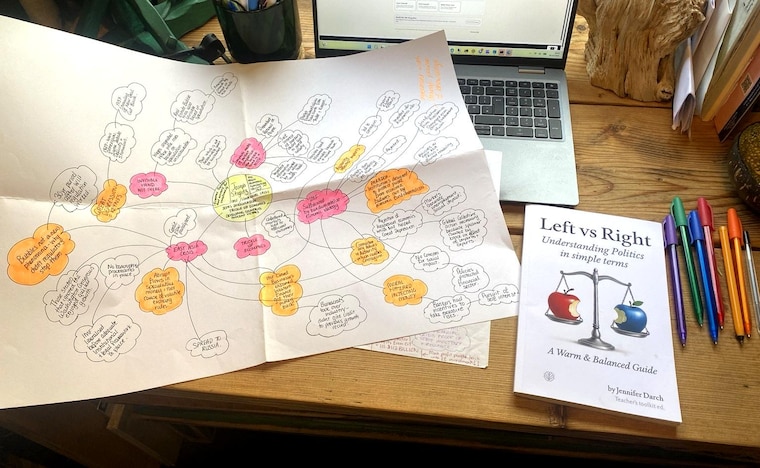 One of my original International Relations degree study maps, beside Left vs Right: visual thinking in my own learning.
-
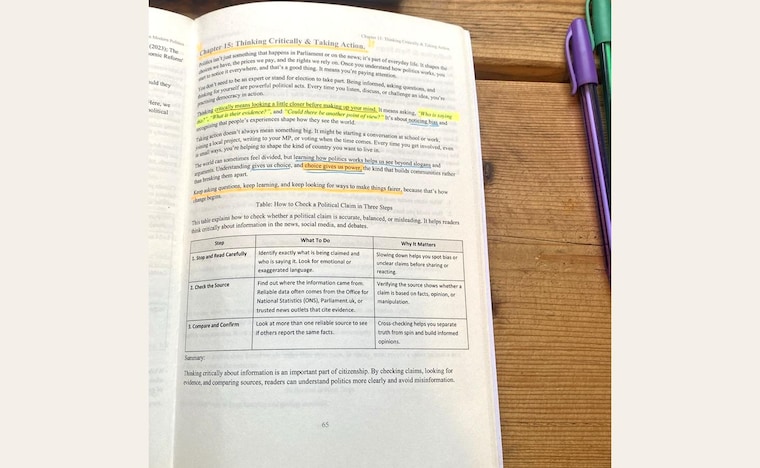 Reviewing a printed copy of Left vs Right: highlighting key ideas and checking how clearly they are explained.
Shop about video description
Shop members
-

Jennie Darch
Owner, Curator
I’m Jennie, InclusiveEd’s creator and a mother of three adult children. My human-rights, humanitarian and training work includes supporting people through trauma towards resilience. I create visual tools for learning, wellbeing and reflection.
Production partners
-
Inkthreadable
Blackburn, England
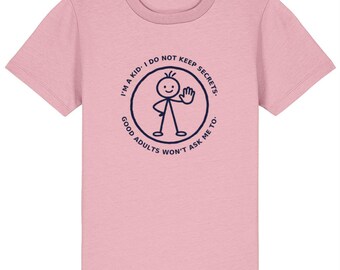
Prints InclusiveEd’s original designs on garments to order and dispatches them from the UK.
Shop policies
Last updated on
Accepted payment methods
Accepts Etsy Gift Cards and Etsy Credits
Returns & exchanges
See item details for return and exchange eligibility.
More information
Last updated on
Oct 29, 2026
Frequently asked questions
What will I receive: a printable PDF or an interactive tool?
Check the format in the individual listing. Listings marked Digital download supply files, not a posted book, framed print or device. Printable PDFs are for printing and writing on; they are not automatically editable or fillable. Downloaded interactive tools open in a web browser and let you enter answers. The listing states which files and features are included.
Where do I download my Etsy purchase?
Once Etsy confirms payment, sign in at Etsy.com in a computer or mobile web browser. Go to Your account > Purchases, then choose Download Files beside the order. Etsy currently does not support digital-file downloads inside its app. Guest buyers receive a download link in their Etsy receipt email; check spam or junk if needed. Message me through Etsy if you need help locating your files.
How do I open a ZIP containing an interactive tool?
Download to a desktop or laptop. On Windows, right-click the ZIP and choose Extract All; on a Mac, double-click the ZIP in Finder. Open the extracted folder and then the supplied .html file in a current browser. Keep the supplied files together. Read any Start Here or opening instructions included with your purchase. A PDF reader cannot run an HTML tool.
Which devices do the downloaded interactive tools need?
Use a desktop or laptop with a current browser such as Chrome, Edge, Firefox or Safari. Phone and tablet file previews may show a tool without running its controls, so do not assume mobile compatibility. Check the individual listing before buying. School-managed devices may restrict local HTML files; ask your IT team if unsure. Printable PDFs need a PDF reader and, for paper copies, a printer.
How should I print my PDF?
Check the paper size in the listing and preview the file before printing. For an A4 worksheet, choose A4 paper and use Fit to printable area if your printer clips the edges. For a larger poster, select suitable paper or ask a print shop; shrinking a detailed poster to A4 can make the text small. Colours can vary between screens, printers and paper. Digital printing costs are not included.
Can I use a resource with pupils, groups or clients?
Read the licence in that specific Etsy listing and its supplied files before using it professionally. Personal/family, individual-practitioner and school licences can have different permissions. A TPT or TES classroom licence does not automatically apply to an Etsy purchase. If your intended use is unclear, message me with the listing and how you want to use it before purchasing. Do not resell or publicly upload the files.
How do I save answers in an interactive tool?
Follow the controls and instructions for the tool you purchased. Where a Save for Later or similar control is provided, keep the project file it downloads, then reopen the original HTML tool and use its Open Saved Project control to continue. A printed or saved PDF is a finished copy, not the editable project file. Save before closing or refreshing, and keep personal answers secure on shared devices.