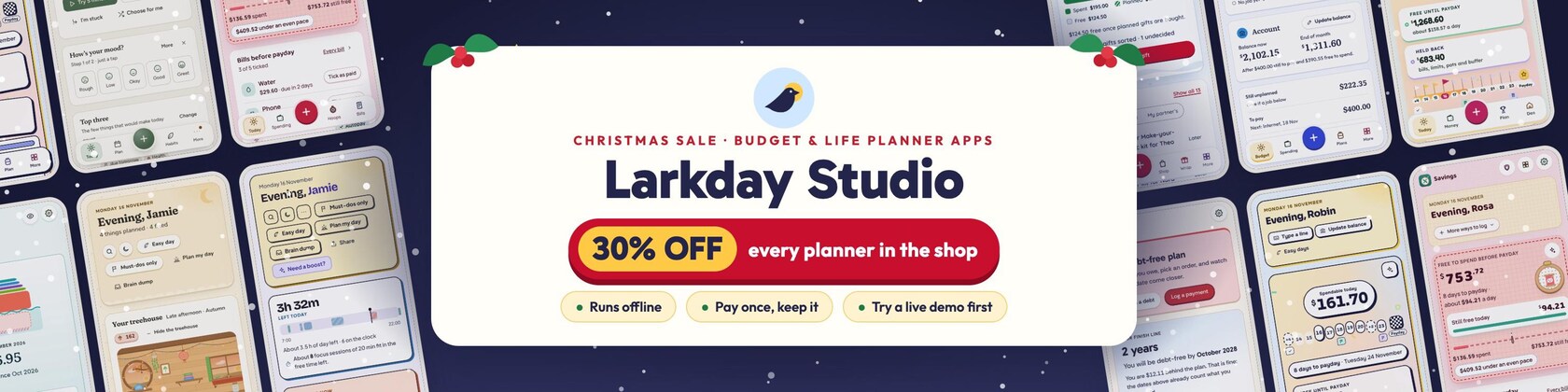

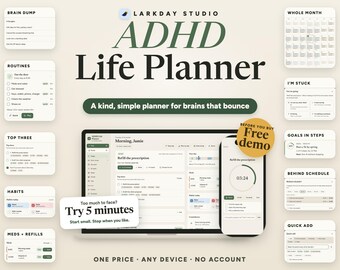
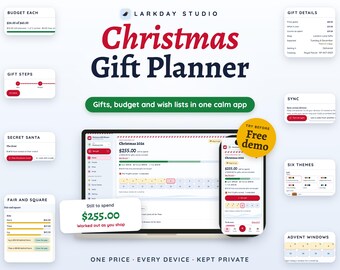
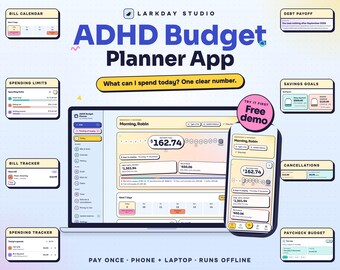

Bright, simple planner apps for your money and your days
Featured items
All items
Announcement
Last updated on Nov 16, 2026
Shop policies
Last updated on Nov 16, 2026
Digital downloads
Instant downloads
Your files will be available to download once payment is confirmed. Here's how.
Payment options
Secure options
Accepts Etsy Gift Cards and Etsy Credits
Etsy keeps your payment information secure. Etsy shops never receive your credit card information.
Returns & exchanges
See item details for return and exchange eligibility.
Cancellations
Cancellations: not accepted
Please contact the seller if you have any problems with your order.
Privacy policy
More information
Last updated on
Nov 16, 2026
Frequently asked questions
How do I get my planner app after I buy?
Right after payment, Etsy gives you a PDF download. It has the link to the full app and simple steps to add it to your phone, tablet or computer. Open the link in Safari on iPhone/iPad or Chrome/Edge on Android and computers, then choose Add to Home Screen or Install. Nothing ships and there is no account to make.
Can I try the app before I buy?
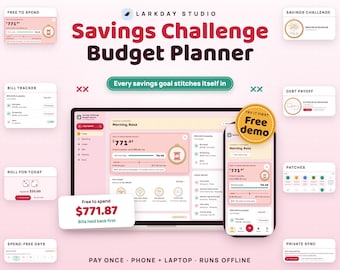
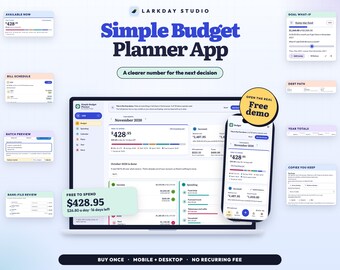
Yes. Every listing links to a live demo of the real app with sample data. The demo has a small limit on how much you can add; the full app has no limits. If you like what you make in the demo, you can save it as a backup and open it in the full app after you buy.
Is my information private?
Yes. Your planner is saved on your own device, inside your browser. We never see it, and there is no account or bank connection. If you turn on device sync, your data is encrypted on your device before it is sent, so the sync server only ever holds scrambled data. You can save a backup file at any time.
Which devices does it work on? Does it work offline?
It works on iPhone, iPad, Android phones and tablets, Mac, Windows and Chromebook, in a current version of Safari, Chrome or Edge. After the first visit it keeps working offline. You only need the internet again for updates or device sync.
Can I use it on more than one device?
Yes, on all of your own devices. Add the app to each one, then turn on device sync in Settings to keep them matched, or move a backup file from one to the other. Your purchase is for personal use, so please don't share the app link outside your household.