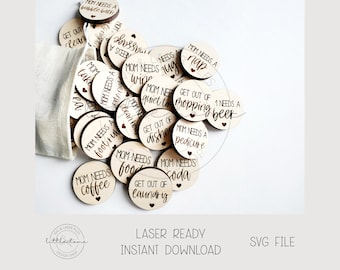
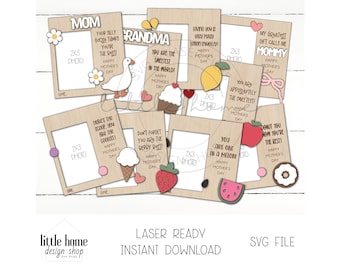
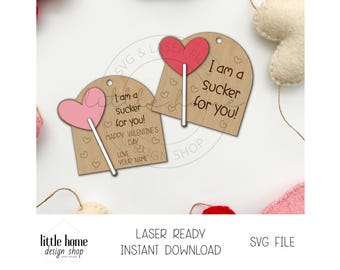
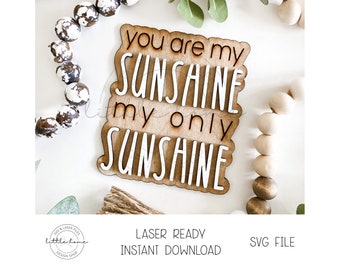
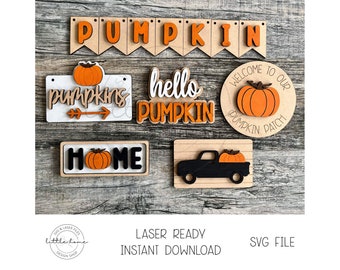
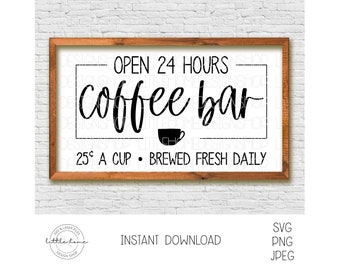
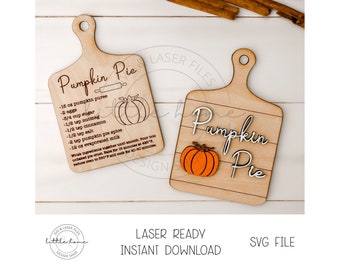
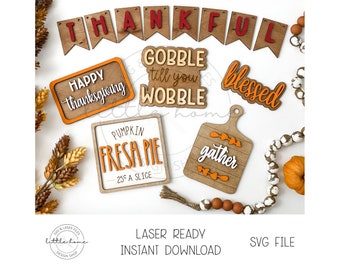
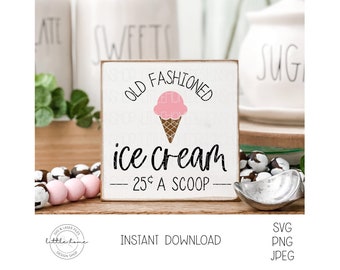
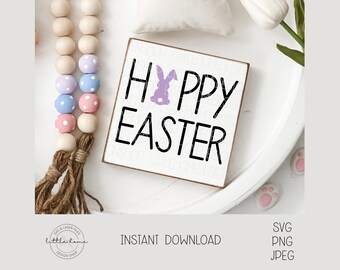
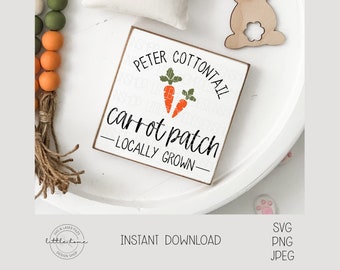
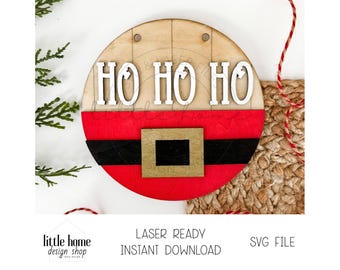
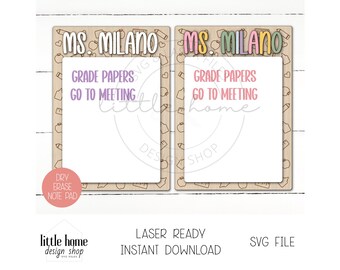
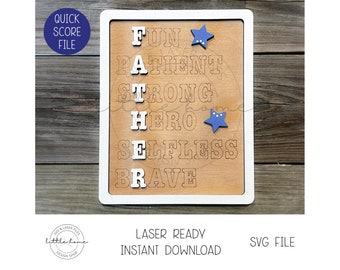
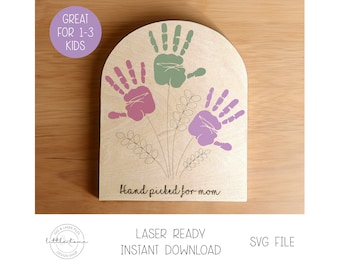
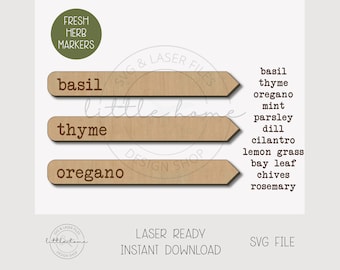

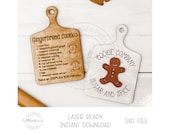
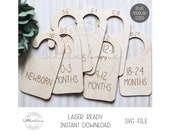
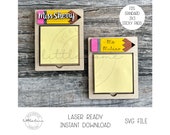
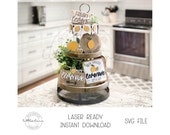


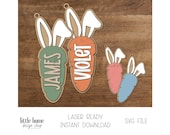
Fichiers prêts pour le laser et téléchargements numériques SVG
Articles à la une
Tous les articles
Annonce
Dernière mise à jour : 20 juil. 2025
Avis
5.0
(1964)
Moyenne des évaluations
Nous calculons ceci en réalisant une moyenne de tous les avis pondérée en fonction de leur caractère récent : le poids d'un avis diminue de moitié chaque année, afin de refléter au mieux l'expérience actuelle.
Chargement
-

-

-

-
VinceJan le 11 août 2026
5 étoiles sur 5Elles sont vraiment réussies. Je les ai faites pour ma fille.
-

-

-
Lisa le 24 juil. 2026
5 étoiles sur 5Article conforme à la description et découpe parfaite. J'adore !
-

-

Stephanie le 09 juin 2026
5 étoiles sur 5Le téléchargement s'est déroulé sans problème. J'ai toutefois dû modifier quelques paramètres avant la découpe.
-
Kathy le 02 juin 2026
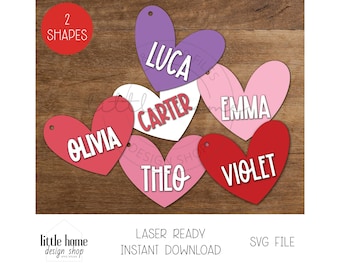
5 étoiles sur 5J'ai confectionné ces petites décorations pour les paniers de Pâques des enfants de ma famille. Elles sont vraiment adorables.
A propos de LittleHomeDesignShop
Ventes
22 366
Sur Etsy depuis 2021
Membres de la boutique
-

Melinda
Owner
Bienvenue sur LittleHomeDesingShop ! J'ai toujours aimé créer et réaliser des pancartes et j'ai décidé de me lancer dans la vente de mes fichiers. J'espère que tu les aimes!
Conditions générales de vente
Mise à jour : 23 janv. 2022
Téléchargements numériques
Téléchargements instantanés
Vos fichiers seront prêts à télécharger dès que le paiement est confirmé. Voici comment.
Options de paiement
Options sécurisées
Accepte les cartes cadeaux Etsy et les crédits Etsy
Etsy traite vos informations de paiement de manière sécurisée. Les boutiques Etsy n'ont jamais accès aux informations liées à votre carte de crédit.
Retours et échanges
Consultez les détails de l'article pour l'éligibilité aux retours et aux échanges.
Annulations
Annulations : non acceptées
Contactez le vendeur en cas de problème avec votre commande.
Plus d'informations
Dernière mise à jour :
17 déc. 2025
Foire aux Questions
J'ai téléchargé un fichier bébé SVG et il est regroupé dans DesignSpace lors de l'utilisation de ma Cricut.
Mes limes bébé sont destinées aux machines Cricut et laser. Si vous utilisez un Cricut, vous devez tout sélectionner et cliquer sur dissocier. Ensuite, vous pouvez supprimer les cercles noirs si vous n'en avez pas besoin. Vous devez également regrouper ou souder la conception avant de la définir pour la découpe.
Puis-je utiliser vos photos sur ma boutique/site ?
Malheureusement, vous ne pouvez pas utiliser mes photos pour faire de la publicité dans votre boutique. Merci de votre compréhension!
Les fichiers ont-ils été testés ?
Les fichiers ont été testés. J’utilise des maquettes et je sais que vous voulez voir la vraie chose! Je ne peux pas peindre aussi vite que je peux concevoir lol! Les fichiers sont coupés et testés sur mes machines Cricut et xTool mais des erreurs se produisent! J’ai aussi des testeurs qui testent mes fichiers sur leurs machines Glowforge et autres lasers. Si vous pensez qu’il y a une erreur, n’hésitez pas à nous contacter, c’est grandement apprécié!
Pourquoi mon fichier indique SCORE, CUT, ENGRAVE dans le coin ?
Dans le coin, vous verrez des codes de couleur pour tous mes fichiers. Ils disent MARQUER, COUPER et GRAVURE. C'est pour vous aider à savoir ce qu'il faut définir vos coupes aussi. Si vous ne voyez rien sur le fichier défini pour un code de couleur spécifique, vous pouvez simplement ignorer ce code. Veuillez l'utiliser comme référence. J'ai des lignes de score sur mes fichiers pour un placement facile. Si vous ne les voulez pas et ne pouvez pas les supprimer, envoyez-moi un message
Les noms sont-ils inclus dans vos fichiers ?
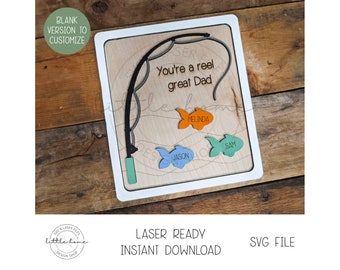
Les noms sur les étiquettes volantes, les ornements, les étiquettes de panier, etc. en sont des exemples. Tous les fichiers sont vierges pour que vous puissiez les personnaliser. Si vous cherchez que je personnalise des fichiers de bébé, j'ai une liste séparée pour eux.
UTILISATEURS DE LIGHTBURN/GLOWFORGE
Il existe de nombreux problèmes de livre et de Glowforge et les plus courants sont la réduction des fichiers lorsque vous les importez OU que vous agrandissez les fichiers. Si quelque chose semble trop petit ou trop grand, testez-le toujours d'abord et contactez-moi. Je suggère fortement de définir votre DPI sur 72 - Illustrator.