
All items
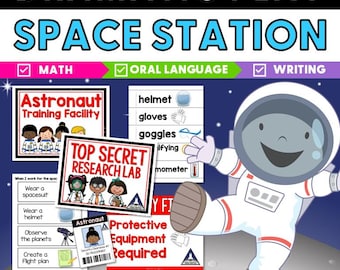
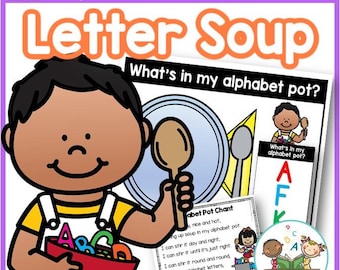
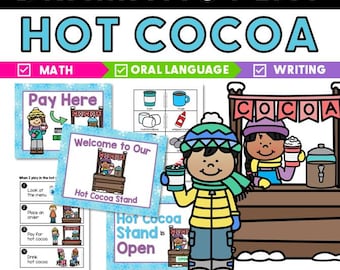
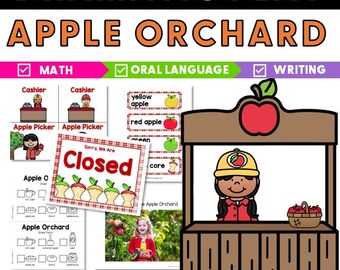

Reviews
5.0
(1)
Average item review
We calculate this number using a recency-weighted average of all ratings, with a rating's value decreasing by half each year to best reflect the current experience.

About PreKPagesVanessa
Sales
29
On Etsy since 2025

Shop policies
Last updated on
Accepted payment methods
Accepts Etsy Gift Cards and Etsy Credits
Returns & exchanges
See item details for return and exchange eligibility.
More information
Last updated on
Dec 17, 2025
Frequently asked questions
What if I can't get my document to open/work?
Here are some reasons you may be experiencing issues with your printable PDF document:
-The file may be opening in preview mode OR in your computer's default reader.
-Your version of free Adobe Reader may be outdated.
-You may be trying to use the document on a phone or tablet.
Please follow these troubleshooting steps:
Step 1. Download the most recent version of free Adobe Reader here: https://get.adobe.com/reader/
Step 2. Download the PDF to your computer.
Step 3. Close your internet browser (Chrome, Safari, etc.)
Step 4. Open Adobe Reader first - this is important, don't skip this step. Open and then select the document from your downloads.