
Featured items
All items
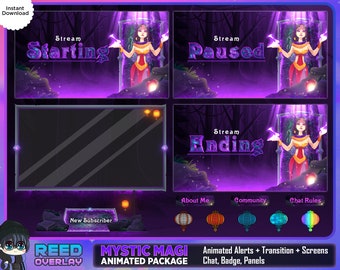
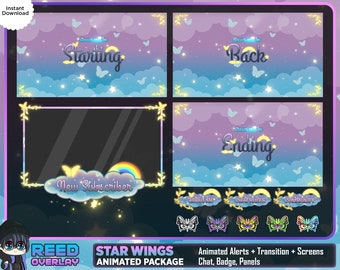
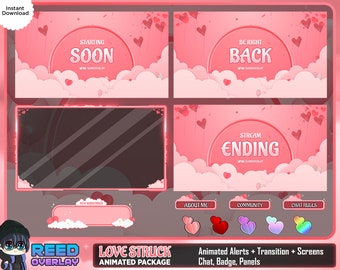
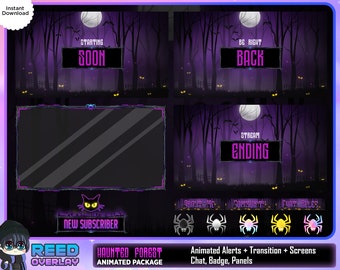
Announcement
Last updated on Jul 4, 2023

Reviews
4.9
(474)
Average item review
We calculate this number using a recency-weighted average of all ratings, with a rating's value decreasing by half each year to best reflect the current experience.
Loading
-

Rebecca on Mar 21, 2026
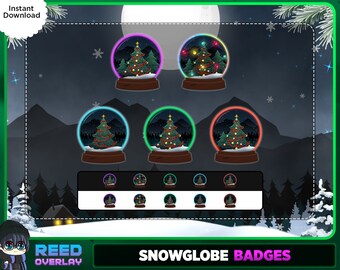
5 out of 5 starsAbsolutely love these sub badges! They are so cute and go with my aesthetic!
-






About ReedOverlay
Sales
2,891
On Etsy since 2022
Shop members
-

clow
Owner
Professional Designer and Animator of Stream Asset for all Platforms. Worked Previously With 500+ streamers DM for commission for social banner customization buy me a soda!! https://ko-fi.com/reedoverlay
Shop policies
Last updated on Sep 27, 2022
Digital downloads
Instant downloads
Your files will be available to download once payment is confirmed. Here's how.
Payment options
Secure options
Accepts Etsy Gift Cards and Etsy Credits
Etsy keeps your payment information secure. Etsy shops never receive your credit card information.
Returns & exchanges
See item details for return and exchange eligibility.
Cancellations
Cancellations: not accepted
Please contact the seller if you have any problems with your order.
Privacy policy
More information
Last updated on
Dec 17, 2025
Frequently asked questions
I Can't find all my files?
Due to Etsy limitations, Al of the files I have uploaded into my own ☁️cloud☁️.
Upon transactions completed, you will get a .PDF file containing a direct download for your bundle (.ZIP)
So, you can just check the folders after you unzip them, everything should be inside these folders📁.
Do you take commission?
🌟Yes I do take commission:
👉 Full animated package
👉 Personalize Chibi emotes
👉 Sub badges
STREAMLABS doesn't work / won't upload something
I don't provide customer service for third-party apps, but I do know these have common issues!
- Upload alert files to their website, not their app
- It's supposed to be a webm; please don't convert it
- Click "Save Settings" and wait a few moments
- Upload using Chrome not Safari
- There is no .overlay file needed :)
- If it gives you a "!" error it's because they updated their alert box.
Please go to the bottom of the page and find "Open Alert Variations" and delete whatever is in it. Then you can upload normally!
What Apps should I use to stream?
-🔗 OBS: https://obsproject.com/
-🔗 StreamElements: https://streamelements.com/
-🔗 StreamlabsOBS: https://streamlabs.com