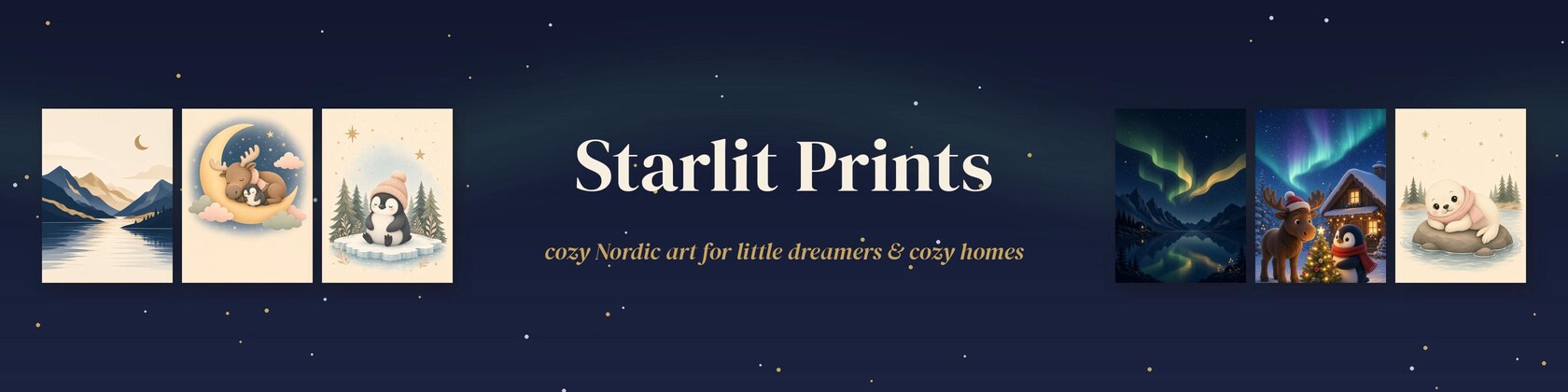

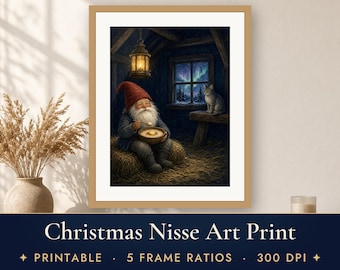
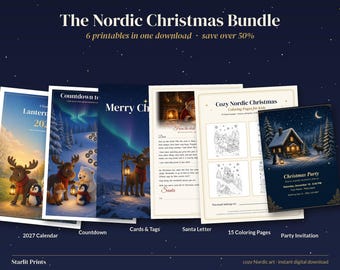
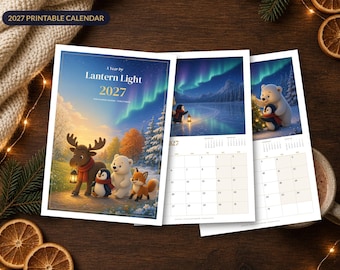
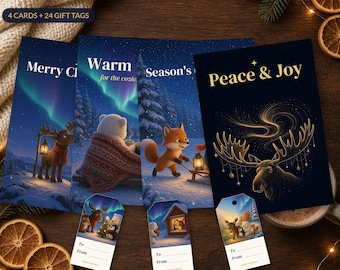
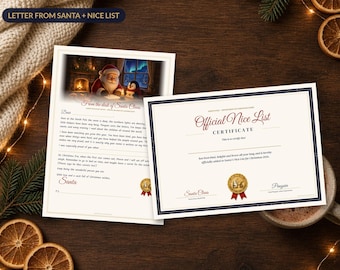
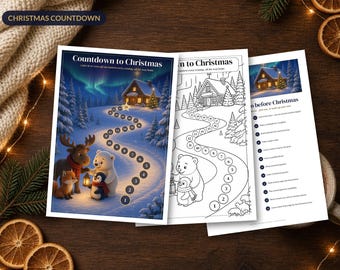
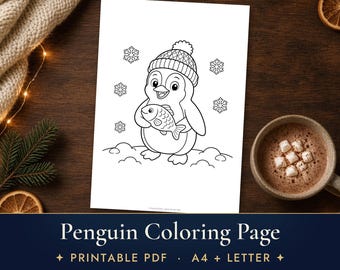
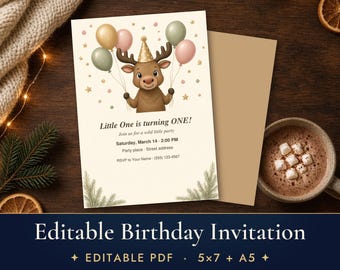
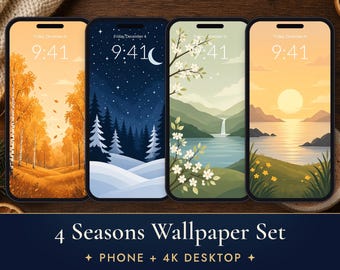
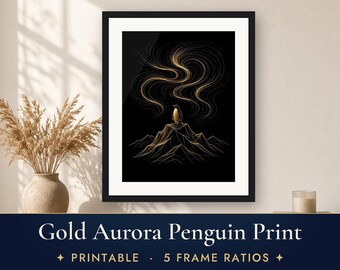
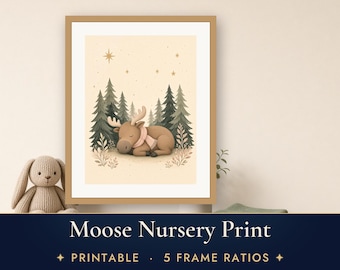
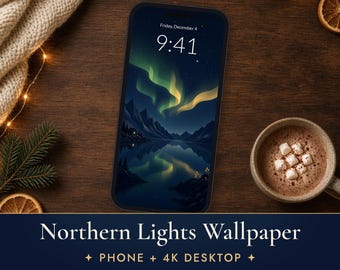
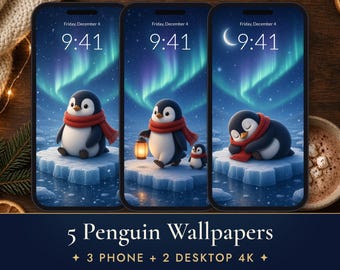
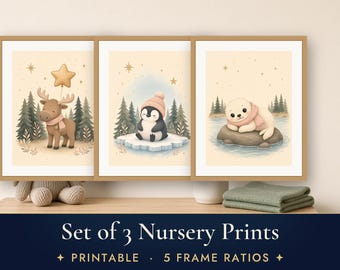
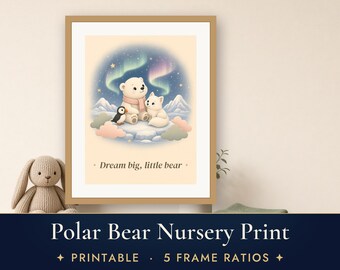
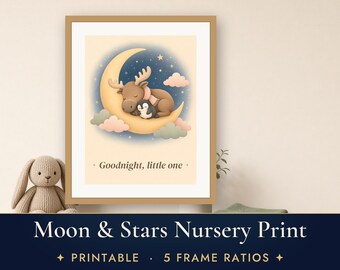
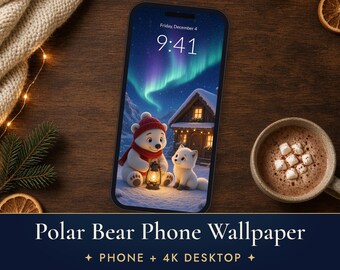
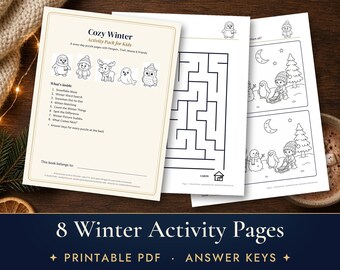
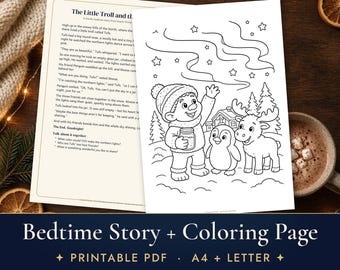
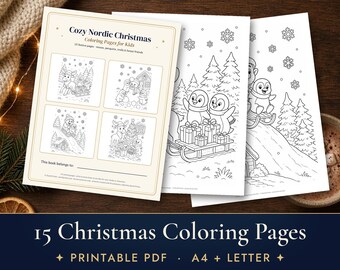

Nordic fairytales, made for little dreamers
All items
Announcement
Last updated on Oct 23, 2026
About StarlitPrintsDesign
Sales
0
On Etsy since 2026
Shop policies
Last updated on
Accepted payment methods
Accepts Etsy Gift Cards and Etsy Credits
Returns & exchanges
See item details for return and exchange eligibility.
More information
Last updated on
Oct 23, 2026
Frequently asked questions
Will I receive a physical print?
No – this is a digital download. You print it at home, at a local print shop or with an online printing service.
How do I download my files?
After payment Etsy emails you a link. You can also go to You → Purchases and reviews → Download files. Downloading on a computer is easiest; on a phone use the Etsy website in a browser if the app doesn't show the button.
Which sizes can I print?
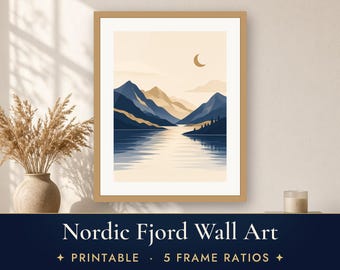
Poster listings include 5 ratios (2:3, 3:4, 4:5, 11x14 and ISO A sizes) that fit almost every standard frame from 4x5 in to 24x36 in and A5 to A1. Each listing lists the exact sizes.
How do I open a ZIP file?
Double-click it on Mac/Windows. On iPhone/iPad, tap it in the Files app. On Android, use the Files app (tap → Extract).
Which paper should I use?
Matte photo paper or heavyweight matte paper (200–250 gsm) gives the softest look. Dark/black prints look best from a print shop.
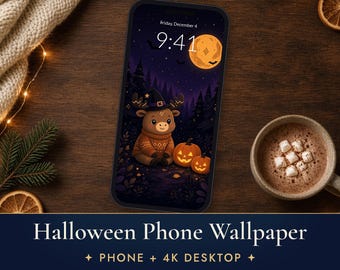
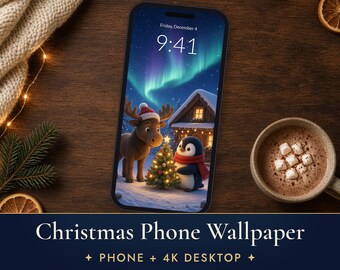
How do I set a wallpaper?
iPhone: Settings → Wallpaper → Add New Wallpaper. Android: long-press the home screen → Wallpaper. Mac: System Settings → Wallpaper. Windows: right-click the image → Set as desktop background.
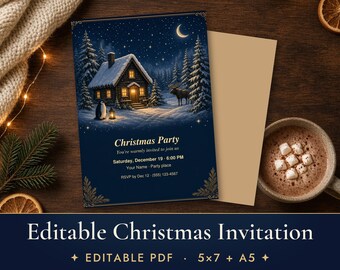
How do I edit the invitation?
Open the PDF in the free Adobe Acrobat Reader (or Preview on Mac), click the sample text and type. Save, then print or send it.
Can I use the files commercially?
No – personal use only. Message me if you'd like to ask about a license.
Is AI used?
Yes. Designs are created by me with my own prompts and art direction together with AI image tools, then edited and prepared for print. Etsy asks sellers to disclose this, and I'm happy to be open about it.
The colors or file look wrong – what now?
Send me a message with a photo or screenshot and I'll help or send a new file.