
About Us
Polecane produkty
Wszystkie produkty
Ogłoszenie
Data ostatniej aktualizacji 18 gru 2025
Opinie
4.9
(240)
Średnia opinia o produkcie
Przy obliczaniu tej wartości wykorzystujemy średnią ocenę z wszystkich ocen, biorąc pod uwagę to, kiedy zamieszczono opinię – co roku wartość oceny zmniejsza się o połowę, tak aby jak najlepiej oddać aktualne doświadczenia zakupowe.
Ładowanie
-

Caylee w dniu 15 kwi 2026
5 na 5 gwiazdekThank you so much for such a great item. I love the quality and the appearance. These were exactly what I have been looking for. I plan to place another order in the near future.
Ładowanie -

Padmini w dniu 3 kwi 2026
5 na 5 gwiazdekSeller had great communication and was very helpful! They looked exactly like how I pictured. Like how customizable it was. They stay on my dividers. Happy with my order!
Ładowanie -

Melissa w dniu 3 kwi 2026
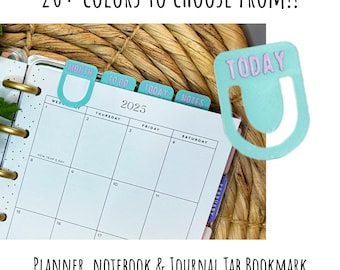
5 na 5 gwiazdekThese are super cute! I love that you get to choose the colors. Unfortunately, I can’t use them because they keep sliding off and I keep almost losing them. These would be great for someone needing to just hold a few pages. I was wanting to use them as divider tabs in my planner. They are a nice quality though!
Ładowanie -

Joelle w dniu 31 mar 2026
5 na 5 gwiazdekThese number tabs were the perfect thing to add to my organization!
Ładowanie -

-

-
Anna w dniu 8 kwi 2026
5 na 5 gwiazdekThe seller is so nice and answered all of my questions promptly, the bookmarks arrived super fast and they are so cute!
Ładowanie -
Joelle w dniu 31 mar 2026
5 na 5 gwiazdekI love my item. I reached out to the seller, to see if she could make an adjustment instead of months, to put numbers. She did and I’m very, very happy with them.
Ładowanie -
Briana w dniu 22 mar 2026
5 na 5 gwiazdekPerfect for my pocket planner! Very cute and well crafted.
Ładowanie -
Informacje o sklepie DesignCreatePlans
Transakcje
1 009
Na Etsy od 2021
Opis filmu o sklepie
Pracownicy sklepu
-

Melissa Cunningham
Projektant, Właściciel
Hi & welcome to my shop! Many of my designs are I've made for my own every day planner life that I'm excited to share with you! When I'm not designing, or working with my marketing clients, I'm a busy Livestock show mom!
Regulamin sklepu
Data ostatniej aktualizacji
Akceptowane metody płatności
Akceptuje karty podarunkowe Etsy i bony Etsy
Zwroty i wymiany produktów
Sprawdź szczegóły produktu, aby dowiedzieć się, czy kwalifikuje się on do zwrotu lub wymiany.
Więcej informacji
Data ostatniej aktualizacji
17 gru 2025
Często zadawane pytania
How to use our Stickers on Cricut Print & Cut
Upload to design space, choose “Complex” image type, “apply & continue”, choose “Print then Cut image” then upload.
Bring image into your Canvas, Resize to 7 inches high, select the two sheets you would like to print together (you can fit two sheets per mat / page), align and attach. Repeat for the next sheets.
Send to printer, make sure to deselect “add bleed” and select “use system dialog” to customoze your printer settings.
Check out my reccomended sticker sheets!
Reach out to us if you have any questions or need assistance. We're here to help you make the most of your planner sticker experience!
Thank you for choosing 3C Creative Design. Happy planning and organizing! 🌈📅
Accessing Downloadable Files
Step 1: Purchase and Download
Browse our collection and select the sticker set that resonates with you.
Add the set to your cart and complete the purchase process.
Once your payment is confirmed, you'll receive an email with a download link. Alternatively, you can access your downloads directly through your Etsy account.
Step 2: Accessing Your Files
Click the download link in the email or navigate to your Etsy account > "Purchases and Reviews."
Locate your purchase and click "Download Files." Your sticker files will be compressed in a ZIP folder.
Step 3: Unzip Your Files
Right-click the downloaded ZIP folder and select "Extract" or "Unzip." This will create a new folder with your sticker files.
Sticker Paper Tips!
I like to mix up if I print on translucent or white sticker paper! You can view my favorite sticker paper her for inspiration. https://www.3c-creativedesign.com/favorite-stuff
Most sticker paper when cutting with Cricut, the best setting to use is "Washi tape". Do one cut, do not unload your mat, check to be sure sticker is cut the correct kiss cut depth, if not run the cut again.
Are your stickers for kiss cut?
YES! All my stickers sheets have a white margin around each element allowing room for error, essentially already having a bleed in place. Always make sure to deselect "add bleed" when printing from Cricut Design Space.
Are your stickers for Cricut or other cutting machines?
Personally, I have a Cricut Maker and test all sticker sheets before placing on Etsy. The best file for Cricut is the PNG version. I also provide a JPEG and PDF for other machines.
What size planners can I use these stickers with?
For small sized pocket planners like Hobonichi Weeks and Erin Condren pocket planners, I size them to 7 inches tall by 3 inches wide (see video tutorial for more details. For larger 7 x 9 planners, like Happy Planner and Erin Condren, I size them to the max height for Cricut print then cut of 7.79 inches tall. When using with larger sized planners, these designs are a great way to add productivity stickers to your minimalistic weekly spread.
Terms of Use - Patterns
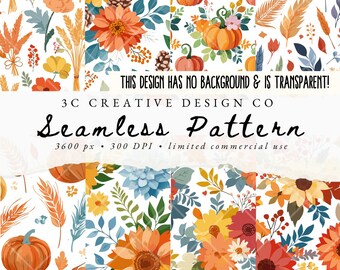
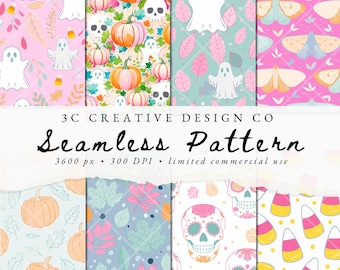
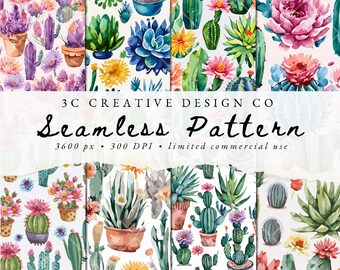
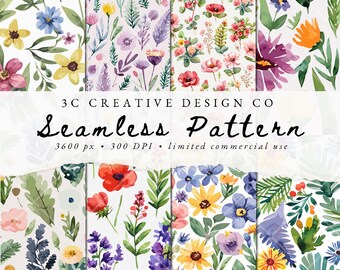
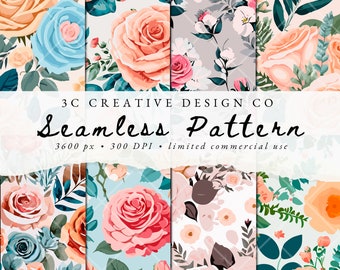
We encourage you to use these pattern files as a way to enhance your POD items, use them as a part of other designs for a unique end product.
You MAY use these digital files to create products for sale, must be a physical end product and handmade like clothing, bags, and home goods for a max of up to 500 products sold if your business does a revenue of under 100K per year. ** Contact us if you need additional commercial use.
You MAY NOT use these files commercially in digital products of any kind.
You MAY NOT resell any files as a pattern on another website like Spoonflower or to sell pattern fabric on any website.
You MAY NOT use these digital files to resell or share as a whole or part of another digital product offering.
Terms of Use - Digital Stickers
These digital offerings are hand drawn digitally or by hand with love by me. I retain copyright to all artwork.
Sticker sets are for personal print then cut projects only, and may not be resold in a physical or digital product.
You MAY NOT use these files commercially in digital products of any kind.
You MAY NOT take apart and redistribute the stickers sheets in any way or use parts of the digital files in any POD or commercial end product.
Please be kind and do not share files, share our Etsy listing instead ;-)
▪️ THANK YOU!