


Practical templates that do the maths for you
Featured items
All items
Announcement
Last updated on Oct 10, 2026
About ROYPLANS
Sales
1
On Etsy since 2026
-
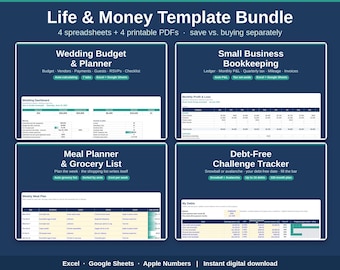
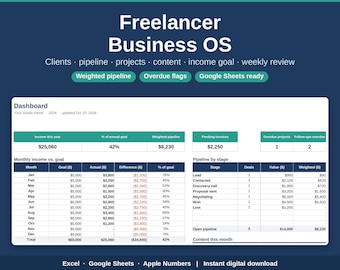
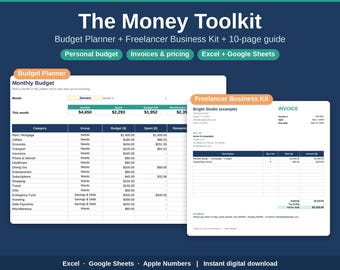
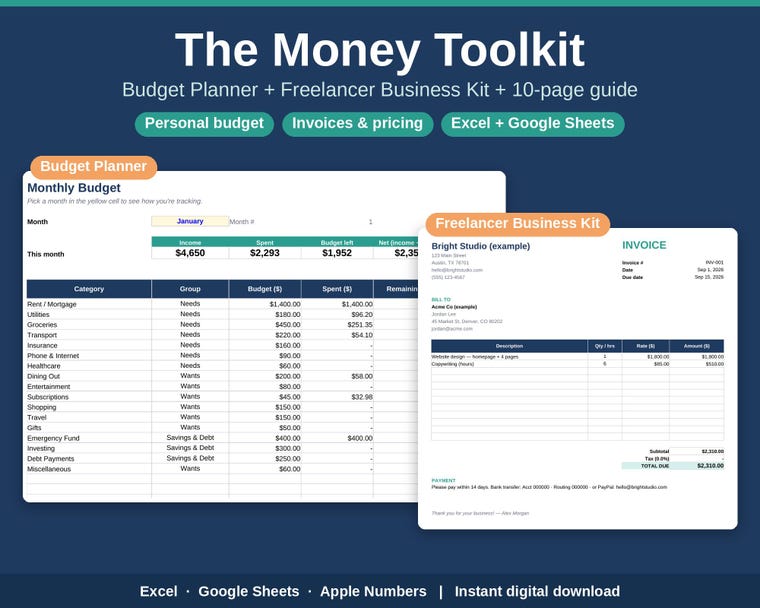 Budget, savings and freelancer tools in one kit
-
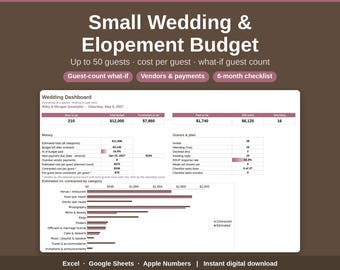
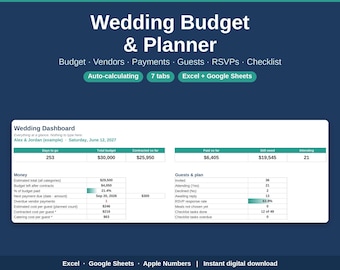
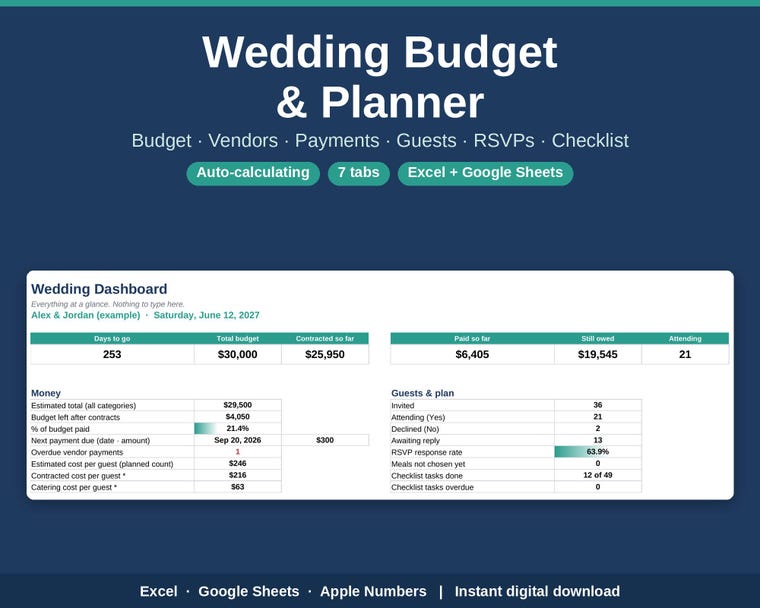 Plan your whole wedding in one file
-
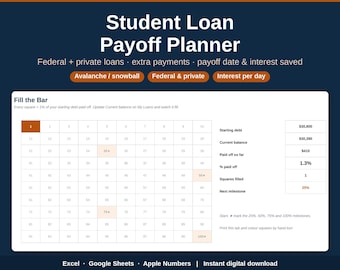
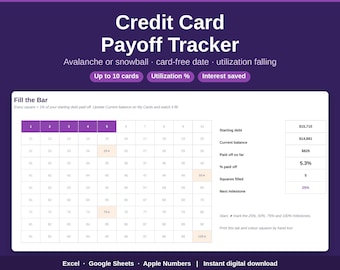
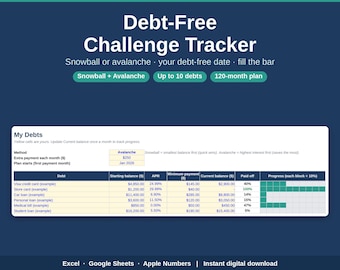
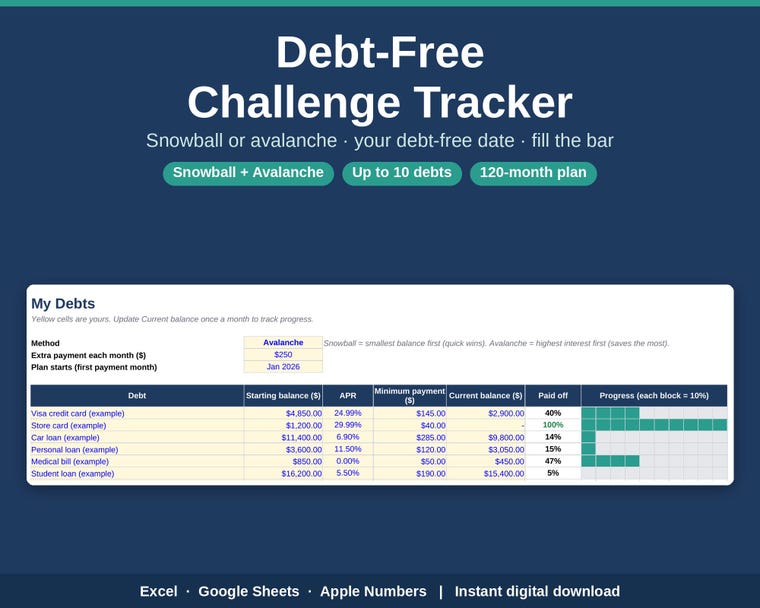 See your debt-free date
-
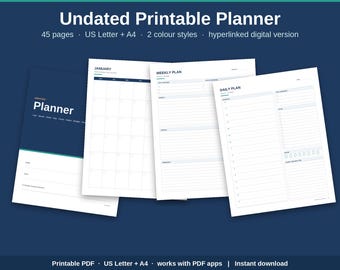
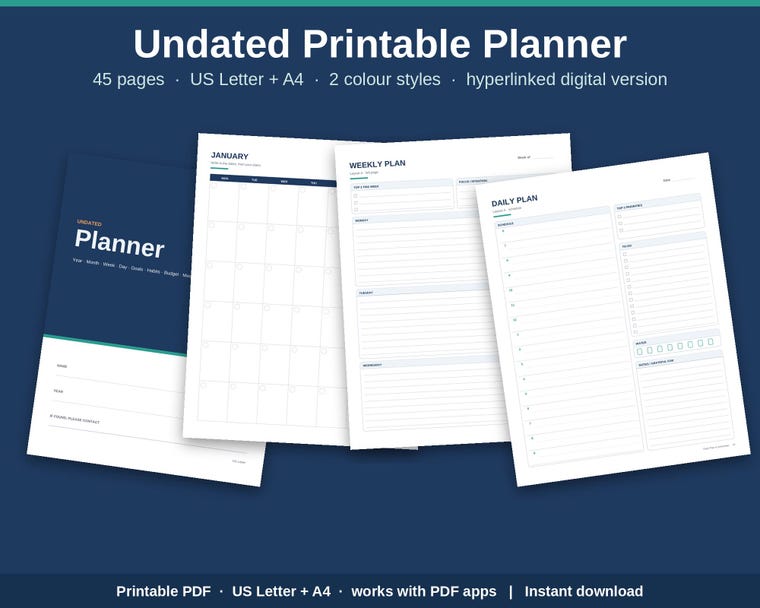 Undated printable and digital planner
-
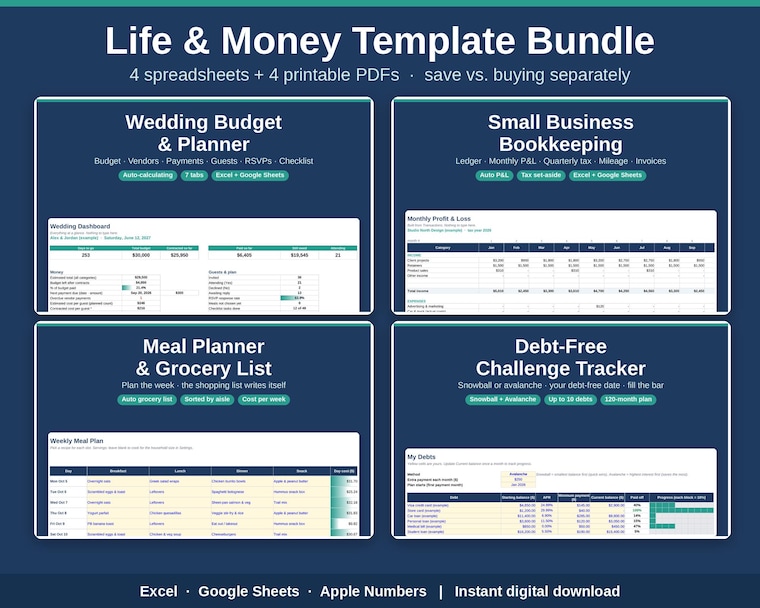 The Life & Money Template Bundle
Shop policies
Last updated on Oct 10, 2026
Digital downloads
Instant downloads
Your files will be available to download once payment is confirmed. Here's how.
Payment options
Secure options
Accepts Etsy Gift Cards and Etsy Credits
Etsy keeps your payment information secure. Etsy shops never receive your credit card information.
Returns & exchanges
See item details for return and exchange eligibility.
Cancellations
Cancellations: not accepted
Please contact the seller if you have any problems with your order.
More information
Last updated on
Oct 10, 2026
Frequently asked questions
Digital Downloads
All items in this shop are digital downloads. No physical item will be shipped.
Your files are available as soon as your payment is confirmed: go to You > Purchases and click "Download files". You'll also get an email from Etsy with a download link. On the Etsy app, downloads can be limited, so a computer or a mobile web browser is easiest.
Refunds
Because digital files can't be returned, I don't offer refunds for change-of-mind purchases. But if a file is faulty, won't open, or isn't what the listing described, please message me: I'll fix it, send you a corrected file, or refund you.
License & Use
Templates are for your personal use, and for use in your own household or business. Please don't resell, share, or redistribute the files (including uploading them to other sites or sharing a copy of the spreadsheet). You're welcome to print as many copies as you need for yourself.
Not Advice
The templates are planning and record-keeping tools for general information. They are not financial, tax, legal or credit advice. Rates, fees and rules (for example tax rates, mileage rates or platform fees) are inputs you should check and update yourself.
How do I open the spreadsheet in Google Sheets?
Download the .xlsx file to your computer, then go to sheets.google.com, click File > Import > Upload and choose the file. (Or upload it to Google Drive, right-click it and choose Open with > Google Sheets.) Then use File > Save as Google Sheets so you're editing a Google copy. It's free; you only need a Google account.
Does it work in Microsoft Excel?
Yes. Open the .xlsx file in Excel for Windows, Mac or Microsoft 365. If Excel shows a yellow "Protected View" or "Enable Editing" bar, click Enable Editing so the formulas recalculate. There are no macros.
Does it work in Apple Numbers?
Yes. On a Mac, iPhone or iPad, open the .xlsx file and Numbers converts it. Formulas work; a few formatting details (like some chart styles or dropdown colours) can look slightly different from Excel.
Can I use it on my phone or tablet?
Yes, through the free Google Sheets, Excel or Numbers apps. It's easiest to download the file on a computer first and do the initial setup there; after that, the phone apps are fine for adding entries day to day. Note: the Etsy app doesn't always allow file downloads, so use a web browser (etsy.com > You > Purchases) to download.
Where are my files? / The file isn't downloading.
Go to etsy.com > You > Purchases and click "Download files" next to your order (you'll also have an email from Etsy with a link). If the button doesn't appear, your payment may still be processing; check again in a little while. If it still doesn't work, try a different browser or a computer instead of the app, and check your downloads folder. Still stuck? Message me and I'll send the files directly.